Jailbreak

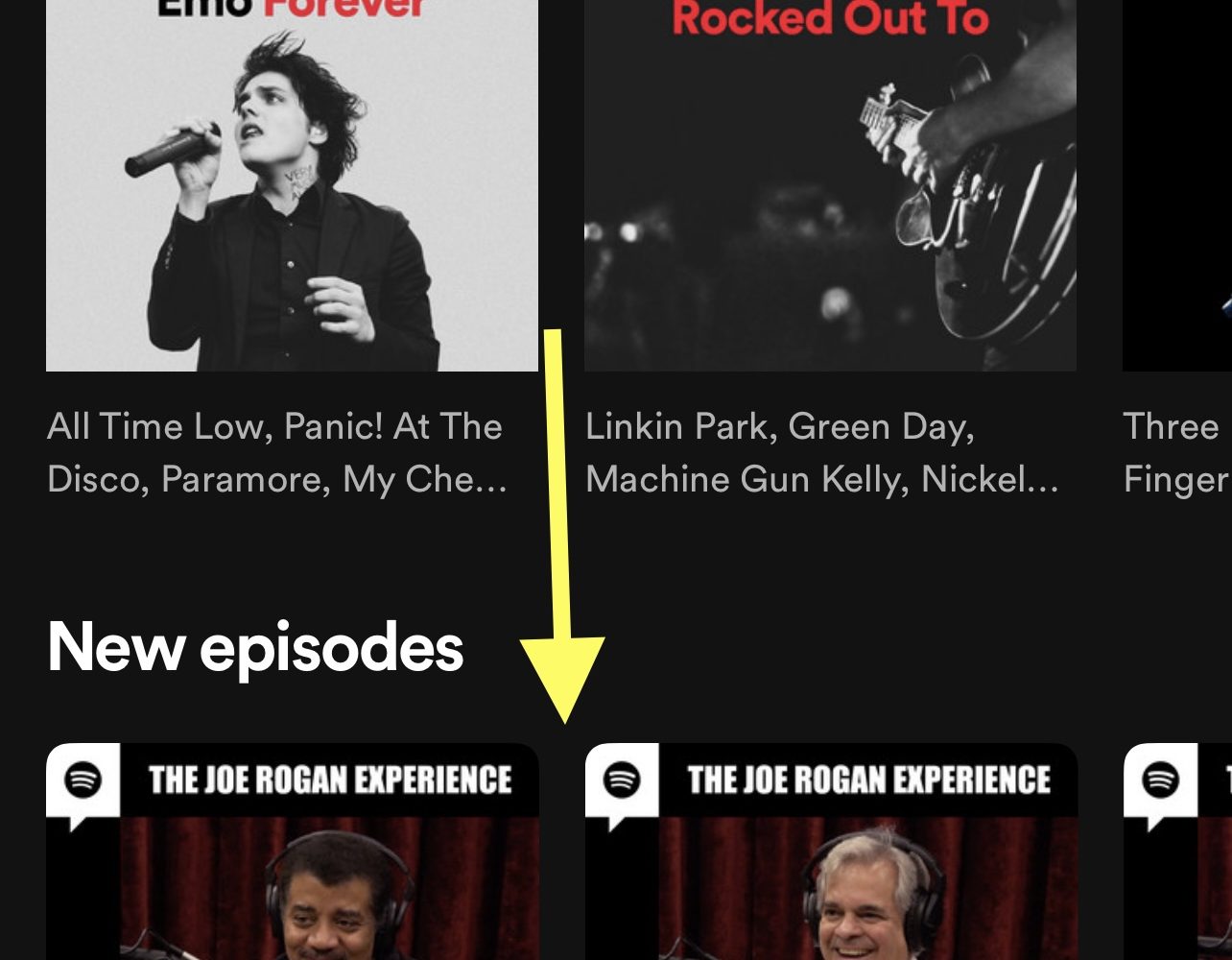
This tweak hides podcasts from the Spotify app

Despite the fact that Apple Music ships natively on all of Apple’s iPhones and iPads, many users still flock to Spotify as their go-to media streaming service.

One thing users have noticed as of late is that Spotify has been investing heavily in the podcast space despite originally being a music streaming platform. This is wonderful news for podcast listeners, but to those who lack interest in podcasts, it’s nothing but extra clutter in an otherwise great app.
15 features iOS 15 ‘borrowed’ from the jailbreak community

Apple on Monday announced a multitude of upcoming software updates for its many device offerings, as the company always does during its annual WWDC keynote address.

Perhaps unsurprisingly, much of the excitement encompasses the newly announced iOS & iPadOS 15 software updates, which bring a truckload of new features to Apple’s mobile handsets are expected to launch publicly this Fall.

PadGrid condenses the Home Screen layout on jailbroken iPads

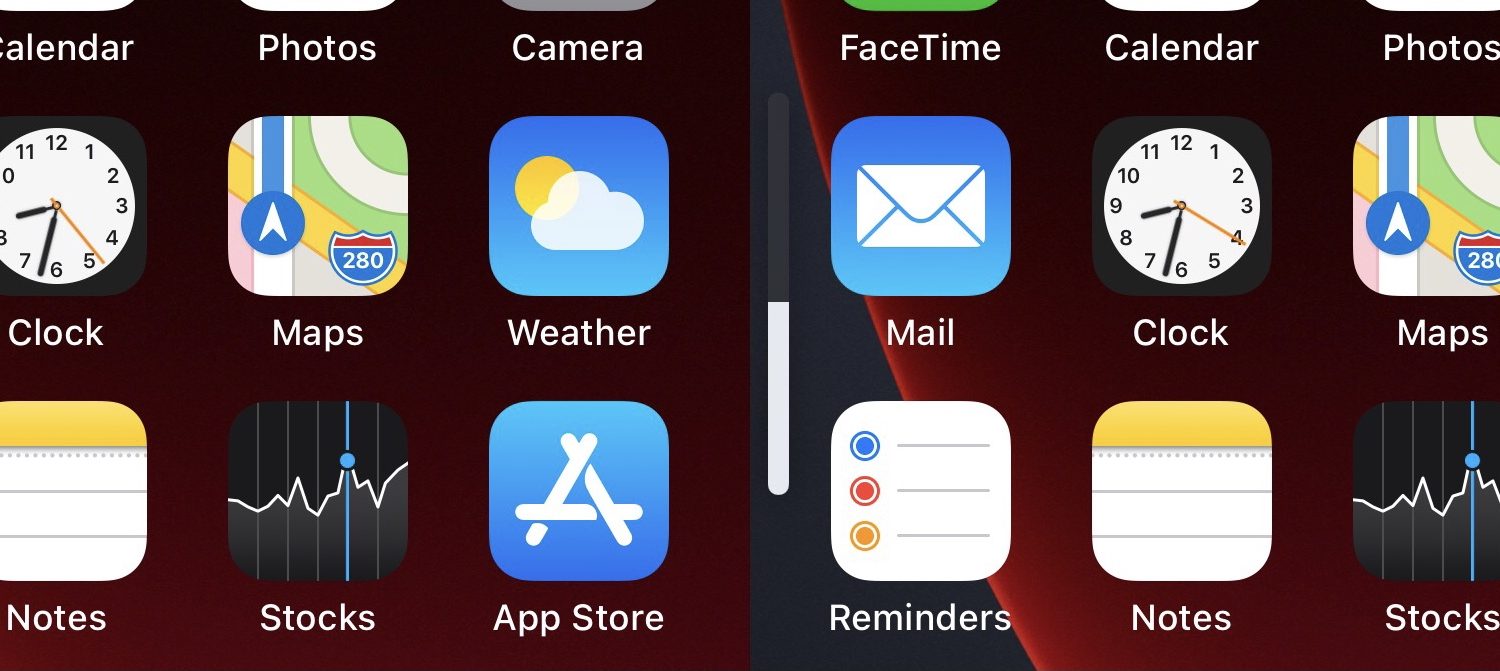
Anyone with an iPad knows that the Home Screen’s layout is locked to a specific grid with no adjustability out of the box.

The lone exception to this rule is that you can have widgets on the left side of the screen and apps on the right on the first page. Configuring the Home Screen in this way condenses the app icons. Still, it’s not ideal for the remaining pages.

StepUp can make your volume buttons more effective at what they do

StepUp volume level.

Volume adjustments are a fairly frequent process on anyone’s iPhone, namely because there are times when you might want the sound to be loud for an audience or quiet for your own personal enjoyment.

Making these adjustments often necessitates a higher number of volume button presses because the volume step — the volume change impact of each button press — is very small on a stock device.

Taurine jailbreak updated to version 1.0.5 with new features, bug fixes, and improvements

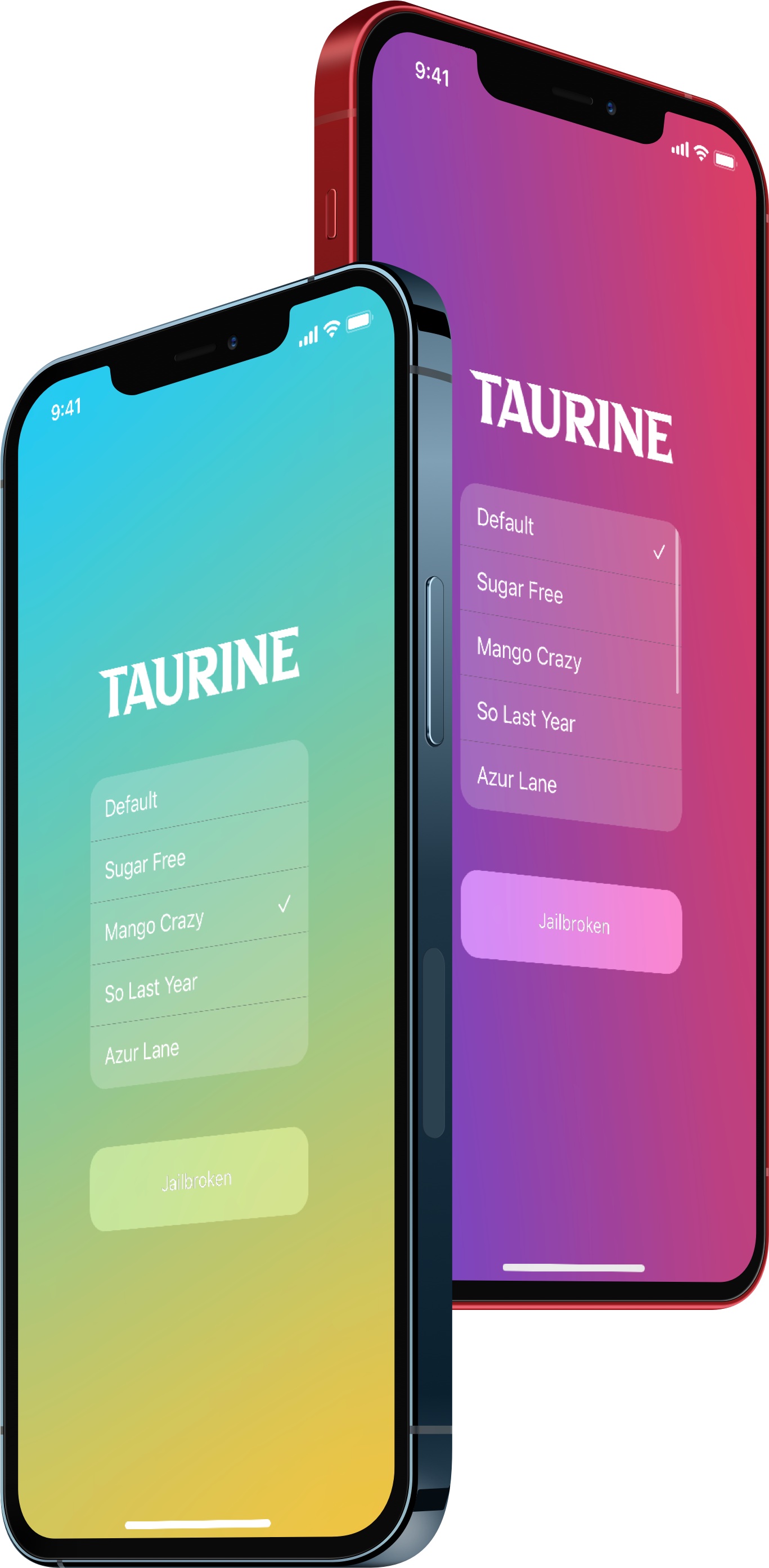
Taurine twin iPhones.

With a steady stream of jailbreak news and releases lately, it’s not overly surprising that we’re seeing an update for a popular jailbreak tool this afternoon.

The Odyssey Team published a fresh update for its iOS & iPadOS 14.0-14.3-centric Taurine jailbreak, this time bringing it up to version 1.0.5 to address bugs and improve performance of the jailbreak overall.

Some of the best jailbreak tweaks for iOS 14’s Control Center

Just last week, we kicked off a new micro-series of posts that are intended to summarize some of the best jailbreak tweaks available for a particular facet of the iOS mobile operating system. Last week’s topic of interest covered the Messages app, but as we move into our latest post, I’m getting an itch for Control Center.

At iDB, we don’t leave any itch un-scratched, so we’ll be asking you to join us as we briefly showcase some of our favorite jailbreak tweaks designed specifically for augmenting the Control Center interface on pwned iOS 14 devices.

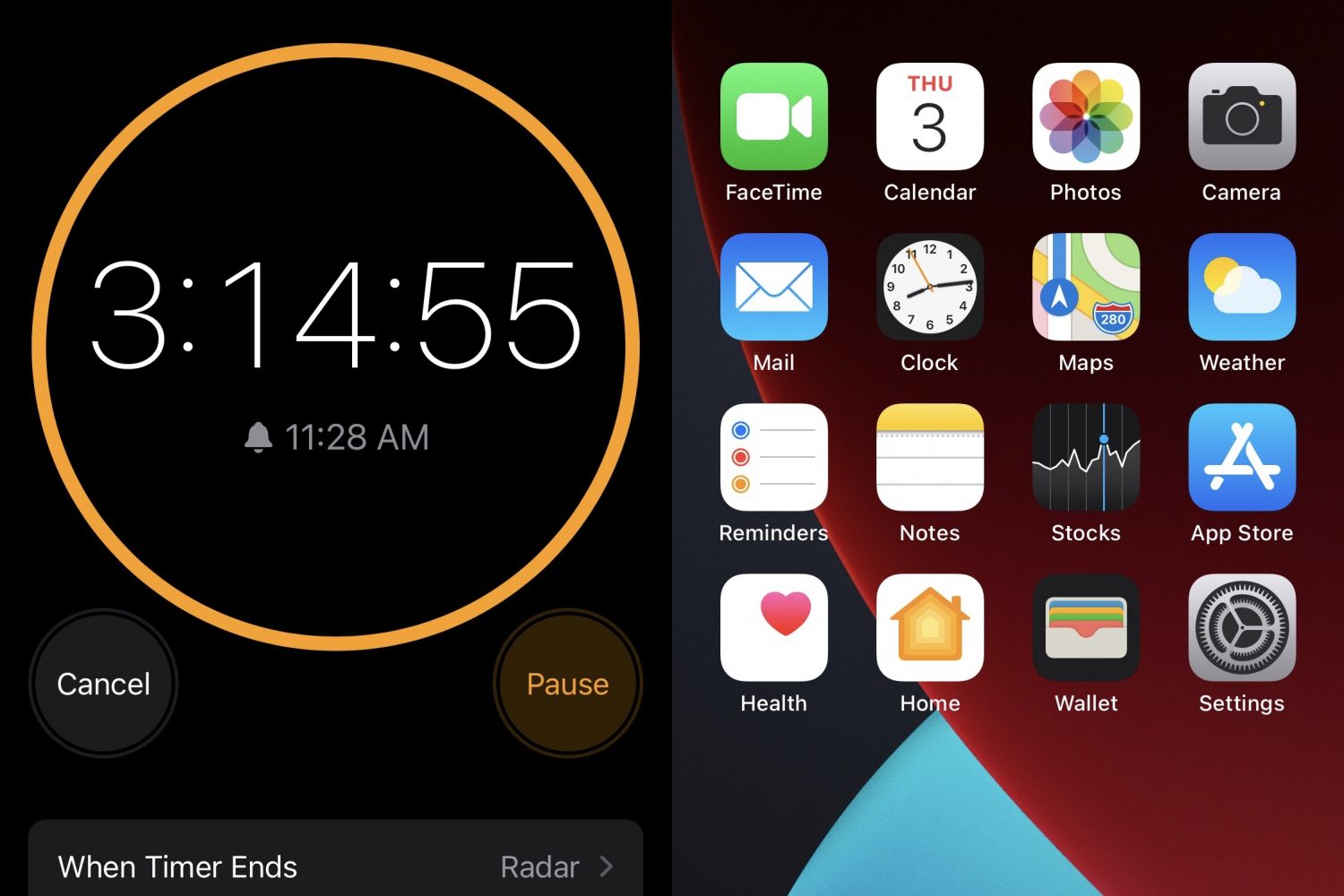
StatusBarTimer puts the remainder of your iPhone’s active timer in the Status Bar

After setting a timer on your iPhone, you can either glance at the Lock Screen or open the Clock app to see the remainder before it rings. Sadly, there’s no in-between; your iPhone either needs to be locked or you’ll have to glue your eyes to the Clock app.

That’s something that a new and free jailbreak tweak called StatusBarTimer by iOS developer ldefix2020 aims to fix, as it puts the timer remainder in the Status Bar so that you can see it from just about anywhere in iOS.

Get a 4×4 grid in your jailbroken iPhone’s folders with 4ders

Despite the addition of the App Library in iOS 14, tons of iPhone users still take advantage of Home Screen folders because they offer flexibility in ways the App Library doesn’t, such as naming, placement, and user-configured content.

Useful as they may be, Home Screen folders haven’t changed much over the years. They still only hold a 3x3 icon grid even on the largest iPhone handsets, and some users would like to see more.

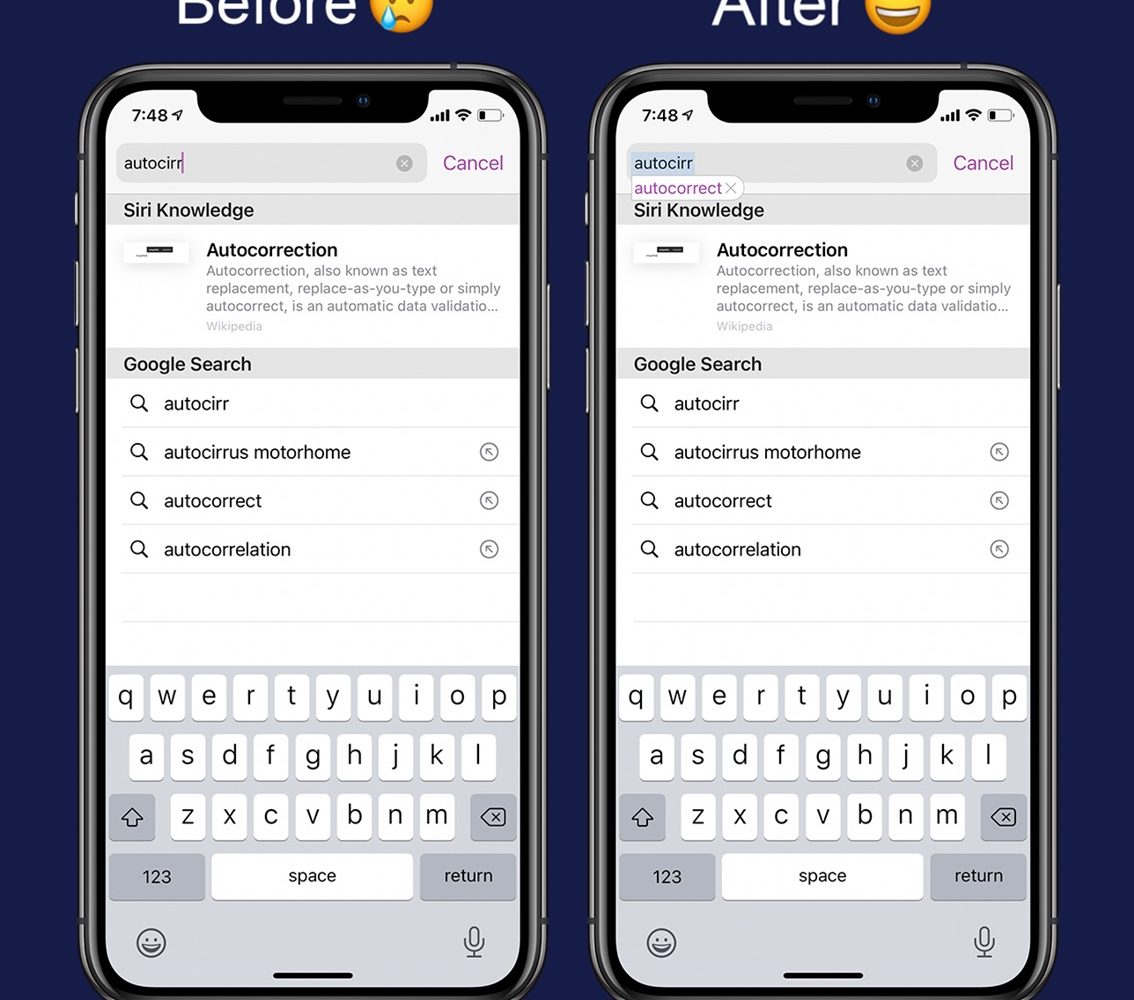
This jailbreak tweak brings autocorrect to Safari’s search bar

Autocorrect can make small adjustments to your typing in real-time to help keep your spelling in check when messaging or typing notes. But one place where autocorrect doesn’t seem to apply is the multi-function search bar in the Safari app.

It seems Apple went out of their way to prevent URLs from being auto-corrected into incorrect URLs before visiting a website. On the other hand, autocorrect can be a useful asset if you habitually misspell search queries since the search bar is used for both URLs and search queries; not just one or the other.