iPhone News

Apple bringing iBooks to Macs with OS X Mavericks

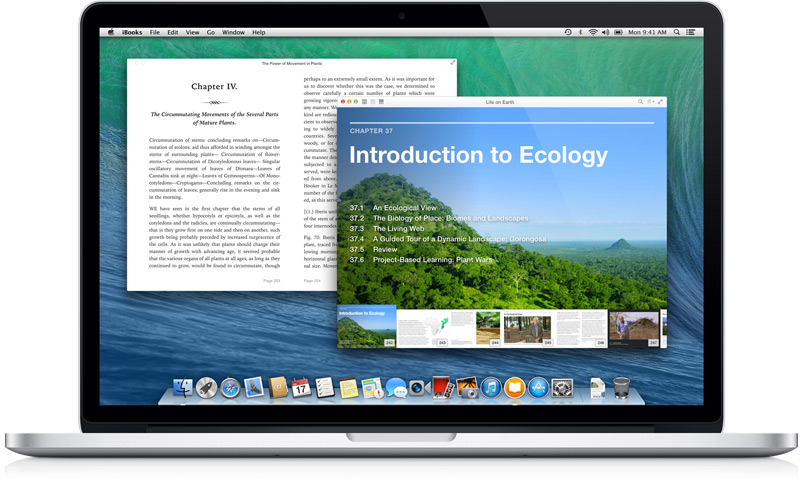
After 3 years of being an iOS-exclusive, Apple is finally bringing its iBooks Store (and app) to the Mac via its new desktop operating system OS X Mavericks—something that [no doubt] millions of iBooks users have been clamoring for for ages.

With the new Mac portal, users will be able to access their full iBook libraries, as well as browse the Store, all from the comfort of their computers. The bigger screen should provide a number of advantages for users—particularly students and teachers...
Apple shows off standalone Maps Mac app

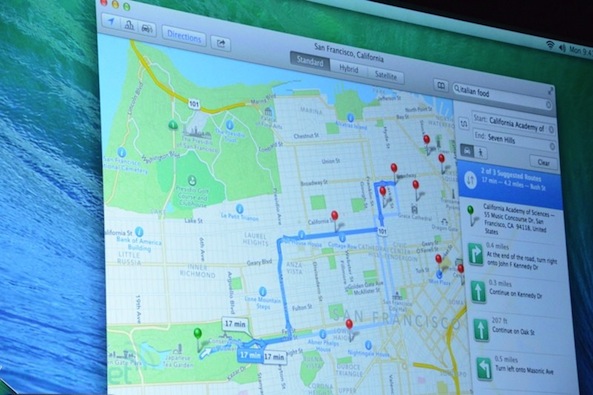
During the OS X Mavericks segment here at WWDC 2013, Apple's OS X head Craig Federighi announced a new native Maps app for the Mac. The standalone program takes advantage of core system enhancements in OS X Mavericks. The resulting experince is much more fluid, pleasing and responsive compared to what you had in Safari. One of the interesting features is the ability to send any location or route right from the Maps Mac app right to your iDevice’s Lock screen...

iCloud Keychain securely syncs passwords and credit card numbers across devices

1Password, look out. Apple has created a new feature in OS X Mavericks called iCloud Keychain, and as you would expect, it allows you to sync passwords, credit cards, and other personal information across multiple devices.

Just like 1Password, iCloud Keychain can generate secure passwords for you. The nice thing about iCloud Keychain is that it is tightly integrated throughout the OS. In total you can save website logins, credit card numbers, Wi-Fi networks, and account information...

OS X Mavericks includes some major improvements to notifications

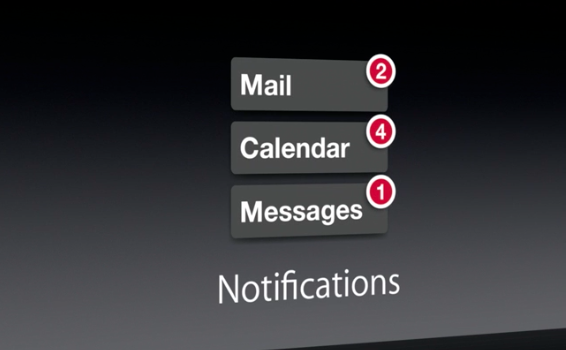
Good news Mac users. In addition to all of the cool stuff Apple has already outlined in Mac OS X Mavericks, the new software is also going to include a number of improvements to the way it handles notifications.

Easily the coolest thing about the enhancements is that you can now quick reply to notifications. This is something that iOS users have been clamoring for for years. Hopefully it's a sign of things to come.

More details after the fold...

Apple announces OS X Mavericks

Apple here at WWDC said that Mountain Lion, Apple's ninth release in a decade, is now on 35 percent installed Mac base in just under six months. Taking the stage, Apple's head of Mac software Craig Federighi in a joke aimed at the rumor-mill said that the next release, OS X 10.9, is named Sea Lion.

Not really - Apple would run out of cat names had they hone with the Sea Lion name. Therefore, the company has chosen the naming convention that will take them into the next ten years. Say hello to OS X Mavericks...

Apple invites robotics company Anki onstage to show off new iOS accessory

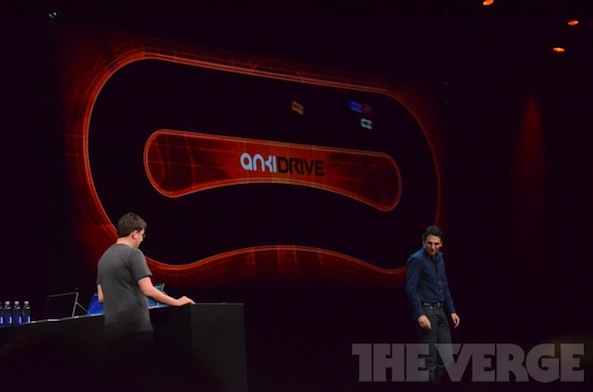
This is kind of interesting. Halfway through his opening remarks, Tim Cook called up the folks behind a new robotics company called Anki up to the stage to show off an innovative new iOS accessory called AnkiDrive.

Essentially, they are tiny, artificially-controlled race cars. You can choose to play against your friends, or take your chances against the AI.  The promise here is that AnkiDrive will "take iOS gaming to a whole new level."

Tim Cook kicks off WWDC keynote with Apple stats

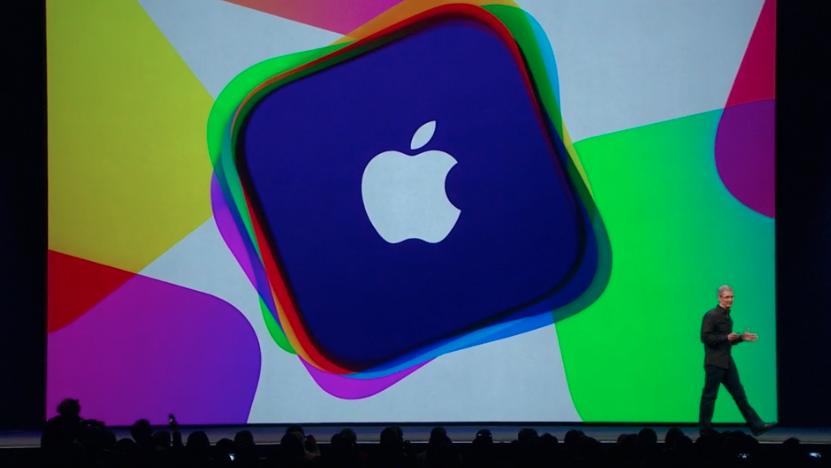
The moment we've all been waiting for is finally here. Tim Cook has just taken the stage at Apple's 2013 WWDC keynote event, and we are just moments away from seeing what the future is going to look like for Apple and its platforms.

As usual, Cook has kicked things off by offering up a number of stats and other updates regarding Apple's performance over the past year. And as usual, the numbers are pretty impressive. We've collected them for you after the fold...

Black-clad mystery banners spotted ahead of WWDC keynote

With less then an hour until Apple's big keynote, WWDC attendees are now being let inside Moscone West and seated. Indicating it may have a surprise announcement up its sleeve, Apple has covered a few banner inside the building in black cloth. But don't get your hopes up too high, the mystery banners could also advertise a headline new iOS 7 or OS X 10.9 feature rather than a brand new product.

Oh, and we've got a few images showing the other another Steve, Steve Wozniak, showing up at WWDC and driving around on his Segway, God-like light shinning over 1 Infinite Loop and more...

Adobe releases Lightroom 5

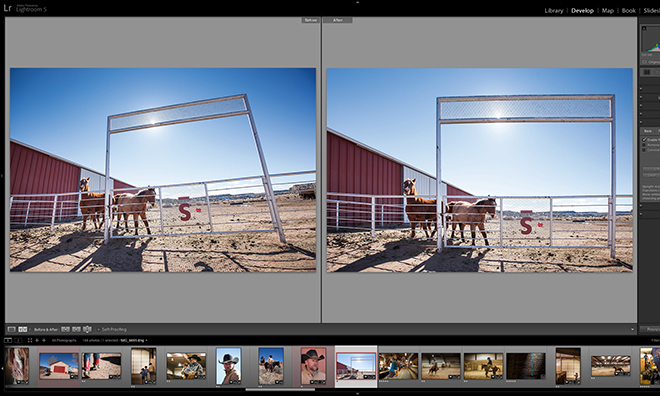
Photoshop maker Adobe today announced the next major version of its photography software, Lightroom. Chief rival to Apple's Aperture, Lightroom 5 arrives two months after the release of a public beta. Key new features include Smart Previews, video slideshows, improved photo book creation, the Upright and Radial Gradient tool and Advanced Healing Brush. Go past the fold for additional information and a promo clip...

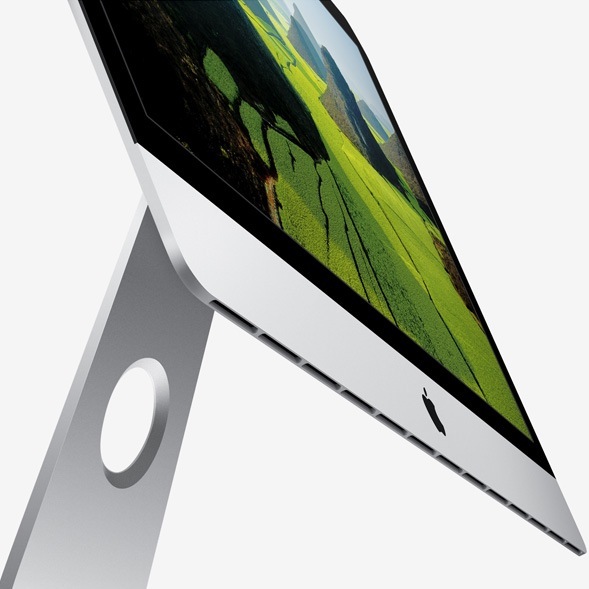
Haswell-powered iMacs expected in June or July

In addition to OS X 10.9 and iOS 7, credible media outlets such as the Wall Street Journal are expecting Apple to announce its Pandora-like iRadio music service and possibly a MacBook specs refresh at today's WWDC keynote, which begins in less than four hours.

The reliable KGI Securities analyst Ming-Chi Kuo has chimed in with predictions of a Haswell-focused iMacs that he believes are in the pipeline for a launch this month or next.

Intel just recently announced its fourth-generation Core architecture for desktop and notebook computers. Apple has traditionally been among the first out of the gate to update its computers with the latest Intel chips, sometimes even securing a period of exclusivity on the new chips, like with the original MacBook Air...

Apple will live stream WWDC to Apple TV, iOS, and its website

Great news for those not standing in line at Moscone West right now: Apple will live stream the entire WWDC keynote via the Apple TV.

This really is awesome news, and it's a huge treat for those of us who own an Apple TV. In fact if you check your device right now, you should see the official WWDC app on the Home screen.

‘Overview’ allows you to manage mail, reminders, and events in one place

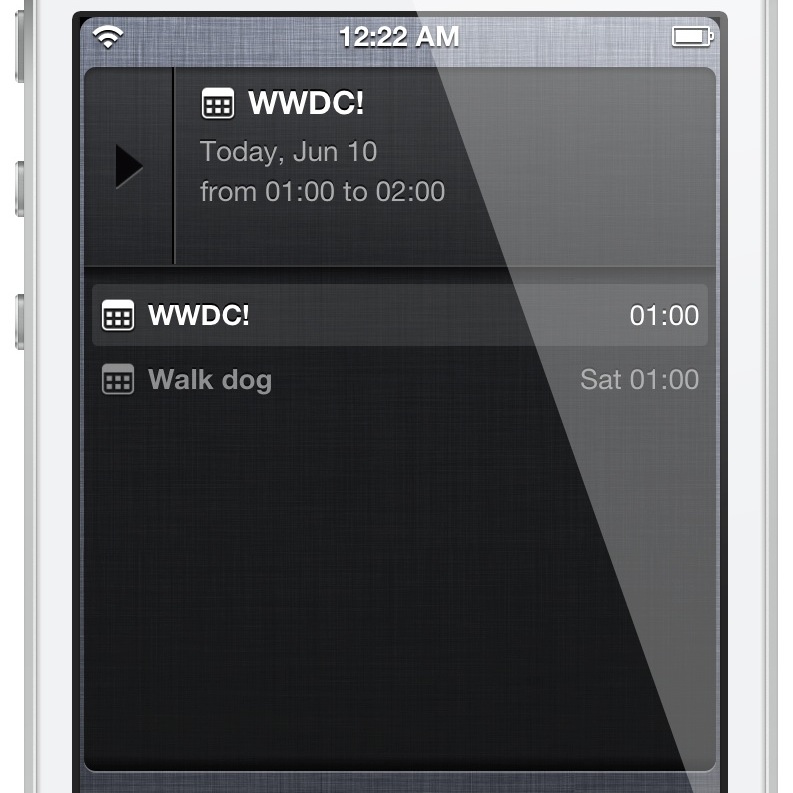
Overview is a brand new jailbreak tweak that provides a Notification Center widget containing email, reminders and calendar events. All of these items can be viewed directly via Notification Center. As you'll see, it's a really awesome design and concept, and it's from the same developer that brought us Tap to Widgets: Alan Yip.

You can easily scroll through all of the events, reminders, and email via the Overview widget. By tapping and holding on any of the items, you'll be taken directly to that item's full app. For example, if you tap and hold on an email within the widget, you'll be taken directly to the individual email message within the Mail app.

I've been testing out Overview for a few days now, and I'm confident that you'll like what you find, especially if you liked Tap to Widgets. Want to see how it looks in motion? If so, check out my full video walkthrough after the break...