Learn how to reduce blur and transparency effects on your iPhone or iPad to improve your device’s visual clarity.
How to reduce blur and transparency effects on iPhone or iPad

Learn how to reduce blur and transparency effects on your iPhone or iPad to improve your device’s visual clarity.
Apparently, the iOS parallax effects and animations can literally make people sick. If that doesn't happen to you, don't discount this as just a phony report. This is real for some people, although I have yet to meet any of them. Apple listened to the complaints from users who were experiencing various degrees of motion sickness while using iOS and drastically increased the motion reduction feature that was already present before iOS 7.0.3.
As it turns out, not only will this feature reduce the motion of the user interface, but it will also make your iOS device feel like it's blazing fast.

Have you ever taken a photo of a magnificent vista, only to find out that the image doesn’t look nearly as good as in real life? While all of us have experienced that at some point, there are some tips that can dramatically improve the quality of the landscape photos you take with the iPhone.
The iPhone (or any other smartphone) has a small digital sensor which inevitably leads to poor image quality in low-light conditions. However, landscape photos are almost always taken in abundant light, making them practically indistinguishable from photos taken with an expensive DSLR. If you follow the tips outlined in this article, you will be able to take landscape photos that look just as good, if not better, than the same scene in real life.

Learn how to resize multiple photos of different sizes on your Mac without downloading additional third-party apps or extensions.
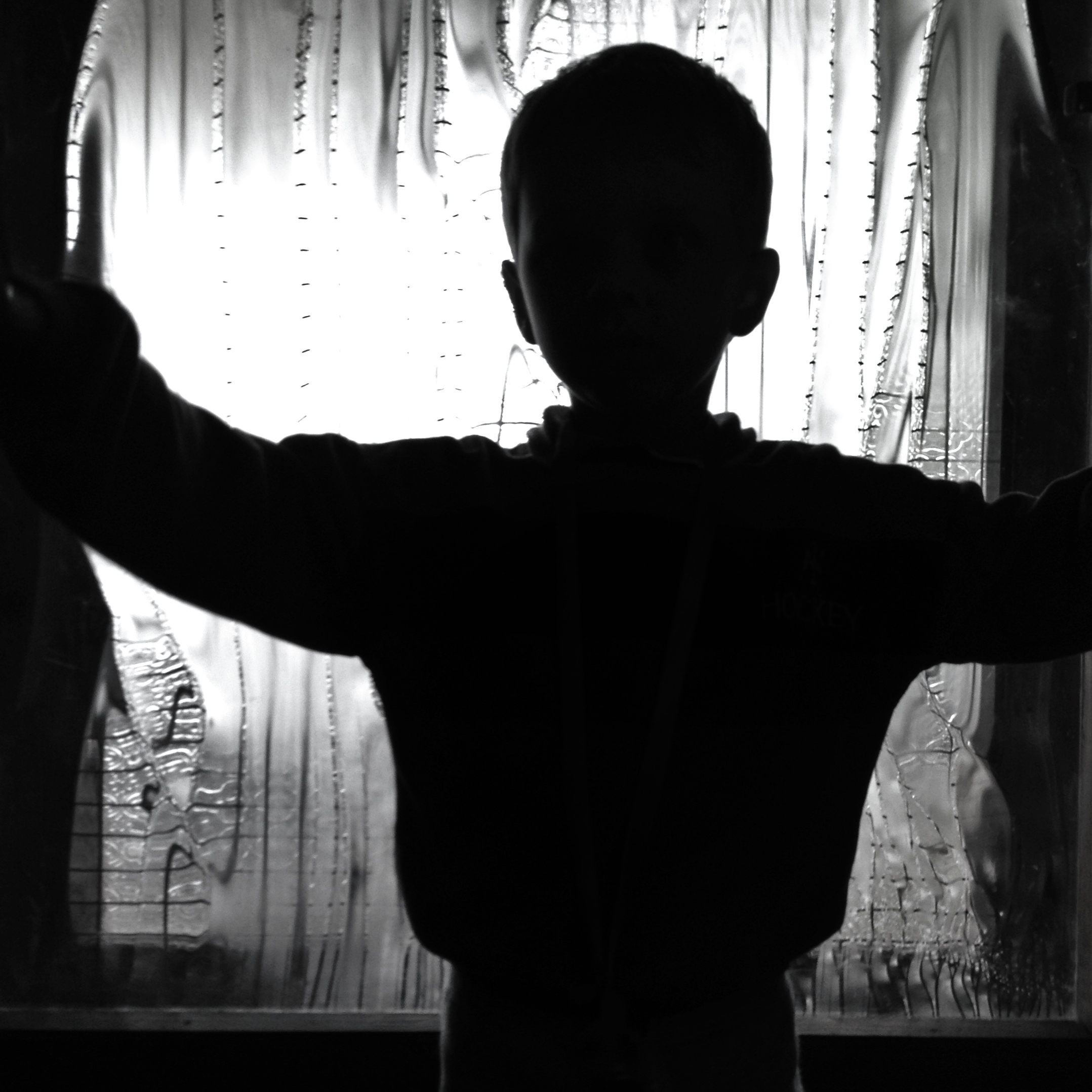
Learn how to photograph silhouettes with your iPhone, and discover a few simple tips to make sure that they always look amazing.

We have some pretty diehard fans. Quite a few of our readers boast about not being able to go to work until reading our news and jailbreak articles. Some have even mentioned adding our RSS feed to their SMS notification through IFTTT.
For those that don’t already know how to use the trigger-and-action service, we have a quick tutorial for creating an IFTTT recipe from both the website and the iOS app. This will allow you to receive SMS notifications every time an article is published on iDB...

Check out these eleven essential tips for improving your iPhone photography skills and composing stunning shots to capture the world around you.
It's a situation we seem to find ourselves in with each iOS update, yet we always seem to be surprised when it happens. Alas, it seems that iOS 7 has left many of us with the same battery problems that plagued almost every other big point-0 release of the operating system that powers the iPhone and iPad.
Anyone with a long memory will remember that we had your back when iOS 5 was causing chaos with iPhone 4S batteries a couple of years ago, and with iPhones the world over seemingly unable to hold a charge as long as they used to, we thought it might be time to offer one or two tips on trying to eek as many hours out of a charge as possible.
So, without further ado, let's get started turning things off...
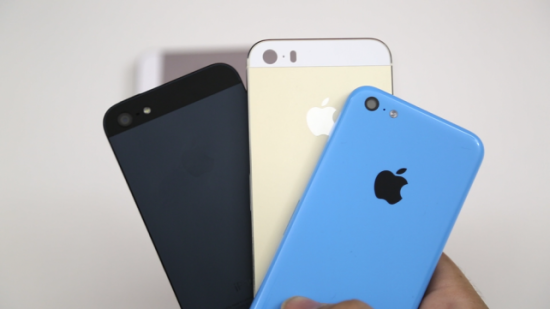
Next Tuesday, Sept. 10, Apple is holding an event where, presumably, a new model of iPhone will be announced. While it may not be ready to hit store shelves immediately, it is likely that the next generation of iPhone will ship within the next following weeks.
If you are planning on upgrading, there are a few ways you can make a buck or two off of your current “gently used iPhone” to make the strain on your pocketbook a bit easier…
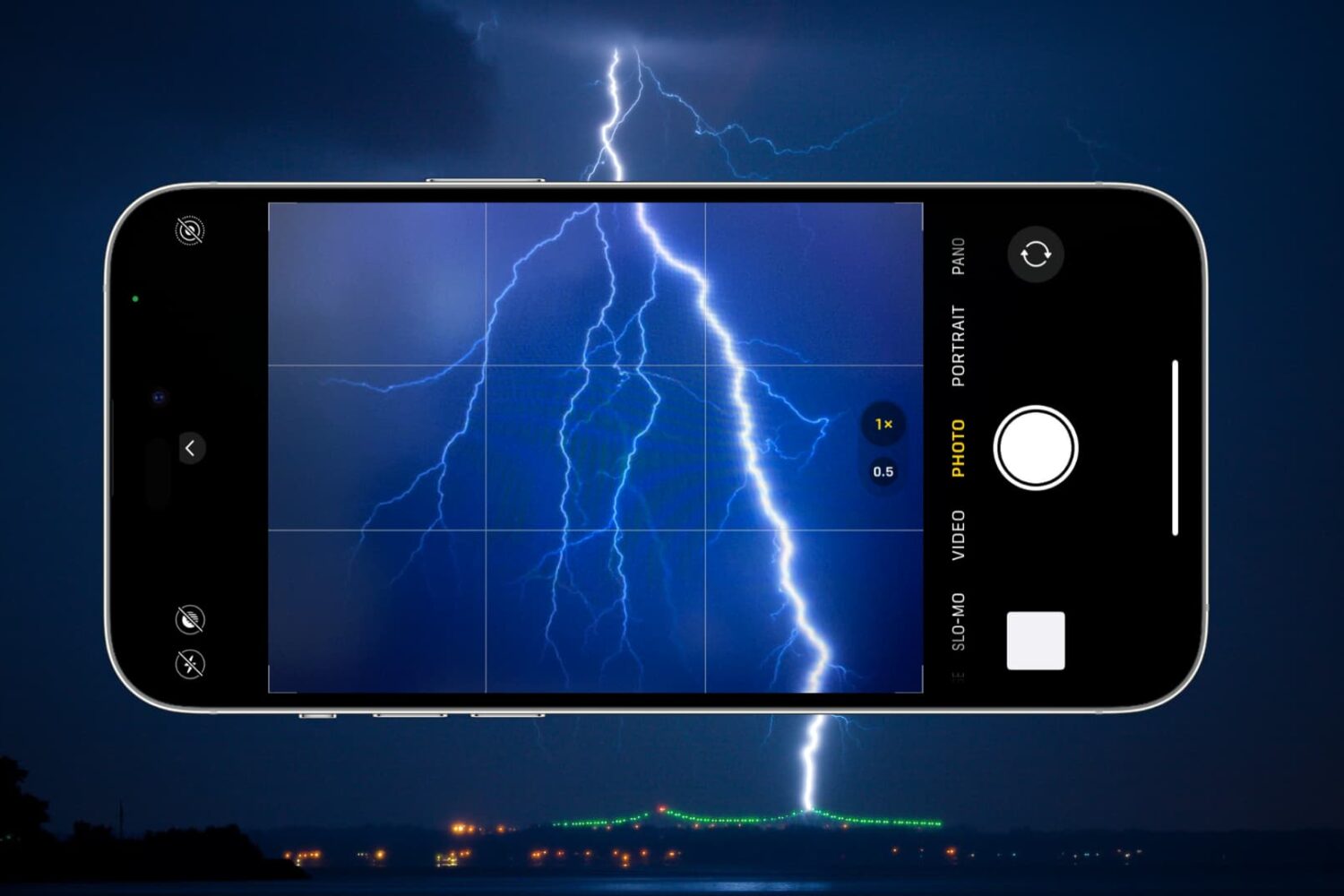
Capture stunning lightning photos with your iPhone using these simple tips and techniques for shooting in fast-paced, low-light conditions.

Learn how to teach Siri about your mother, father, brother, sister, spouse, fiancé, and so on, so you can reference relationships in voice commands instead of contact names.