Learn how to resize your iPhone pictures effortlessly with the help of the Compress Photos app, which will not only make it easier to share those photos, but will also optimize your device's storage space.
How to resize a picture on iPhone

Learn how to resize your iPhone pictures effortlessly with the help of the Compress Photos app, which will not only make it easier to share those photos, but will also optimize your device's storage space.
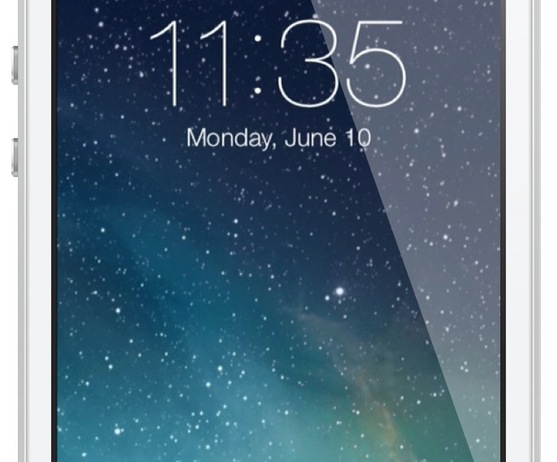
One of the biggest advantages to jailbreaking an iOS device is the ability to customize nearly any aspect of the user interface. In fact, being able to customize or theme is one of the primary reasons that I jailbroke my first-generation iPod touch over six years ago—and I've been doing so ever since.
An important and sometimes overlooked element is the Lock screen. It can be a lot of fun to customize your Lock screen, and the results often look beautiful, so look inside for a few tips on how to perfect yours…

Learn how to summarize text on a Mac to read a short version of a document without using Apple Intelligence, modern AI tools, or other apps at all.

Lots of people have asked me how I go about recording footage directly from the iPad, iPhone, or iPod touch. The process is one that is simple and straightforward with the help of a couple of hardware and software tools.
From time to time I will record footage directly from an iOS device, while at other times, I like to record the screen using an external camera so that you can see my hands as I work with the device. Depending on the circumstances, I've been known to switch up my methods for doing so.
The bottom line is that there are times in which you should definitely go the direct feed route as opposed to recording the screen externally. As the saying goes, there are many ways to skin a cat, but the method that I've been using has been working quite well for me. Have a look inside as I spill the details on what makes a successful iOS device recording setup.

Are you unable to download some images from a web page? Check out these two free Google Chrome extensions to save any or all images of a web page to your Mac or Windows PC.
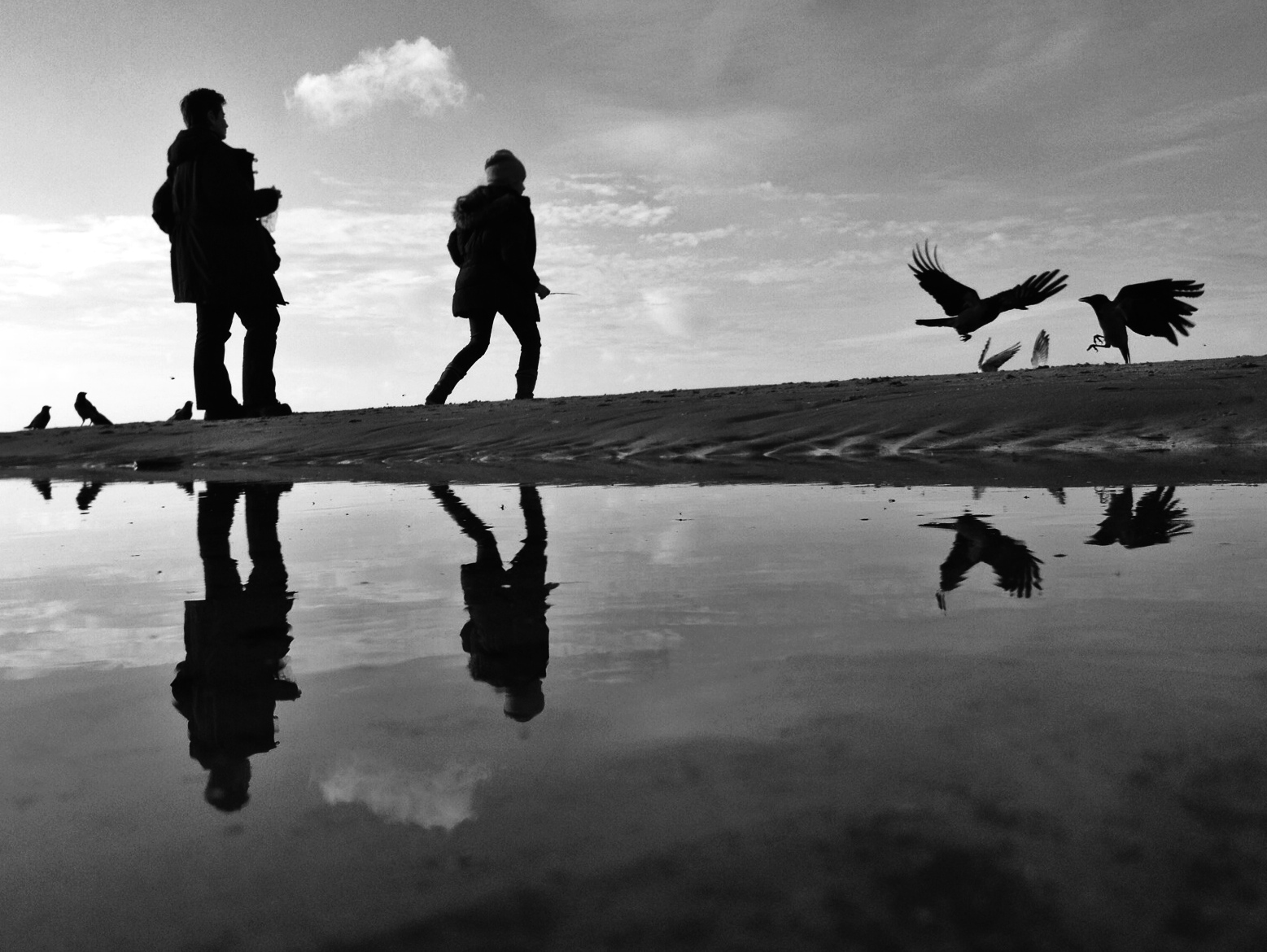
In this post you are going to discover the 50 most important things I have learned about iPhone photography. Over the past two years I have taken some really great photos, and at least ten times more photos that did not turn out the way I wanted. I have done a lot of photo editing, which often only made my photos worse. I have spent countless hours on social media sharing my work and following the work of other photographers. And I have learned many things in the process.
I hope that by sharing the most important lessons I have learned I can accelerate your learning and help you avoid some of the mistakes that I made. But most importantly, I hope to inspire you to become a more active iPhone photographer. Let’s get started!

Learn how to view your iPhone or iPad’s diagnostic and usage data, and how to completely remove the diagnostic logs.
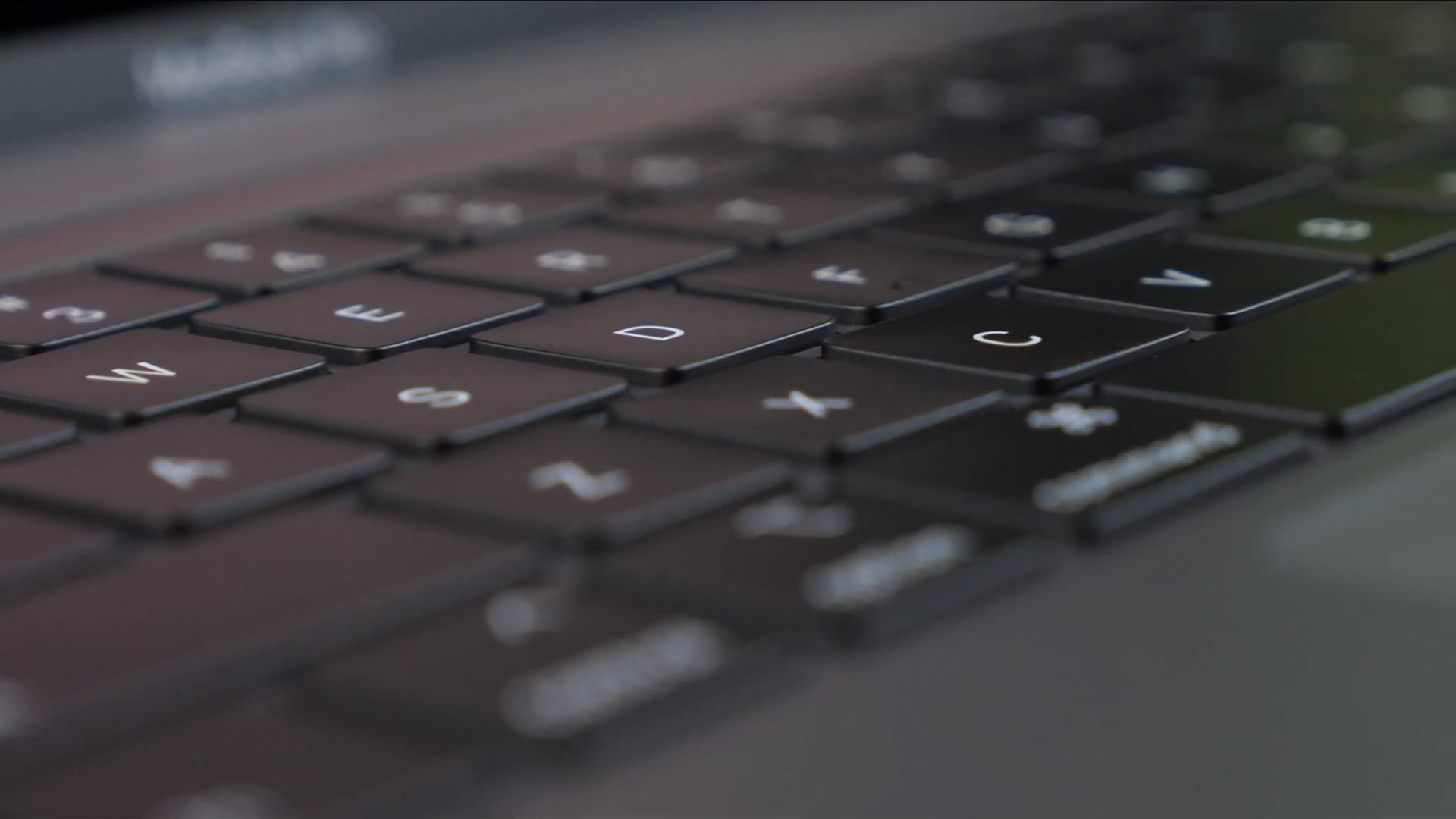
Have you ever used a specific menu command in an app and wondered to yourself, "Why is there no keyboard shortcut assigned to this command?" Or "why can't I change that shortcut to something else?" I think we've all been there before. Fortunately, fixing the issue requires little more than a few minutes of your time. Inside, we'll show you how easy it is to quickly create a keyboard shortcut for your favorite apps.
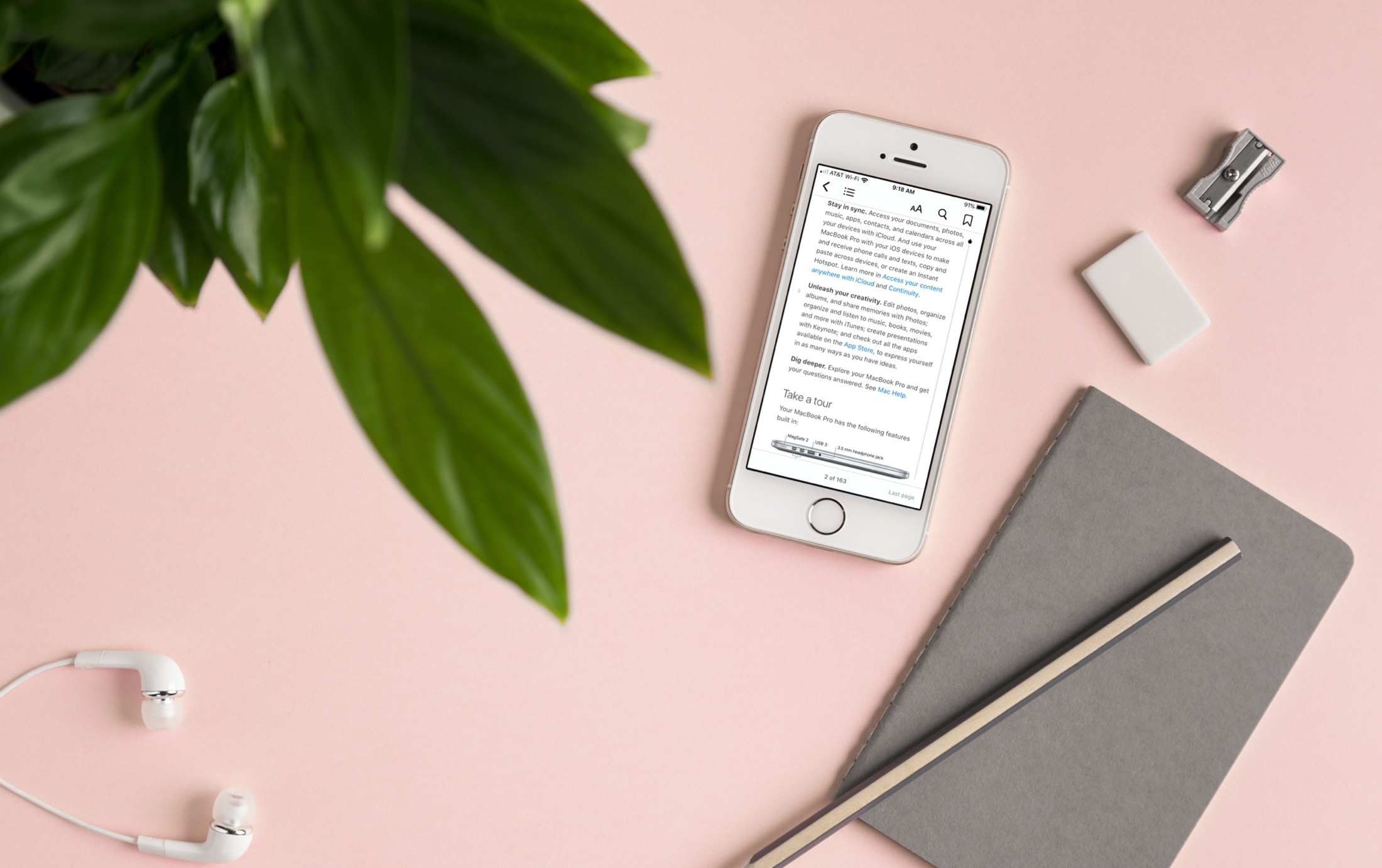
Learn how to have your iPhone or iPad read aloud e-books and PDF documents in Apple's Books app so you can multitask and be more productive, saving your time.

Capture stunning shots with your iPhone with these 9 tips for finding the perfect angle in your photography, regardless of your skill level.
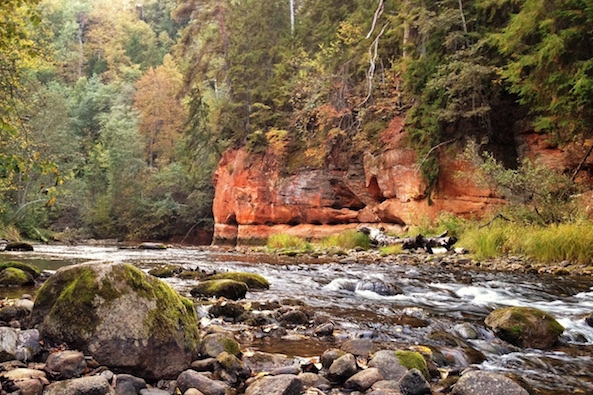
As the leaves turn from green to bright yellow and red, the fall is one of the best times of the year for landscape photography with the iPhone. When ordinary landscapes change into magnificent vistas, it’s really hard not to take photos of all that beauty.
However, when you look back at your photos, you’ll often be disappointed to see that the iPhone hasn’t reproduced the fall colors as you expected, and the photos just look boring in comparison to the same scene in real life. Fortunately, this can be corrected in post-processing, and in this article I’ll show you a simple Snapseed post-processing workflow that will bring your fall photos back to life by making their colors much more vibrant.
While the fall is well on its way in most of Europe and North America, other parts of the world have different seasons. It’s spring in Australia and permanent summer in tropical regions. However, the same editing workflow can also be used to greatly improve sunset photos, so you should also give it a try if you live in other parts of the world...