Learn how to change where Safari saves downloaded files on your iPhone, iPad, or Mac.
How to change Safari downloads location on iPhone, iPad, Mac
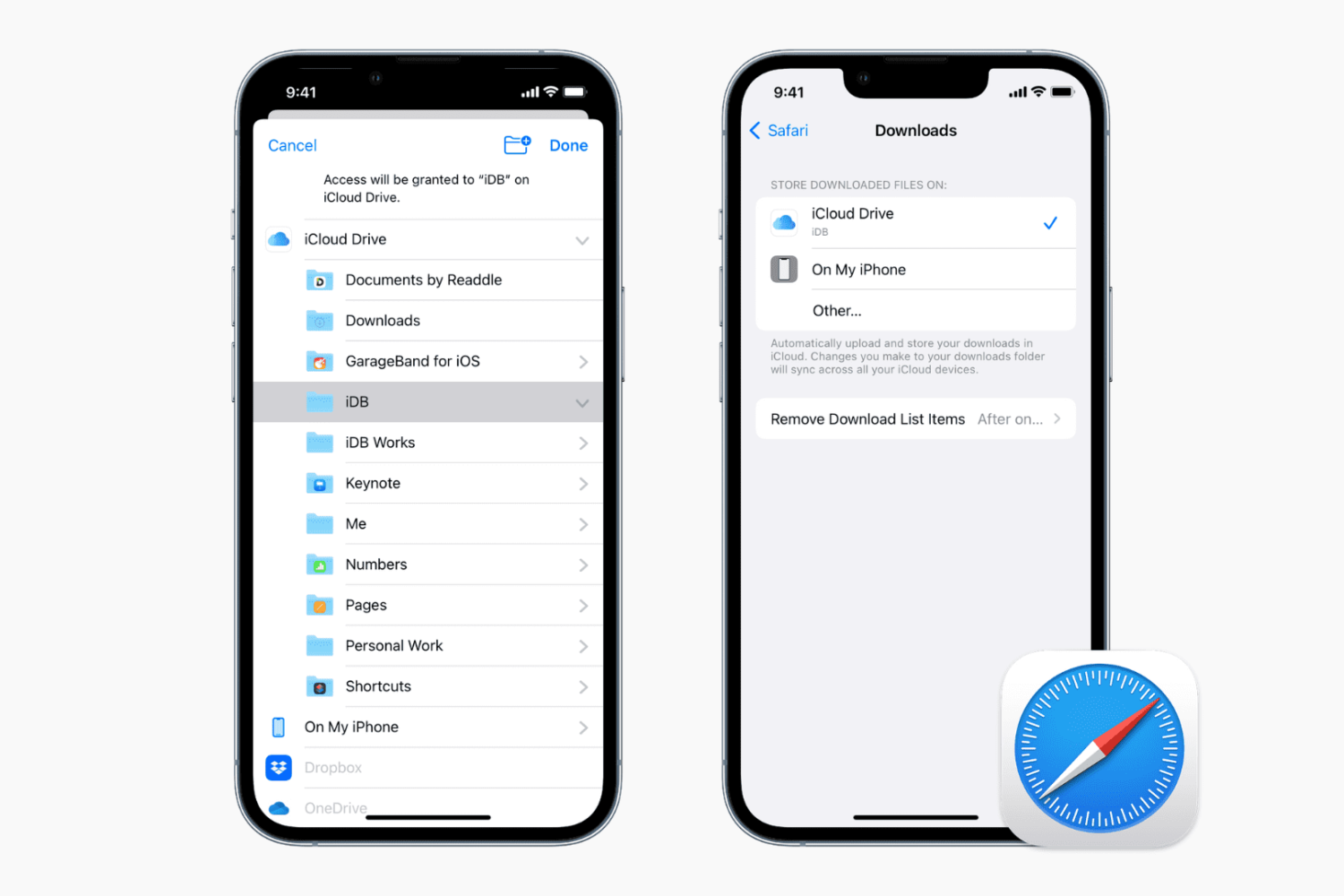
Learn how to change where Safari saves downloaded files on your iPhone, iPad, or Mac.
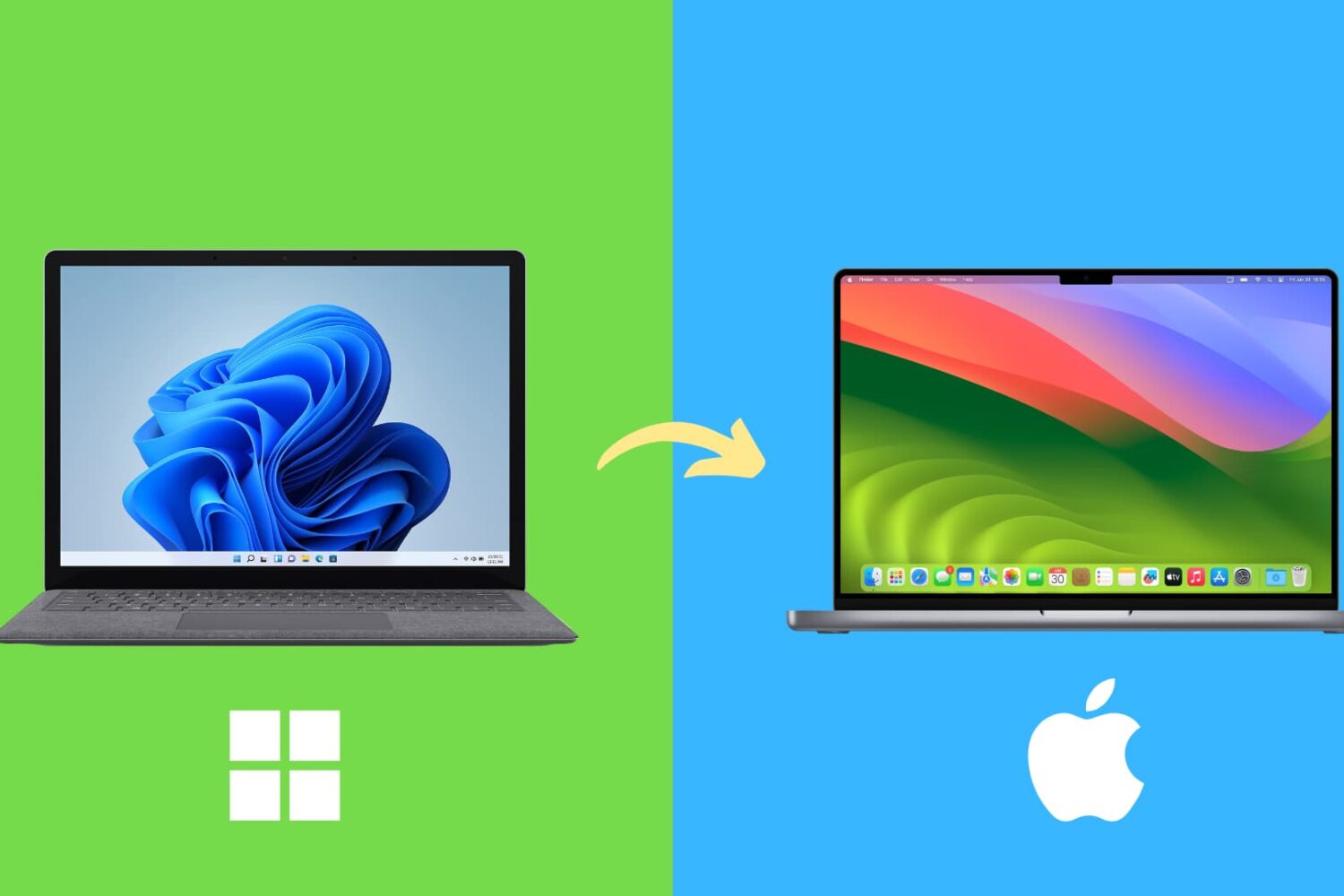
Here are several common differences you should be aware of and get used to if you’re switching from a Windows computer to a Mac.
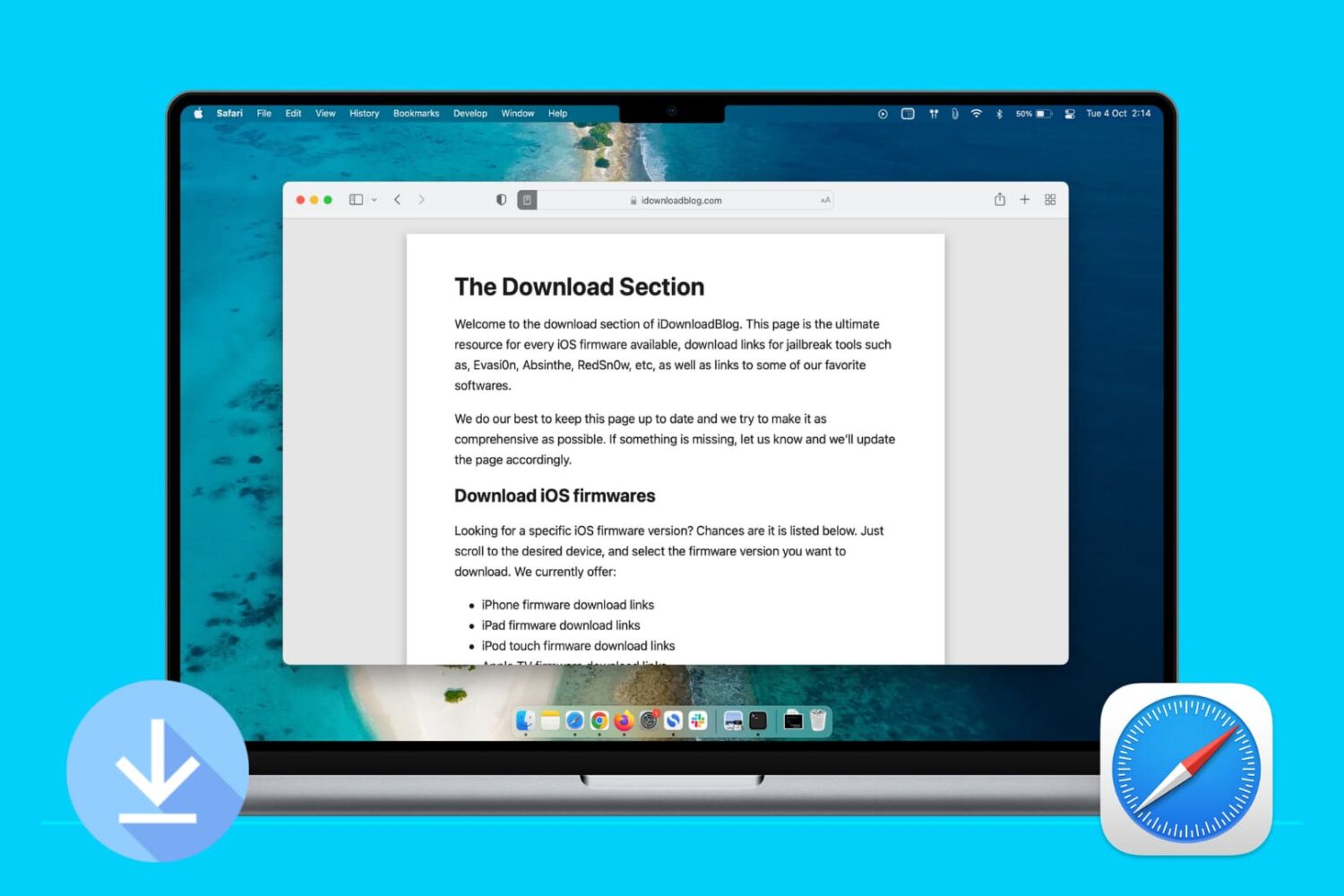
Learn how to stop Apple’s Safari browser on your Mac from automatically opening files downloaded from the internet to mitigate potential security threats.

Learn how to set Safari to automatically close open tabs after a day, week, or month on your iPhone, iPad, and Mac so that your web browser is not unnecessarily burdened with old, useless tabs.

Avoiding compatibility issues is crucial to enjoying your 4K, high frame rate and slow-motion footage across a myriad of devices. VideoProc can help with that. Rather than pile up a bunch of complex features you’ll never use, VideoProc is a focused app that's very easy to use and includes a plethora of powerful features like hardware acceleration to ensure that your converted videos play back without a hiccup no matter the platform.

Apple Cash is a terrific way to instantly send money to friends and family from your iOS device or Apple Watch. You can pay back what you borrowed, loan money, or request money from someone who owes you. But what happens if you send someone money and want it back?
Maybe you loaned them more than they need, or maybe you discover you don’t have the extra to lend. Whatever the reason, you can cancel a payment you make with Apple Cash if they haven’t accepted the payment yet. Here’s how.

Learn how to customize bullet points in Apple’s Pages app on iPhone and iPad with emoji, images, and different styles for visually appealing lists.
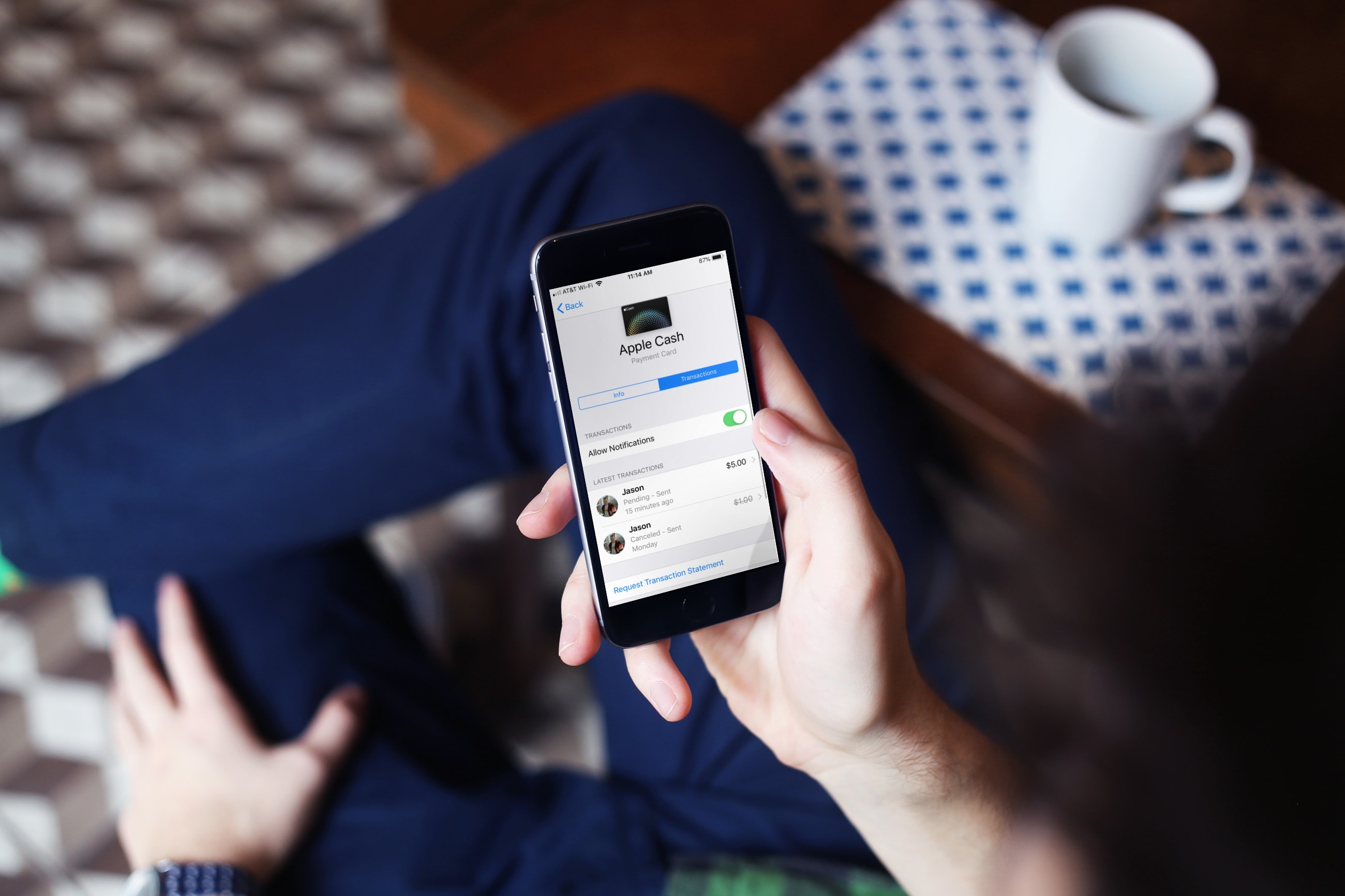
If you just started using Apple Cash to send or receive money, you’re going to want to keep up with your activity. Check on money you’ve sent to others, see if someone sent money to you, and make sure your transactions look correct.
Here are a few ways to view your Apple Cash transactions on iPhone.
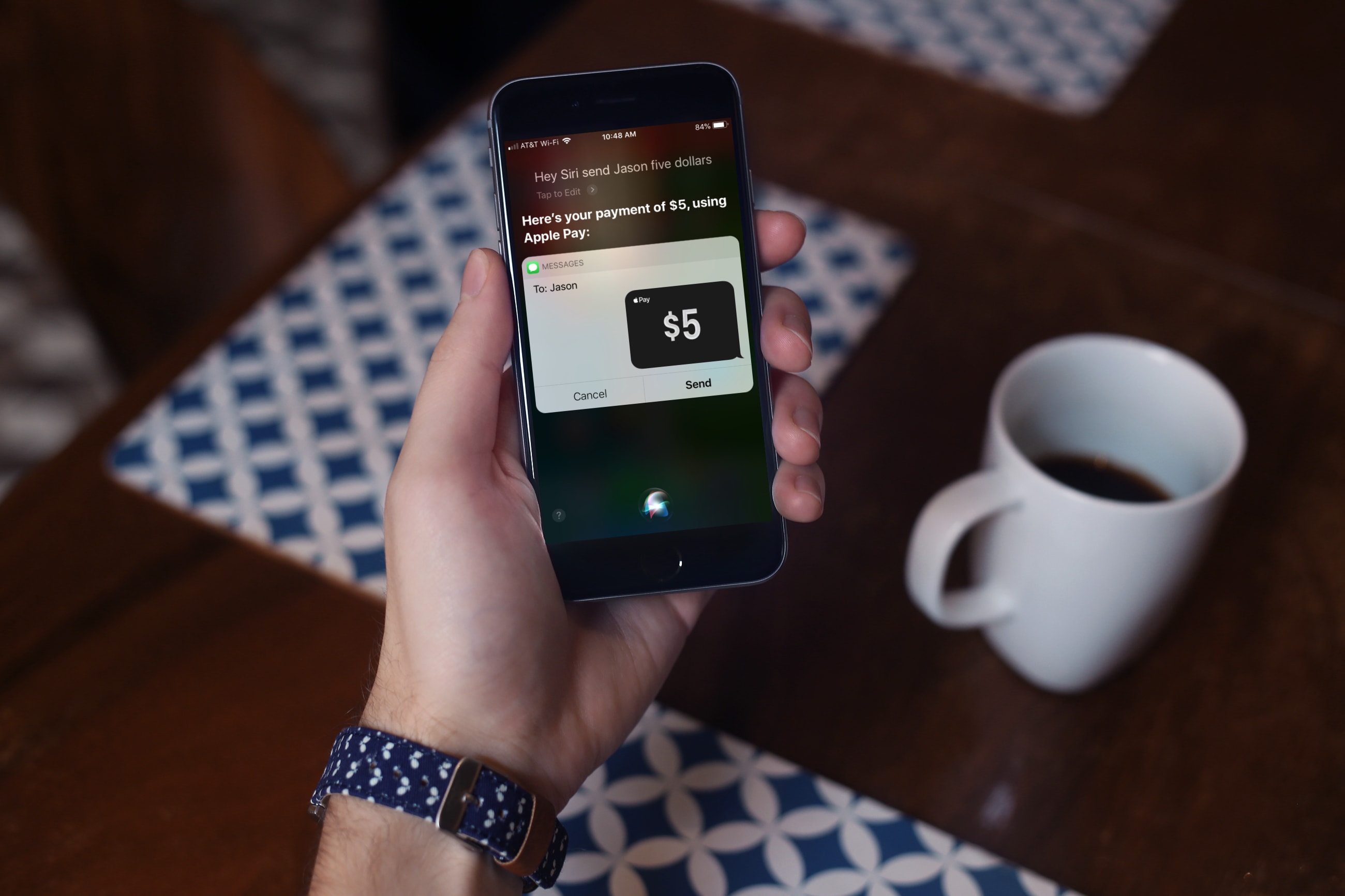
For the fastest way to loan money to a friend or pay them back after borrowing some yourself, you can use Apple Cash, formerly named Apple Pay Cash. Once you set it up, you can send money to your contacts or request money from them via the Messages app. The service has been around for a while, but there are still many who haven’t taken it for a spin yet.
If you fall into this category, this tutorial shows you how to set up and send money with Apple Cash.
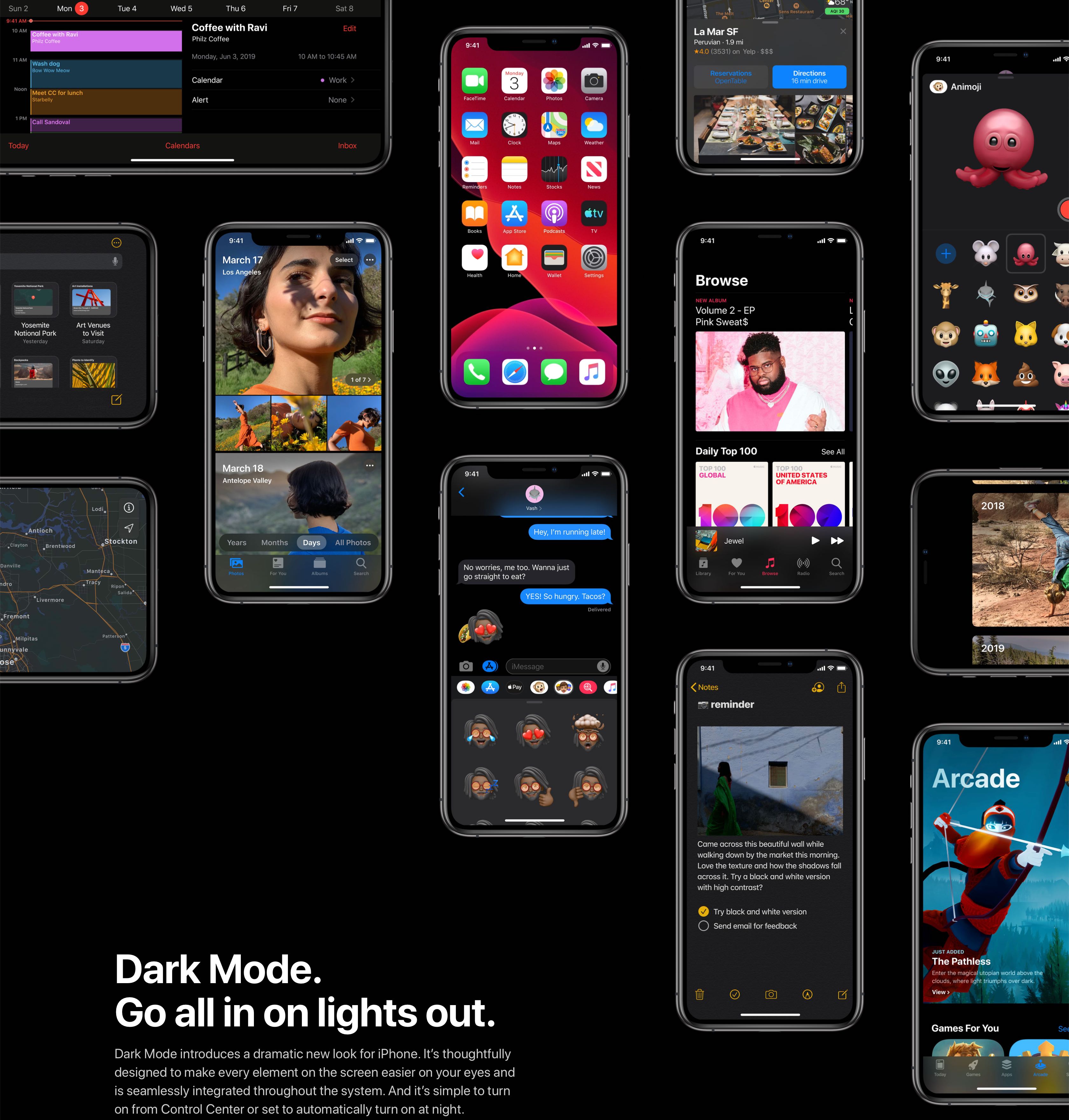
iOS 13 and iPadOS have changed how you get to your accessibility settings.

Learn how to add multiple users to your Apple TV and easily switch between them so each person can have a personalized viewing experience.