Tutorials

How to use animated travel map backgrounds in iMovie

Animated map background iMovie Mac

One cool movie idea that you can create in iMovie is for your travels. You can include photos or videos from a vacation, honeymoon, or road trip adventure. And to go along with this nifty project, iMovie offers animated map backgrounds.

With these backgrounds, you can show the moving route for your trip on a map in your movie. This can add something a little extra to your already memorable trip and movie.

Here’s how to add and adjust the animated travel map backgrounds in iMovie on Mac.

How to cancel your Apple TV+ subscription or free trial

Apple TV Plus icon on a green gradient background

The Apple TV+ streaming service is a good option for unique originals if you’re looking for something different to watch. But it’s not for everyone. Maybe you’re not thrilled with the selection of shows, maybe you don’t like the subscription price, or you just don’t like its video player. Whatever the case, here’s how to cancel your Apple TV+ subscription or free trial.

How to create scenes with HomeKit to control multiple accessories

Create Scenes HomeKit Mac

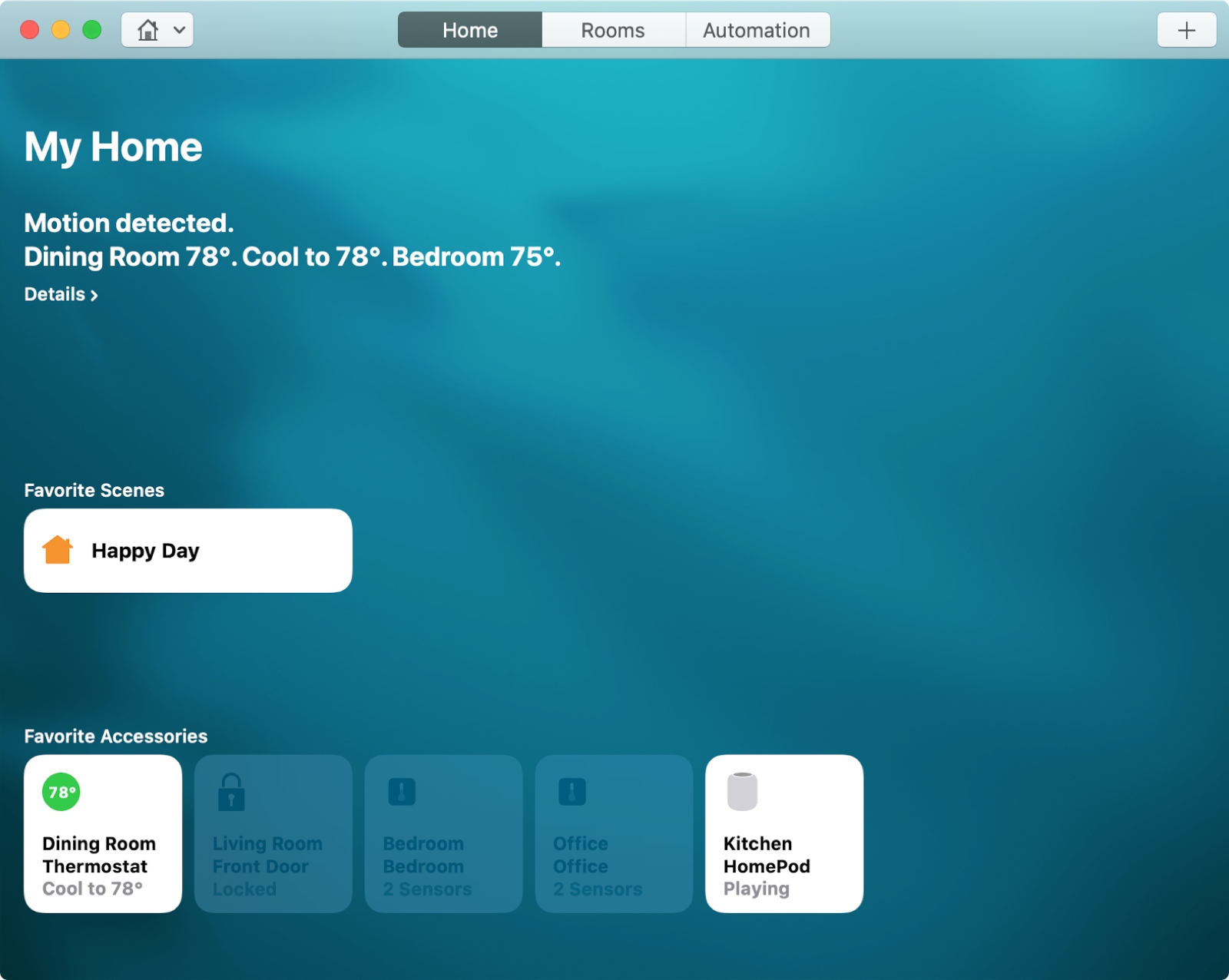
For the perfect atmosphere when arriving home after a long day at work or starting your day with something upbeat, you can set up scenes with HomeKit.

Scenes let you control multiple accessories that you connect in the Home app at one time. You can create scenes based on your leaving, arriving, or a custom setting. Then, the automated scene takes over with the settings you choose.

Here’s how to create scenes with HomeKit on both Mac and iOS.