Learn how to create repeating events in the Apple Calendar app on iPhone, iPad, and Mac to get alerted of important events that occur regularly.
How to create, edit, and delete recurring events in Apple Calendar
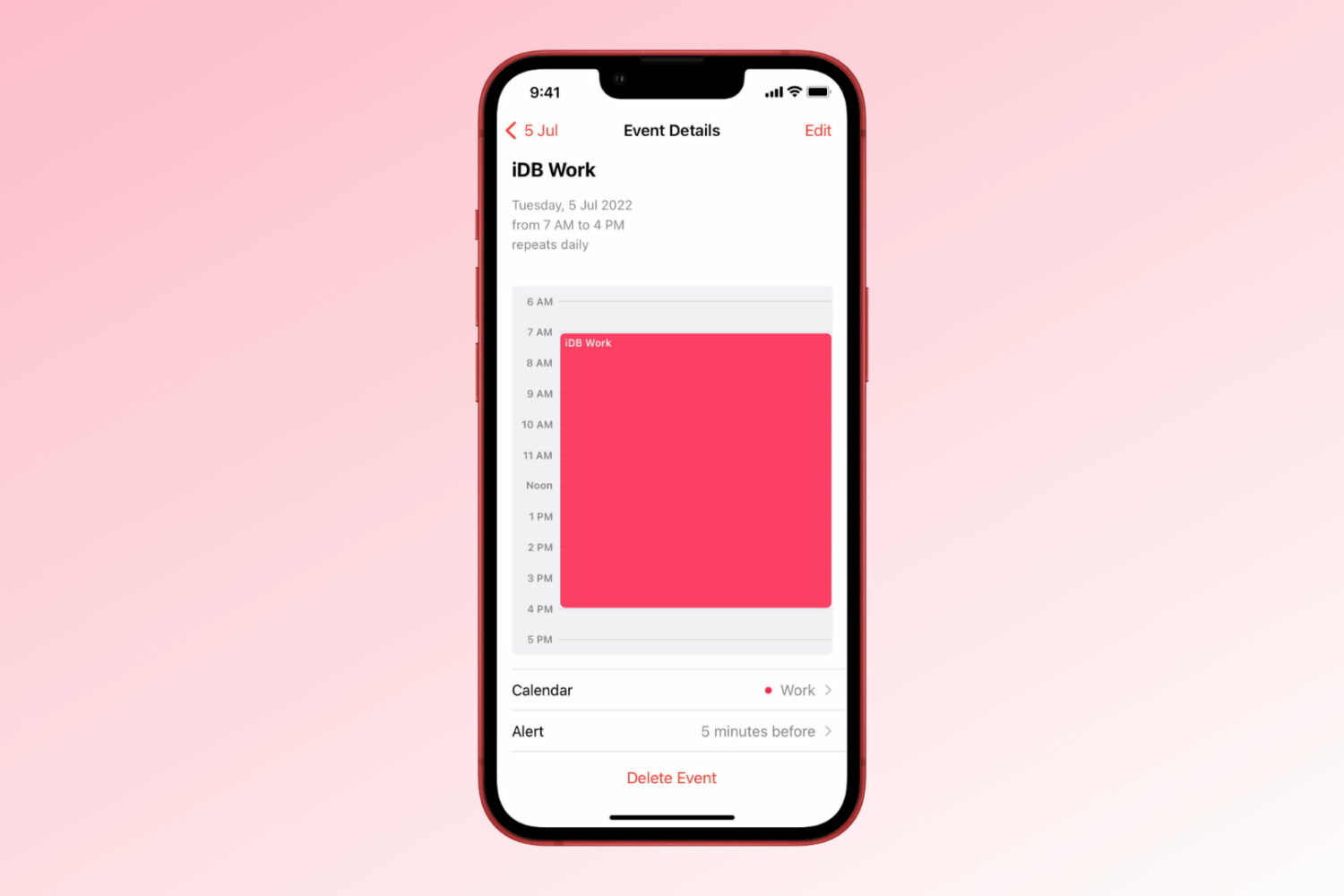
Learn how to create repeating events in the Apple Calendar app on iPhone, iPad, and Mac to get alerted of important events that occur regularly.
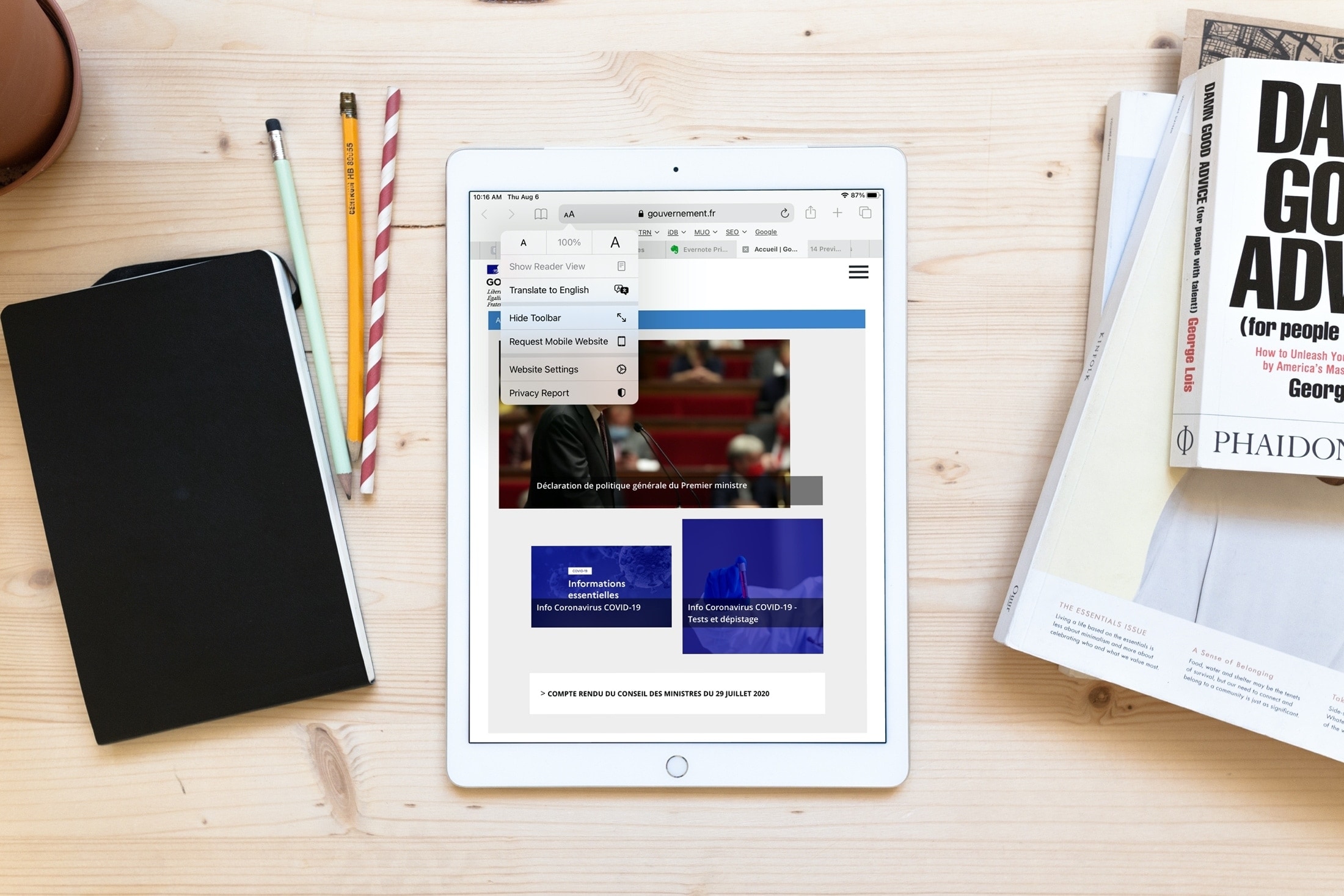
Learn how to use Apple’s built-in translation tool to translate web pages in Safari on iPhone, iPad, and Mac if you come across a website that’s in a language you can’t read or understand.
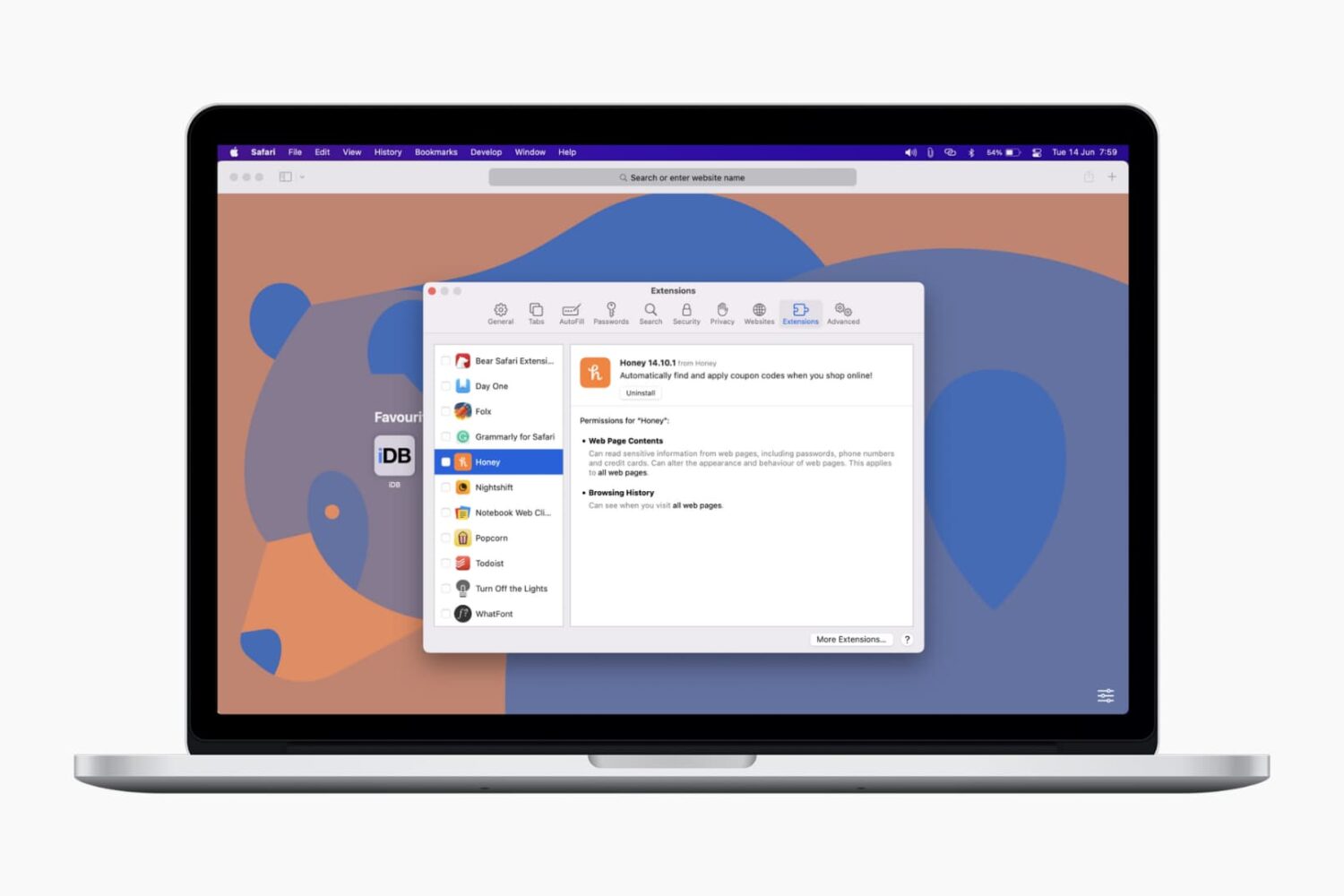
In this tutorial, we’ll show you how to install, view, run, and manage Safari extensions on your Mac to add extra features to your web browser.

iOS 14, iPadOS 14 and macOS Big Sur intercept traffic from websites, with Safari opening Apple News+ links in the News app. As a result, Apple News+ subscribers avoid paywalls on the web. Thankfully, you can change that behavior at will. This tutorial will show you how to have the links to stories included in your Apple News+ subscription open on the web instead of in News.

In this tutorial, we'll show you how to quickly find and insert emojis when you're using a hardware keyboard with your iPad.

This tutorial shows you how to see all your achievements for Apple Arcade challenges or Game Center games on iPhone, iPad, and Mac to see what you have completed and what's still left to be conquered.
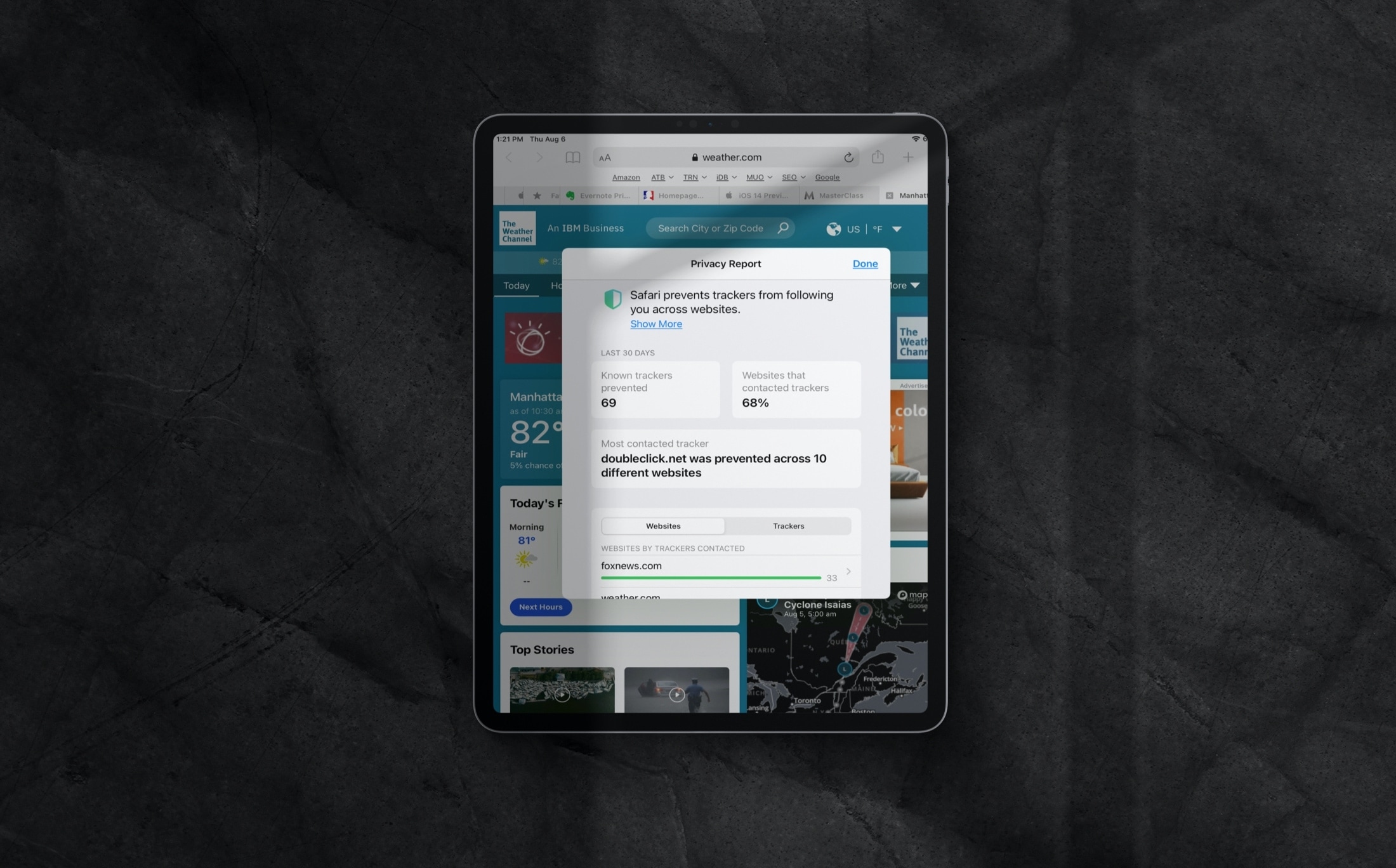
Learn how to review the Privacy Report in Safari on iPhone, iPad, and Mac to see which websites track your activity while you browse.
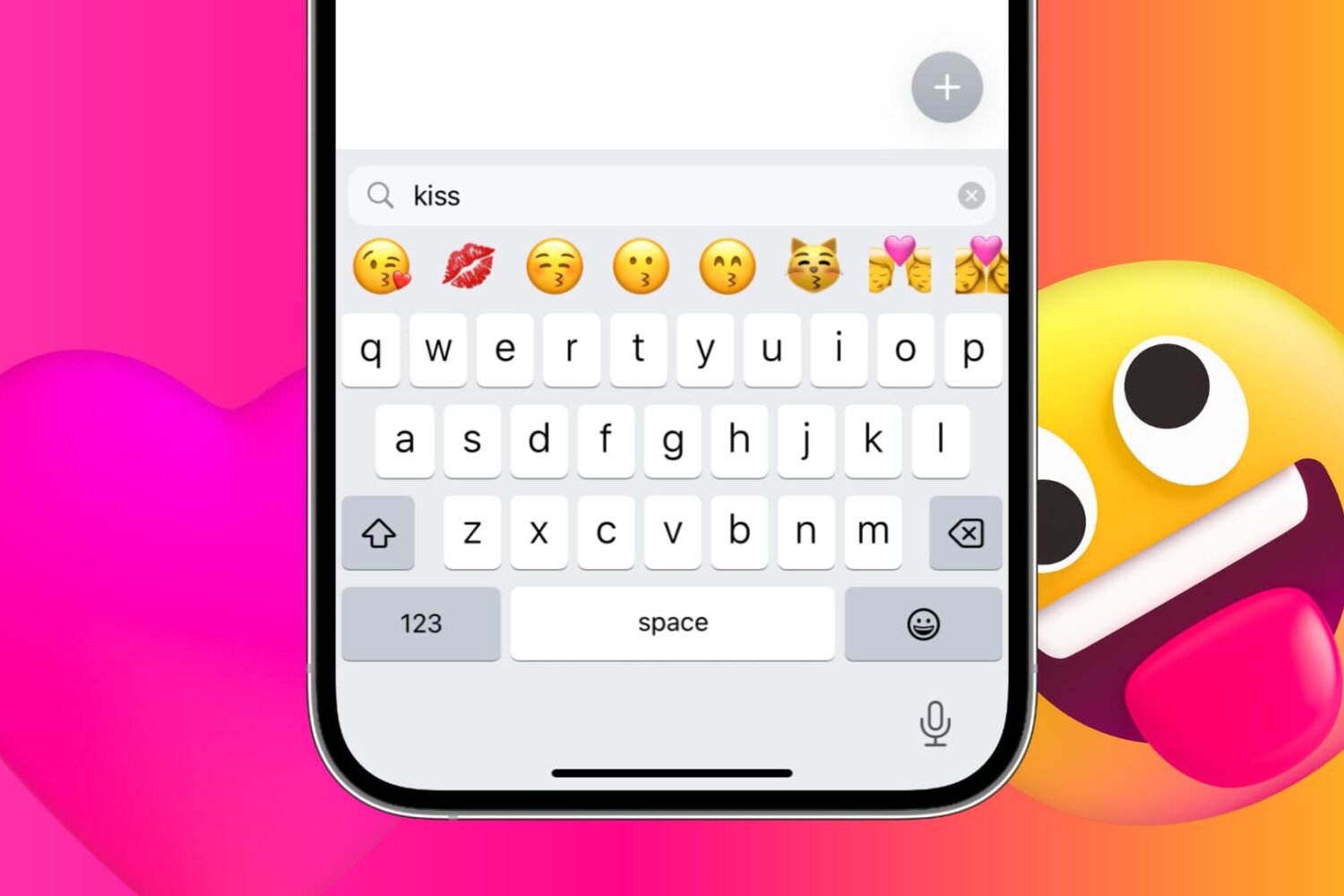
iPhone and iPad provide a handy search field above the emoji keyboard. With it, you can find and filter appropriate emojis by entering keywords. Follow along with us as we show you how to take advantage of the iPhone emoji search option.
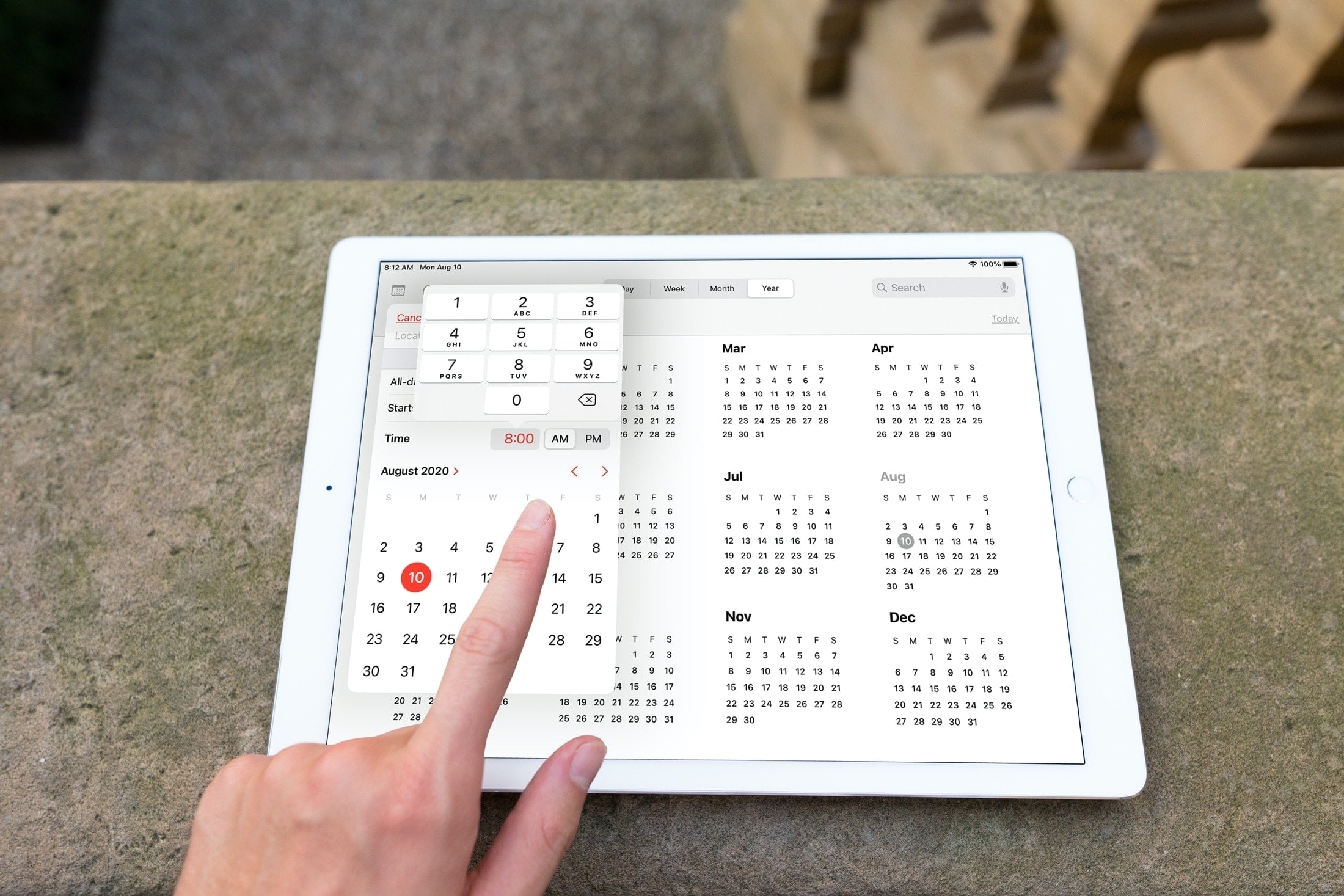
Sometimes it’s those small improvements that make a big difference. With iOS 14 and iPadOS 14, Apple updated the date (calendar) picker that you use in apps like Reminders and Calendar. No longer do you have to spin the wheel to choose your date and time.
This enhancement lets you select the exact date and time much quicker with a clearer view and simpler method of selection. Here, we’ll show you what’s new with and how to use the redesigned date picker on iPhone and iPad.
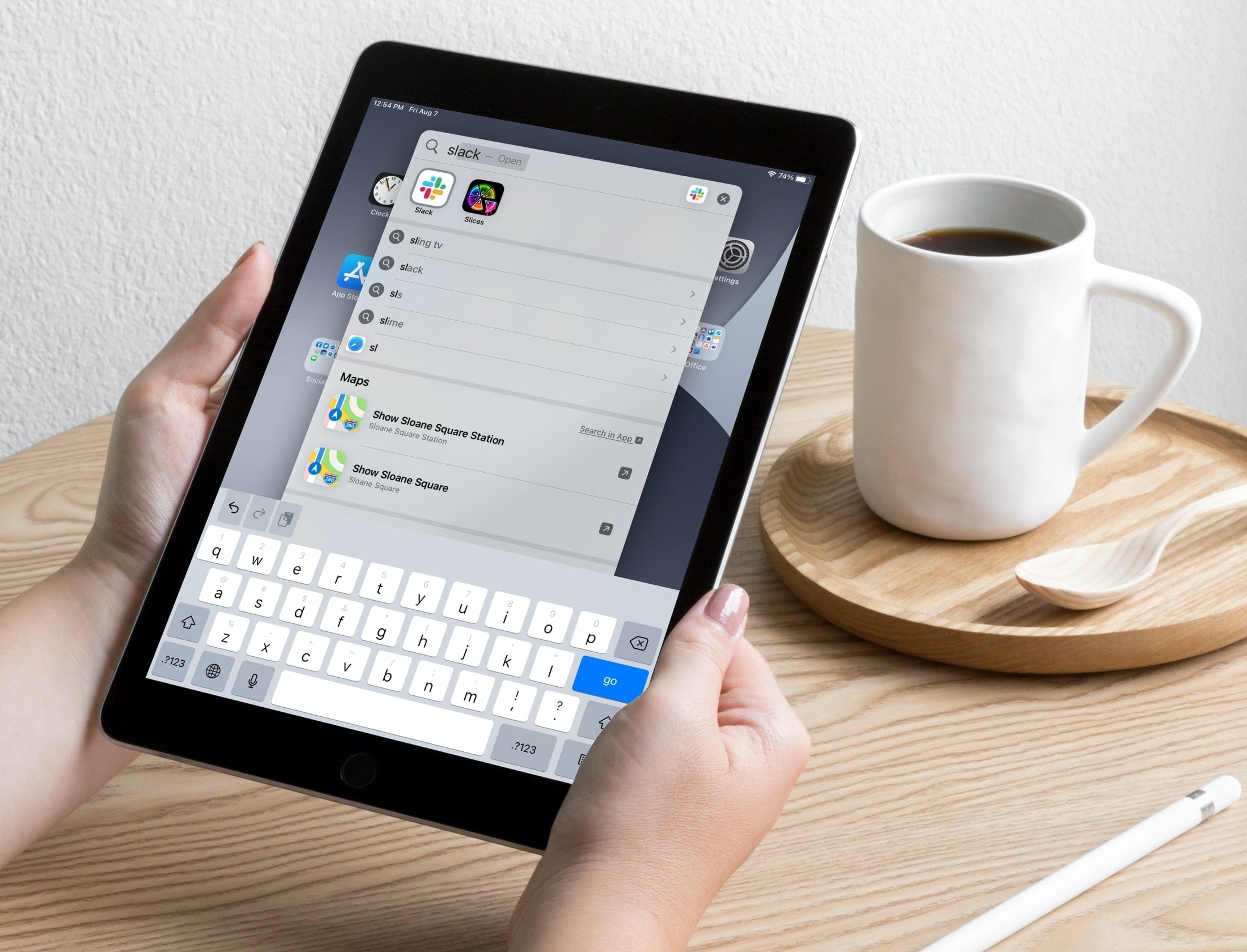
Learn about a couple of simple Spotlight Search tips to open apps and websites in an instant on your iPhone or iPad.
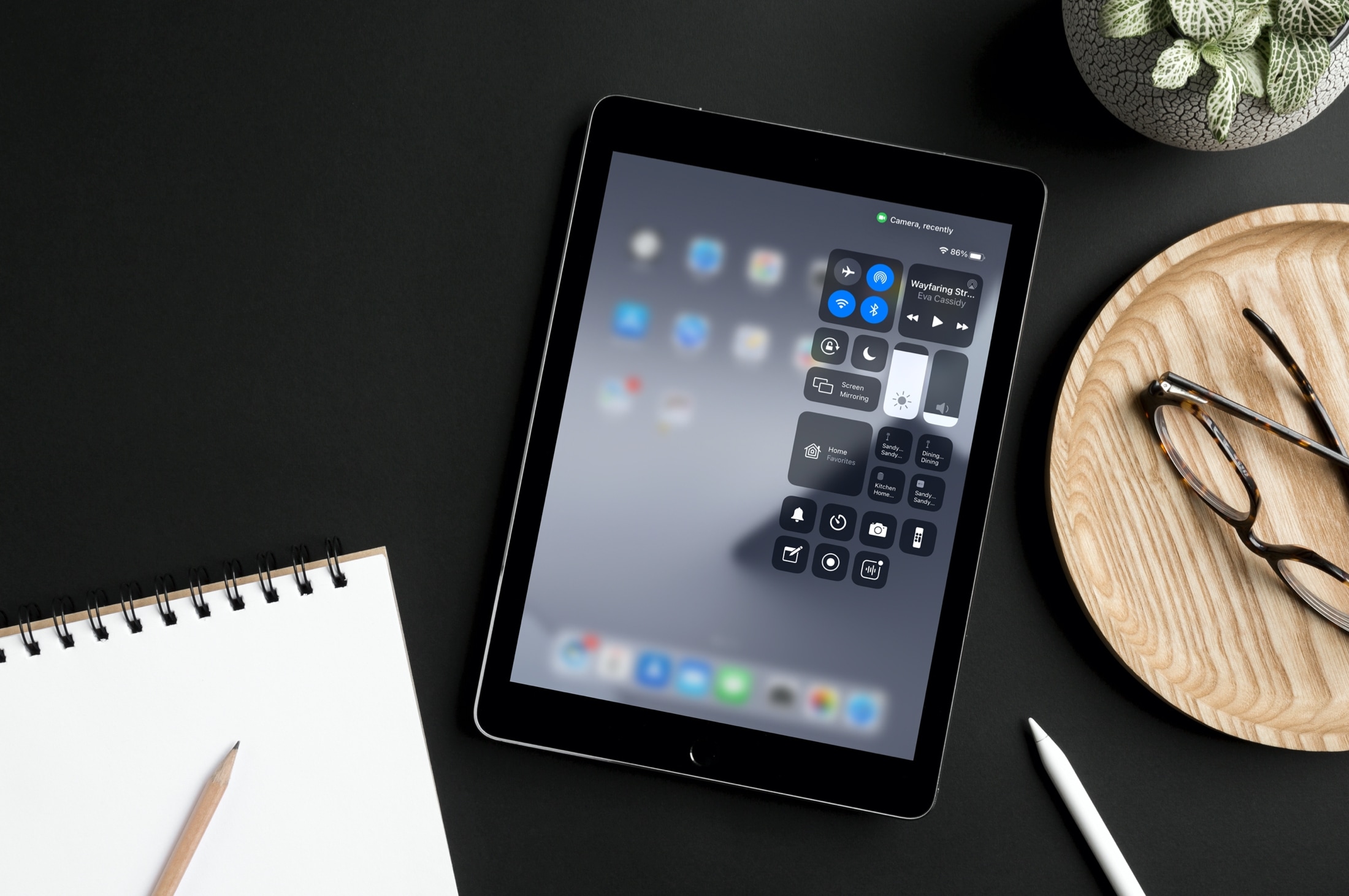
Protect your privacy and find out when your iPhone, iPad, or Mac camera or microphone is recording, which app is using it, which app recently did, and revoke that app’s access if needed.