In this tutorial, we will show you how to find and watch Apple Music TV for free on your iPhone, iPad, Mac, TV, and other supported devices.
How to watch Apple Music TV on all your devices
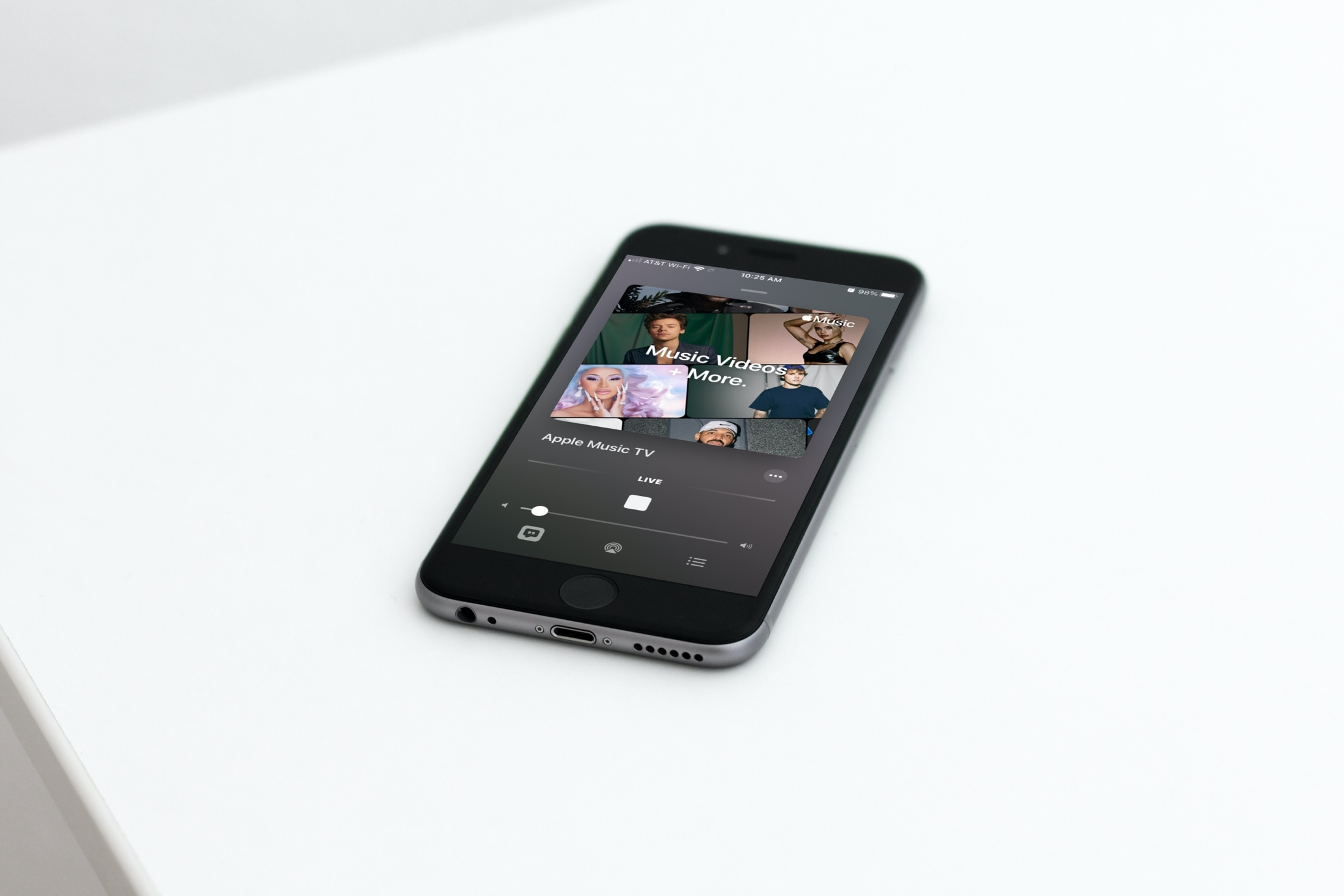
In this tutorial, we will show you how to find and watch Apple Music TV for free on your iPhone, iPad, Mac, TV, and other supported devices.
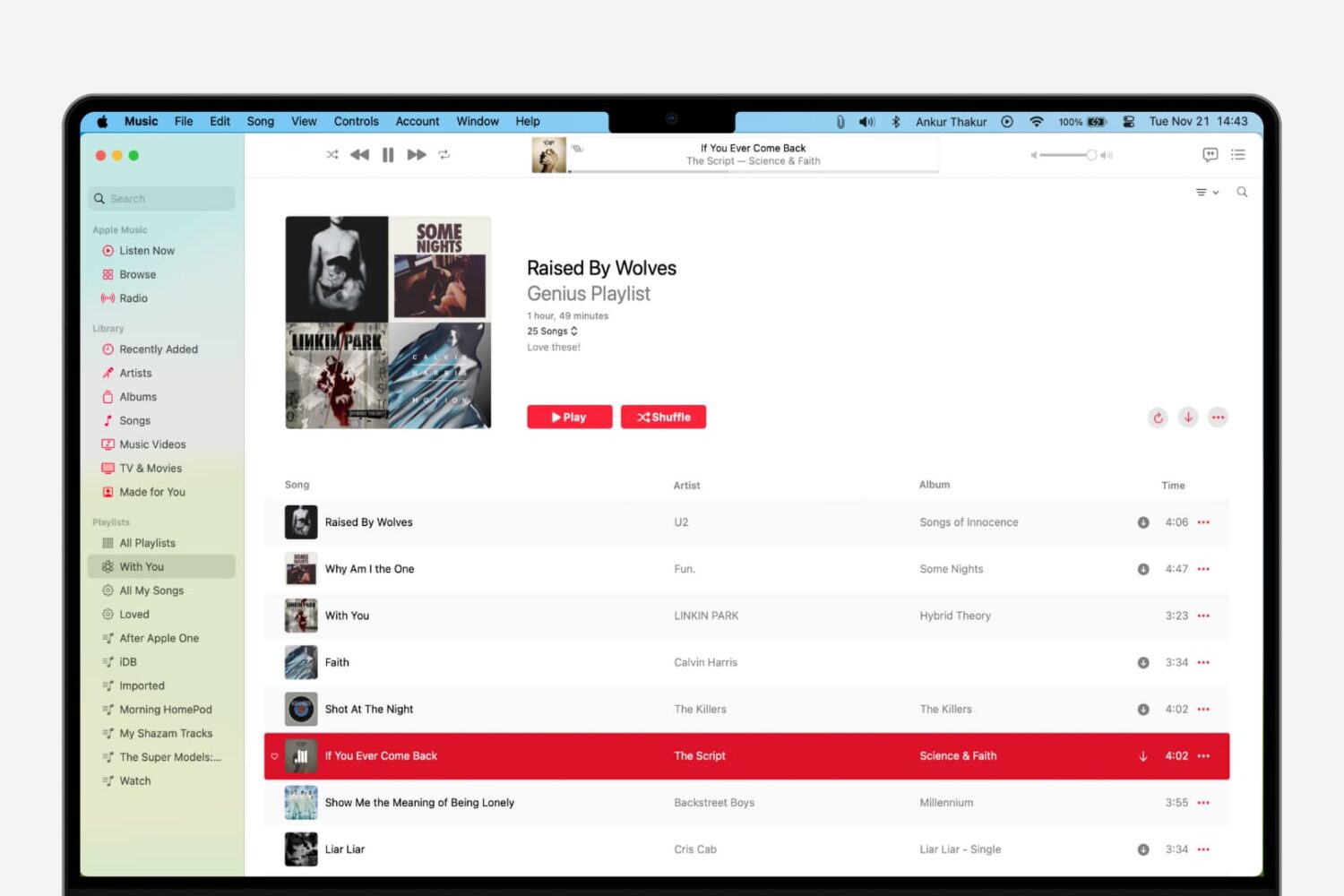
Learn how to use the Genius Playlist and Shuffle features in the Music app on Mac for a nice and easy mix of tunes that sound great together.
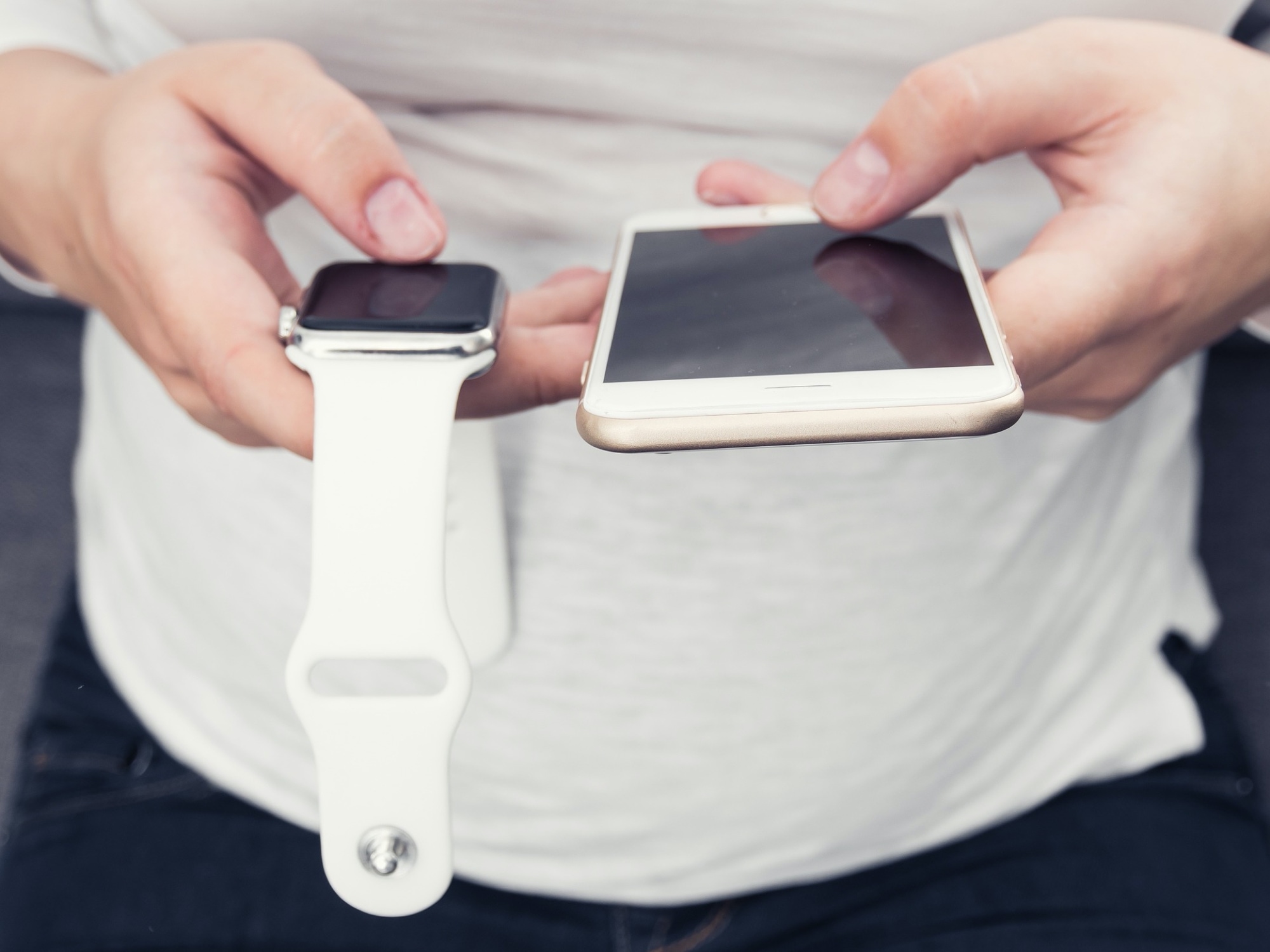
Do you wear an Apple Watch to bed? Learn how to set up and use Sleep mode on your Apple Watch to create schedules to hit your sleep goals, set up a time to Wind Down beforehand, track your sleep, and view your sleep and respiratory rate data.
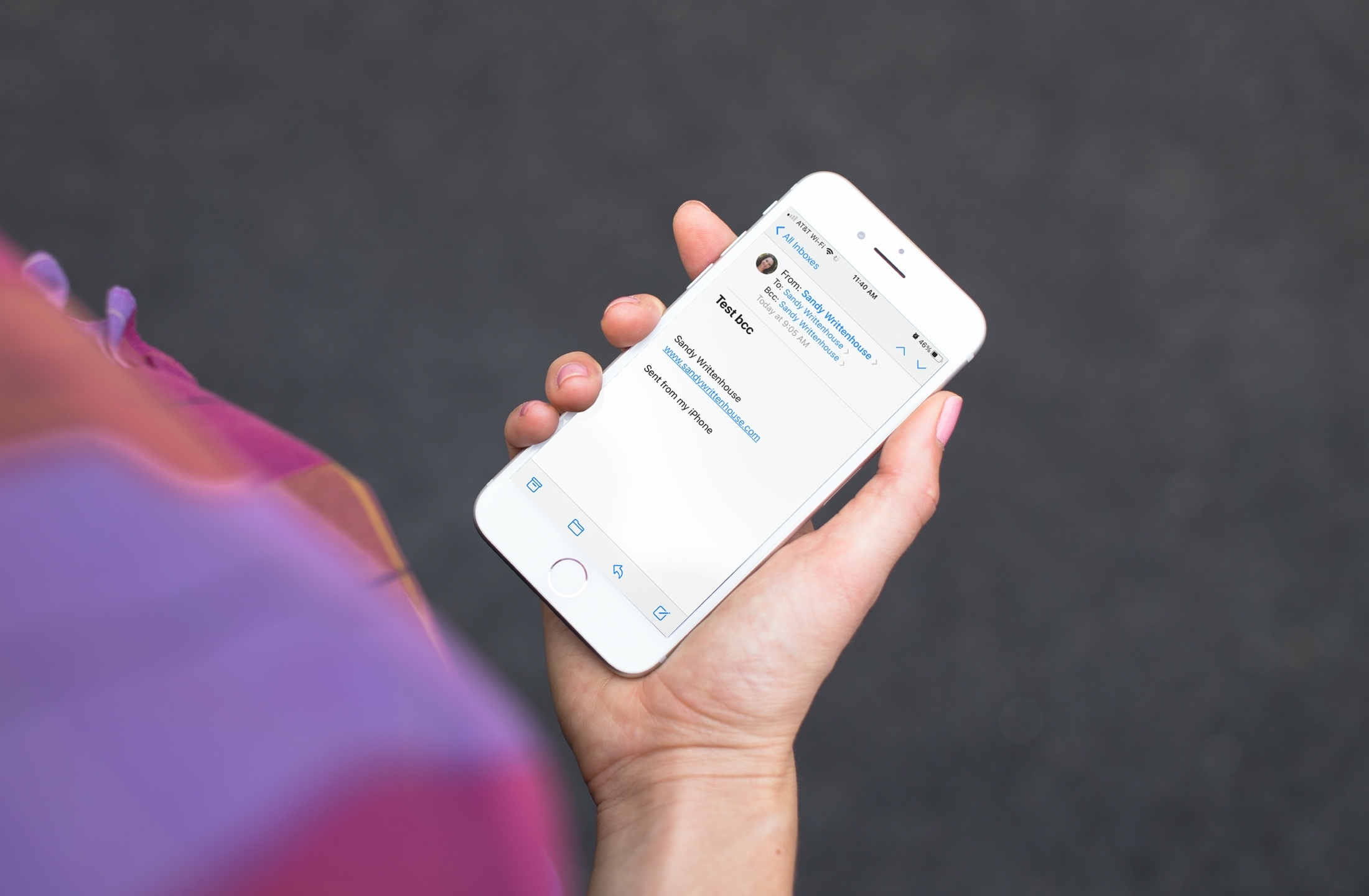
Learn how to always add yourself as BCC (blind carbon copy) in the emails you send from your iPhone, iPad, or Mac so that you get a copy of the message in your inbox just as your recipient does.
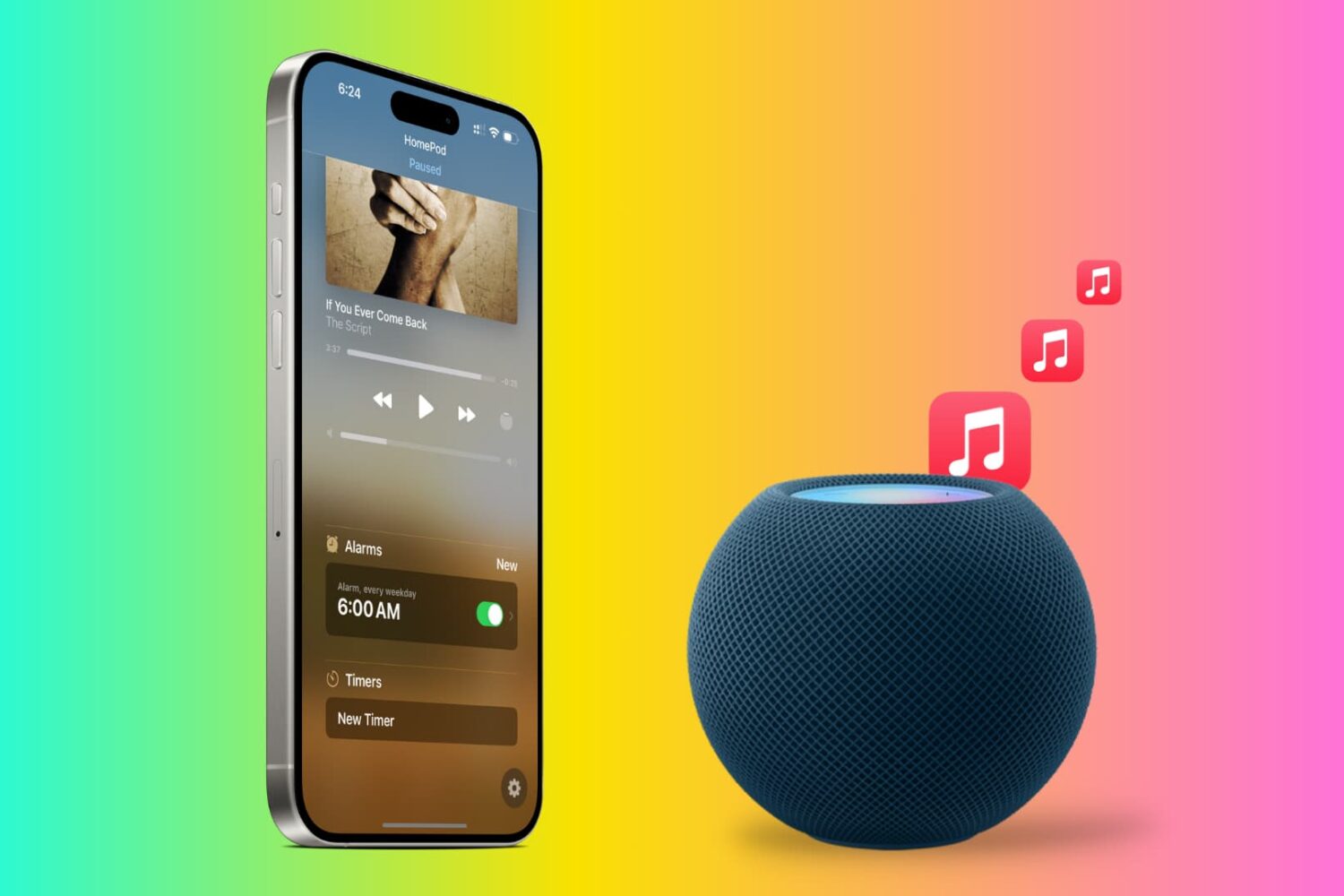
Tired of the default HomePod alarm tone? In this tutorial, we will show you how to use songs from Apple Music as an alarm sound on your HomePod so you can wake up to your favorite track and start the morning gleefully.

In this tutorial, we’ll show you how to set your iPhone to always use 5G or use it only when needed. Additionally, we’ll help you decide if you should let your phone use more 5G data or not.
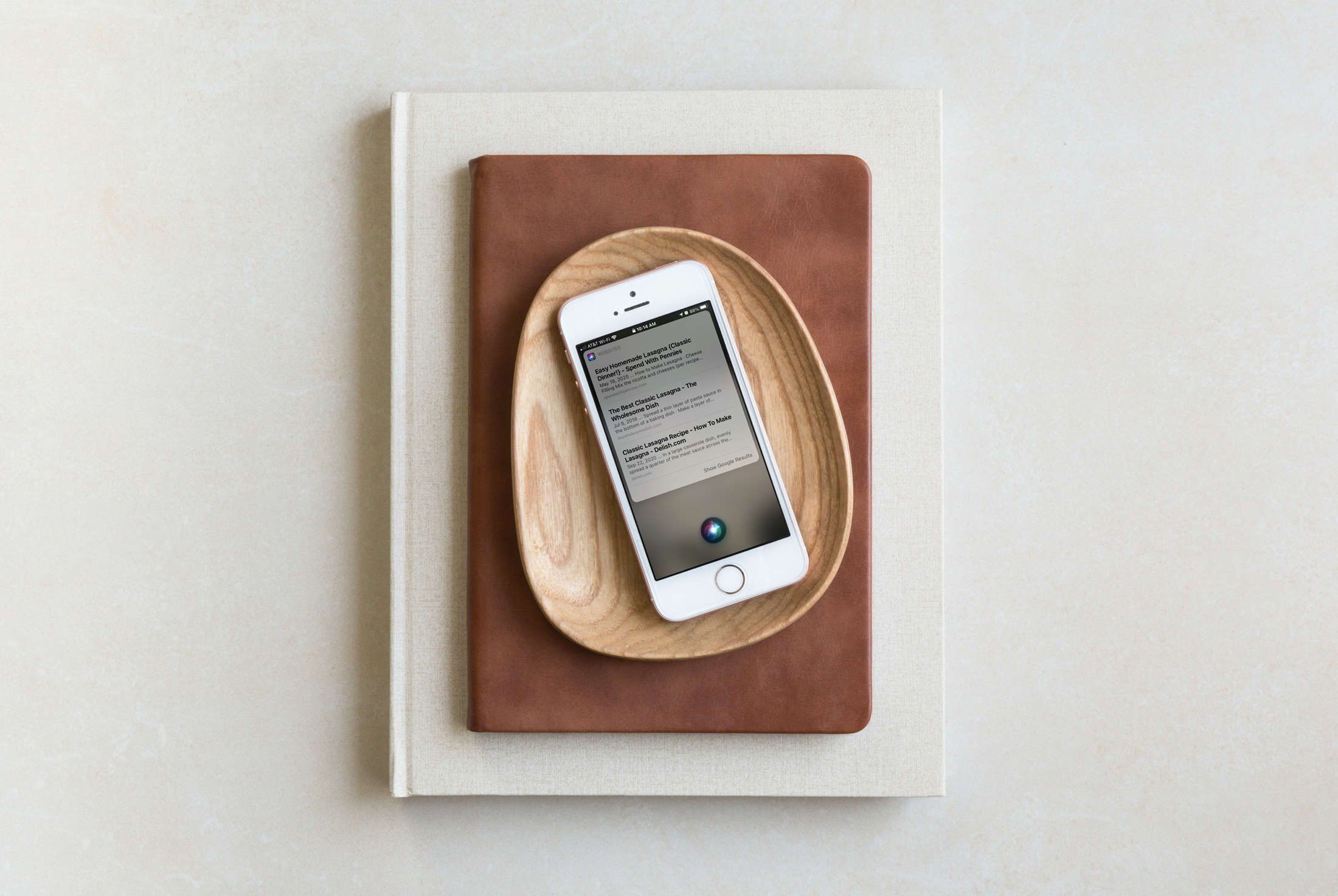
Siri can be super handy on HomePod and can do plenty of things for you. But one thing that was always a bit difficult was getting information that Siri didn’t have at hand. You might end up hearing something like, "Sorry, I can’t help with that".
With the iOS 14.1 update, HomePod also got a bit of a boost in abilities. You can use Apple Music for an alarm sound, check out the Intercom if you own more than one HomePod, and yes, have Siri send web results right to your iPhone.
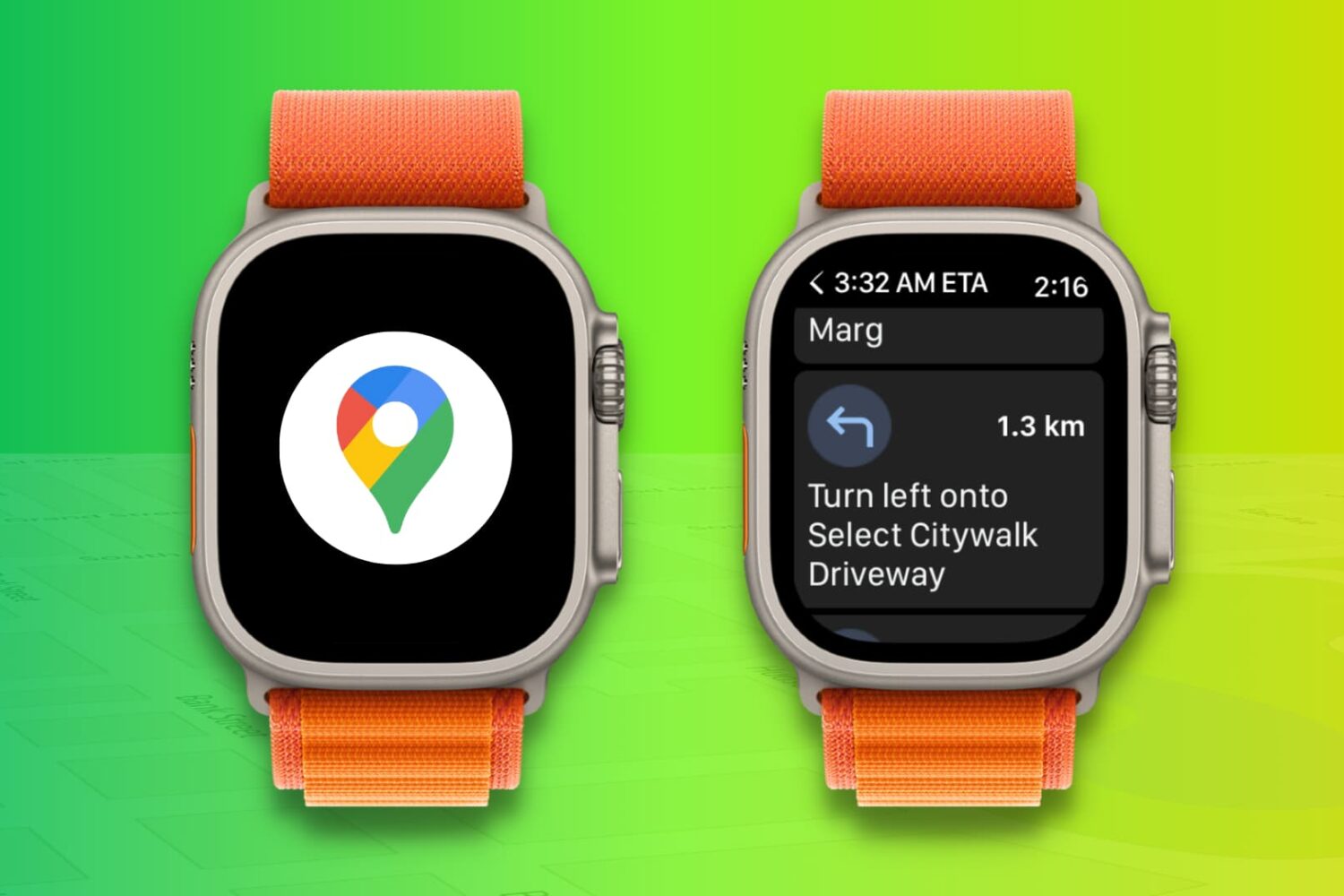
Learn how to use the Google Maps app on your Apple Watch to get navigation directions right on your wrist while cycling, driving, or walking, and eliminate the need to look at your phone screen constantly.

Learn how to apply bold, italics, title, heading, bullet, numbered list, and other formatting options using quick styles in the Apple Notes app on your iPhone or iPad.
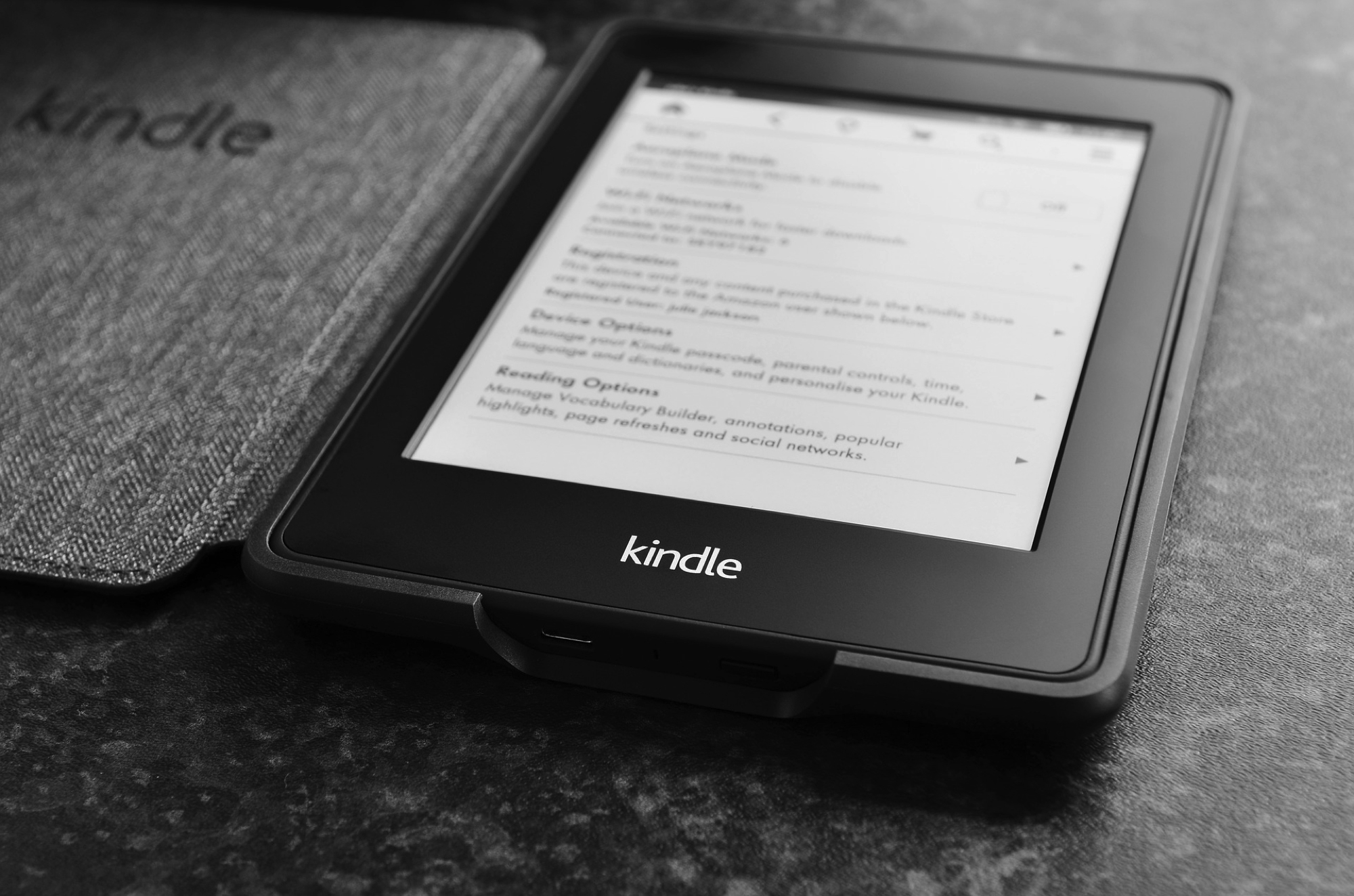
Like taking a screenshot on your iPhone, you may have plenty of reasons for doing it on Kindle. We here at iDB take screenshots to show you how to do things on your devices. But you might take one to get support from the maker or help show a friend how to navigate.
If taking a screenshot on your Kindle Paperwhite is something you’re interested in doing, then this is your how-to. We’ll show you how to take a screenshot on the eReader and how to view it once you do.
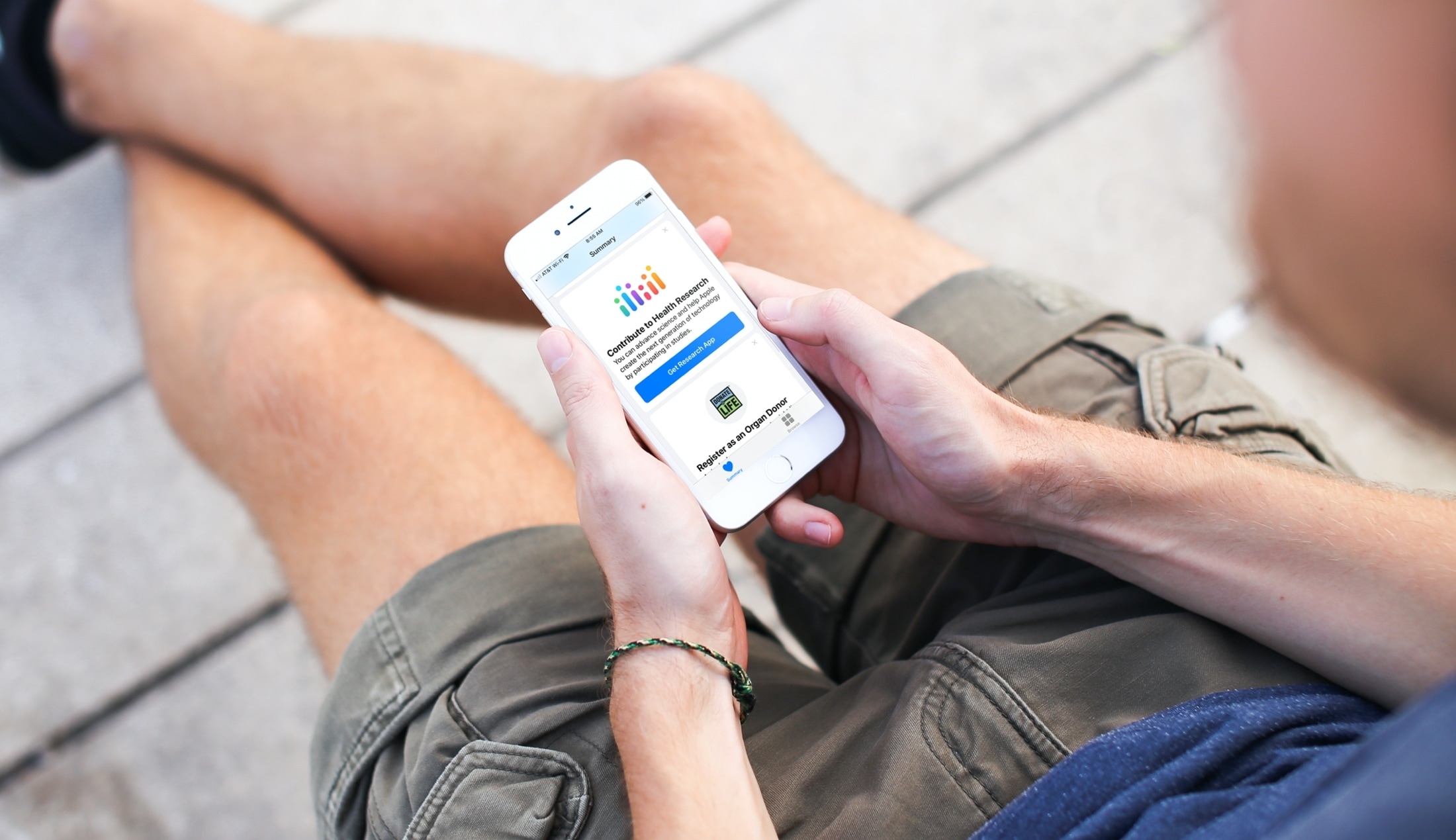
Find out how you can help further Apple health research by participating in studies that help with women’s health, heart health, hearing health, and more.

In this tutorial, we’ll show you how to use, change, and lock VoiceOver modifier keys on your Mac to enter VoiceOver commands and make the most use of this accessibility feature.