Apps

How to quickly hide the App Drawer in the Messages app

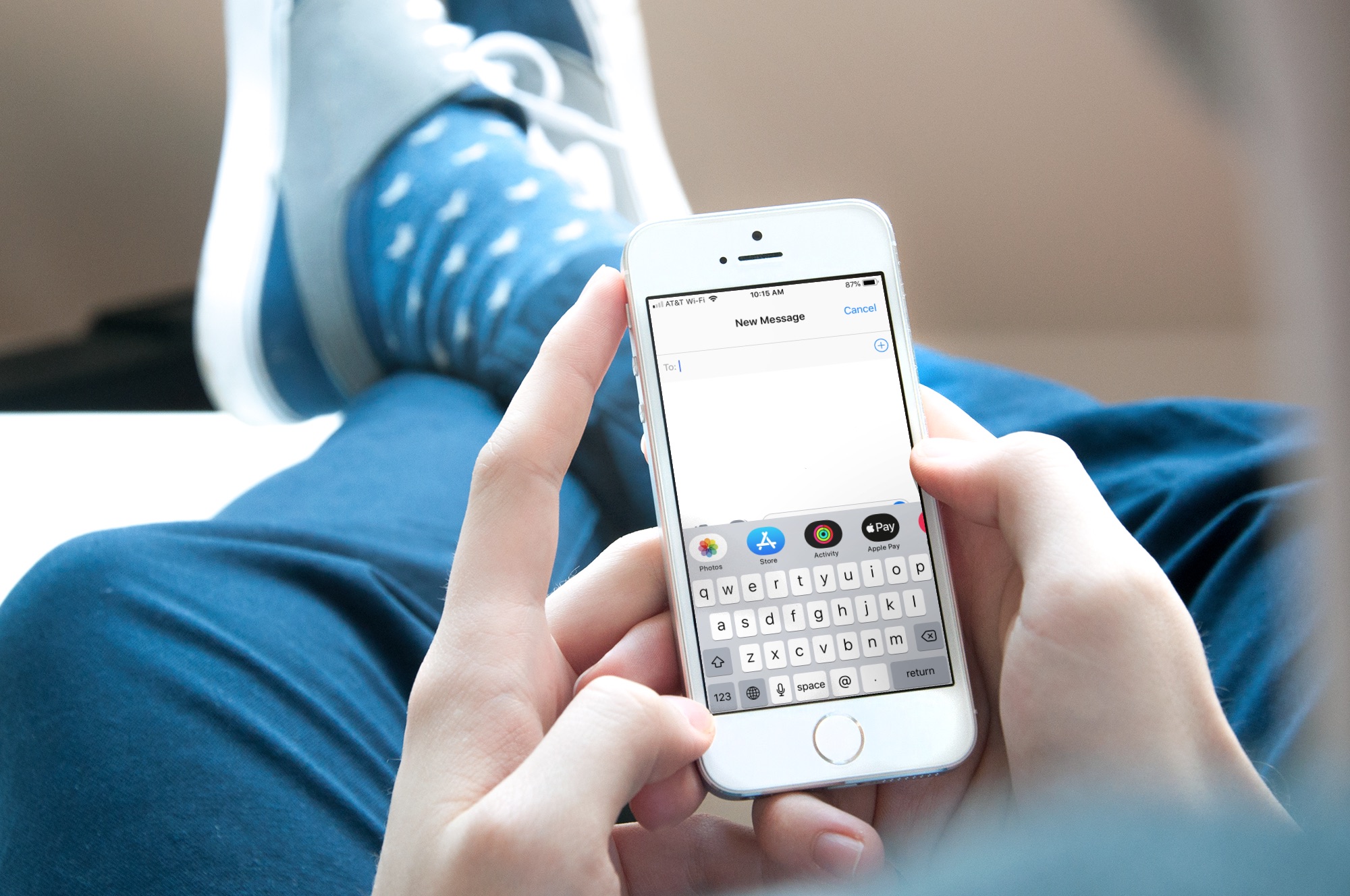
Messages App Drawer iPhone

The App Drawer at the bottom of your conversations in the Messages app can be quite convenient. You can share stickers from your favorite apps, send money with Apple Pay, send Digital Touch messages, and so much more.

But, if you would rather have the full view of the conversation screen and keyboard without the App Drawer, you can simply put it away.

Here’s how to hide the App Drawer for your conversations in the Messages app.
FlickType Keyboard: An easy way to type messages on your Apple Watch

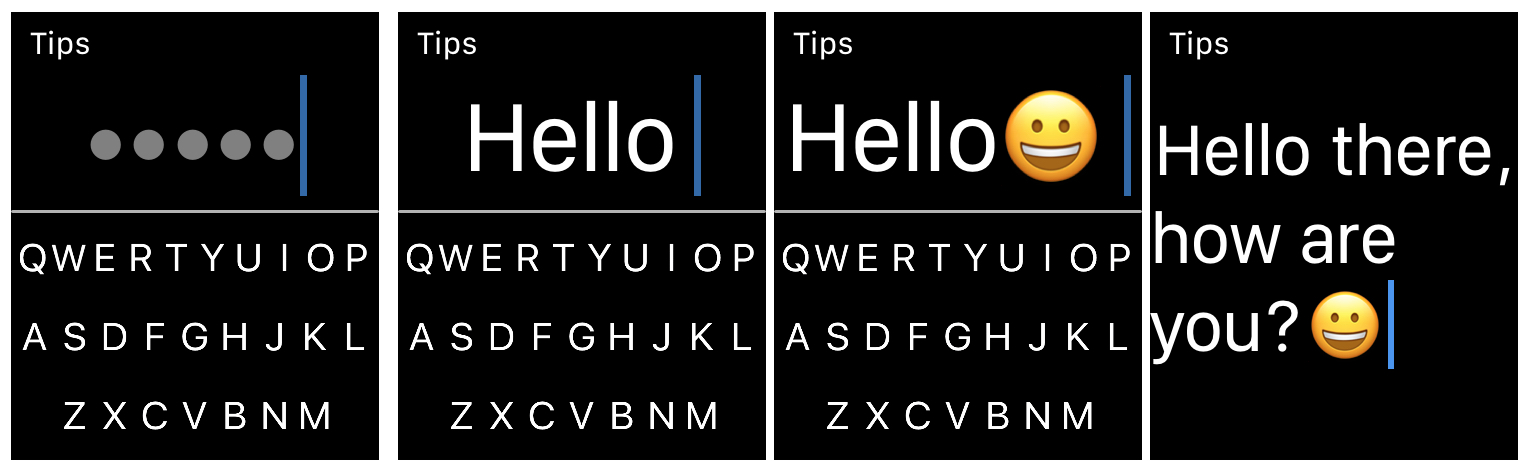
FlickType Keyboard on Apple Watch

When it comes to typing on your Apple Watch, you likely use the quick replies in Messages and Mail, simply because they’re the easiest. But there is now a new way to type right from your wrist.

FlickType Keyboard is handy app that makes typing on your device as simple as a flick. And, it’s now available on Apple Watch in addition to iPhone and iPad. Here’s how you can use FlickType Keyboard on your wrist.

How to post longer videos to your Instagram Stories

Post long videos to Instagram story

If you sometimes upload videos to your Instagram stories, you have probably run into the 15-second limitation. That means that no matter what the length of the video you're posting to your story, Instagram will automatically crop it to a maximum duration of 15 seconds.

This is great for shorter videos, but what happens if you want to post a video that is longer than this 15-second limit?

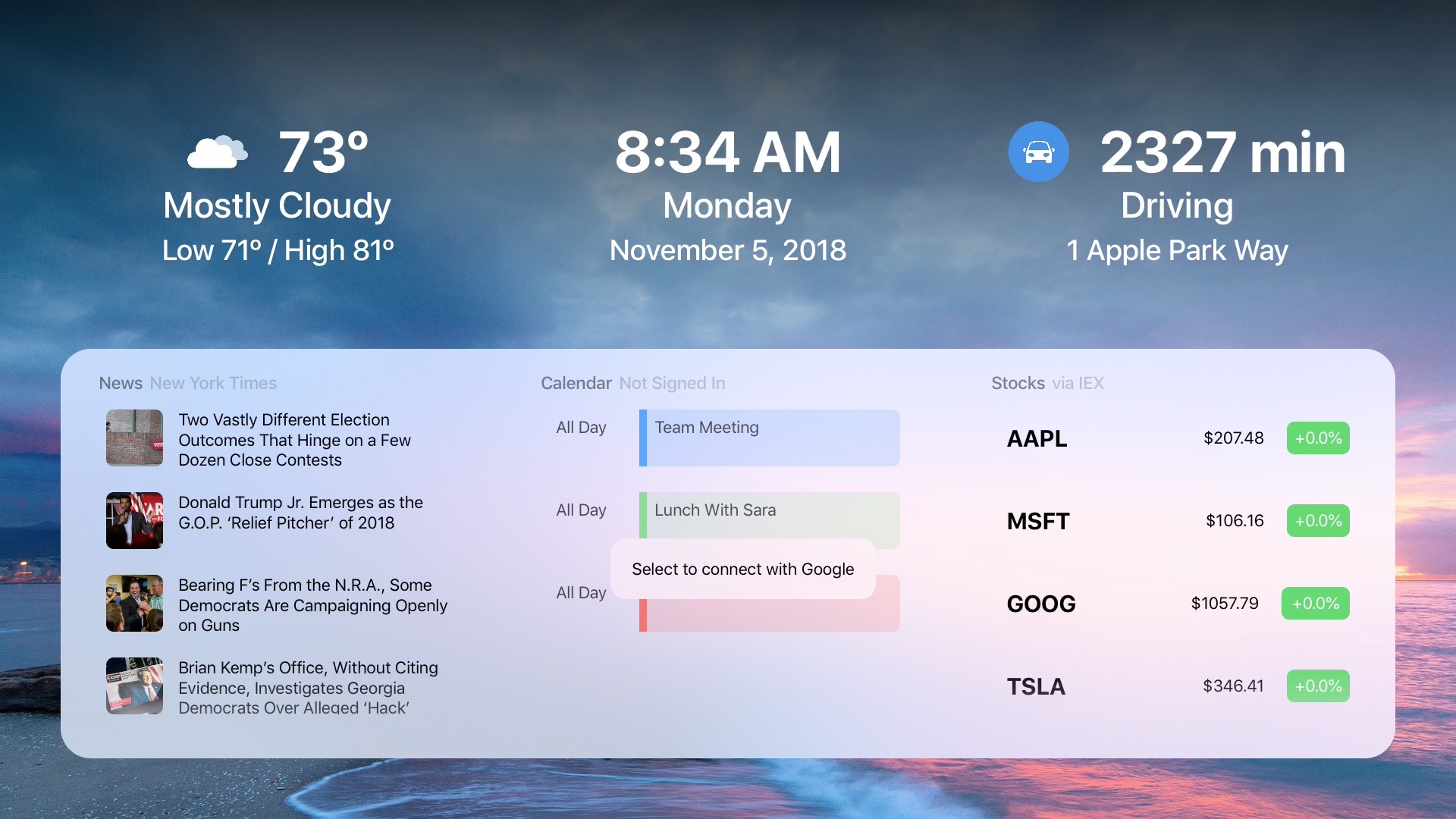
DayView: A dashboard to start your day on Apple TV

DayView on Apple TV

When you get up in the morning, you don’t have to flip through channels or apps to see what your day looks like. To see the weather, news, calendar events, stocks, and more, just pop on your Apple TV and the DayView app .

The DayView - Personal Dashboard gives you everything you need to start your day.