Apps

How to customize Slack on your Mac desktop

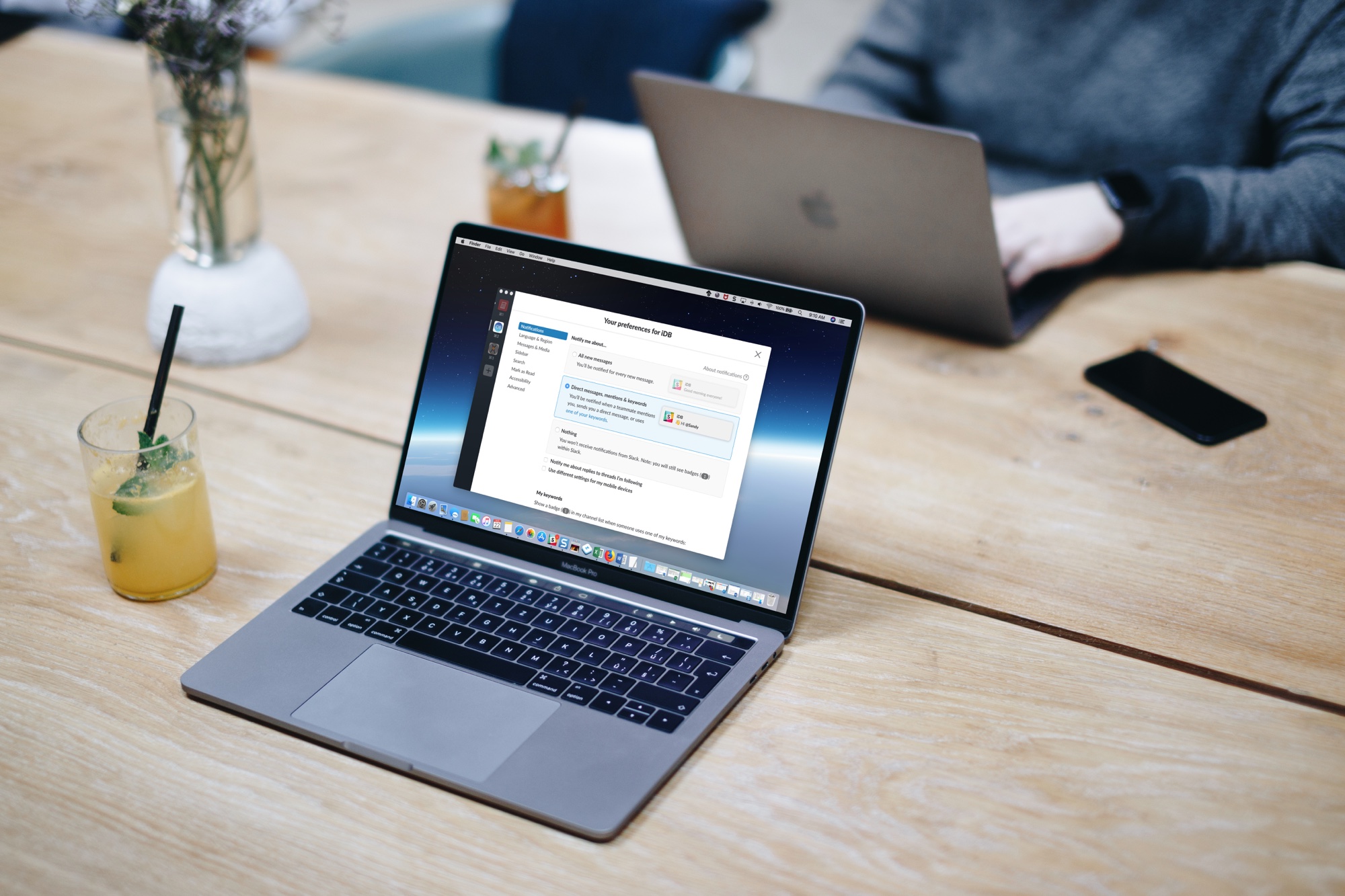
Slack on Macbook Screen

If you and your team use Slack to communicate, then you already know that it’s a flexible tool with great features. So, when it comes to customizations, it’s no surprise that you have a variety of options.

From how to view notifications to marking messages as read to the sidebar appearance, here are the customization options for the Slack app on your Mac.

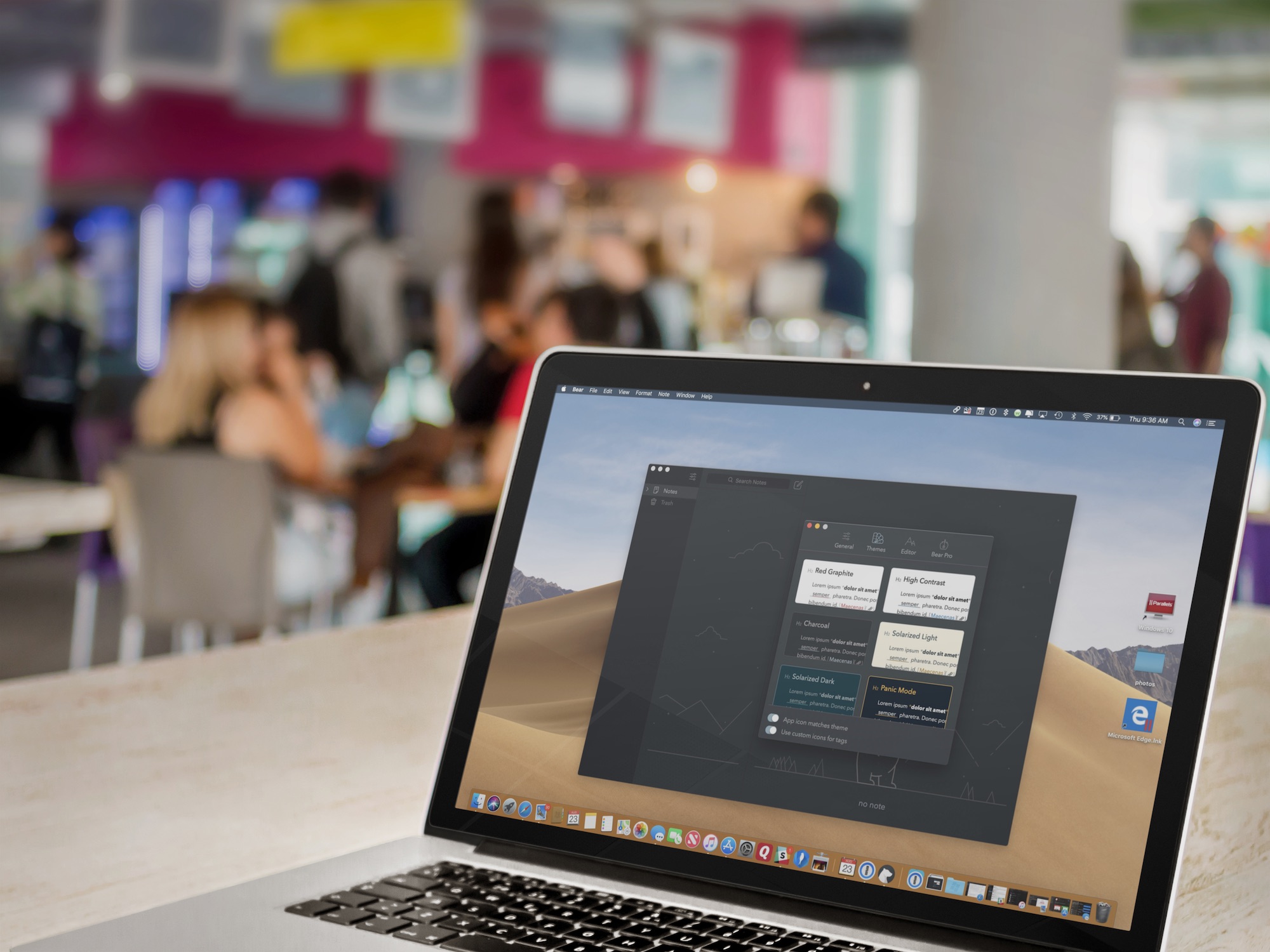
How to enable Dark Mode & other themes on the Bear notes apps

The freemium Bear app remains one of the most popular writing apps for iOS and macOS thanks to its ease-of-use, customization tools, and flexibility. One of Bear's most impressive features has always been its use and availability of themes, which can change the mood and color of the app's text, styling, and background. In this article, you'll learn how to set Bear's different themes on both iOS and macOS. 

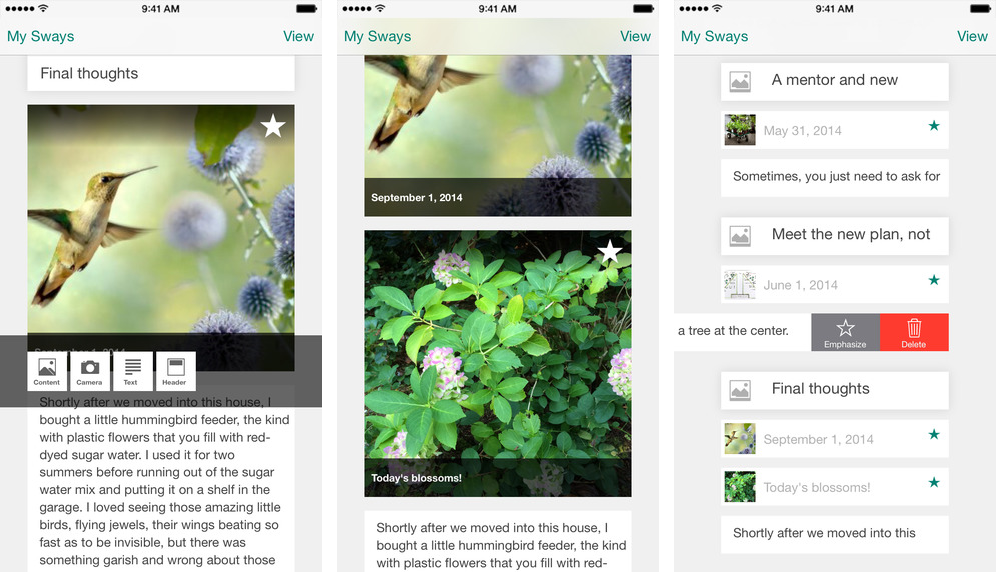
Well-known iOS drawing app Paper bought by WeTransfer

FiftyThree, the maker of the popular Paper drawing up and Paste service, has announced its apps and team have been acquired by WeTransfer, a cloud-based file transfer service with headquarters in Amsterdam and Los Angeles. The move will allow the apps to live on with "increased investment and support," according to Wired. 

How to change text and formatting AutoCorrect settings in Word for Mac

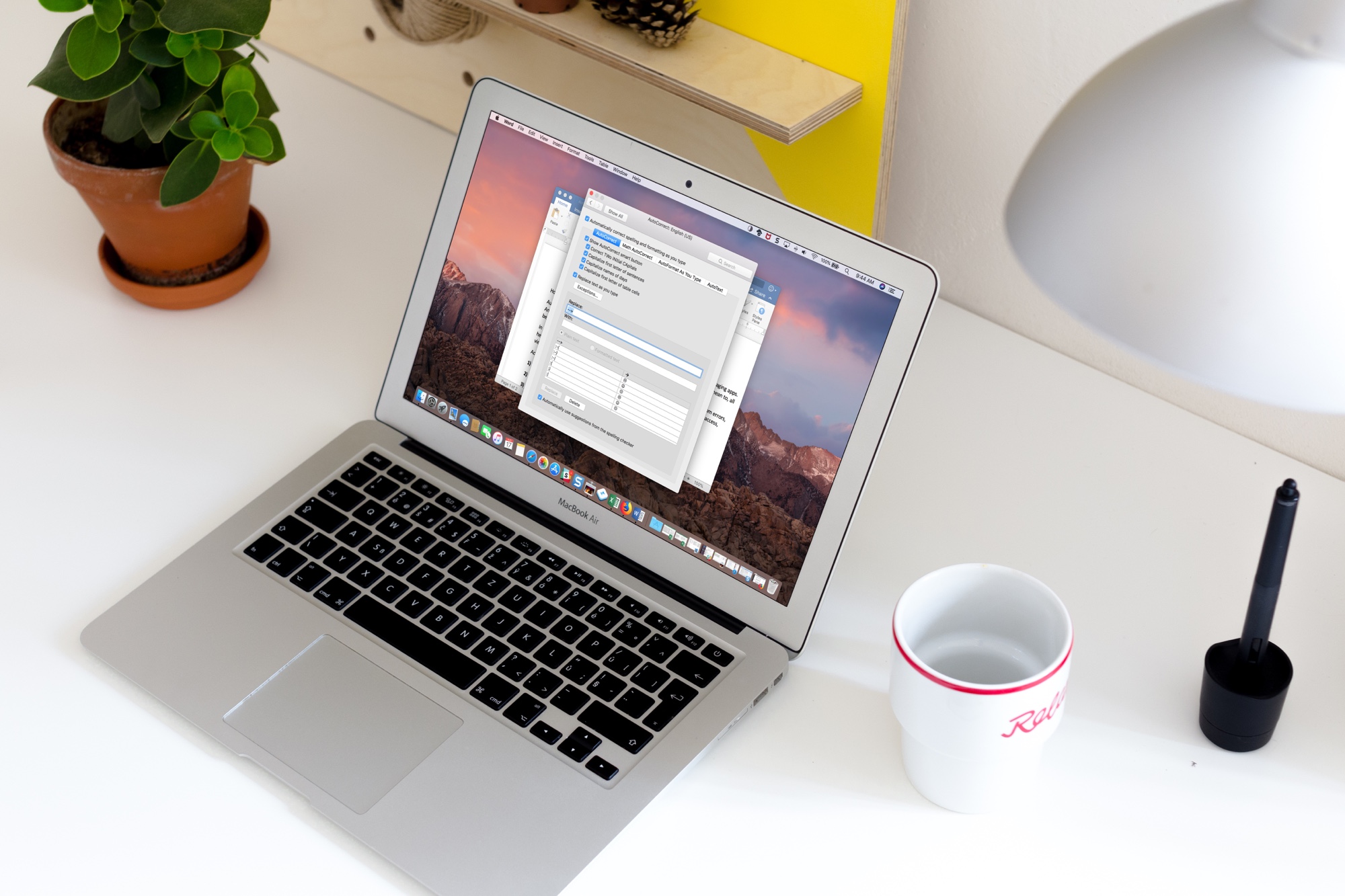
Word AutoCorrect Options on Mac

Auto-correction is one of those features you either love or hate. We see it most in text messaging apps. And, it can be aggravating when you end up sending something in a message that you didn’t mean to, all because it was “automatically corrected” for you.

In Microsoft Word, however, the AutoCorrect feature can be quite useful. It can save you from errors, help you get your words out quicker, and format your document as you type. Here’s how to access, view, and adjust AutoCorrect settings in Word on Mac.