Apps

How to quickly save over 2 GB of storage space on your new iPhone or iPad

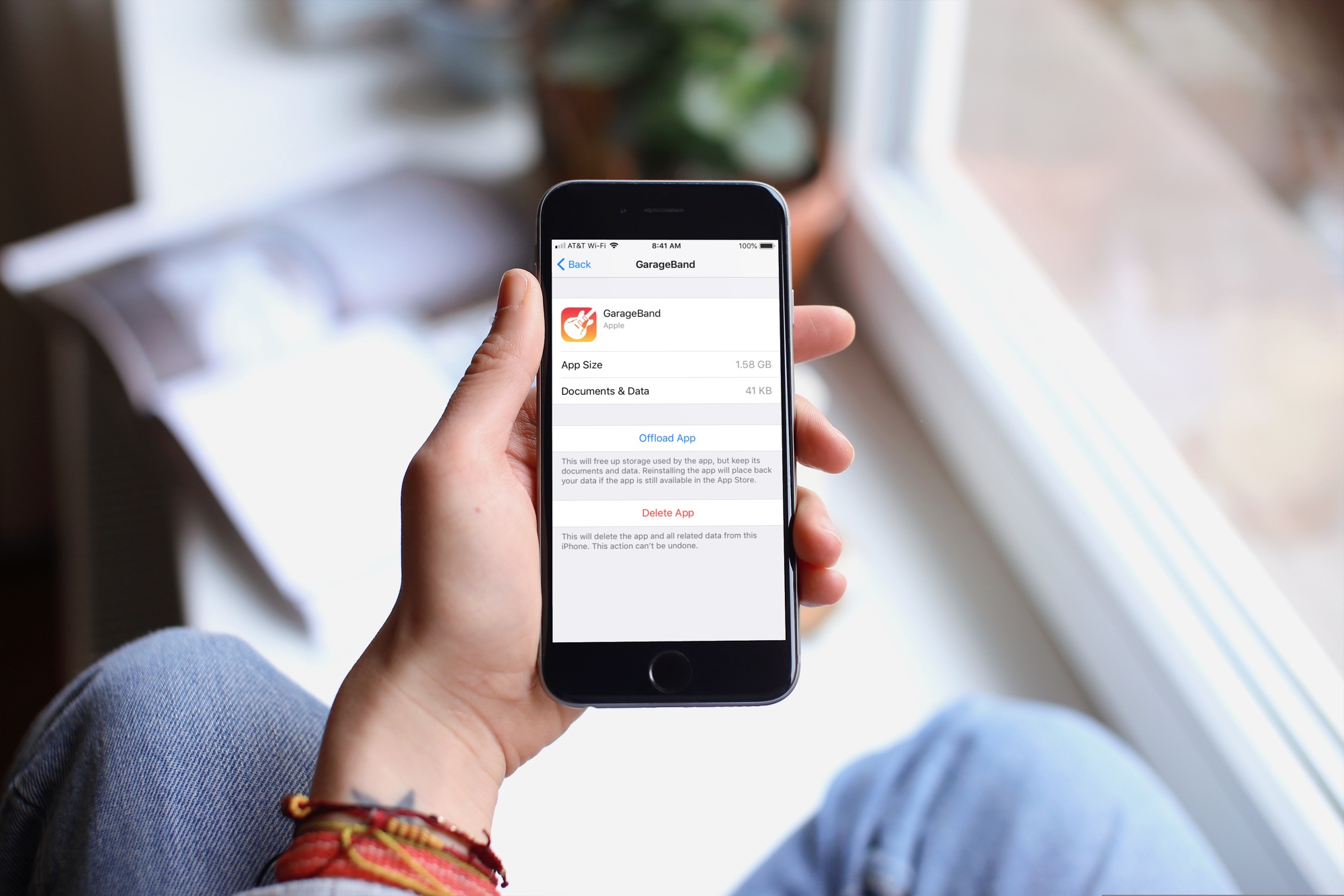
GarageBand Storage Space iPhone

When you get that shiny new iPhone or iPad, you’re going to spend some time getting it just how you want it. One place you’ll likely begin is with the App Store. Whether it’s games or apps that tickle your fancy the most, you’re going to grab them. What comes with downloading the games and apps you want is enough space for them all.

So, why waste space on apps that you will never, ever use when you need it for those you want to use every day? Here’s how to quickly save over 2 GB of storage space on your new iPhone or iPad.

How to loop a video in QuickTime on Mac

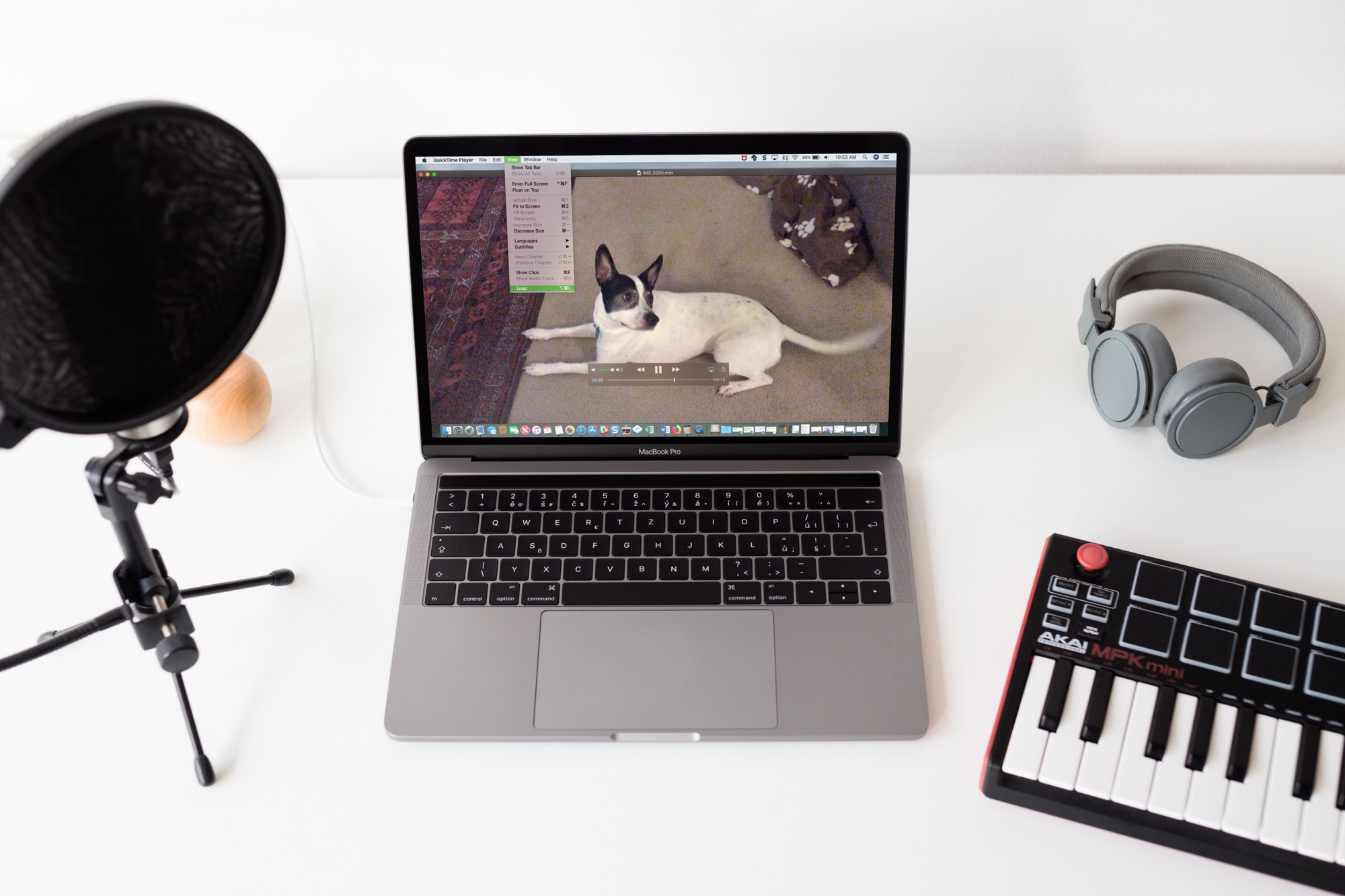
QuickTime Video Loop on Macbook Screen

Sometimes you just can’t get enough of a video. Whether it’s one you created or one that someone shared with you, whether it's audio or visual, you can easily play it over and over without hitting a button. If it can be played in QuickTime, it can be looped in QuickTime. And you can do this in just a few clicks.

Here’s how to loop a video in QuickTime Player on Mac.

The best apps for creating resumes on iPhone and iPad

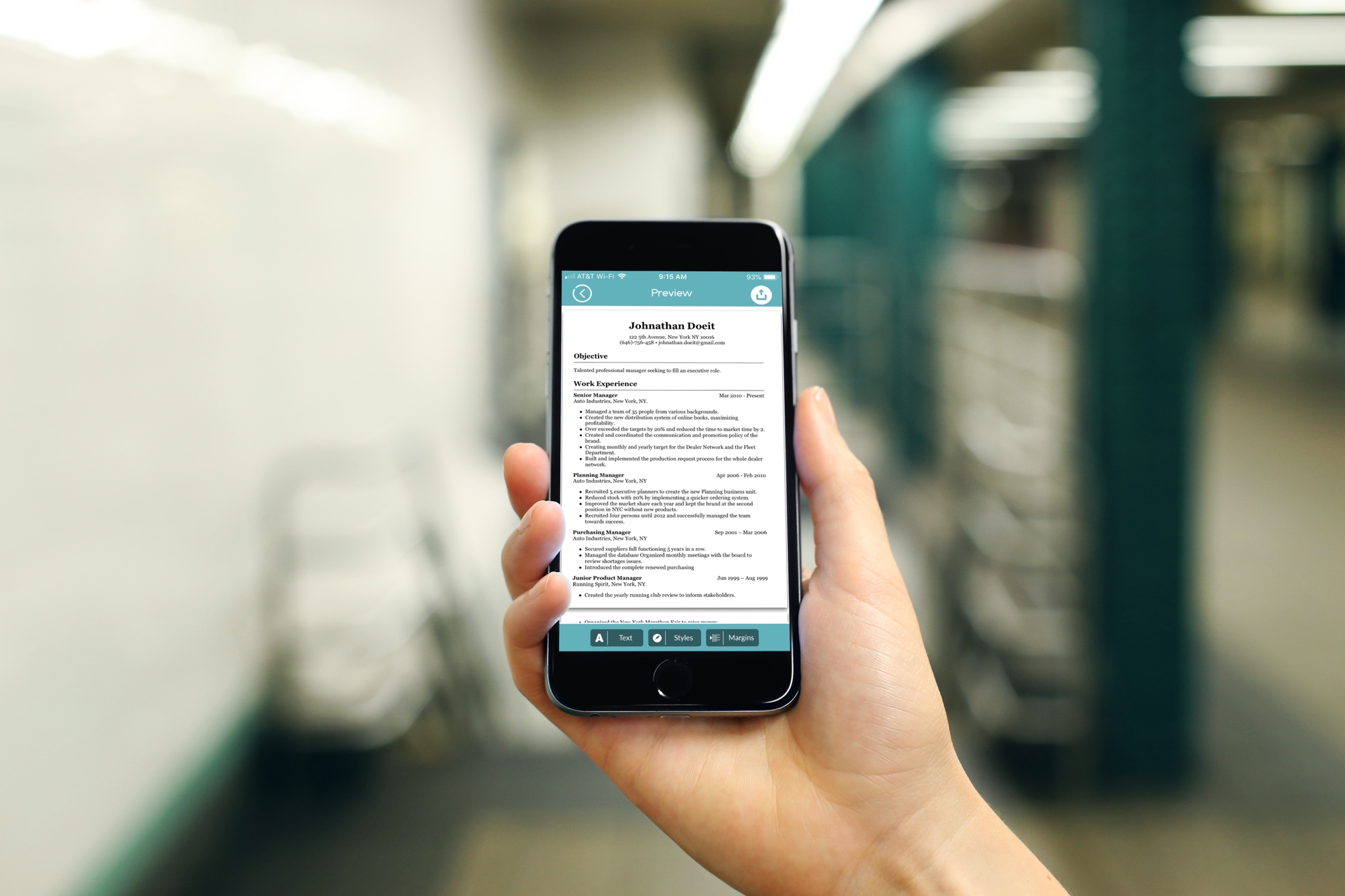
Resume Apps Resume on iPhone

You don’t always have the time or opportunity to sit down at your computer to work on your resume. But these days, you don’t have to rely on your Mac. You can create and send attractive and professional resumes right from your iPhone or iPad. This lets you work on that all-important document anywhere, anytime.

These are the two best apps for creating resumes on iPhone and iPad.