Set up your Mac for success when you’re working from home by following these handy tips to add useful widgets to your Notification Center.
Tips to set up your Mac Notification Center for remote work

Set up your Mac for success when you’re working from home by following these handy tips to add useful widgets to your Notification Center.
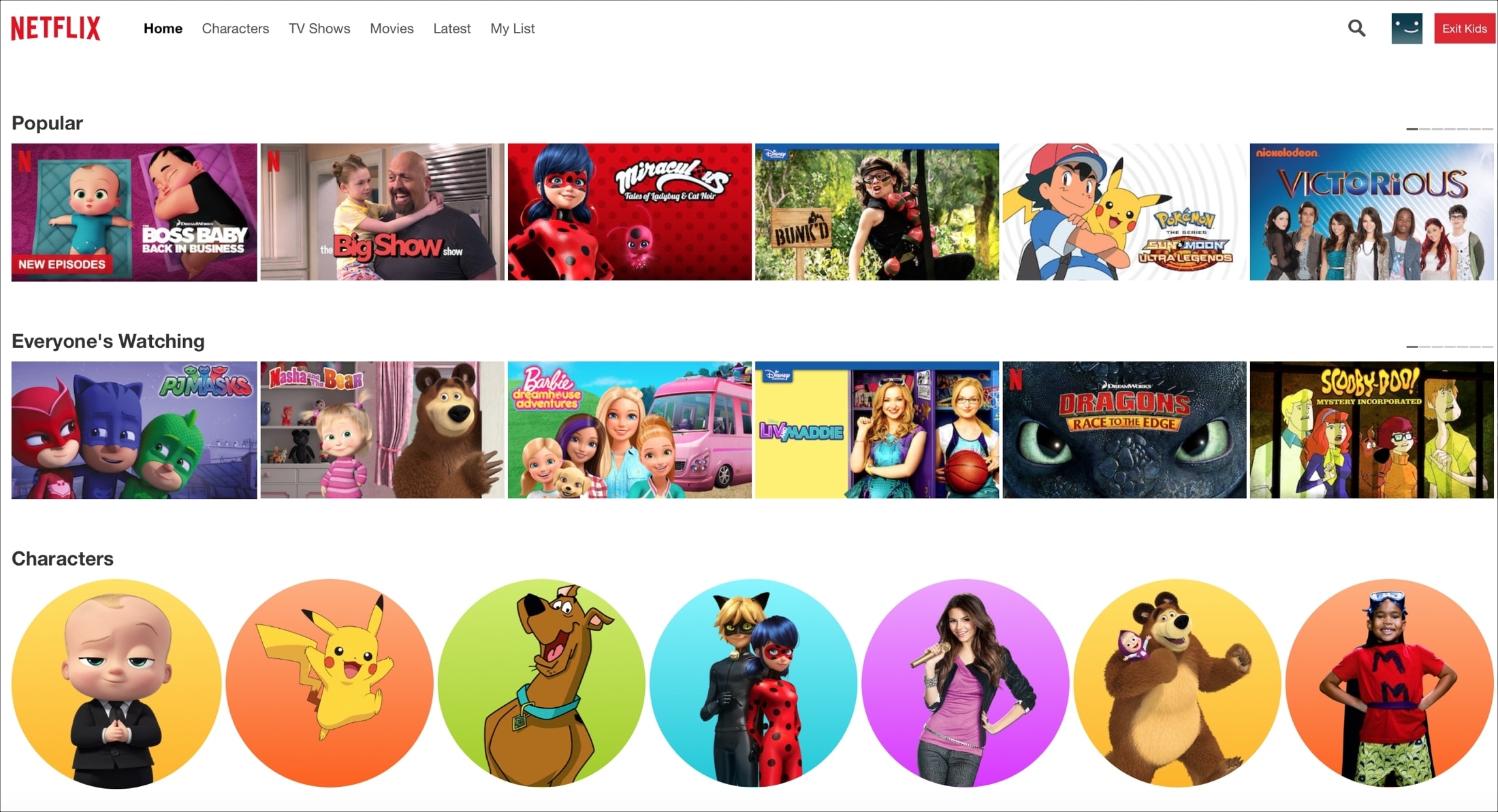
Learn how to safeguard your child's viewing experience with step-by-step guidance on setting up parental controls on Netflix.
Wondering how to quickly rotate, switch views, or drop a pin in the Maps app? Here is a list of keyboard shortcuts that will help you do things quicker in the Maps app on Mac.

Later in March 2020, Apple launched an app and website dedicated to the coronavirus and COVID-19. Both are free and provide up-to-date information, screening tools, best practices, answers to questions, and more.
To look at how the app and/or website can help you and your family during this time, here are details about using the Apple COVID-19 app and website.

Stanford Medicine and Apple have joined forces on a new iPhone app which was designed to help connect first responders to drive-through COVID-19 testing if they are showing symptoms of a coronavirus infection or COVID-19, a disease it causes.

As promised, Atari's "Missile Command: Recharged" is now available in the App Store.
Browse for apps and games without lifting a finger by learning about this list of Mac App Store keyboard shortcuts that are easy to use and remember.
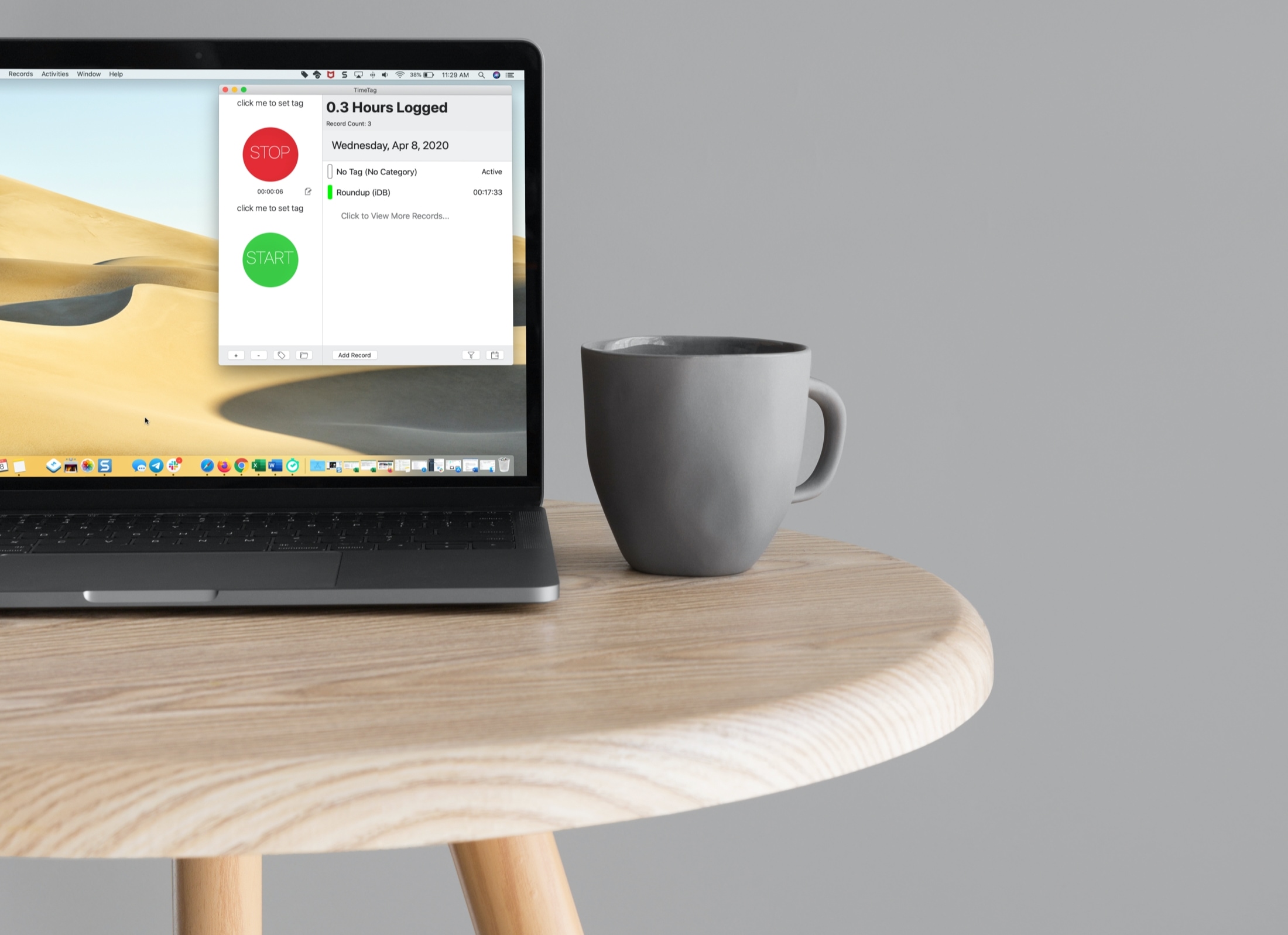
If you’re a freelancer, remote worker, or another job type where you need to log your time, then you want a good time tracking app for Mac.
Time trackers come in all shapes and sizes. From those that have a basic start and stop button to those that have built-in task management features, do you have the time to try them all and see which is best for you?
To help you out, we’ve tried several time trackers for Mac and have narrowed that list down to these best ones.

Watchsmith is a useful new app from developer David Smith (best known for his sleep-tracking Apple Watch software, called Sleep++) that lets you customize more than three-dozen dynamic watch complications which can change throughout the day. Given Apple doesn't permit third-party watch faces, it's the closest thing to being able to create your own watch faces.
Got no internet connection, but need to edit a shared document? Here’s how offline editing works in Pages, Numbers, and Keynote on iPhone, iPad, and Mac.
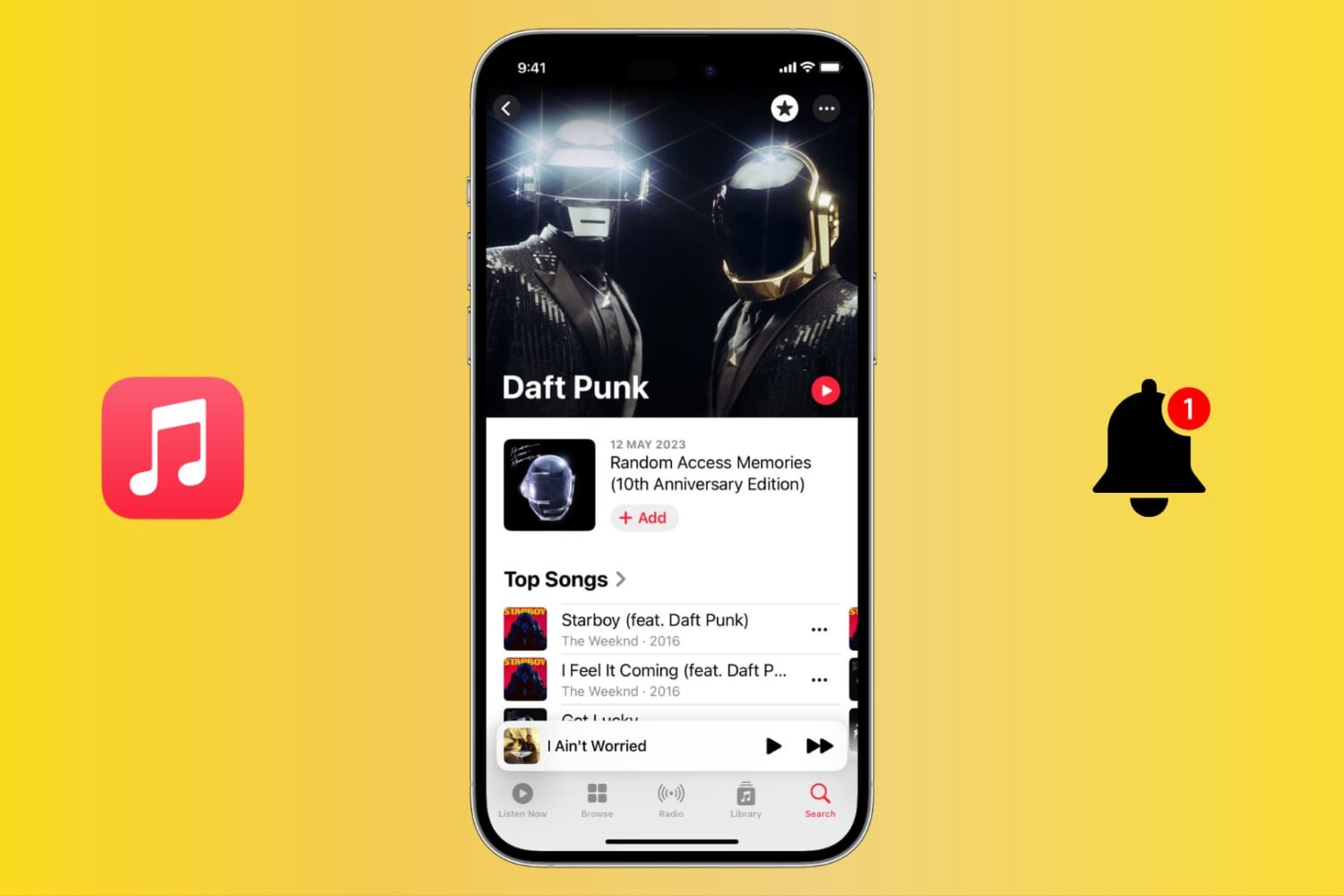
Stay up to date with your favorite artists’ latest releases on Apple Music and never miss a beat by receiving notifications for their new songs and albums.

Learn how to create reusable email templates in the Apple Mail app on Mac, and save time composing those frequently sent emails.