In this handy tutorial, we’ll show you how to use the bookmarks feature in the Apple Pages app on Mac, iPad, and iPhone to easily reference specific locations in your documents and get to them quickly.
Apps
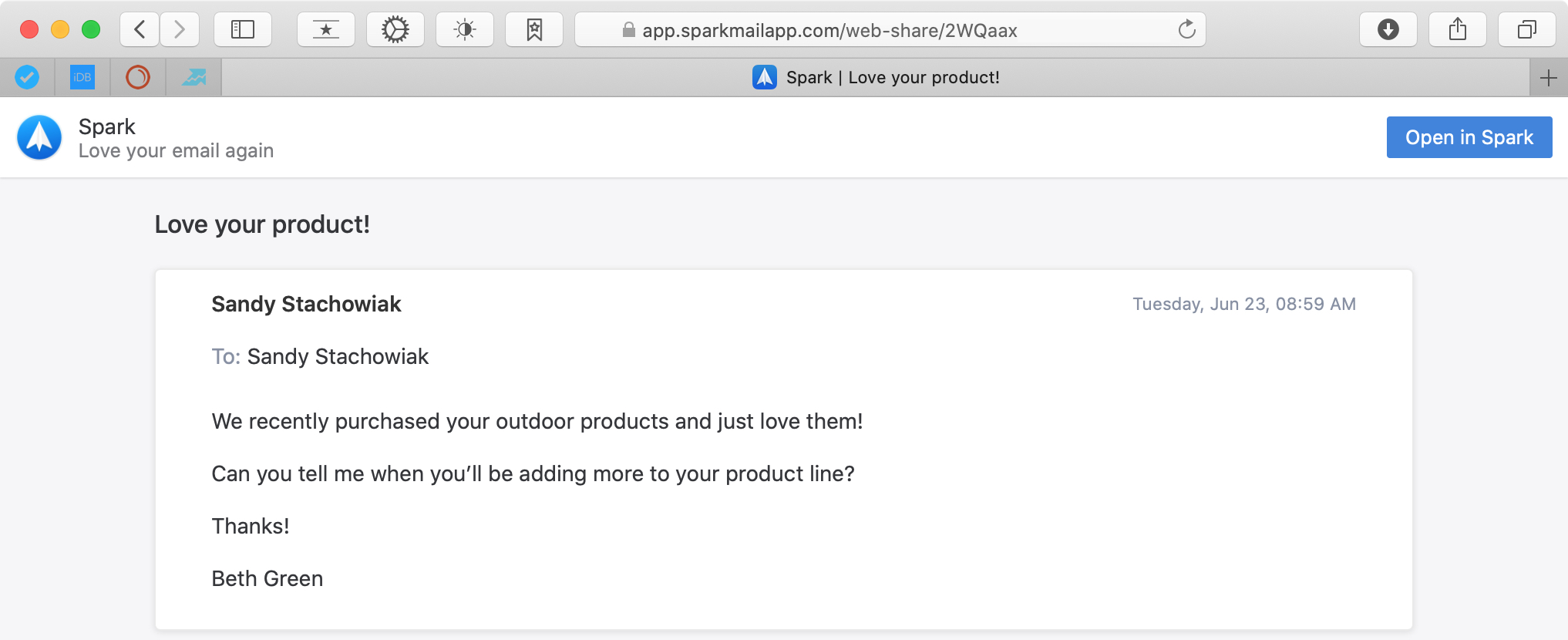
How to create a link to an email in Spark on Mac, iPhone and iPad
Have you ever wanted to share an email with someone but didn’t necessarily want to forward it to them? Or maybe you wanted to use an email with nice feedback from a client or customer in one of your documents or presentations?
There are situations like these, along with more, when a link to an email that you can share with others comes in handy. If you use Spark for your email communications, you have access to this convenient feature.
Here’s how to create a link to an email Spark on Mac, iPhone, and iPad.
The best free iPhone and iPad math apps for kids
Educational apps for iPhone and iPad are plentiful. And it’s with good reason. Putting a device in the hands of your child can help teach them something new or practice what they’ve already learned. And since math can be a difficult subject for kids of any age, using a teaching tool that makes it more enjoyable for them is a great way for them to learn.
If you’re thinking about getting a math app for your child, we’ve assembled a terrific list. All apps are available for free but some come with in-app purchases for extra features - like many free apps. But this gives you a wonderful way to try out the app to see if you and your child like it before spending any money.
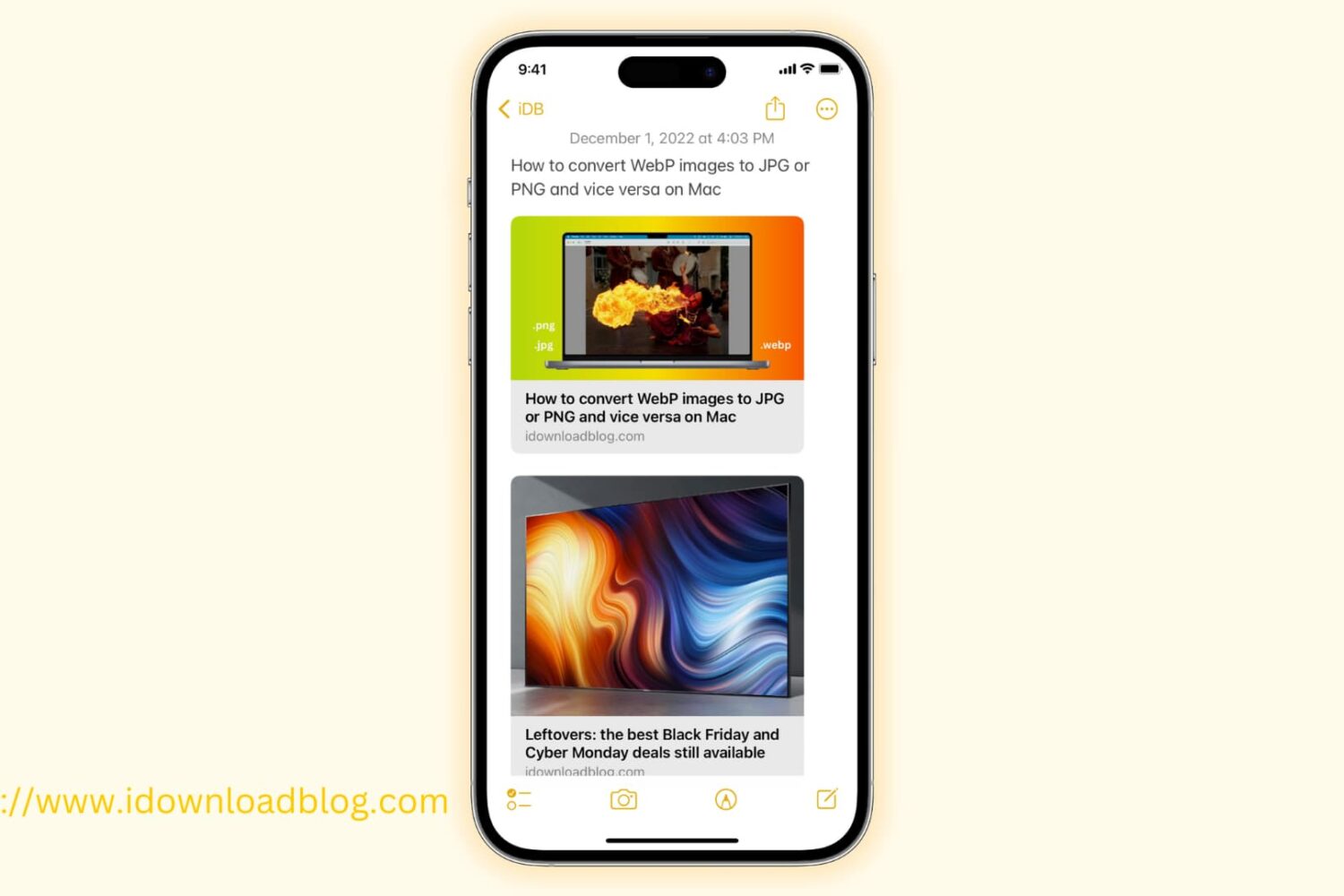
How to add and remove links in Notes on iPhone, iPad and Mac
Learn how to add and remove links in Apple Notes on your iPhone, iPad, or Mac with these simple methods.
How to create an animation with pictures in Google Photos
Doing fun things with your photos can make them more enjoyable to look through. We’ve shown you how to create a Google Photos movie and how to make a collage in Google Photos. So how about creating an animation?
Google Photos lets you choose from two to 50 photos and turn them into a neat animation, here’s how.
How to create a movie with pictures in Google Photos
In addition to the built-in Photos app on your device, Google Photos is another good place to store your pictures. And if you use this handy app on your iOS device or the web, you know it has some cool features for simple browsing and organizing.
Another great feature of Google Photos is that you can create movies from your pictures. This is a neat way to relive moments or share them with others. Here, we’ll show you how to create a movie in Google Photos on iPhone, iPad, and the web.
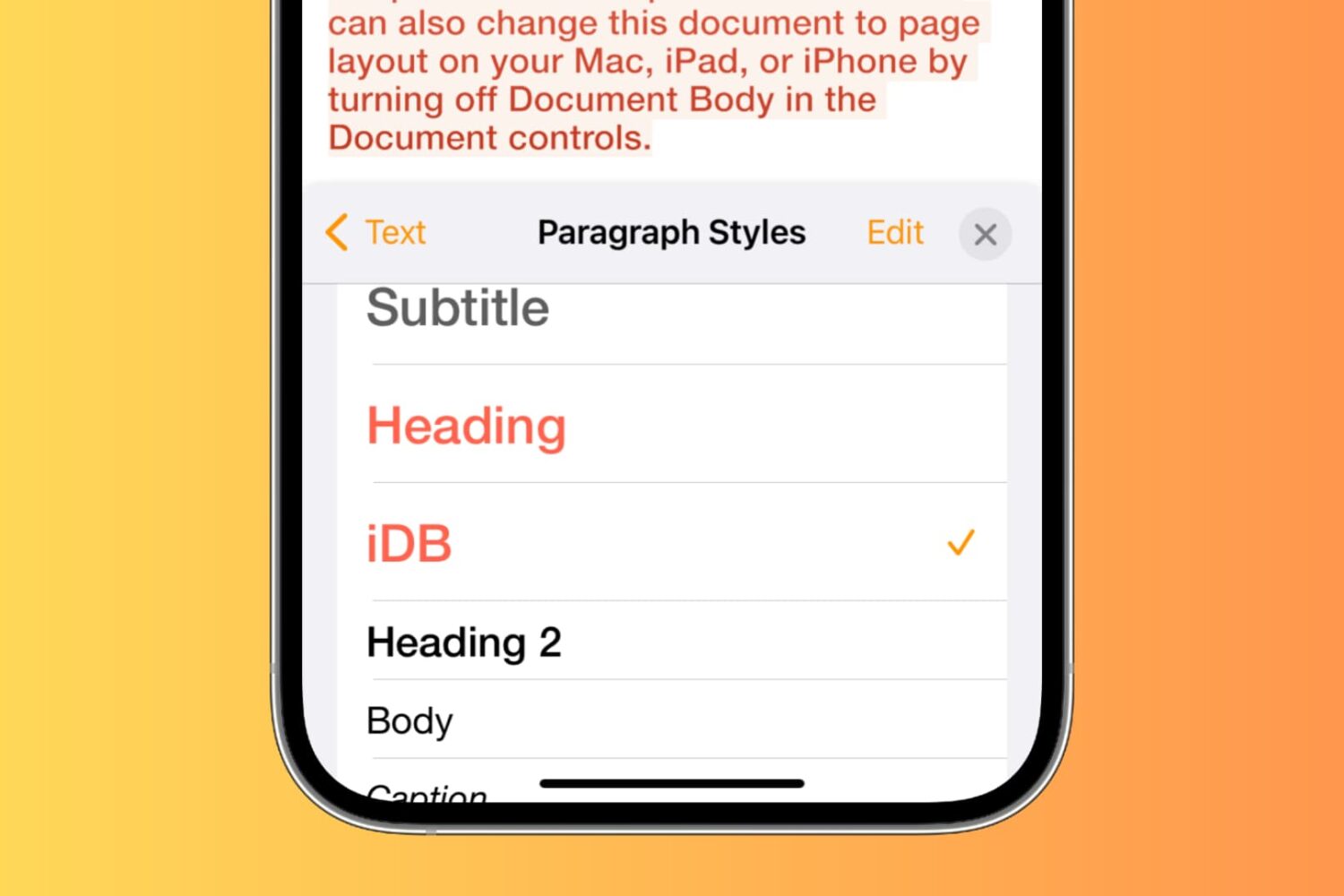
How to customize and create paragraph or text styles in Pages, Numbers, and Keynote
This tutorial shows you how to edit paragraph styles or create a new one in Pages, Numbers, or Keynote, on Mac, iPhone, and iPad.
Helio, Fun Apart, Leap Habit Tracker, and other apps to check out this weekend
In this week's episode of our Apps of the Week roundup, we have a beautiful sunset finder, a video chat platform with built-in card games, and an intuitive habit tracker. And as always, we've selected two great new games for you to check out.
Apple Events for tvOS gets integrated into Apple TV app ahead of WWDC 2020
The Apple Events app was bumped yesterday to version 3.0 on the tvOS App Store, bringing updated text and graphics for the upcoming June 22 WWDC keynote along with a surprise announcement from Apple: the software has become part of the company's TV app.
How to get a direct link to any text on a webpage in Chrome
Check out this Google Chrome extension for your Mac or Windows PC to quickly generate a link to specific text on a webpage.
Pixelmator Photo 1.3 brings contextual menus and other improvements to productivity
The Pixelmator team today launched Pixelmator Photo 1.3, an enhanced version of its beautiful photo editor for the Pad, which includes several important productivity improvements.
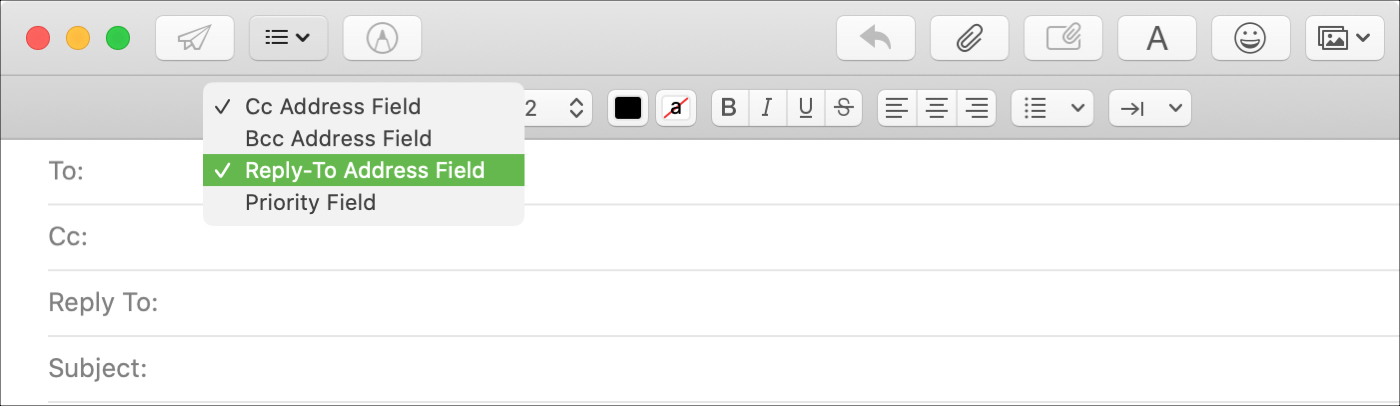
How to use the ‘Reply To’ field in Mail on Mac
You may have seen this when emailing a business; a different Reply To address than the one you received the email from. Companies and organizations can use this when they want replies to go to a specific mailbox. And if your business uses the Mail app on Mac, you can do the same.
Although it doesn’t currently appear to be a feature in Mail on iOS, it is on macOS. So here’s how to use that Reply To field in Mail.