Accessories

New jailbreak tweak enables sending text messages via Pebble

Those who are using a Pebble smartwatch rather than Apple's own Apple Watch as an accessory for their iPhone are limited in features, but with a new jailbreak tweak dubbed TextSender for Pebble, there is at least some hope for extended functionality.

TextSender for Pebble will, as the name implies, allow those with a Pebble smartwatch to send text messages from their watch via their iPhone.

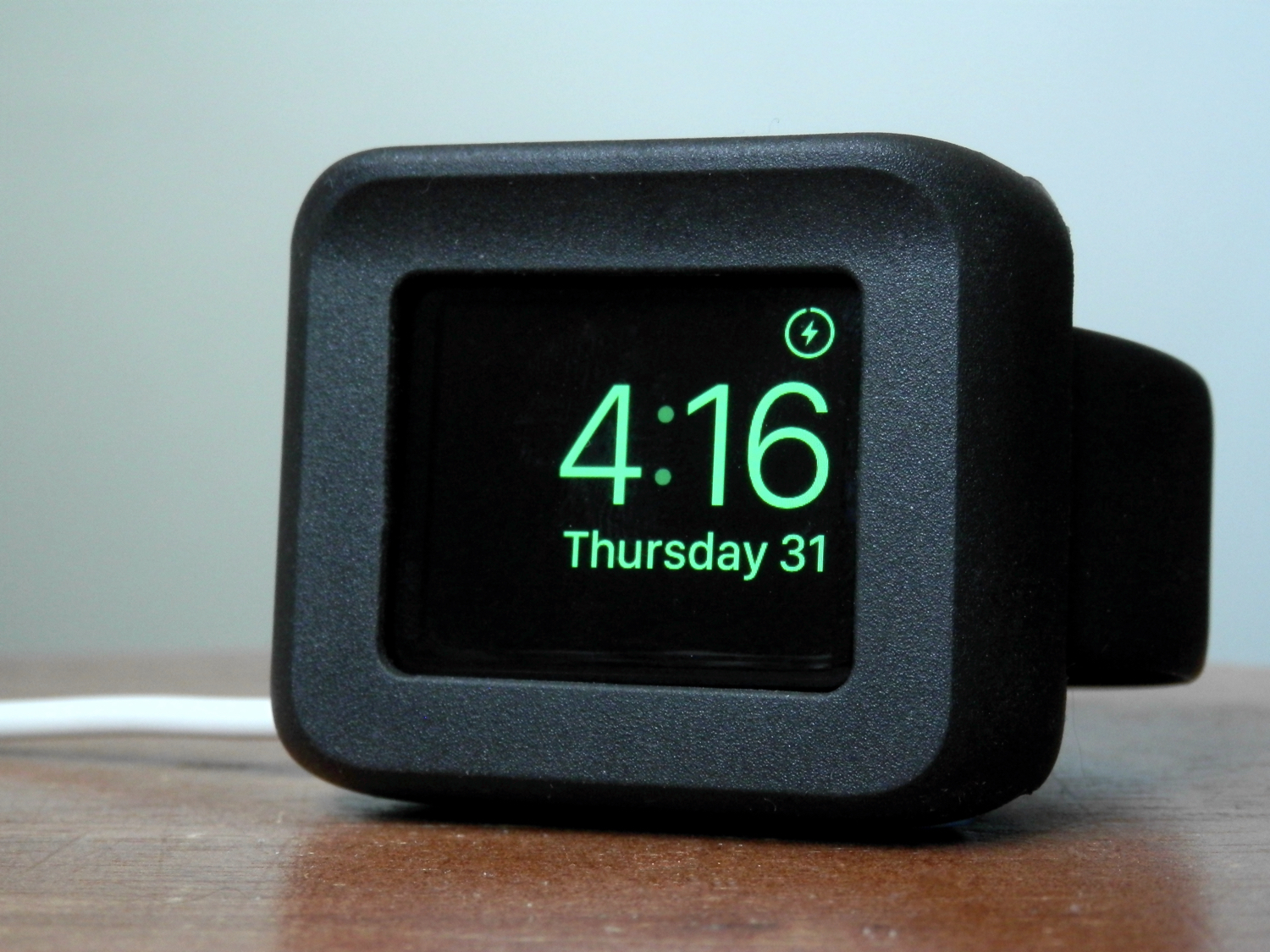
Notifications not forwarding to Apple Watch? Check these likely causes

It's a nice feeling when software works as it should, but that's not always the case. In the case of the Apple Watch, notifications that are supposed to be tapping on your wrist may not work when you expect them to.

If you're having problems with your Apple Watch not receiving the notifications your iPhone is putting out, then you'll want to follow the steps in this piece to troubleshoot what's going on and fix the problem.

How to use your iPhone as a keyboard for your Mac or PC

iPhone and MacBook kept on a table

Mobile Mouse Remote is a great app that turns your iOS device into a powerful utilitarian accessory for your Mac or PC. So far, we've shown you how the app can be used as a mouse or trackpad for your computer and how you can use the app as a remote control for your computer, but it also has a lot of keyboard functionality built into it to make your device into a software-based keyboard for your computer.

In this tutorial, we'll show you how you can use Mobile Mouse Remote to type or perform keyboard commands on your Mac or PC directly from your iPhone or iPad.

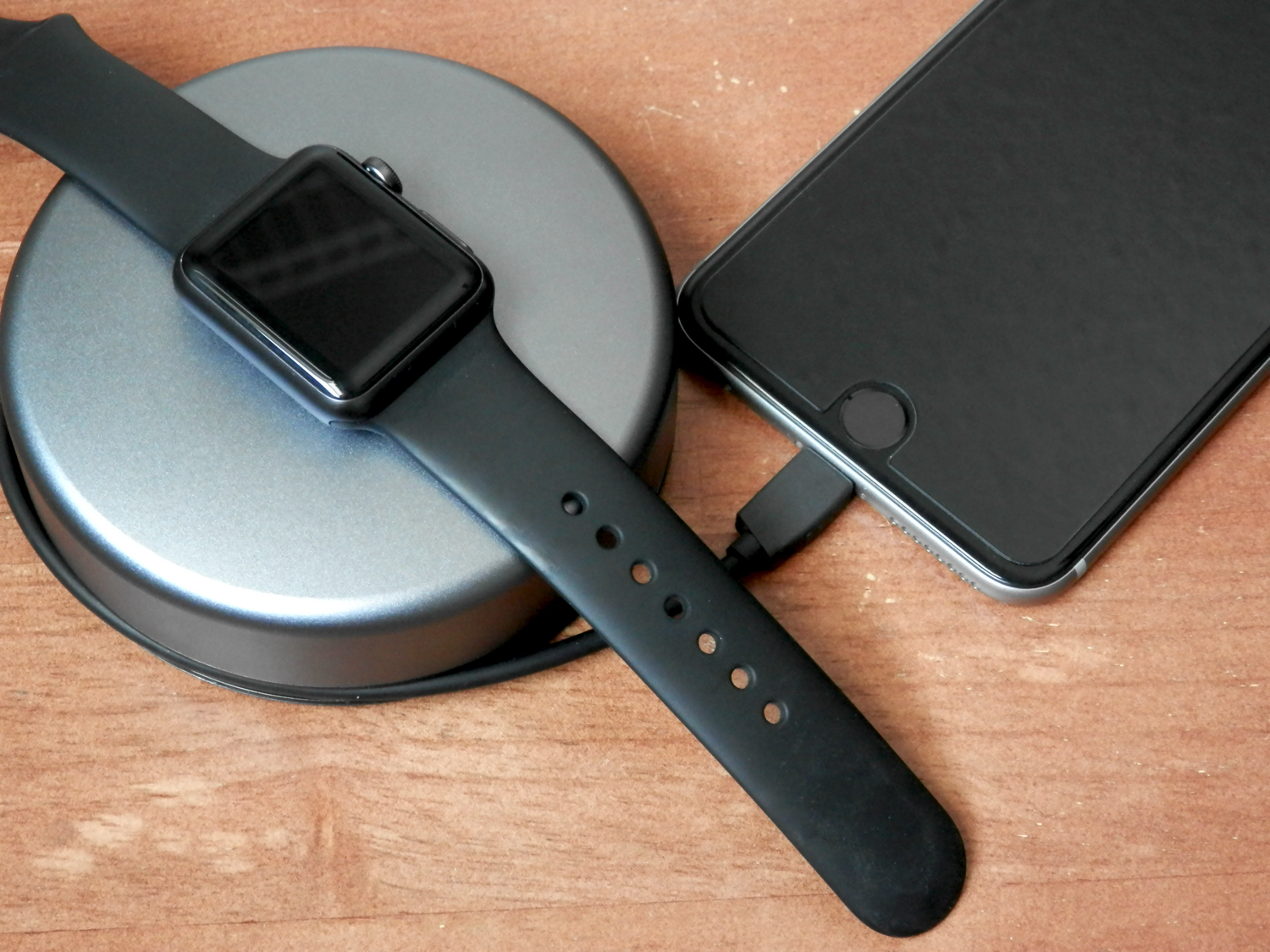
Review: Native Union docks for iPhone and Apple Watch

It isn't often that a single company creates an iPhone dock as well as an Apple Watch dock, and designs them in tandem. They often look entirely different, or the company that makes your favorite iPhone dock, doesn't even make an Apple Watch dock. A company as design-focused as Apple would never let something like that happen, and neither does Native Union. They recently released their new line of docks for iPhone and Apple Watch, and they completely compliment one another.

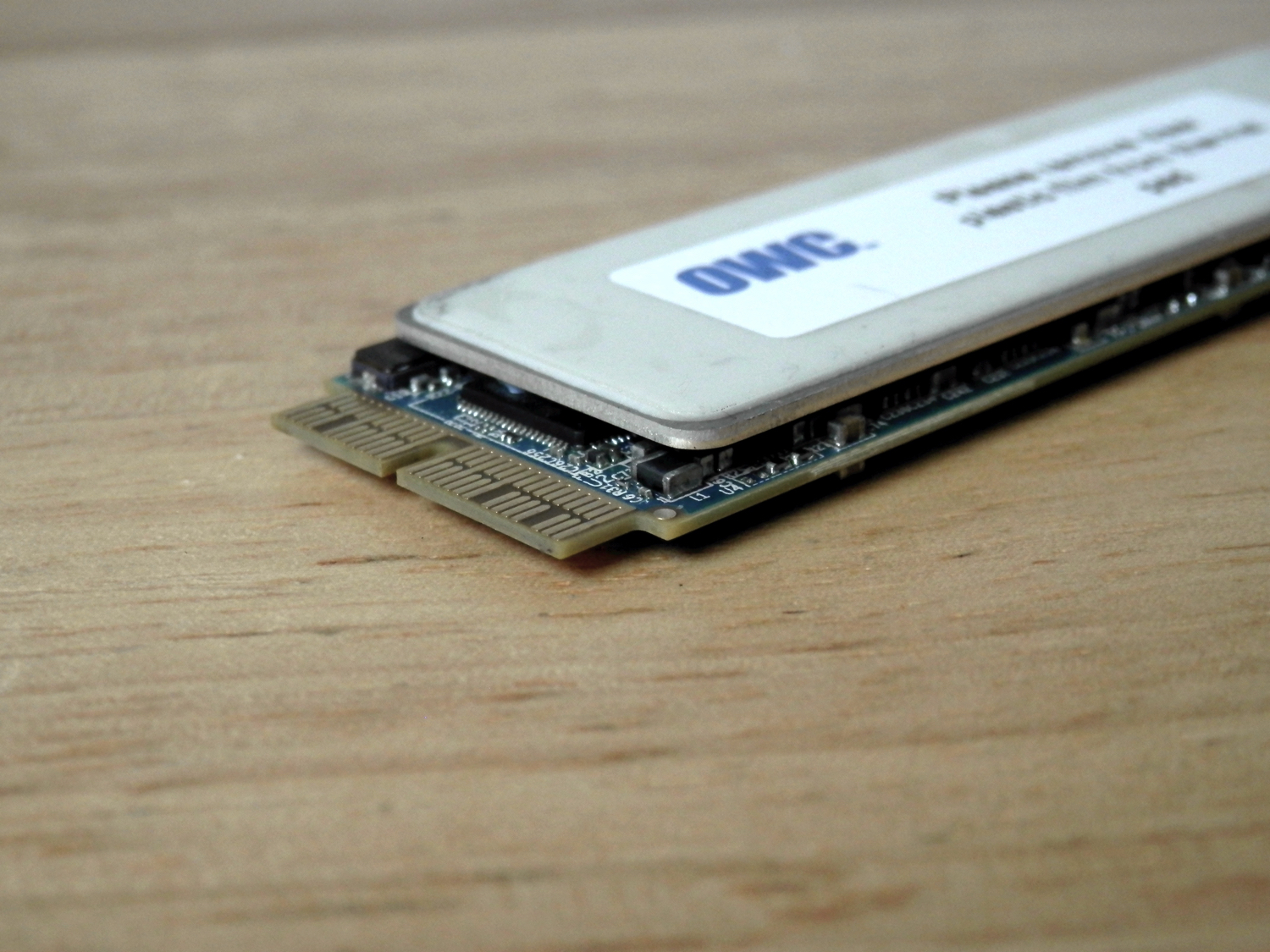
OWC’s new driver adds Boot Camp support to all of its aftermarket SSD upgrades

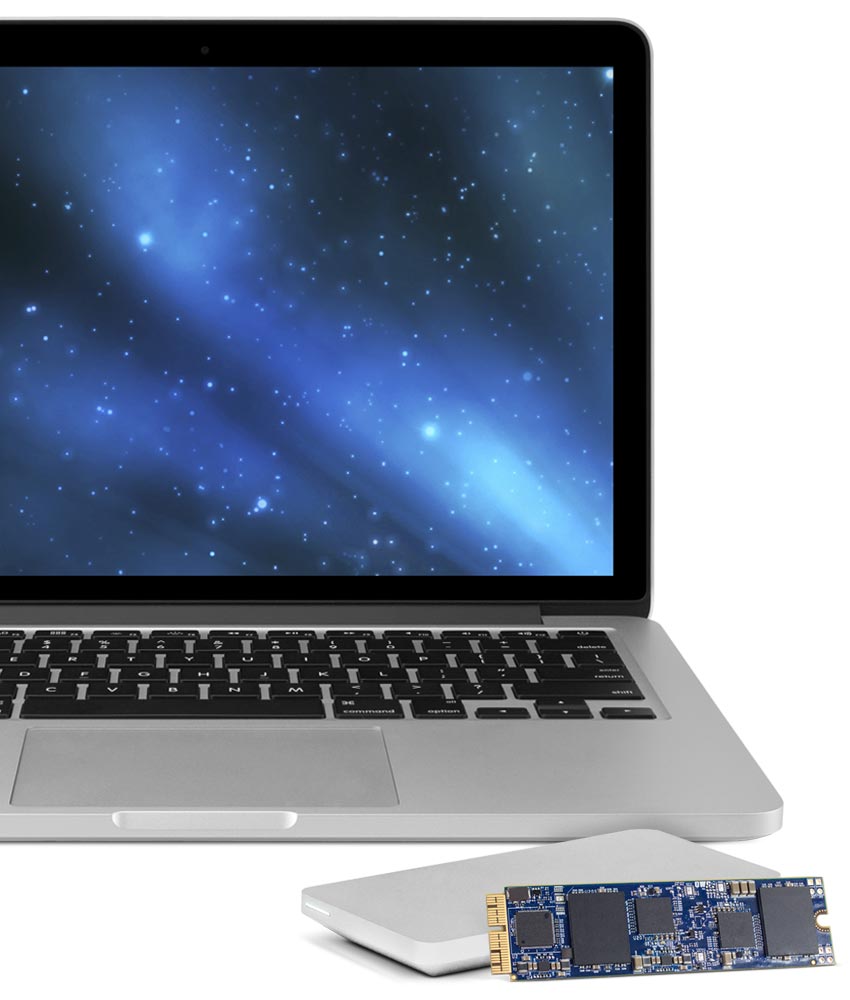
In March, Other World Computing (OWC) launched the world's first SSD upgrade for 2013 and later MacBook Air and MacBook Pro with Retina display computers. The storage upgrades came in 480GB and 1TB flavors, and we recently showed you the install process of the 1TB OWC Aura SSD upgrade.

There was unfortunately a caveat that disallowed you to use Apple's Boot Camp feature with the drives, which meant you were limited to installing one operating system on it at a time, or using a virtual machine instead of partitioning the drive and dual-booting your Mac.

As of today, OWC has fixed this problem with a new universal driver that enables Boot Camp on all of OWC's SSD upgrades to date.

STM Haven laptop bag review: high functionality packed into a minimal design

Ever since I was a kid I've been a closet edc/bag nerd. The more zippers and pockets, the better. There's just always been something oh-so-satisfying to me about discovering new ways to pack and travel with things more efficiently. So naturally I jumped at the chance to try out STM's Haven laptop bag.

The Haven is a backpack-style bag, equipped to fit most 15-inch laptops, that incorporates a minimal design constructed of great materials. It also offers features like pass-through holes for USB cables that help keep your stuff both organized and accessible while on the move. Read on for my full review.

iQunix makes an affordable, high-quality stand for MacBook

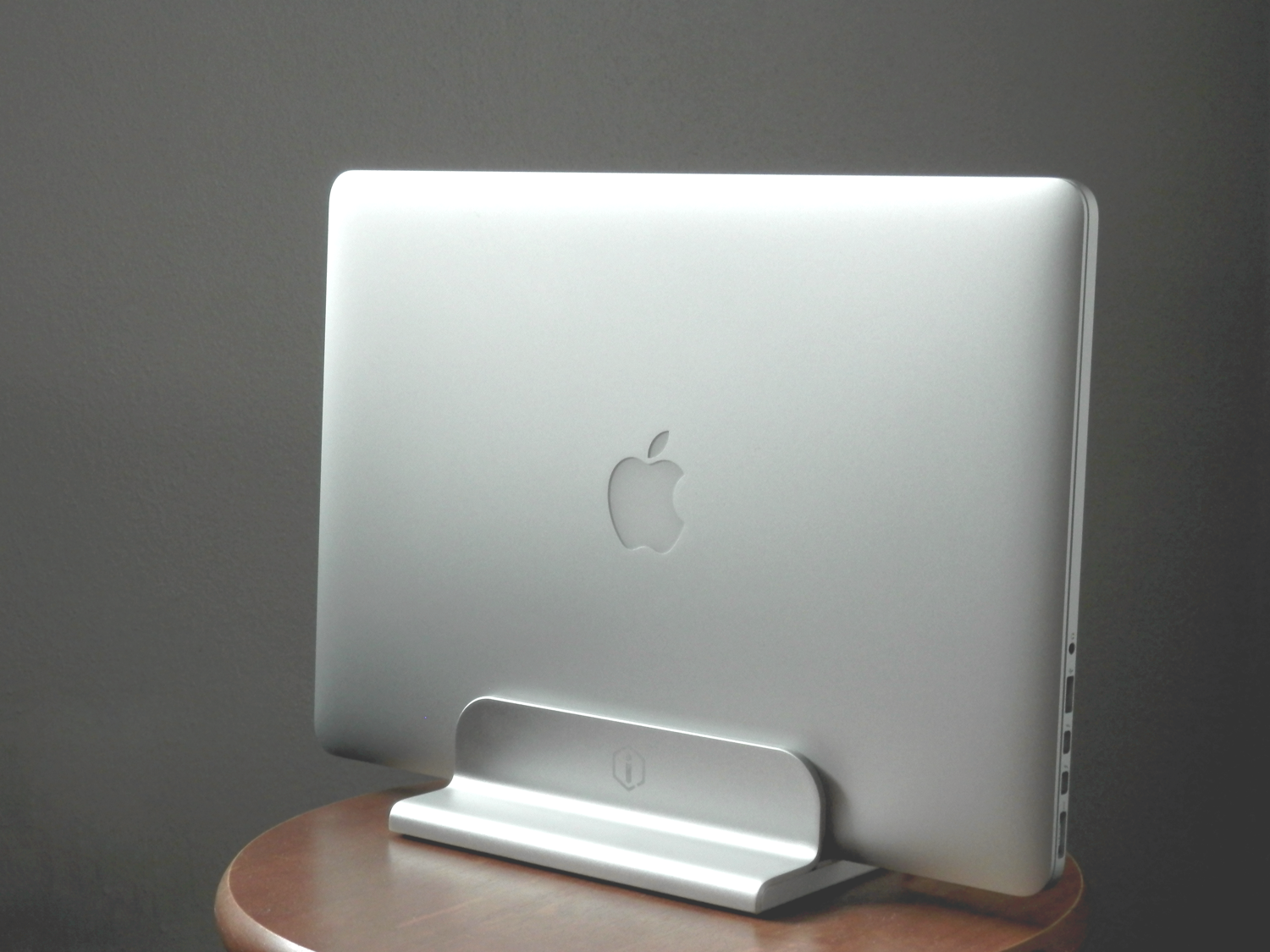
If you're looking for a durable aluminum stand for your Apple notebook, then don't count out iQunix. Although the popular brand names look appealing and are tried and true, we had the chance to go hands-on with the iQunix Edin, which is also a very high-quality stand for all MacBook models, all this at a lower price.

In this review, we'll show you how the iQunix Edin looks and touch on its build quality and features. Don't be shy; we think you're gonna like it!

Using your iPhone as a remote for your Mac or PC

You're probably familiar with Apple's Remote app for iOS devices, which allows you to control your iTunes playback on your Mac from your iPhone, iPod touch, or iPad so long as you're on the same network.

On the other hand, when I think of the word "remote," I think of much more than just controlling music.

It would seem that the makers of the popular Mobile Mouse Remote app for iOS thought the same, and in this piece, we'll talk about how the app works to make your iOS device a superior remote for your Mac.

How to use your iPhone as a mouse or trackpad

Your iOS devices have some of the best touch screens out there. As a matter of fact your iPhone screen makes for a great mouse, or trackpad.

The idea of using iOS devices as a trackpad for your computer isn't new, but Mobile Mouse Remote is a great app that provides this kind of functionality with ease of use in mind. It even packs some useful bonus features.

If you're interested in this kind of functionality for your iPhone, iPod touch, or iPad, then this is something you're going to want to check out.

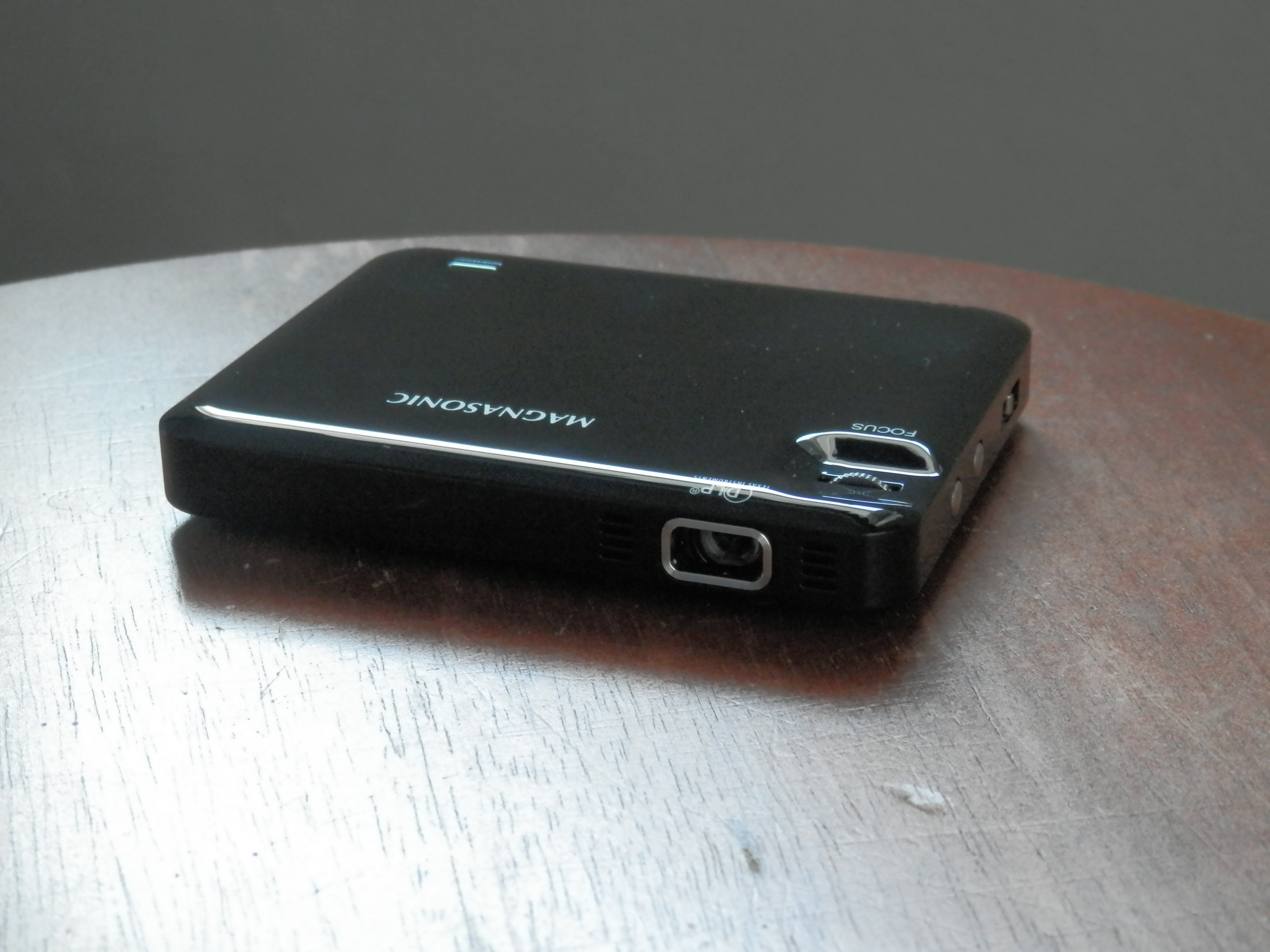
Magnasonic’s pocket-sized LED Pico projector lets you take the big screen anywhere

Magnasonic's new LED Pico Projector is just what you need if you're an on-the-go business person, want to watch movies on your wall, or need a quick way to show off a presentation at work or in class. But the uses don't stop there.

I first saw these little portable LED projectors emerging on the market just a couple of years ago, and I've been itching to try one ever since, but the technology is really coming around to being practical for use and the prices are just starting to become more affordable.

In this review, we'll show you how Magnasonic's new LED Pico Projector works and walk you through all of its features.

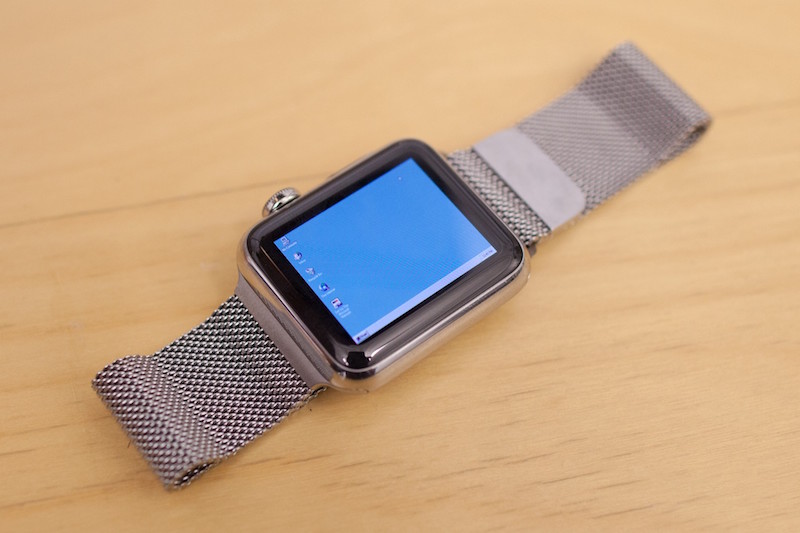
Developer manages to run Windows 95 on an Apple Watch

A developer for the Apple Watch has found a way to emulate the Windows 95 operating system experience on Apple's flagship wearable accessory.

Albeit nothing more than a concept, it really does show off how powerful the Apple Watch's internal hardware really is. This is just one of those things you have to see to believe.