Accessories

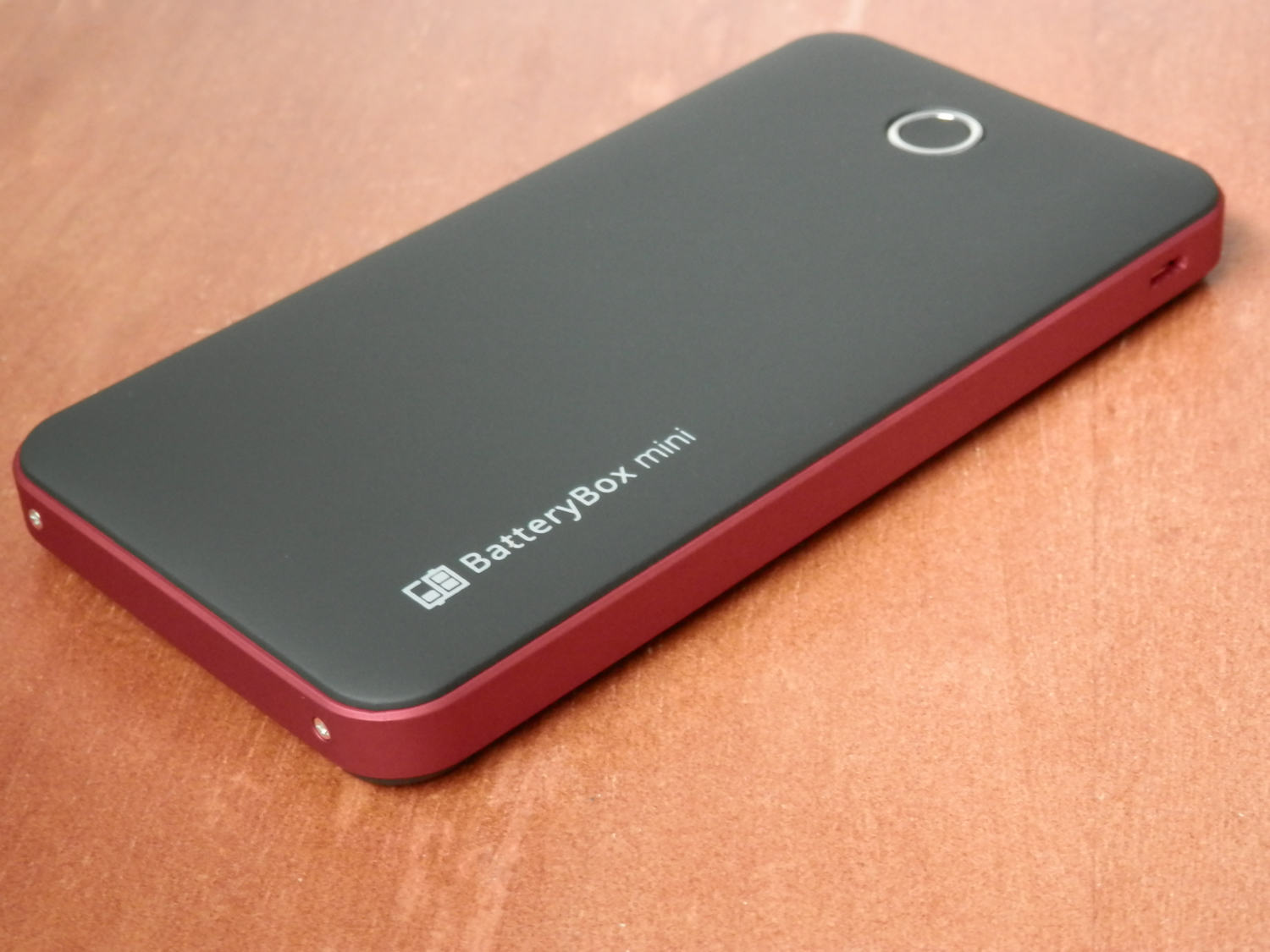
BatteryBox Mini keeps your iPhone (and much more) powered while on the go

Because I'm always out and about, and my iPhone can always use a good charge when I'm away from an outlet, external battery accessories are always of great interest to me. BatteryBox, which you may remember made it to both my top 5 accessories for iPhone and top 5 accessories for Mac lists, has long filled that void for me.

Nevertheless, I've been looking for something a little easier to carry around with me when I leave the house or leave the car, and something I can use a little more easily while walking around and while not carrying a backpack.

One solution I've found to work quite well for this need is BatteryBox's little brother, dubbed BatteryBox Mini, which can be had on the BatteryBox website for less than $35. In this review, we'll take you through the features of BatteryBox Mini and show you whether it's a good investment for your needs.
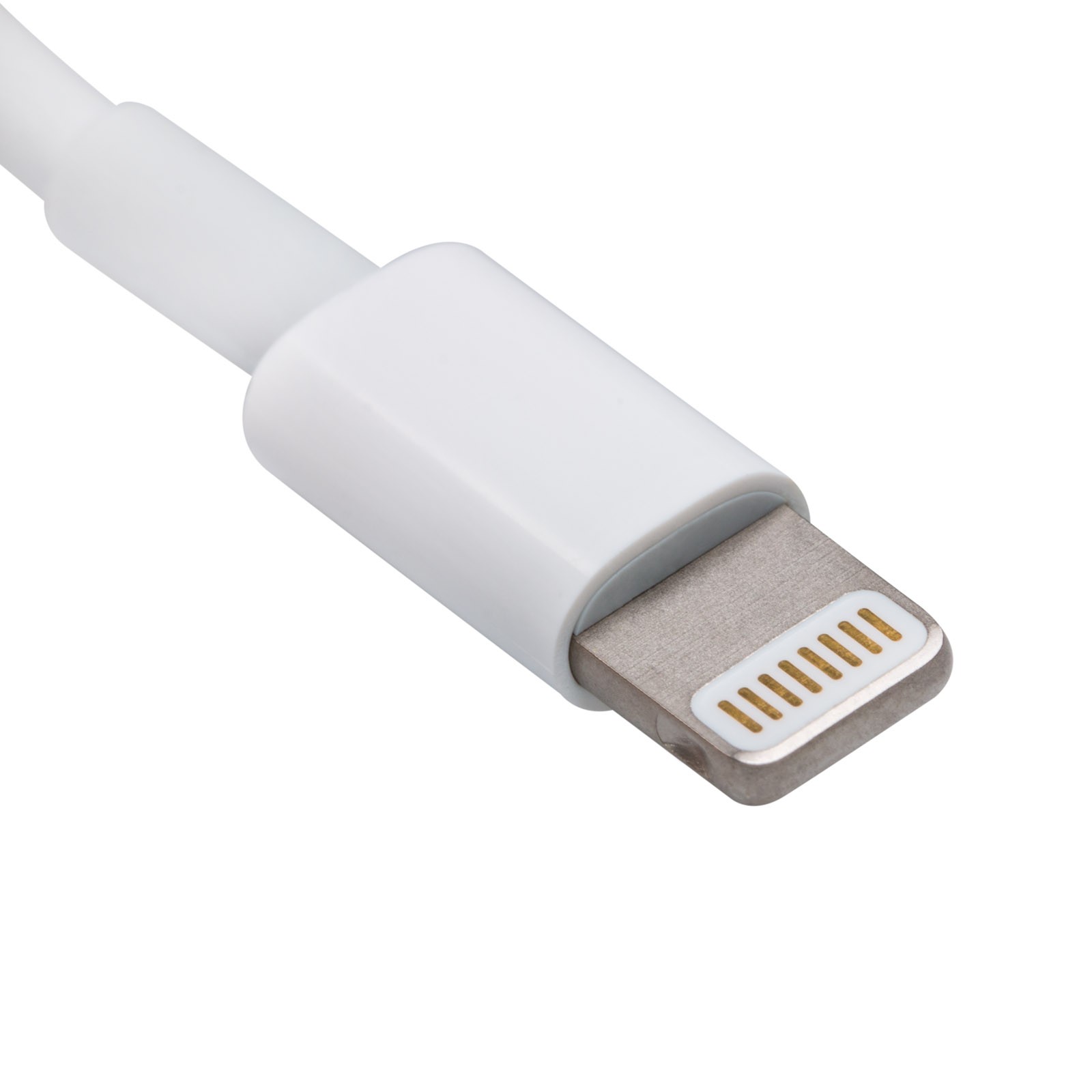
Spotting the signs of a fake Apple Lightning cable

Whenever you buy a new iPhone, iPod touch, or iPad, it'll come with a Lightning to USB cable that you will use to charge and sync your device. On the other hand, you have to be careful when you buy these cables separately, especially online, because you could end up with a counterfeit cable.

A counterfeit is a cable that tries to look just like Apple's OEM Lightning to USB cable, even though it isn't. Using these cables could have an adverse effect on your device, so we'll show you how to spot the differences between a counterfeit and genuine Lightning to USB cable in this piece.

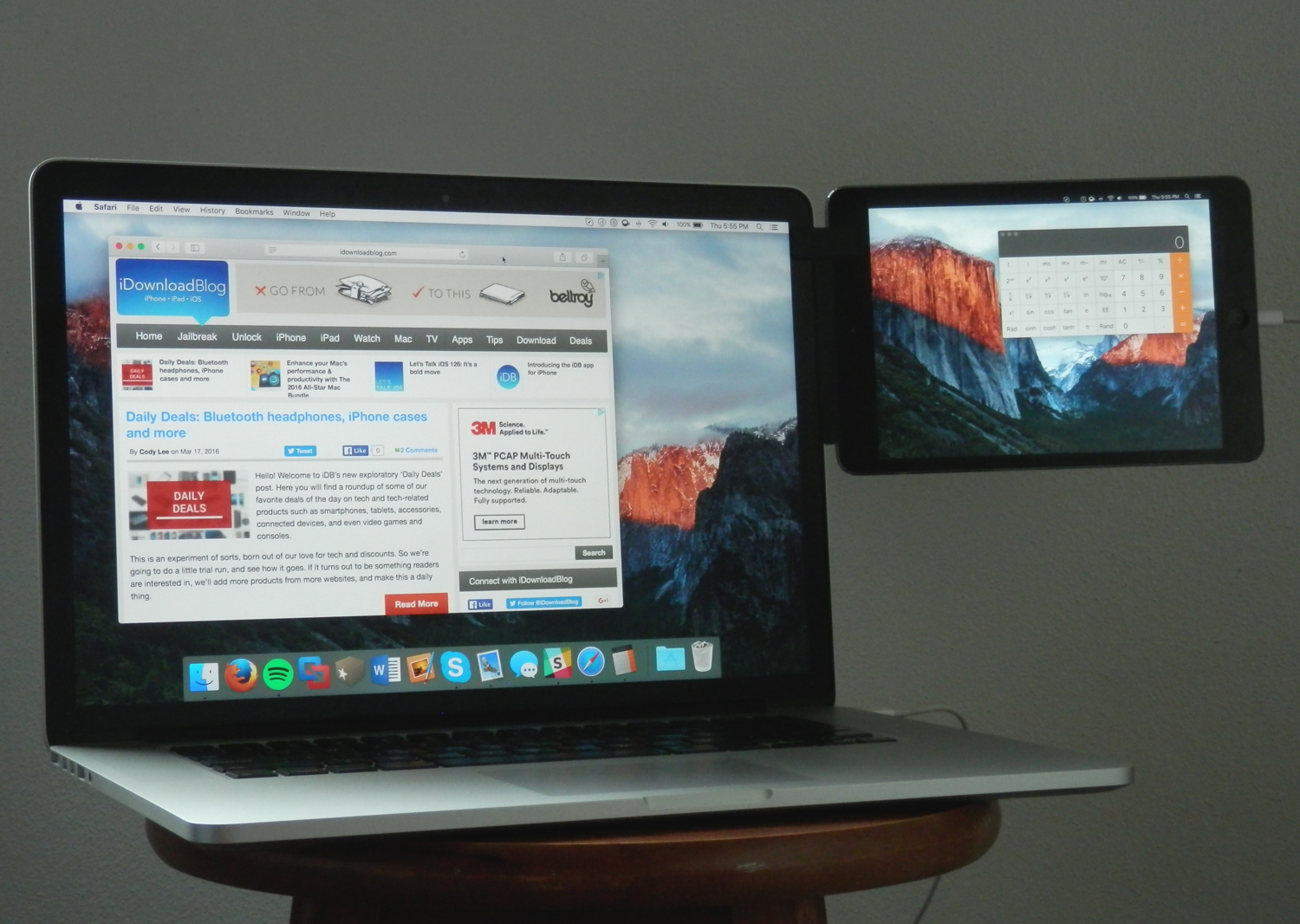
Mountie: a simple way to mount your iOS device side-by-side with your MacBook

Whether you're looking to make multitasking easier by having your iPhone, iPod touch, or iPad right next to your computer, or you're using some kind of screen-extension software like Duet Display, the Mountie by Ten 1 Design is a great way to use your iOS device side-by-side with your Mac or PC.

The Mountie, which can be had in either Blue or Green flavors on Amazon for just under $25, is an affordable way to keep your iOS device right where you want it – in front of your face – without needing to shell out big bucks on fancy desk stands.

In this review, we'll show you how the Mountie works and give you our general opinion on why you should or shouldn't consider it for your Apple accessory wish list.

Simple tips for safely cleaning your Mac and other Apple devices

Cleaning Mac keyboard

Your Mac, iPhone, iPad, Apple Watch, and/or any other other fancy high-tech devices you have are fun to use, but they'll easily get dirty and collect dust, sneeze splatter, and bacteria from your fingers over time, whether they're used frequently or not.

To combat grime, you can clean your devices every so often, but like anything else, there's a right and a wrong way to do this.

In this piece, we'll share with you some handy tips for cleaning your Mac and other Apple devices safely so you don't accidentally damage them.

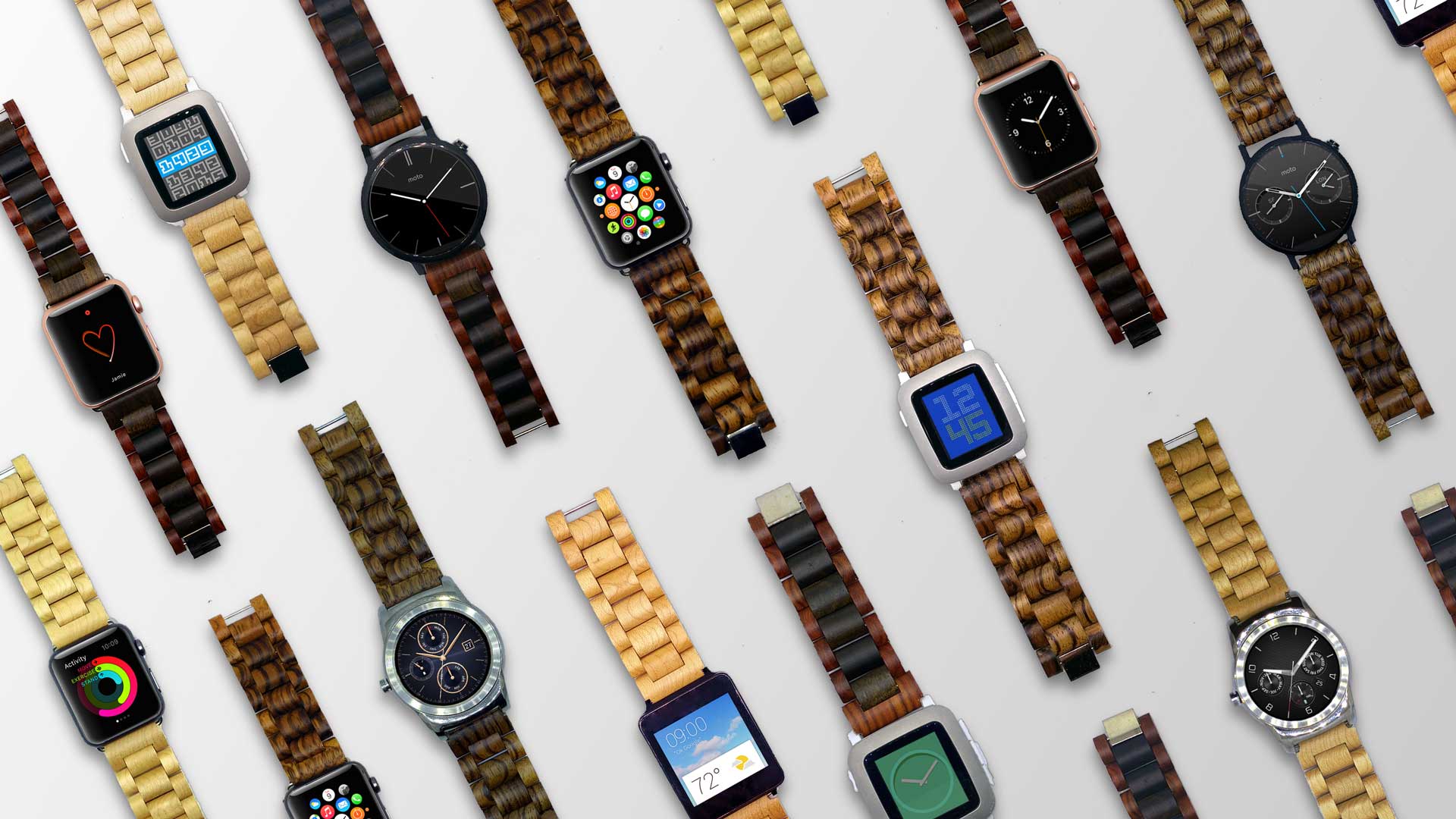
Ottm Apple Watch bands are made of 100% hardwood

When it comes to wearable technology, such as the Apple Watch and many other competing smartwatches on the market, fashion plays a big role. This isn't just something you take in and out of your pocket all day long; it's something you wear.

For that reason, a startup is launching an Indiegogo campaign for a new Apple Watch band made completely of wood, and it's being called Ottm.

Ottm will come in different kinds of wood colors and fit both 38mm and 42mm Apple Watches, as well as other smartwatches, and they're hand-crafted to ensure they're of the highest quality possible.

MacID price drops 75% in the App Store for a limited time

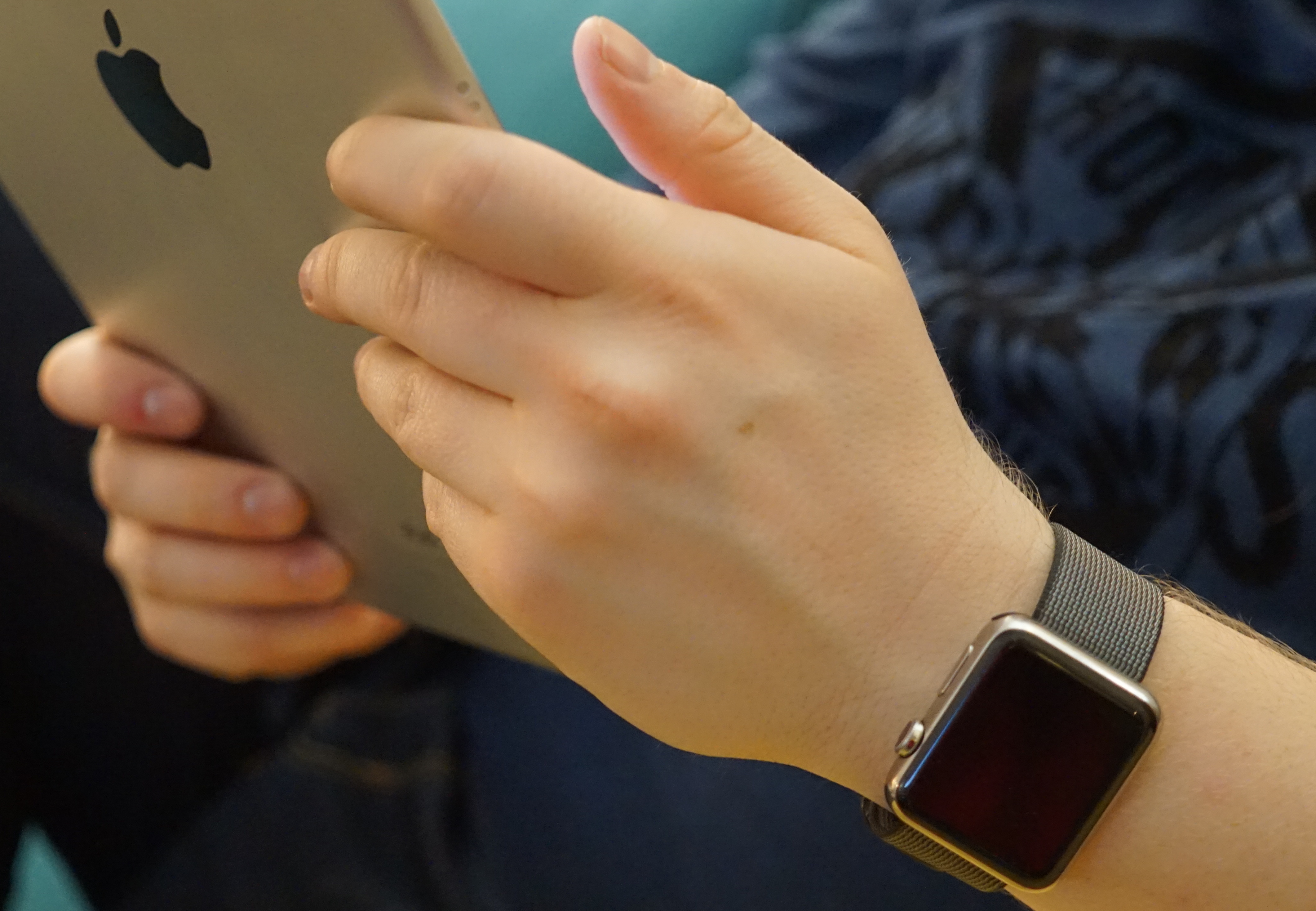
MacID, the popular app for iPhone and iPad that lets you use Touch ID or your Apple Watch (and yes, even your Pebble) to unlock your Mac over a Bluetooth connection, is on sale in the App Store this week for 75% off the usual price.

The app received an important update over the weekend with support for new features found in iOS 9.3 and watchOS 2.2, giving users the ability to configure multiple Apple Watches with MacID and use them to unlock their Mac.

Marked at just $0.99 for a limited time, you can grab MacID and start using your iOS device's Touch ID sensor or Apple Watch to unlock your Mac instead of typing in a password each time it locks itself.

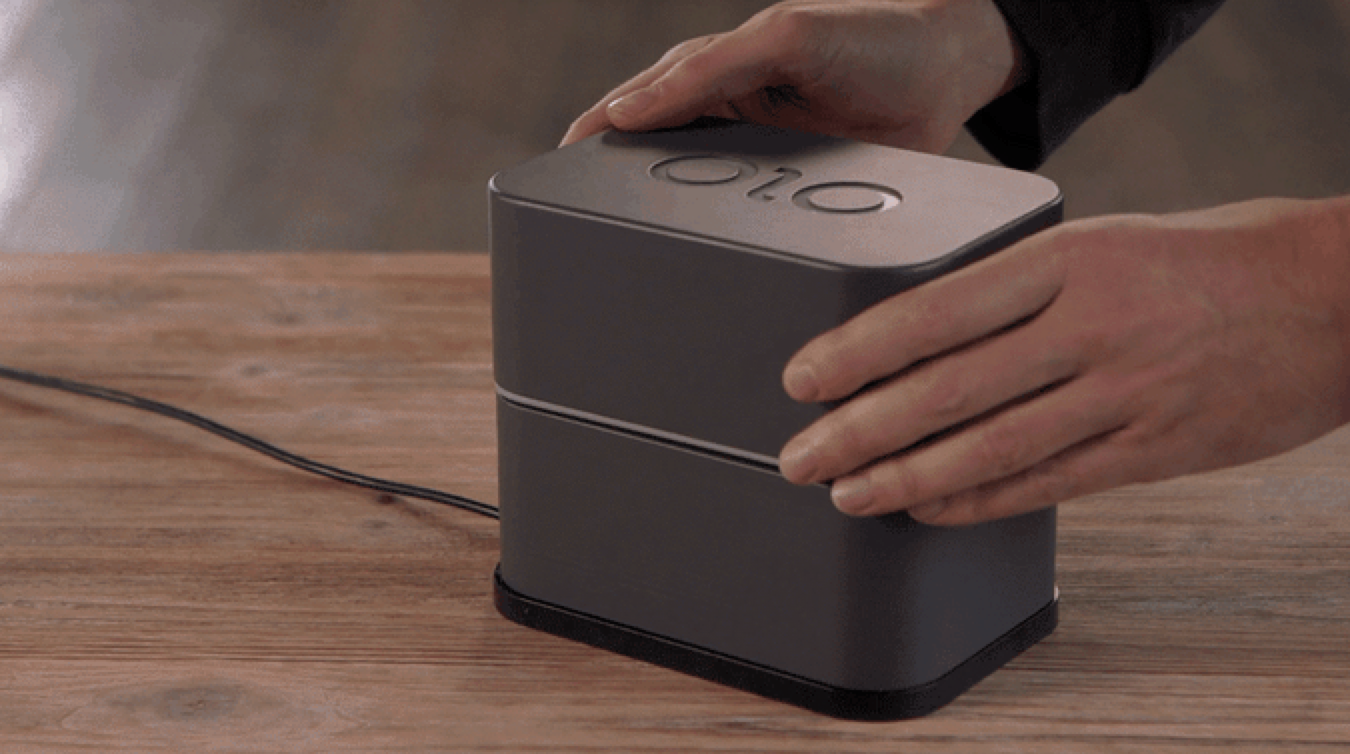
OLO Kickstarter campaign promises first practical 3D Printer for iPhone

3D printing is the wave of the future, and soon, you'll be able to do it right from your smartphone, whether it's an iPhone, Windows phone, or Android phone.

OLO 3D has launched a Kickstarter campaign for a super affordable 3D printer for your smartphone starting at $99, and within just a week, the campaign has gone viral and user response for the idea has excelled at an incredible rate. Out of the $80,000 goal, the campaign has already raised well over $1,100,000 as of this writing.

So how does it work?

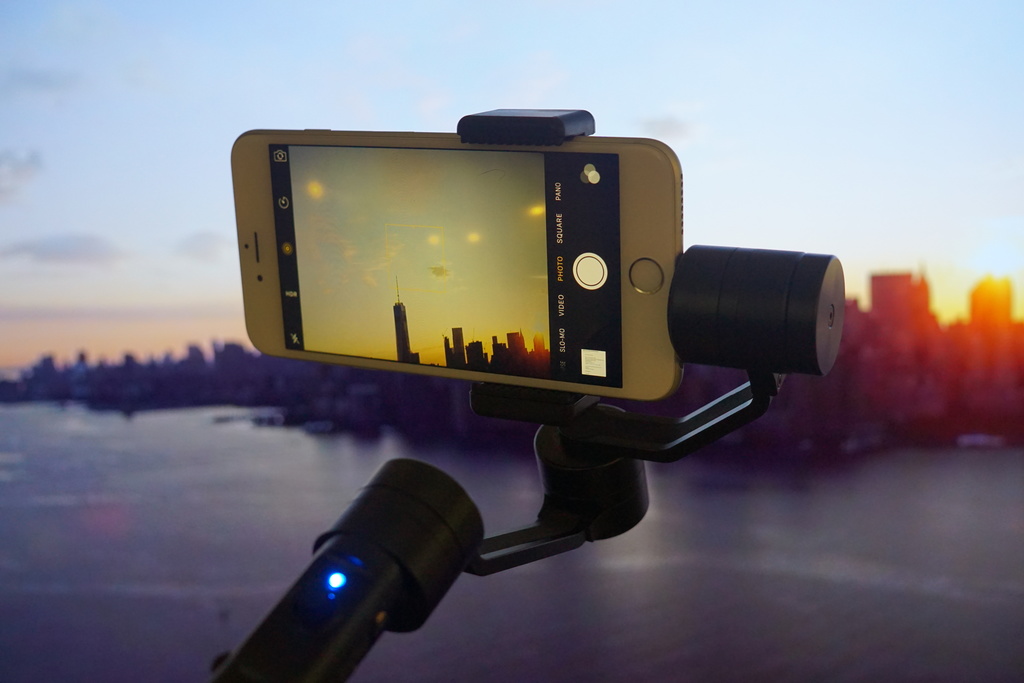
Review: ZhiYun Z1 Smooth-C gimbal gives your iPhone all the video stabilization it’ll ever need

If you use your iPhone for any kind of video production, then a gimbal should definitely be one of the top things on your wish-list if you don't already have one.

In this review, we'll be giving you an in-depth look at the ZhiYun Z1 Smooth-C 3-axis handheld stabilizing gimbal. This is a tool that many videographers use to keep their recording device of choice nice and steady, even when walking or running around.

Common camera problems on iPhone and how to fix them

The iPhone's camera may have gotten a lot of upgrades over the years, and it may be one of the most popular point-and-shoot cameras in the world, but that's not to say it's perfect. Just like any other camera, it can be subject to hardware issues and software bugs.

In this piece, we'll go over some of the most common issues related to problems with the camera on your iOS device, whether it's an iPhone, iPod touch, or iPad, and we'll explain some ways to troubleshoot those problems.

How to recycle your old tech with Apple’s Recycling Program

If you have old tech sitting in your closet or attic that you don't use anymore because you've got something better, Apple will gladly make sure that tech is recycled properly free of cost via the Apple Recycling Program. In some instances, the company will even give you an Apple Store gift card as credit towards a new Apple device or accessories.

The Apple Recycling Program has been around for ages, but is often overlooked as an option. Although better deals can often be had elsewhere, the urge to trade in your device can come at inopportune times, and when you want quick money for your old Apple devices, or a quick and easy way to get rid of your junk tech, Apple can come in handy in a pinch.

In this tutorial, we'll show you how you can use the Apple Recycling Program to make better use of your unused tech.