Accessories

Review: ZhiYun Z1 Smooth-C gimbal gives your iPhone all the video stabilization it’ll ever need

If you use your iPhone for any kind of video production, then a gimbal should definitely be one of the top things on your wish-list if you don't already have one.

In this review, we'll be giving you an in-depth look at the ZhiYun Z1 Smooth-C 3-axis handheld stabilizing gimbal. This is a tool that many videographers use to keep their recording device of choice nice and steady, even when walking or running around.

Common camera problems on iPhone and how to fix them

The iPhone's camera may have gotten a lot of upgrades over the years, and it may be one of the most popular point-and-shoot cameras in the world, but that's not to say it's perfect. Just like any other camera, it can be subject to hardware issues and software bugs.

In this piece, we'll go over some of the most common issues related to problems with the camera on your iOS device, whether it's an iPhone, iPod touch, or iPad, and we'll explain some ways to troubleshoot those problems.

How to recycle your old tech with Apple’s Recycling Program

If you have old tech sitting in your closet or attic that you don't use anymore because you've got something better, Apple will gladly make sure that tech is recycled properly free of cost via the Apple Recycling Program. In some instances, the company will even give you an Apple Store gift card as credit towards a new Apple device or accessories.

The Apple Recycling Program has been around for ages, but is often overlooked as an option. Although better deals can often be had elsewhere, the urge to trade in your device can come at inopportune times, and when you want quick money for your old Apple devices, or a quick and easy way to get rid of your junk tech, Apple can come in handy in a pinch.

In this tutorial, we'll show you how you can use the Apple Recycling Program to make better use of your unused tech.

OWC launches SSD Upgrades for Mid-2013 and later Mac Notebooks

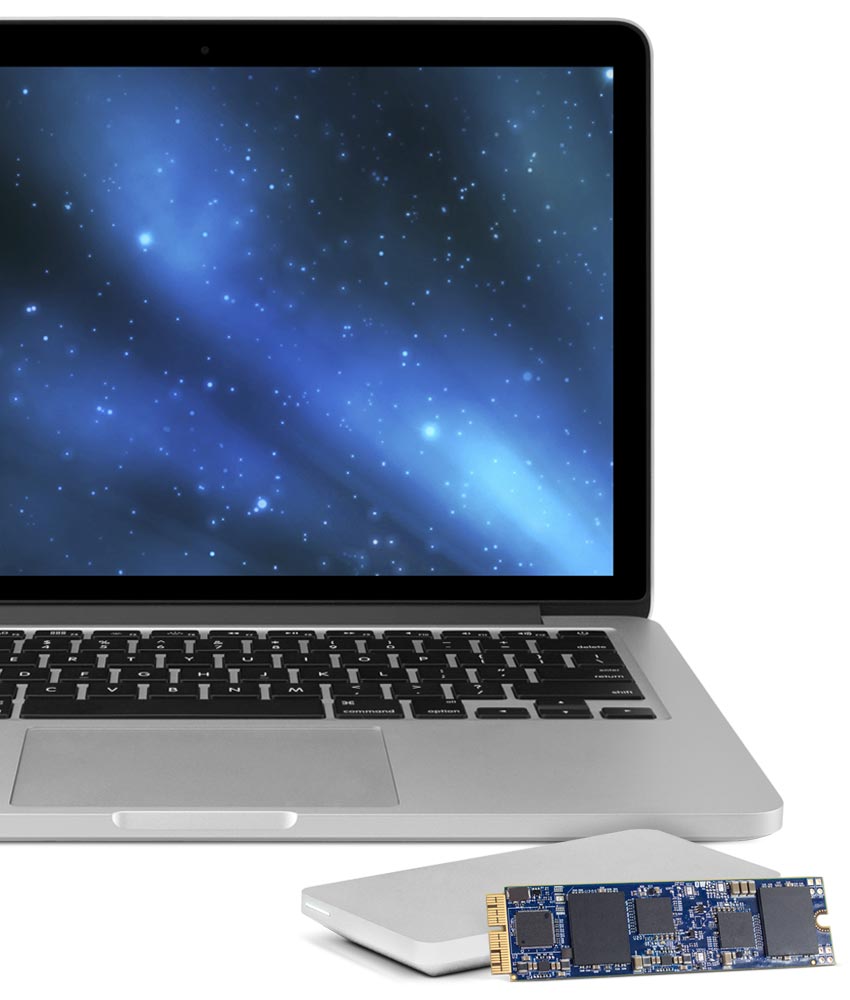
Other World Computing (OWC) has announced on Tuesday a major new step forward in upgrading the flash storage of your 2013 or later MacBook Air or MacBook Pro with Retina display.

Now available are the OWC Aura solid state drives (SSD), which come in flavors of 480GB and 1TB. These storage drive upgrades are direct PCI-e drop-ins for any of the supported computers.

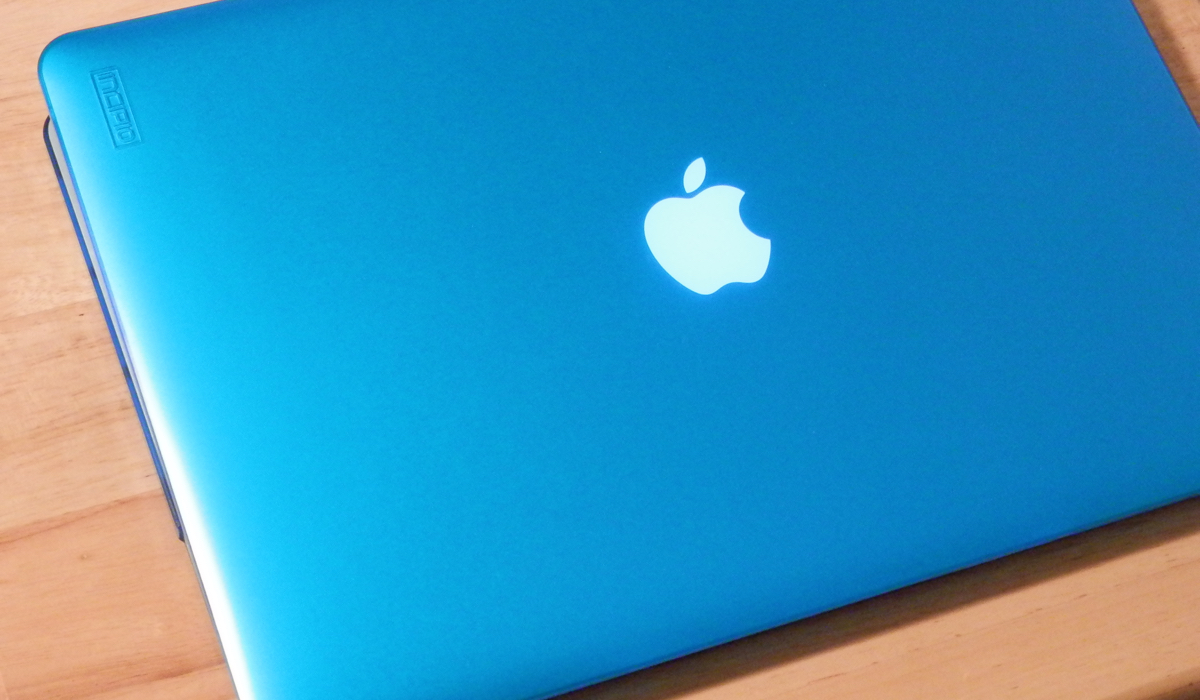
My 5 favorite accessories to use with my MacBook Pro

Whenever I'm using my MacBook Pro, there are a number of third-party accessories I like to use to glorify my user experience based on what I may be using it for. In this piece, I'll share with you my five favorite accessories that I use with my 15-inch MacBook Pro with Retina display regularly.

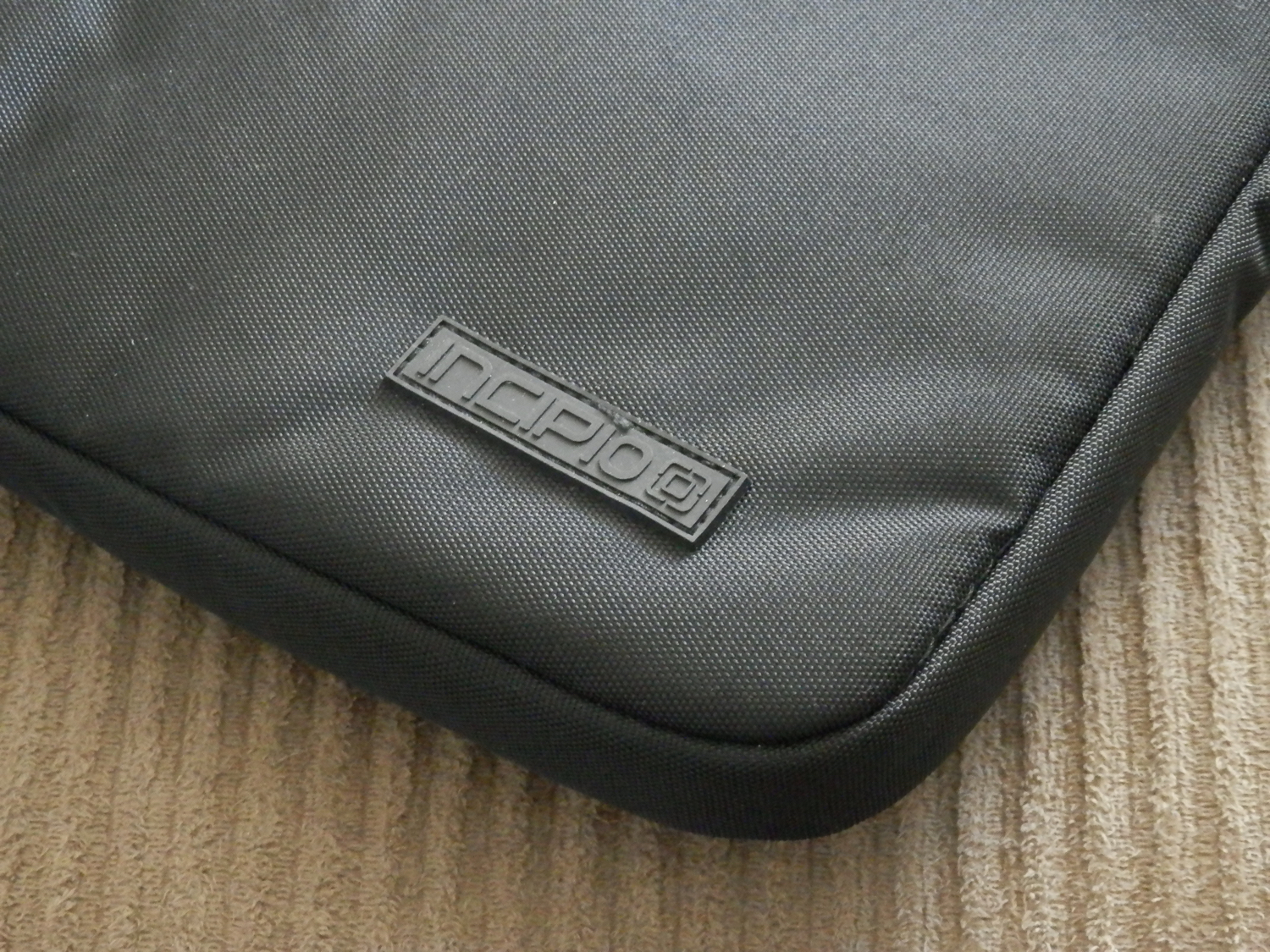
A look at the Incipio Asher MacBook Pro carry sleeve

As I'm always on the go, I needed a way to safely take my 15-inch MacBook Pro with Retina display all around with me without fearing that it could get damaged from drops or scuffs, and I turned to Incipio for those needs.

The Incipio Asher sleeve, which can be had off of Amazon for $30, is perfect for the on-the-go MacBook Pro user, as it provides excellent padding protection and additional stowaway room for the AC adapter and some small MacBook accessories.

In this review, we'll talk about some of the features of the Incipio Asher sleeve, as well as its pros and cons.

Using your iPhone to diagnose your car’s check engine light

All the do-it-yourself mechanics out there love being able to troubleshoot their own check engine light (CEL) to see what's going on under the hood of their own cars. Typically, doing so requires an expensive OBD II scanner tool that plugs into the OBD II port underneath the dash.

But, with an app on your iPhone and a tiny accessory that plugs into the OBD II port, you could save some money and you'll still have access to a lot of the information the scan tool would give you. In fact, because of how advanced your iPhone is, you may even get more information than a lot of the scan tools will offer.

In this review, we'll be taking a look at the LELink Bluetooth Low Energy OBD II car diagnostic tool, which can be had for about $35 on Amazon, as well as the $9.99 OBD Fusion app, which can be had from the iOS App Store.
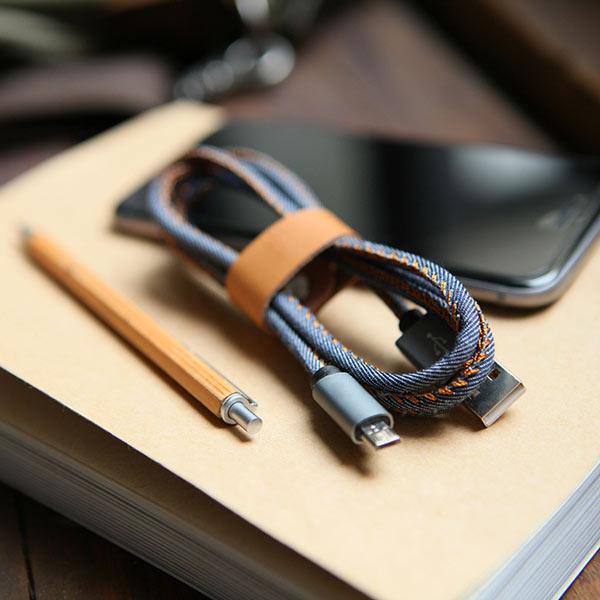
LMcable: a 2-in-1 Lightning and Micro USB connector

Lovers of technology who own both iOS and Android devices are forced to use two different cables for charging their batteries – a Lightning cable and a Micro-USB cable.

The discrepancy in charging cable type can be a pain for people who don't want to carry around more than one cable with them, and that's why a new Kickstarter campaign for a product called LMcable is trying to make its way onto the market to make charging easier for everyone.