Accessories

Turning on Power Reserve mode on your Apple Watch

Apple Watch in Power Reserve mode showing just the current time on its watch face

Power Reserve mode is a feature of watchOS that let's you conserve what's left of your battery when you get low on juice by limiting your Apple Watch's functionality to nothing more than a time piece.

Starting with watchOS 3, the steps to enable it has changed, so we'll show you how it's done.

Some heavy duty cases for the iPhone 7 and iPhone 7 Plus

Although Apple has taken some major steps this year to make the iPhone more durable, the device is still very susceptible to bumps and scratches. This is why we recommend putting a case on your smartphone if you want it to stay in like-new condition.

We've already recommended a number of different cases, but for those who work and use their phones in more harsh environments, a heavy-duty case is the only way to go. Here are a few we like so far that are available for the iPhone 7 and 7 Plus right now.

What’s Dock on Apple Watch and how to use it?

Apple Watch showing Dock

When you press the side button on your Apple Watch, you see the Dock. Depending on the setting, the watchOS Dock has either your favorite apps or the ones you used recently. In this tutorial, we tell you more about the Apple Watch Dock, how to use it, add favorite apps, and get the most of it.

Using the Reminders app on Apple Watch

Apple Watch offers a standalone Reminders app, and as you'll soon learn, it can be just as functional as the iPhone app.

The introduction of an official Reminders app on Apple Watch was great because this little app on your wrist will help you get through all your errands throughout the day and keep track of your busy life.

The app is used with Siri since there is no keyboard to input text on the Apple Watch like there is on your iPhone. With that being said, using the Reminders app may feel a little awkward at first, but it should become a second nature to you in no time at all.

Apple Watch Series 2 is a bit thicker and heavier than the original Apple Watch

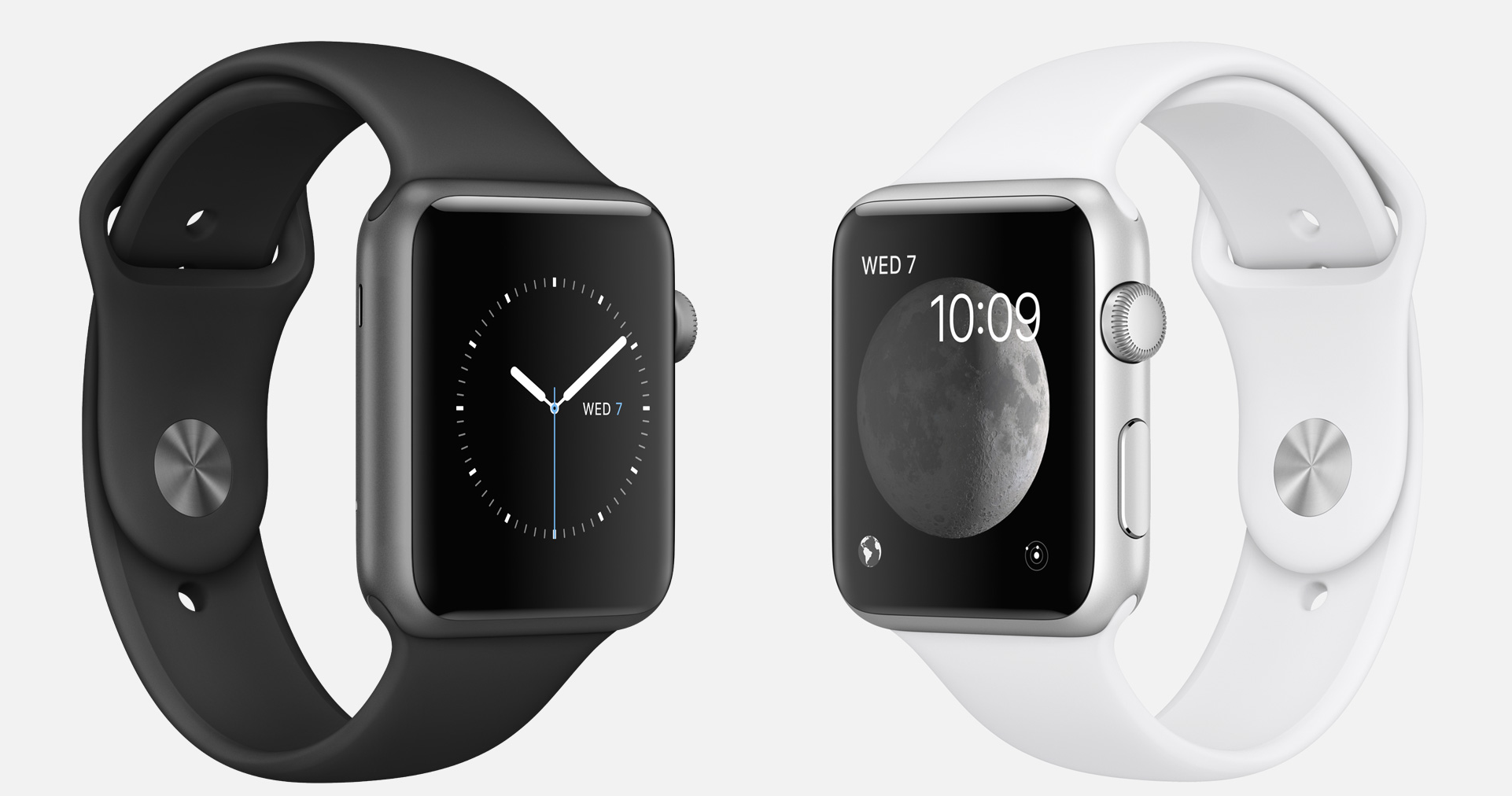
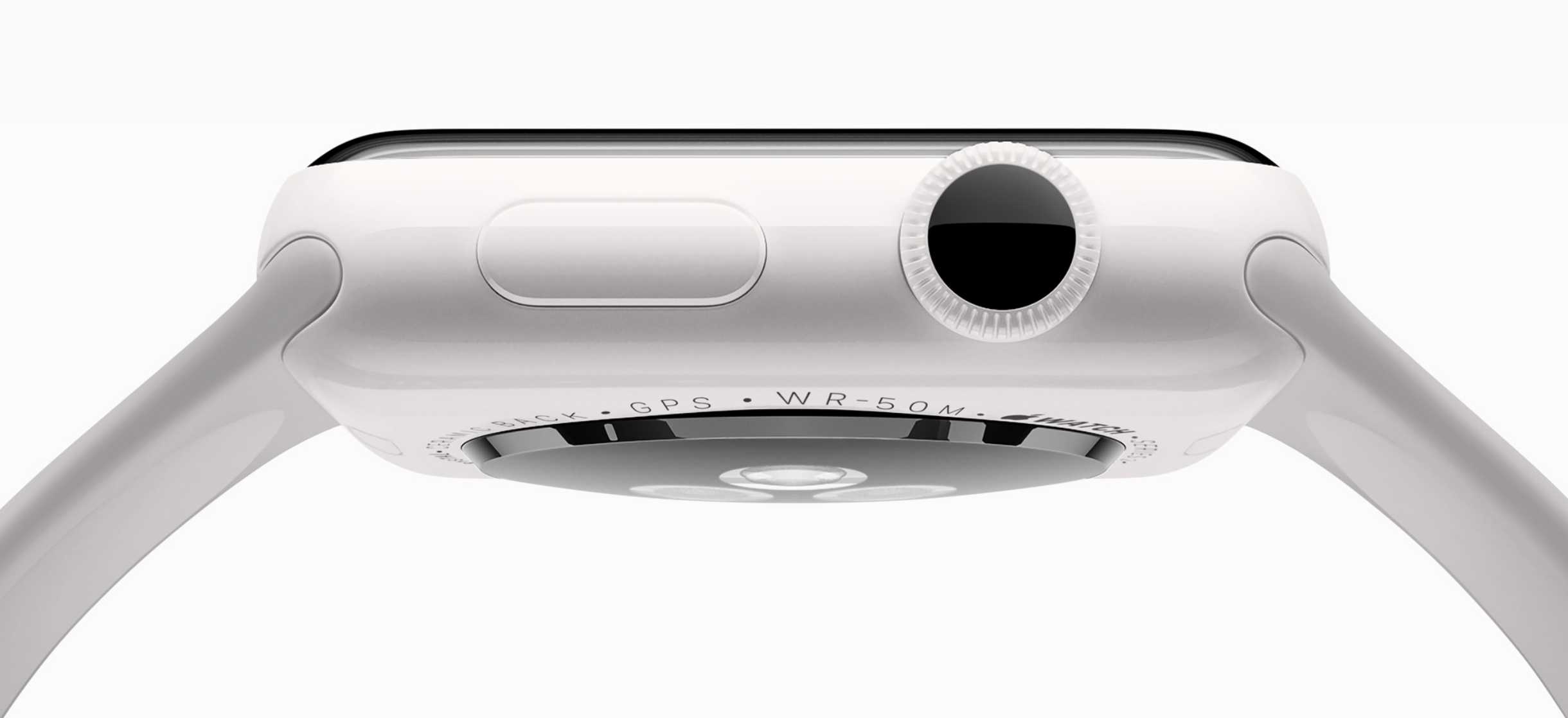
Although they look just about the same on the outside, the new Apple Watch Series 2 is built just a little bit thicker and heavier than the Apple Watch Series 1 and the original Apple Watch.

The findings might be a deal-breaker for some people who already thought the original Apple Watch was too thick to begin with. After all, many were hoping Apple would thin out the footprint of the next-generation Apple Watch, rather than make it thicker.

Apple Watch Series 2 tech specs

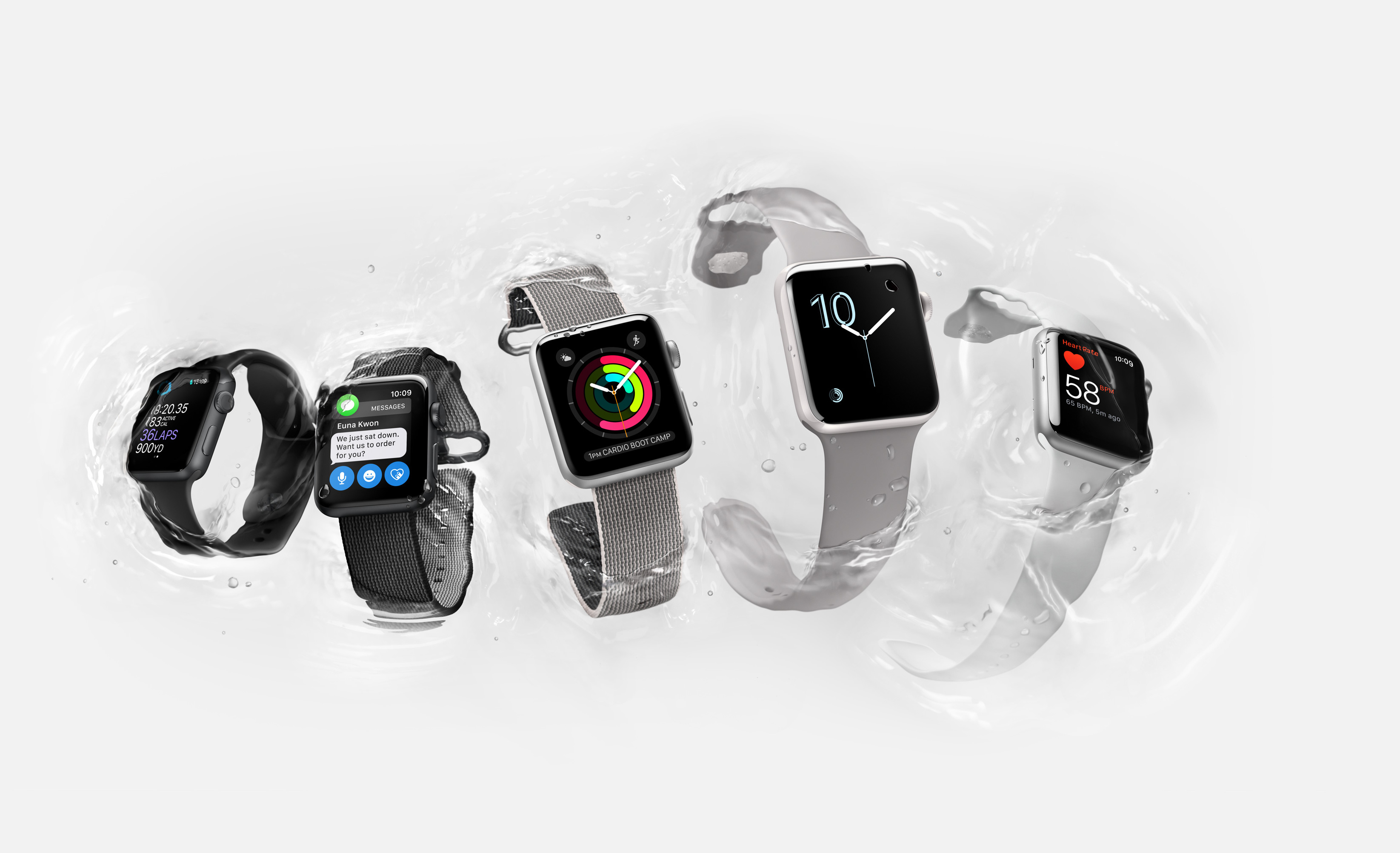
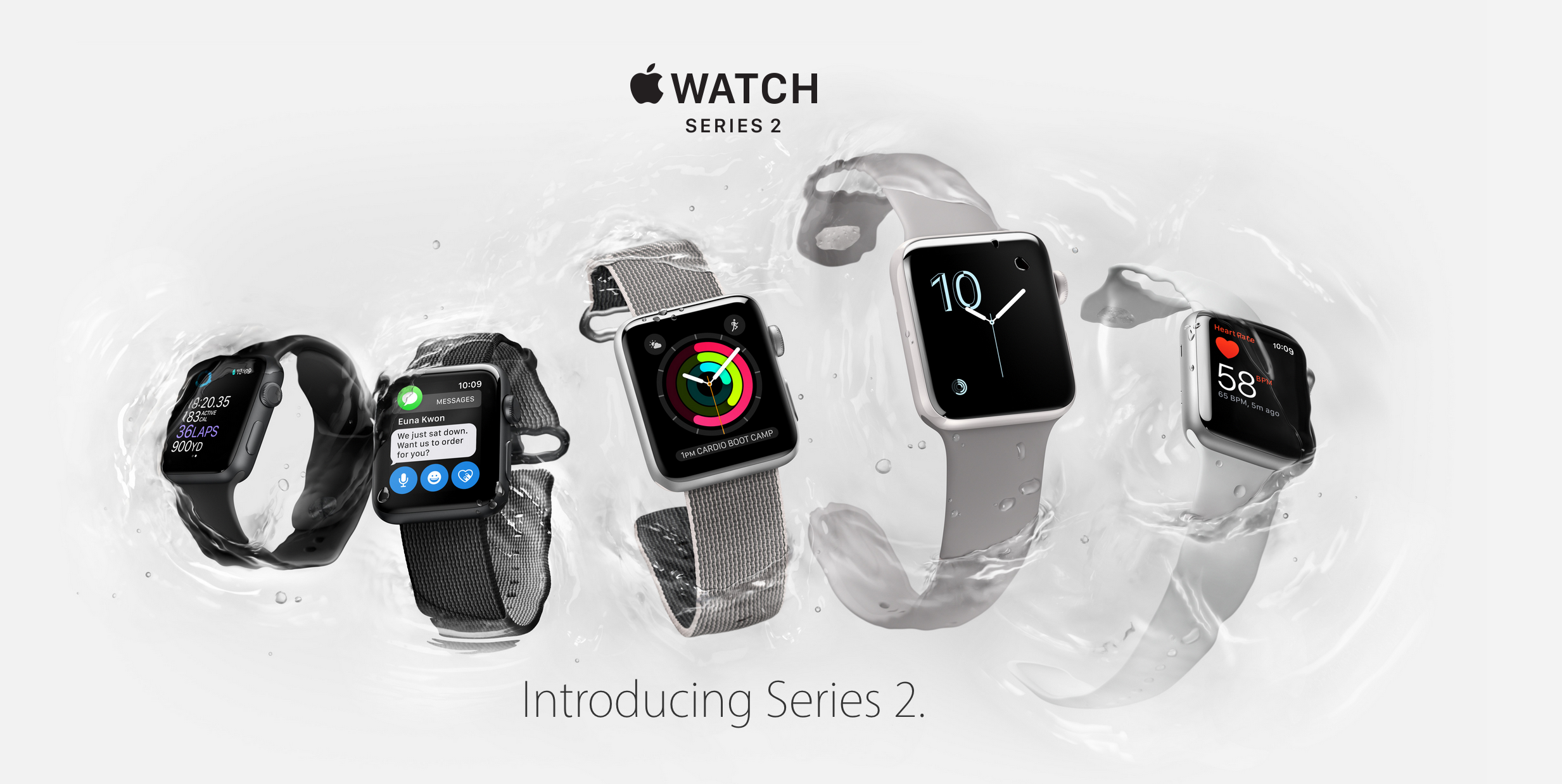
The Apple Watch Series 2, which was announced at yesterday's keynote, is Apple's answer to improving on what was already one of the best-selling smartwatches on the market today.

In this piece, we'll recap all the technical specifications of the new Apple Watch lineup.

Poll: Will you buy the Apple Watch Series 2?

Apple unveiled the Apple Watch Series 2 at yesterday's keynote event alongside the iPhone 7 lineup with improvements to speed and capability, and also bumped up the specs of the original Apple Watch all while re-branding it the Apple Watch Series 1.

But is the second-generation Apple Watch everything you were hoping for? Let us know in this poll whether or not you'll be ordering one.