Accessories

Get your green thumb on with Flower Power by Parrot
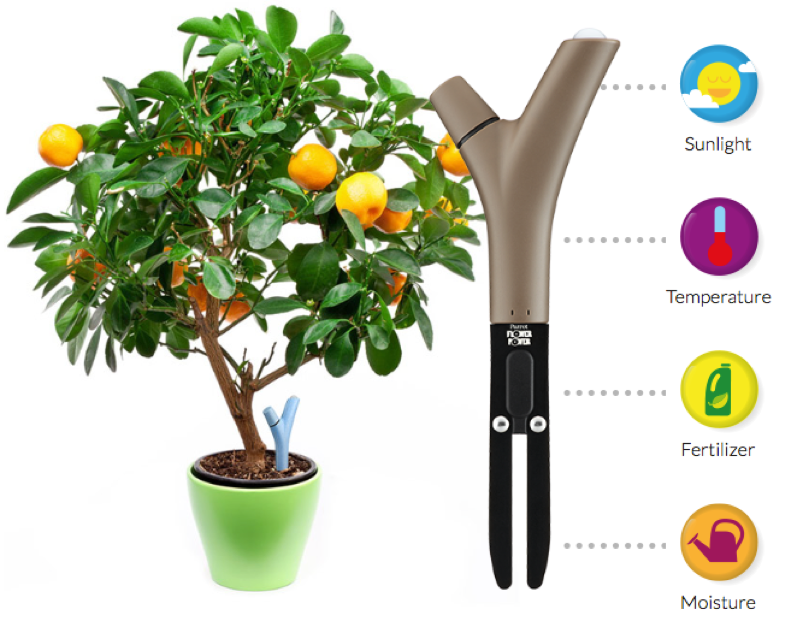
Flower Power, an iOS app that promises to help you get the best out of your favorite indoor or outdoor plant, has undergone a major face lift this August. The app, developed by Parrot SA has been around since 2013, but both looks and functions have been overhauled in-depth recently. While the app is and has always been free, it requires a hefty upfront investment for the wireless plant monitor itself to supply the app with critical data. So let’s posit you want your beloved indoor plant to live up to its maximum potential - Should you pounce for it?

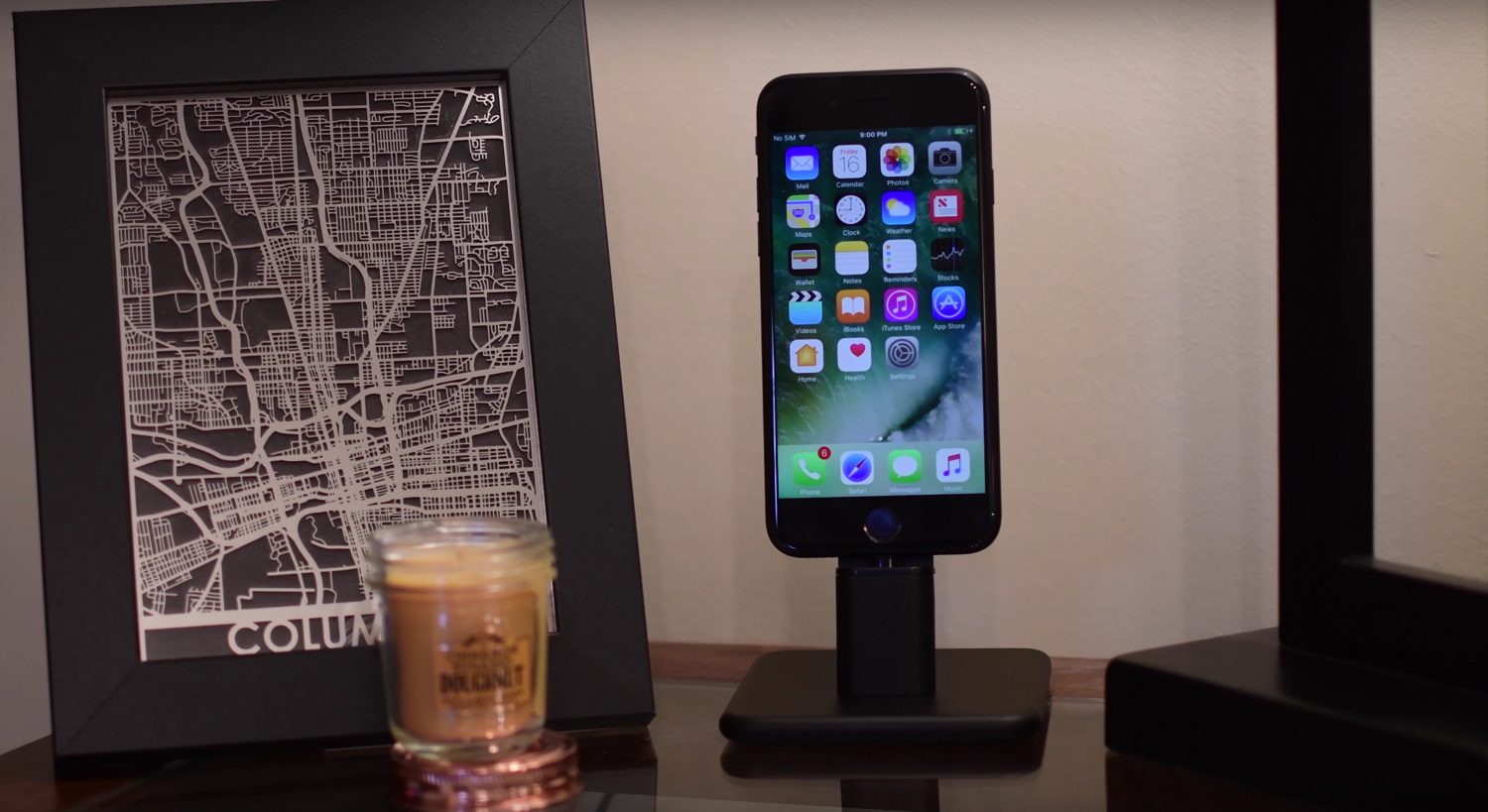
Twelve South’s HiRise 2 Deluxe dock looks great with the new iPhone 7

Twelve South is at it again, making great accessories for Apple products. The company’s release of the HiRise 2 and HiRise 2 Deluxe charging docks earlier this month brought forth a redesign with new color options and improved stability for larger devices.

In this review, we’ll take a closer look at the HiRise 2 Deluxe in black, a color made to match Apple’s new black iPhone 7 & 7 Plus finish.

MacID update brings improvements for iOS 10, watchOS 3, and macOS Sierra

An important update for the popular MacID utility for iOS and macOS has been released this week with improvements for iOS 10, watchOS 3, and macOS Sierra.

The utility is known for its ability to let you securely unlock your Mac with the Touch ID sensor on your iPhone or iPad, but it also has built-in features that let you unlock your Mac with your Apple Watch over Bluetooth or with a Tap to Unlock gesture on the trackpad.

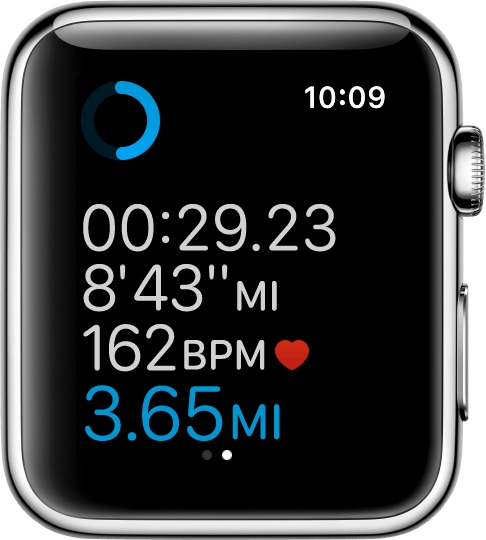
How to customize workout metrics on Apple Watch

If you'll be using your Apple Watch's fitness features, you'll want to become acquainted with the Workout app, which helps you to keep track of your progress.

Starting with watchOS 3, you can customize your workout metrics, and in this tutorial, we'll talk about all the ways you can do that.

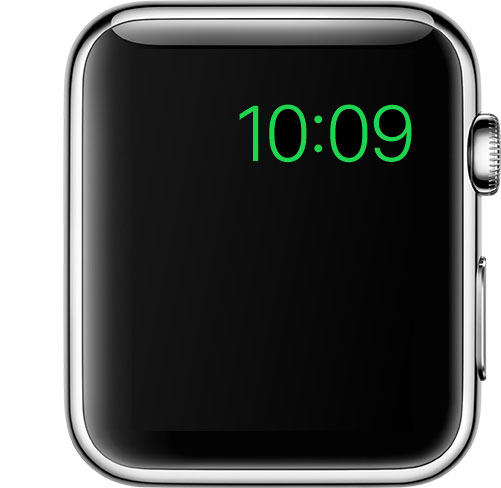
Turning on Power Reserve mode on your Apple Watch

Apple Watch in Power Reserve mode showing just the current time on its watch face

Power Reserve mode is a feature of watchOS that let's you conserve what's left of your battery when you get low on juice by limiting your Apple Watch's functionality to nothing more than a time piece.

Starting with watchOS 3, the steps to enable it has changed, so we'll show you how it's done.

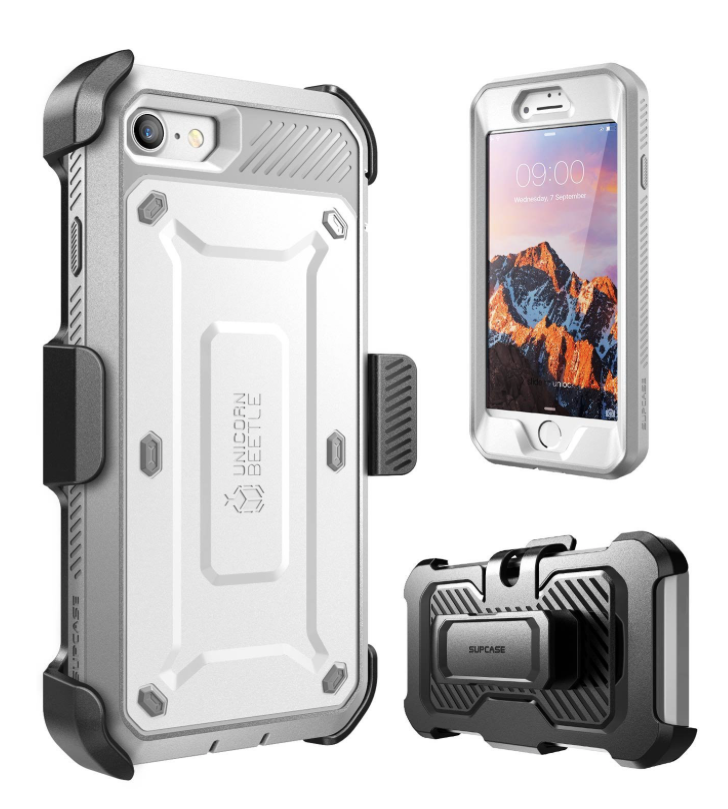
Some heavy duty cases for the iPhone 7 and iPhone 7 Plus

Although Apple has taken some major steps this year to make the iPhone more durable, the device is still very susceptible to bumps and scratches. This is why we recommend putting a case on your smartphone if you want it to stay in like-new condition.

We've already recommended a number of different cases, but for those who work and use their phones in more harsh environments, a heavy-duty case is the only way to go. Here are a few we like so far that are available for the iPhone 7 and 7 Plus right now.

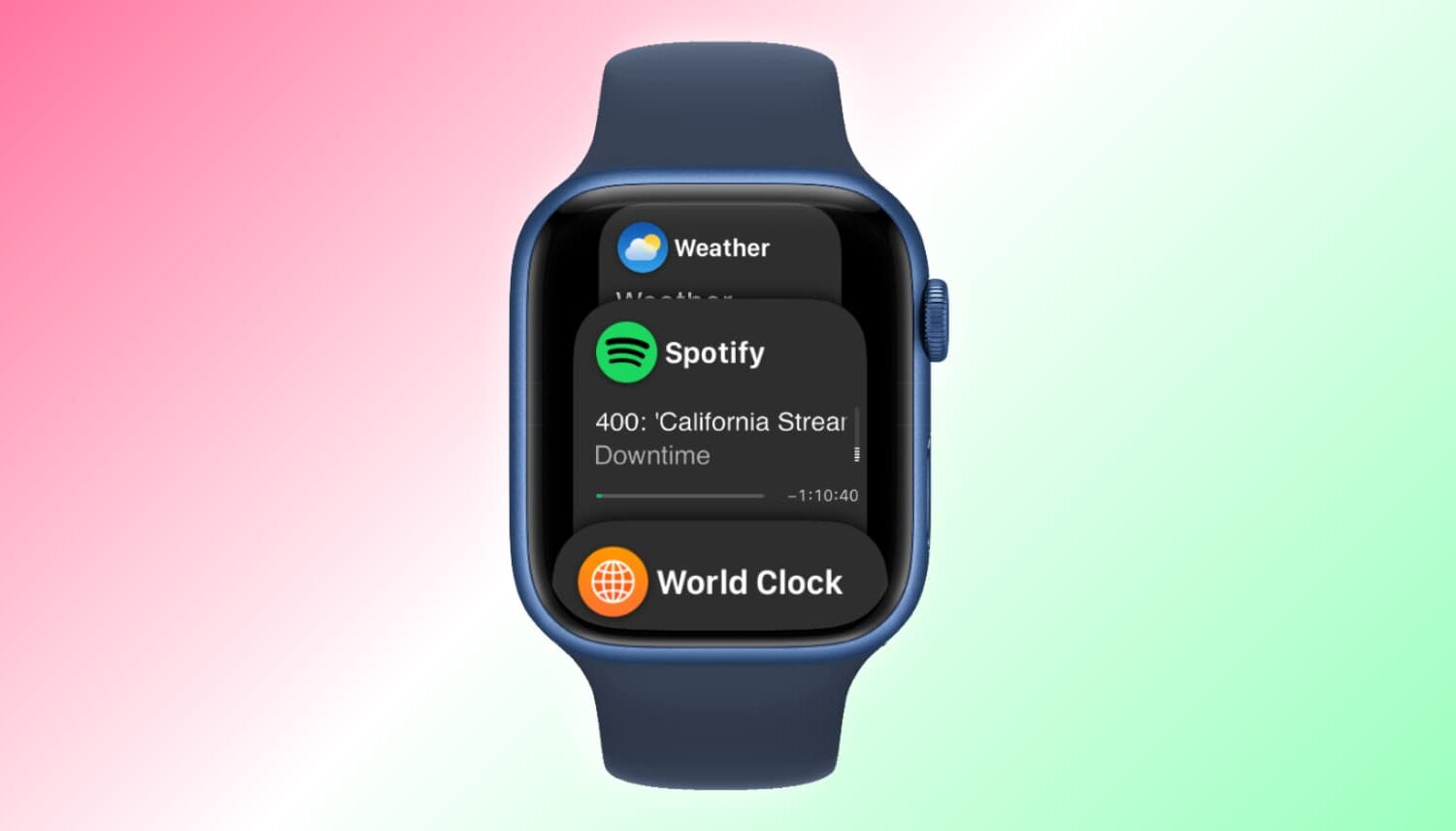
What’s Dock on Apple Watch and how to use it?

Apple Watch showing Dock

When you press the side button on your Apple Watch, you see the Dock. Depending on the setting, the watchOS Dock has either your favorite apps or the ones you used recently. In this tutorial, we tell you more about the Apple Watch Dock, how to use it, add favorite apps, and get the most of it.