Keep your primary email address safe from spam and unwanted messages by setting up one or more alias addresses for your iCloud account.
How to create an alias for your iCloud email address
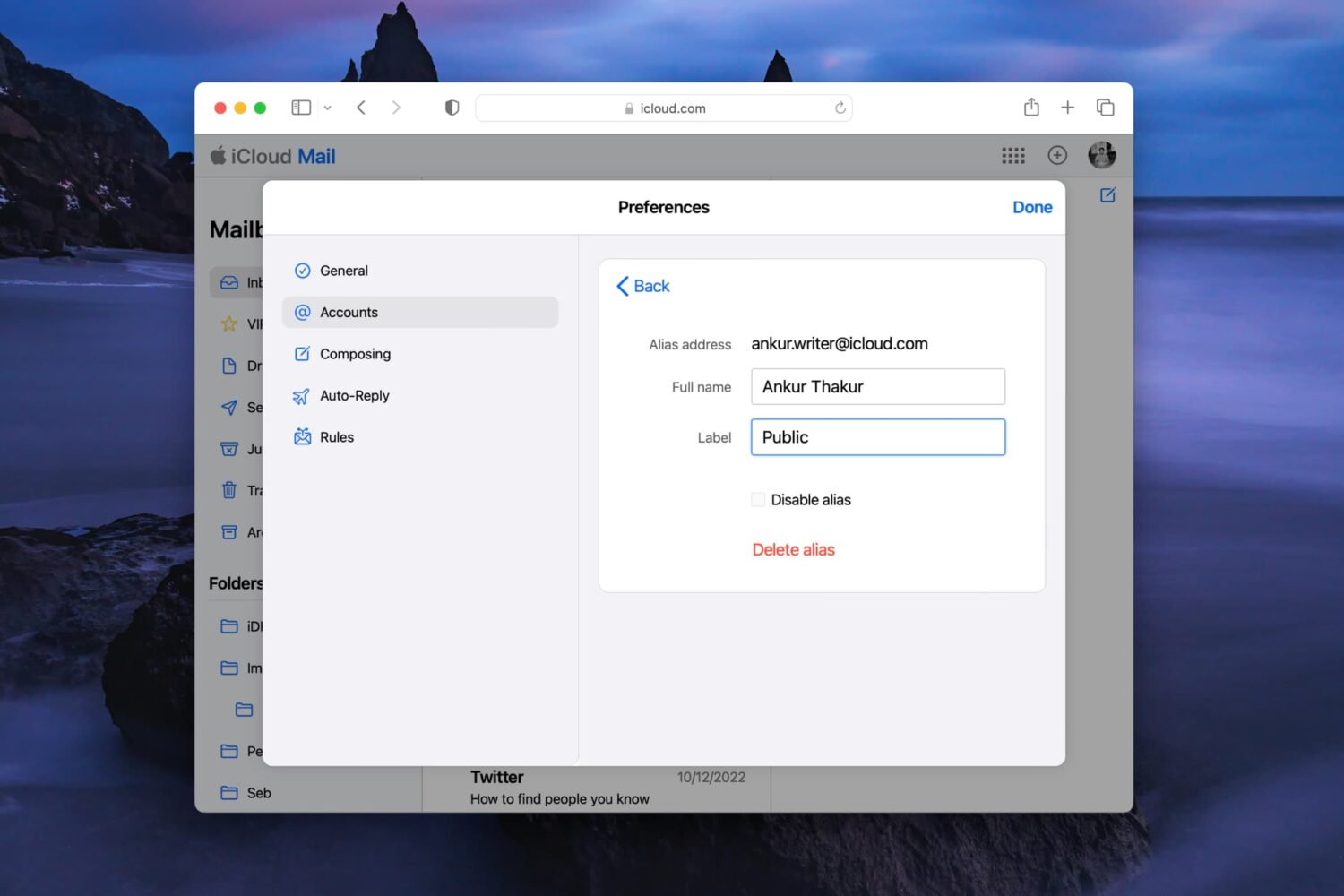
Keep your primary email address safe from spam and unwanted messages by setting up one or more alias addresses for your iCloud account.
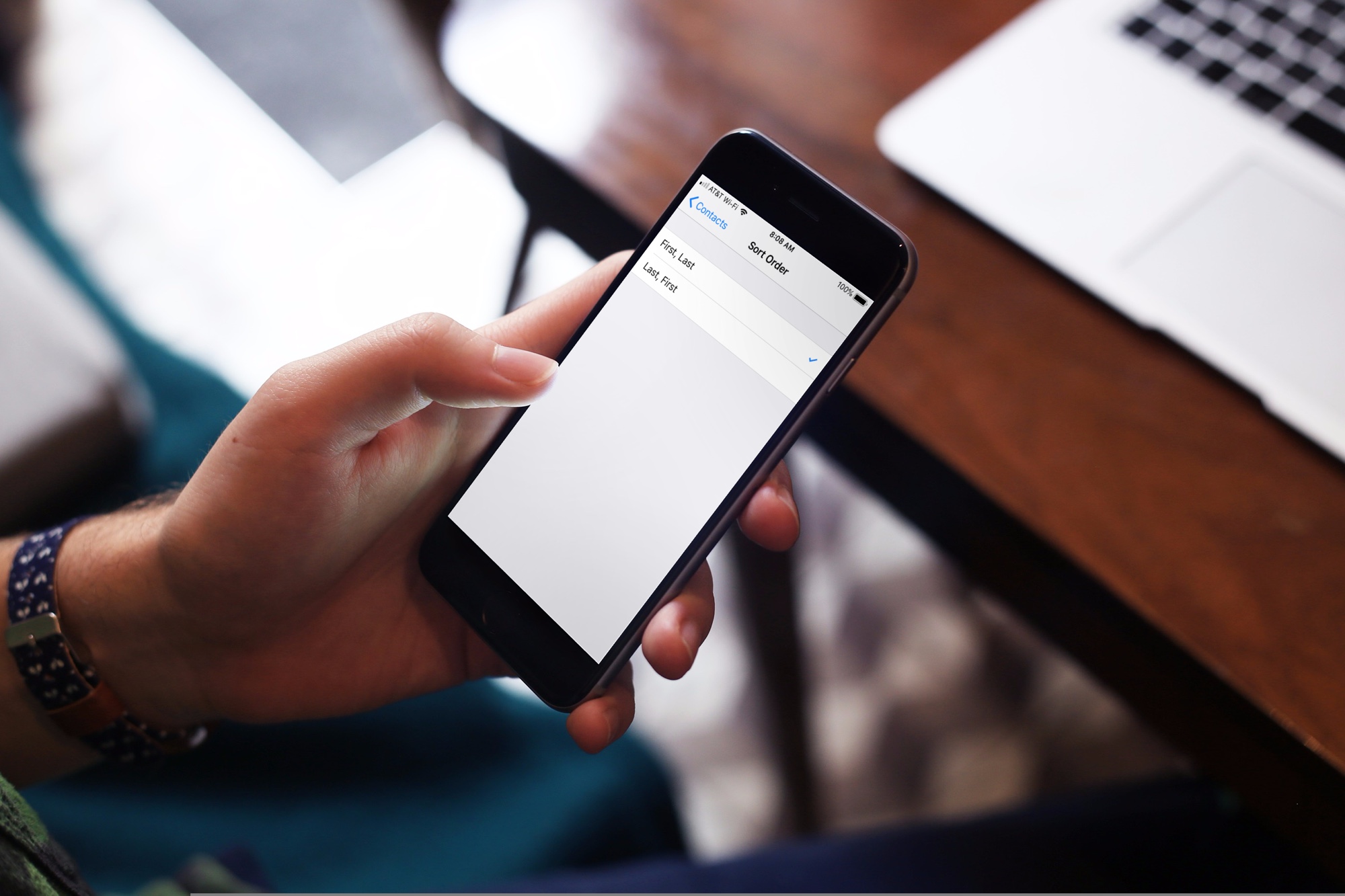
Learn how to sort your contacts by their first name followed by their last name in the Contacts app on iPhone, iPad, and Mac.

Learn how to seamlessly integrate your iPhone calls with your iPad and Mac, ensuring you never miss a call across devices.
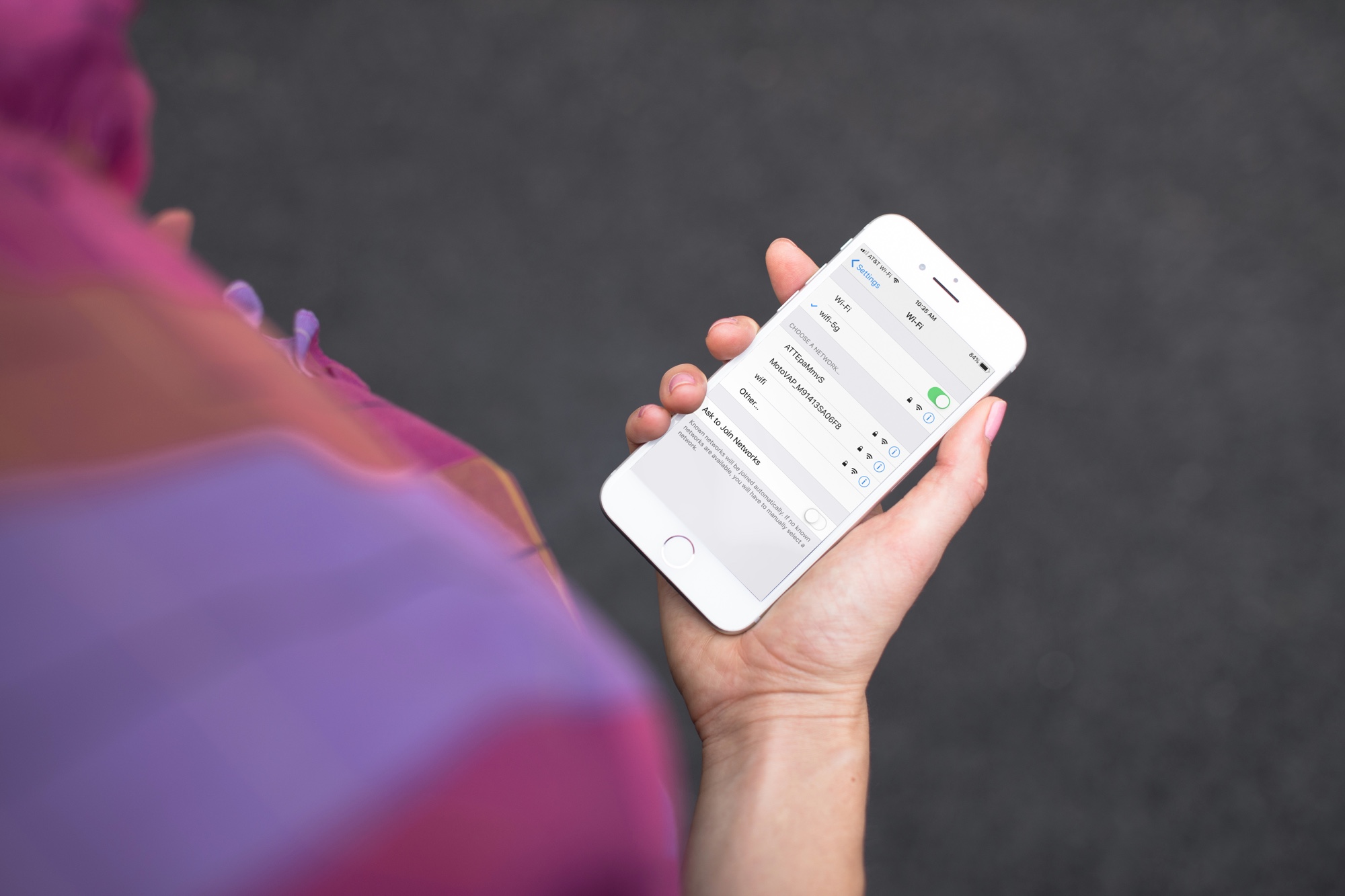
Have you noticed that your iPhone or Mac is showing an alert to join new Wi-Fi networks?
By turning off one simple setting, you can prevent this from happening, and this short tutorial shows you how to do that.
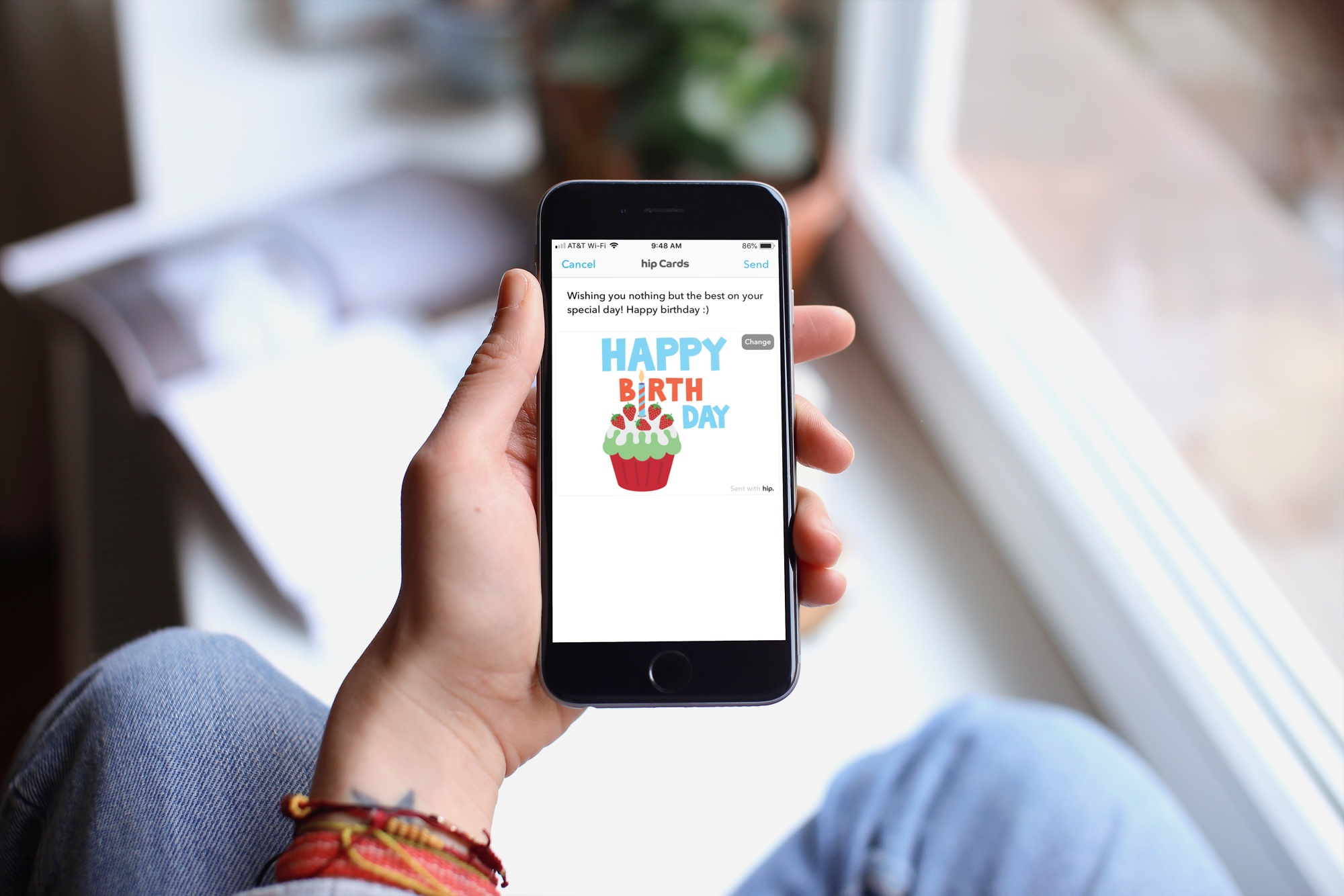
With the offerings from technology, there’s really no reason to forget someone’s birthday these days. Even Facebook makes a point to notify you when a friend’s special day has arrived. But, if you want an easier way to receive birthday reminders wherever you are, check out an app for your iPhone instead.
These are some of the best birthday reminder apps for iPhone that have just the features you need so that you never forget a birthday.
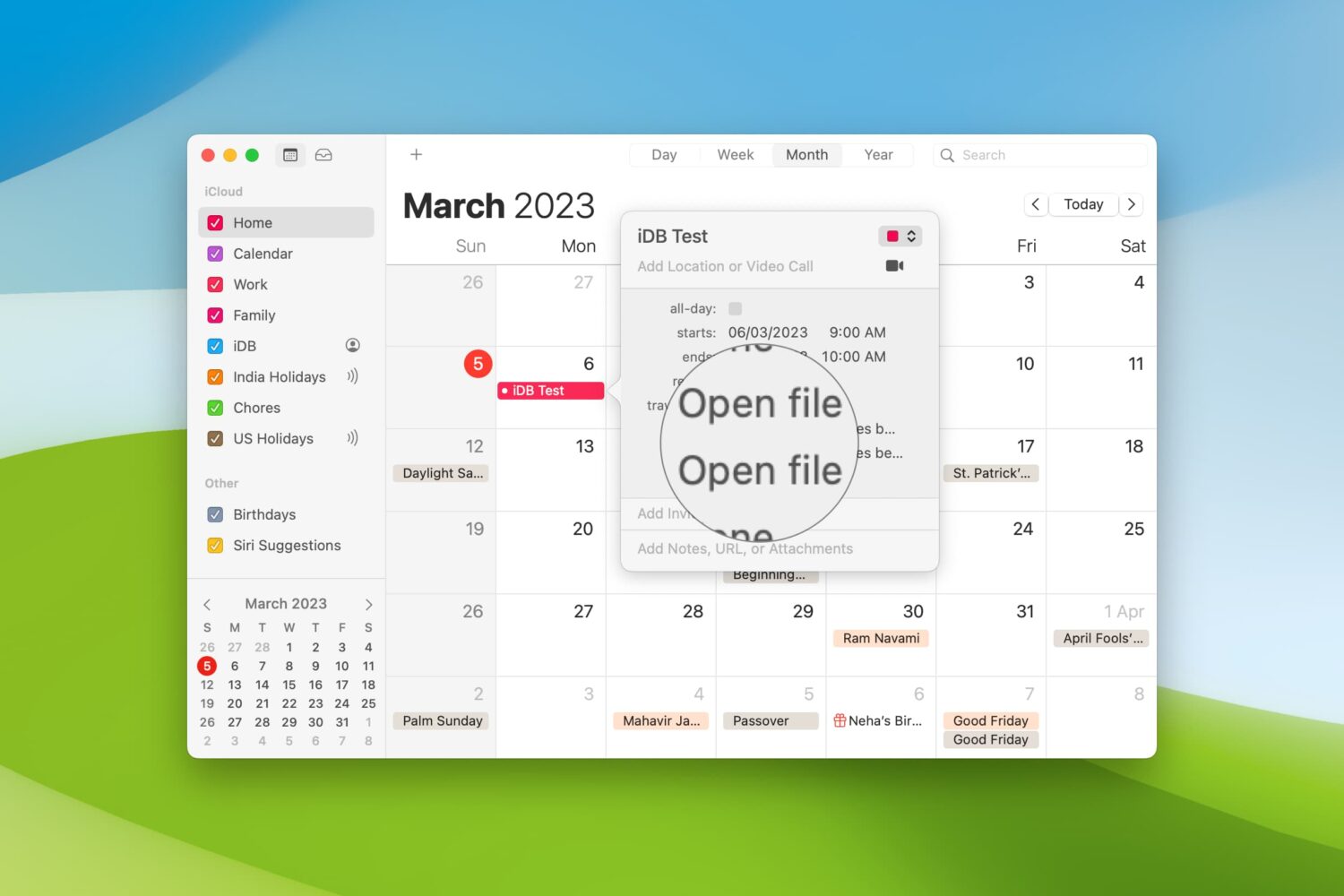
When you’re getting ready to join a meeting, whether it’s a web conference, conference call, or in-person meeting, you often have at least one file you need for it.
One way to ensure you don’t forget that important document is by including it with the event on your Calendar. This can help ensure you have all the necessary documents or notes in front of you and minimize the chance of forgetting something important.
Here’s how to set your Mac Calendar app to open that file right before your meeting.
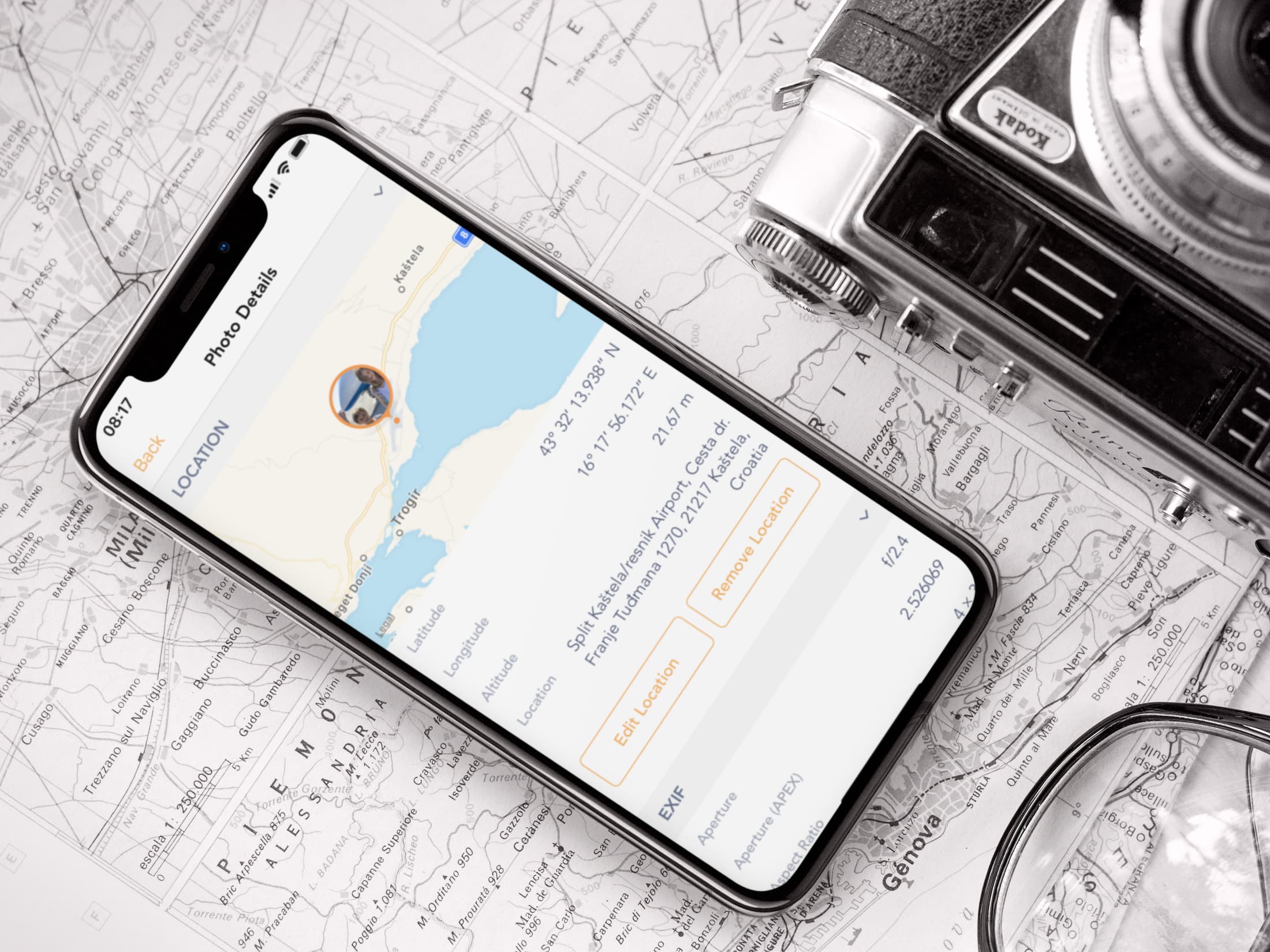
Learn how to view the GPS coordinates of photos and videos on your iPhone or iPad using Apple Photos or free third-party apps to see where they were taken.

Learn how to hide the floating thumbnail preview of screenshots you take on your Mac so it doesn't appear on any subsequent screenshots you take seconds later.
Try this quick solution to instantly fix your old Outlook or Hotmail emails missing from the Apple Mail app on your iPhone or iPad.

Learn how to quickly convert rows to columns or vice versa in your spreadsheet in the Apple Numbers app on iOS and macOS if you want to format the table differently.
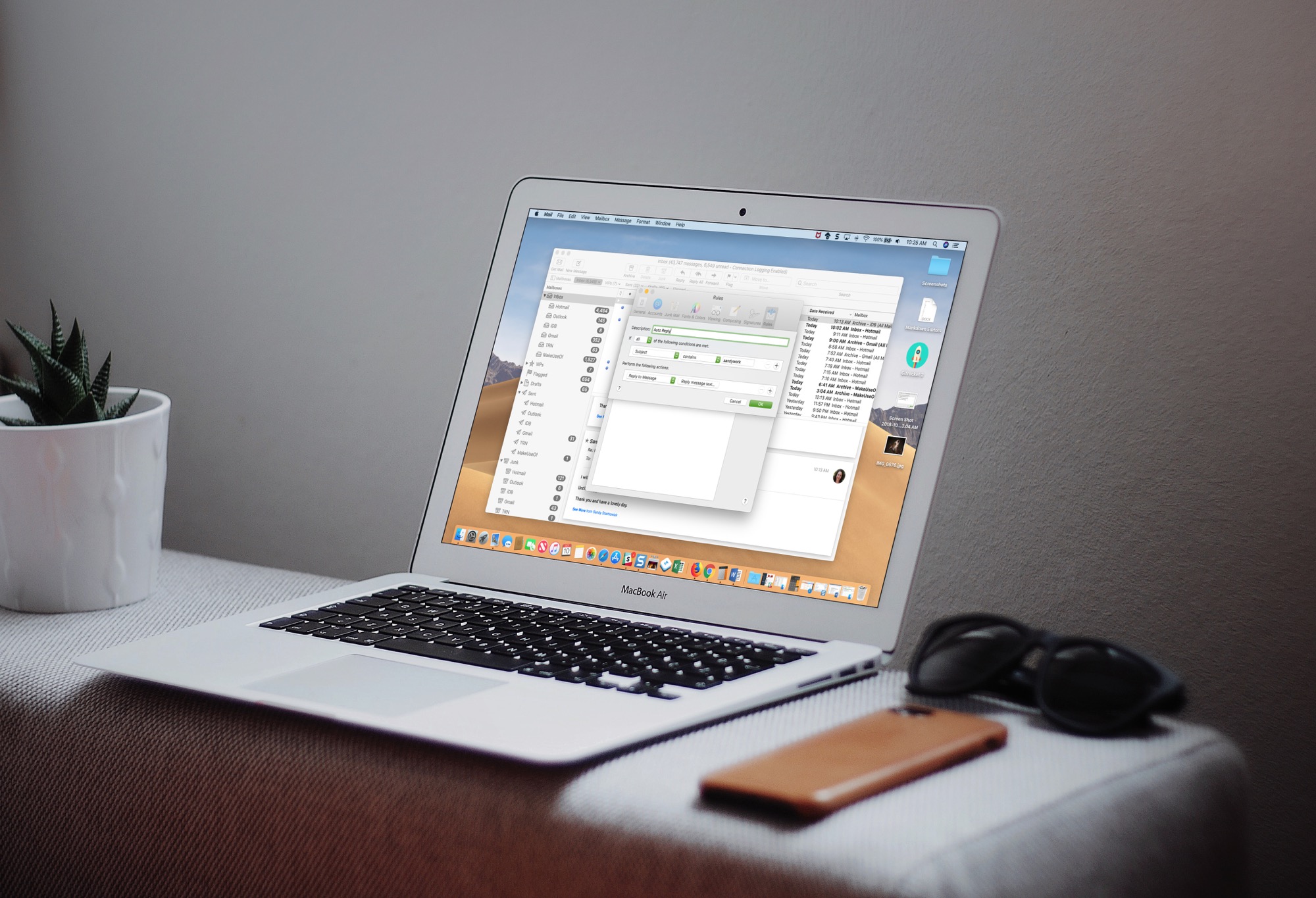
Learn how to set up an automatic email reply in the Apple Mail app on Mac to keep your contacts in the loop, even when you’re away from your computer.
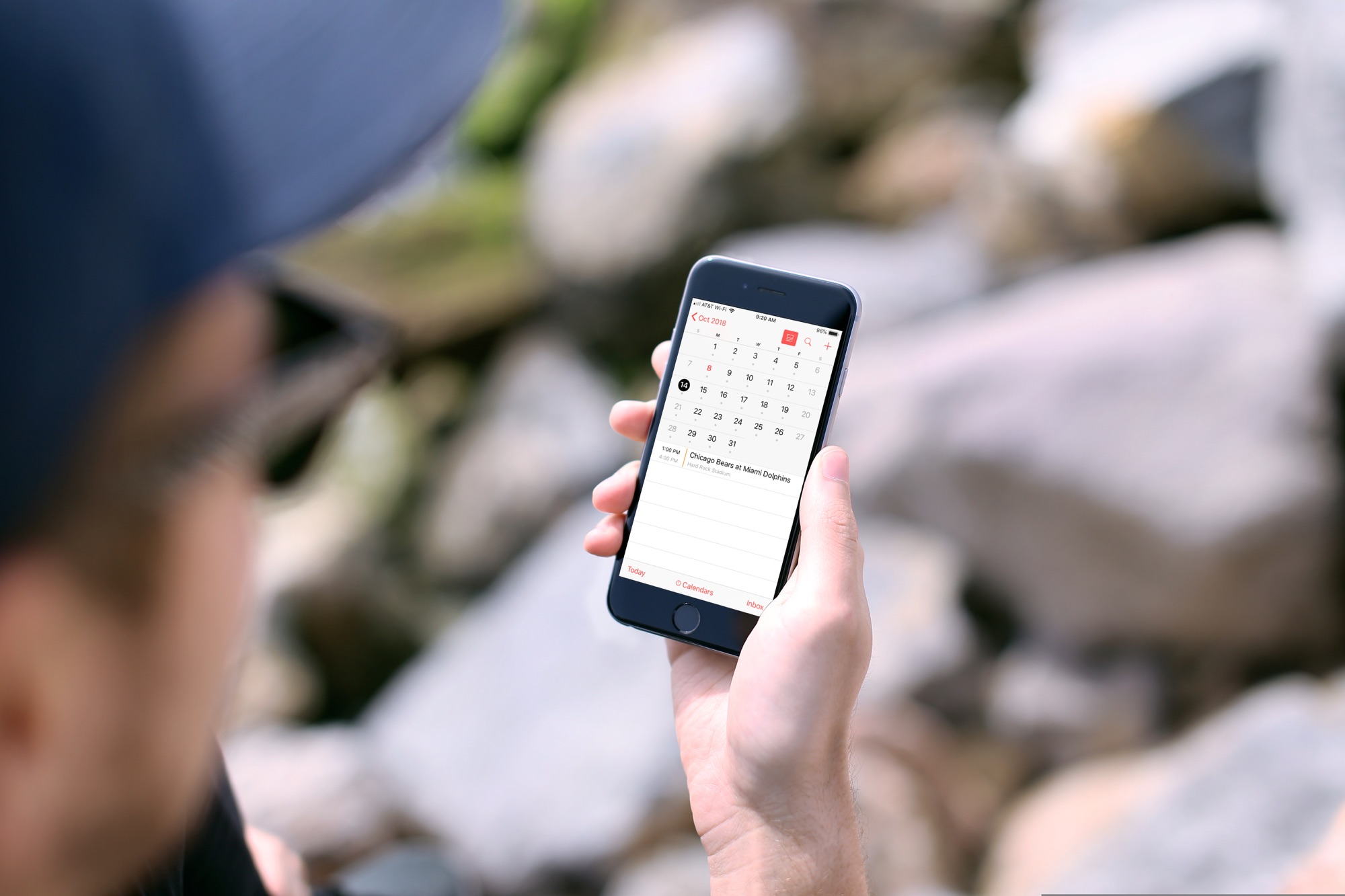
In this tutorial, we will show you how to subscribe to calendars on your iPhone or iPad so you can easily keep up with sports, school, holidays, and other schedules.