Sandy Writtenhouse

With her BS in Information Technology, Sandy worked for many years in the IT industry as a Project Manager, Department Manager, and PMO Lead. She then decided to follow her dream and now writes about technology full-time.

Keyboard shortcuts to move up and down web pages on Mac

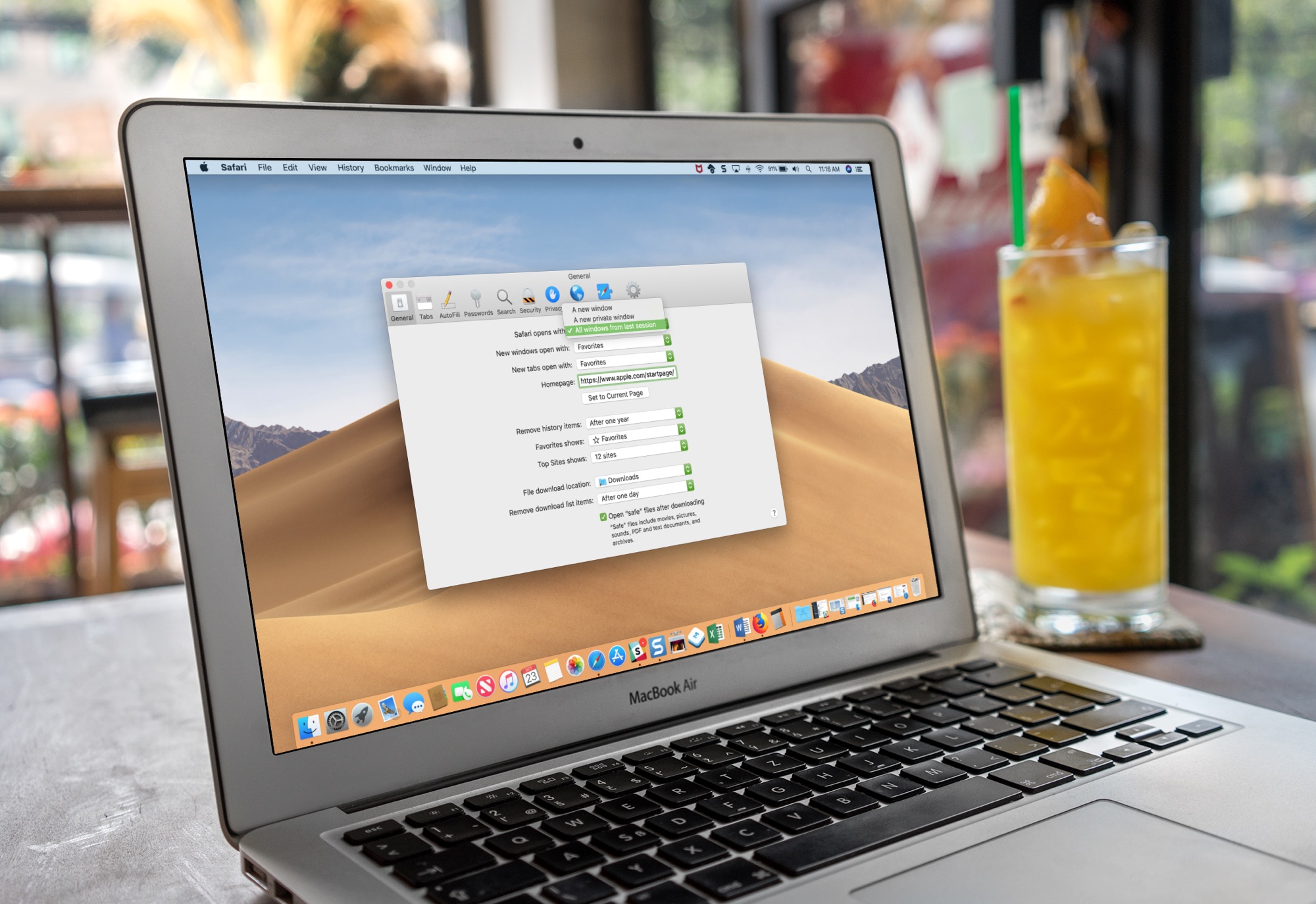
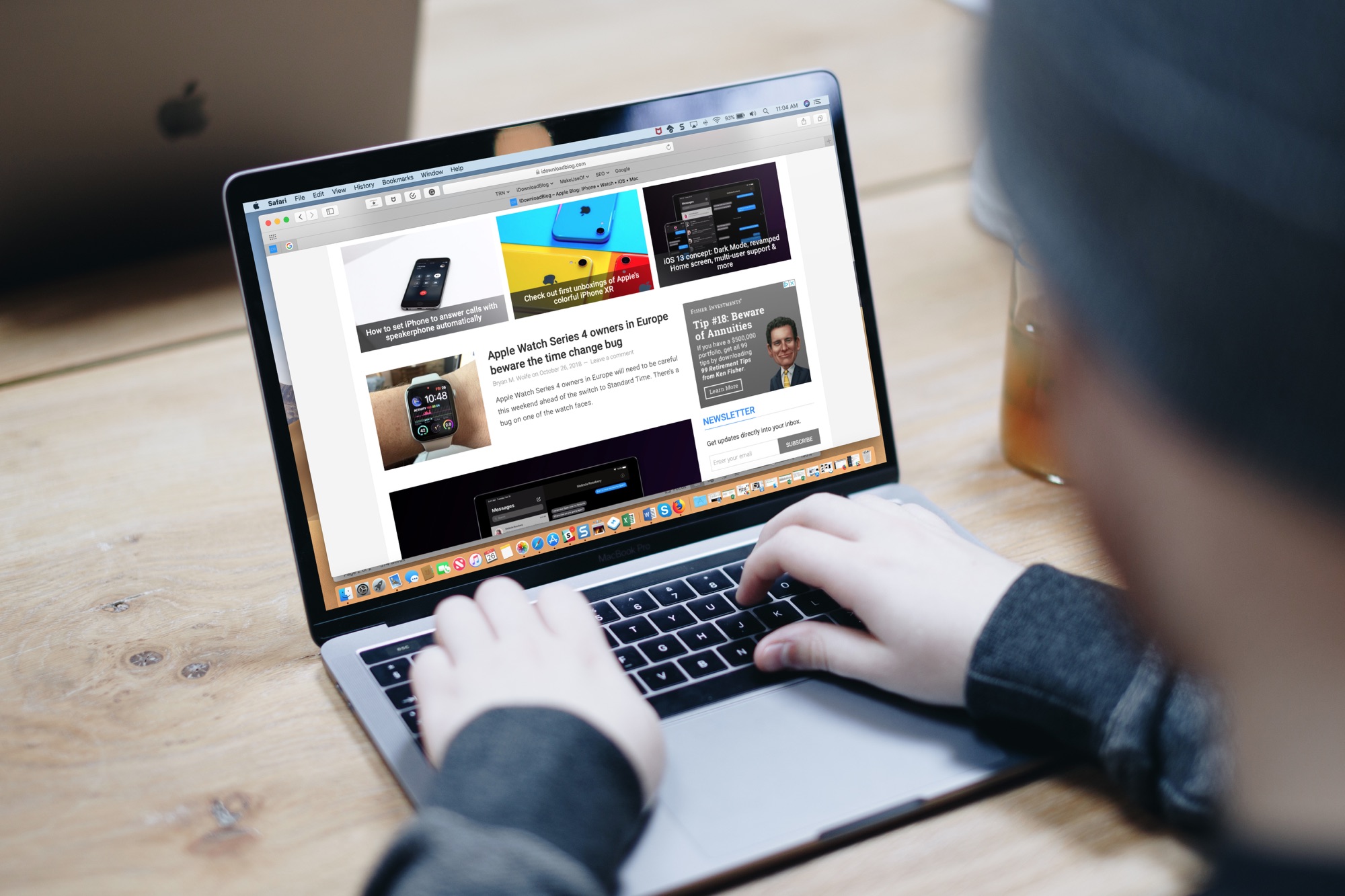
Macbook Pro Keyboard Shortcuts for Web Pages

One of the first things I looked for when I started using a MacBook Pro for work was how to navigate web pages faster. Being able to move to the top, to the bottom, or both in small increments and without lifting my fingers from the keyboard was essential.

If you’re like me and want to navigate sites you visit quicker, this list is for you. Here are several keyboard shortcuts to move up, down, and sideways on web pages on Mac.

DayView: A dashboard to start your day on Apple TV

DayView on Apple TV

When you get up in the morning, you don’t have to flip through channels or apps to see what your day looks like. To see the weather, news, calendar events, stocks, and more, just pop on your Apple TV and the DayView app .

The DayView - Personal Dashboard gives you everything you need to start your day.

The best apps to convert image formats for iPhone and iPad

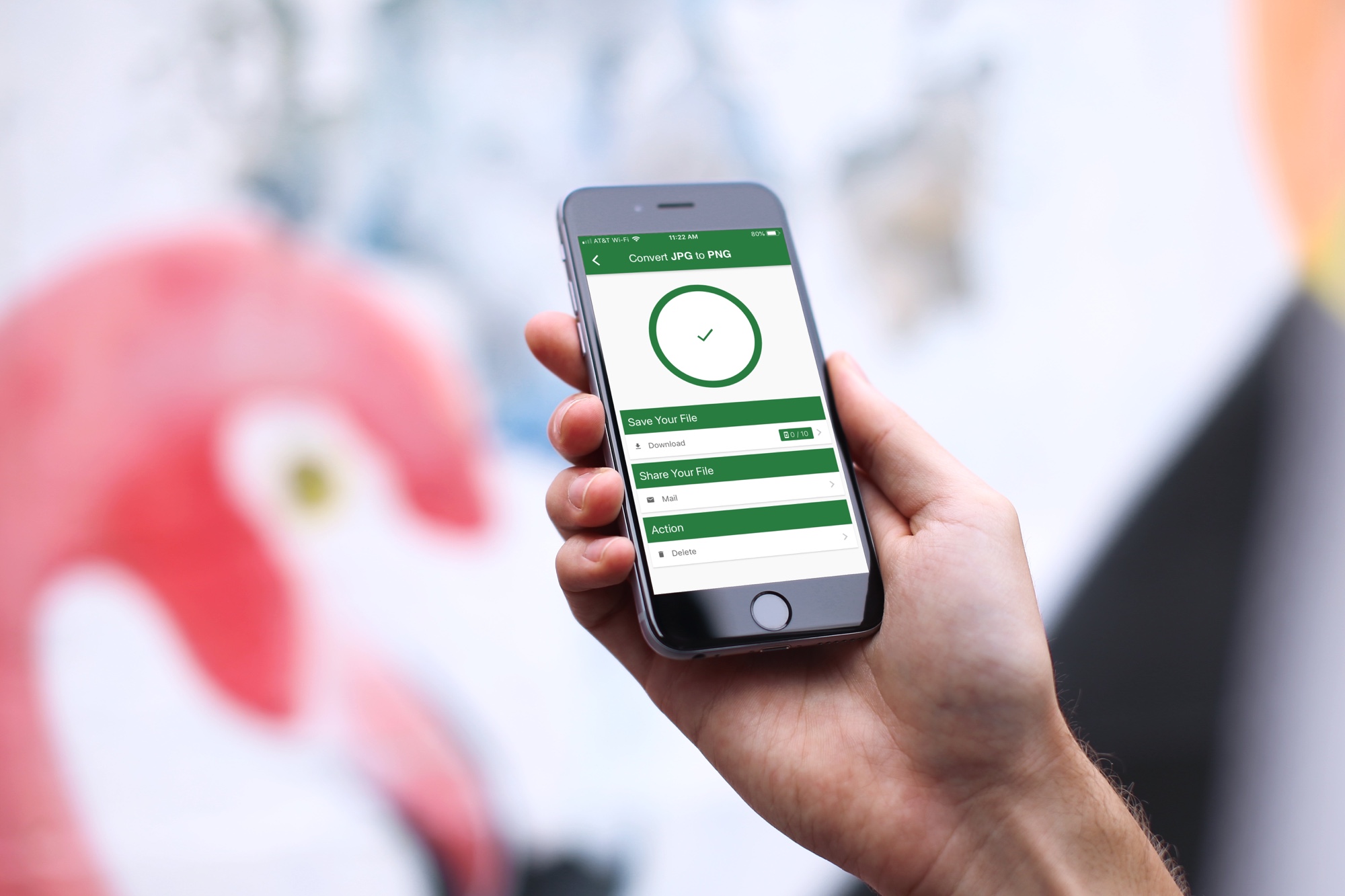
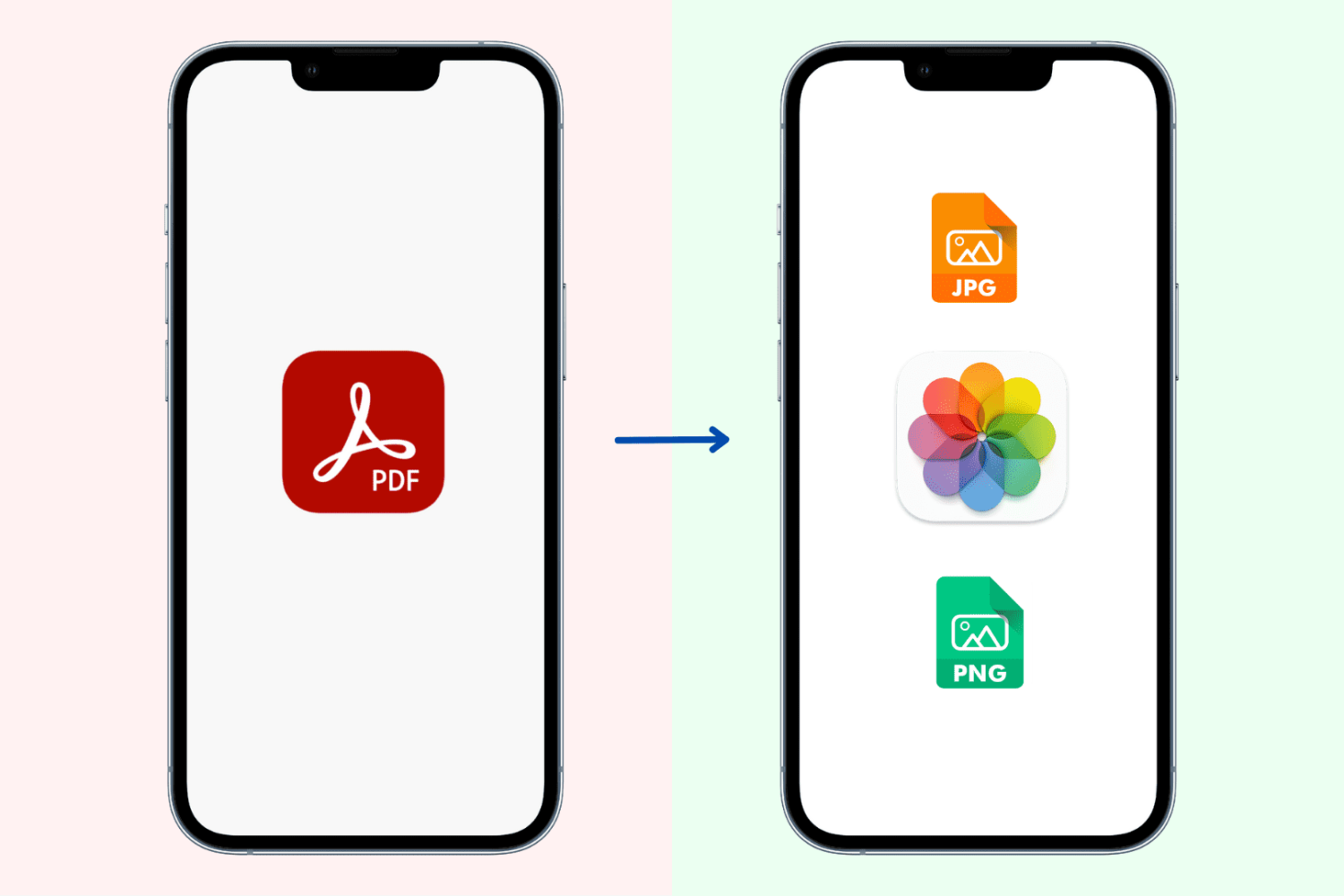
Apps to convert image formats on iPhone

What do you do when you have a great image saved as a PNG on your iPhone or iPad and someone needs it in a JPG format, or vice versa? Well, you have to convert it, of course. But this isn’t always as easy as it seems.

If you’re in the market for a mobile app that doesn’t cost a fortune, gives you the file types you need, and is easy to use, then you came to the right place. Here are the best apps to convert image formats on iPhone and iPad.