Learn how to set Safari to open links in a new tab or do it on the fly to control how and where links open.
How to open Safari links in new tabs on iPhone, iPad, Mac
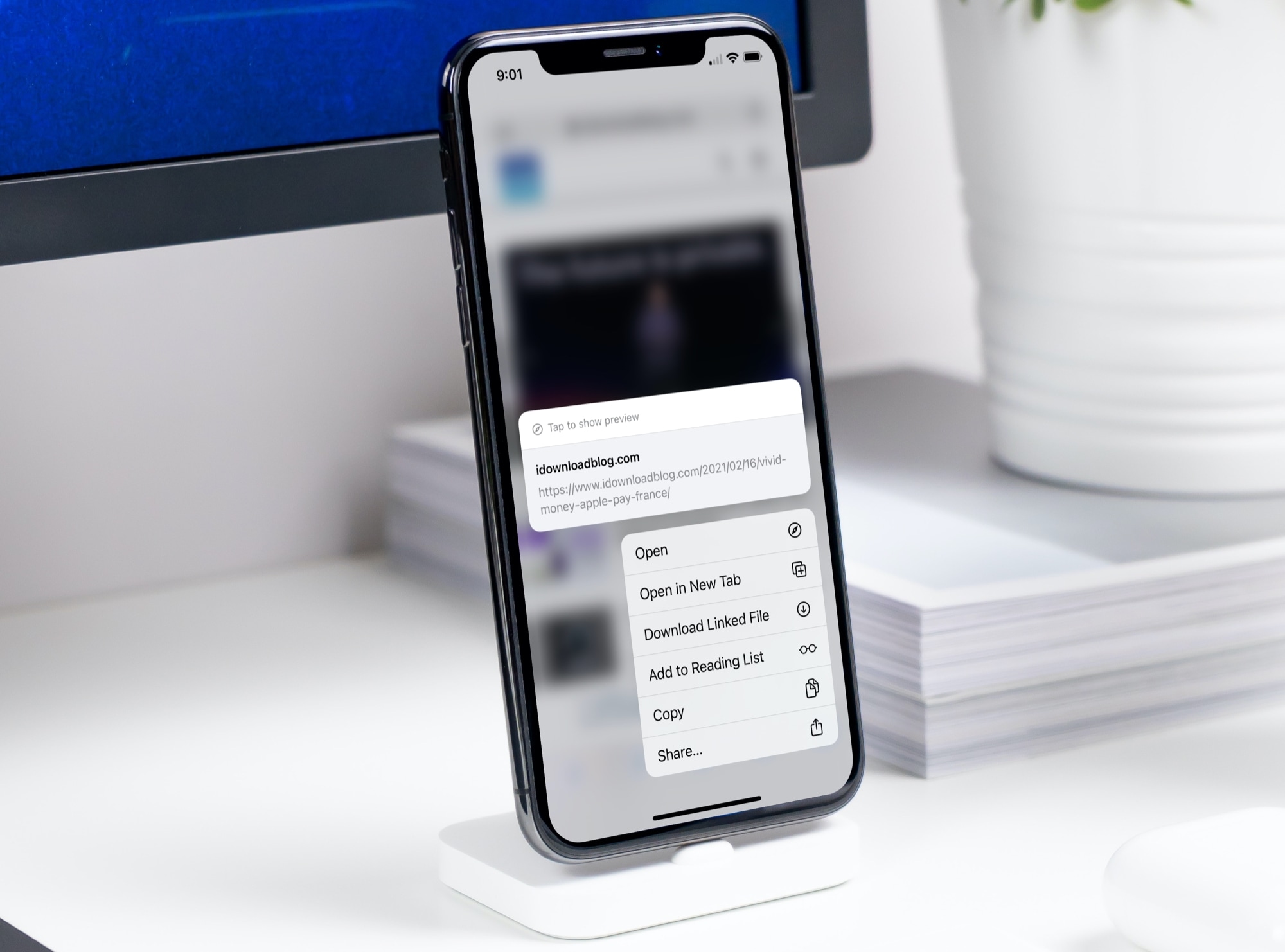
Learn how to set Safari to open links in a new tab or do it on the fly to control how and where links open.
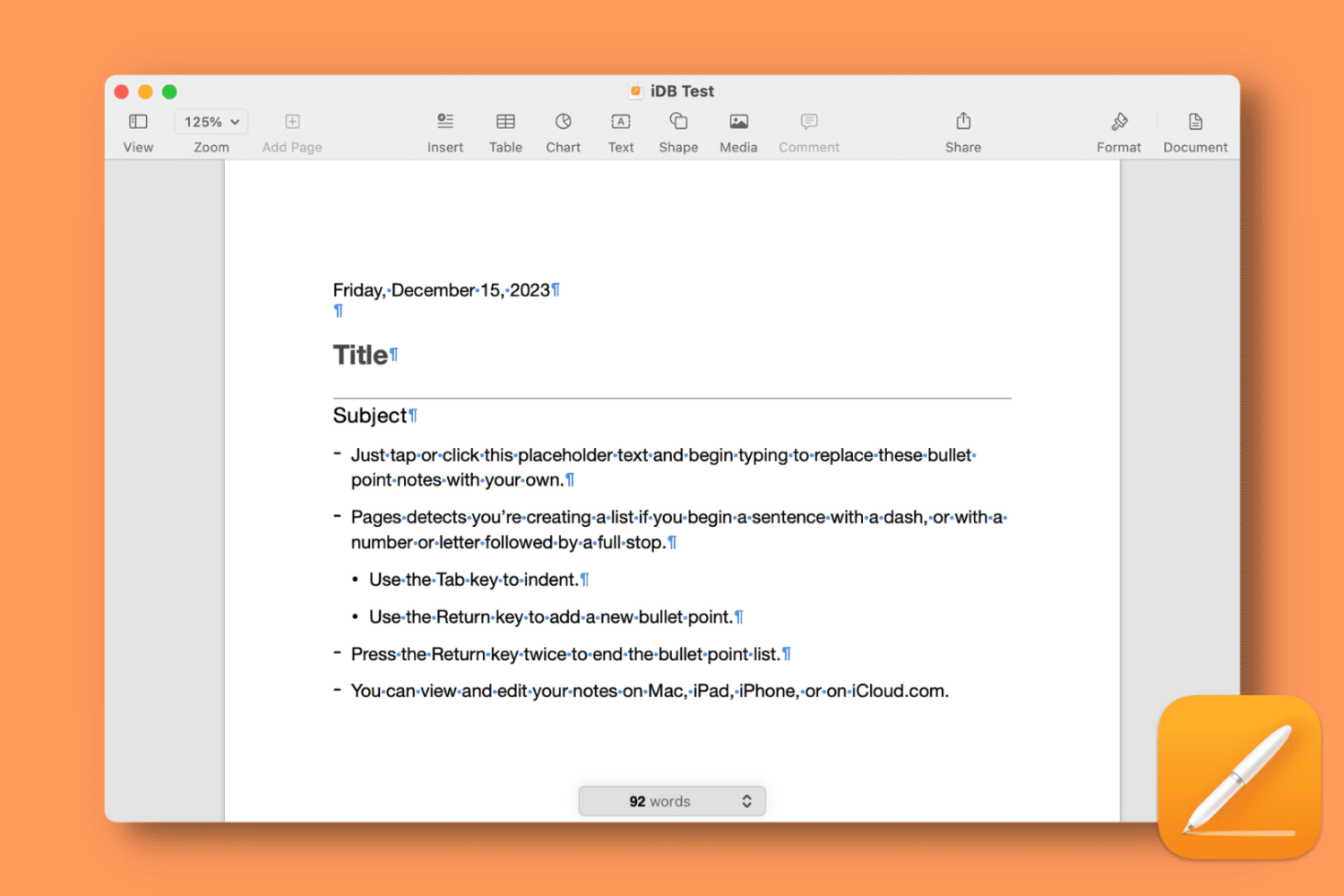
Learn how to display formatting symbols (called Invisibles) in the Apple Pages app on Mac, iPad, and iPhone to get a visual representation of invisible characters, which is helpful while troubleshooting layout problems of your document.
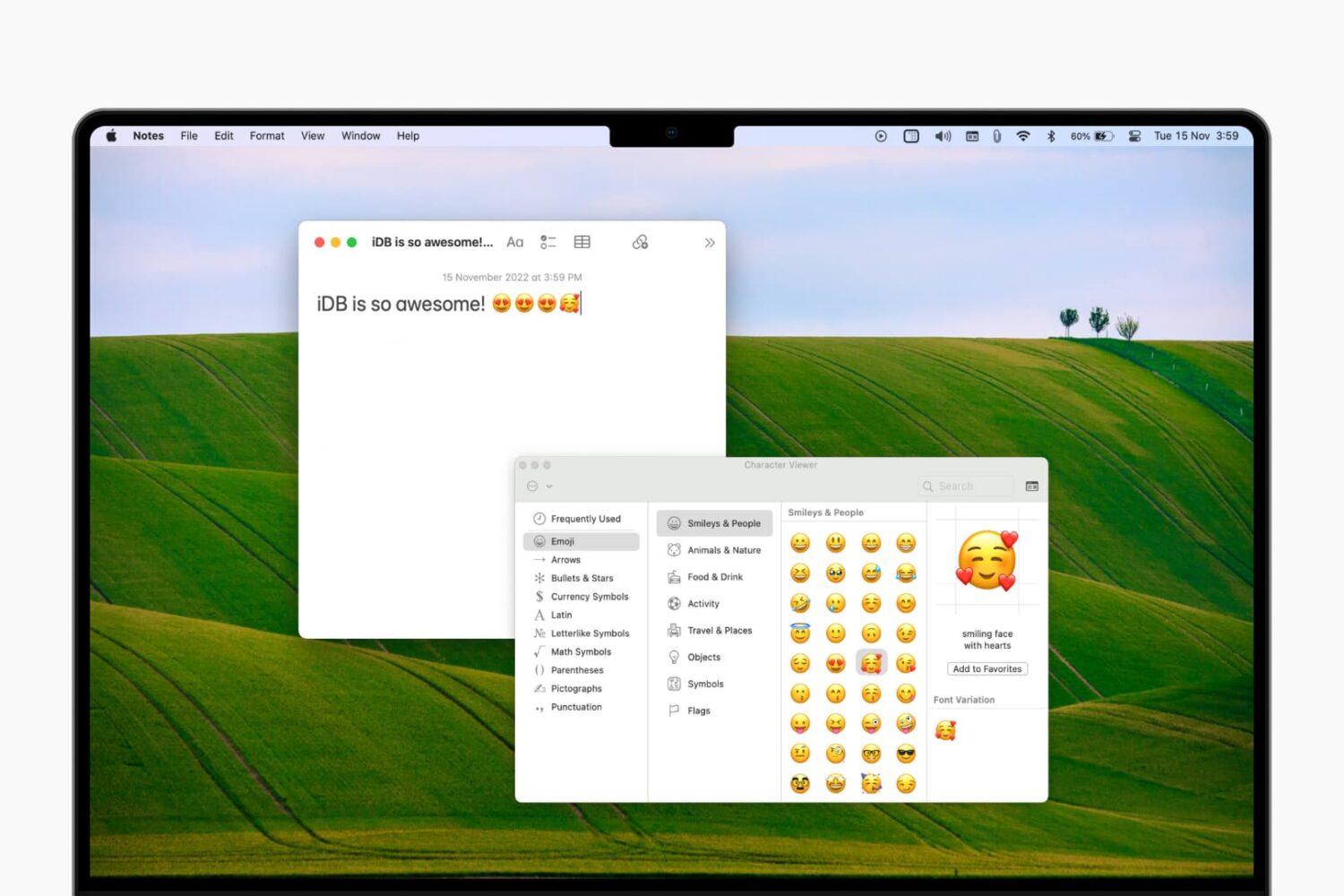
Learn how to access the emoji keyboard on your Mac to add emojis, symbols, characters, and icons to your notes, documents, emails, and other text fields.
Learn how to get started with the built-in Apple Script Editor app on Mac so you can make your own apps and workflows.

Learn how to add stock quotes to a spreadsheet in the Apple Numbers app for Mac, iPhone, and iPad to keep track of your investments in the stock market.

Learn how to use the built-in Camera Remote app on your Apple Watch to take pictures, Live Photos, and record videos on your iPhone.

Discover some of the best music apps for your kids so they can listen to, sign along, or make their own music, ensuring a healthy mix of entertainment and creativity.
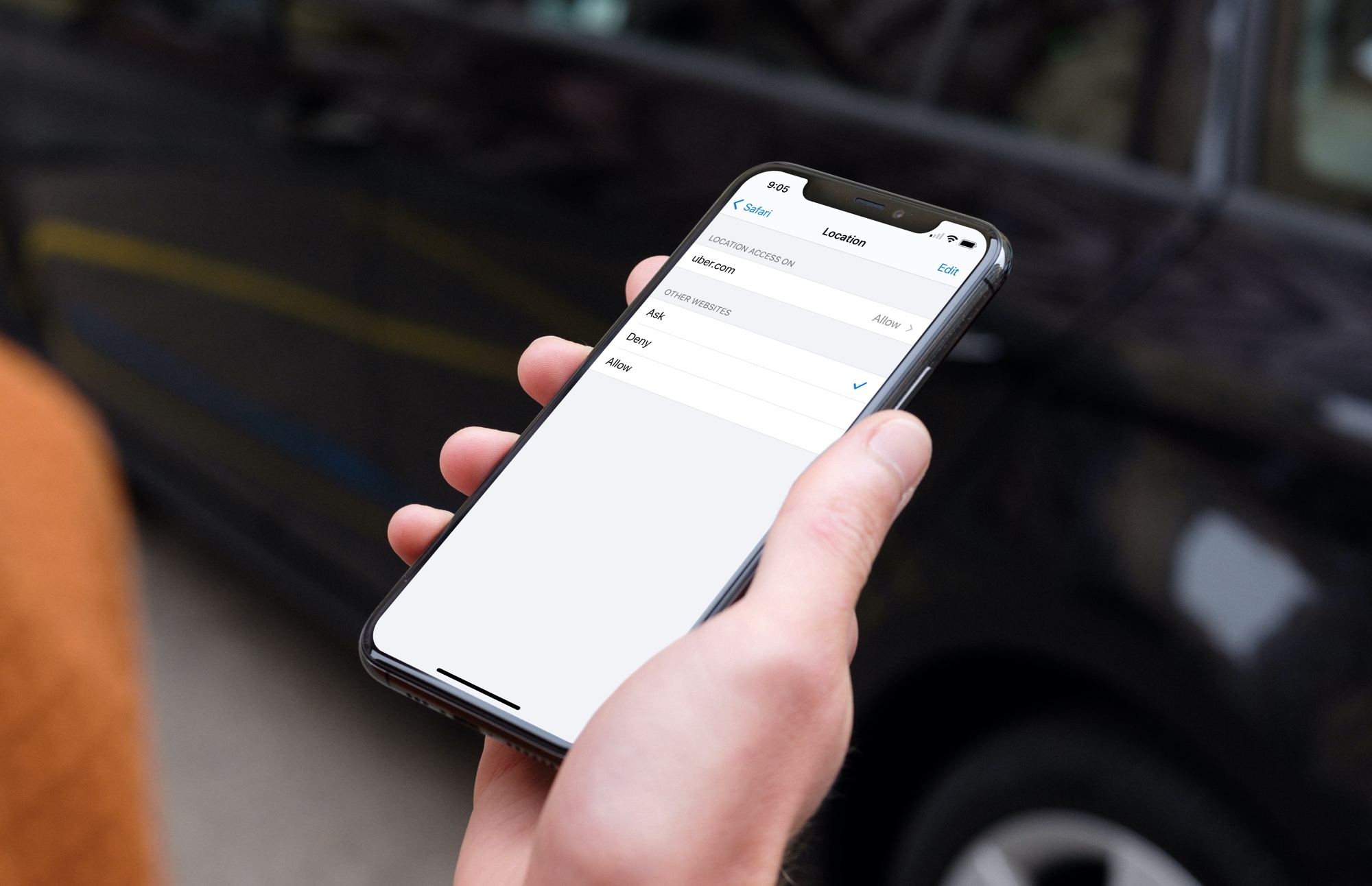
Learn how to configure Safari websites to stop asking for your location on iPhone, iPad, and Mac. You can always allow sites you want and deny those you don’t at any time.

Learn how to change Siri’s voice on your iPhone, iPad, Apple Watch, Mac, and HomePod so you can try different accents and genders and set the one you like.
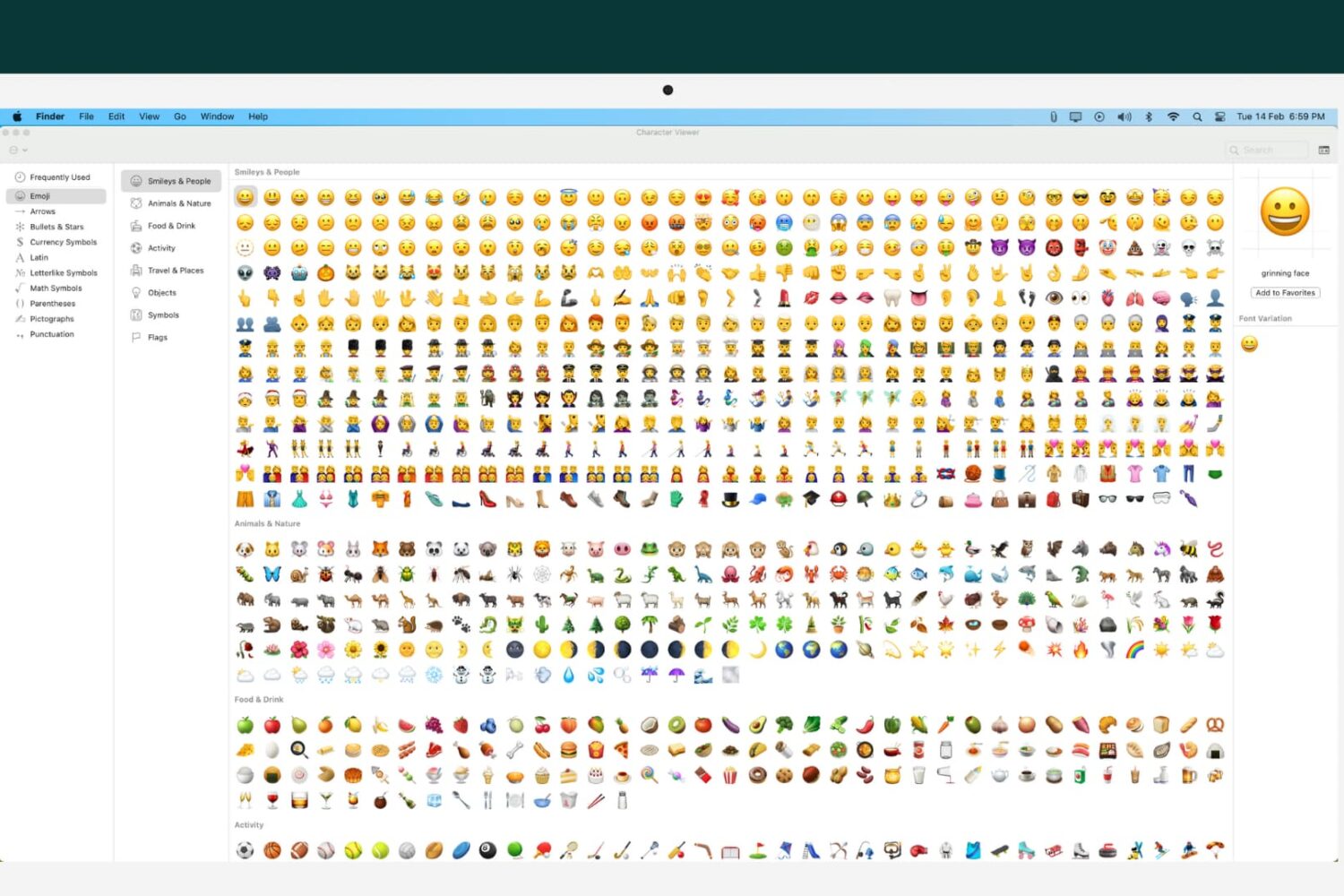
Learn how to customize your Mac’s emoji list of characters, icons, and symbols to tailor the Character Viewer to your needs.
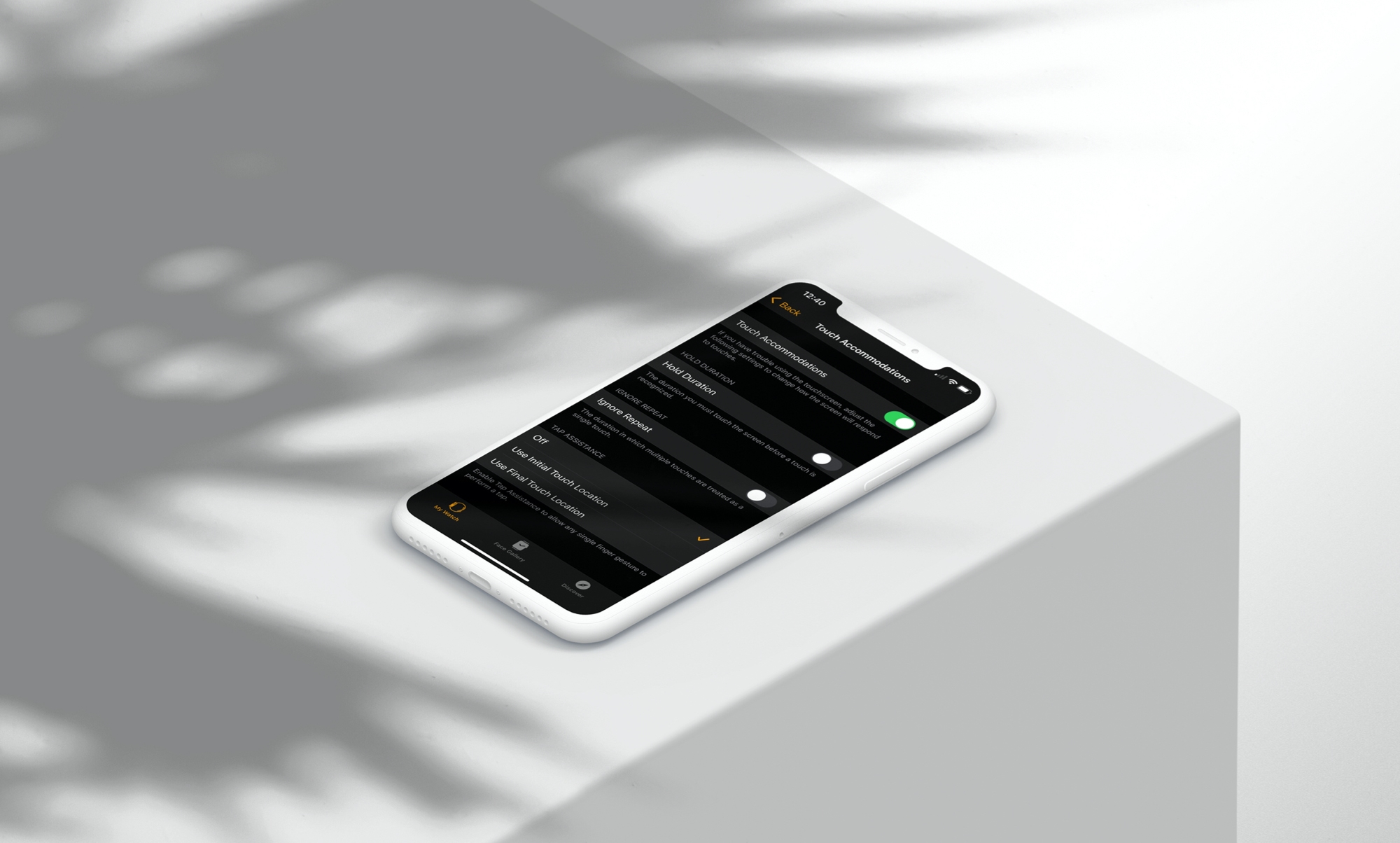
Learn how to tweak a few simple physical and motor skill accessibility settings on your Apple Watch so you can use your wearable comfortably to the fullest.

Your Kindle Paperwhite is equipped to handle multiple languages and keyboards. So if you’re bilingual or interested in testing your skills in another language, Kindle is a great way to do it.
Here, we’ll show you how to set the language you want, add and use keyboards in other languages, and even set a default dictionary for each language.