Learn how to save a presentation in Keynote as a PDF in a handout or outline view so you can send or share the file easily.
How to create PDF handout or outline of Keynote slideshow
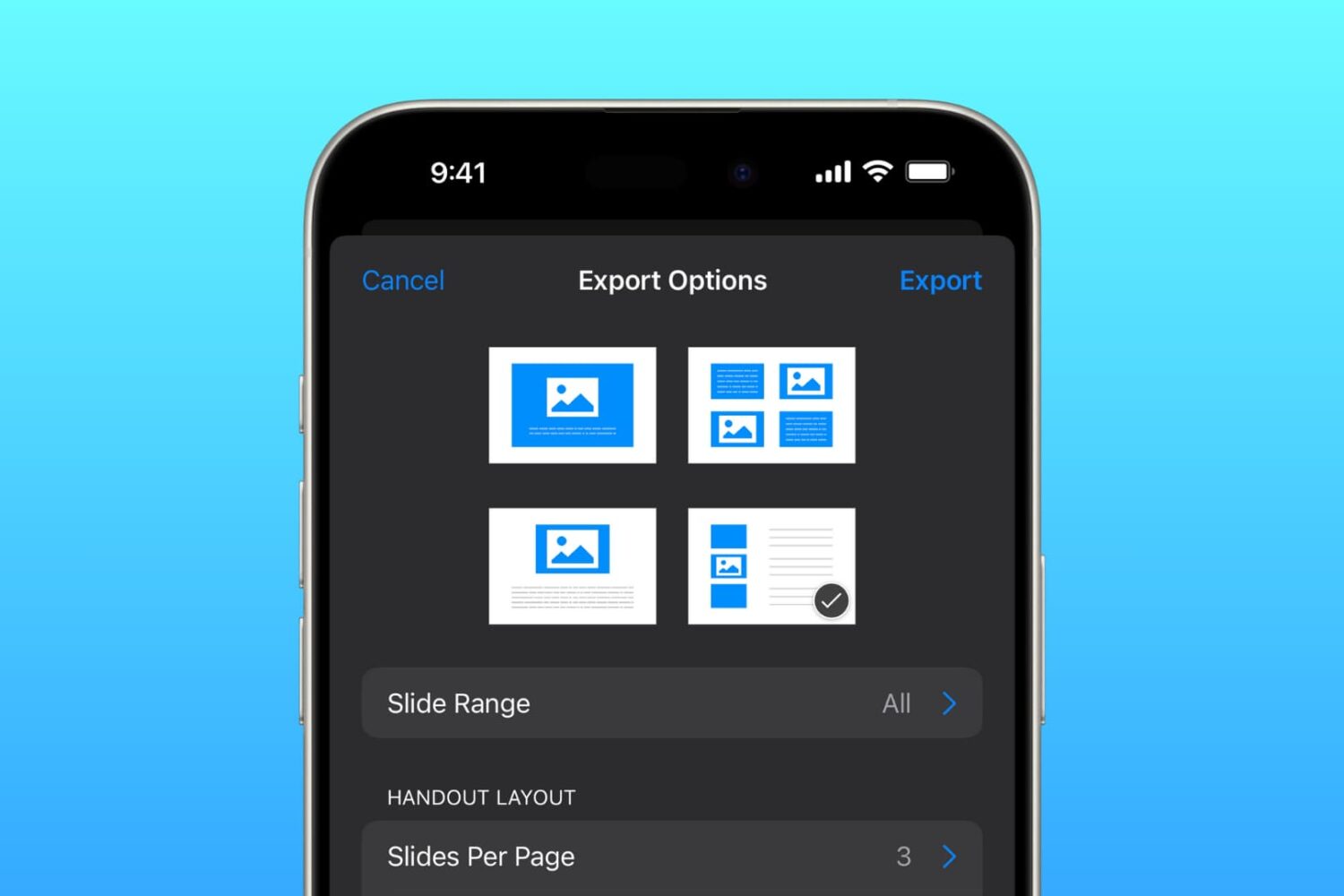
Learn how to save a presentation in Keynote as a PDF in a handout or outline view so you can send or share the file easily.

Learn how to quickly and easily send any document (PDF, DOC, HTML, etc.) to your Kindle or Kindle app just by sending an email.

If you love playing games on your Nintendo Switch as much as I do, then you probably already know about the handy screenshot feature. Maybe you capture shots of high scores or levels you’ve tackled. And while it’s great you have an album to see all your screenshots, maybe you’d like to do a bit more with them.
You might want to post those awesome gaming moments on social media. You may want to brag to a pal that you got further in the game than they did. Or, you might even want to help a friend who is new to a game by showing them how to do something.
Whatever the reason, you can take those Nintendo Switch screenshots and plop them right onto your iPhone. From there you can send, share, post, or do whatever you like with them. Here’s how it’s done.
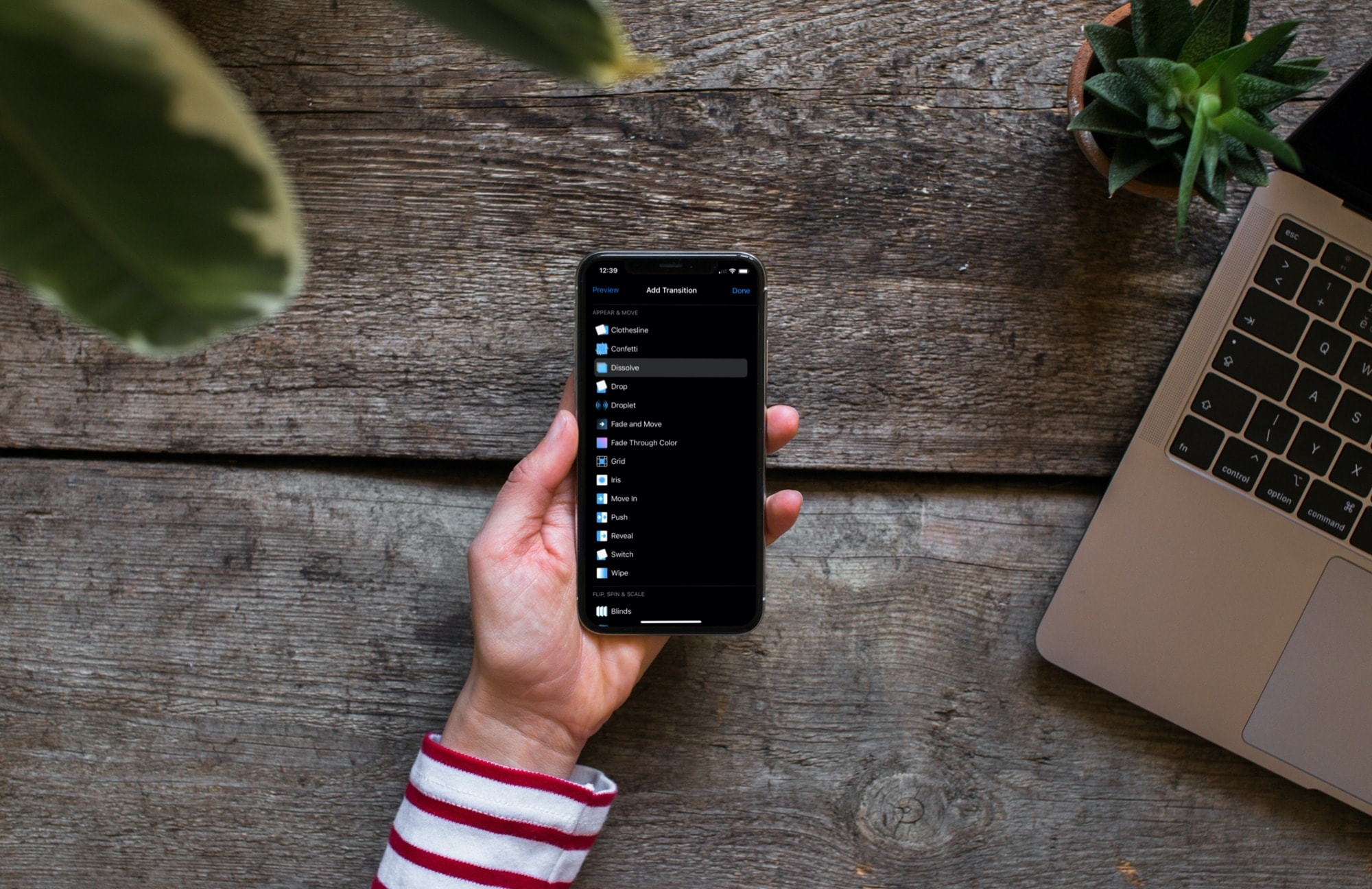
Learn how to add slide transitions in Keynote on Mac, iPhone, and iPad to give your slideshow a professional appearance.

Not everyone has the time or energy to come up with dinner ideas after a long day, whether you live alone or have a family to feed. And while takeout and food delivery are great, it can get expensive eating out all the time. Plus, you may have a restricted diet or watch what you eat.
An alternative to coming up with dishes to make or ordering fast food is a meal kit. And of course, you can get these delivered to your door. You can pick the meals you want, receive the ingredients, get instructions for cooking or heating, and you’re set. No more, “What’s for dinner?” or “Would you like fries with that?”.
Check out these terrific meal kit delivery apps for iPhone and then let us know which one you like the best!
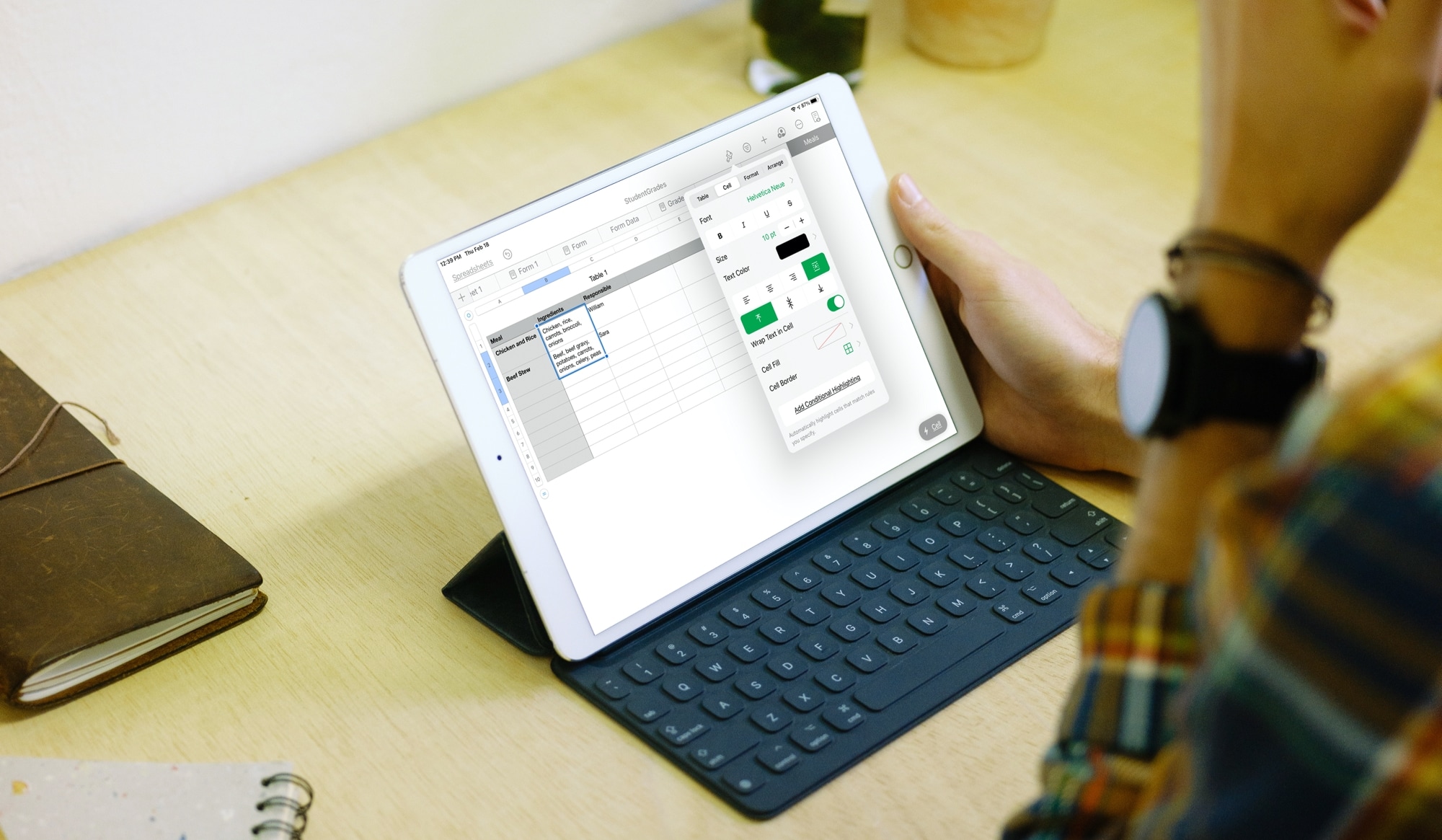
Learn how to wrap text in a cell, group of cells, or the whole table of the Numbers app on your iPhone, iPad, and Mac so you can display all your data without missing anything.

Learn how to require a password in the Keynote app on Mac, iPhone, and iPad to open a presentation or exit one.
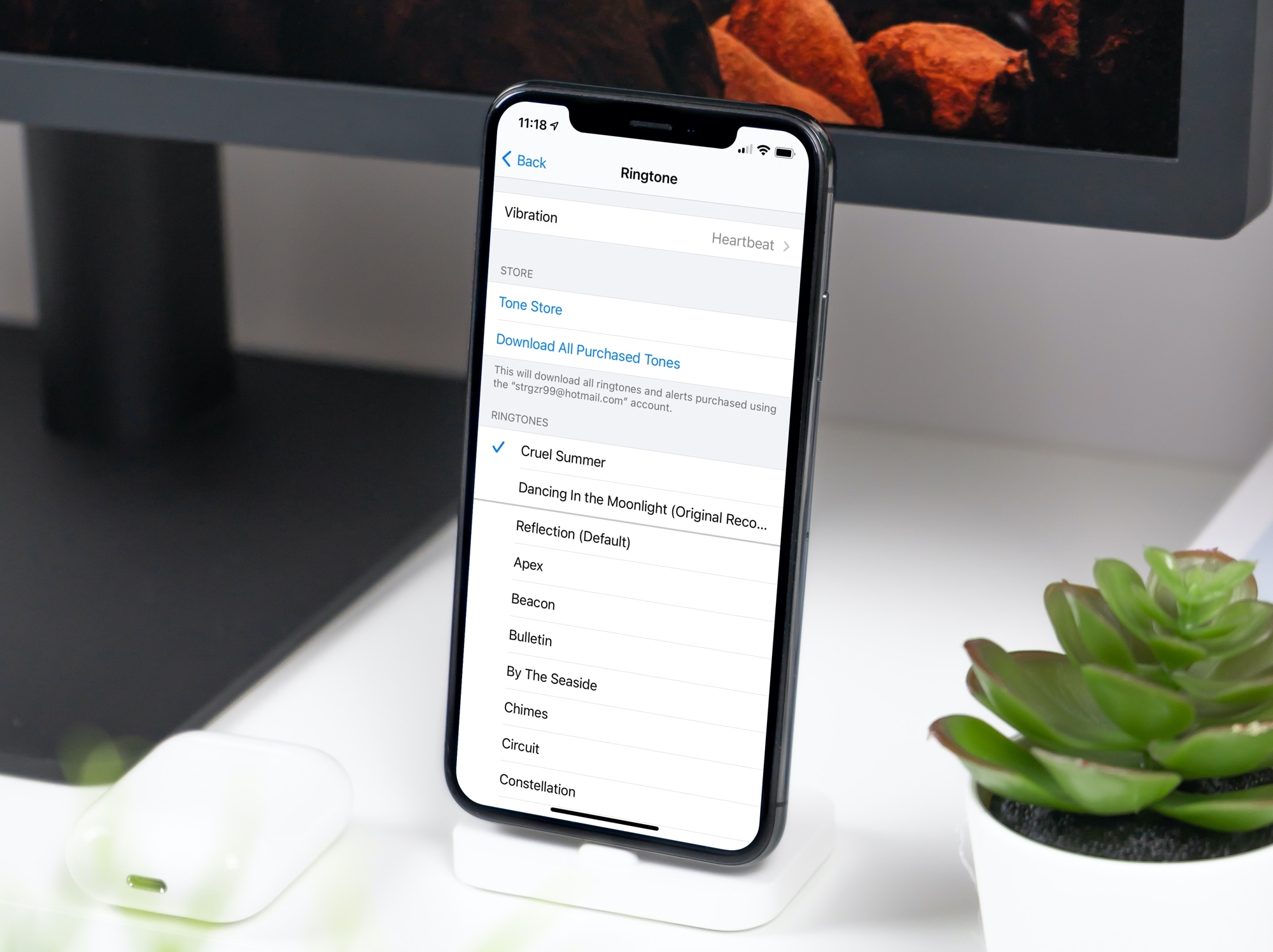
In this tutorial, we will show you how to convert a song or music file into a ringtone for your iPhone or iPad using the Music app on your Mac.
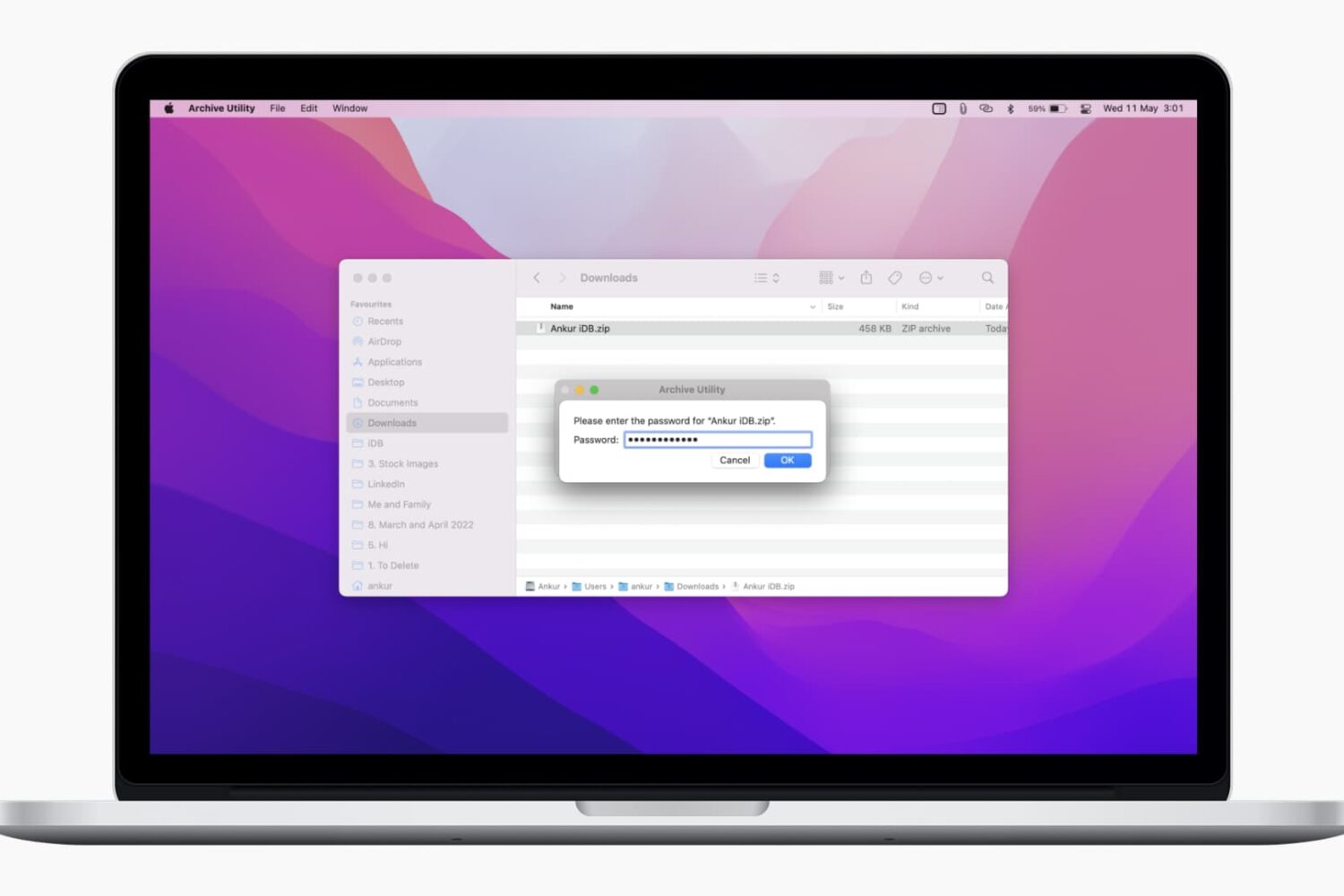
In this tutorial, we’ll show you two free and easy ways to secure your ZIP files on Mac with a password to prevent unauthorized use.
Learn how to color every other row in the Apple Numbers app on Mac, iPhone, and iPad to make a table in your spreadsheet easier to read.
Perform actions and tasks faster with these keyboard shortcuts for the Script Editor app on your Mac.

You may not be a complete novice when it comes to capturing photos with your iPhone camera. But you may not be an expert either. If you fall somewhere in between and want to take your photos to the next level, we have some terrific tips for iPhone photography.