Learn how to use links for websites, email addresses, phone numbers, etc., to make your Pages documents and Numbers spreadsheets more interactive and informative.
How to add links in Pages and Numbers documents on Mac
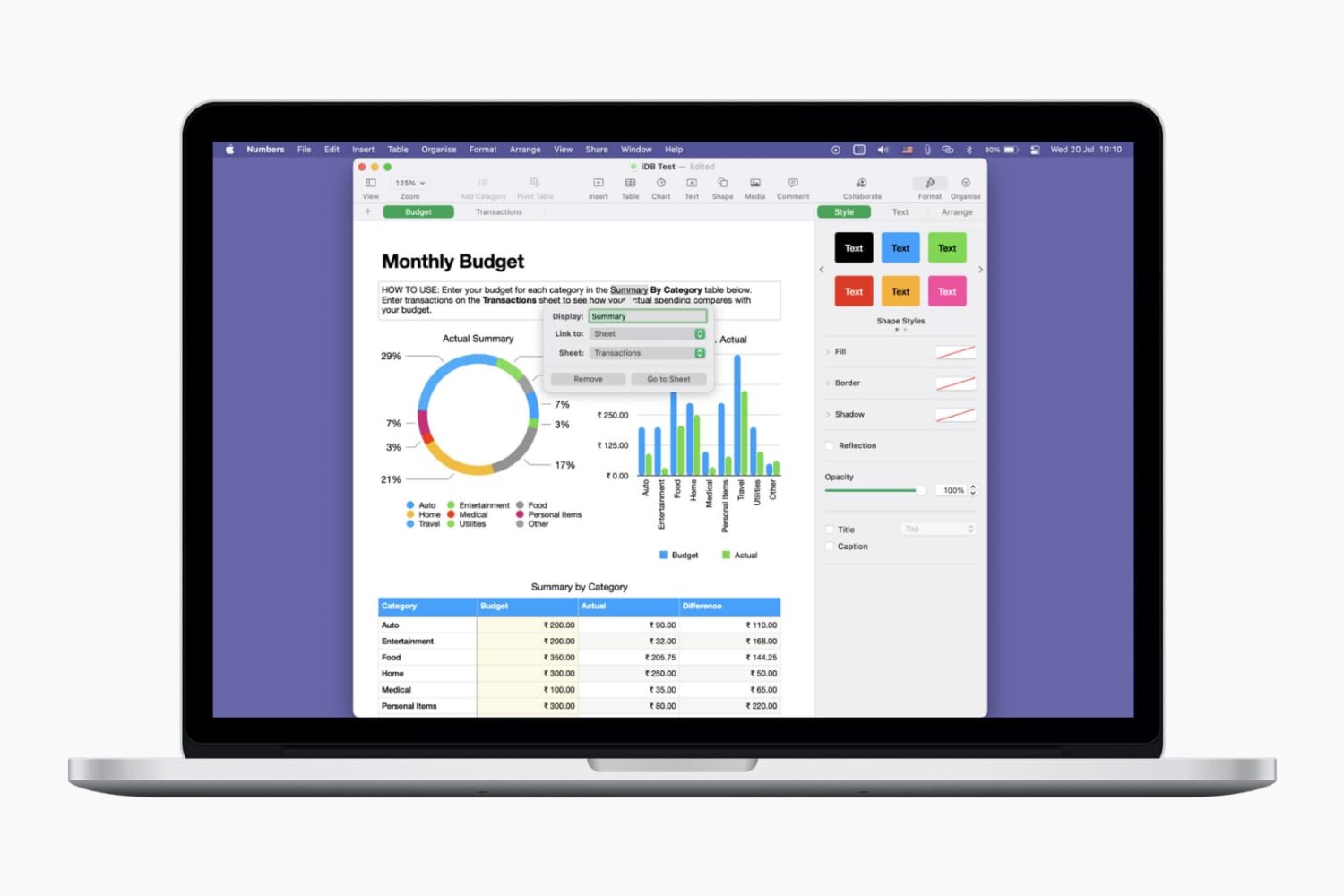
Learn how to use links for websites, email addresses, phone numbers, etc., to make your Pages documents and Numbers spreadsheets more interactive and informative.
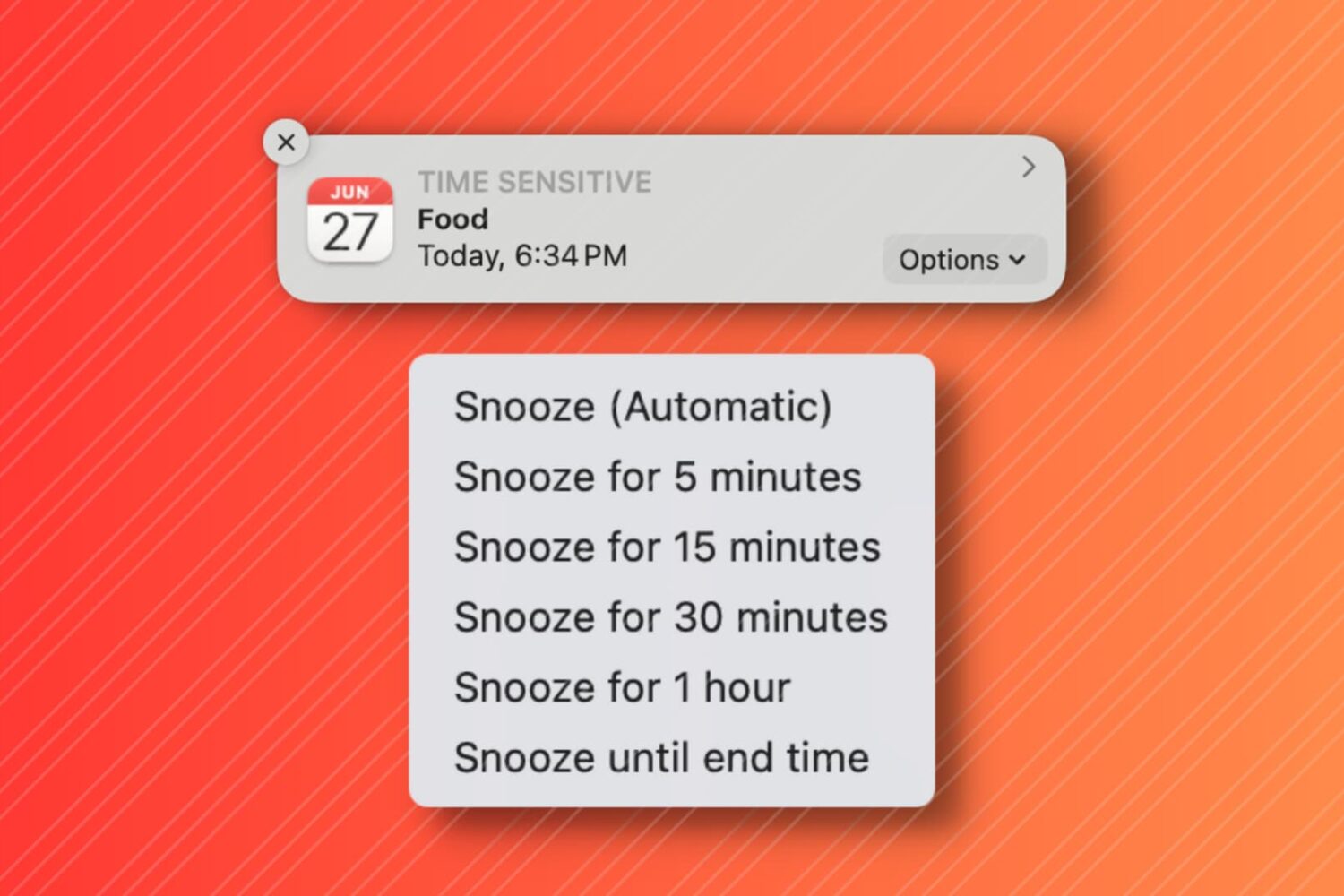
In this tutorial, we'll show you how to snooze your Mac Calendar events for longer than the default snooze time.

When you’re working in Pages on Mac, there may be times when you want to copy content and paste it into another document. Maybe the second document is similar, and you can save time by copying, pasting, and just making slight changes.
In Pages on Mac, you can copy pages between documents, and here’s how.
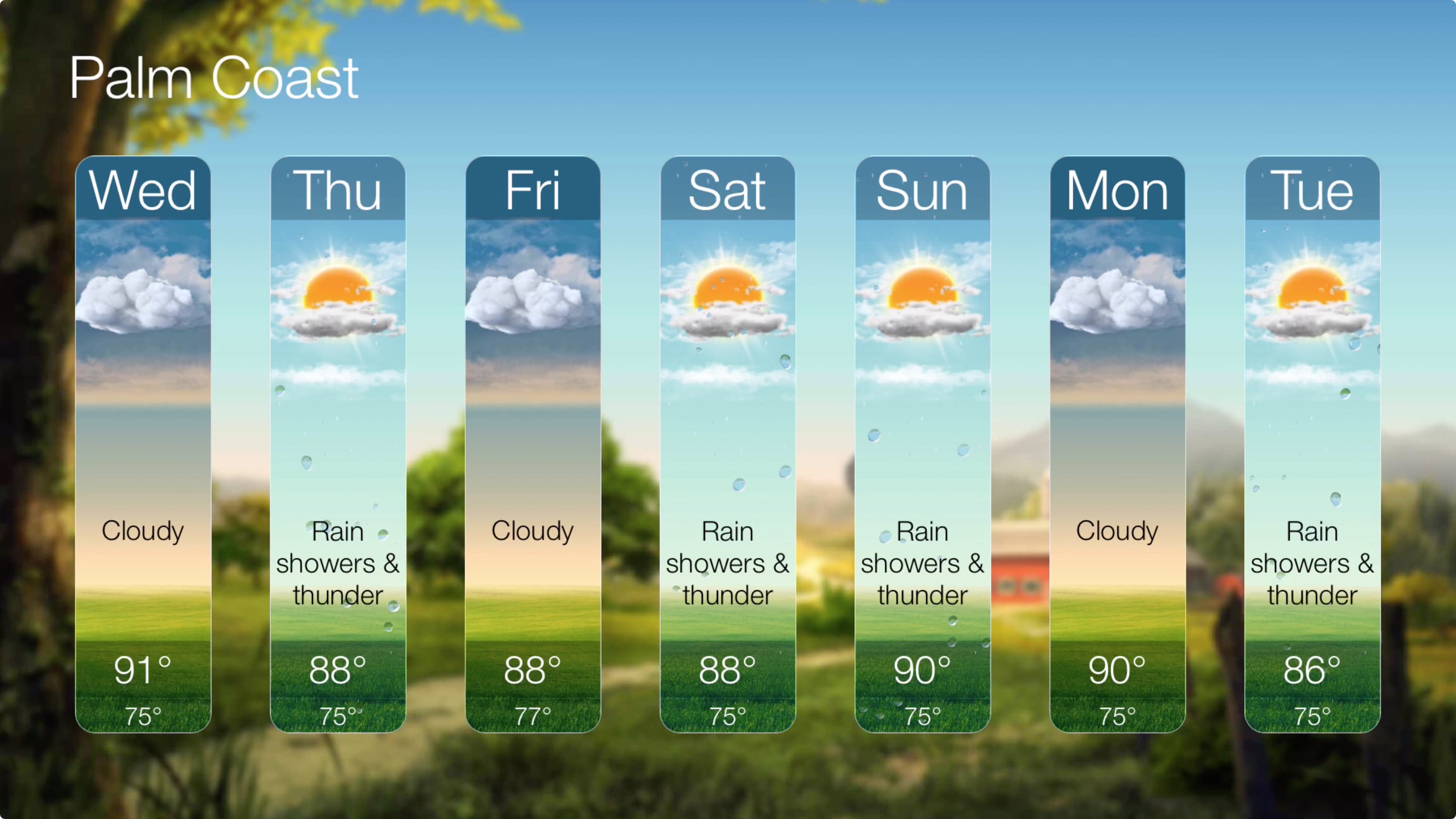
Weather apps are some of the handiest tools for any device. Whether on your iPhone, iPad, or Apple Watch, seeing what’s happening outside before you venture out or what will be happening during your weekend outdoors is essential.
If you don’t yet have a weather app for your Apple TV, this this is your list. Here are five of the best weather apps for Apple TV, in no certain order.
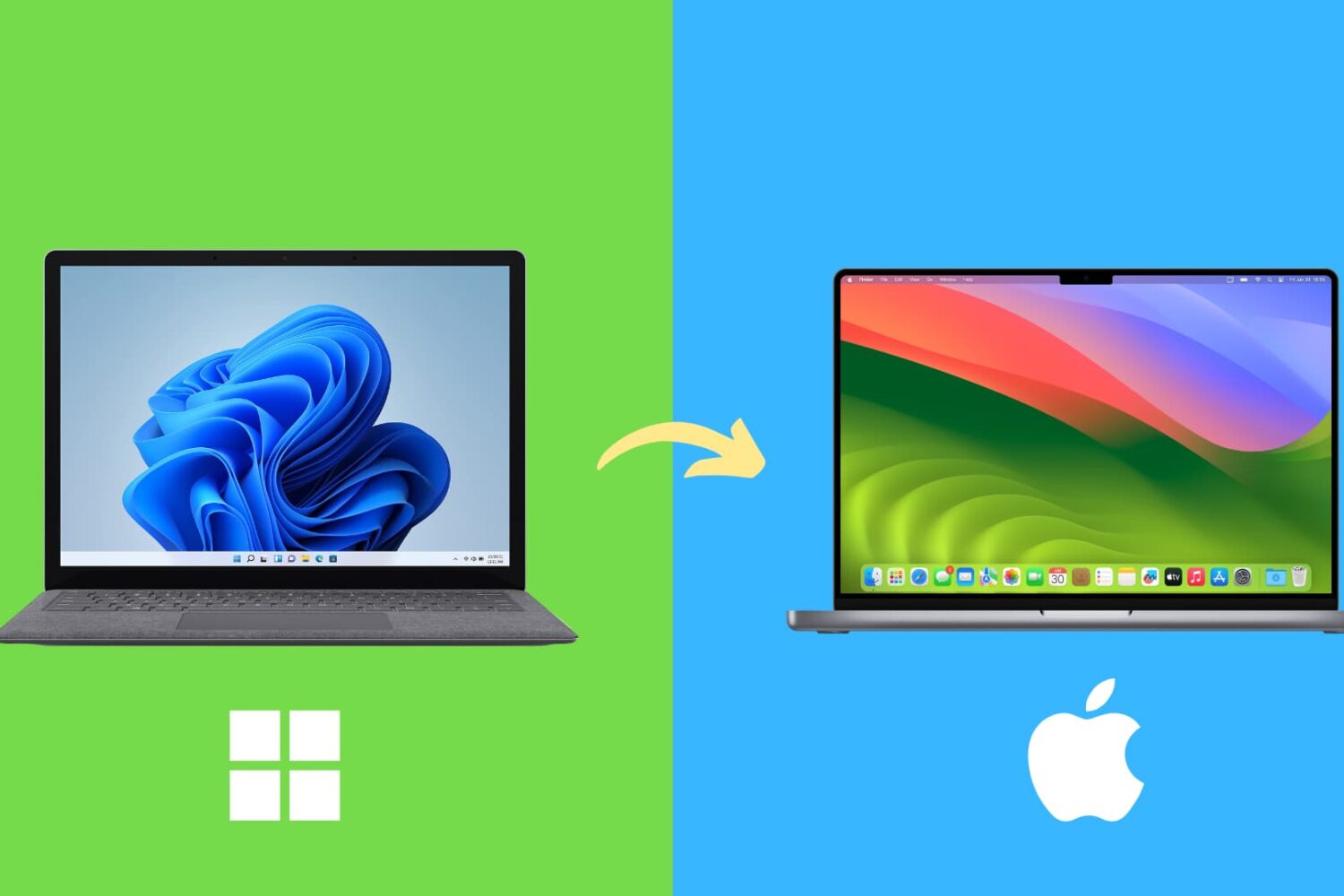
Here are several common differences you should be aware of and get used to if you’re switching from a Windows computer to a Mac.
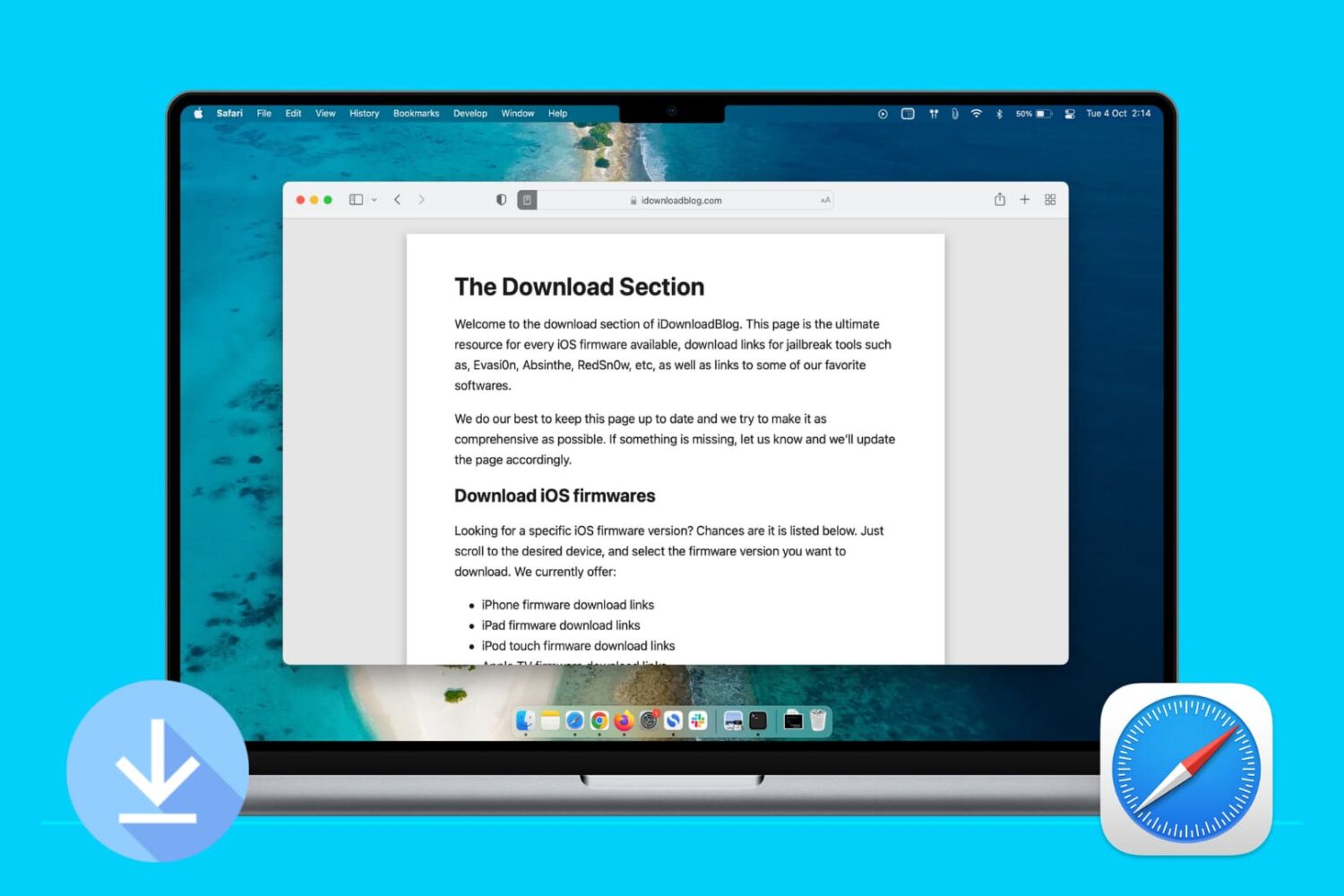
Learn how to stop Apple's Safari browser on your Mac from automatically opening files downloaded from the internet to mitigate potential security threats.

Apple Cash is a terrific way to instantly send money to friends and family from your iOS device or Apple Watch. You can pay back what you borrowed, loan money, or request money from someone who owes you. But what happens if you send someone money and want it back?
Maybe you loaned them more than they need, or maybe you discover you don’t have the extra to lend. Whatever the reason, you can cancel a payment you make with Apple Cash if they haven’t accepted the payment yet. Here’s how.

Learn how to customize bullet points in Apple's Pages app on your iPhone and iPad with emoji, images, and different styles for visually appealing lists.

If you just started using Apple Cash to send or receive money, you’re going to want to keep up with your activity. Check on money you’ve sent to others, see if someone sent money to you, and make sure your transactions look correct.
Here are a few ways to view your Apple Cash transactions on iPhone.
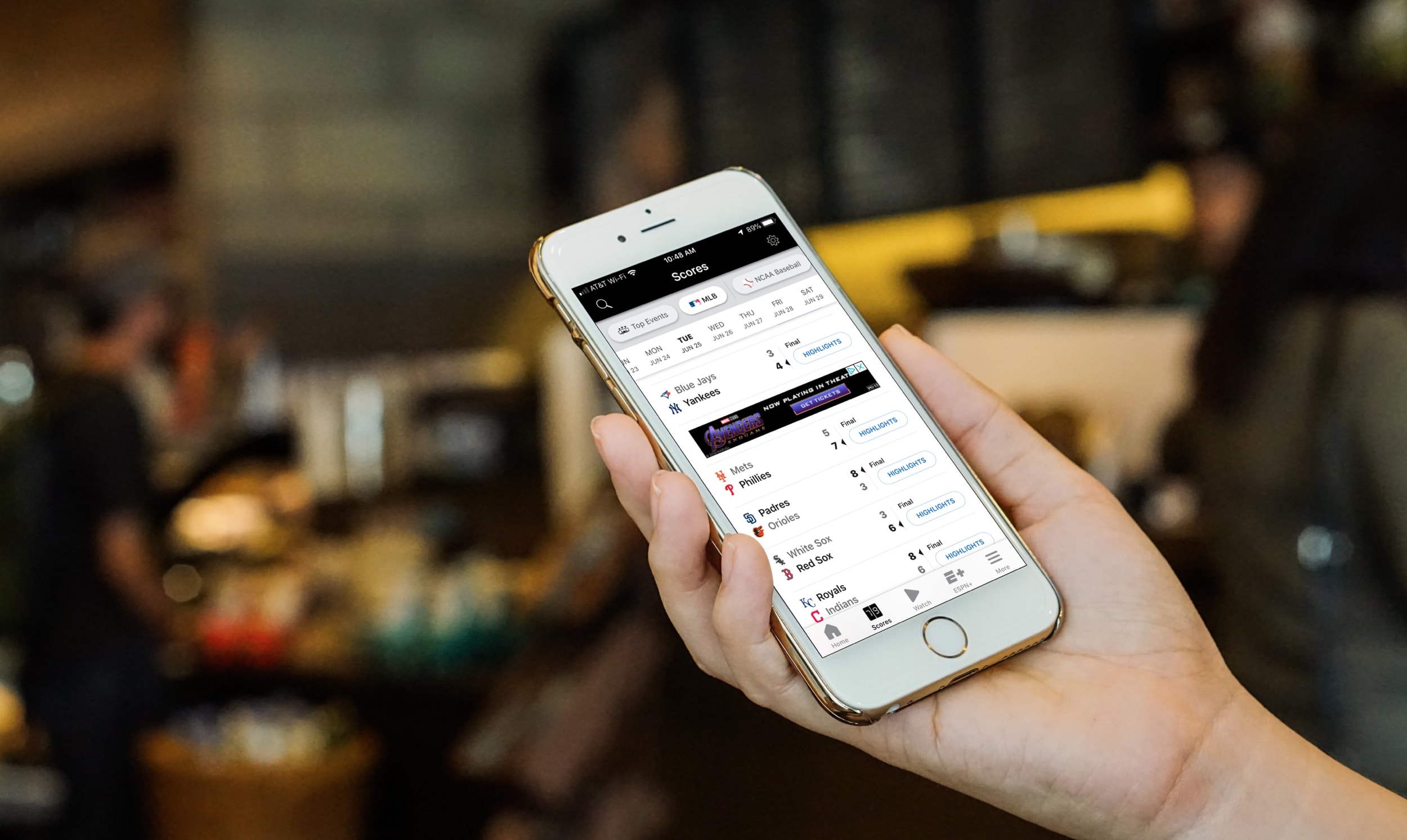
Whatever sport you love, baseball, football, soccer, there’s likely an app for that. You can even find some apps specific to your favorite teams, leagues, and tournaments. But if you enjoy all sports and want a quick and easy way to check a game score on your break at work or while waiting for a cab, these are the best iPhone apps for sports scores.
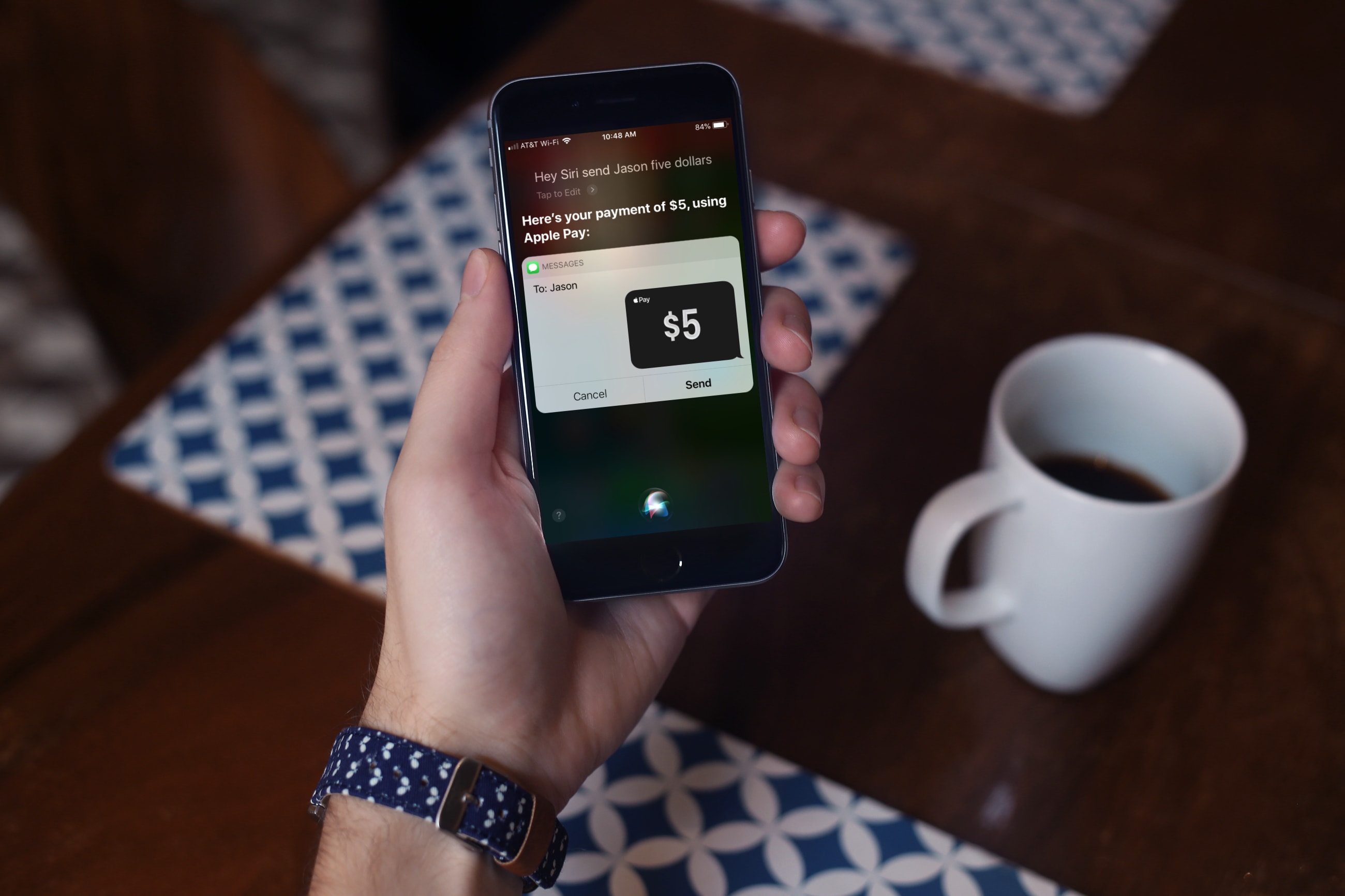
For the fastest way to loan money to a friend or pay them back after borrowing some yourself, you can use Apple Cash, formerly named Apple Pay Cash. Once you set it up, you can send money to your contacts or request money from them via the Messages app. The service has been around for a while, but there are still many who haven’t taken it for a spin yet.
If you fall into this category, this tutorial shows you how to set up and send money with Apple Cash.