Learn how to insert and format tables in the Pages app on Mac, iPad, and iPhone to organize data and other items in your reports and documents.
How to work with tables in Apple Pages on Mac, iPhone, iPad
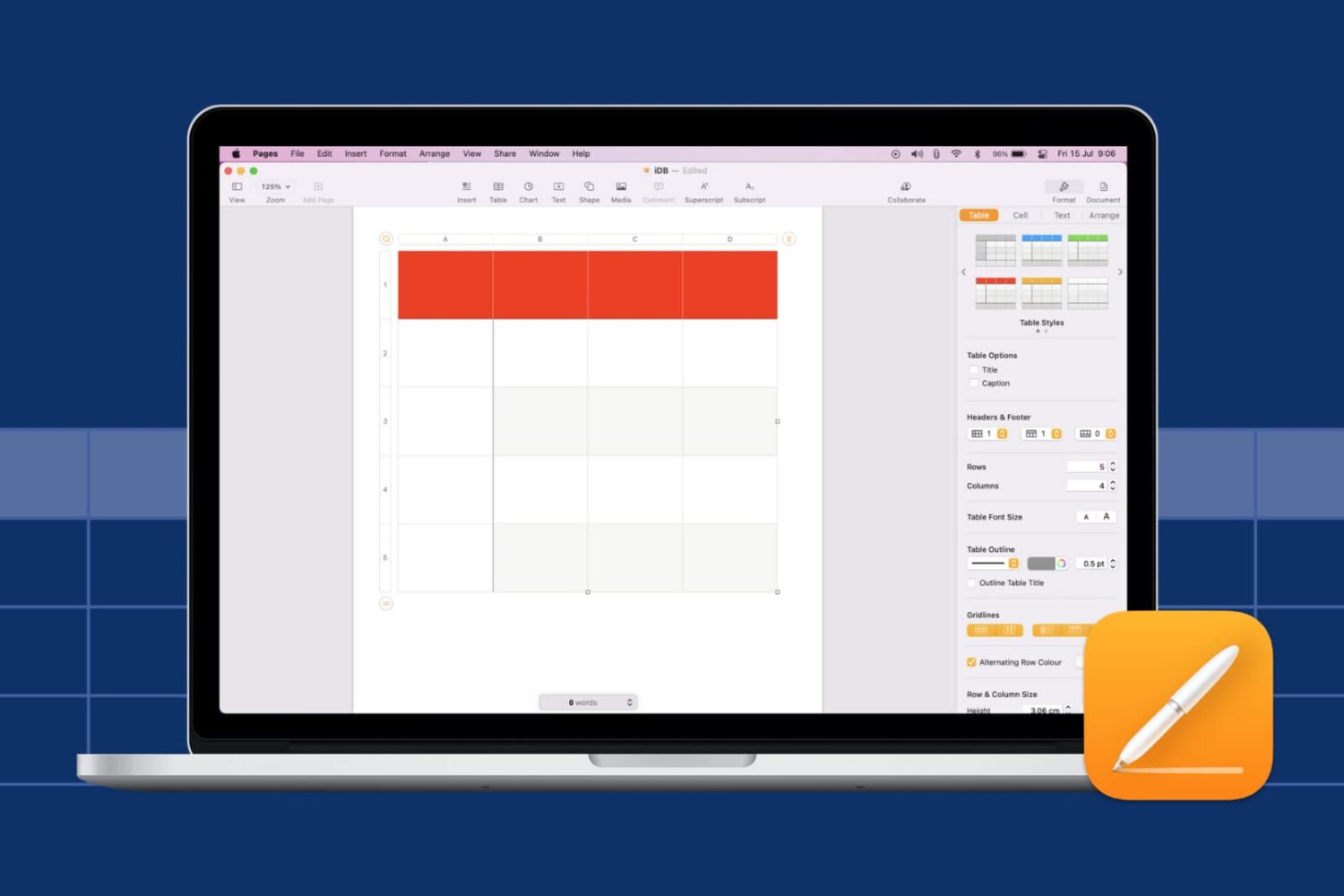
Learn how to insert and format tables in the Pages app on Mac, iPad, and iPhone to organize data and other items in your reports and documents.

Check out these seven handy tips to use your iPhone keyboard like a pro and start typing faster than ever!

Check out our list of the best household supply delivery apps for iPhone to get everything from toilet paper to toothpaste right to your doorstep.

Learn how to add a check box, star rating, slider, stepper, or pop-up menu in the Numbers app on your Mac, iPad, and iPhone for better data visualization and interaction.

Learn how to use the archive feature on Instagram to move your published posts to a hidden section that's only visible to you and nobody else on the platform.
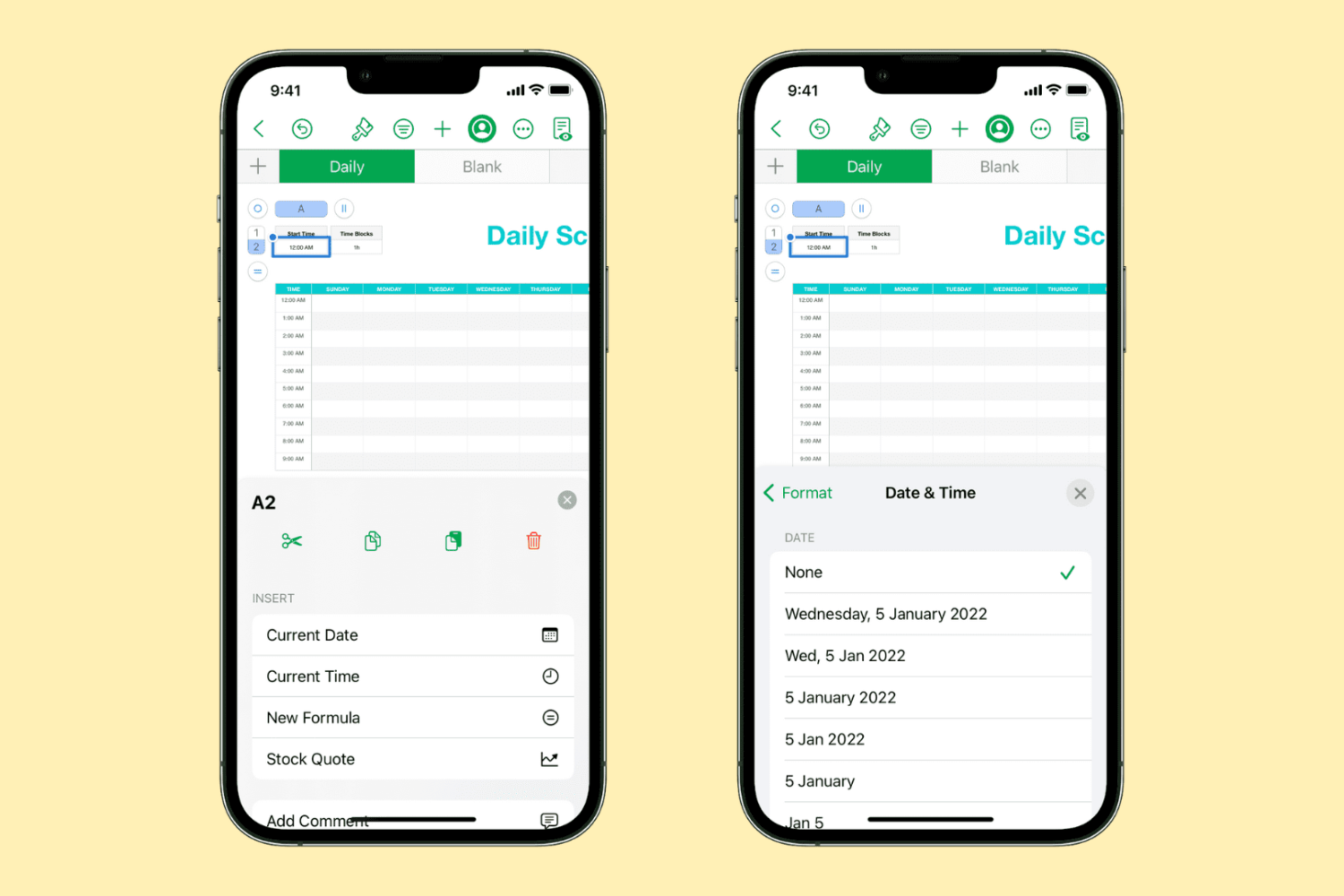
Learn how to quickly insert the current date and time in your Numbers spreadsheet without manually typing them, and change their format to one that works best for you.

In this tutorial, we’ll show you multiple ways to share files between two or more Macs. You can go through all these tips and use the ones that are most convenient for you and your setup.

In this tutorial, we'll show you how to pick a different theme for your Keynote presentation on Mac, iPad, and iPhone without starting over.
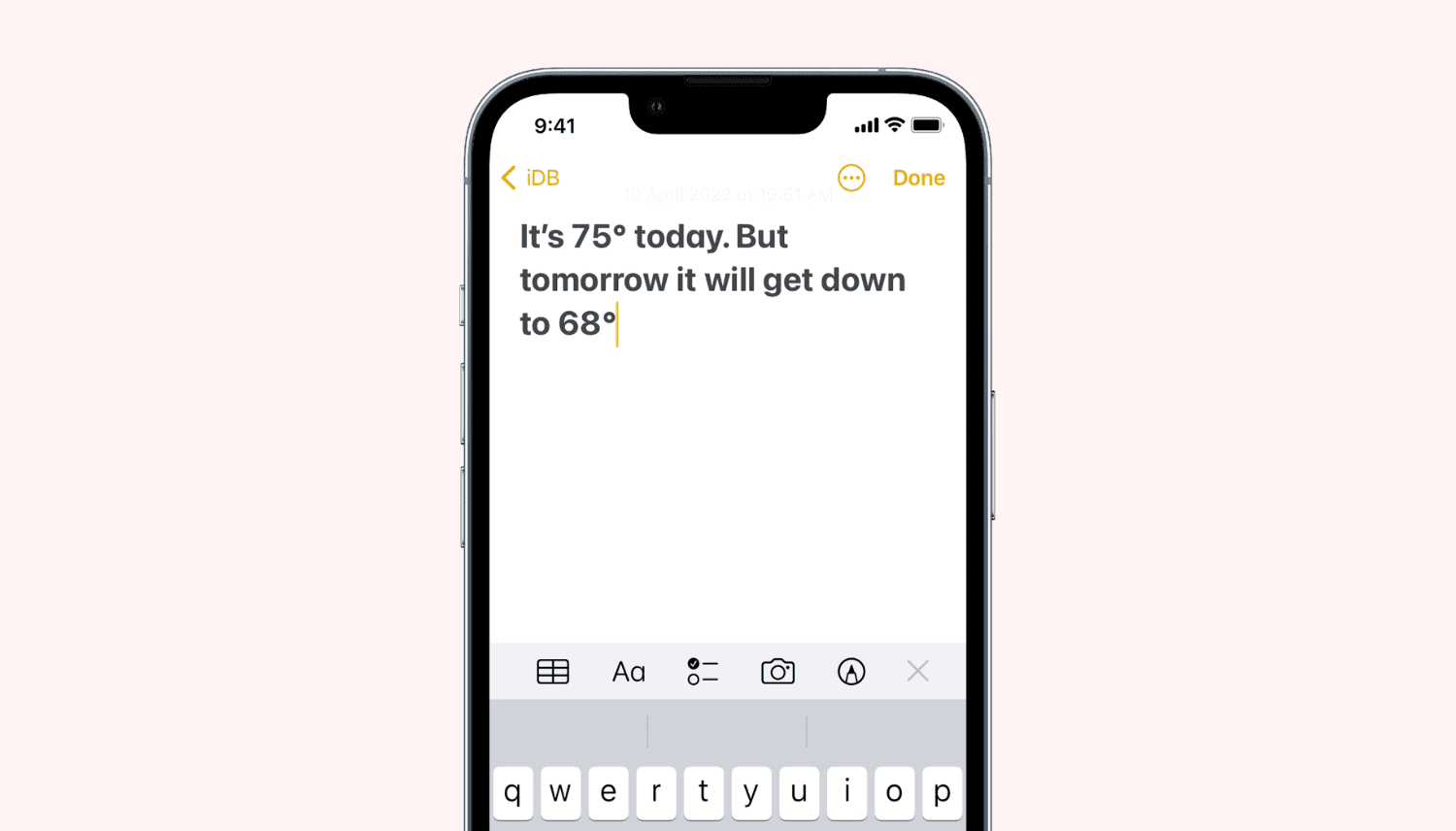
In this quick tutorial, we’ll show you how to insert the degree symbol (°) anywhere on your iPhone, iPad, and Mac without copying & pasting it off the internet. You don’t even have to use a third-party app!

Learn how to create and manage a list of Close Friends on Instagram, and share your story with only the people on this list.
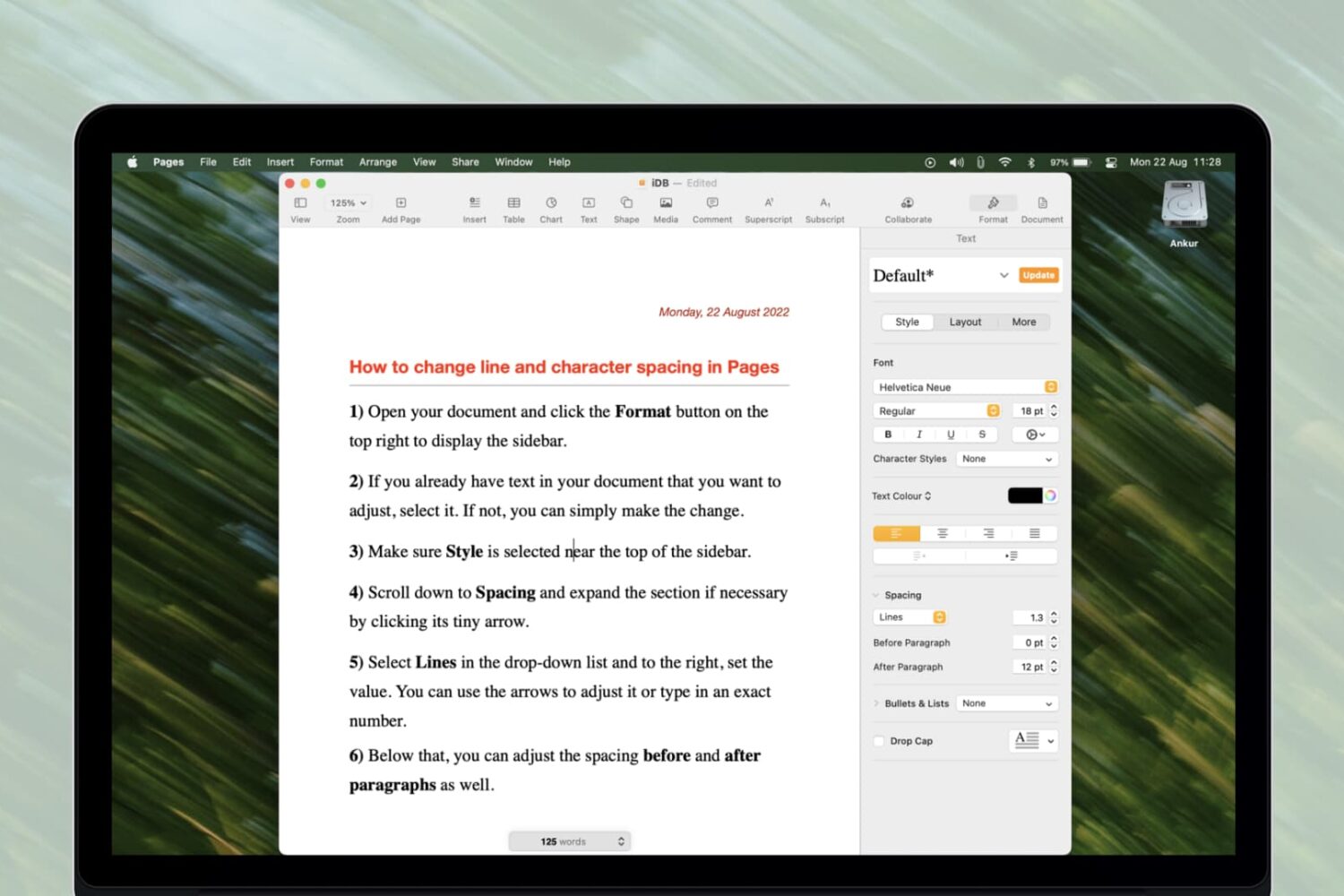
Learn how to change line spacing along with the space between characters in the Apple Pages app on your Mac, iPhone, and iPad for a more polished and readable document.
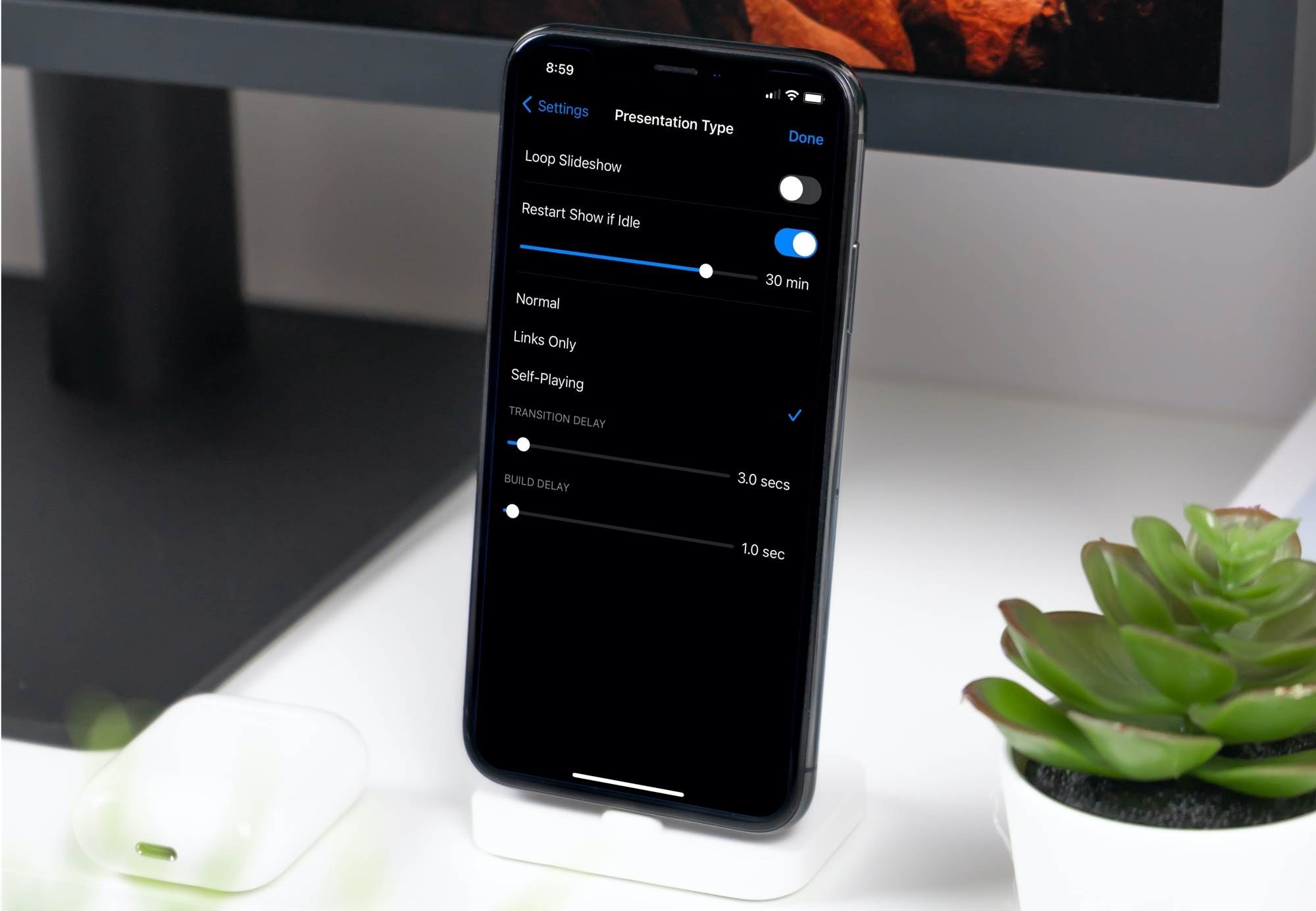
Learn how to set up your Keynote slideshow to play, loop, and restart automatically so your presentation keeps going without you having to interact with it continuously.