Learn how to check the current traffic in the Apple Maps app on your iPhone, iPad, or Mac to avoid congestions, road closures, and construction work, saving time.
How to show and recognize traffic conditions in Apple Maps

Learn how to check the current traffic in the Apple Maps app on your iPhone, iPad, or Mac to avoid congestions, road closures, and construction work, saving time.
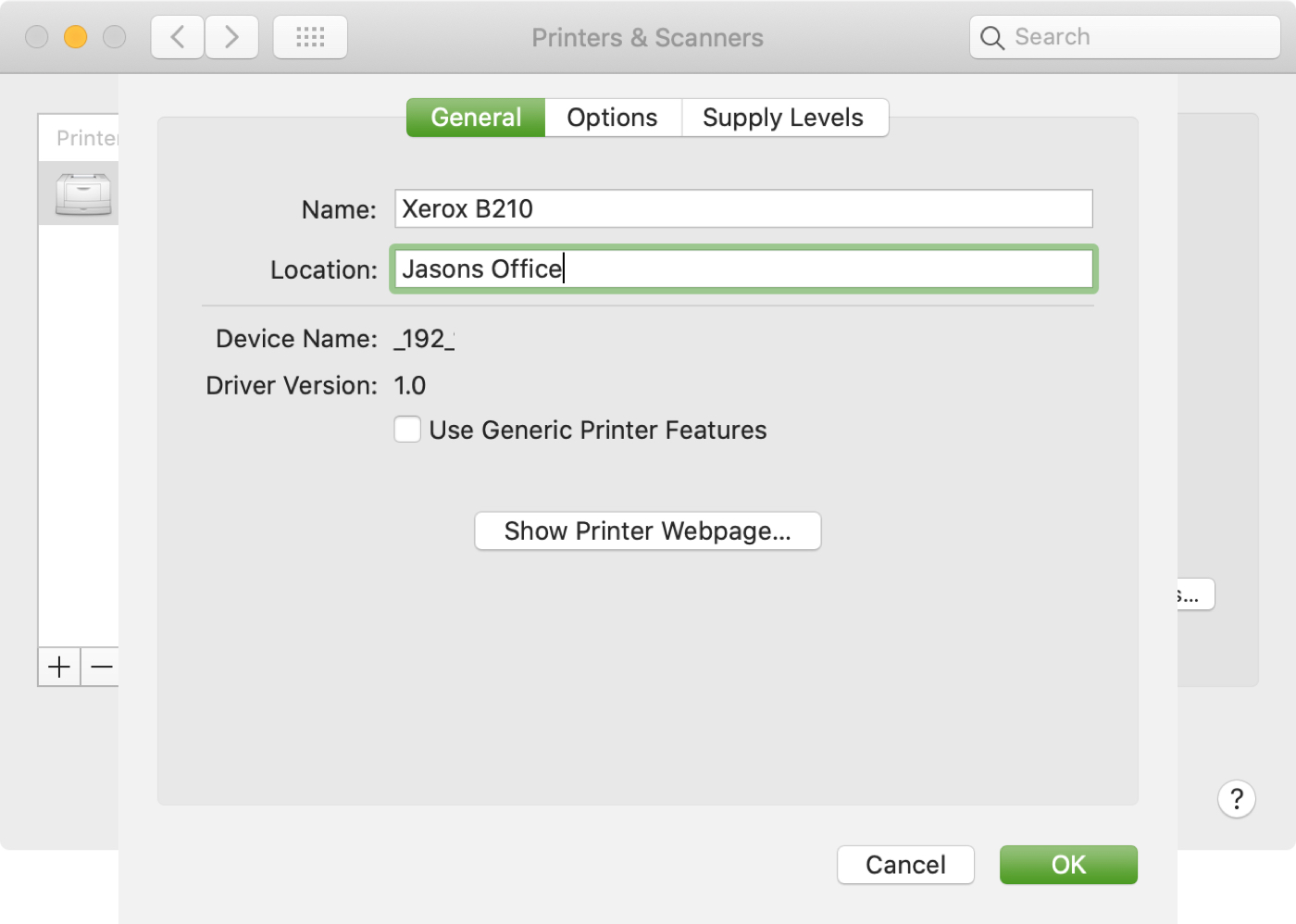
If you use more than one printer with your Mac, it’s important to know how to choose the default printer. This is useful if you take your Mac to your physical office, school, or library and then return to your home office. And if you share your Mac and printer with others, giving a name and location to your equipment is also helpful.
In this tutorial we’ll show you how to set your default printer as well as change its name and location on your Mac.

In this tutorial, we will show you how to narrow down the places you’re looking for using built-in filters in Google Maps in a web browser, or in the iPhone and iPad app.
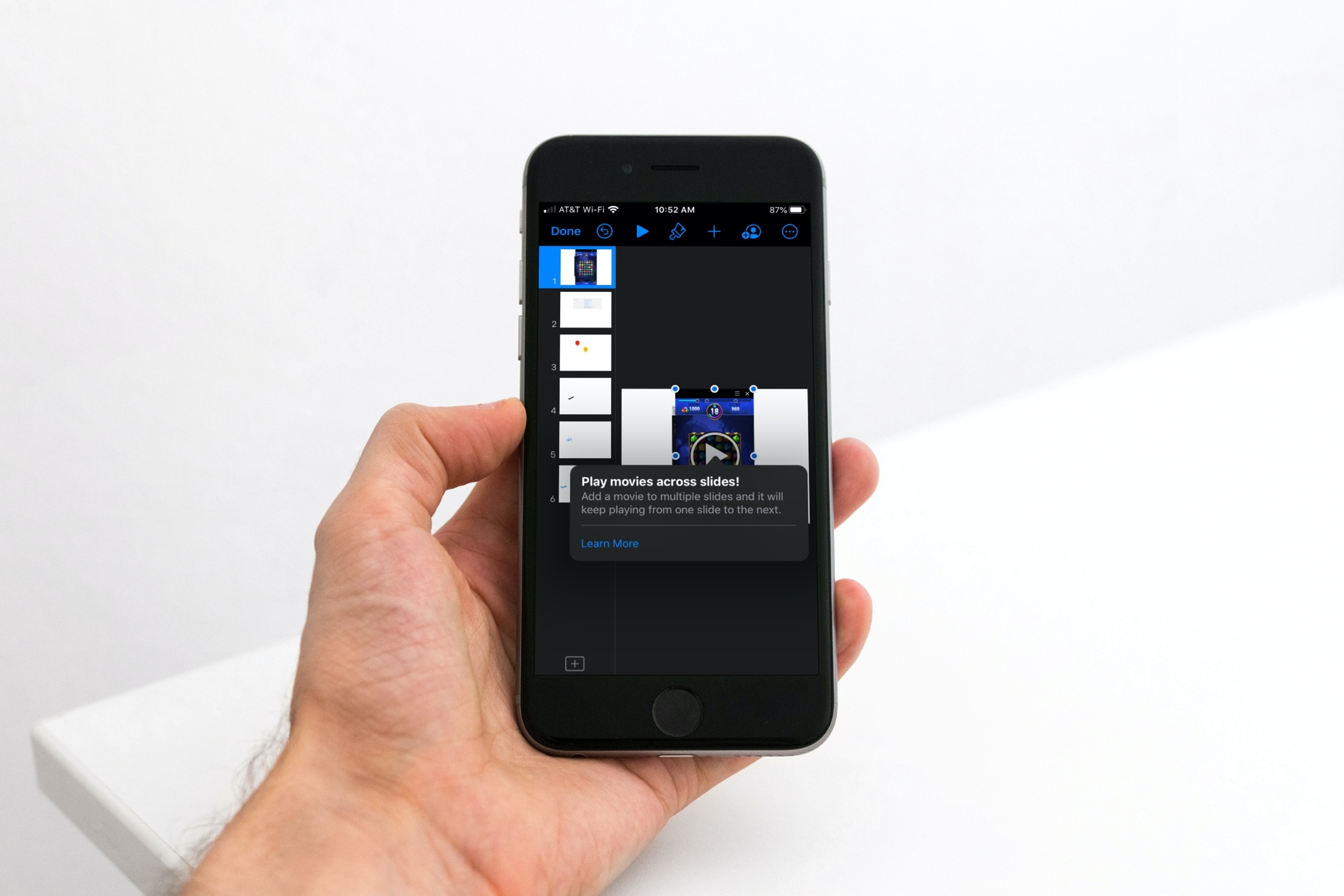
Learn how to insert a video or audio file in your Keynote presentation on Mac, iPad, or iPhone, and set it to play across various adjacent slides.

These are some of the best iOS apps to help kids with homework. So, if you have a child in your life who could use a little help with their school assignments, this list is for you.

Not familiar with your Mac Mail Favorites Bar? We’ll show you where it is, tell you what it is, and help you customize and use it to make it even easier to check your emails.
Finding photos of people, places, or things can become increasingly difficult as you snap more pictures. And if you don’t take the time to add keywords or descriptions, it can be even harder. In this tutorial, we’ll share some tips to help you find what you need inside the macOS Photos app.
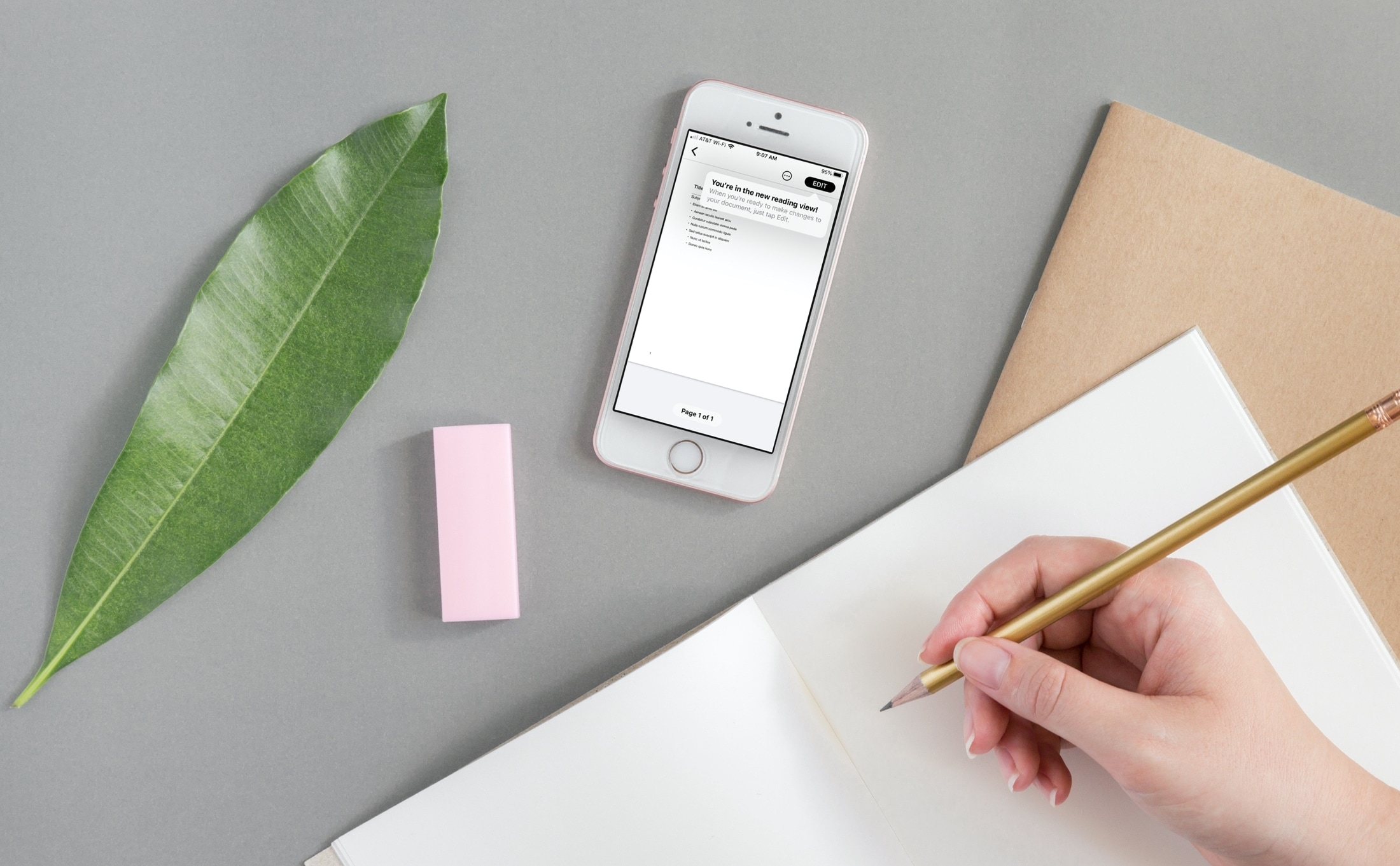
Use Reading View in Pages, Numbers, and Keynote apps to prevent accidental changes when reviewing documents, spreadsheets, and presentations on your iPhone or iPad.

Learn how to make a group video call with up to 8 people on Instagram and spice up the call with effects, backgrounds, and more. These steps work for both iPhone and Android users.
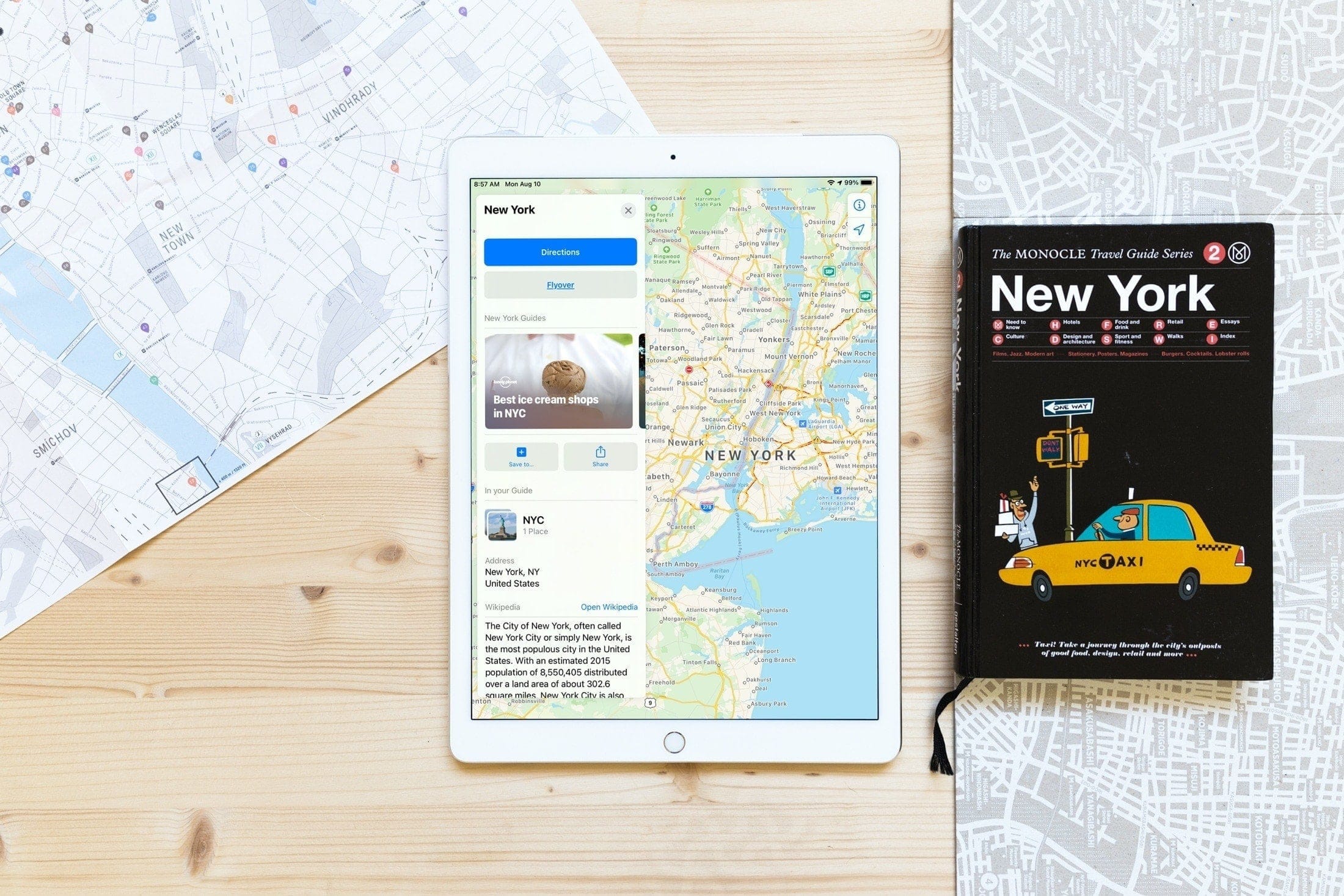
Learn how to use curated city guides (a part of Detailed City Experience) in Apple Maps on your iPhone, iPad, and Mac to explore places of interest when you're traveling to a new major city.
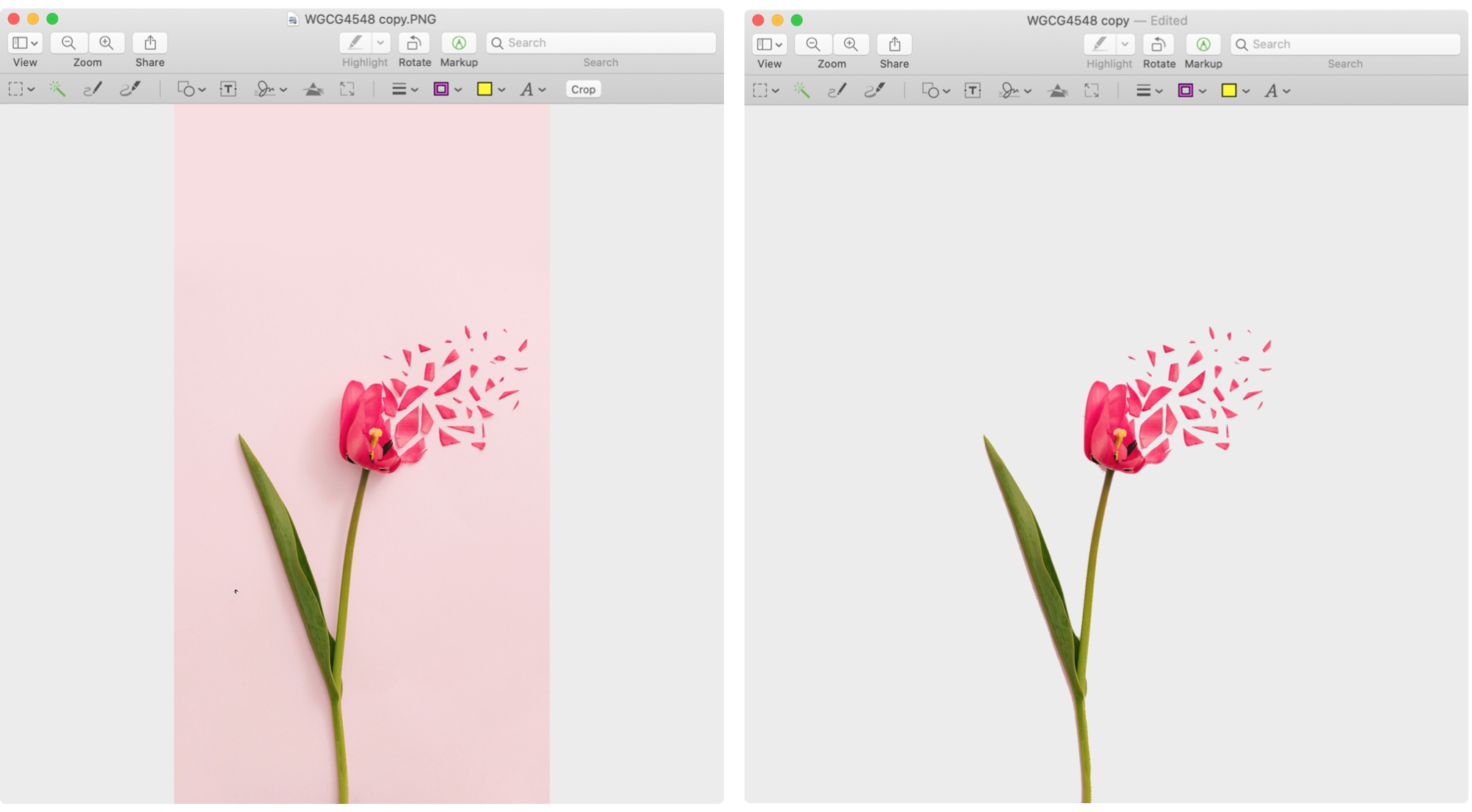
Learn 3 simple, free techniques to remove the background of a photo on the Mac and take your visual content to the next level.

Adjust the sound level of Siri responses on your iPhone, iPad, Mac, Apple Watch, HomePod, and CarPlay, so it’s easy to hear Siri’s answer, or tone it down when you’re in a quiet place.