Whether you’re transferring to another mapping app or creating a backup, this guide shows you how to export and download your Google Maps data on both iPhone and the web.
How to download your Google Maps data on iPhone, iPad, and computer
Whether you’re transferring to another mapping app or creating a backup, this guide shows you how to export and download your Google Maps data on both iPhone and the web.

Learn how to use keyboard dictation on your Mac with our quick and easy guide, enhancing your productivity through hands-free typing.
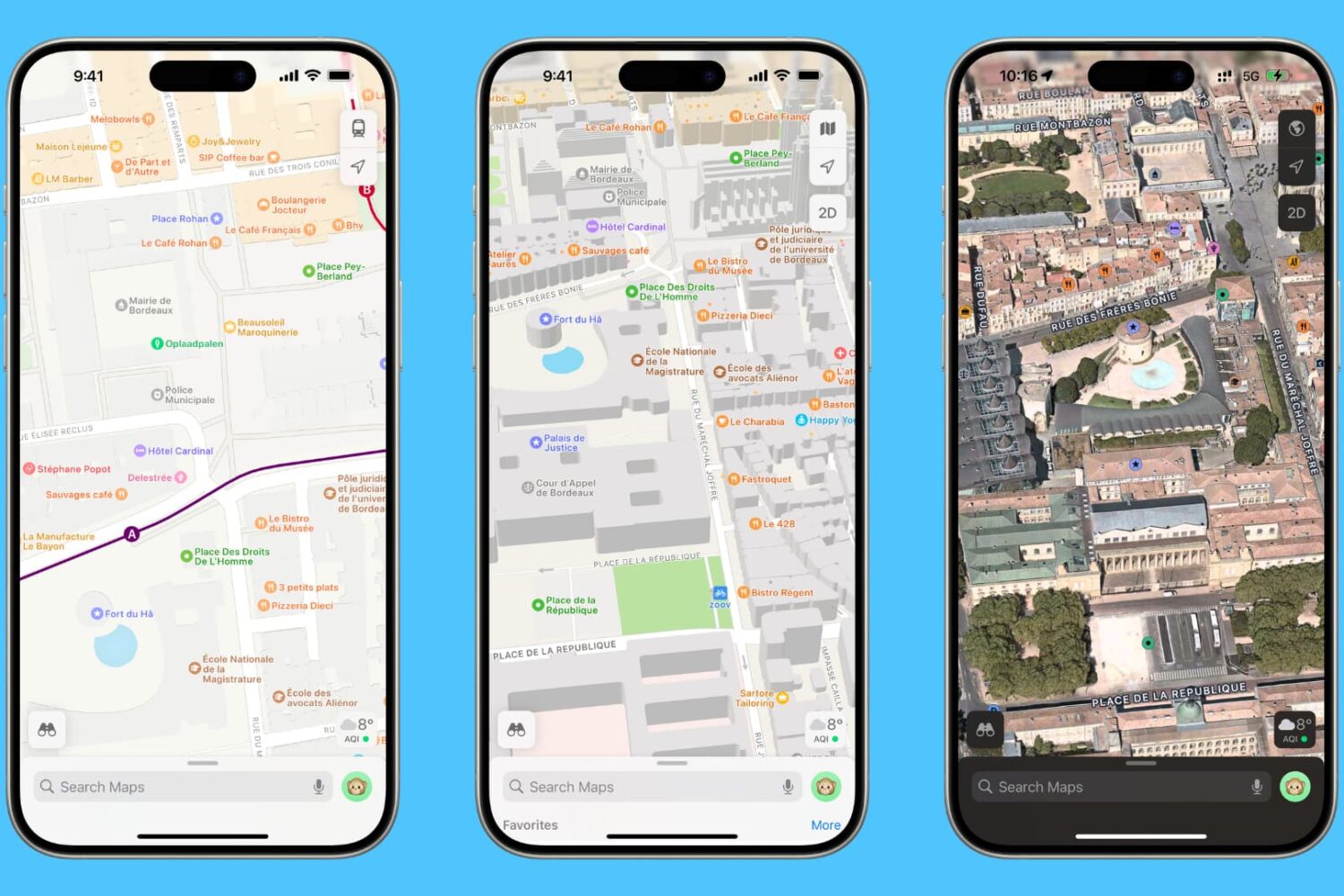
In this tutorial, we will show you how to customize Apple Maps so you can make the most of it while navigating or route planning on your iPhone, iPad, or Mac.
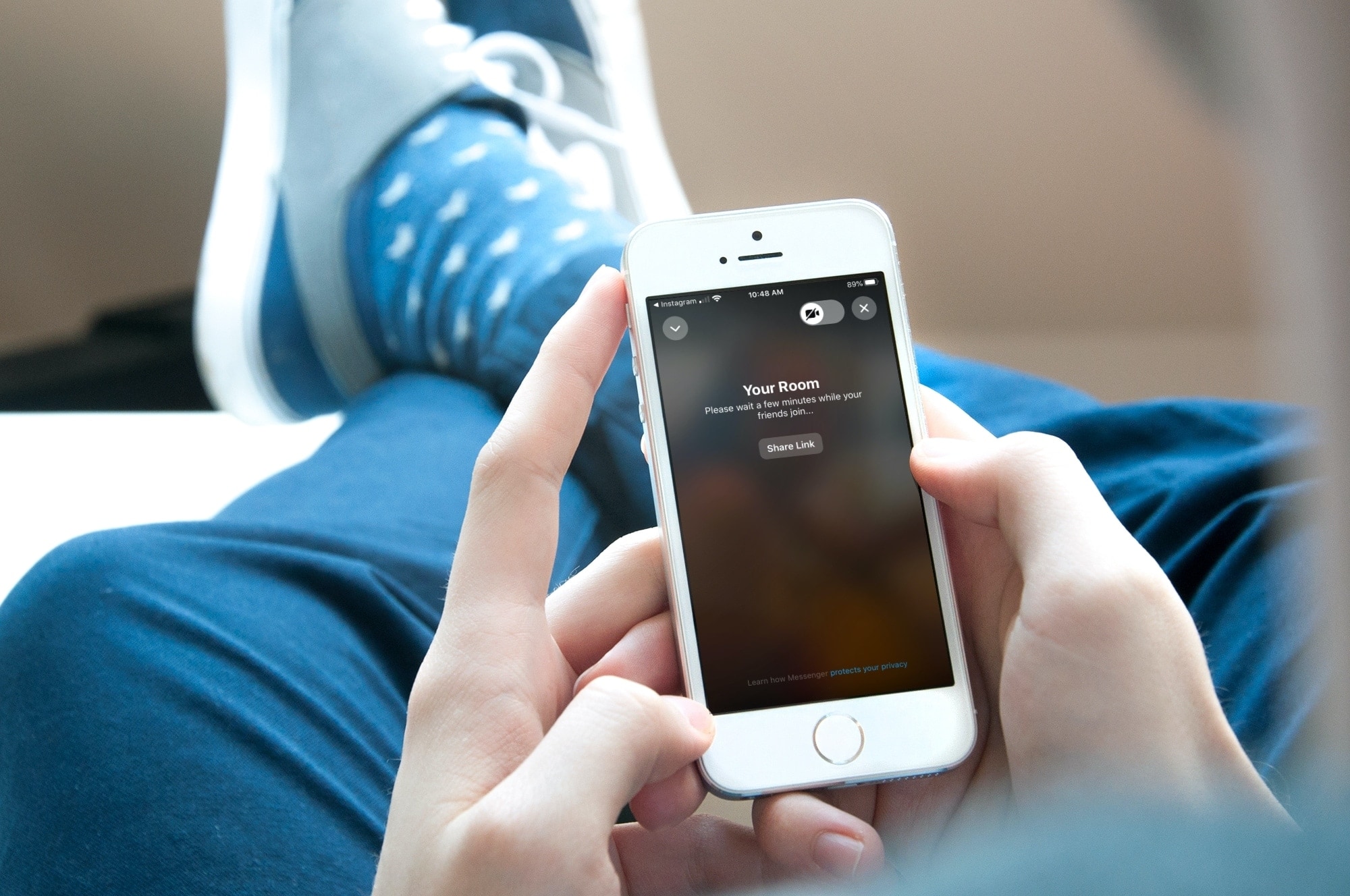
If you want to hang out with your Instagram followers, you can do a group Instagram video chat. This is a fun way to get together with a few pals at the same time to make plans or just catch up. But it’s not the only way to meet. You can also create a private room using (Facebook) Messenger and Instagram together.
The nice thing about using a chat room is that you can have up to 50 people, whereas with a group Instagram video chat, you can only currently have four. So if you have family around the world or friends around the country that you want to chat with at once, here’s how to create a Messenger Room to video chat through Instagram.
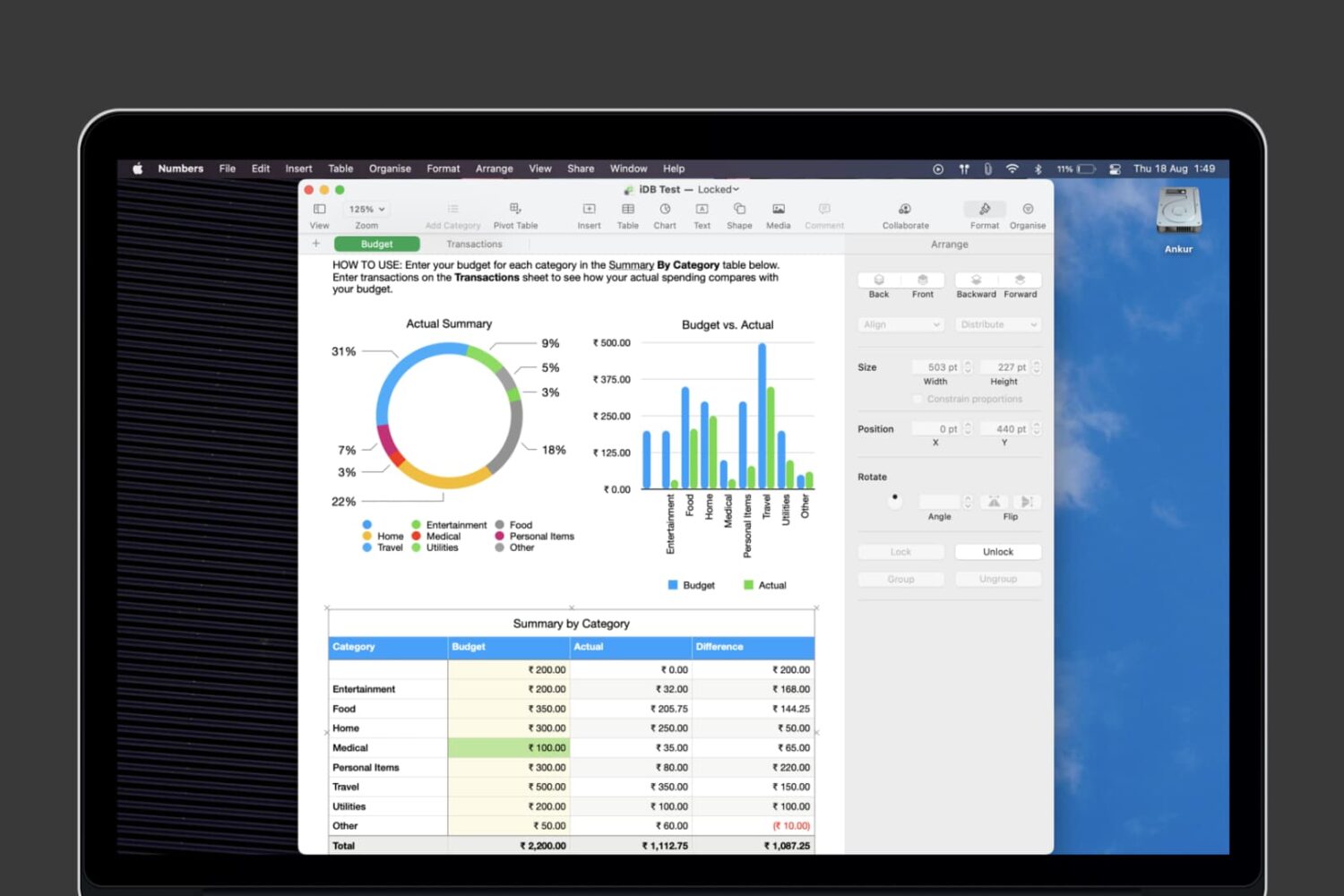
Learn how to lock individual tables or the entire workbook in the Apple Numbers app on your Mac, iPad, and iPhone to prevent unwanted changes to your spreadsheet.
Check out these keyboard shortcuts for Microsoft Word that will help you navigate your documents, select text, make edits, and much more faster than ever on your Mac.
Children normally enjoy learning more when it’s fun. So getting enjoyable, entertaining, and educational apps for iOS can be great supplements to what kids are taught in school and at home.
When it comes to learning to read, it’s important to have tools that make the experience upbeat and pleasant. This encourages youngsters and motivates them to want to continue and practice even more. If you’re not sure which app is the right fit for your child, we have compiled a list of some of the best.
These apps for iPhone and iPad help kids learn to read and improve their reading skills. Have a look at the list, give one or more a try for yourself, and then share it with the little one in your life.
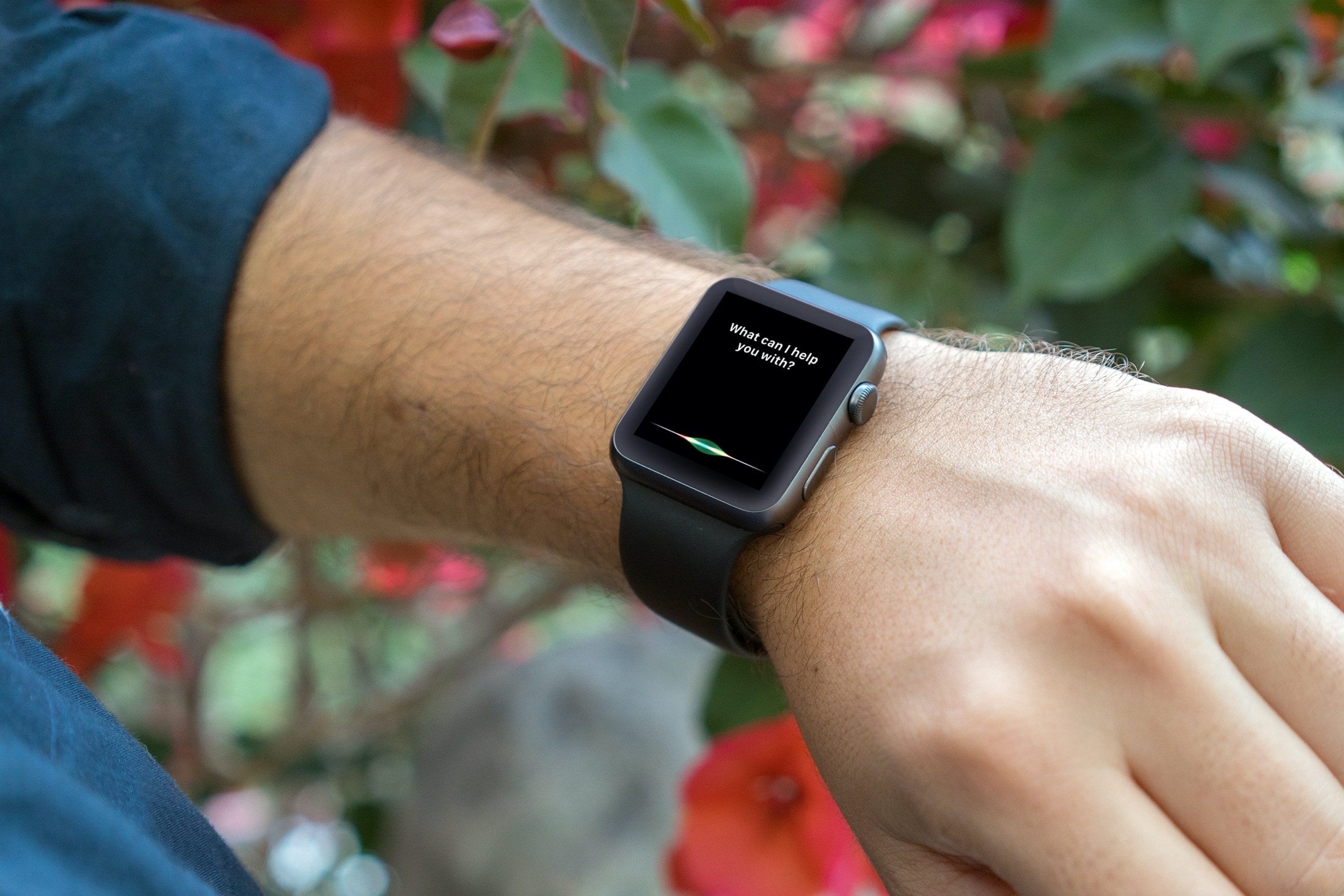
From looking for apps on the App Store to creating reminders and identifying unknown songs, this tutorial shares expert tips for using Siri on your Apple Watch to the fullest.
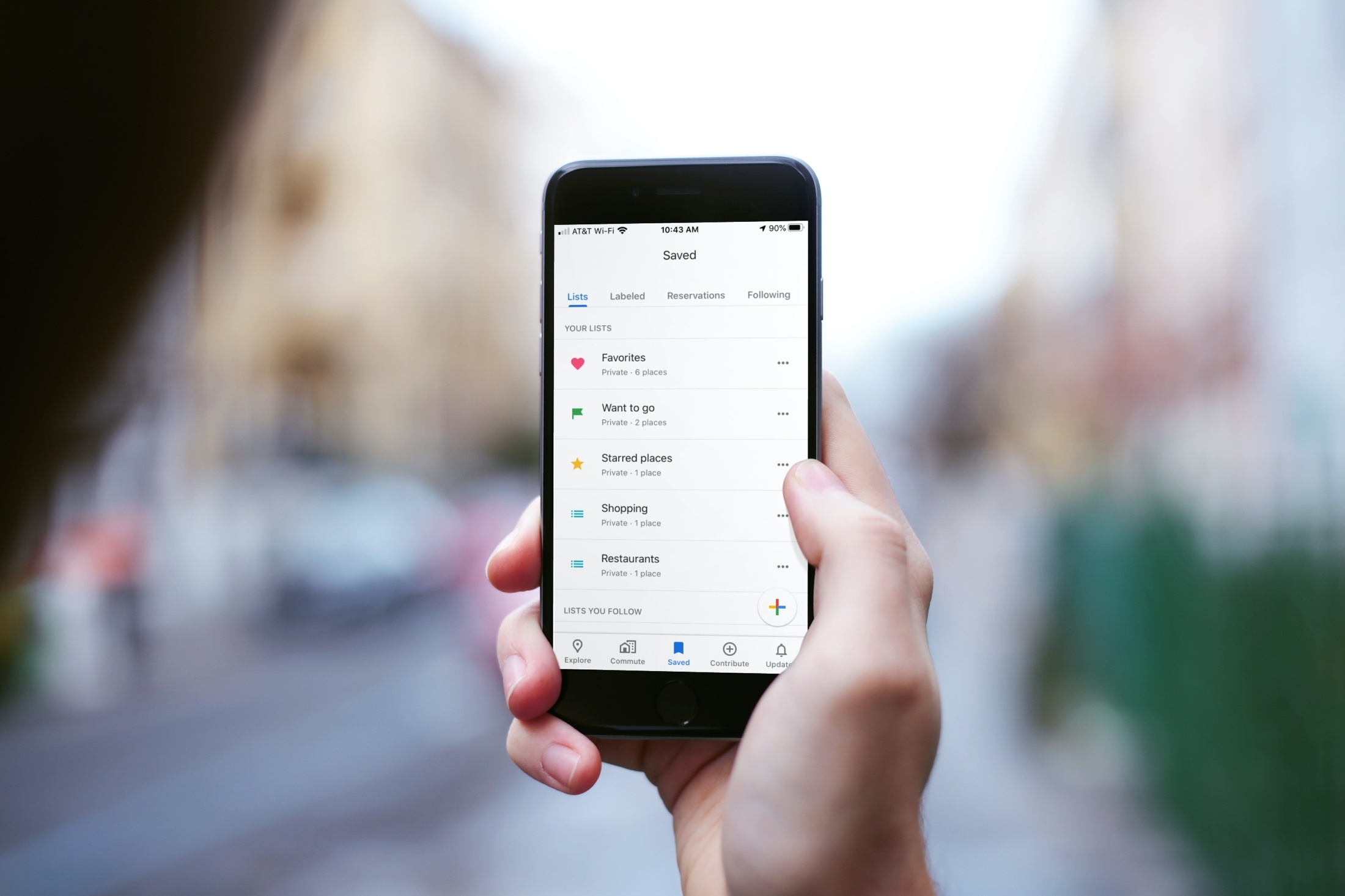
Learn how to use the List feature in Google Maps on your iPhone to keep track of your favorite spots or those you want to visit.

Learn how to hard reboot, hard reset, force restart, or force reboot (they all mean the same) your iPhone or iPad if it’s frozen, the screen is completely unresponsive, and you can’t turn it off like you normally do.
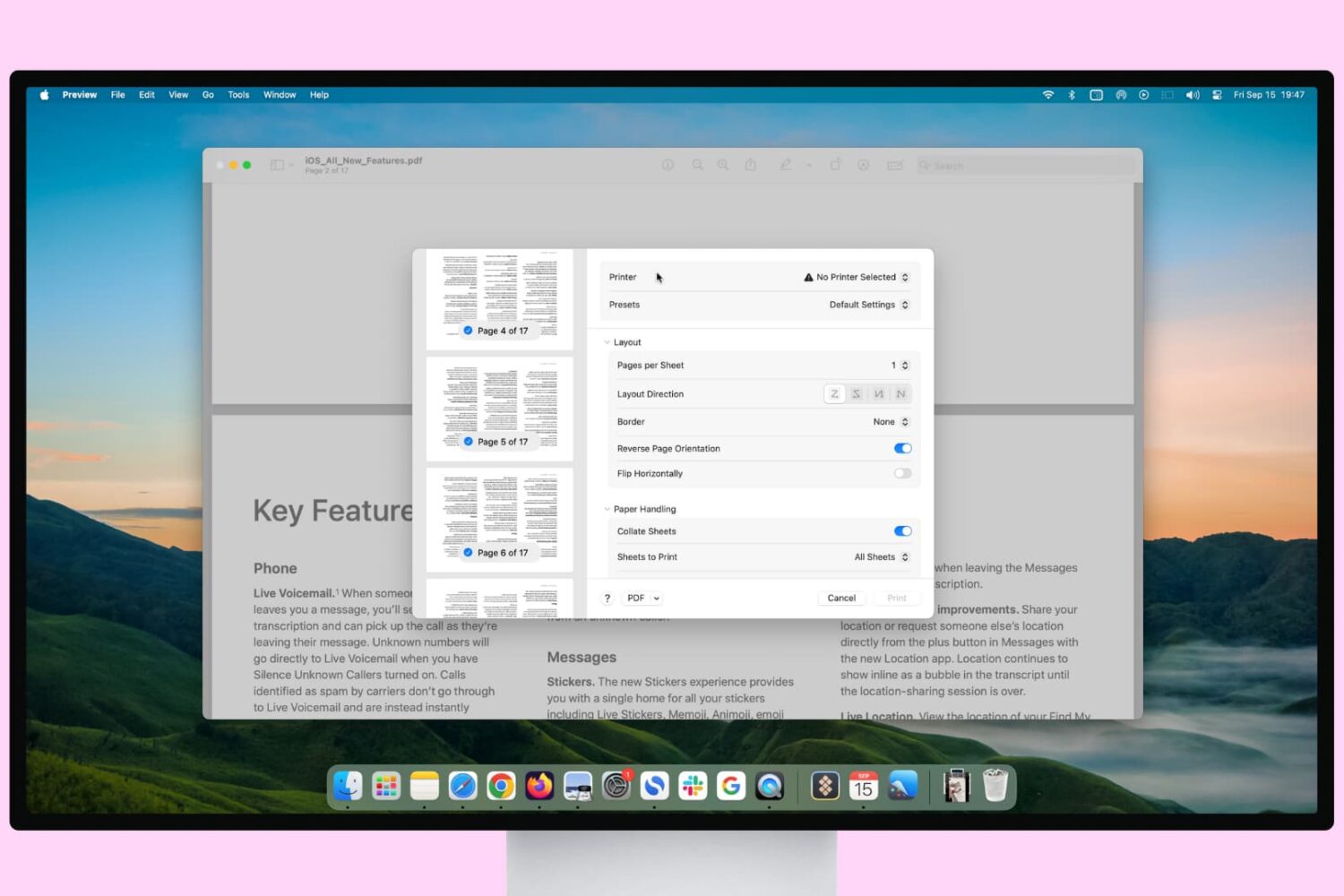
Learn how to print pages upside down if you’re printing for a folded document or in reverse order to ensure the final printed paper stack is in the correct order.
If there’s an app that you’ll want keyboard shortcuts for on Mac, it’s Keynote. You can navigate your presentation and any videos in it, move around views as you’re creating a slideshow, or simply control the Keynote window.