Sandy Writtenhouse

With her BS in Information Technology, Sandy worked for many years in the IT industry as a Project Manager, Department Manager, and PMO Lead. She then decided to follow her dream and now writes about technology full-time.

The best Apple TV yoga apps for beginners and beyond

Yoga Poses and Classes Featured for Apple TV

Your Apple TV is for more than just entertainment. You can use this wonderful device to learn to cook, check the weather, and relax after a long day in the office. So, of course, it can be a great exercise tool as well.

Do you enjoy yoga but don’t have time to make it to class? Or, are you a beginner thinking about starting a new yoga routine? If so, check out these terrific Apple TV yoga apps.

How to customize Fantastical 2 for iPhone to suit your needs

Fantastical 2 on iPhone

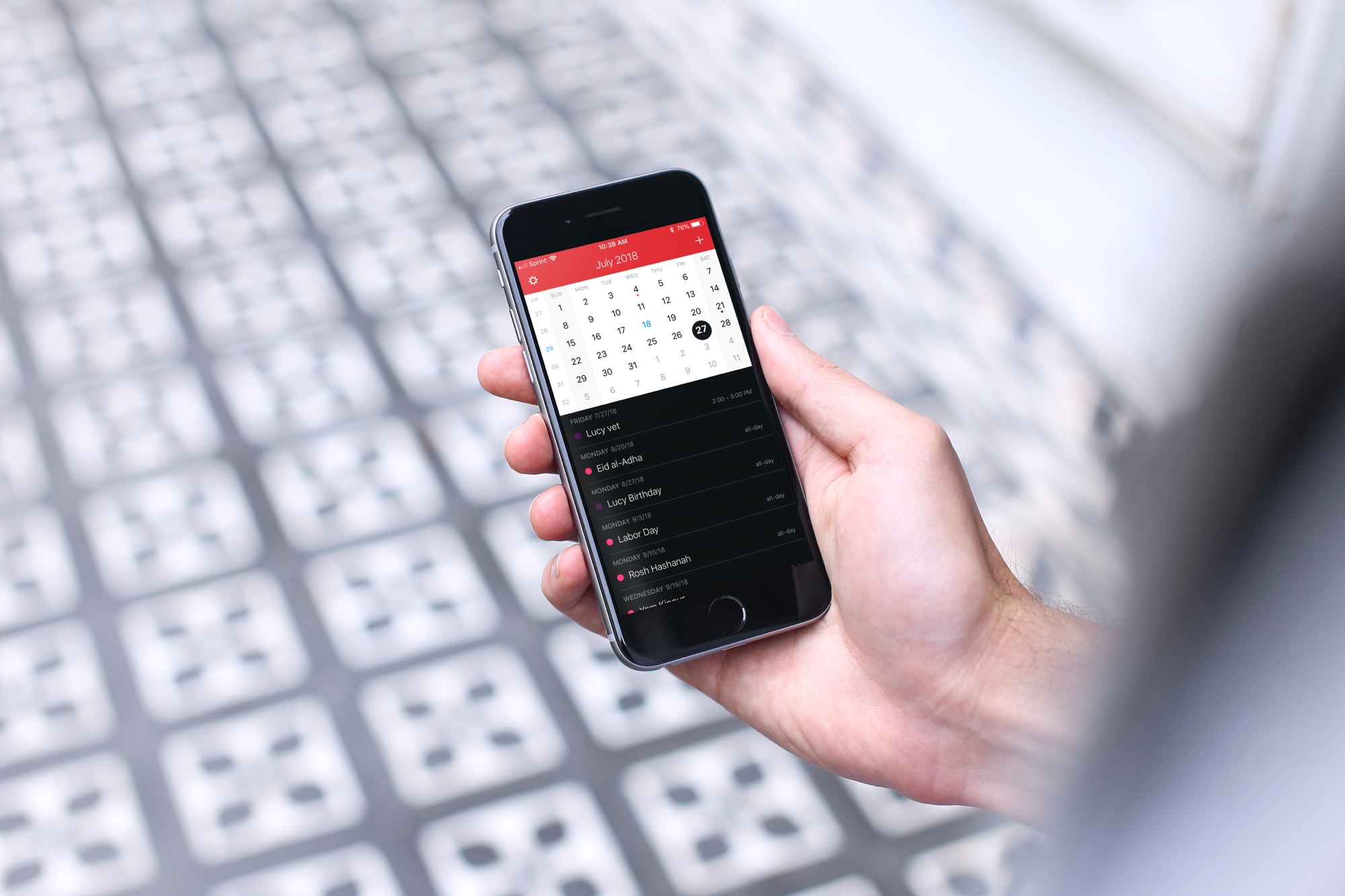
If you’ve gone beyond your iPhone’s default Calendar app and purchased Fantastical 2, then you already know the host of features that this app provides. But, have you taken the time to sit down and really customize it?

Getting your calendar exactly as you want it is worth the time. So, here’s your Fantastical 2 tutorial for customizing the app on your iPhone.

How to turn TickTick into a convenient Pomodoro timer

TickTick Pomo Timer Start on iPhone

If you haven’t heard of TickTick, this handy app helps you manage your tasks. Keep lists, add your to-dos, and be reminded so you never forget a task.

In addition to managing to-dos, TickTick offers a built-in Pomodoro timer. For managing your time, the Pomodoro method has you break down your work into intervals. Normally, you set the timer and work for 25 minutes, take a break, and then work for another 25 minutes. While the durations of work and breaks can be adjusted, the general idea is the same.

So, let’s take a look at how you can use TickTick as a Pomodoro timer.

How to add drawing and sketches in the Mail app on iPhone & iPad

Mail Drawing on iPhone

Sometimes, a picture is worth a thousand words, and adding a drawing or sketch to an email can help convey your message more effectively. While the Mail app on iPhone and iPad may seem like a basic email client, it actually comes with some powerful tools that allow you to create and add sketches to your emails.

In this article, we'll explore how to use these tools and add your own drawings and sketches to your emails, giving your messages a personal touch.

The best relaxation apps for Apple TV to help you unwind

Calm Full Screen Apple TV

Everyone uses their Apple TV for different things. Whether it’s watching movies, jamming to music videos, or playing games, that versatile device entertains us. So, when it’s time to relax after a long day, why not pop on an app for that too?

From tranquil sounds to calming scenes, these are the best apps for Apple TV to help you unwind.

How to customize the card template for your Contacts on Mac

Contacts Template on Mac

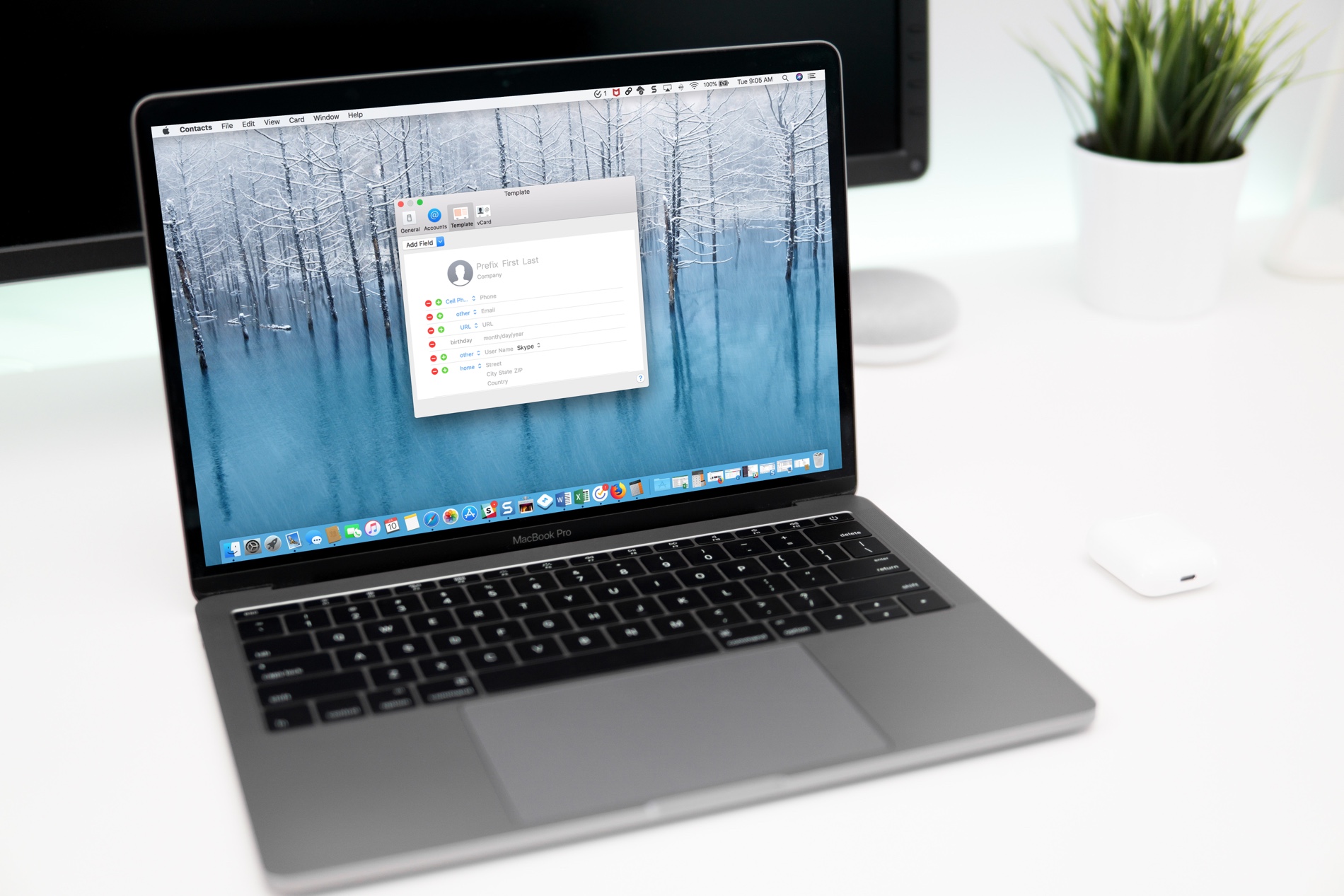
If you use the Contacts app, you’ve likely noticed by now that the cards for your contacts contain certain information by default. Each one has mobile phone, birthday, and a few email fields. But what if you want something different?

You can customize the card template for your Contacts app on Mac to add fields, remove fields, and have just the details you want.

The best funny weather apps for iOS

Funny Weather Apps for iOS

Let’s face it, the weather is what the weather is, right? You want to see the temperature, if it’s going to rain or snow, and what’s coming up for the week so you can make your plans. There are plenty of great weather apps on the App Store that give you all this and more. But, why not add a little flavor to your weather details?

Whether it’s humor, sarcasm, or a mixture of both, a funny weather app makes checking current conditions and forecasts more enjoyable and entertaining. Here are some of the best weather apps that give you a giggle with your weather.

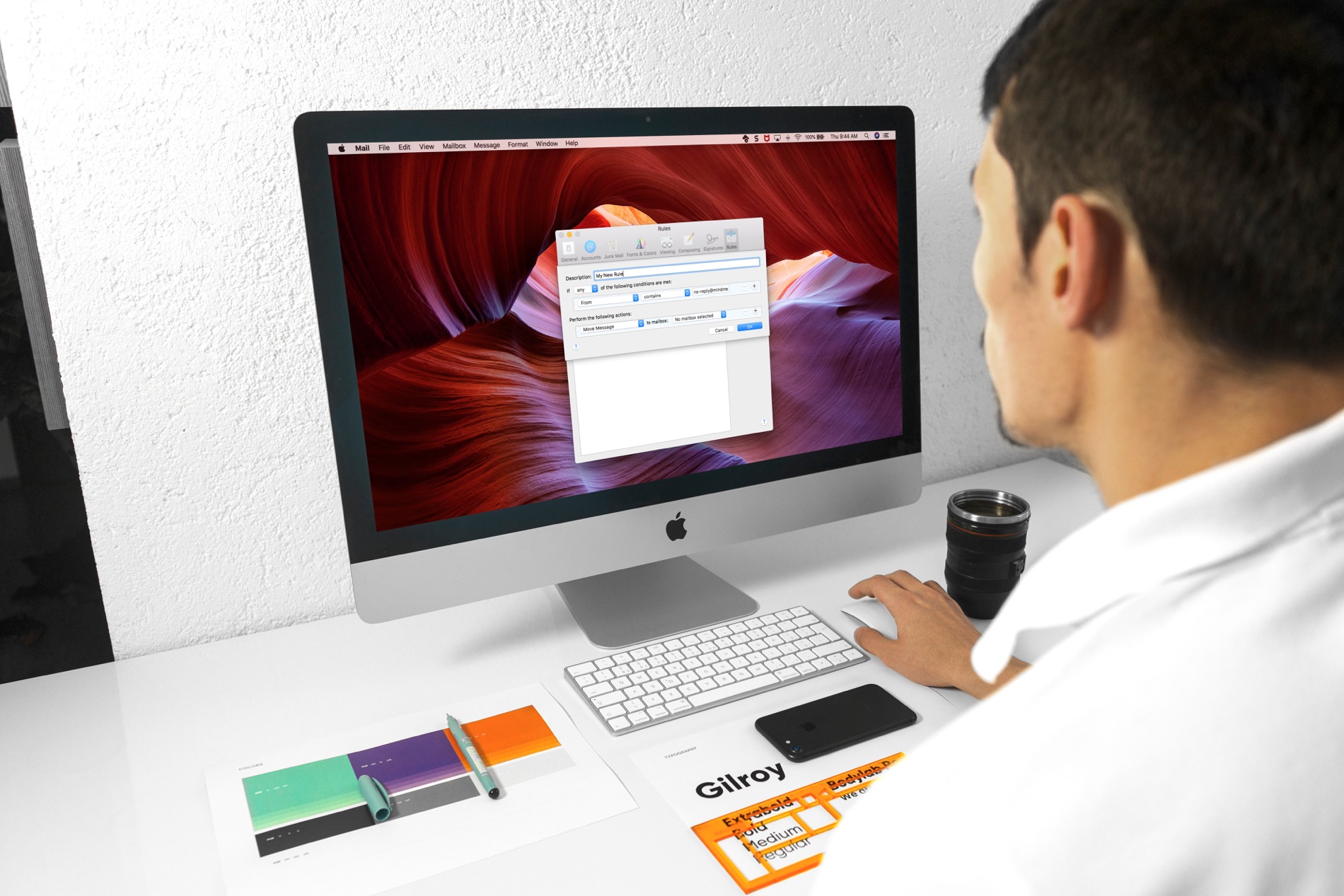
How to set up email rules in the Mail app on Mac

Mail Rules on Mac

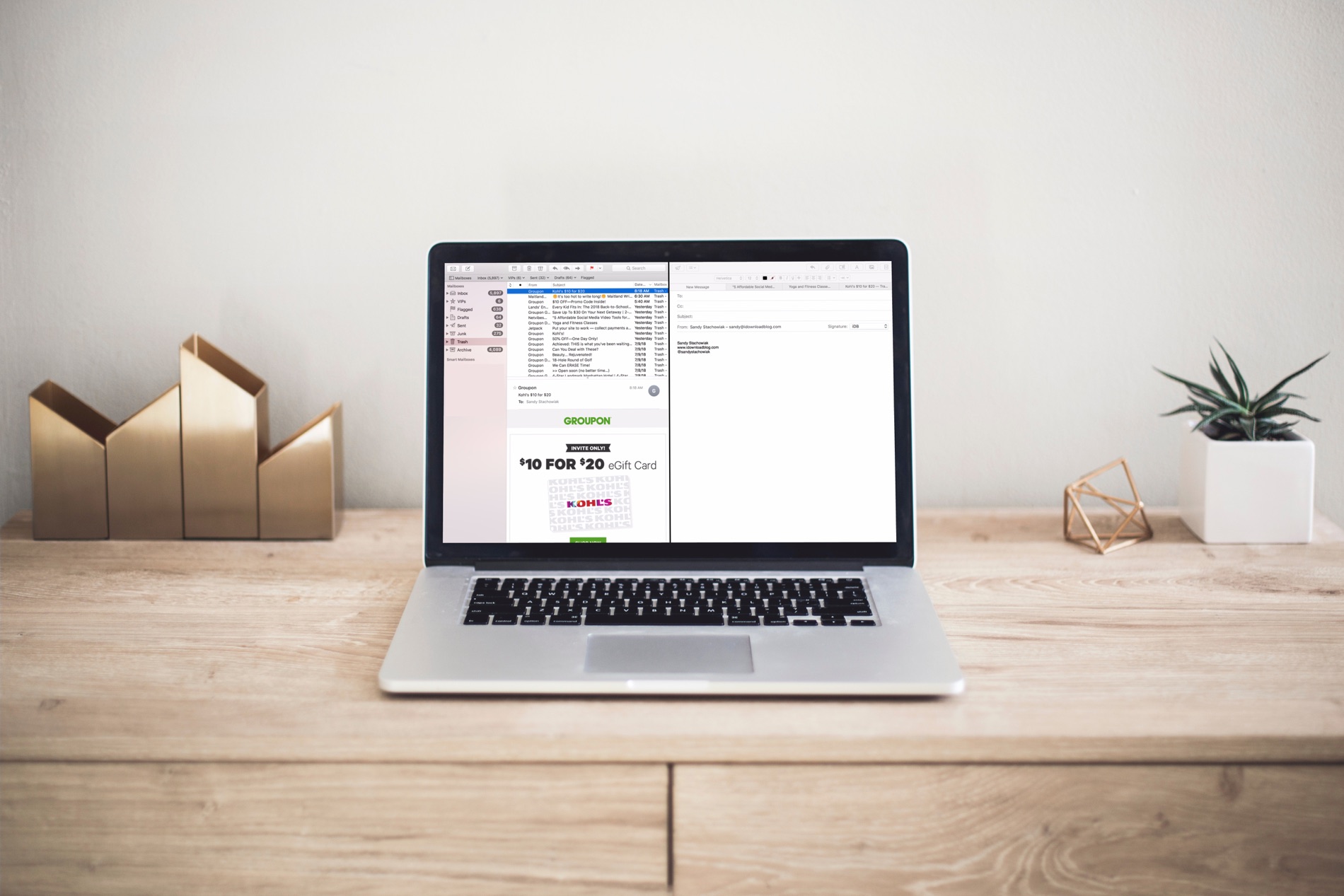
Managing your inbox can be a daunting task these days. From those important emails, you must see to those that just get in the way, it can be tedious to organize it all to see what you want to see.

If you use the Mail app on your Mac, you can set up email rules that help you manage it all. Direct emails as they arrive, mark them, so they’re easier to spot, and clean up your inbox easily; here’s how.