Jeff Benjamin

Jeff has been with iDownloadBlog since 2010, acting as resident video specialist, and tutorial expert. He earned his degree in Computer Network Systems back in 2001, but decided Cisco routers and the like just weren’t for him. Since then, he’s been heavily involved with online writing. He’s written for numerous tech and video game sites since the late 1990′s, and has a knack for explaining things in a simple, clear, and concise manner. Jeff works primarily from the east coast on his Retina Macbook Pro, and shoots video with a Canon DSLR. During downtime he likes to travel the world, visiting the various Apple Stores across the globe. You can email him at jeff [at] idownloadblog.com and follow him on Twitter @JeffBenjam or on Google+.

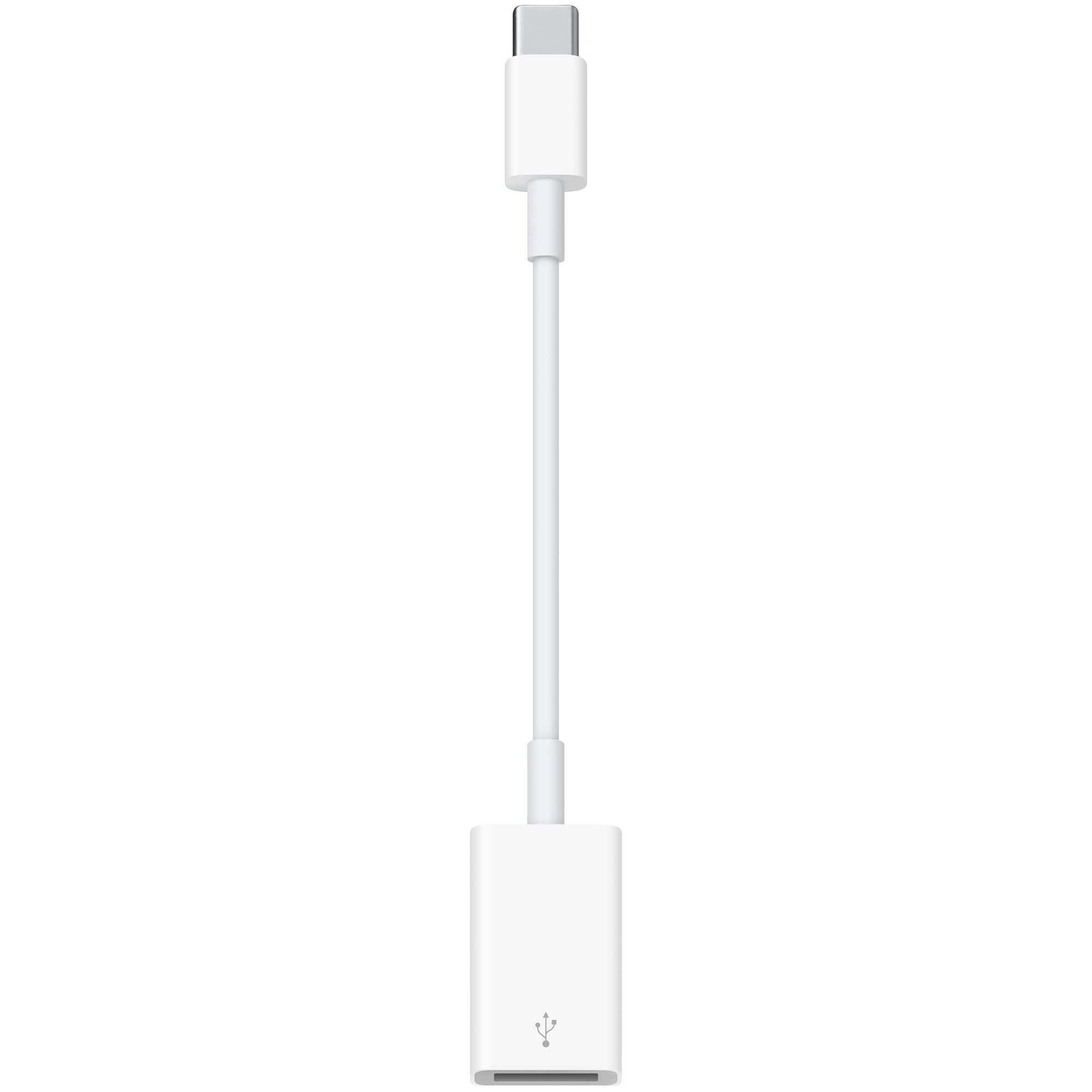
Here are the three USB-C adapters for the upcoming MacBook

The new 12" Retina display-equipped MacBook Air is heavy on new innovative features, but noticeably light on ports. In fact, only one port (outside of the headphone jack) for external devices exists on the new machine—a new USB-C connector. This connector will take care of all duties when it comes to external connections. It will handle the power adapter, it will handle USB, and it'll even do the heavy lifting for external video like HDMI and VGA.

As you might expect, the MacBook doesn't come bundled with any adapters outside of the power cable. Here's a look at some of the adapter accessories that will be available when the MacBook launches on April 10th.
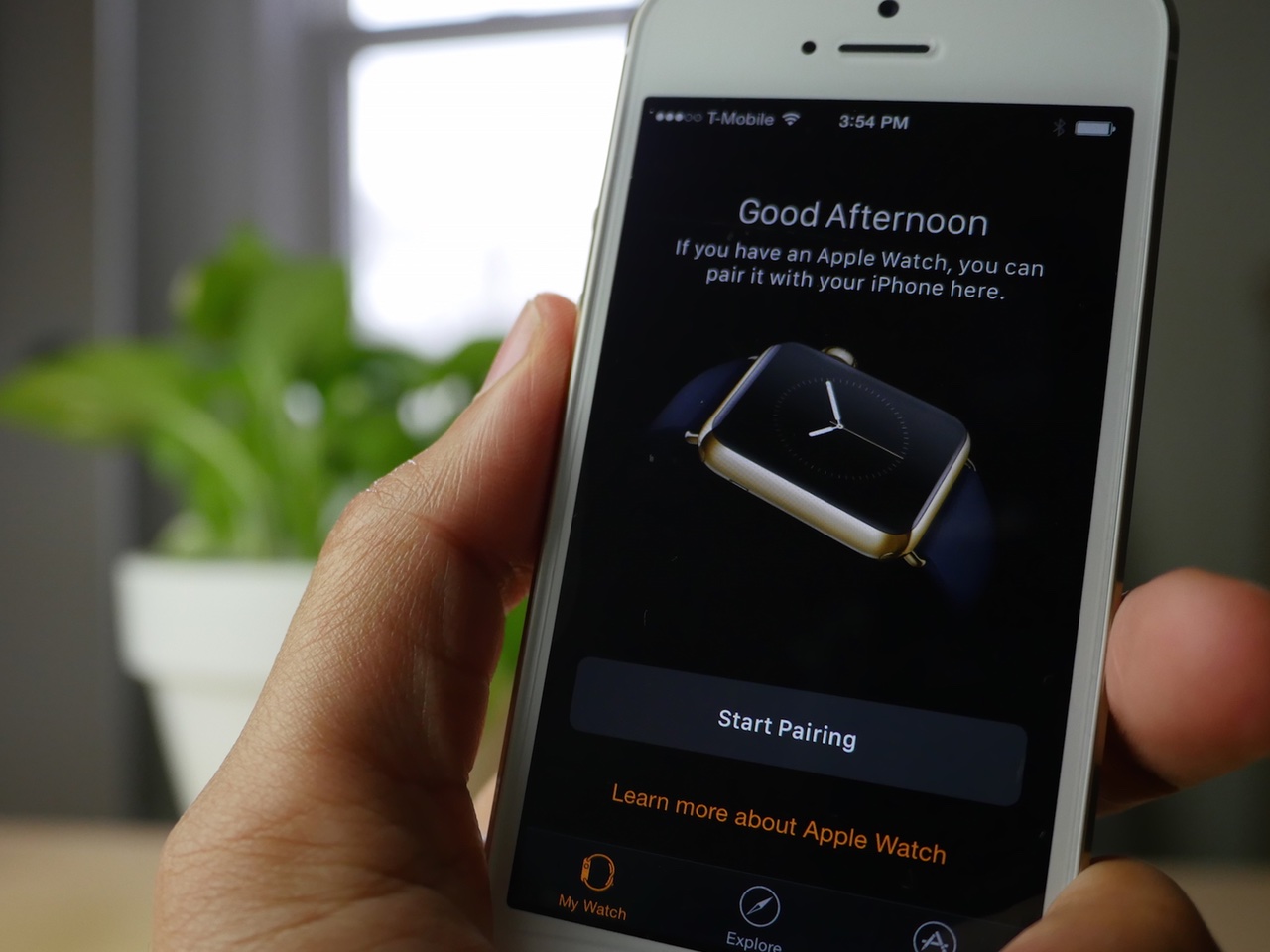
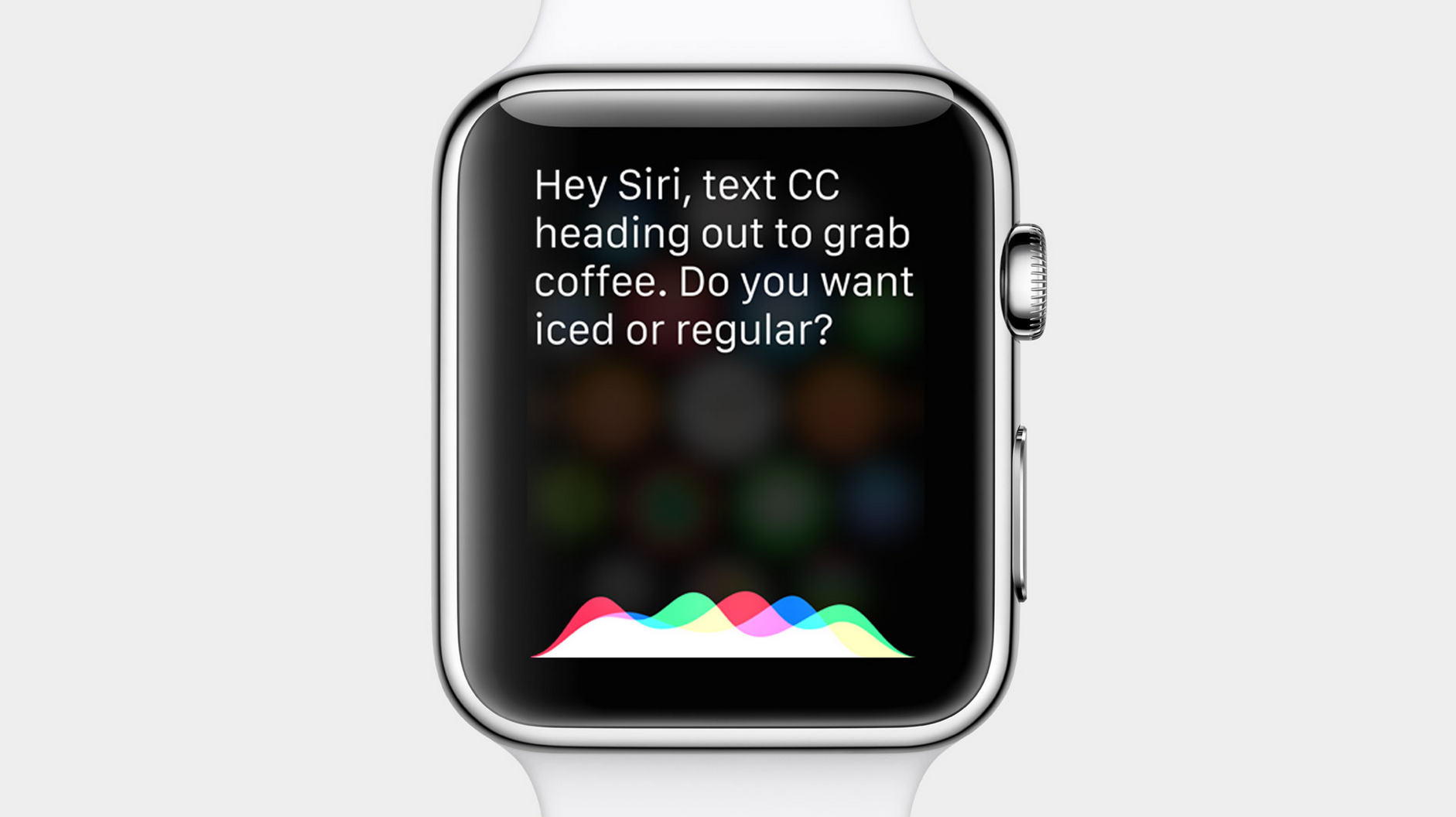
First look at the new Apple Watch app on iOS 8.2

We just got our hands on iOS 8.2, and as expected, it includes a new Apple Watch companion app. The app will allow you to pair with your Apple watch, and contains two additional tabs for exploring the device's features and for downloading Apple Watch apps once the device launches. Check out our the full video walkthrough.

How to sort notifications by arrival time in Notification Center on Mac

I have to admit that I'm not a huge user of Notification Center, and this applies to both iOS and the Mac. One of the reasons that I'm turned off by Notification Center is the disarray that I see when viewing it.

By default, Notification Center is set to sort manually, which means that you can go into its preferences, and sort each app by hand. That's fine and all, but it makes for a less than ideal experience when trying to find the most relevant notifications based on time of arrival.

For me, this results in a less than ideal experience when opening Notification Center. If you have a lot of apps enabled for Notifications, it can be overwhelming, because there's no real logical order to the way they're sorted. To remedy this issue, try this simple tip, and sort your notifications by time of arrival instead.

Hands-on with Velox 2

I've had a copy of Velox 2 for several weeks, and I've seen it progress as its developer, Phillip Tennen, brings new features to the table. Every week, there seems to be a new feature or a new addition, which is promising for the highly anticipated tweak.

Velox, as you're likely aware of, allows you to access special views for an app on the SpringBoard by means of a simple activation gesture. The default gesture, a swipe up on the app icon, will yield a special "Velox view", or if no view exists for the app in question, a Notifications view for all of the app's pending notifications.

If you're familiar with the original Velox, then you largely know what to expect from Velox 2. But there are several new additions that appear in the sequel that promise to breathe some fresh air into the tweak...

Melodic brings new sharing, metadata editing, and queuing features to the stock Music app

When developer samball told me that there was a new jailbreak tweak in the works, I kept my eyes on Cydia for its appearance. That's because samball is a well-respected developer, and behind such jailbreak releases as CameraTweak. Sam's newest tweak is called Melodic, and it brings some awesome new features—like the ability to share music from your library via AirDrop, Messages, and more—to the stock Music app.

How to use TextExpander to quickly insert keyboard symbols on Mac

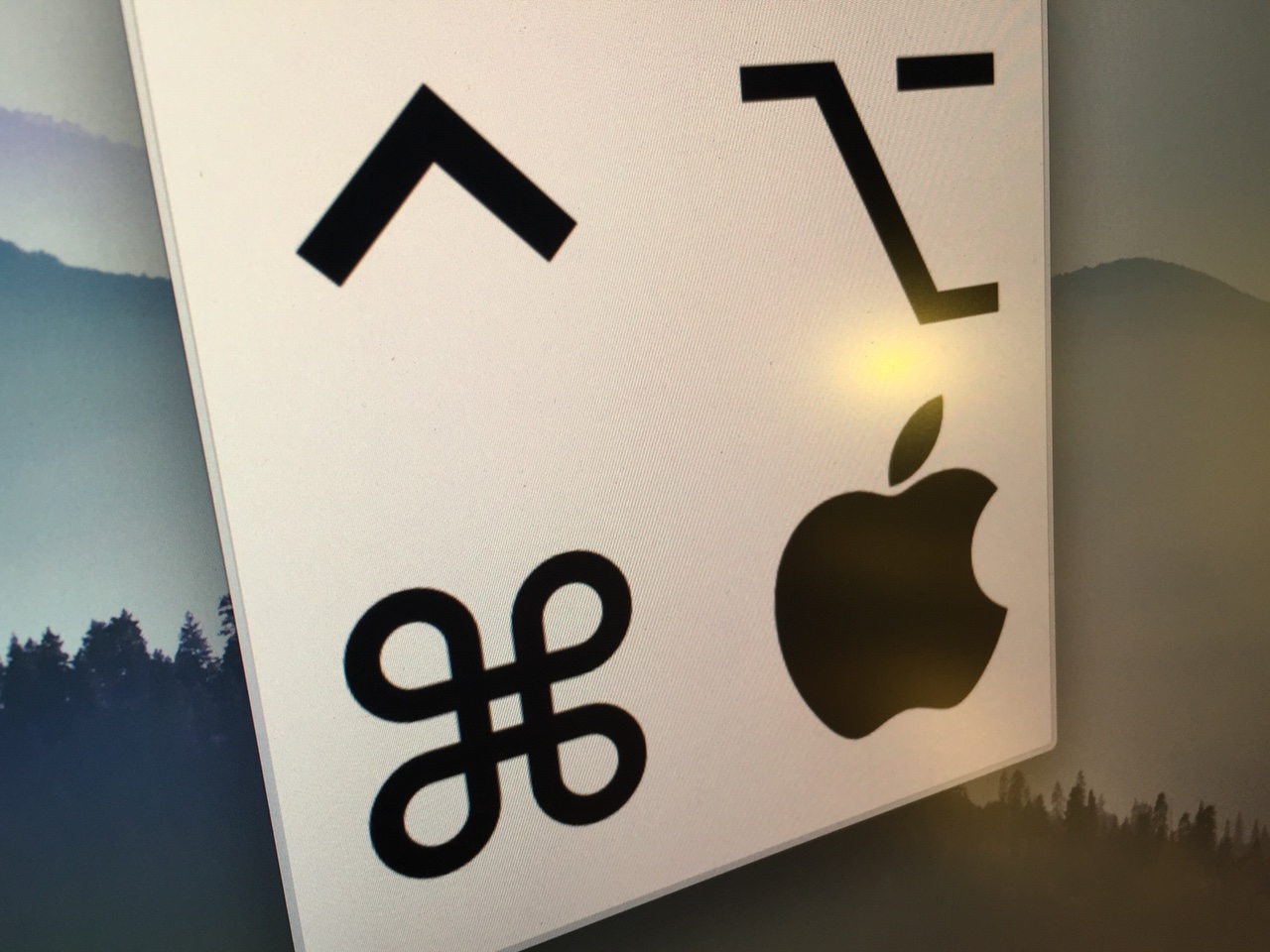
You may have noticed how I like to use keyboard symbols in my posts. You know, things like ⇧, or ⌃, or ⌘, or even ⌥. I use → a lot too, which is helpful when laying out a certain order of steps in my tutorials.

Some of you may think that I've memorized the code for these symbols (I haven't), or that I copy and paste them from a document or keep them on my clipboard somehow (I don't). Instead, I use the venerable TextExpander utility to make inserting these symbols a totally effortless affair.

Rochade: invert Twitter handles with full names in the stock Twitter app

Rochade is a new jailbreak tweak that aims to invert the appearance of full names and Twitter handles within the stock Twitter app. Its aim is to provide more weight to the Twitter handle, and less such weight to the names of users associated with said handles.

Although other notable Twitter apps, like Tweetbot, have support for managing the display of names and handles within the UI, the official Twitter app is more strict in its approach.

WSJ: Apple working on adding mouse and keyboard support, USB connectivity, to the iPad Pro

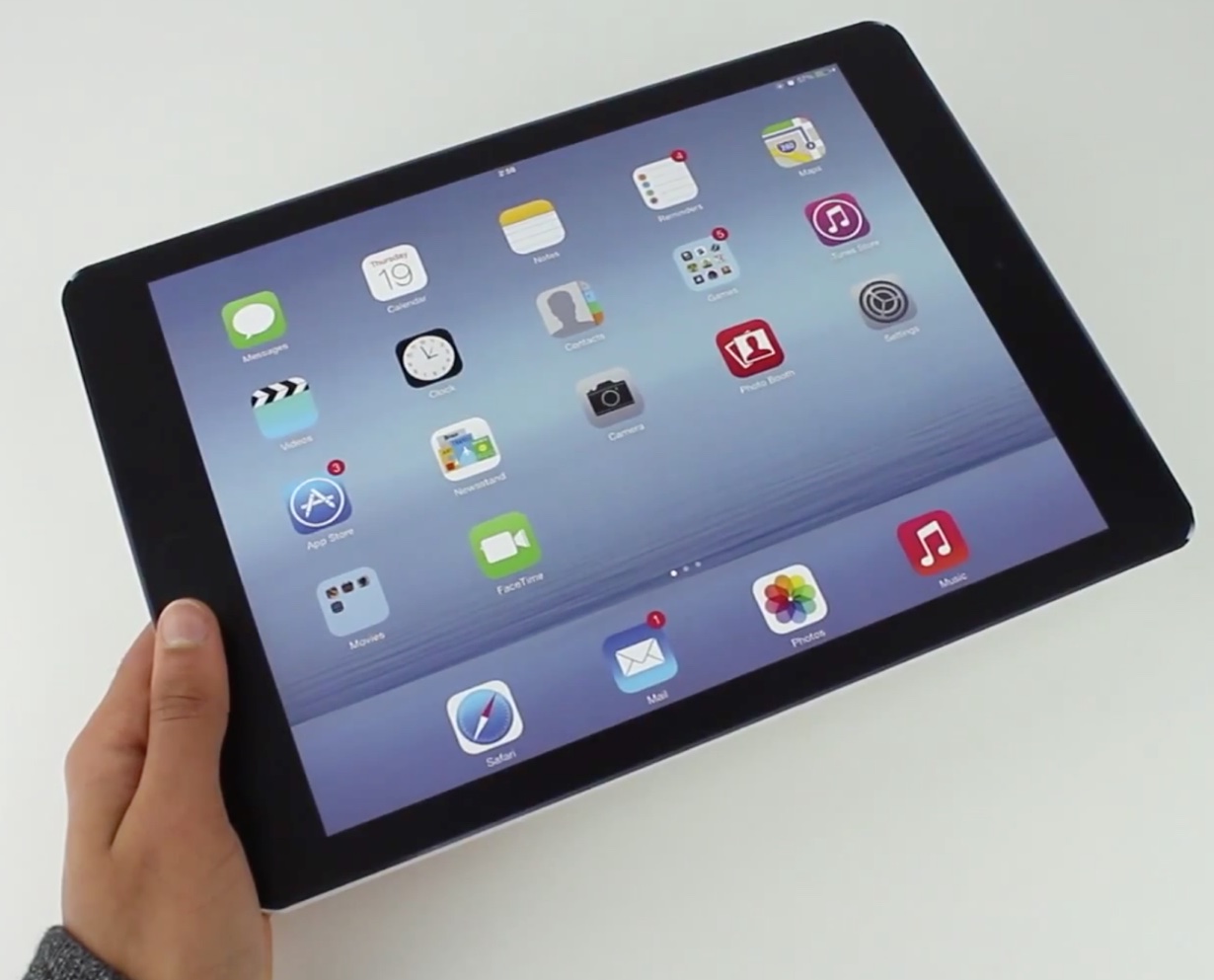
More details about the oft-rumored 12.9 inch iPad Pro are beginning to surface, and they include things like USB 3.0, mouse and keyboard connectivity, and faster charging technology, according to a report by the Wall Street Journal late Wednesday evening. This report, along with an earlier one from Bloomberg, attempts to add definition to the mysterious project.

According to both reports, the iPad Pro's production start date has been pushed back beyond what Apple had initially hoped. The Bloomberg report states that Apple is looking towards September for the start of production, while the Journal more vaguely states that production will ramp up in second half of this year.

My Cydia pet peeve: App Store redirects

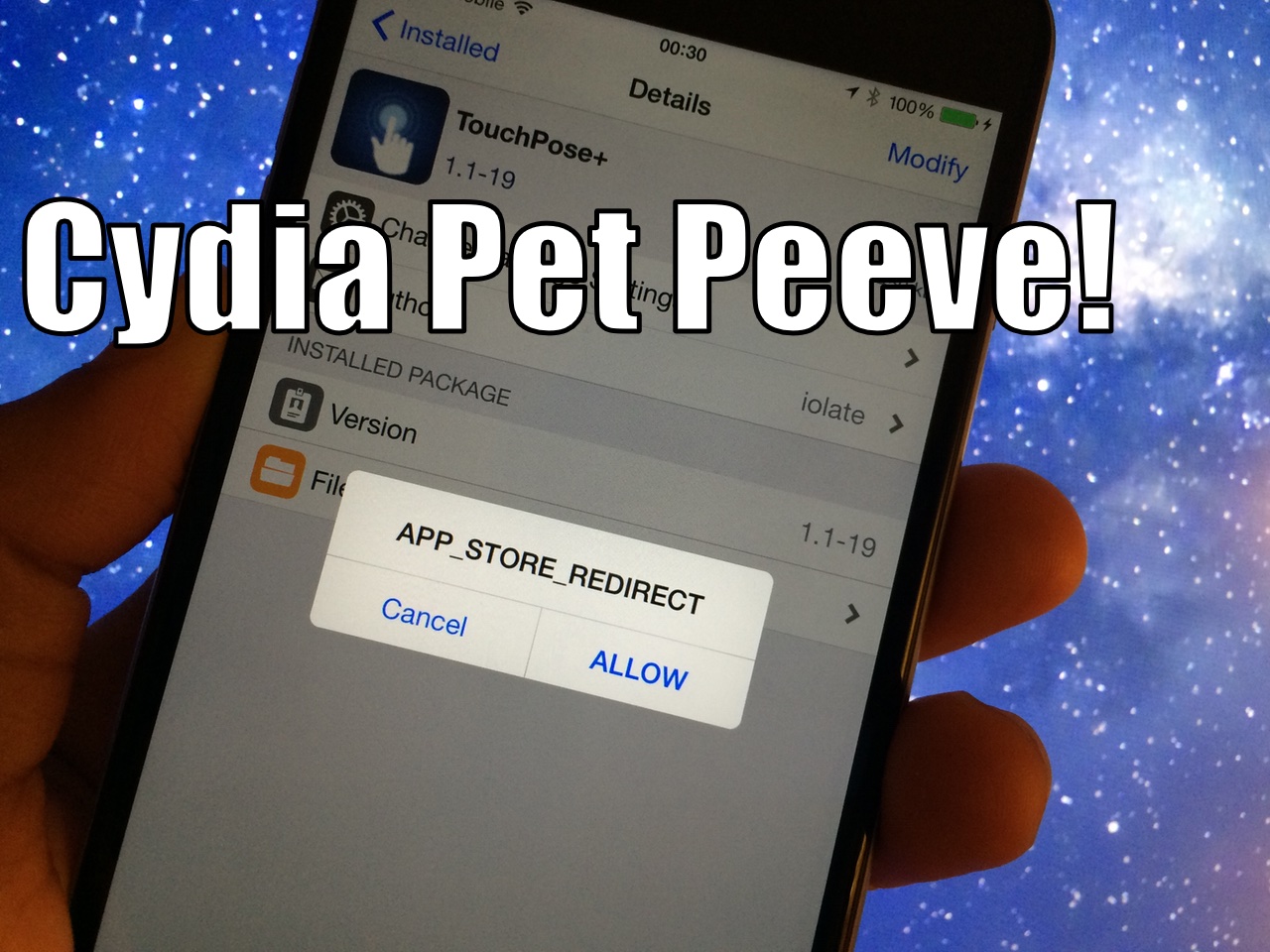
The situation in Cydia right now is one of sadness. I'm sad, because nearly every time I try to download or purchase a new tweak or app, I have to finagle and wrangle with the App Store redirects that seem to have multiplied as of late.

I kid you not, I get about 5 pop-ups every time I open a page on Cydia's BigBoss repo, and sometimes I just give up after wrestling with trying to open a tweak's page. At first this behavior was tolerable, but over the last few weeks, it seems to have reached a boiling point. It generally takes a lot of inconveniences for me to decide to write about one of my annoyances, but this situation is just flat out of control, and I need to vent.

Someone needs to fix this. The problem primarily seems to happen with tweaks hosted on the BigBoss repo. If this happened to any other repo, I'd simply uninstall that repo and go about my business. Sadly, I can't do that, because the BigBoss repo is more or less Cydia. It hosts 99% of the tweaks that we report on, and it's generally where all of the action is when it comes to tweaks. Themes are a different story, and sometimes you'll find a really cool tweak on ModMyi, but it's obvious that the BigBoss repo is where most of the activity resides in this community.