Learn how to temporarily reveal the hidden Library folder on your Mac or make it visible permanently if you want to access it regularly.
How to access the hidden ~/Library folder on your Mac

Learn how to temporarily reveal the hidden Library folder on your Mac or make it visible permanently if you want to access it regularly.

One of the most popular Lock screen launchers for iOS 8 is headed to iPad. Atom, the Surenix-designed and Daniel Turner-developed atomic-inspired Lock screen launcher, is headed to the big screen. We've got a first hands-on look at atom for iPad, including a summation of the tweak's iPad-exclusive feature.

Recently, I've started using the official Twitter app more. I like some of the features that the Twitter app has, such as native access to see who's favorited your tweets, notifications on an individual user basis, native video support, etc.
But even with all of those features, I still find myself going back to Tweetbot 3. The user experience found in Tweetbot is so much more thought-out and refined, and the animations, sounds and graphics are charming. Needless to say, despite its limitations, I always go back to Tweetbot.
If you feel the same way that I do, and you're jailbroken, then Tweetbot+ will certainly be of interest to you. It brings many new features to the table to enhance the Tweetbot 3 experience, such as cellular streaming, native favorite access, landscape mode, and more. Our full video walkthrough showcases all of the major features.

This article goes over the differences between minimizing and hiding apps on Mac. By understanding the unique capabilities of each action, you’ll learn how to optimize your app management and streamline your productivity.

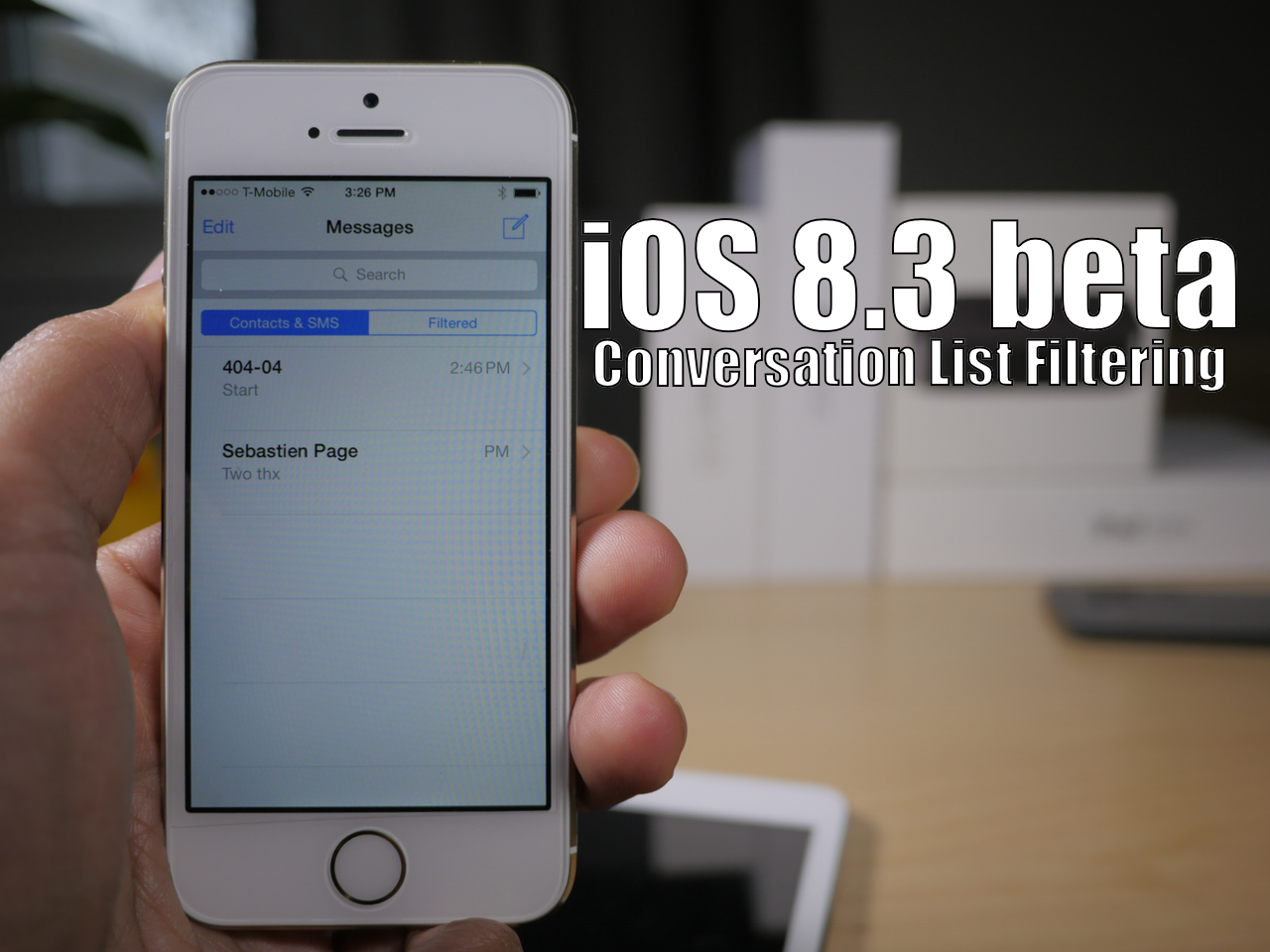
Episode 98: On this week's episode, we talk about jailbreaking the Apple Watch, a big Cydia pet peeve, hands on with Velox 2, and more jailbreak tweaks of the week.
Subscribe via RSS
Support Let’s Talk iOS:
Automatic – Get 20% of your Automatic car adapter by going to automatic.com/jailbreak

Do you think that the App Switcher preview cards in iOS are too small? If so, then FullSwitch, a release that brings a full screen App Switcher to iOS 8, might be just the tweak to scratch your itch.
Along with the full screen App Switcher, FullSwitch brings privacy mode, customizable multitasking indicators, and a special Home screen menu to iOS 8. We've taken FullSwitch for a walkthrough on video, so check it out.

Are you looking for a way to better organize the screenshots that you take with your iPhone? If so, then you should take AlbumShot for a spin.
AlbumShot is a recently released jailbreak tweak that creates albums in the Photos app to store the screenshots that you take. But it doesn't just create a single album; it creates an album for each app that you take a screenshot for. Watch our full video walkthrough for more details.

Episode 72 is all about Apple's big watch event. In it, we talk about the new MacBooks, Apple TV, Apple Watch pricing, availability, battery life, bands, and more.
Subscribe on iTunes
Support Let's Talk iOS:
Automatic - Get 20% of your Automatic car adapter by going to automatic.com/ios

I just tried one of the coolest new jailbreak tweaks that I've tested in a while. It's called Heads Up Display Mode, and it allows you to mirror your iPhone's screens so that it reflects an accurate image in your car's windshield.

Learn how to close all open Finder windows on your Mac in one fell swoop and save time instead of closing them one by one.
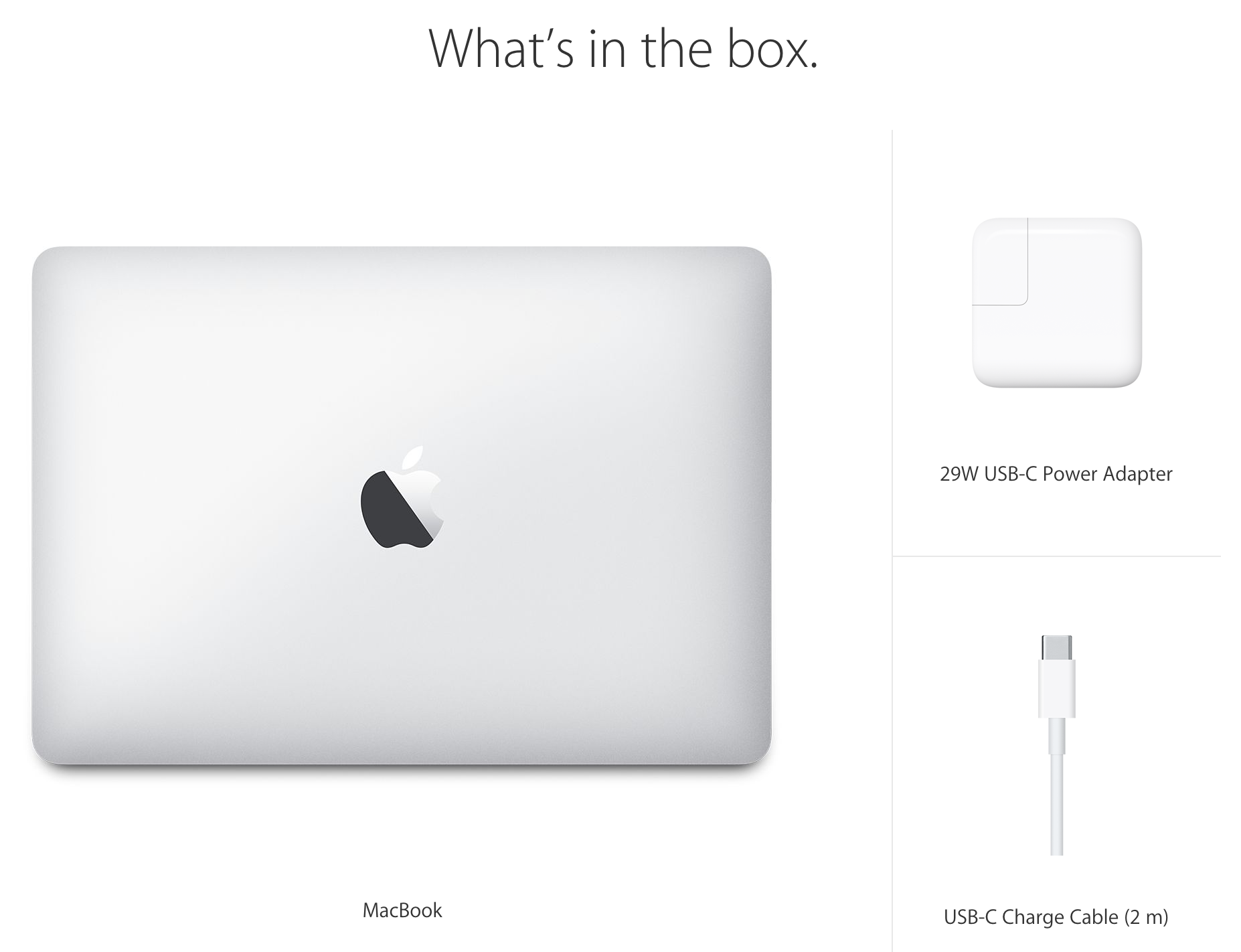
Sad news for those of you who use the power extension cable that comes with the MacBook Air and the MacBook Pro: Apple's newest addition to the venerable notebook line no longer comes bundled with said cable.
That's bad news for those of you who aren't always in a situation where it's easy to use plug the power brick directly into the wall outlet. It also means that your MacBook is now on a much shorter leash when it comes to charging.
This change, coupled with the device's lack of a MagSafe connector, could spell trouble for those of you who need to, you know, work while charging your MacBook. It seems to me like this combination would greatly increase the potential for an accident.
But there is some good news in all of this. Apple will sell you an extension cable separately for only $19.00.