Jeff Benjamin

Jeff has been with iDownloadBlog since 2010, acting as resident video specialist, and tutorial expert. He earned his degree in Computer Network Systems back in 2001, but decided Cisco routers and the like just weren’t for him. Since then, he’s been heavily involved with online writing. He’s written for numerous tech and video game sites since the late 1990′s, and has a knack for explaining things in a simple, clear, and concise manner. Jeff works primarily from the east coast on his Retina Macbook Pro, and shoots video with a Canon DSLR. During downtime he likes to travel the world, visiting the various Apple Stores across the globe. You can email him at jeff [at] idownloadblog.com and follow him on Twitter @JeffBenjam or on Google+.

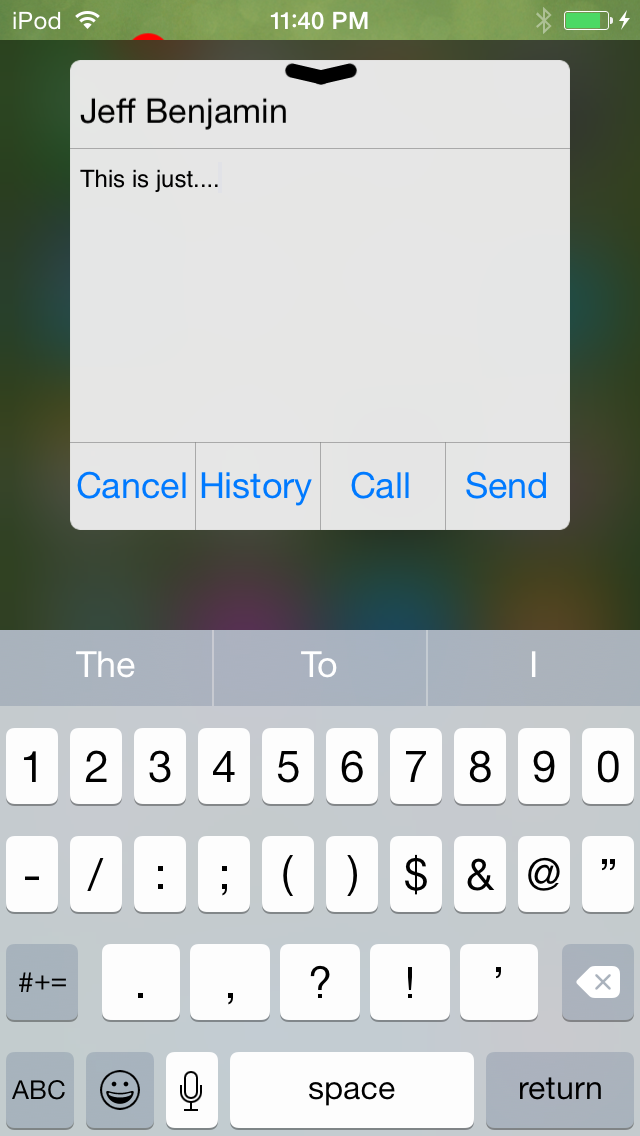
Columba is a new quick reply and quick compose tweak for iOS

biteSMS is long gone, and as such, jailbreakers have been clamoring for an adequate replacement. Well, I've got good news and bad news.

The good news is there's another potential biteSMS replacement available for jailbroken iPhones. The bad news is it's nowhere near as polished as biteSMS and it's simply not ready for prime time.

Columba, as the tweak is called, is available for $2.99 on the BigBoss repo. Not only does it bring quick reply and quick compose to the table, but it also promises scheduled messaging and messaging templates. Have a look at our impressions to read our thoughts on the release.
Ryan Petrich updates the Activator beta with two new releases

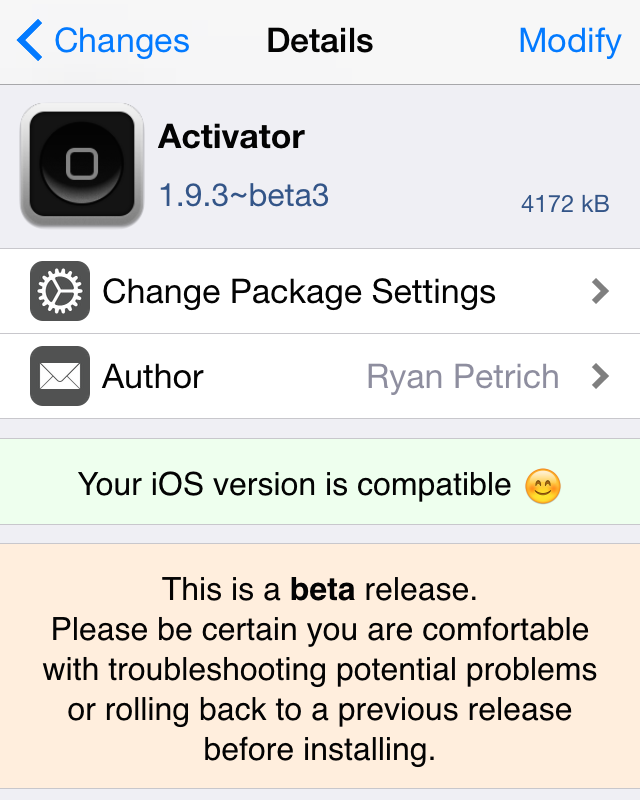
In the last few days, Ryan Petrich has updated the Activator beta with two new releases, beta 2 and beta 3 of Activator 1.9.3. The releases bring a plethora of new fixes and features to Activator, and it's obtainable by anyone who has Ryan's beta repo added to their list of Cydia sources.

Want to learn what's new, and how to get your hands on the latest beta release? Check out the details in this post for the answer.

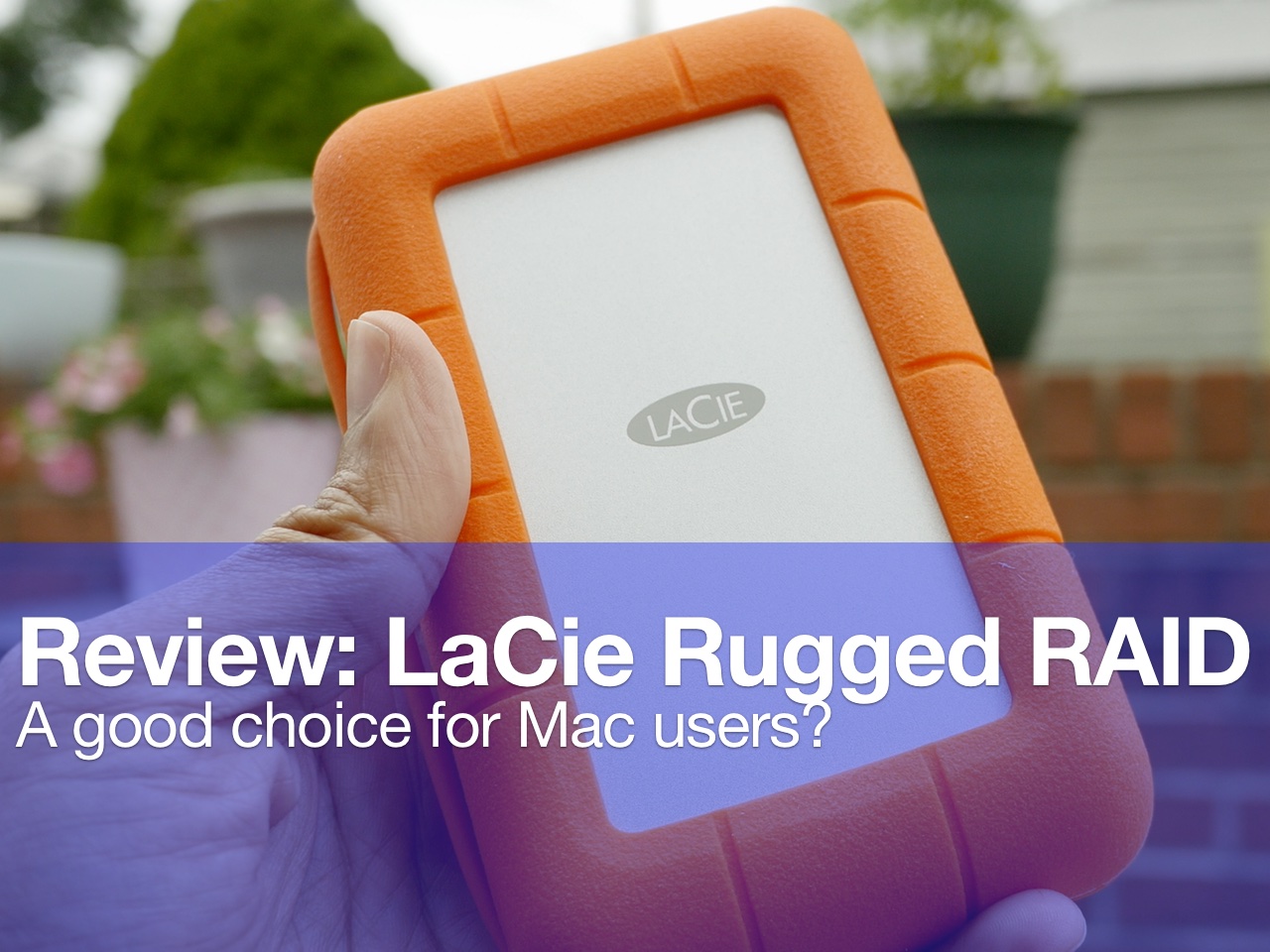
Review: LaCie Rugged RAID 4TB external drive – a good choice for Mac?

For the past few weeks, I’ve been testing out the Neil Poulton designed LaCie Rugged RAID portable hard drive. This drive, with its can’t-miss color, is specifically designed to stand up to tough environments.

The Rugged RAID features a rubber non-slip casing that will help it absorb impacts and stand up to harsh conditions. In fact, it’s dust, water, and shock resistant. If you’re someone who travels with an external hard drive, then you’re automatically more susceptible to all three of these potential failure-inducing scenarios. This can make the LaCie drive an attractive prospect.

Not to be confused with similar-looking drives in the LaCie lineup, this Rugged RAID drive actually ships with two independent hard drives pre-configured with RAID 0 for a total of 4TB of space. This provides end users with lots of headroom and extremely fast read and write speeds.

But hard drive speed isn’t the only thing fast about this drive. The LaCie Rugged RAID is also equipped with a USB 3.0 and Thunderbolt connection for high speed I/O up to 240MB/s. Even better is the fact that the Thunderbolt connection is bus powered, which makes it easy to travel with.

Needless to say, I’ve had high expectations for this hard drive ever since it was first announced. Does the LaCie Rugged RAID live up to this OS X user’s expectations? Read and watch the full review to find out.

How to remove a child account from iCloud Family Sharing

When I was testing out Apple's iCloud Family Sharing last year, I set up a child account just to see how it worked. That turned out to be a mistake, because there is no way for an end user to remove a child account from a Family Share.

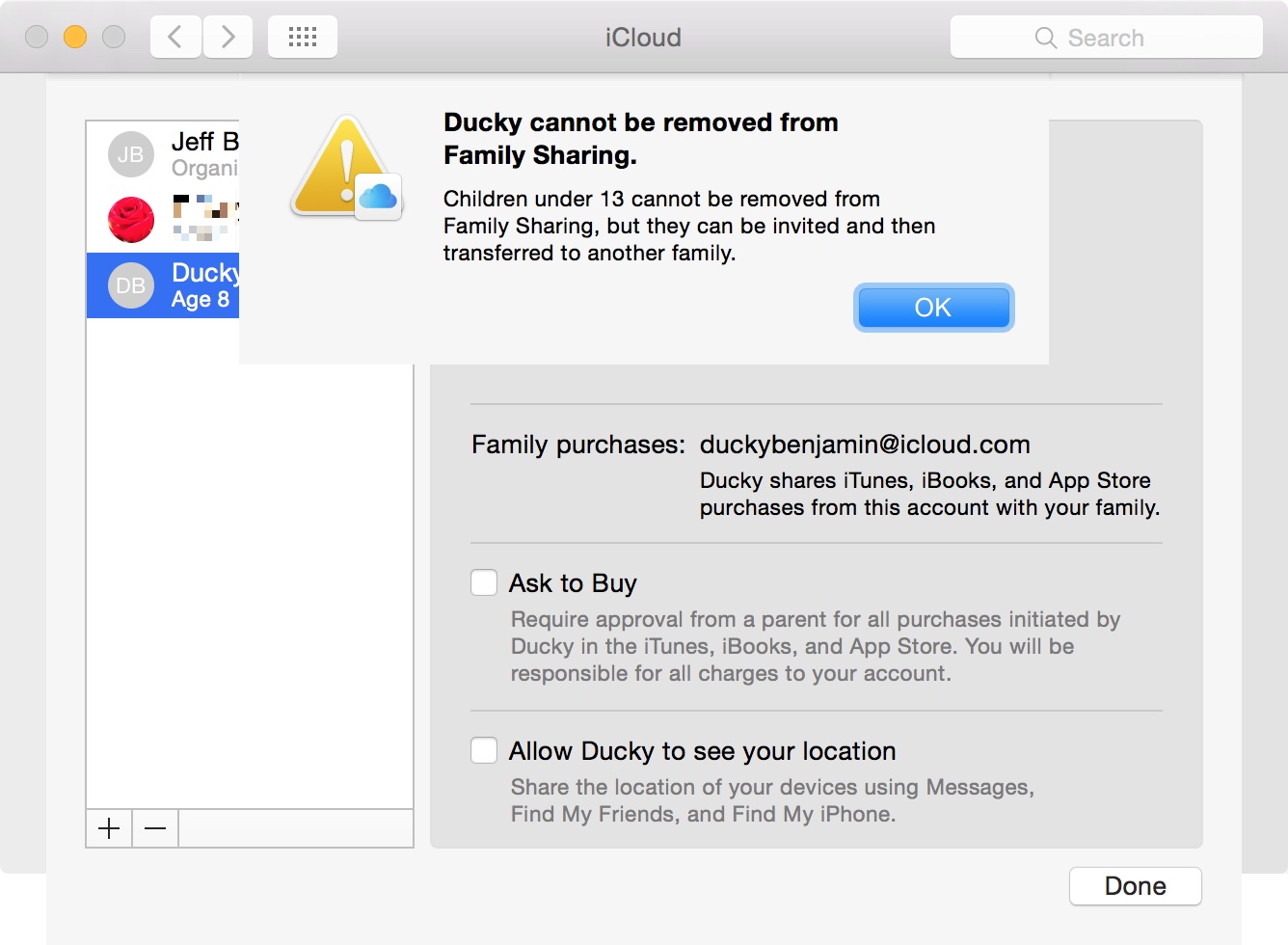
When you try to delete a child account, you're met with a frustrating error that states "Children under 13 cannot be removed from Family Sharing". Actually, you can "remove" a child account by transferring it to another family, but you're still not permanently getting rid of it.

So what should you do? Keep an account that you no longer want or need? Transfer the account? Don't settle for those options if you want the account gone. Phone up Apple support, and they can delete the annoying child account in a matter of minutes.

Let’s Talk Jailbreak 112: A new challenger appears

Episode 112: Native apps begin appearing on Apple Watch via developer hacks, and a new hacking team focuses on the iOS 9 jailbreak.

Subscribe via RSS

Support Let's Talk Jailbreak

Please fill out this quick survey: podsurvey.com/jailbreak Red Hat. - Different for the sake of better technology

Apple Watch hacked to run native Flappy Bird clone game

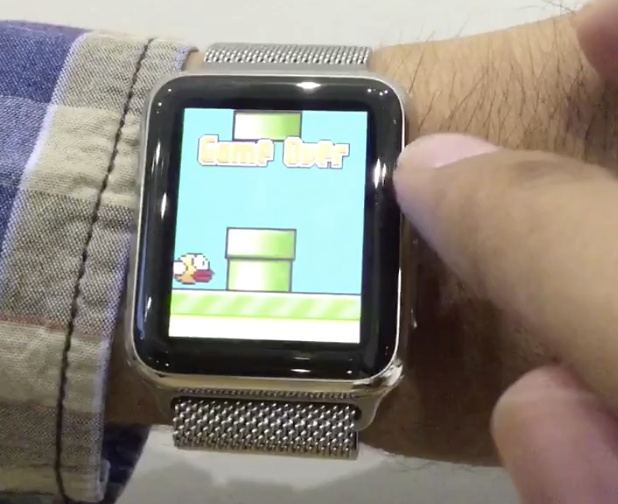
Native apps are indeed coming to Apple Watch in watchOS 2, but one developer is jumping the gun and showcasing his native clone of Flappy Bird running on Apple's wearable. Developer Hamza Sood, who is no stranger to hacks, tweaks and leaks involving Apple products, just revealed his Flappy Bird clone on video.

Want to see what it looks and sounds like to have a game utilizing native frameworks, Digital Crown control, and speaker output on Apple Watch? If so, watch this video.

New in iOS 9: Native print preview

I don't often use AirPrint to print from my iPad or iPhone, but occasionally I find the need to do so. One of the things that's always bugged me about printing from my iPad is the lack of any sort of print preview.

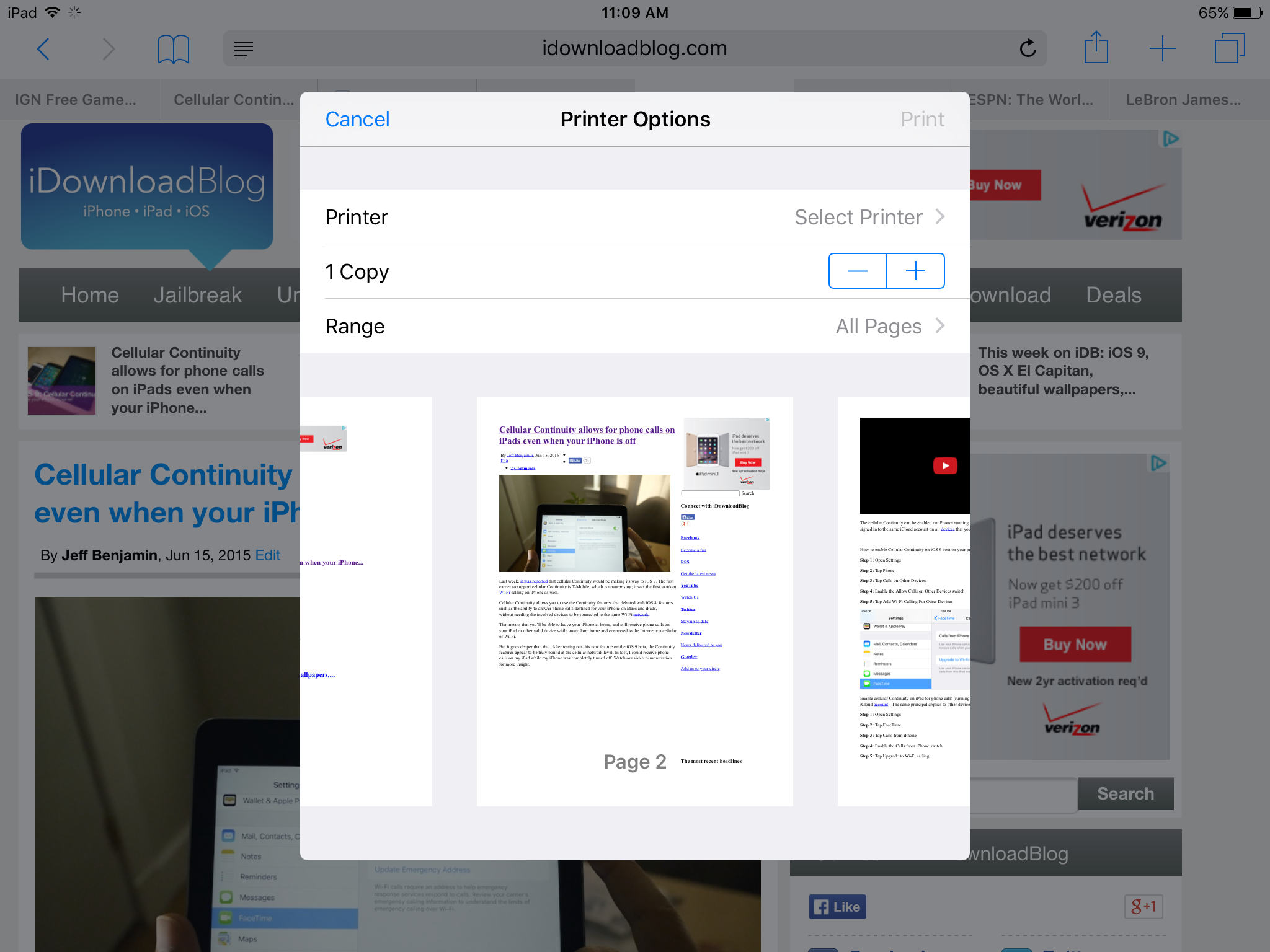
Prior to iOS 9, if you wanted to print directly from the native iOS share sheet, you pretty much had to go into the whole ordeal blind, as you weren't provided with a print preview. With iOS 9, things have changed. You'll now find a native print preview option whenever you invoke the printing dialogue from the native share sheet.

Cellular Continuity allows for phone calls on iPads even when your iPhone is off

Last week, it was reported that cellular Continuity would be making its way to iOS 9. The first carrier to support cellular Continuity is T-Mobile, which is unsurprising; it was the first to adopt Wi-Fi calling on iPhone as well.

Cellular Continuity allows you to use the Continuity features that debuted with iOS 8, features such as the ability to answer phone calls destined for your iPhone on Macs and iPads, without needing the involved devices to be connected to the same Wi-Fi network.

That means that you'll be able to leave your iPhone at home, and still receive phone calls on your iPad or other valid device while away from home and connected to the Internet via cellular or Wi-Fi.

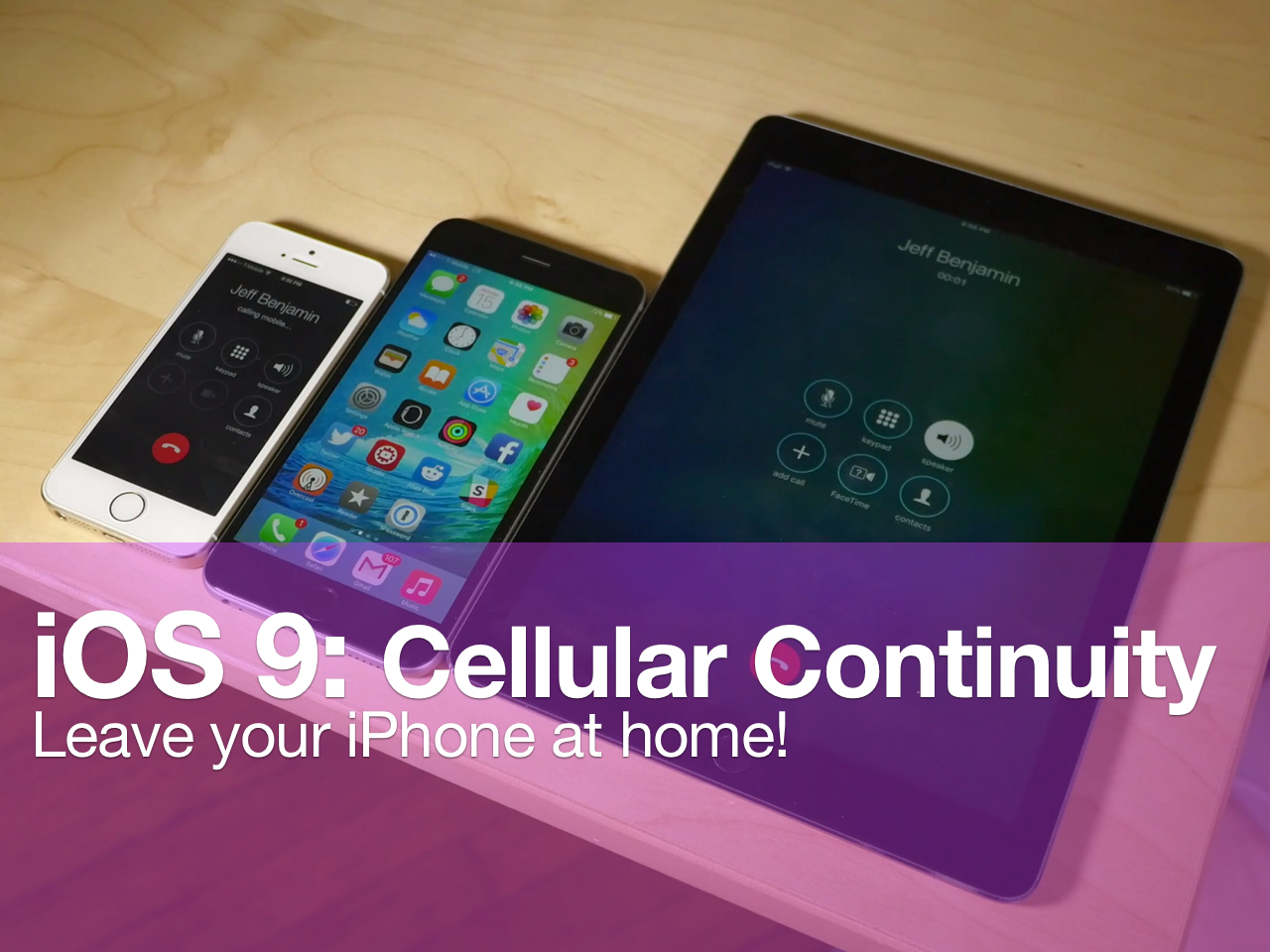
But it goes deeper than that. After testing out this new feature on the iOS 9 beta, the Continuity features appear to be truly bound at the cellular network level. In fact, I could receive phone calls on my iPad while my iPhone was completely turned off. Watch our video demonstration for more insight.

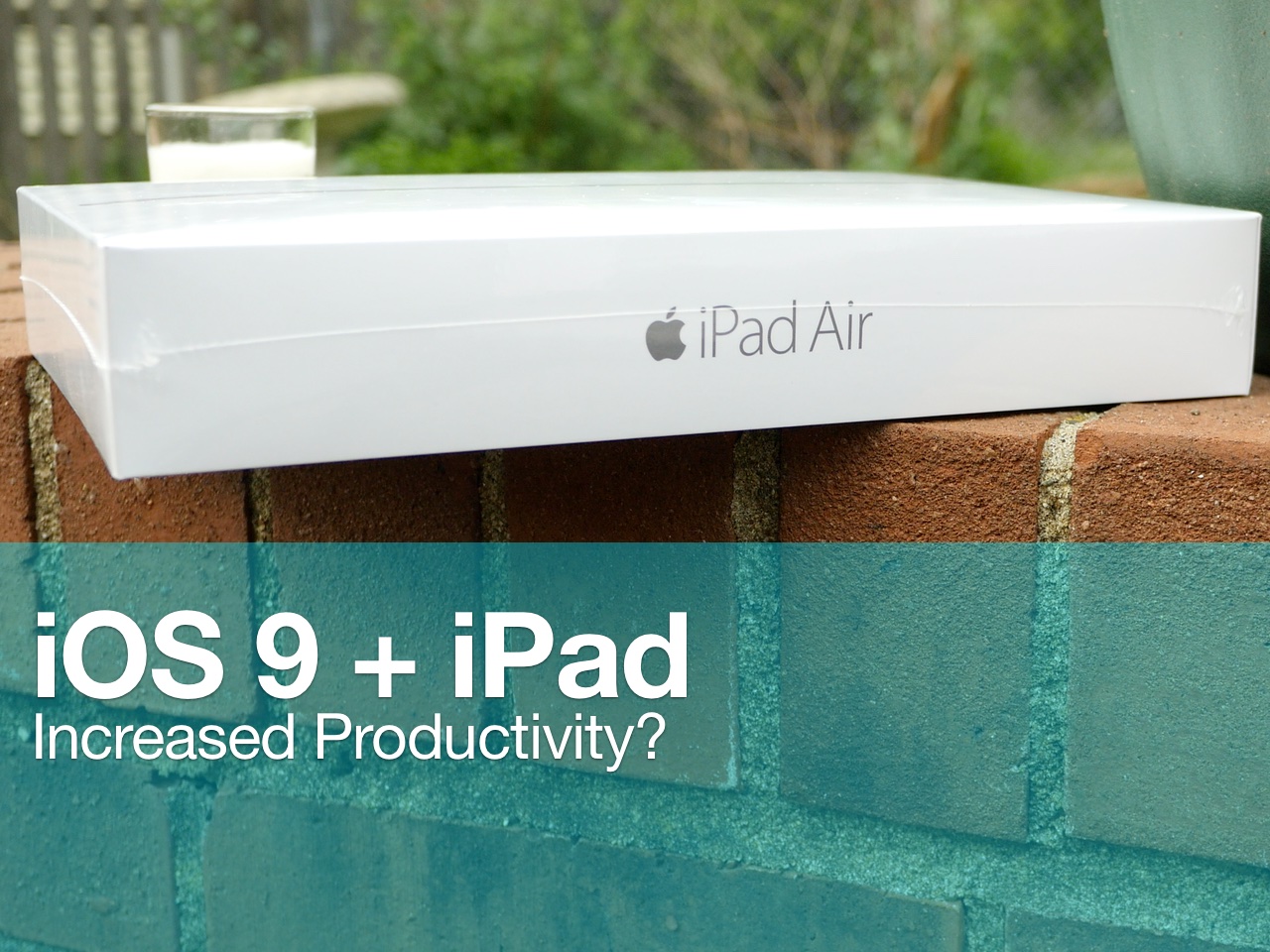
iOS 9 reinvigorates iPad power users

WWDC 2015 was filled with shock and awe, at least for me, a former iPad user. In the past, I've tried my best to use my iPad for productivity, namely writing blog posts and the like. While this can be achieved with relative success, the iPad as we currently know it still lacks from a productivity standpoint.

The iPad that we know today doesn't have the ability to truly multitask—i.e. run two apps at the same exact time, and interface with those two apps at the same exact time. Although some prominent bloggers, most notably Mac Stories' Frederico Viticci, are able to aptly make due with this limitation, it's always been something that's pushed me back to my MacBook.

No matter how hard I've tried, and trust me, I've tried dozens of times, I always end up abandoning my plans of creating an iPad workflow that genuinely works for me. With WWDC 2015, and the release of iOS 9, I finally feel like we're on the precipice of something great.

The iPad Air 2, in particular, heavily benefits from iOS 9, but all iPads will benefit in a major way. Here are 6 outstanding new productivity features that promise to supercharge the workflow of those of you who use the iPad as a work machine.

Let’s Talk Jailbreak 111: jailbreak-inspired

Episode 111: A discussion of iOS 9 and the jailbreak tweaks that seemed to inspire many of its new features.

Subscribe via RSS

Support Let's Talk Jailbreak

Please fill out this quick survey: podsurvey.com/jailbreak Red Hat. - Different for the sake of better technology CASPER - Get $50 toward any mattress purchase by visiting Casper.com/jailbreak and using promo code jailbreak.

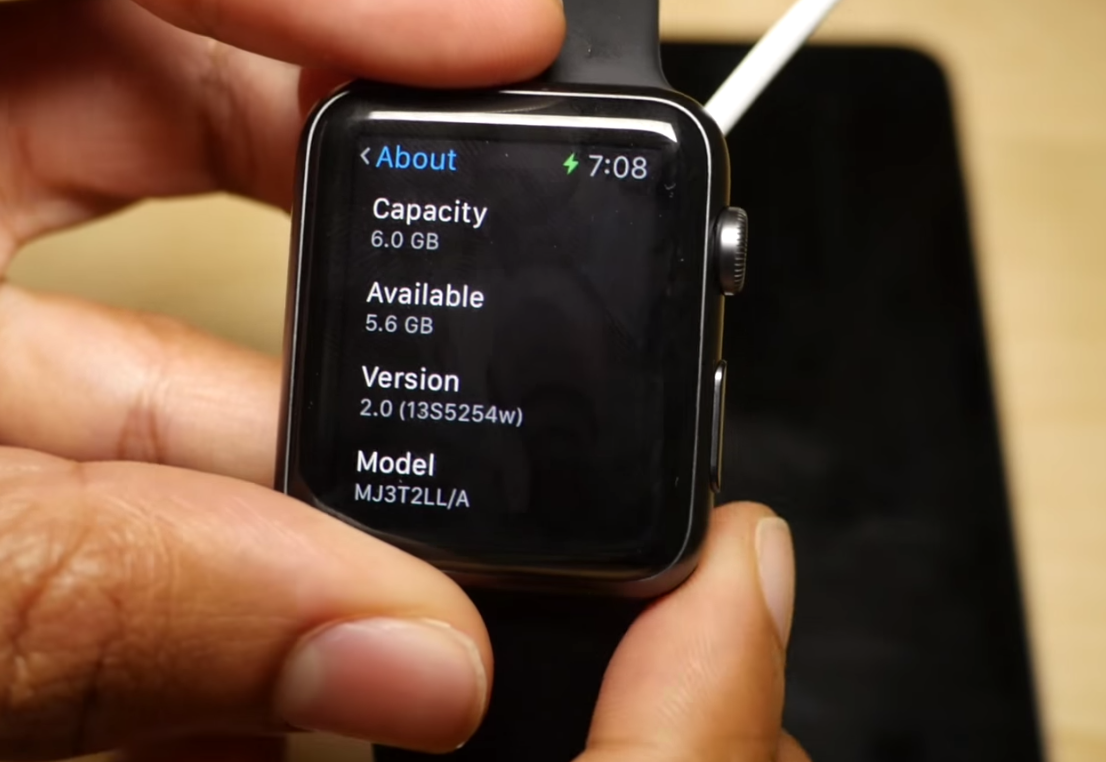
You probably shouldn’t update to watchOS 2 unless you’re genuinely a developer

Every time a beta is released, we always provide tutorials for those of you who may be developers, but to be honest, we know that even some of you non-developers with paid access to developer accounts will upgrade to the betas as well. Of course, that's your own decision.

But with watchOS, things are different. You really shouldn't upgrade to watchOS 2 unless you truly are a developer, or at the very least, you should thoroughly understand what you're getting in to. Why is this? We explain in this post.