Jeff Benjamin

Jeff has been with iDownloadBlog since 2010, acting as resident video specialist, and tutorial expert. He earned his degree in Computer Network Systems back in 2001, but decided Cisco routers and the like just weren’t for him. Since then, he’s been heavily involved with online writing. He’s written for numerous tech and video game sites since the late 1990′s, and has a knack for explaining things in a simple, clear, and concise manner. Jeff works primarily from the east coast on his Retina Macbook Pro, and shoots video with a Canon DSLR. During downtime he likes to travel the world, visiting the various Apple Stores across the globe. You can email him at jeff [at] idownloadblog.com and follow him on Twitter @JeffBenjam or on Google+.

Speed up iOS 7 animations with NoSlowAnimations

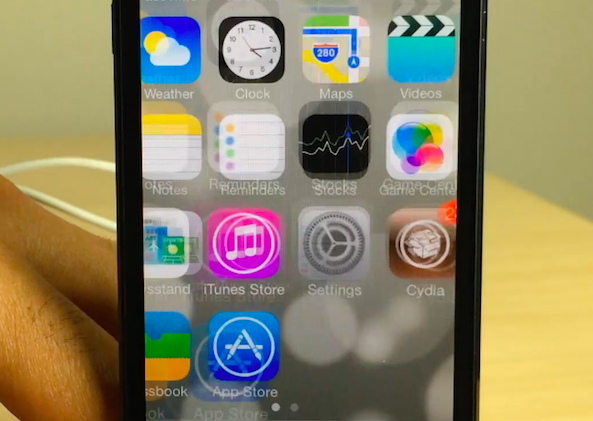
One of the primary complaints that I hear about iOS 7, outside of the obvious beef with the app icons, is the slow animation speed. iOS 7 uses animations to add a sense of depth to the interface, and I'm a big fan of the effect. Unfortunately, the effect does add some perceptual slowness to the experience, whether the slowness actually exists or not.

NoSlowAnimations is a brand new jailbreak tweak that significantly speeds up the animations found in iOS 7. Watch our full video walkthrough after the break...
iFile is updated for iOS 7 and it runs on the iPhone 5s and looks great

iFile is far and away one of my favorite apps for iOS. It's basically the Finder on iOS, so it allows you to browse the entire root directory structure of your device. iFile is useful for pretty much all the reasons that the Finder or Windows Explorer is useful for desktops. With it you can view file attributes, install apps, delete files, save images to the camera roll and much, much more.

iFile has, and always has been one of my must-have jailbreak apps for any jailbroken device. And now, it's available with a full iOS 7 redesign, and it even works with the iPhone 5s (and other 64-bit devices) right now. Have a look inside as I showcase the new iFile 2.0 on video.

How to make the stock iOS 7 app icons look like iOS 6

A new jailbreak theme package was just released on Cydia, and it allows users who install it to regain the app icons featured in iOS 6 and below. The theme, which is entitled iOS 6 Theme for iOS 7, is a WinterBoard release that replaces the stock iOS 7 app icons with those from earlier firmware. Take a gander at our full video walkthrough inside to see how it looks.

How to make most tweaks and apps work with iOS 7 on pre-A7 devices

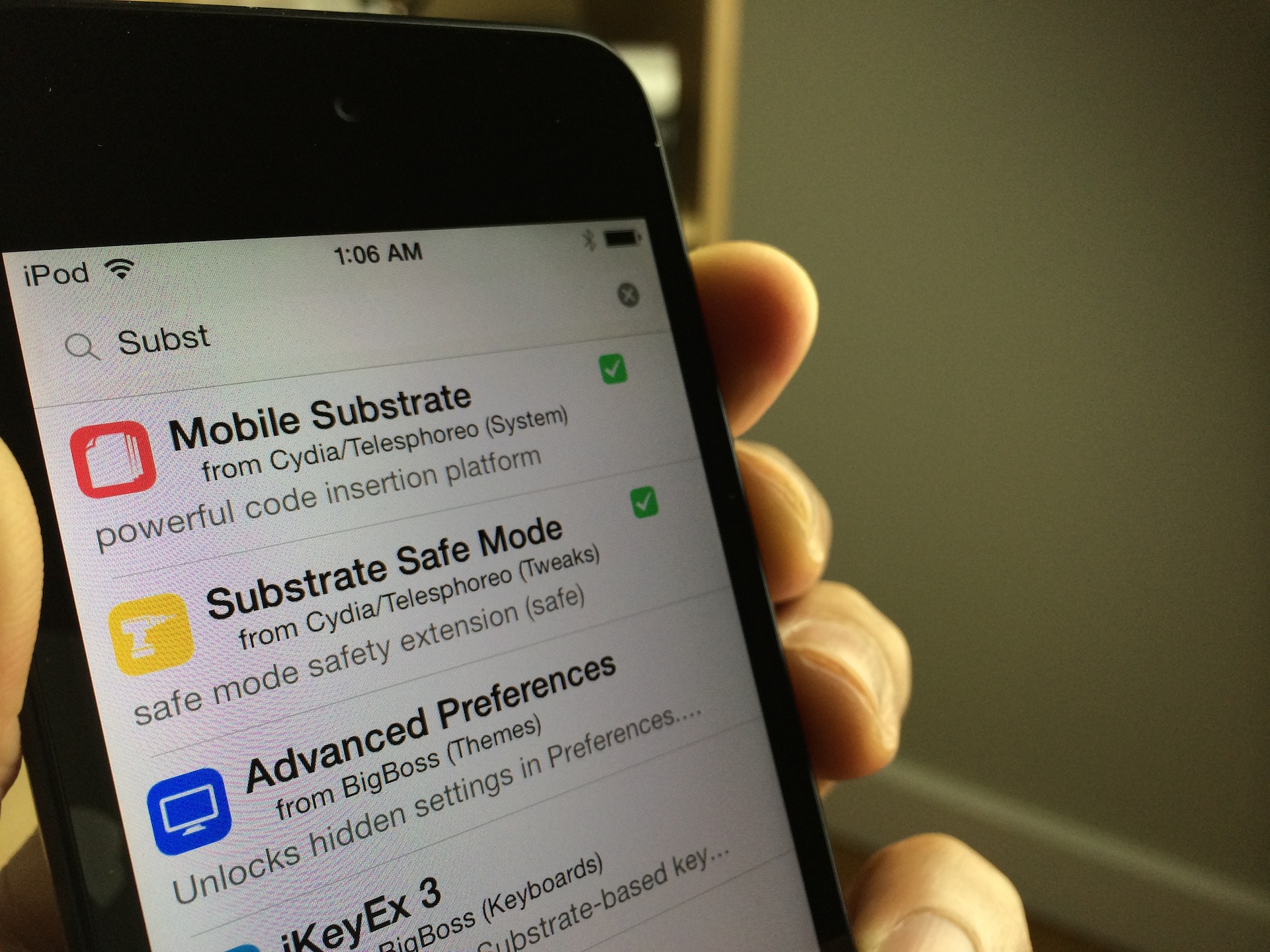
Are you jailbroken on iOS 7? Are the apps and tweaks installed via Cydia not showing up on your device? If you're running into this problem, you're not alone. I've received numerous questions about this problem over the last few days; so many, that I thought it would good to make a post and video on it for those that need help.

The short answer to the question is Mobile Substrate. Most of the apps and tweaks that you install from Cydia rely on Mobile Substrate, and Mobile Substrate has not been updated for the latest iOS 7 jailbreak as of yet. An update has been promised to come soon, but Saurik, its developer, is no doubt inundated with about a thousand and one different tasks related to the just released jailbreak.

Let's give Saurik the time he needs to get a properly updated working release of Mobile Substrate in our hands. In the meantime, if you're running a non-64-bit device, you can take the following steps to make your favorite apps and tweaks work.

FlipLaunch: Application shortcut toggles for the FlipSwitch framework

FlipSwitch is a framework for adding quick toggles to apps and tweaks. We explained what the framework does and how it works in this post. In fact, FlipControlCenter, a tweak that we just reviewed, uses the FlipSwitch framework to incorporate customized toggles into iOS 7's Control Center. Needless to say, FlipSwitch is an extremely handy tool for developers, because it gets rid of the redundancy of creating shortcut toggles from scratch with every app or tweak.

A new add-on to FlipSwitch has been released called FlipLaunch. It allows users to incorporate app shortcuts directly into releases that support FlipSwitch. This means that one can easily add a shortcut to any app installed on device to any tweak or app that supports the FlipSwitch framework. And because the add-on uses a special two-letter naming system, you're ensured that the application launch toggles will always look good and never out of place.

I've tested out FlipLaunch with the FlipControlCenter tweak that we just reviewed. Have a look inside to see how it works via our hands-on video walkthrough.

FlipControlCenter is the obvious iOS 7 tweak that we’ve all been waiting for

It's been a busy day to me, so I was admittedly late to get to FlipControlCenter after its release earlier today. When I first saw Cody's post, I knew that this tweak would be a part of my nightly recap before heading off to bed. Well, I just tried FlipControlCenter for myself, and I can tell you that it works like a dream, even in its beta state, and even with the underlying issues with Mobile Substrate.

Ryan Petrich is simply the king when it comes to tweaks of this type—or any tweak or app for that matter. FlipControlCenter might seem like the obvious answer to Apple's lack of customization options for Control Center, and for the most part it is. But the tweak delivers on its simplicity and "just works" design. Full video walkthrough inside.

Updated Evasi0n 7.x Untether package brings Evasi0n 1.0.1 updates to all users

A few days ago the Evad3rs released version 1.0.1 of their Evasi0n7 jailbreak tool. The update's big feature was its removal of the controversial TaiG, which we explained in this post.

Previously, if you wished to take advantage of the latest 1.0.1 update, you had to re-jailbreak your device with Evasi0n 1.0.1. Obviously, that's quite inconvenient for most users, so the Evaders have released an easy to use Cydia package update to facilitate the changes and make them available to those who jailbroke their devices with Evasi0n 1.0.0.

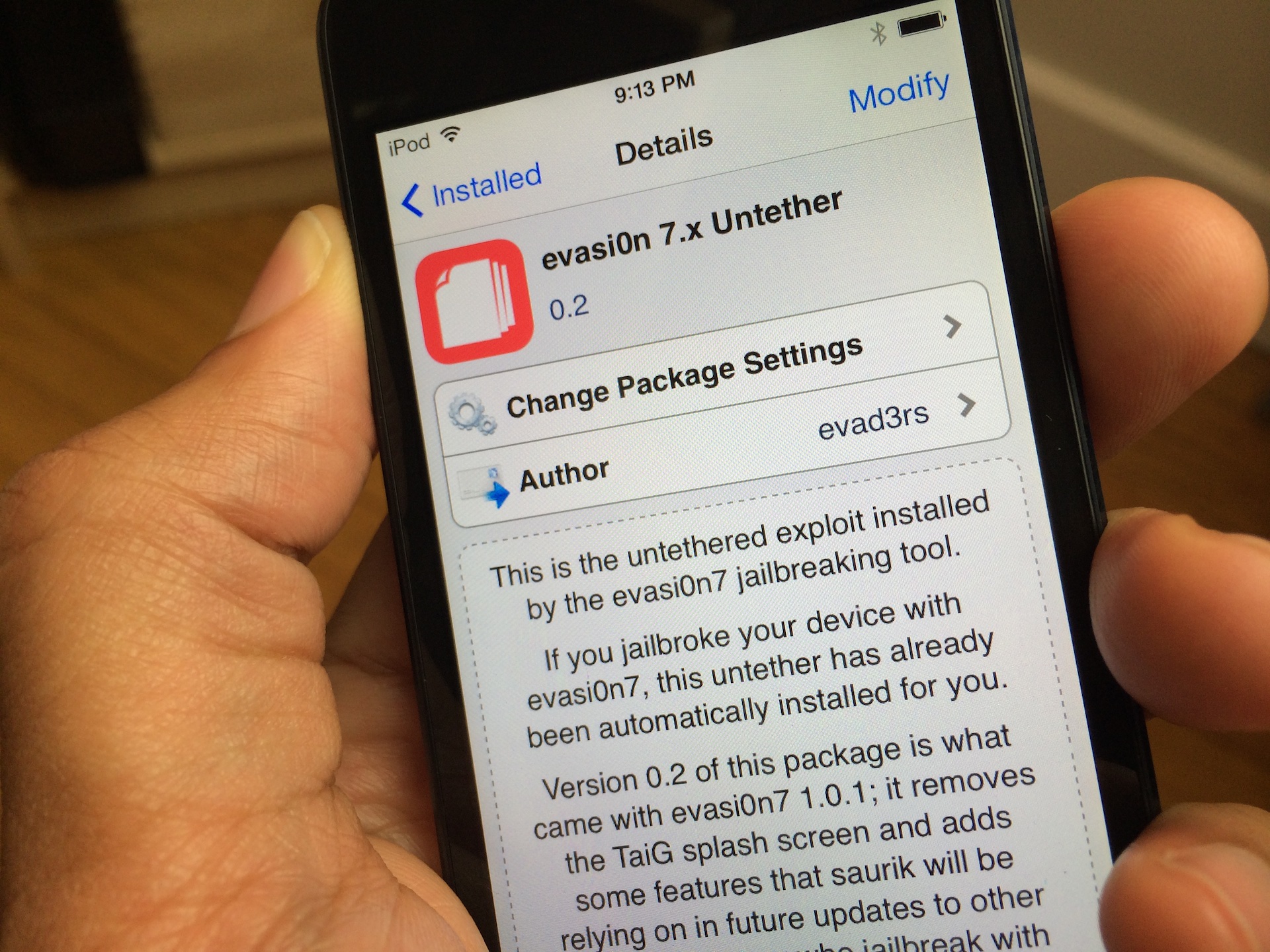
The package is called evasi0n 7.x Untether, and its 0.2 update is available right now via Cydia's default Telesphoreo repo. Check inside for more details.

Here’s what biteSMS running on iOS 7 looks like on video

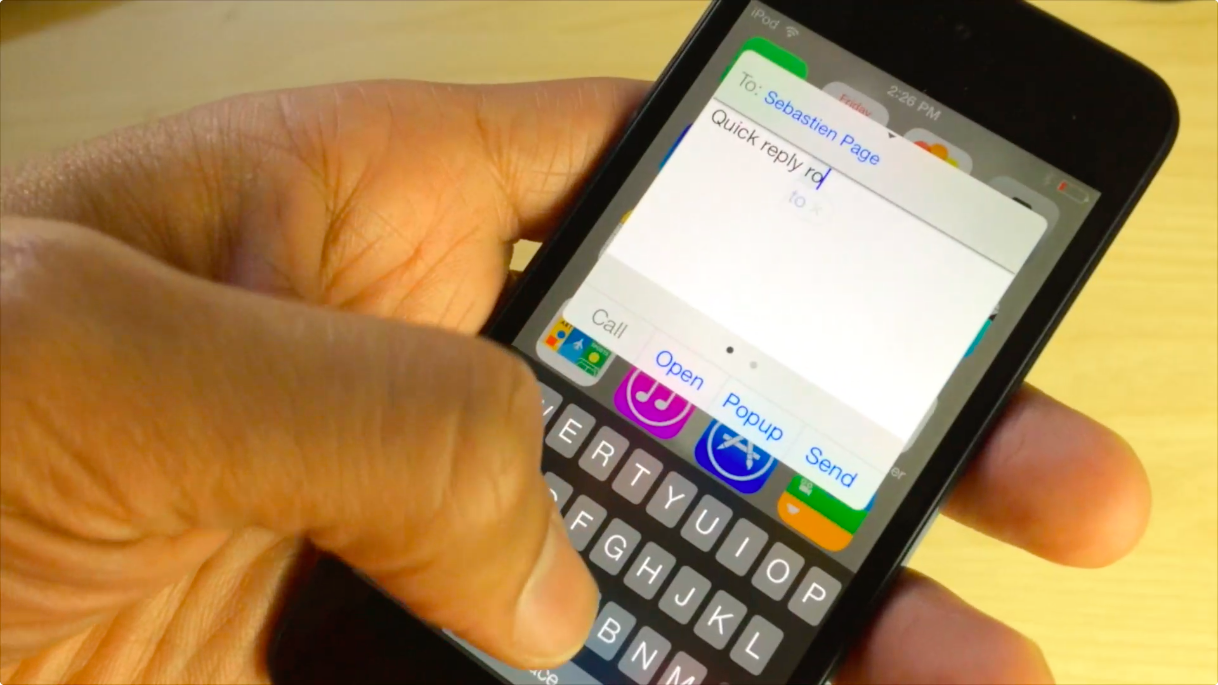
biteSMS is without a doubt one of the biggest jailbreak apps of all time. I mean, even Sebastien raves about it, and we all know how picky he is when it comes to installing things on his iPhone.

As Joe pointed out earlier, biteSMS 8.0 beta is here for you to test out with your jailbroken iOS 7 device. Although it is a bit buggy—which it should be considering it's a beta—I couldn't wait. I've installed it, and I recorded a short video showing off how beautiful the app looks on iOS 7. Take a look inside to see what I mean.

‘RadiSpot’ brings “Open in Spotify” support to Pandora

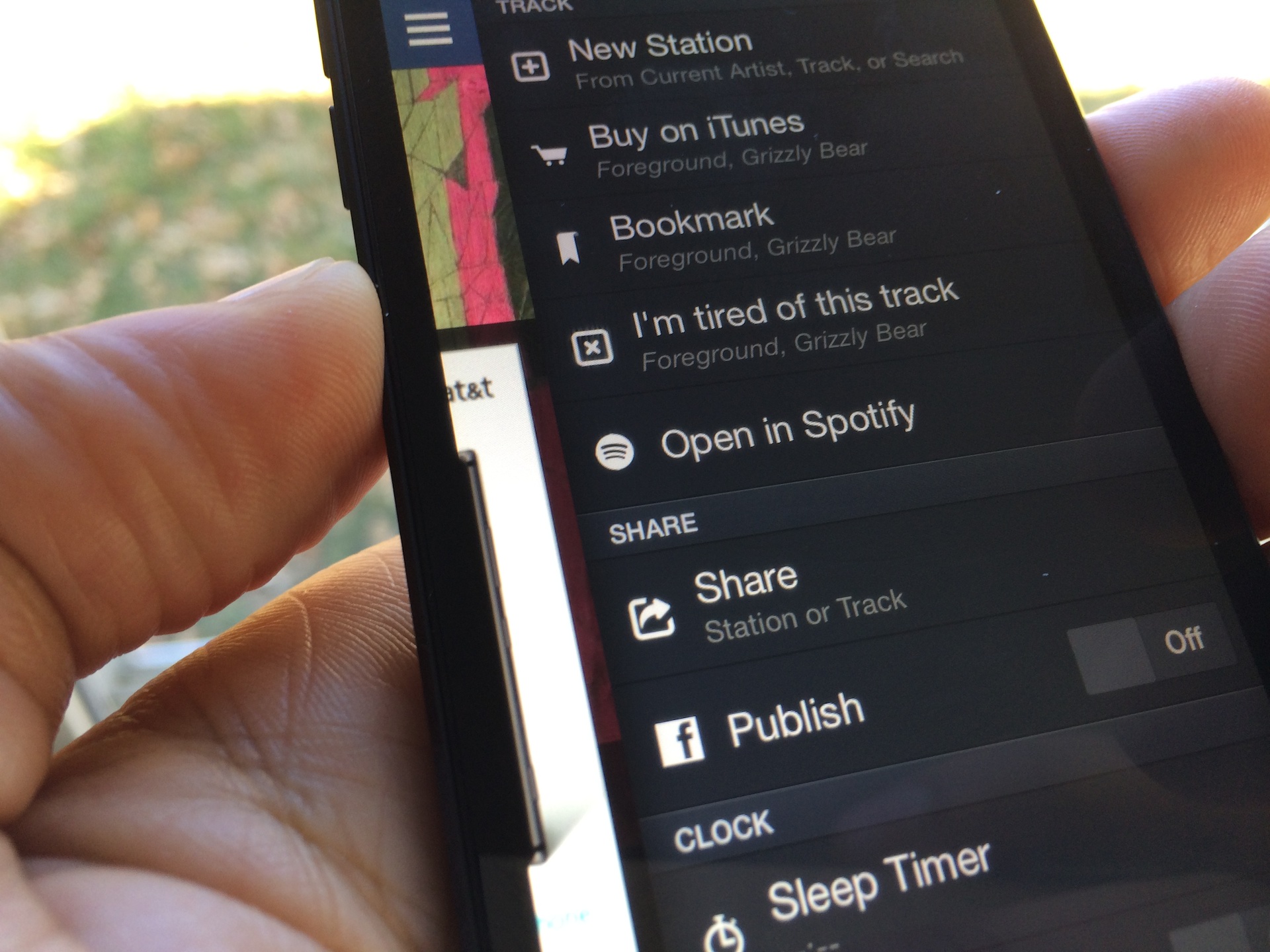
Pandora is great, but there are times when you don't feel like being told what to listen to, and you know exactly what you want to hear. For times like these, Spotify is best suited for your needs. The point is, both apps have strong points—Pandora is best for music discovery, while Spotify is best for playing exactly what you want to hear.

Wouldn't it be great if these two apps could join forces and take on the evilness that is silence? Indeed! That's what Hashbang productions had in mind when it created this new tweak. Have a look inside to see how RadiSpot works.

How to access Apple’s secret internal SpringBoard settings menu on iOS 7

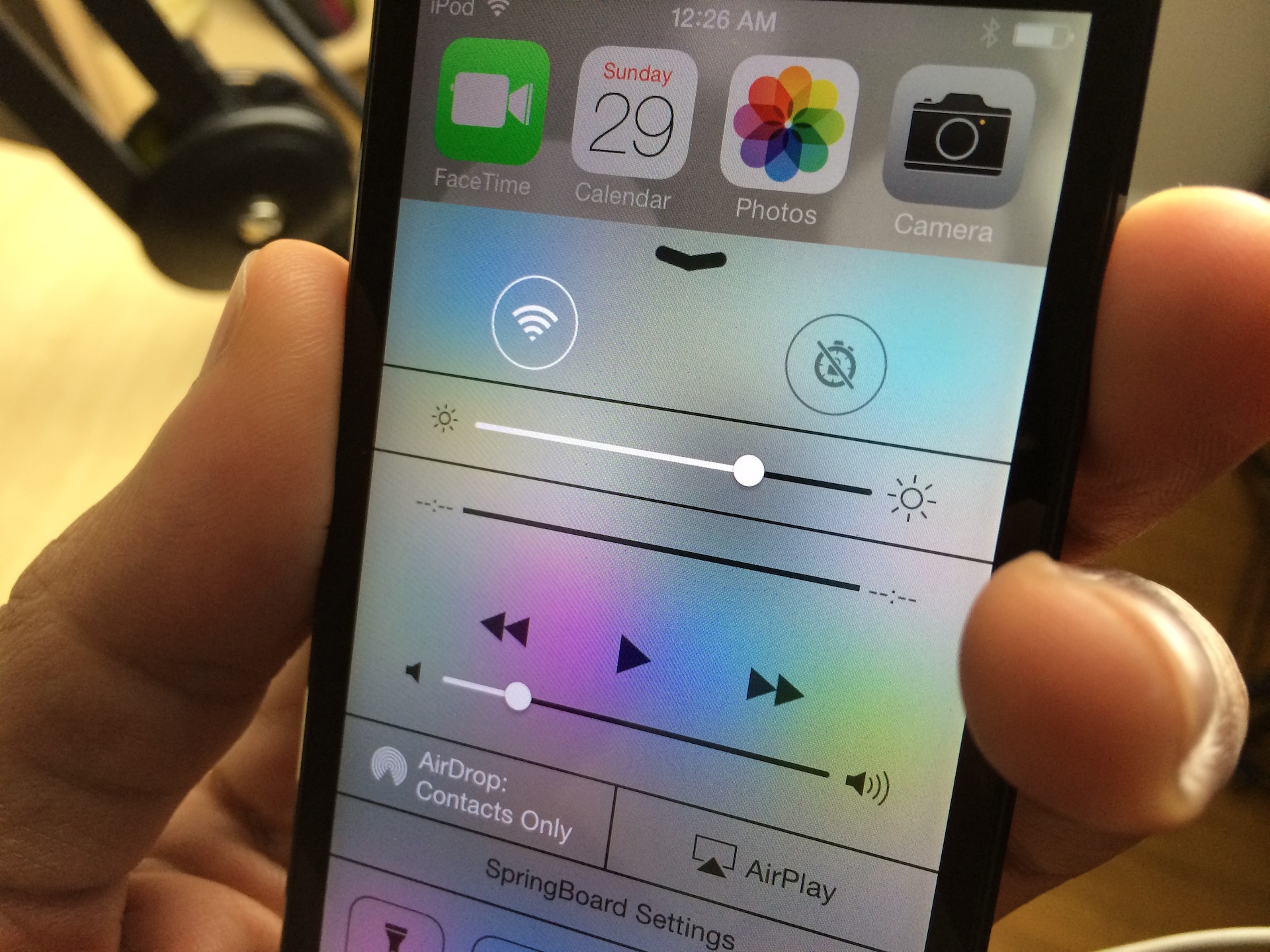
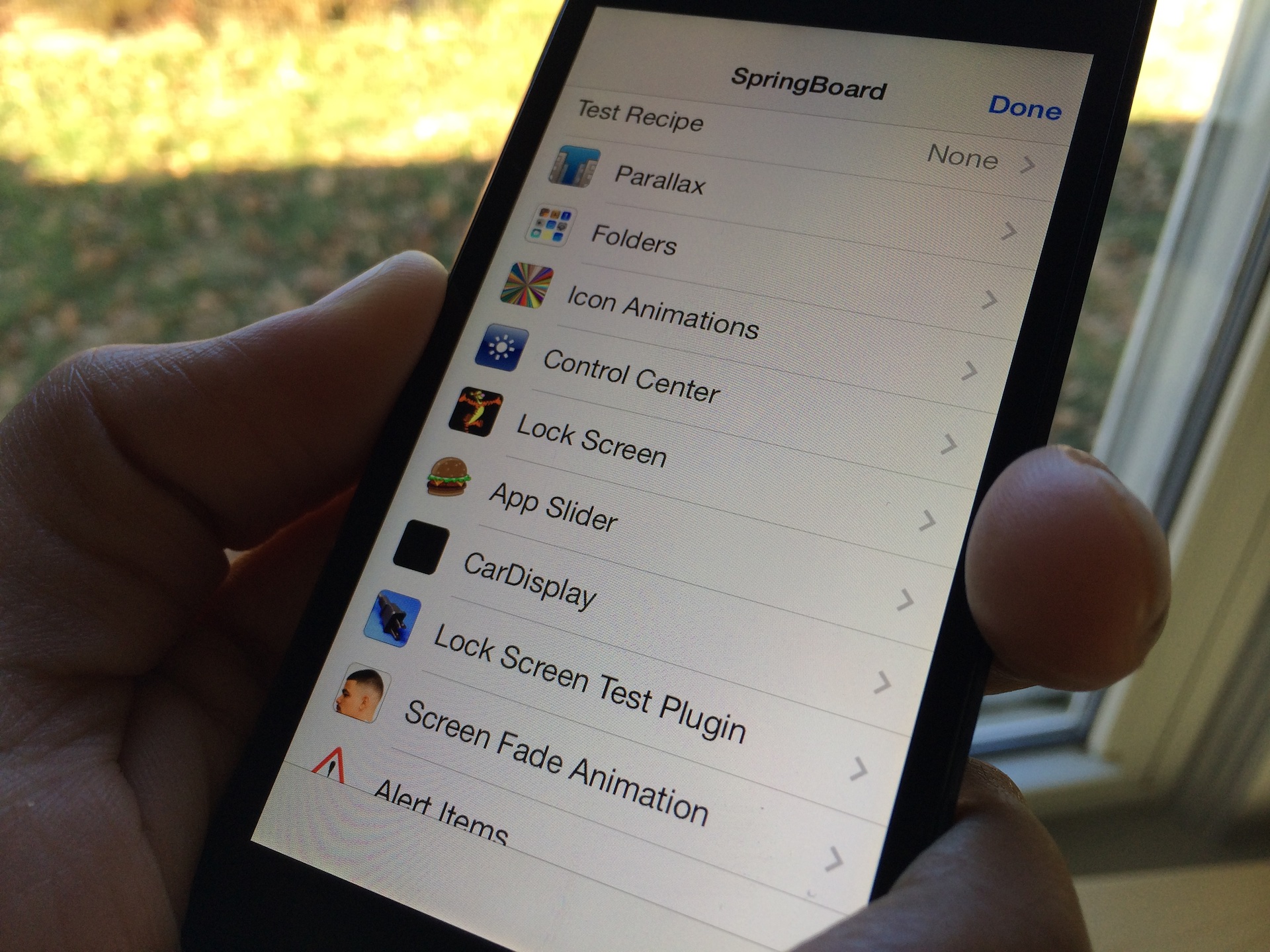
As predicted, the flood of new tweaks has started to pour in. The latest tweak, one called HiddenSettings7, allows users to access Apple's hidden internal SpringBoard settings menu. This menu, which contains a plethora of settings to garner fine grained control over the look and feel of your device's SpringBoard, is accessible via a shortcut found in Control Center.

We've taken the liberty to film a high level overview of HiddenSettings7 for you to enjoy. Have a look inside to see where to get the tweak and how to access a wealth of new settings.