Jeff Benjamin

Jeff has been with iDownloadBlog since 2010, acting as resident video specialist, and tutorial expert. He earned his degree in Computer Network Systems back in 2001, but decided Cisco routers and the like just weren’t for him. Since then, he’s been heavily involved with online writing. He’s written for numerous tech and video game sites since the late 1990′s, and has a knack for explaining things in a simple, clear, and concise manner. Jeff works primarily from the east coast on his Retina Macbook Pro, and shoots video with a Canon DSLR. During downtime he likes to travel the world, visiting the various Apple Stores across the globe. You can email him at jeff [at] idownloadblog.com and follow him on Twitter @JeffBenjam or on Google+.

CCControls: one of the best Control Center tweaks for iOS 7

Control Center, as expected, has been the subject of quite a few new jailbreak tweaks ever since the iOS 7 jailbreak was released. But one of the best tweaks for Control Center, and one of the best tweaks that I've ever tested in some regards, is CCControls.

CCControls is a new jailbreak tweak that takes Control Center toggle customization to the next level. Have a look at our full video walkthrough, which appears after the fold, to see what I mean.

Virtual Home: an amazing Touch ID jailbreak tweak

Prior to the iOS 7 jailbreak being released, I think pretty much everyone imagined some of the cool things that would be able to be accomplished by tweaking the iPhone 5s' Touch ID sensor. As of today, we no longer have to imagine any more.

Virtual Home is one of the first Touch ID based jailbreak tweaks available on the iPhone 5s, and it's awesome. See our full video walkthrough inside.

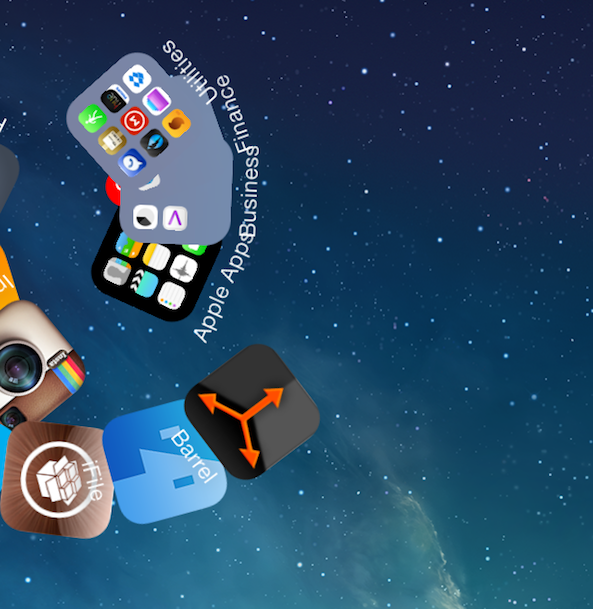
Barrel, the flagship jailbreak tweak has been updated for iOS 7

If you've been around jailbreaking for any measurable amount of time, the name "Barrel" has a significant meaning for you. It's the tweak that I, and many others, view as the flagship jailbreak tweak. It's the tweak that represents jailbreaking as a whole.

Barrel is the type of tweak that you use to convince skeptical friends that they should jailbreak, and often the end result is that they do. No, Barrel isn't a tweak that will improve the usability of your device, such as biteSMS' quick reply. It's not a practical release like iFile, or Safari Download Manager. But it's still one of the first tweaks that come to mind when a new jailbreak arrives.

I'm happy to say that Barrel has been updated to support iOS 7. In fact, it works beautifully on my iPhone 5s. If you're new to jailbreaking and don't know what Barrel is, then I invite you to step inside and enjoy the visual roller coaster.

How to make the volume HUD transparent on iOS 7

The little heads up display that appears when you adjust the volume on the iPad or iPhone is often the subject of tweaking when it comes to the jailbreak community. The latest tweak to alter the look of the volume HUD is called TransparentVolume—a jailbreak tweak that adds transparency to the HUD's background.

Once installed, a new preference panel for TransparentVolume is placed in the stock Settings app. From here, you can use a slider to adjust the background transparency. Have a look at our video walkthrough inside to see how it works.

Let’s Talk Jailbreak 38: Cydia Substrate goes live!

Cydia Substrate went live today, and that means that you can now enjoy your favorite jailbreak apps and tweaks on Apple's most recent devices like the iPhone 5s, iPad Air, and iPad mini with Retina Display. In this episode, we break down what Cydia Substrate means for jailbreakers, and look at some of the first new jailbreak apps and tweaks to be released on Cydia.

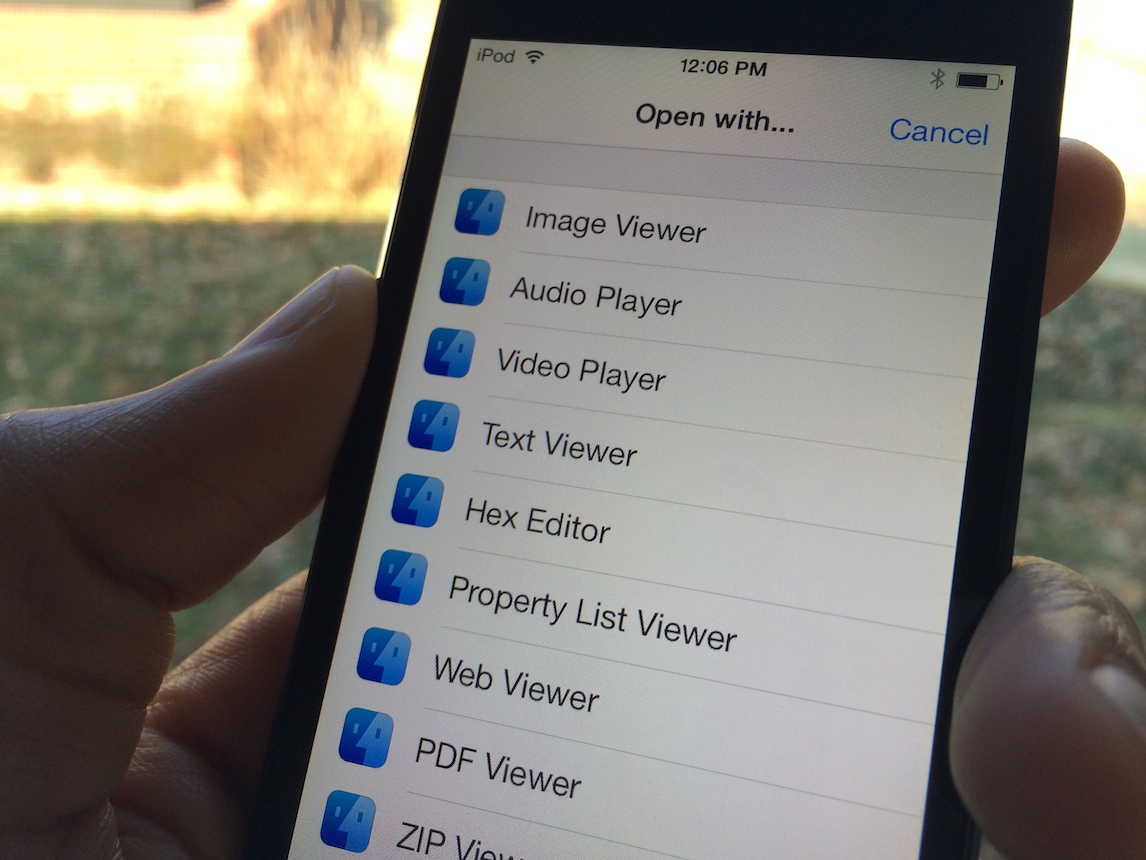
iFile updated to fix broken “Open With” support, iOS 6 app icons

Yesterday, we told you about the update to iFile. The legendary app was redesigned to fit the mold of iOS 7, and it looked glorious in doing so. But, as tends to be the case with large updates, it featured a few bugs that needed to be fixed.

The first bug, and the most glaring flaw with the iFile update, involved the app's Open With support in the attributes editor. When you tried to open a file using the Open With dialogue, you were left with a blank screen. This has been fixed.

Along with the fix to Open With support, comes a fix for the iFile icon in firmwares lesser than iOS 7. As you all know, the iFile icon was "iOS 7-ified" with the latest update, taking on a flatter appearance and a bolder look. While the new app icon fits in perfectly with iOS 7, it doesn't fit in very well with older firmware. This oversight has been fixed, and iFile now features an app icon that's appropriate for the version of iOS that is being used.

Let’s Talk iOS 009: A year in review

Episode 009: Jeff Benjamin, Cody Lee, and special guest Jim Gresham look back on Apple's big year in 2013. The trio discusses their fondest memories from the year, their favorite products, and most-liked accessories. Jim fills us in on his upcoming plans for CES 2014, and tells us what it's like to attend the huge annual event.

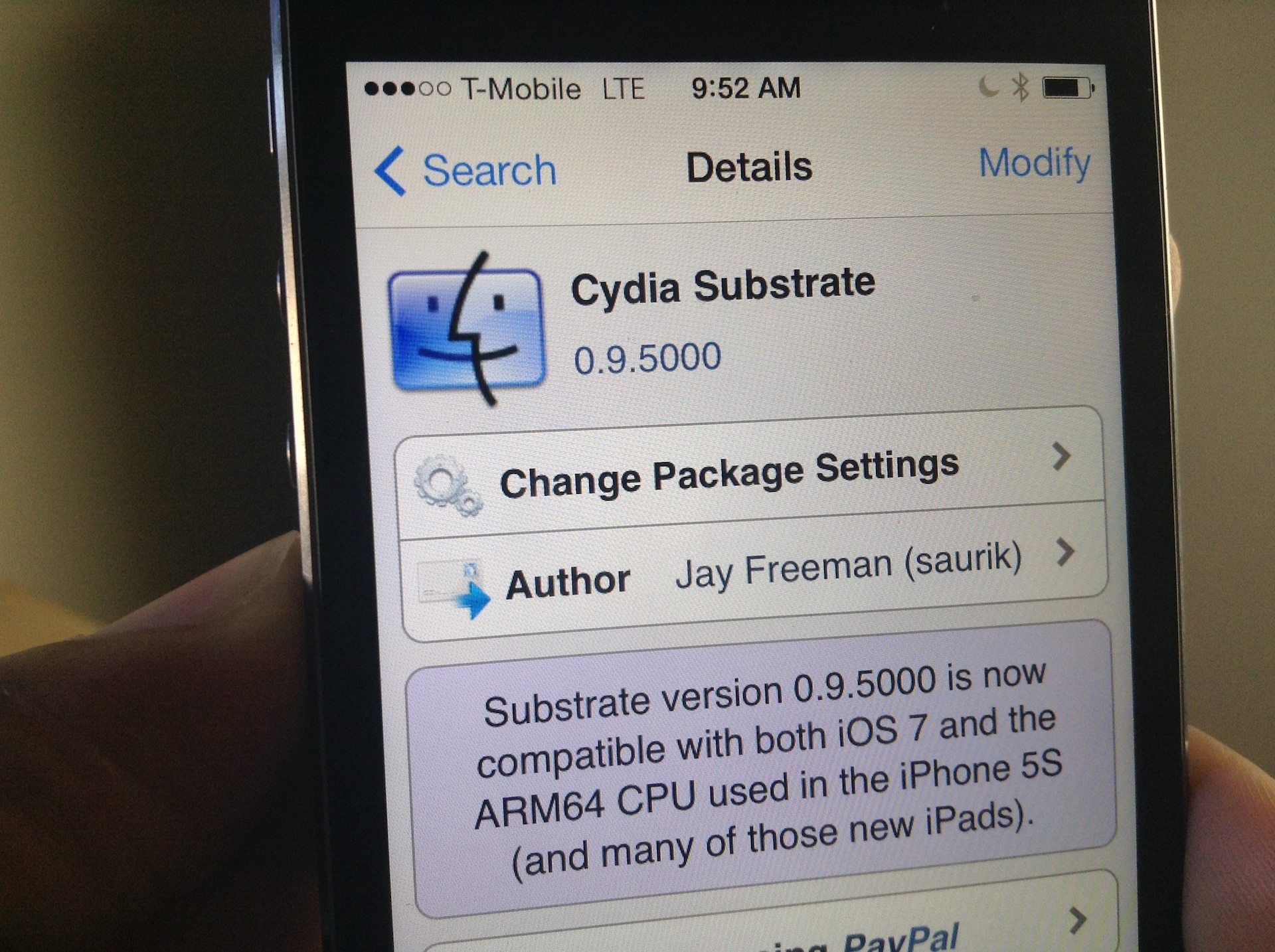
Having issues with Cydia Substrate? Try this

I woke up this morning to a pleasant surprise: Mobile Substrate had been updated to support iOS 7 on ARM64 CPUs, making it compatible with all of the latest Apple devices like the iPhone 5s, iPad Air, and iPad mini with Retina Display. As you can imagine, I rushed to the office without even brushing my teeth (I know, gross) and installed the new Cydia Substrate package that appeared on Cydia.

Unfortunately for me, none of the tweaks and apps that I had installed began to work after Cydia Substrate was updated. I think it may, and I'm just grasping at straws here, have to do with the fact that I was impatient, and already had a bunch of stuff installed that didn't work in the first place. To fix this issue, I took a fairly logical approach; I completely uninstalled Substrate and reinstalled it from scratch. Have a look inside for more details.

Getting stuck with Evasi0n 7 at Configuring System 2/2? Try this

I'm a bit embarrassed to admit it, but I never got around to posting a Windows jailbreak video tutorial for Evasi0n 7. Usually, I'm on such a tutorial like white on rice, and I take pride in helping our faithful readers through the entire jailbreak process, regardless of their platform of choice. This time, however, things were a bit different.

Although we were able to post our Mac video tutorial in a short turnaround time, the Windows video tutorial was nowhere to be found. Why? Well, to be frank, it's because I couldn't get it working.

I could start the jailbreak perfectly fine, and I never ran into any error messages, but I just could not for the life of me get past the Configuring System 2/2 step during Evasi0n's jailbreak process. It's like everything would just come to a screeching halt as soon as it got to this step.

As you've probably figured out by now, I was finally able to work past this issue. The headline kind of gives it away, but the solution isn't something I can take credit for at all. The solution is actually thanks, at least in part, to someone very close to Saurik. Check inside for my explanation and video walkthrough showcasing how to jailbreak iOS 7 on Windows.

Evasi0n 7 1.0.2 released, fixes iPad 2 Wi-Fi boot loop issue

Evasi0n 7 1.0.2 has just been released for OS X and Windows with a fix for the Wi-Fi reboot loop that's plagued iPad 2 Wi-Fi users. The release, which is the third release of the jailbreak tool, is available for download right now.

Many iPad 2 Wi-Fi users have complained about the endless reboot loop at the Apple logo that results after using Evasi0n 7 to jailbreak their device. The problem gained notoriety on Twitter and on the JailbreakQA website.

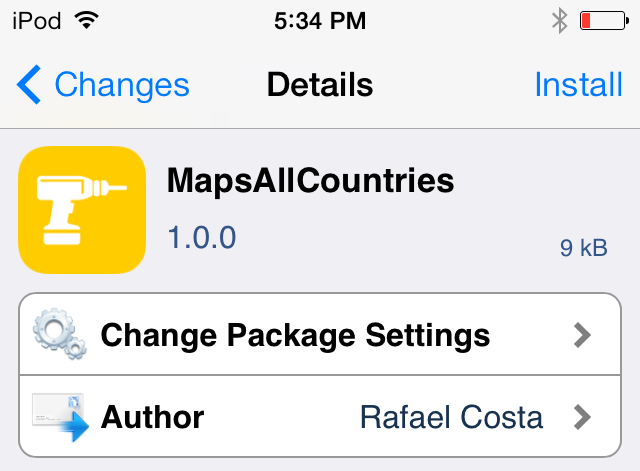
New tweak promises turn-by-turn navigation for unsupported countries

One of the downsides of Apple's Maps app is that it doesn't support turn-by-turn directions for all countries. A new jailbreak tweak is promising to fix the lack of turn-by-turn support within Apple maps, and it was just released on Cydia. Appropriately entitled MapsAllCountries, this new jailbreak tweak is available for iOS 6 and iOS 7 users who are jailbroken. Have a look past the break for more details.

How to supercharge Control Center with CCQuick

When Control Center was initially unveiled at the iOS 7 event, I quickly identified it as being one of the key areas that jailbreak developers would hone in on. It didn't take much rocket science to make such an obvious prediction, but I'm glad to see that I was right.

CCQuick is the latest jailbreak tweak to hit the wire offering an enhanced Control Center experience, and it works very well. Inside, I'll break down each of its features in our hands-on video walkthrough.