Jeff Benjamin

Jeff has been with iDownloadBlog since 2010, acting as resident video specialist, and tutorial expert. He earned his degree in Computer Network Systems back in 2001, but decided Cisco routers and the like just weren’t for him. Since then, he’s been heavily involved with online writing. He’s written for numerous tech and video game sites since the late 1990′s, and has a knack for explaining things in a simple, clear, and concise manner. Jeff works primarily from the east coast on his Retina Macbook Pro, and shoots video with a Canon DSLR. During downtime he likes to travel the world, visiting the various Apple Stores across the globe. You can email him at jeff [at] idownloadblog.com and follow him on Twitter @JeffBenjam or on Google+.

Touchy: launch apps with specific fingers using Touch ID

Touchy is an awesome new tweak that allows users to assign specific apps to designated fingers via the iPhone 5s' Touch ID sensor. I've been testing the upcoming jailbreak tweak through several iterations, and it's coming along quite nicely.

Touchy lets you assign up to five different apps to work with up to five different fingers via its settings panel. Since it uses Touch ID, you'll need to make sure you set up the fingerprints via Touch ID's settings beforehand. You don't have to configure all five fingers, you'll just need to have as many prints set up as you want to assign to shortcuts.

Understandably, most of the tweaks we've seen involving Touch ID revolve around some sort of security aspect, but Touchy is among the first Touch ID oriented tweaks that dares to do something different. Take a look at our video inside to see how the tweak works in action.
BioLockdown: the best way to secure apps with Touch ID

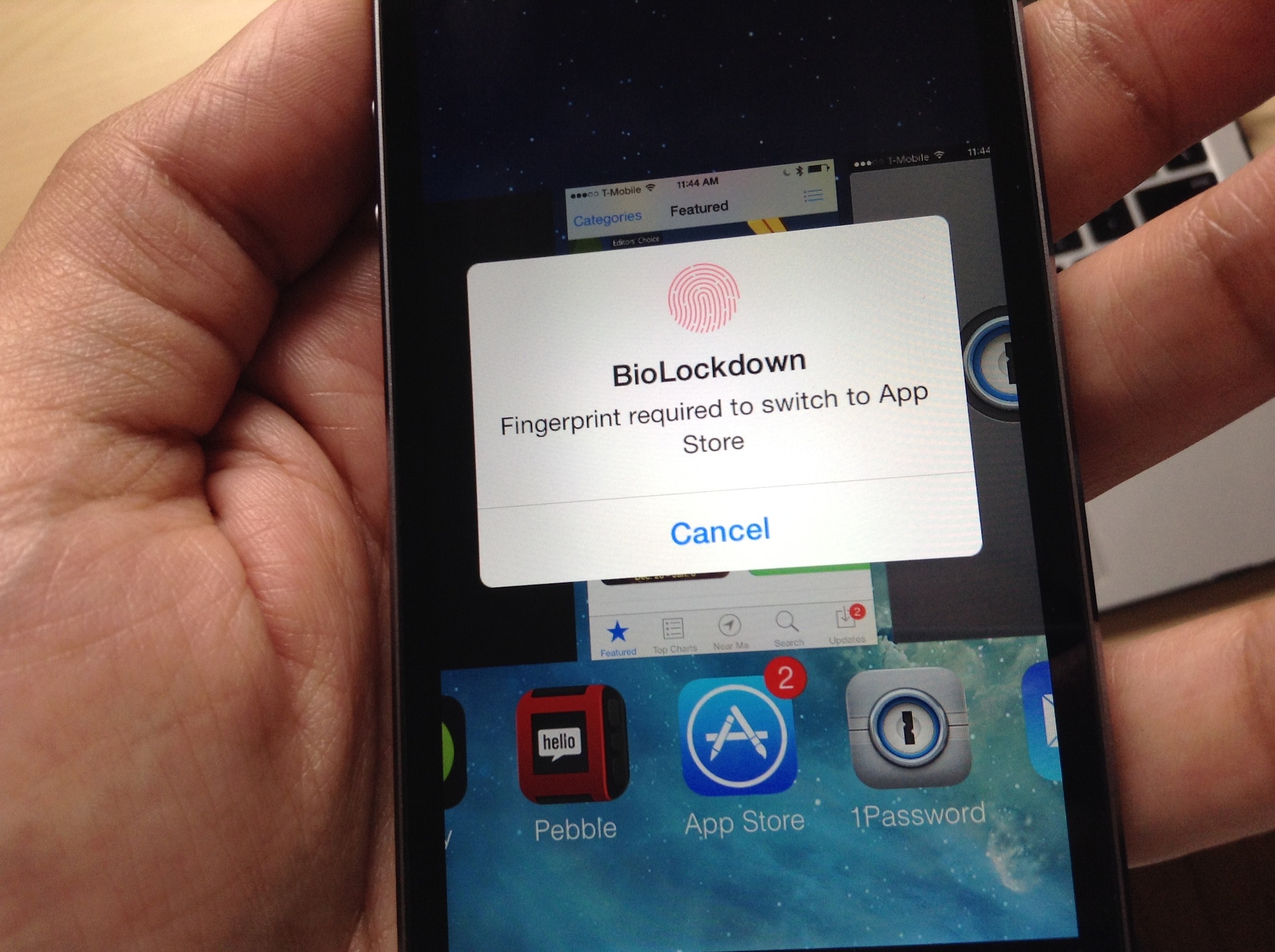
Ryan Petrich has done it again—not that that comes as a surprise to any of us at iDB. Of course, Touch ID enabled tweaks are all the rage these days, and quite a few developers are starting to release tweaks that take advantage of the iPhone 5s' flagship feature.

Most of the tweaks being released have a security related aura about them, which is understandable considering that Touch ID is all about security in its stock implementation. One such tweak called BioProtect was released a couple of days ago, and while it was hard not to get extremely excited about it, I feel that BioLockdown, Pertrich's tweak, is by far the better of the two.

I feel that way, not just because BioProtect came packed with a serious flaw that caused its superfluous animations to run constantly in the background, draining your battery; it's because BioLockdown is better designed, has a better feature-set, and it's cheaper. It's also from a developer that keeps his releases updated constantly, and communicates well with those who use his apps.

Check out our full video walkthrough of BioLockdown after the jump. You'll see why this is hands-down the best Touch ID security tweak to hit Cydia thus far.

CCHide: the best way to hide Control Center sections in iOS 7

There are a couple of tweaks to be found in Cydia that claim to allow you to customize the sections in Control Center, but only one of them is worth your time. CCHide is the tweak that you should target should the need arise to remove sections from Control Center in iOS 7.

Ever since iOS 7 was released in beta form, I've been dying for a way to customize Control Center. It comes as no surprise that just a few days after the iOS 7 jailbreak released to the public, a deluge of Control Center tweaks hit Cydia allowing you to do just that. CCHide is one of the best Control Center tweaks available, and it is hands-down better than its closest competitor, CleanCC.

As we tend to do, we've created a video walkthrough showcasing all of the features and functions of this excellent new jailbreak tweak. Have a look inside as we take CCHide through a thorough spin on video.

How to jailbreak iOS 5.3 on the Apple TV 2 untethered

At iDB, we've been singing the praises of the Apple TV for years, especially one of the jailbroken variety. With a jailbroken Apple TV 2, you can do tons of cool stuff, like run XBMC, ATV Flash (black), and loads of other interesting apps and tweaks.

Simply put, the Apple TV hardware in and of itself is good, but jailbreaking the Apple TV 2 sends its value through the roof. Yesterday, FireCore, the creators of the Seas0nPass Apple TV jailbreak tool, released an untethered jailbreak for iOS 5.3 thanks to some help from winocm and iH8sn0w. Check inside for the full video walkthrough that shows how to jailbreak your Apple TV 2 untethered.

How to map Control Center’s timer shortcut to the alarm clock

I don't know about you, but I rarely use the timer found in the stock Clock app. I know Sebastien has mentioned that he uses the timer from time to time while cooking, but he's one of the few I know who do.

The Control Center panel in iOS 7 features a shortcut to the timer section of the stock Clock app. Personally, I think it would have been more beneficial to link that shortcut to the alarm clock section of the Clock app. If there's one area of the stock Clock app that I frequent on a daily basis, it's the alarm clock section.

Jailbroken iOS 7 users can now reassign the timer shortcut to the alarm clock. Take a look inside at our video walkthrough to see how...

BioProtect: Protect individual apps with Touch ID

Hot on the heels of another Touch ID enabled jailbreak tweak comes BioProtect—a tweak exclusively dedicated to protecting individual apps with Touch ID. Unlike the previous tweak we covered, AppLocker, BioProtect's entire goal is solely based on securing individual apps by means of Touch ID.

The singular focus is immediately noticeable while using BioProtect. Its graphics, design, and preferences are all orientated towards the single goal. This makes BioProtect the best choice for those of you who are only interested in Touch ID-based app security. Have a look at our full video walkthrough, which breaks down the tweak, inside.

AppLocker: Secure individual apps with Touch ID

A beta build of a new jailbreak tweak with a highly anticipated premise landed in my email inbox late this afternoon, and it's marvelous. AppLocker is a jailbreak tweak that has existed for quite some time, but its beta build was just recently updated to include Touch ID support for locking individual apps.

After trying the Touch ID implementation on my jailbroken iPhone 5s, I can happily report that it works just as well as I imagined. Unlocking is brisk, and seamless. The Touch ID support works with the fingerprints that you already have assigned during the Touch ID initial setup, so there's not a lot of cumbersome configuration to be had with AppLocker.

But enough talking. You have to see how AppLocker works for yourself. Check out  our exclusive hands-on video after the break.

Jailbreak tool ‘p0sixspwn’ released for Windows

p0sixspwn, the jailbreak tool for iOS devices running iOS 6.1.3 through iOS 6.1.5, has been updated for Windows users. Originally released exclusively for the Mac, p0sixspwn makes jailbreaking possible for those who wish to remain on older firmware, or for those who can't upgrade for whatever reason.

The jailbreak tool is the result of a collaboration between iH8sn0w, winocm, and SquiffyPwn. You can find the download links to the Windows version and the latest version for OS X inside.

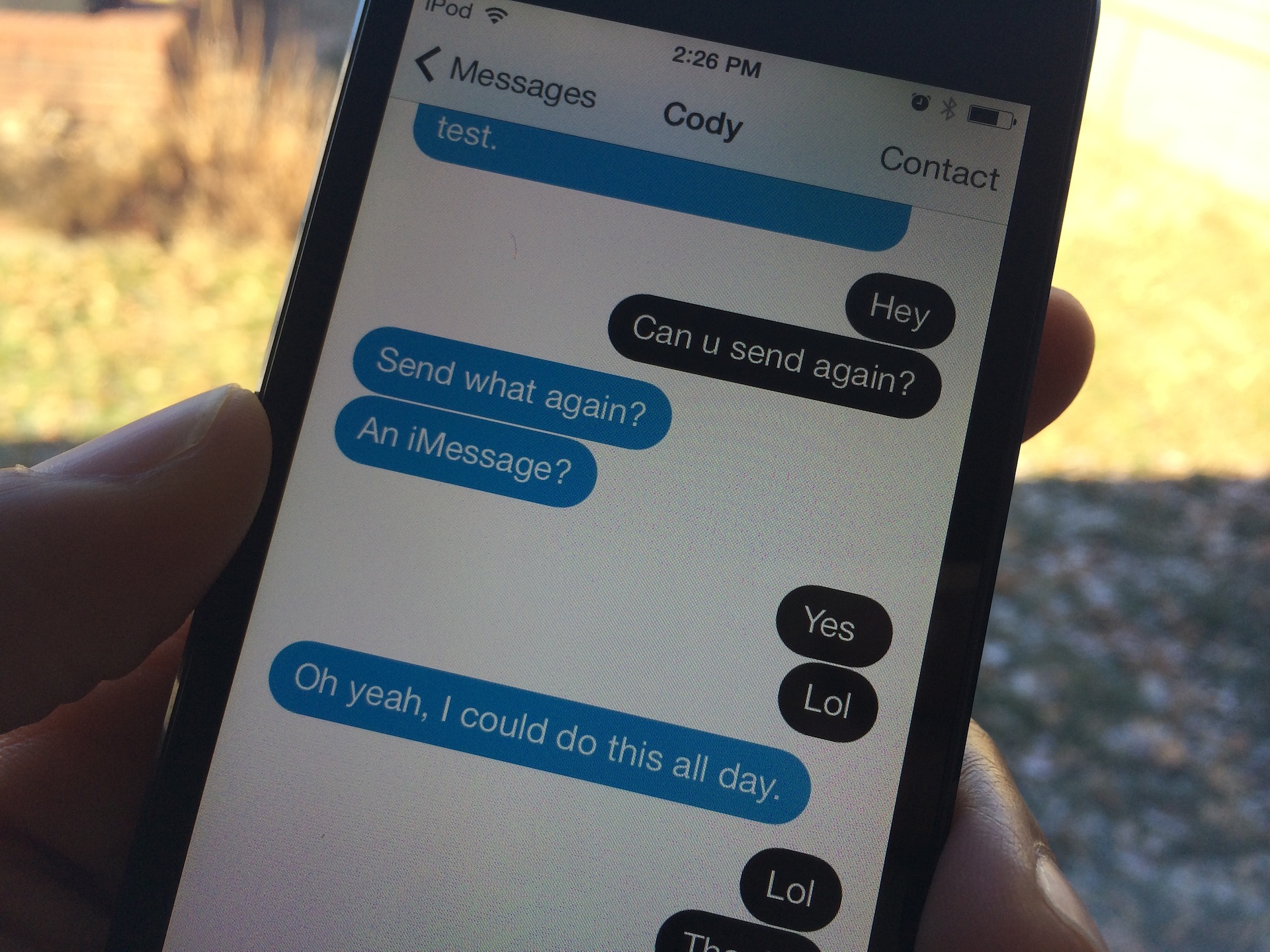
The best way to customize the look of iOS 7’s Messages app

Messages Customiser [sic] is a brand new jailbreak tweak that just hit Cydia's ModMyi repo, and it's one of the, if not the best way to customize the stock Message app's look on iOS 7. The most remarkable thing about Messages Customiser, besides the fact that it work great, is that its developer has made it available free of charge.

If you're looking for a way to customize the look and feel of the stock Messages app, and you don't want to break the bank in the process, then look no further my friends. Check past the break for the full video demonstration.

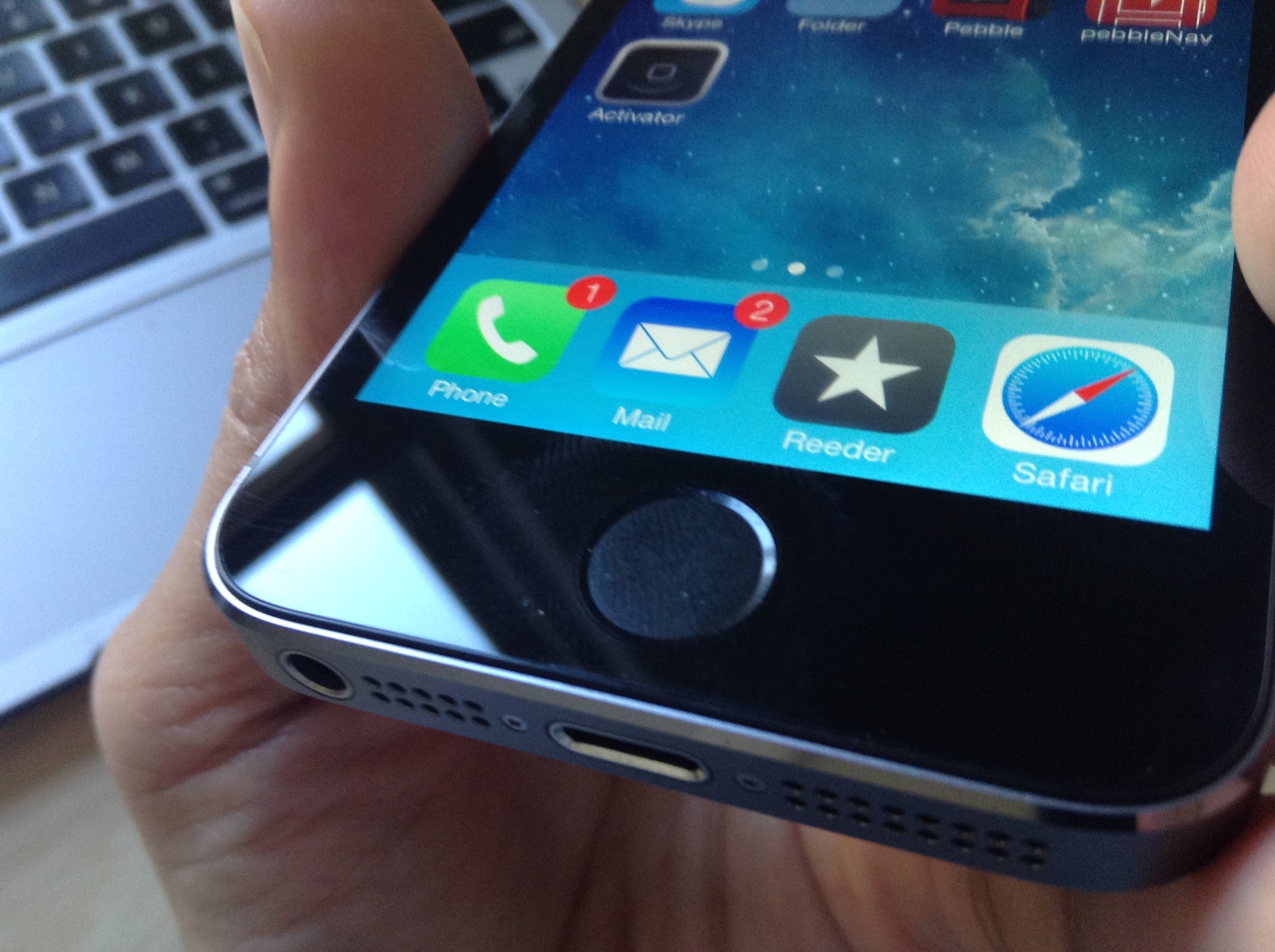
How to use Activator with Touch ID

A couple of days ago, we told you about Virtual Home–a brand new jailbreak tweak that allowed users to simulate a press of the Home button using Touch ID enabled hardware. Virtual Home was one of the first jailbreak tweaks that modified the behavior of the iPhone 5s' Touch ID sensor, and because of that, it proved to be very popular among jailbreakers.

Adding to the popularity of Touch ID tweaks is a recent update to Ryan Petrich's Activator—an absolute staple of a jailbreak tool that all users should have installed from day one. Petrich's latest 1.8.3 update brings support for a single press of the Touch ID sensor.

But Activator goes far beyond the scope of Virtual Home, because you can, in theory at least, assign any Activator action to a Touch ID gesture. Have a look inside to see how it works.

Fancy: an upcoming tweak that colorizes iOS 7

It's tweak paradise for jailbreakers right now; tons of tweaks and apps have been hitting the wire as of late, and there's no sign of it slowing down any time soon. You know that things have gotten back to normal when you start to see previews of tweaks—unreleased items that are teased as they're being worked on.

One of the first unreleased tweaks that I've gotten to play with is Fancy. Fancy is an upcoming jailbreak tweak that allows users to colorize certain prominent iOS 7 features. This means that you can colorize things like Notification Center, Control Center, banner notifications, Volume HUD, the dock, and more.

Fancy is one of those tweaks that may not seem very cool when hearing it described, but changes your mind completely after seeing it in action. For that reason, I urge you to have a look at our full video walkthrough that's been posted after the break.

Assistant Unrestrictor: use Voice Control when Siri is unavailable

I don't use Siri nearly as much as I used to, so maybe I'm in the minority when I state that I rarely have problems with Siri not working; I simply don't use it enough to encounter any problems. But for those of you who use Siri day in and day out, you're more likely to experience the issues that Assistant Unrestrictor—a new jailbreak tweak available on Cydia's BigBoss repo—tries to solve.

Assistant Unrestrictor is a tweak that forces the old-school Voice Control to come into play in the instances where Siri is unavailable. For example, when Siri is down due to the lack of a network connection, Voice Control can step in and handle some of the light load. Obviously, Voice Control is nowhere near as robust as Siri, but for light duty, it's adequate in a pinch. Have a look at our full video walkthrough inside to see how it works.