Jeff Benjamin

Jeff has been with iDownloadBlog since 2010, acting as resident video specialist, and tutorial expert. He earned his degree in Computer Network Systems back in 2001, but decided Cisco routers and the like just weren’t for him. Since then, he’s been heavily involved with online writing. He’s written for numerous tech and video game sites since the late 1990′s, and has a knack for explaining things in a simple, clear, and concise manner. Jeff works primarily from the east coast on his Retina Macbook Pro, and shoots video with a Canon DSLR. During downtime he likes to travel the world, visiting the various Apple Stores across the globe. You can email him at jeff [at] idownloadblog.com and follow him on Twitter @JeffBenjam or on Google+.

How to fix Cydia “failed to fetch” errors by removing the UltraSn0w repo

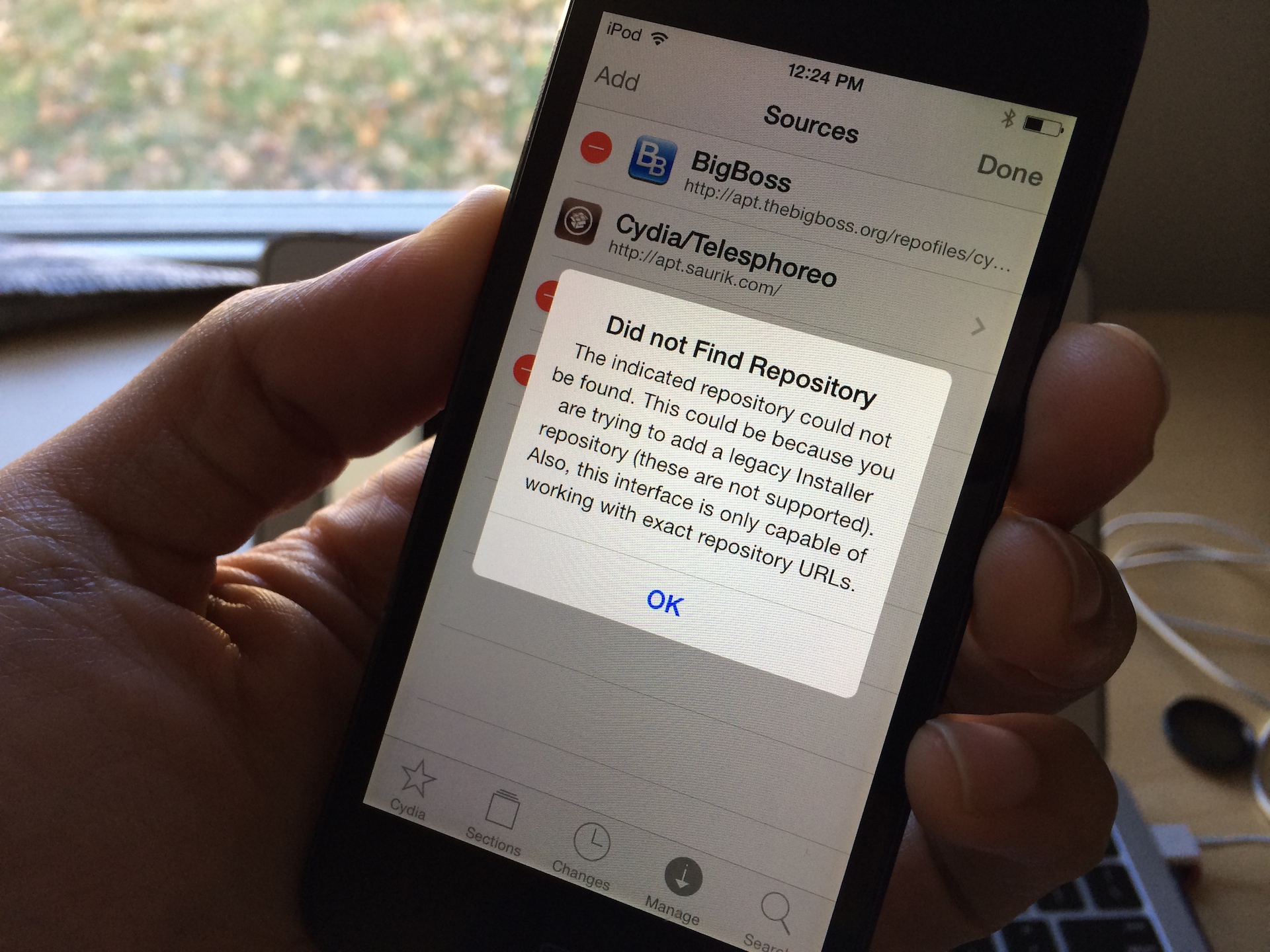
One of the more common error messages that new Cydia users will come across is the error that says Failed to fetch [...] HTTP/1.1 404 Not Found. This is a typical 404 message that you get when you visit a webpage location that no longer exists. Normally, this wouldn't be a big deal, but it causes an error message to appear in Cydia each time you refresh your list of packages and it attempts to pull data from the non-existent UltraSn0w repo.

You'll receive an error that states: Some index files failed to download, they have been ignored, or old ones used instead. Yeah, so no big deal, but it's still a huge annoyance, because this interrupts the stream of refreshing the list of Cydia packages. The fact is that you'll probably never need to use UltraSn0w, and even if you did, you can always add the repo back to Cydia manually.

Cydia updated for iOS 7

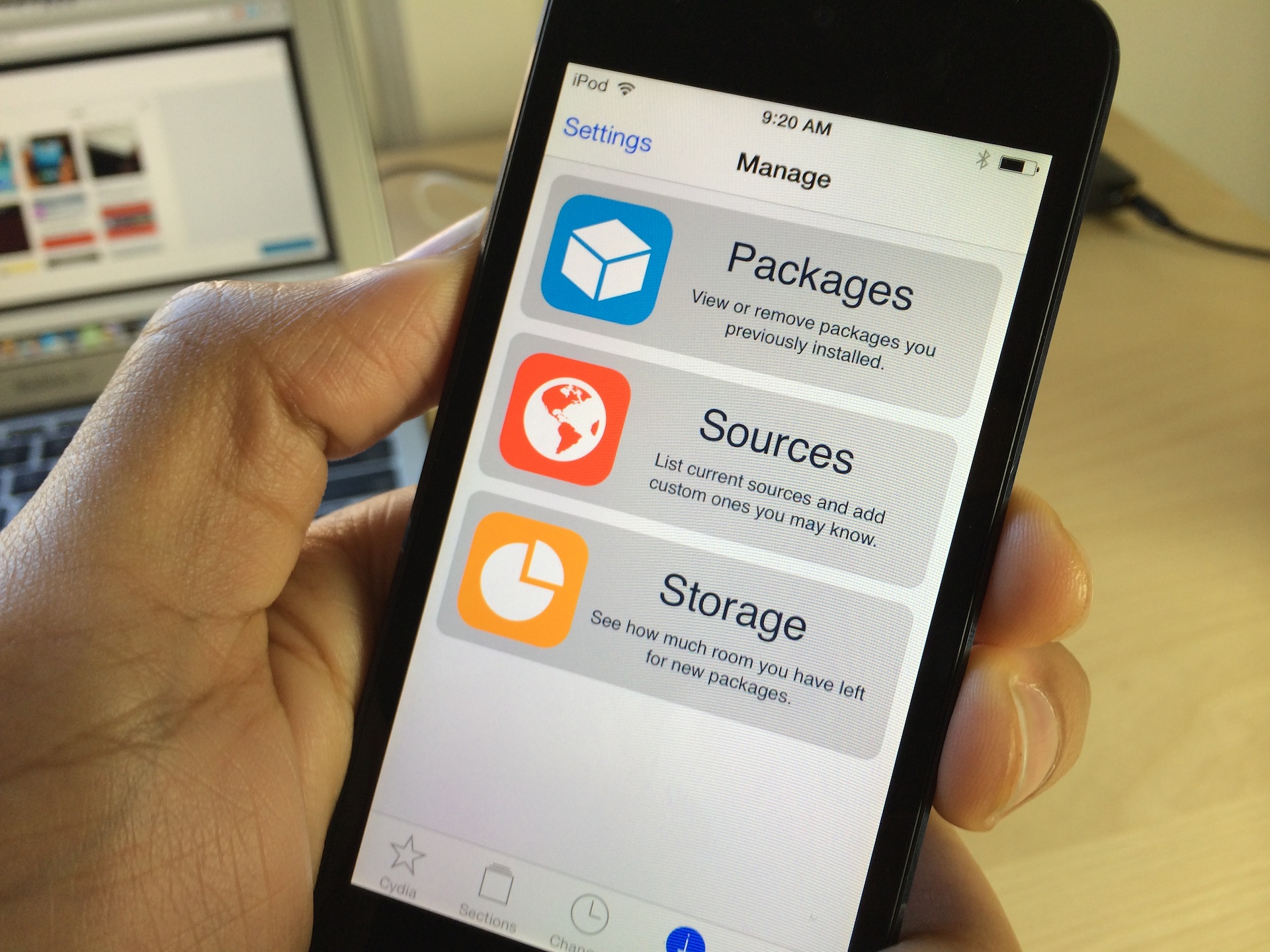
Ladies and gentlemen, the much anticipated Cydia 1.1.9 update for iOS 7 is out right now, and it looks good. We have a full video walkthrough in the works, but for now, head over to Cydia to find the upgrade to the Cydia installer and UIKit, and have at it. The tab bar icons were designed by Surenix, the UI Icons were made by Kyle Matthews, and it looks ridiculously good.

Let’s Talk iOS 008: The MacBook derailment

Episode 008: We talk about backing up and restoring the Mac, working from the MacBook Air, the best iOS music apps of 2013, iDB's new Safari push notifications, Apple and Samsung's new ad spots, plus an exciting new personal announcement from Sebastien.

‘Display Recorder’ and other tweaks shown off with iOS 7 support

Prolific jailbreak developer Ryan Petrich teased some of the highly anticipated updates to his popular jailbreak releases early this morning. Petrich, who created the frequently used Display Recorder app, Activator, and a whole host of other important Cydia releases, seems to be fairly far along in the update process if his video teaser is anything to go by.

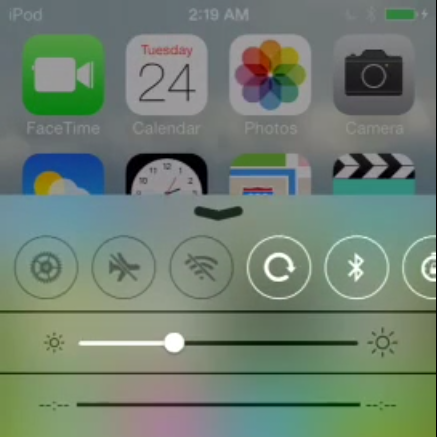
Along with his more well-known releases, a new tweak by the name of FlipControlCenter was shown off in the video. Although we aren't able to discern all of the details by means of the short clip, FlipControlCenter appears to be a tweak that brings shortcut toggle customization to iOS 7's new Control Center menu. Have a look inside for more details.

Castro updated to support non-iTunes subscriptions

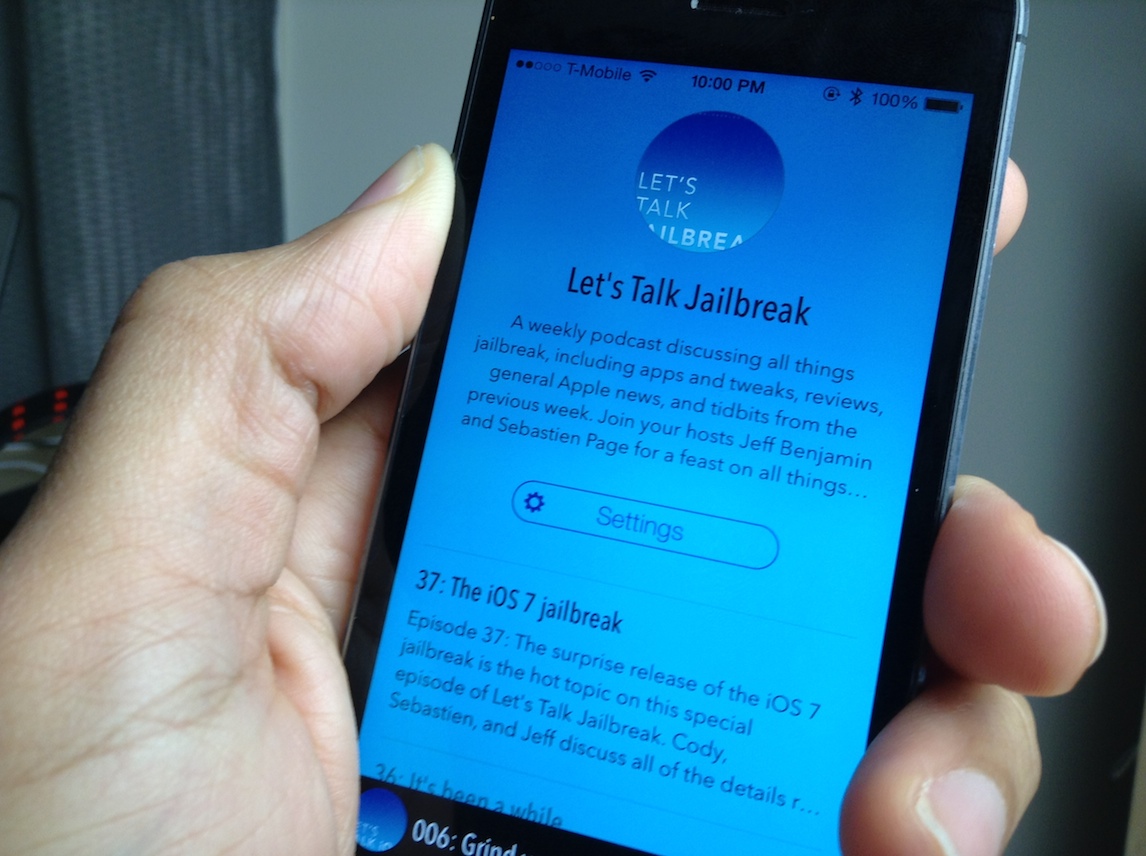
We loved the new Castro podcasting app in our recent review, but our main beef with the app was with the lack of non-iTunes subscription support. In previous versions of Castro, there was no way to manually add feed URLs from podcasts that aren't listed in iTunes. This meant that shows like Let's Talk Jailbreak, which are not on iTunes, couldn't be played via Castro.

The good news is that Supertop, the developers behind Castro, didn't let this glaring omission go on for too long. The team has just pushed Castro version 1.0.2 to the App Store, and with it comes the ability to subscribe to podcasts directly from URLs. The update includes quite a few more additions to the app as well; check inside for the full change log.

SwitchSpring: a new jailbreak tweak that brings respring control to the app switcher

And...let the inevitable deluge of new jailbreak apps and tweaks begin! SwitchSpring is a brand new jailbreak tweak that just appeared on Cydia today. Keep in mind that there still may be some underlying compatibility issues with jailbreak tweaks as all of the bugs and updates get ironed out from yesterday's surprise iOS 7 jailbreak release, but things are slowly moving towards that direction.

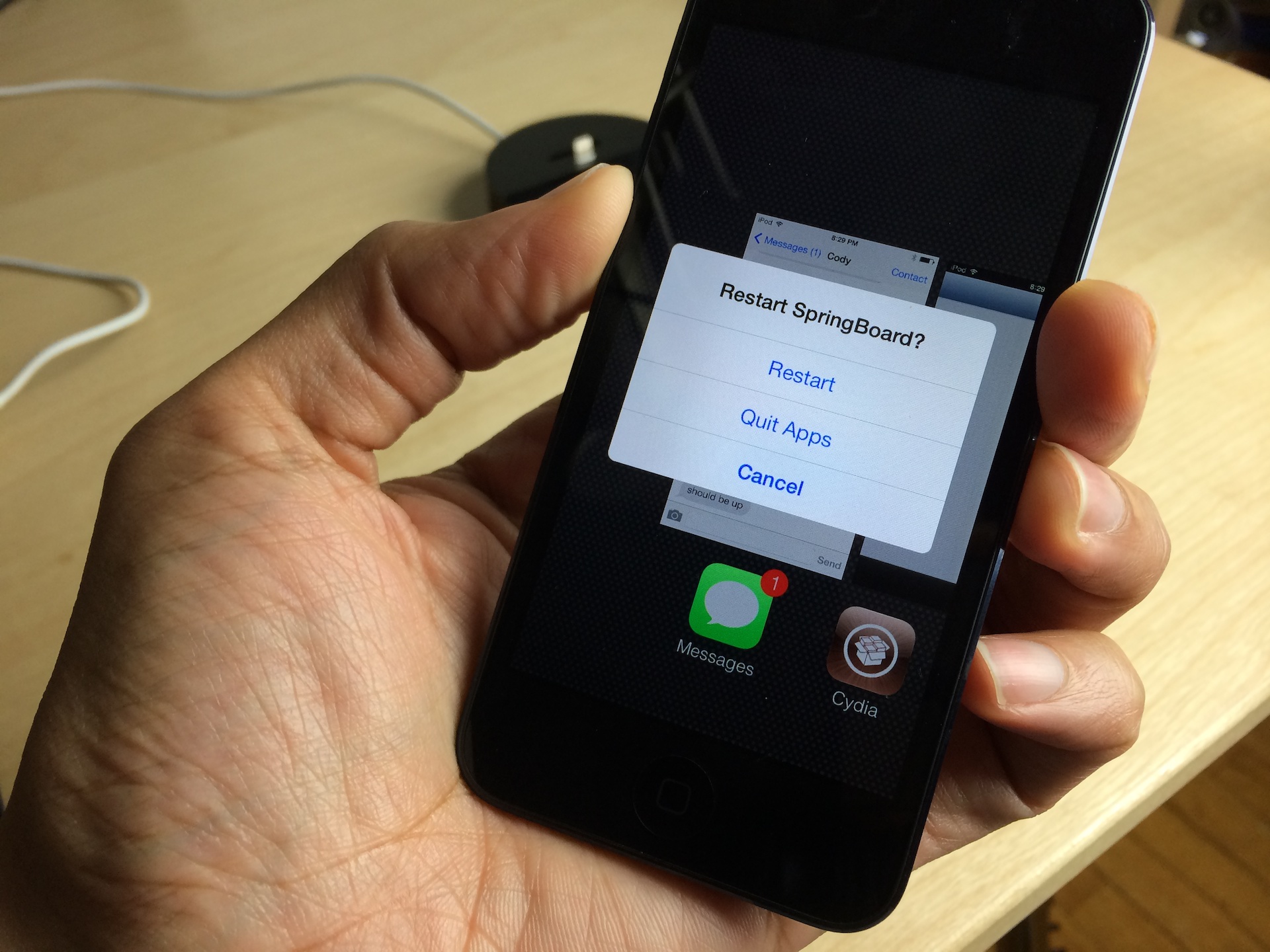
I was able to test out SwitchSpring on my jailbroken iPod touch 5th generation, and it worked just fine. This is a jailbreak tweak that allows you to easily kill all running apps or respring your device right from the app switcher. Of course, I've made a video walkthrough showcasing how SwitchSpring works in action, and I encourage you to take a look.

iH8sn0w and winocm release “drama free” untethered jailbreak for iOS 6.1.3-6.1.5

If you have an older device running older firmware, you may have felt left out of yesterday's iOS 7 jailbreak festivities. But, worry not, because there is a release that just dropped in Cydia that allows you to enjoy an untethered jailbreak on your iPhone 4, iPod touch 4th generation, and iPhone 3GS if you're running iOS 6.1.3 through 6.1.5.

The untethered jailbreak, which is called p0sixspwn in Cydia, is a package that allows you to convert a tethered jailbreak into an untethered one. This means that if you're currently jailbroken on one of the aforementioned devices using a tool like redSn0w or sn0wbreeze, you can finally reboot your device without having to perform a tethered boot. Have a look inside for the step-by-step guide.

Let’s Talk Jailbreak 36: It’s been a while

Sebastien, Jeff, and Cody get together to talk about the latest news concerning the iOS 7 jailbreak. The trio talks about the cash reward being offered for an open source jailbreak, claims that a jailbreak was recently swiped from the team working on it, the upcoming JailbreakCon event, our most wanted jailbreak tweaks for iOS 7, and much more.

Let’s Talk iOS 007: Caring about carriers

Episode 007: Carrier talk dominates this week's discussion. We discuss new unlocking policies put into place, the iPhone 5s and 5c's sales, Sprints potential acquisition of T-Mobile, the dying carrier subsidy model and more. We also chit-chat about the best productivity and fitness apps of 2013 and talk about iPad Air regrets.

Apple releases OS X 10.9.1

If you open the Mac App Store, you'll notice a shiny new update awaiting you: OS X 10.9.1. It's an bug fix update that brings performance and stability improvements to Apple's desktop offering. Apple recommends that all current users of Mavericks update to OS X 10.9.1.

This update comes a tad short of two weeks since Apple released its last 10.9.1 beta, and contains no new surprises for those of you following the beta trail. Have a look inside for the full change log.

Review: Castro

There's no shortage of podcasting apps on the App Store. The growing popularity of podcasting directly correlates to the large amount of podcasting apps we see surfacing. Already, we have apps like Apple's official Podcasts app, Instacast, Downcast, Pocket Casts, and that's just naming a few. Even Podcasting networks like Mule Radio Syndicate—home of popular podcasts like John Gruber's The Talk Show, and 5by5, the fruitage of podcasting pioneer, Dan Benjamin—have created their own dedicated podcasting apps.

So when a new app enters this arena it better be good. No, scratch that; it better be outstanding. That's the only way that newcomers will be able to gain traction in this ever-growing and uber-competitive market.

It helps to start with a catchy name. Castro—the creation of Supertop's Padraig Kennedy and Oisin Prendville—starts out on the right foot in this regard. Its name is the type of play on words that makes itself instantly recognizable, even amongst the podcasting app mainstays listed above. But Castro is more than just a good name; it's a good app, too.