Jeff Benjamin

Jeff has been with iDownloadBlog since 2010, acting as resident video specialist, and tutorial expert. He earned his degree in Computer Network Systems back in 2001, but decided Cisco routers and the like just weren’t for him. Since then, he’s been heavily involved with online writing. He’s written for numerous tech and video game sites since the late 1990′s, and has a knack for explaining things in a simple, clear, and concise manner. Jeff works primarily from the east coast on his Retina Macbook Pro, and shoots video with a Canon DSLR. During downtime he likes to travel the world, visiting the various Apple Stores across the globe. You can email him at jeff [at] idownloadblog.com and follow him on Twitter @JeffBenjam or on Google+.

Polus is now available on Cydia

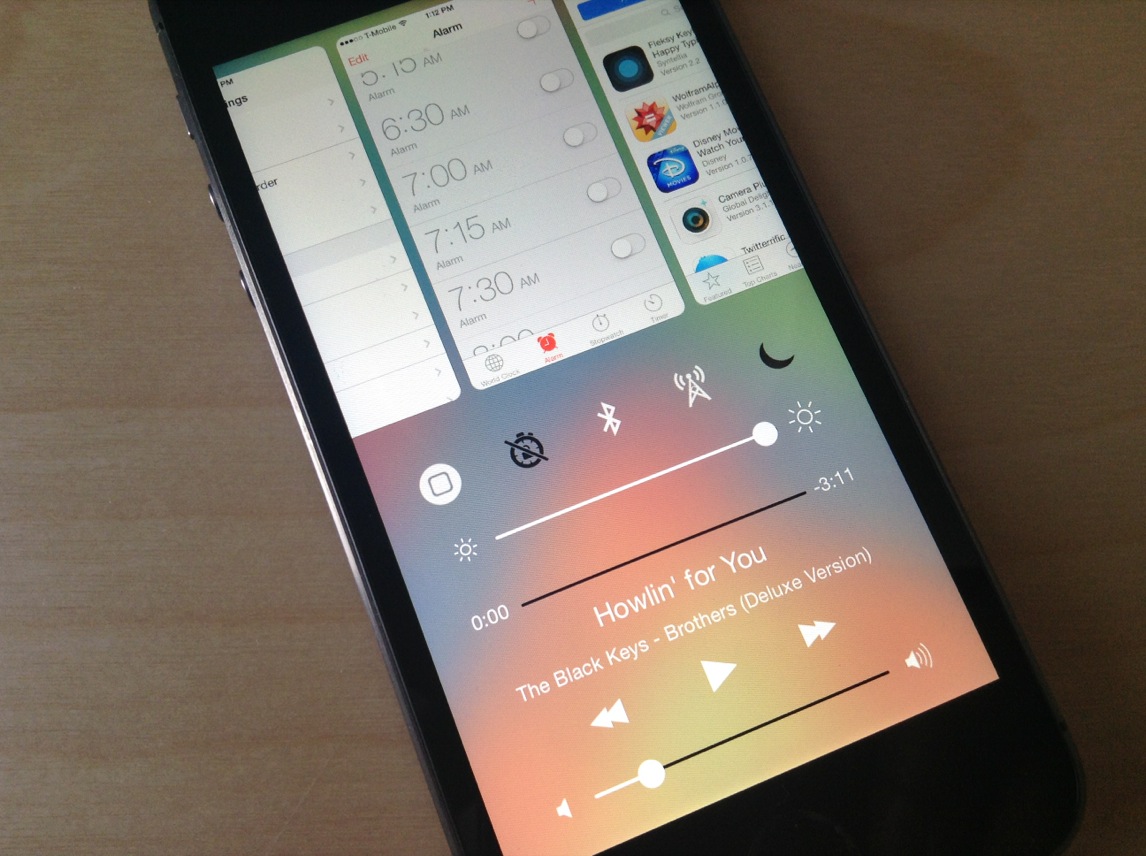
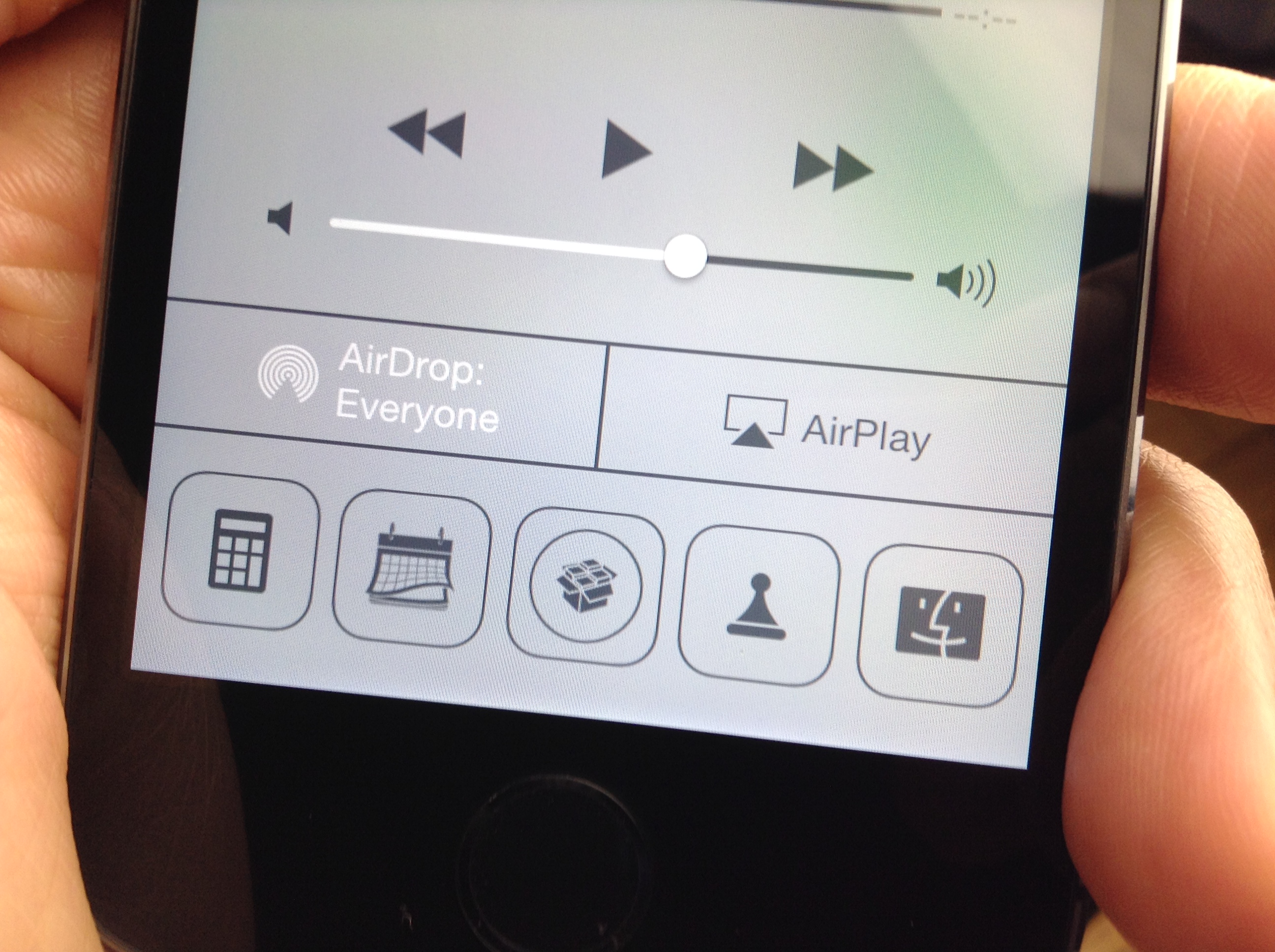
Polus—the brand new Control Center QuickLaunch tweak for iOS 7—is available right now on Cydia to download. The tweak, which we covered extensively a few weeks ago, allows you to customize various aspects of the QuickLaunch shortcuts appearing in Control Center, including the amount of shortcuts, size, and shape.

You can even assign Activator actions to each QuickLaunch shortcut, including a single tap and a tap-and-hold gesture. This allows you to do interesting things like assign a tap-and-hold gesture to the Twitter app shortcut in order to launch the compose-new-Tweet sheet. When it comes to Polus your only limit is your imagination. Step inside to review our full video walkthrough of the tweak in action.

Hands-on with the Hipjot keyboard beta for Cydia – try it now

If you've been keeping your ear to the street as of late, you're well aware of the Nintype/Hipjot keyboard tweak that's currently in development for Cydia. Unlike most Cydia releases, the Hipjot keyboard implementation is being worked on by the developer of the App Store version—Jormy Games—so you can expect a release that's about as faithful as possible to the developer's original vision.

Comparable to keyboard technology like Swype, Hipjot adds a keyboard that largely departs from Apple's stock iOS keyboard. It allows you to use swiping gestures to go from one character to the next in order to build full words, sentences, and paragraphs. The unique text entry method allows its users to type much faster than is possible on a standard iOS keyboard, with some users reaching upwards of 70-90 words per minute without breaking much of a sweat.

I've had the chance to go hands-on with the Cydia version of the keyboard, and I can tell you that it makes typing much faster. Being able to use Hipjot with stock iOS apps, and 3rd-party apps makes typing a breeze. Inside we've created a preview video of the beta build so that you can see how the keyboard works in action with stock applications.

TwitkaFly brings Twitter quick reply and quick compose to iOS 7

If you've been around the jailbreak scene for any considerable amount of time, then you probably recognize the name TwitkaFly. It's a jailbreak tweak that's been around since the iOS 4 days, and it allows you to use quick reply and quick compose features with Twitter.

TwitkaFly was just recently updated for iOS 7, and it brings with it a fresh coat of paint and compatibility with Apple's latest OS release. As you'll see from our video walkthrough, TwitkaFly isn't perfect, but it's a tweak that you should definitely consider if you're a big time user of the official Twitter app or Tweetbot

Siri guide: everything you should know about Siri

Siri is a personal assistant feature found on the iPhone, iPad and iPod touch, that allows you to use your voice to control your device. You can use Siri to send messages, emails, tweets, and more. You can also use Siri to get movie showtimes, sports scores and times, make dinner reservations, etc.

The great thing about Siri is that it doesn't require you to look at your device's screen in order to interface with it. And Siri is smart enough to consider your location along with the context of your commands and conversations. By doing so, Siri can respond intelligently to your requests.

Inside, we'll teach you some of the history of Siri and show you some of its basic usage features. We'll then present to you with an exhaustive list of voice commands, and discuss Siri's dictation features. Check inside for all of the details...

Asphaleia: a stylish new Touch ID jailbreak tweak

There's no shortage of Touch ID enabled security tweaks for iOS 7. There's AppLocker, BioProtect, and my favorite, BioLockdown from Ryan Petrich. So the question is, do we need another entry into what has become an increasingly crowded market? If the team behind the release is a3tweaks, then the answer to that question is an emphatic yes.

Unlike the majority of the other releases in the a3tweaks' repertoire, Asphaleia is extremely deep with tons of options. Sentry, the tweak's designer, isn't known for throwing a bunch of unnecessary features into his work with no purpose in mind. Instead, he reasoned that a security tweak like this made it necessary to have enough options to a). keep it secure, and b). give users the options that they need. It's a strategy that, for the most part at least, has paid off reasonably well.

If you're looking for an alternative to any of the aforementioned security tweaks—AppLocker, BioProtect, or BioLockdown—then Asphaleia is a release you should definitely check for upon its impending launch. Have a look at our full 10+ minute video walkthrough, as we break down all that the highly anticipated release has to offer.

Let’s Talk Jailbreak 47: That escalated quickly

Episode 47: It's been a big week for the jailbreak community as highly anticipated tweaks like IntelliScreenX 7 and Vertex are reviewed. We also discuss the upcoming release of Auxo 2, along with our observations from Sentry's recent teaser videos. Finally, we chit-chat about Polus, PowerBanners, and Unread.

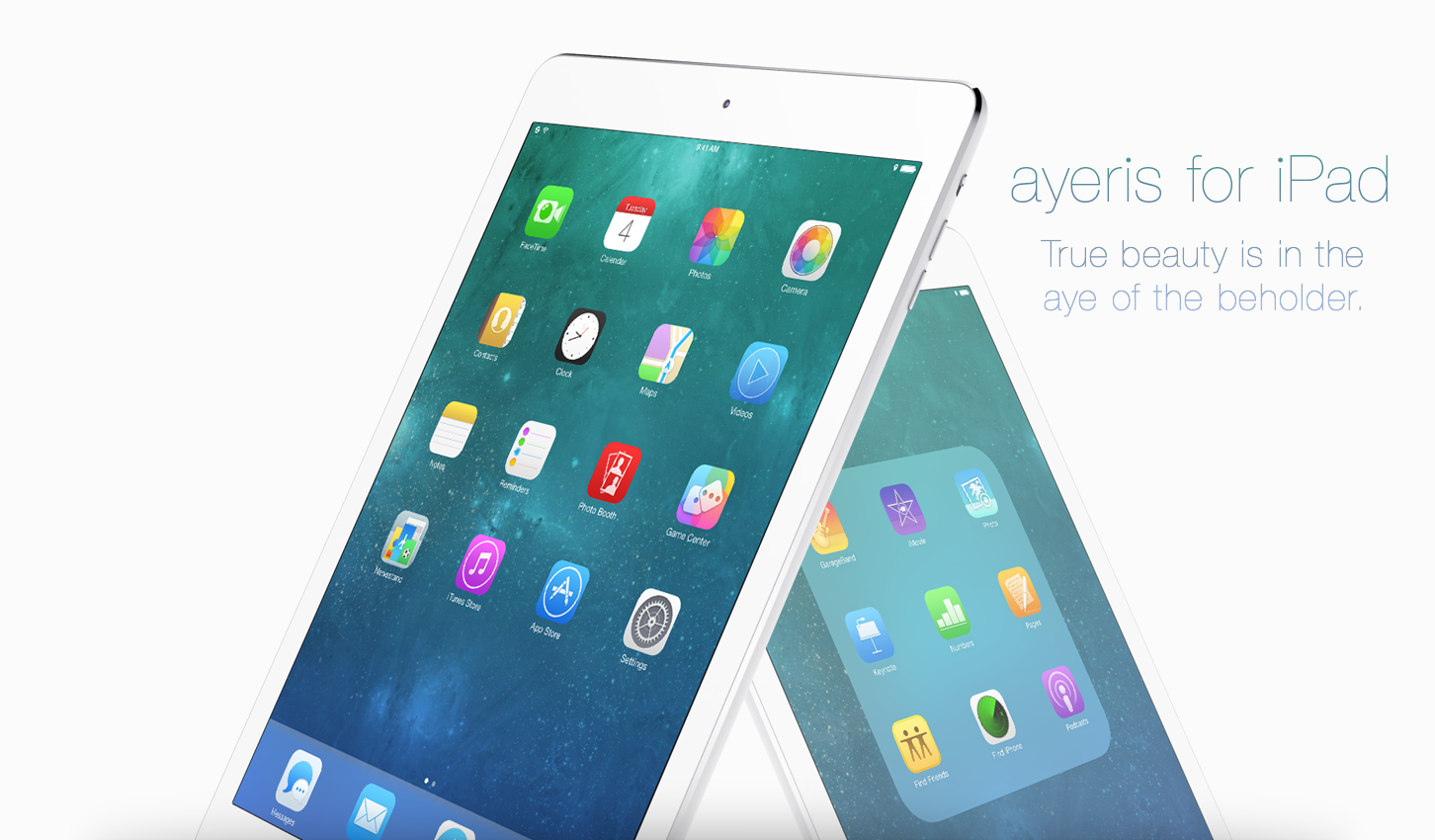
Ayeris jailbreak theme released for iPad

Ayeris—the follow up jailbreak theme from Ayecon creator, Surenix, is now available for jailbroken iPad users. The theme, which was initially released for the iPhone last month, brings a subtle yet refreshing refinement to the look and feel of stock iOS 7.

If you've already purchased Ayeris for the iPhone, then the iPad version is only $0.99. Check inside for additional details.

Let’s Talk iOS 018: The worst transitions

Episode 18: We talk about Apple's recent launch of CarPlay, share our thoughts on Samsung's just unveiled Galaxy S5, discuss Apple TV as a business, and debate about the idea of Apple releasing multiple iPhones per calendar year.

Subscribe on iTunes

Vertex: hands-on walkthrough

It seems like we've started to hit the point in the jailbreak cycle where developers are starting to pull out the big guns. For instance, we had IntelliScreenX 7 released last night, Sentry teased a work-in-progress Auxo 2, and today, we're bringing you the first hands-on review of the highly anticipated Vertex—a new jailbreak release that brings Bill Labus' popular Mission Control concept to reality.

I've spent some considerable hands-on time with Vertex—putting it through its paces on my daily driver, bugging Timon Olsthoorn, its humble 16 year-old project manager from the Netherlands—and I have to say, I really like this tweak.

Timon, of course, is just one half of the team that responsible for taking Labus' concept and making it into something tangible. Memphis Tennessee native Ian Burns puts his stamp on the Vertex project by serving as the tweak's lead engineer. As you'll see from our hands-on video walkthrough that follows, Ian is pretty good at what he does.

IntelliScreenX 7 hands-on walkthrough

Intelliborn's IntelliScreenX has been around for a few years now, and it continues its reign as one of the most popular jailbreak releases of all time. Even if you have beef with the way IntelliBorn goes about updating its Cydia releases, slowly trickling out nuggets of information, there's simply no denying that it creates jailbreak apps more ambitious than only the most talented of jailbreak developers.

Even more so than iOS 6, iOS 7 was a radical departure from the status quo, and because of that, jailbreak developers have had to go back to the drawing board so to speak. Intelliborn hasn't been exempt from this problem.

After months or retooling and remixing, and after what has essentially been a build from scratch, IntelliScreenX 7 is finally amongst the living. In fact, we have a beta copy of the highly anticipated release in our hands right now, and we'd love to show it to you.

This latest version of IntelliScreenX is not only a rethinking of the app, it brings a fresh new feature to the table as well. Check inside for our full hands-on video walkthrough of IntelliScreenX 7...

How to enable the Fleksy Keyboard in stock applications

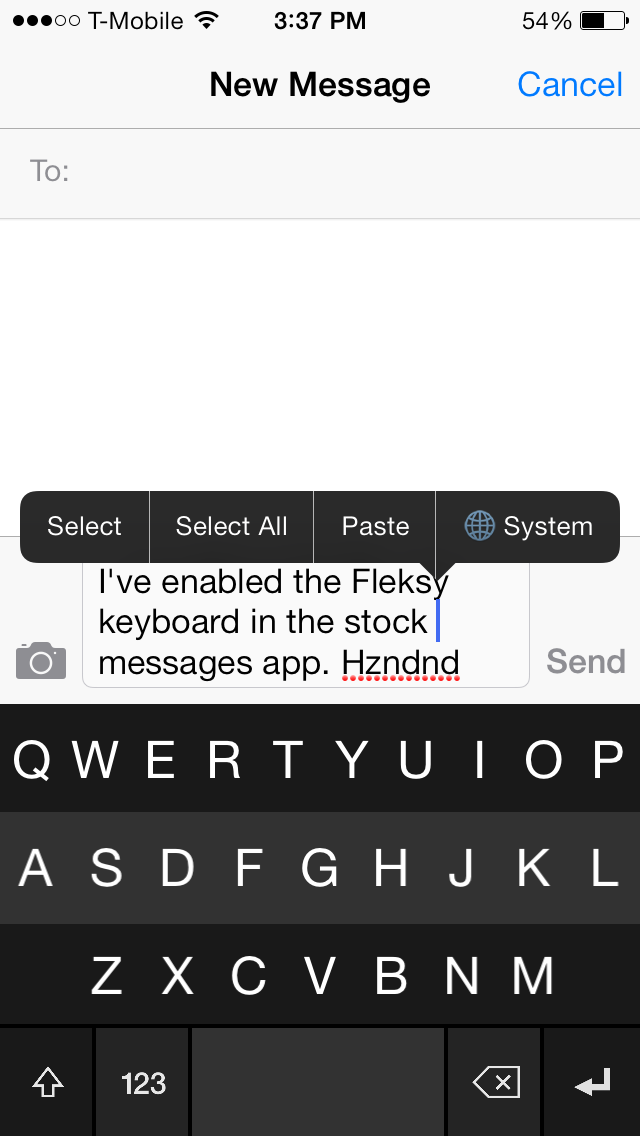
The Fleksy Keyboard is a third-party keyboard with an SDK that iOS developers can tap into if given access by Fleksy. The benefits of using the Fleksy Keyboard over the stock iOS keyboard is readily apparent after just a brief hands-on experience. You can actually go out to the App Store right now to download the standalone Fleksy Keyboard app to try it out. Other apps, like Launch Center Pro, have recently incorporated Fleksy in-app, providing for an arguably better typing experience.

But what about using the Fleksy Keyboard with built-in apps like Messages, Reminders; even Safari? What then? Up until now, this has been impossible. But the recent creation of a brand new jailbreak tweak called Fleksy Enabler, allows you to use the popular keyboard with some first-party and unsupported third-party apps.

TouchBar: disable status bar items with a touch

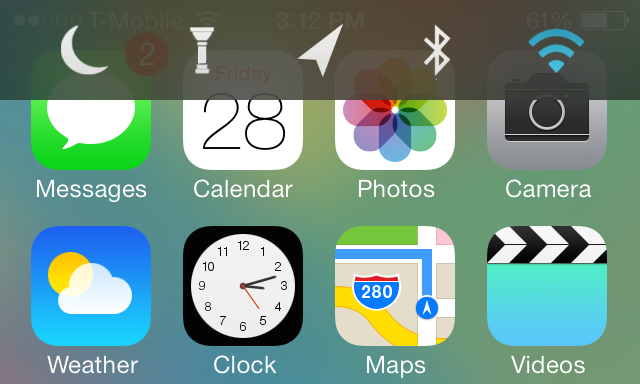
When I first took TouchBar for a spin, I have to admit I was a bit confused. I understood the fact that the tweak allowed you to invoke a quick toggles bar near the status bar; that much was clear. What I didn't understand was a setting found in the preferences for the tweak that allows you to "enable items."

Well, apparently, this enable items toggle lets you touch the actual icons present in the primary status bar. For example, if you touch the little signal bars in the upper left-hand corner of your iPhone's screen, you can engage AirPlane mode. If you touch the Airplane icon, you can turn off Airplane mode. This works for most of the items that you'll find in the status bar.

This is one of the few tweaks that I've run across that lets you interact with actual items in the status bar. Remember, these items are insanely small, so it's a little odd and a bit intriguing all at once. Have a look at our video walkthrough after the jump to see what I mean.