Jeff Benjamin

Jeff has been with iDownloadBlog since 2010, acting as resident video specialist, and tutorial expert. He earned his degree in Computer Network Systems back in 2001, but decided Cisco routers and the like just weren’t for him. Since then, he’s been heavily involved with online writing. He’s written for numerous tech and video game sites since the late 1990′s, and has a knack for explaining things in a simple, clear, and concise manner. Jeff works primarily from the east coast on his Retina Macbook Pro, and shoots video with a Canon DSLR. During downtime he likes to travel the world, visiting the various Apple Stores across the globe. You can email him at jeff [at] idownloadblog.com and follow him on Twitter @JeffBenjam or on Google+.

How to add a battery level indicator to the status bar

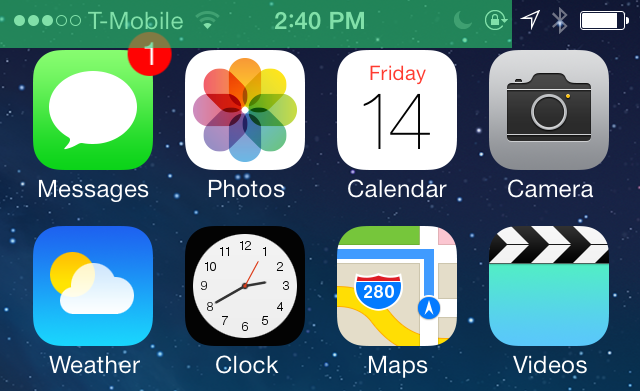
BatteryStatusBar is a recently released tweak that allows you to add a battery indicator to the top of the iPhone's screen. The indicator, which rests in the same location as the status bar, reflects your current battery status using a colored bar.

The color of the BatteryStatusBar changes depending on your battery level. A green bar means you have over 65% of battery life remaining, and the color changes to orange or red as the battery level decreases. BatteryStatusBar isn't perfect, but it's a different take on battery level awareness. Have a look at our full walkthrough inside for more details.
How to add custom text to Spotlight search

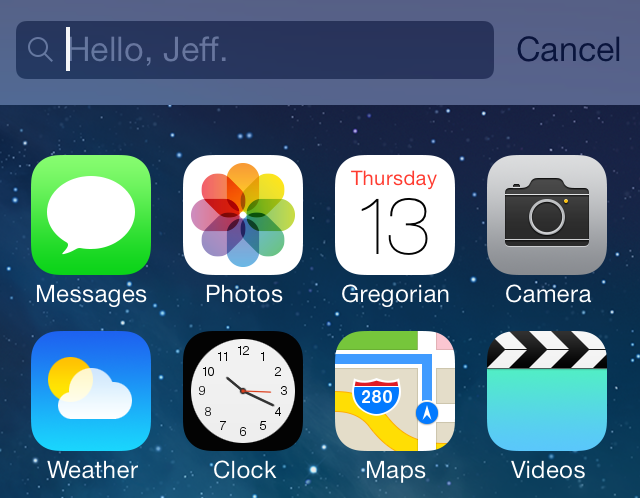
Every now and then we are blessed with big-named tweaks and apps like Auxo or ProWidgets or biteSMS. While having releases like those are nice, we realize that they're more the exception than the norm. Far more often, we find ourselves reviewing smaller tweaks like CustomSpotlightText—a new release that makes it possible to change the default text found in the text box after invoking Spotlight.

But that's okay, because these are the type of tweaks that sustain the community and keep it fresh until the next big release. These are the type of tweaks that make jailbroken devices so varied and diverse. With that in mind, step inside, as we walkthrough CustomSpotlightText on video.

How to tone down the Phone app’s neon green in-call status bar

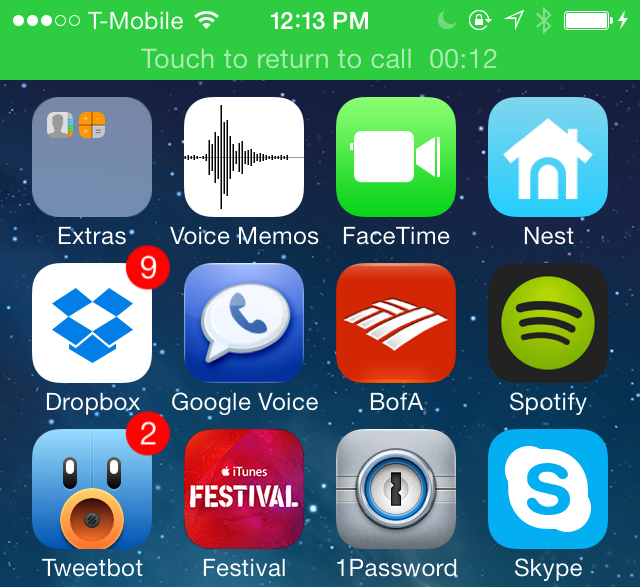
When you make a phone call with the stock Phone app on iOS, you'll notice a green status bar appear at the top of the interface when you exit the app. This status bar serves as a quick shortcut to get back to the stock Phone app, and it also lets you know how long the Phone call has lasted.

If you have sensitive eyes, then you may find the neon green color used on the status bar to be annoying, or at least visually unappealing. Thankfully, there is a simple and easy way to rid the status bar of its neon properties, and it comes in the form of a jailbreak tweak called CalmCall. Have a look at our full video walkthrough after the break to see what I mean.

iOS 7: The ultimate Notification Center guide

Notification Center first appeared in iOS 5 as a way of receiving and accessing notifications from anywhere. It consists of an overlay slide down menu interface, banner notifications, and other types of alerts. Prior to iOS 5, notifications were extremely intrusive and clunky. Notification Center solved many of the issues stemming from receiving notifications on iOS.

Over the past two iOS iterations, Notification Center has been streamlined and improved. iOS 7 brought about several new changes to Notification Center, including the new Today View, which provides users with an overview of the pertinent appointments, stock prices, and even driving alerts.

Needless to day, Notification Center has evolved into a significant feature in iOS with many moving parts. To assist you, we’ve created this ultimate Notification Center guide in order to help you understand how to benefit most from this handy feature.

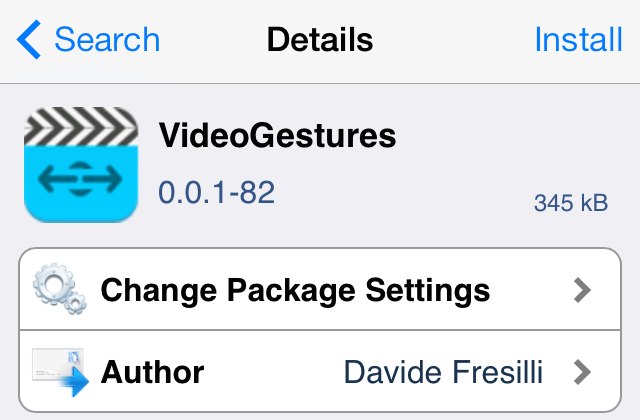
How to add swipe gestures to video playback

VideoGestures is a recently released tweak that allows you to perform gestures while playing video to adjust volume and playhead position. The tweak features several settings to adjust the velocity of swipe gestures, along with a setting to invert the gestures for natural scrolling.

If you're looking for an intuitive way to control video playback on iOS, then look no further. Check out our full video walkthrough after the break.

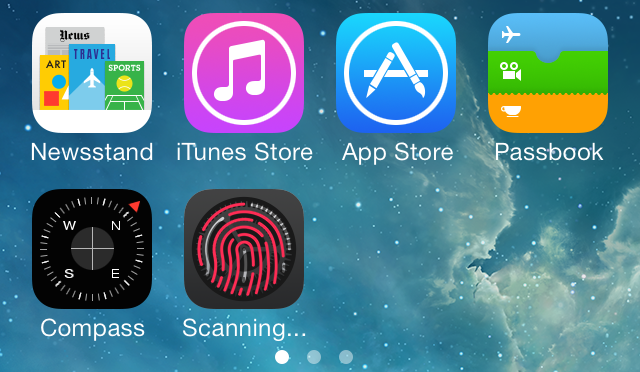
Asphaleia now available on Cydia

Asphaleia—the stylish new Touch ID-based jailbreak tweak that we showed you last Friday—is now available for download on Cydia. The tweak, which is a3tweaks' response to other releases like BioProtect, BioLockdown, and AppLocker, puts an intelligently designed spin on Touch ID security.

Asphaleia works with any iOS 7 capable device, though, not just the Touch ID enabled iPhone 5s. It's a tweak that brings tons of new security features to both the iPhone 5s, and other iOS 7 enabled devices. Best of all, Asphaleia comes with a 50% discount if you've purchased any of the aforementioned security tweaks in the past. Check after the break for our full video walkthrough of Asphaleia in action.

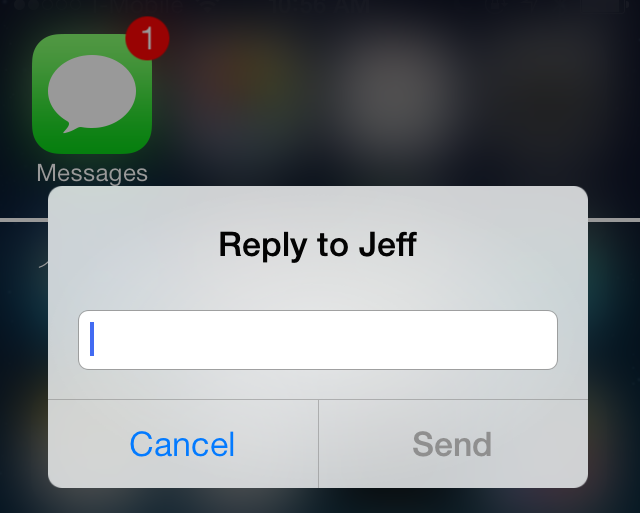
‘Badger’ attempts to bring notification enhancements to iOS 7

Badger—the tweak that allows you to swipe up on app icons to view a list of related notifications—has been updated to work with iOS 7. It's a jailbreak release focused solely on notifications, and it features the ability to display a roll-up of all notifications from a variety of apps.

Badger is one of those tweaks that seems extremely useful when you see it in action. Unfortunately, that usefulness doesn't always translate well into real-world day-to-day usage. Like the previous version of Badger, the iOS 7 version lacks the practicality to make it more than your average technical demonstration.

It's frustrating to me, because the developer of Badger is extremely nice, and an overall good-guy. I really want to like his tweak, but of course, I can't just outright recommend a tweak because I happen to like its developer. I've always striven to be a straight-shooting person when it comes to spending your hard-earned money, and that's the case here.

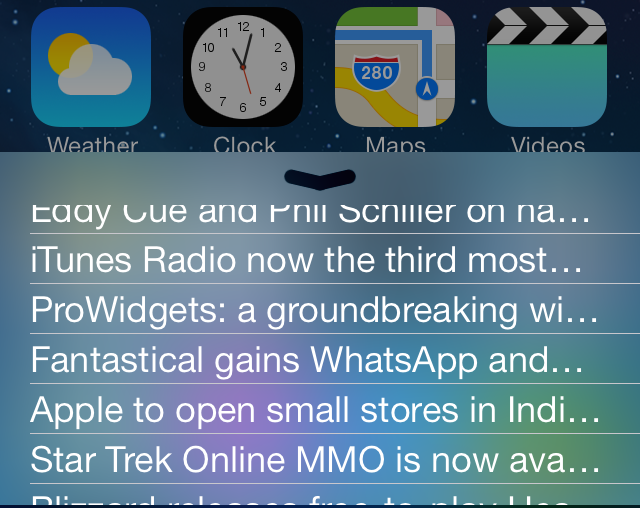
How to get iDownloadBlog headlines in Notification Center or Control Center

If you're an avid iDB reader, and let's face it—you should be—then I suggest you check out two recently released jailbreak tweaks that allow you to add our headlines to Control Center or Notification Center in iOS 7. Aptly entitled iDownloadBlog for Control Center and iDownloadBlog for Notification Center, these new jailbreak tweaks make it easy to stay up to date with all of the latest Apple news.

We've taken both tweaks for a spin on video, and while we weren't blown away by the presentation, we did find them to be pretty handy additions for iDB fiends. Have a look inside as we step through the features.

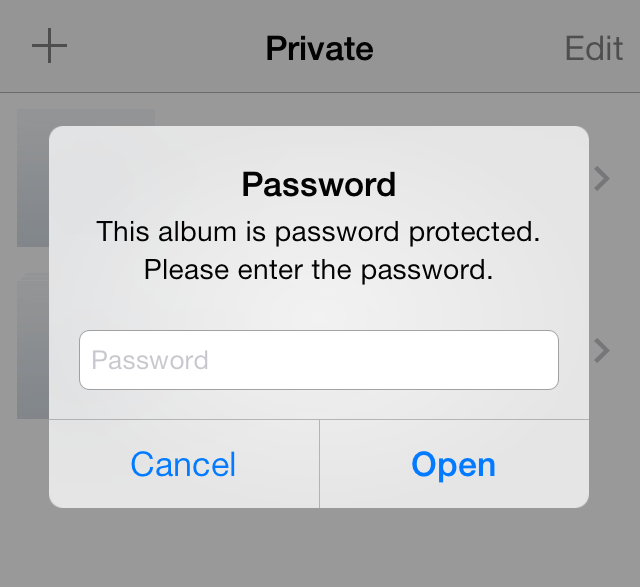
PhotoAlbums+ for iOS 7: move, secure, and share photos more efficiently

I have to be honest with you and state that for whatever reason, I've never been a big fan of PhotoAlbums+. I've never been big on taking photos with my iPhone, and I certainly don't take photos that I care about hiding from others. That being said, PhotoAlbums+ contains features that jailbreakers should definitely be aware of—features that may help your workflow when it comes to photo management on iOS.

The iOS 7 compatible version of PhotoAlbums+ just recently touched down for both the iPhone and the iPad. Check past the break as we go hands-on in our video walkthrough...

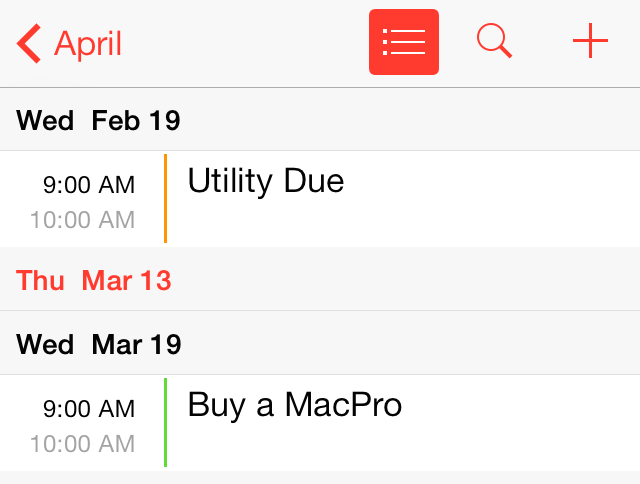
How to get the iOS 7.1 calendar event list view on iOS 7.0

Developer Ryan Petrich has released a new jailbreak app to his beta repo that allows jailbroken users to experience the new iOS 7.1 calendar on lesser firmware.

Entitled Gregorian, this standalone jailbreak app is a great compromise for those who wish to remain on jailbroken firmware, but want to experience some of the cool new features introduced with Apple's recent iOS 7.1 release. Check inside for all of the details.

Let’s Talk Jailbreak 48: Big tweaks coming

Episode 48: The gang talks about the release of iOS 7.1 and the subsequent death of the Evasi0n7 jailbreak. Jeff hints and some of the upcoming Cydia releases that will have a big time impact on the jailbreak community. We answer some of your questions from the #LetsTalkJailbreak Twitter hashtag.

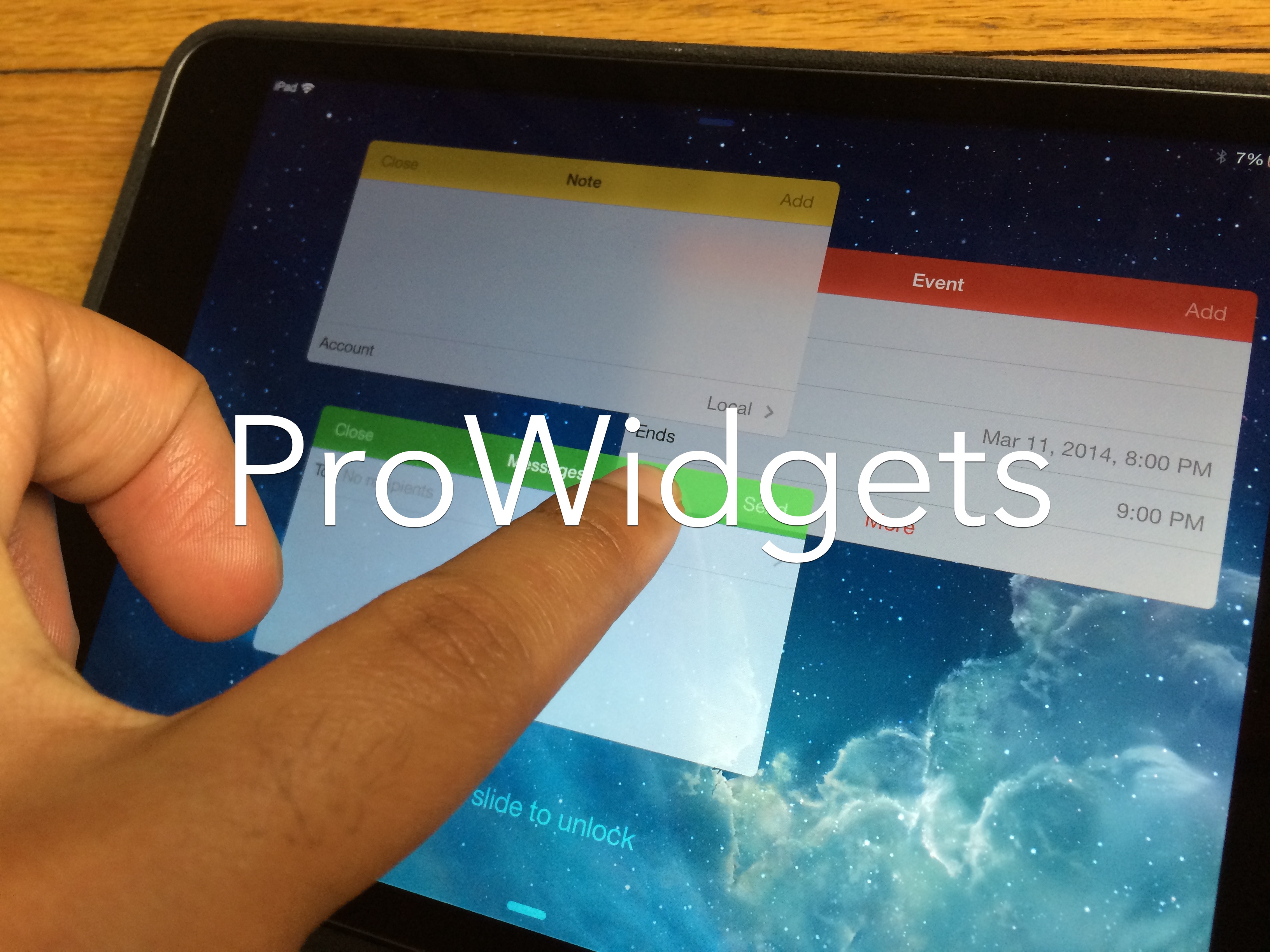
ProWidgets: a groundbreaking widget suite with multitasking features

Cydia has been the originating point for lots of groundbreaking ideas over the years. Copy and paste originated here, card-based app switchers began here as well. And let's not forget Notification Center and Control Center — each had its roots firmly planted in Cydia before debuting in stock iOS.

It goes without saying that Apple has been keen on seeing many of the developments unfold by some of the brilliant minds that make up the jailbreak community. It's even hired ones because of the work they've done with jailbreak apps and tweaks, and iOS hacking in general.

Today, we're happy to reveal the next big blockbuster tweak for jailbroken iPhones and iPads. Hopefully, it will help generate ideas for Apple's next big feature in iOS. Today, we'd like to introduce to you a brand new upcoming tweak called ProWidgets. We've got the very first exclusive hands-on coverage of ProWidgets, and we think you'll agree with us when we say it's one of the best looking jailbreak tweaks we've seen in some time...