Jeff Benjamin

Jeff has been with iDownloadBlog since 2010, acting as resident video specialist, and tutorial expert. He earned his degree in Computer Network Systems back in 2001, but decided Cisco routers and the like just weren’t for him. Since then, he’s been heavily involved with online writing. He’s written for numerous tech and video game sites since the late 1990′s, and has a knack for explaining things in a simple, clear, and concise manner. Jeff works primarily from the east coast on his Retina Macbook Pro, and shoots video with a Canon DSLR. During downtime he likes to travel the world, visiting the various Apple Stores across the globe. You can email him at jeff [at] idownloadblog.com and follow him on Twitter @JeffBenjam or on Google+.

How to change the color of the Calendar icon’s text

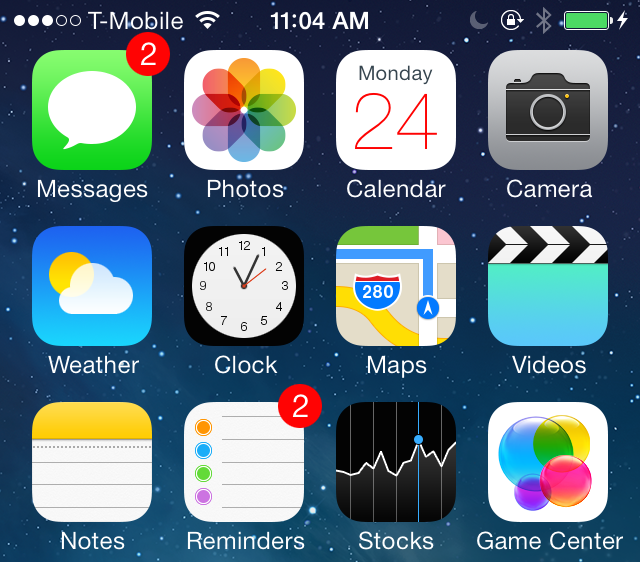
Colendar is a brand new jailbreak tweak from developer Julian Weiss that allows you to change up the color of the text present on the stock Calendar app. The tweak, which is geared towards themers, also works with Ryan Petrich's Gregorian calendar app.

Included in Colendar's preferences are options to adjust the color of the day and date text and offset parameters for adjusting the location of the text assets as well. Have a look at our video walkthrough inside for more insight...

Let’s Talk iOS 021: iTunes and Android

Episode 21: We talk about the iPhone 5c's sales figures for the winter quarter, some of the awesome things we learned about iOS' stock Music app, the rumors that Apple is thinking about developing for Android, and we discuss Google and Motorola's new wearable computing initiatives.

Subscribe on iTunes

Thanks to our sponsor:

lynda.com: Learn iOS, Apple software, programming, web design, and more from easy-to-follow video tutorials at lynda.com/letstalkios.

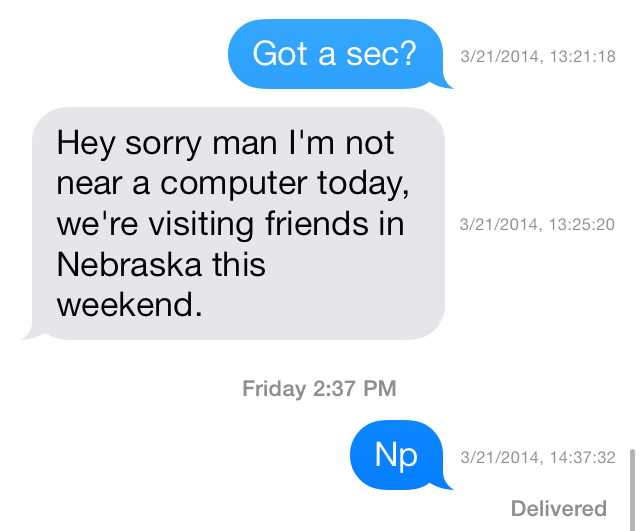
Dated: customize timestamps in the Messages app

The hidden timestamp feature that appears when you swipe from right to left while inside a Messages app thread just got customized. Dated is a new jailbreak tweak that allows its users to dynamically change the makeup of the timestamps that appear in the Messages app.

Using toggles found in the tweak's preferences, Dated users can add or remove the year, month, day, hour, minute, seconds and AM/PM indicator. All of this can be done on the fly without the need of a respring. Have a look inside as we take Dated for a spin in our hands-on video walkthrough.

DockFlow: add Barrel-inspired animations to your dock

DockFlow is a great way to spruce up the iPhone's dock. It allows you to add Barrel-like animations to the dock in a way that genuinely works. If you're at all a fan of Barrel—the legendary jailbreak tweak by Aaron Ash—then you'll feel right at home with DockFlow.

The tweak, which is available for $1.99 on Cydia's ModMyi repo, lets users add as many app icons as they care to place into the dock. From there, you can switch between nearly a dozen different animations ranging from the tame to the not so tame. Have a look at our video walkthrough inside for a brief look at DockFlow.

Aria: a new take on the stock Music app

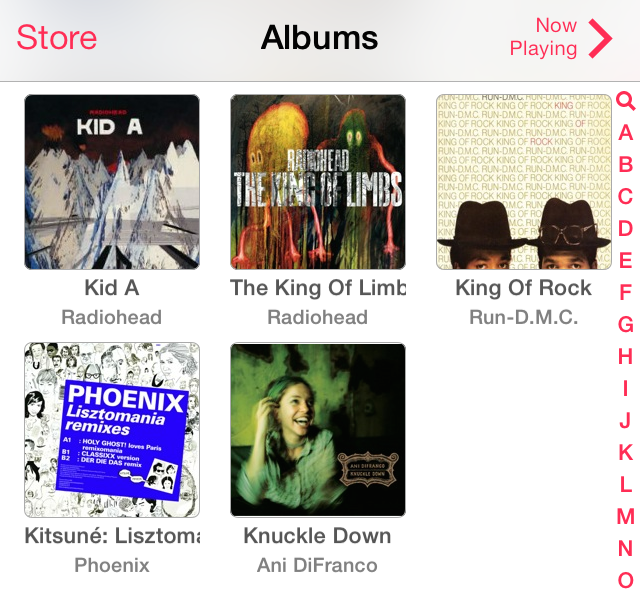
If you're looking for a way to significantly change the experience with the stock Music app, then you need to check out Aria, a new jailbreak tweak recently released on Cydia. Aria is a $1.99 release that's available on the BigBoss repo, and it allows you to use a stylish grid interface to display albums and artists.

Along with the interface changes, come more practical ideas. For example, you can add songs to your up-next queue using simple tap and hold gestures. But that's not all that Aria is capable of doing. Check out our full video walkthrough after the break for a look into what makes this tweak so interesting.

iOS 7: The ultimate Music app guide

The Music app is a stock application that comes preinstalled on all iOS devices. It's the primary way for playing music on the iPhone, iPod touch, and iPad. With iOS 7.0, a new feature was baked into the stock Music app called iTunes Radio. iTunes Radio is an ad-supported service that allows users to browse more than 250 curated stations. Users can also create and build their own stations, which feature Pandora-like customization over time.

The stock Music app has endured significant changes over the past few years. The Music app was once exclusively relegated to the iPod touch, with iPhone models offering an "iPod" app as a means to play music and watch videos. Eventually, with the advent of iOS 5, the iPod app was broken-up into separate Music and Video apps for the iPhone line, unifying the stock Music app presence across all iOS hardware.

While there are many ways to play music via third-party apps on iOS, the stock Music app is the only music application that's closely integrated with iTunes and allows you to use the iTunes Match iCloud-hosting service. There may be benefits to other apps like Spotify, but no app is as tightly intertwined with the rest of iOS as the stock Music app. With that in mind, please take a look inside, as we break down the many facets of this ever-growing and ever-changing stock application.

Review: ProWidgets

One of the most highly anticipated jailbreak tweaks to surface in some time has been released on Cydia. I'm, of course, referring to ProWidgets—a brand new jailbreak tweak that we previewed extensively last week. To celebrate its release, we're bringing you our hands-on review.

ProWidgets is a release that we discussed in-depth on today's episode of Let's Talk Jailbreak as well. Be sure to have a listen to hear Sebastien, Cody's, and I talk about the pluses and minuses of the tweak.

Without further ado, step inside to read our take on the final version of ProWidgets. We'll show you what makes the tweak so compelling, and why the future is even more exciting.

Let’s Talk Jailbreak 49: Worst analogy ever

Episode 49: We dedicate plenty of time talking about the upcoming ProWidgets jailbreak tweak, breaking down the pluses and minuses of Badger, discussing the need for PhotoAlbums+, and we tell you how to get all of the latest iDB headlines in Notification Center or Control Center.

Metaphrase: a quick way to translate text in iOS

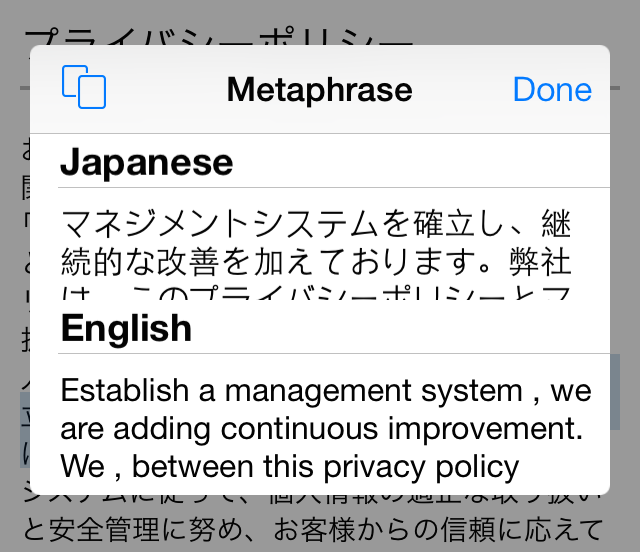
Metaphrase is a recently released tweak that lets you translate text on the fly within any application in iOS. The release, which works as an add-on to Ryan Petrich's popular ActionMenu tweak, lets you select text from the copy and paste menu to easily translate words from one language to another.

There are dozens of languages available to use in Metaphrase, and you can choose to have it translate words and phrases using the system language established in iOS' settings. For a video look into how Metaphrase works, check out our full walkthrough inside.

Let’s Talk iOS 020: iOS 8 rumors

Episode 20: This week's episode is dominated by Apple rumors. In it we discuss rumors surrounding the cheaper 8GB iPhone 5c, and the hardware speculation revolving around the iPhone 6. We also perform a thorough breakdown of all of the iOS 8 rumors we've heard thus far, including the new Healthbook app suite, inter-app sharing, and Preview app.

Subscribe on iTunes

Thanks to our sponsor:

Squarespace: the all-in-one platform that makes it fast and easy to create your own professional website, portfolio, and online store. Use promo code LETSTALKIOS for a free trial and 10% off your first purchase.

How to add quick compose widgets to Control Center

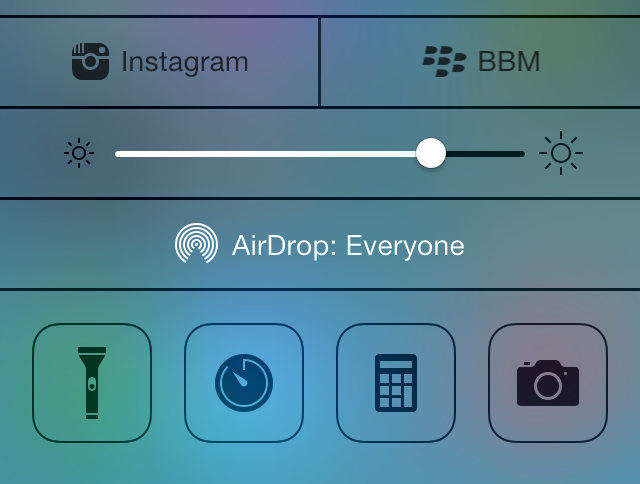
Compose—the jailbreak tweak that allows you to add quick compose widgets to iOS—has been updated for iOS 7. In prior versions of the tweak, the quick compose widgets appeared in Notification Center, but with iOS 7, the compose widgets have been relocated to Control Center.

The iOS 7 version of Compose features a bevy of quick compose shortcuts for apps like Tweetbot, BBM, WhatsApp, and more. It's a great tweak for quickly accessing the composition assets for many of your favorite App Store apps. To catch a glimpse of how Compose works on iOS 7, take a look at our video walkthrough past the break.

How to remove the ‘Near Me’ tab in the App Store app

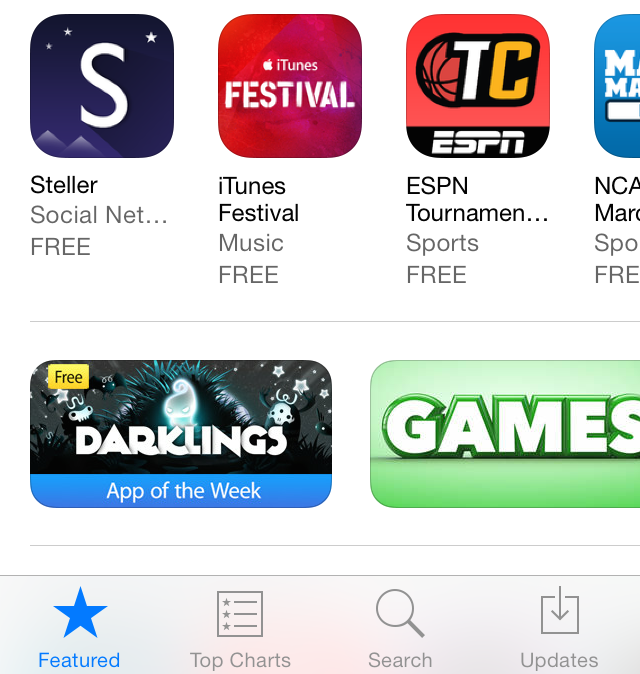
The 'Near Me' tab—which appears at the bottom of the App Store app in iOS 7—allows you to see what apps are most popular around your location. I've found the feature to be quite worthless and generally filled with local news apps that I'd never consider using.

With that in mind, wouldn't it be cool if you could get rid of the Near Me tab altogether? That's the premise behind a new jailbreak tweak entitled NoNearMe; it allows you to hide the Near Me tab using a simple Cydia install. Have a look inside as we show you how the tweak works on video.