Jeff Benjamin

Jeff has been with iDownloadBlog since 2010, acting as resident video specialist, and tutorial expert. He earned his degree in Computer Network Systems back in 2001, but decided Cisco routers and the like just weren’t for him. Since then, he’s been heavily involved with online writing. He’s written for numerous tech and video game sites since the late 1990′s, and has a knack for explaining things in a simple, clear, and concise manner. Jeff works primarily from the east coast on his Retina Macbook Pro, and shoots video with a Canon DSLR. During downtime he likes to travel the world, visiting the various Apple Stores across the globe. You can email him at jeff [at] idownloadblog.com and follow him on Twitter @JeffBenjam or on Google+.

CallShare: create notes, calendar events and more during phone calls

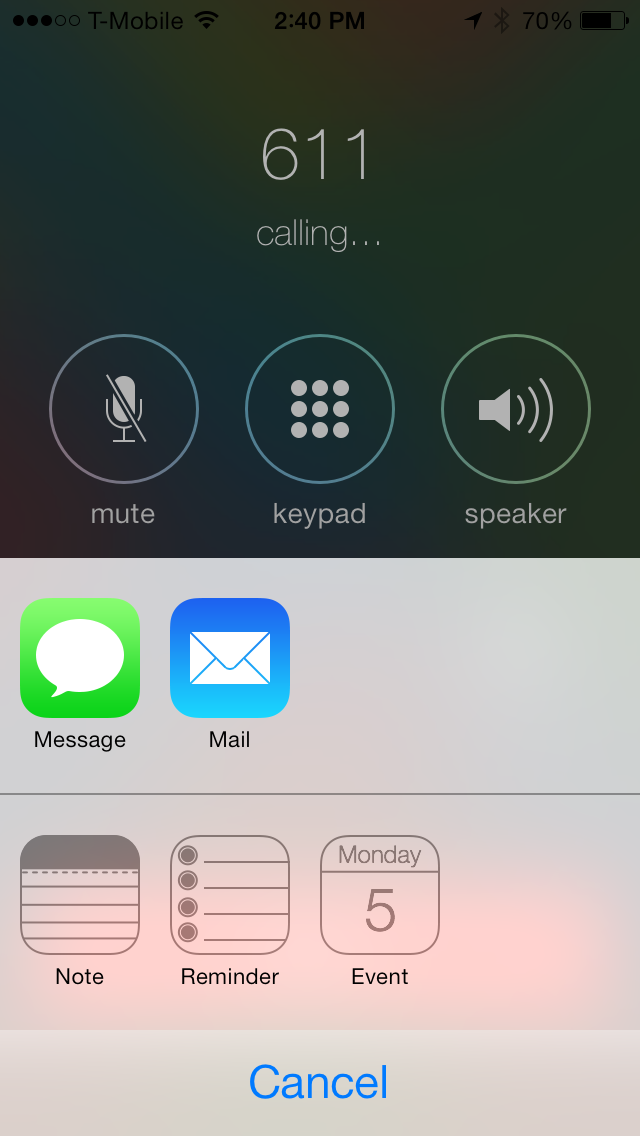
Have you ever wanted to quickly create a note as you engaged in a phone conversation, or perhaps setup a calendar event right there mid-call? CallShare is a recently released jailbreak tweak that allows you to do that and more.

Available for download from Cydia's ModMyi repo, CallShare lets you create new messages, emails, calendar events, notes and reminders directly from the stock Phone app. To see how CallShare works in action, please watch our video walkthrough that appears after the break.
SixBar: enable the black and white status bar from iOS 6

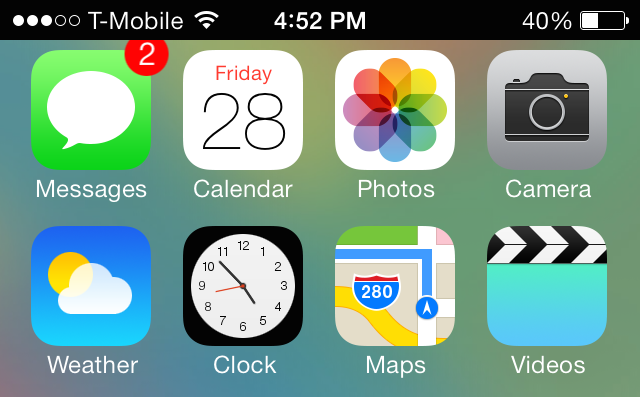
SixBar is a recently released tweak for those of you who are tiring of the status bar present in iOS 7. It forces the status bar into the old-school black and white mode that was last seen in iOS 6.

SixBar is not a theme, so it doesn't require WinterBoard or any other theming utility. Once you install SixBar, you'll need to go to the Settings app to find the tweak's preferences. Inside the preferences you'll notice a lone toggle—a kill-switch—used to enable or disable the tweak. When you enable the toggle and respring, you'll see the familiar black and white status bar inspired by iOS 6...

StatusBright: swipe across the status bar to change brightness

StatusBright is a just-released jailbreak tweak available on Cydia's ModMyi repo. It's a simple tweak that lets you change your iPhone's brightness settings using a swipe on the status bar.

You might remember a similar jailbreak tweak entitled SwipeBright. It, too, allowed you to swipe on the iPhone's status bar in order to adjust the brightness settings of the device. Sadly, SwipeBright has yet to be updated to support iOS 7, so the developer of StatusBright felt that a new tweak was justified.

Although adjusting the brightness on the iPhone is much easier with iOS 7's Control Center, it's still one less gesture that you need to perform by putting the controls directly on the status bar. Check inside for more details about how StatusBright works.

PowerBanners: change low power alerts to unobtrusive banners

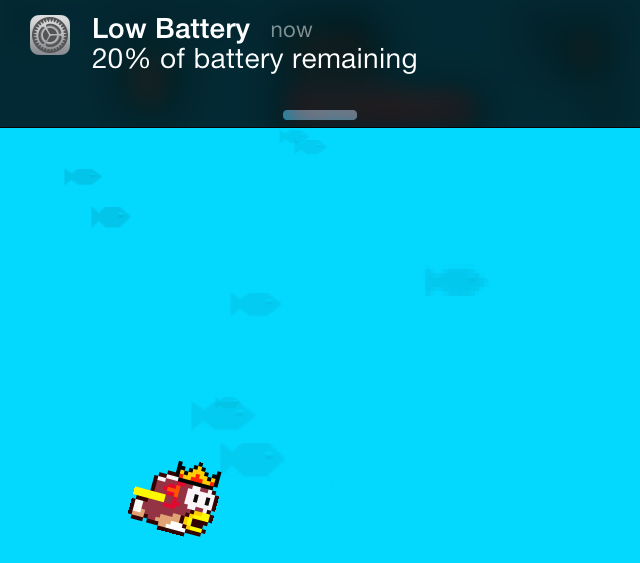
Don't you just hate it when you're in the middle of a game or a movie only to be interrupted by the low power notification at 20% and at 10%? Wouldn't it better if the notification was a bit less intrusive? That's the premise behind PowerBanners, a new jailbreak tweak available for free on Cydia's BigBoss repo.

For those of you who have been around for a while, there's another jailbreak tweak called LowPowerBanner that brings similar functionality to iOS. Sadly, as is the case with many tweaks for iOS 6 and below, it was never updated for iOS 7. PowerBanners was created from the ground up with iOS 7 in mind, and it works on arm64 devices like the iPhone 5s as well.

We've taken some time to test out PowerBanners and we can report that it works as advertised. Want to know just how well it works? Check inside to watch our hands-on walkthrough.

Polus: a customized QuickLaunch experience for Control Center

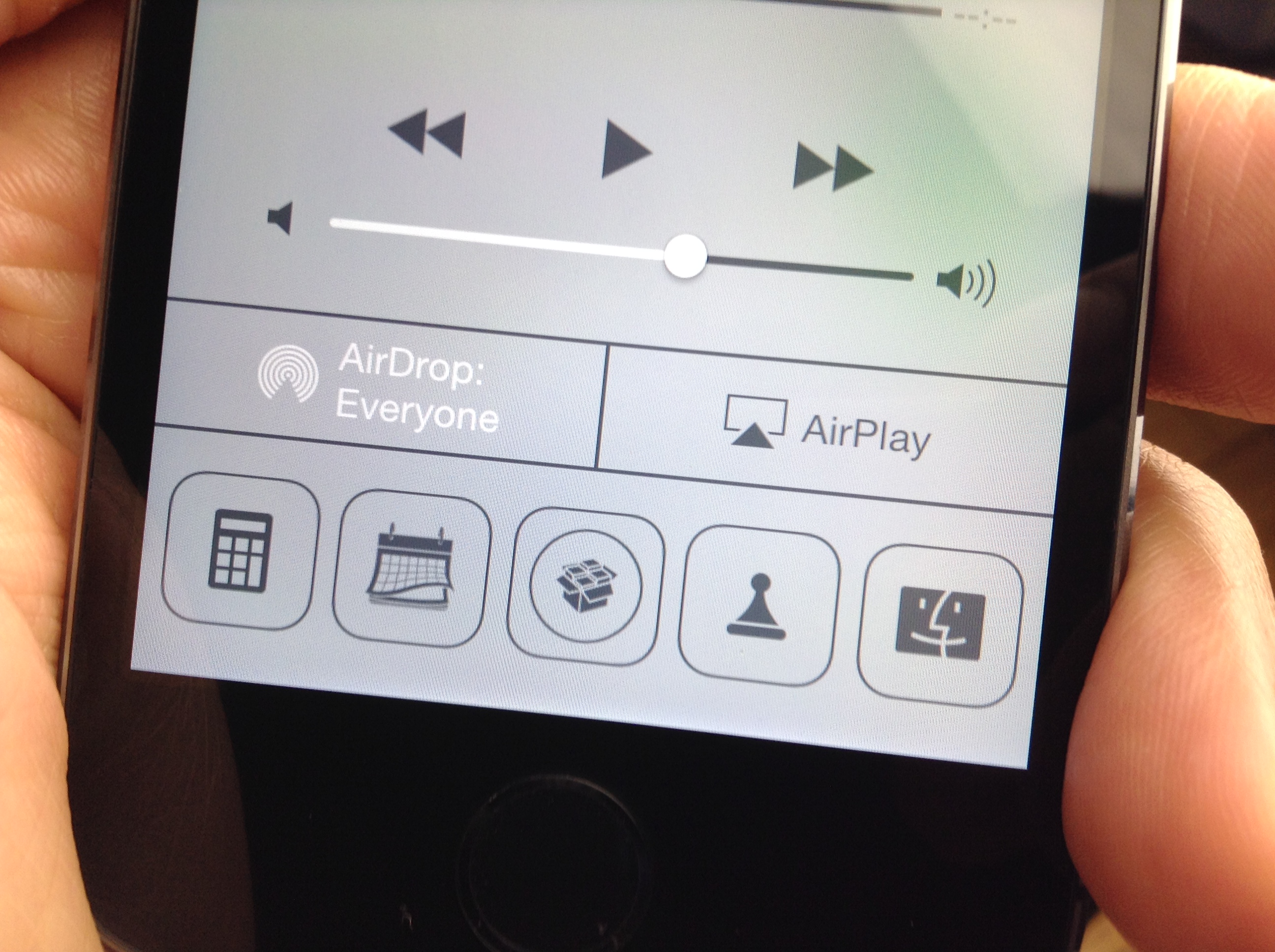
A3tweaks—the development team behind great jailbreak releases such as Auxo—is back with a brand new upcoming tweak, and we want to show it to you. The tweak, which is called Polus, is an extension that adds significant improvements to the QuickLaunch section of Control Center.

With Polus, you can customize Control Center's apps shortcuts, and assign them with Activator gestures...but that's not all. We've taken the upcoming tweak for a detailed spin on video. Check past the break for more information.

NoGrabber: how to hide Notification Center and Control Center grabbers

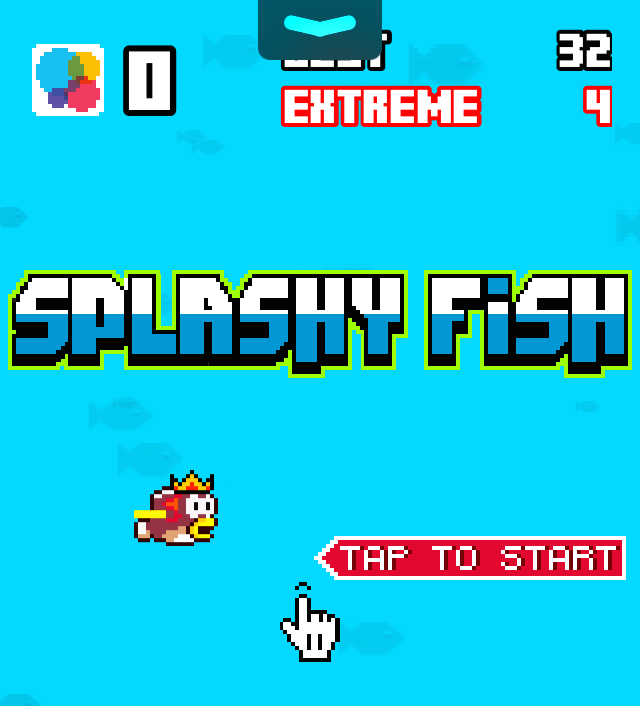
Grabbers, like the one in the photo above, appear while trying to invoke Notification Center or Control Center in a full screen app. The grabbers essentially force you to perform two invoking gestures in order to launch Control Center or Notification Center. The grabber feature is there to prevent accidentally launching the aforementioned overlays while using a full screen application or game.

Some people, apparently, find the grabber feature annoying, and they want to launch Notification Center or Control Center like they normally do, even while using a full screen app. If you're one of those people, then NoGrabber is something you should consider using. It forces the overlays to behave like normal, eliminating the grabber while in full screen applications. Take a gander at our video walkthrough to see how it works in action.

How to quickly swipe between message threads in iOS 7

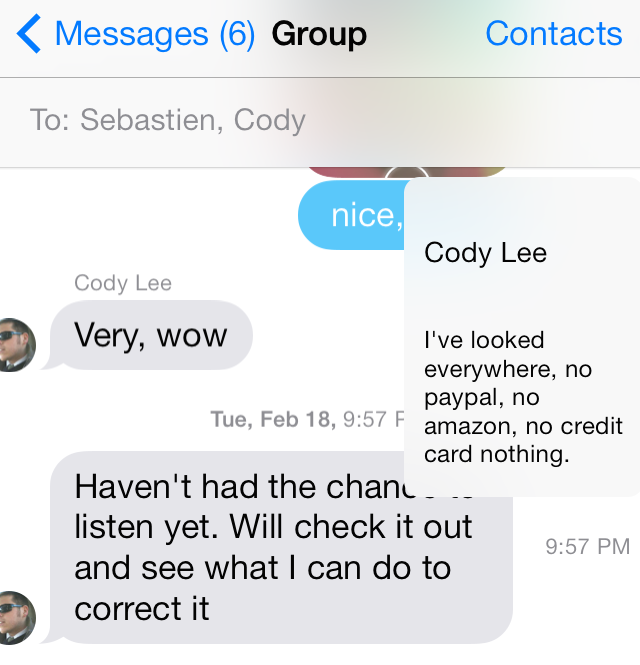
MessageSwiper7 is a recent Cydia release that brings the ability to swipe between Messages app conversations in iOS 7. We posted about the original MessageSwiper almost a year ago, and as you'll see, that version differs quite a bit from the latest version.

Since iOS 7's Messages app already features built-in actions for swipe gestures on both the right and left side of the app, more thought had to be put into the tweak to get things right in iOS 7. We've taken MessageSwiper7 for a brief spin on video to show you how it works. Have a look at our full walkthrough inside.

vColor: change the color of your volume HUD

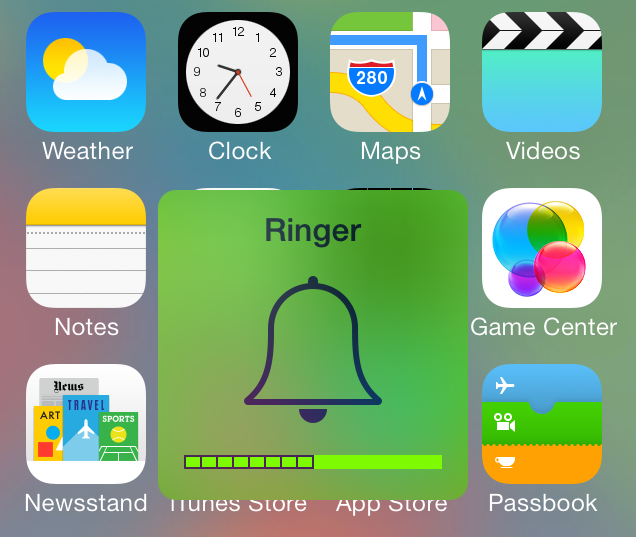
The volume HUD has always held a weird place in the hearts of jailbreakers. It's been used to launch apps, it's been customized, it's been given music features. Now, it's being colored, again.

vColor is the latest volume HUD-based jailbreak tweak that allows you to change up its look. It lets you alter the background, depletion bar, volume number, and volume meter colors. vColor is from developer Javier Brito, and it's available for free right now on Cydia's BigBoss repo. Check inside as we step through vColor's functions on video.

ActiveAlarm: Open the Clock app directly to the alarm section

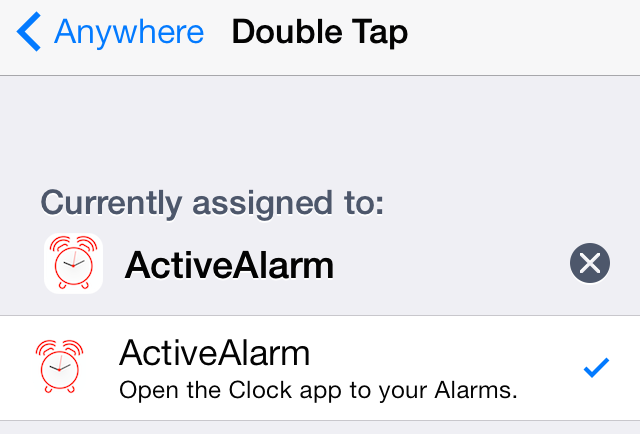
ActiveAlarm is a brand new jailbreak tweak that can be handy for those of you relying on your iPhone as an alarm clock. It's a tweak that allows you to assign an Activator gesture of your choice to the stock Clock app.

While it's true that Activator already contains an action for launching the stock Clock app, ActiveAlarm takes it one step further. ActiveAlarm will take users directly to the alarm clock section of the stock Clock app upon using the Activator gesture. Have a look at our video walkthrough inside as we show you how it works.

Classic Badges: use iOS 6 app badges on iOS 7

Do you hate the look of the app badges in iOS 7? Would you prefer to use the app badges present in iOS 6? If so, ClassicBadges is a new jailbreak tweak that allows you to do just that.

While ClassicBadges is a standalone tweak, it does rely on some help from WinterBoard to get the font and spacing of the old-school inspired badges to look just right. As we always like to do, we've put the tweak through its paces in a hands-on video walkthrough. Check inside for all of the details.

Let’s Talk Jailbreak 46: iOS 7 refined

Episode 46: The iOS 7.0.6 jailbreak leads off this week's discussion, which is dominated by tons of new jailbreak tweak and jailbreak app releases. We discuss tweaks like biteSMS 8, BattSaver, BootSound, GridSwitcher, and more. We also talk in-depth about Surenix's just-released Ayeris theme for iOS 7.

Spin: add a twist to your Lock screen’s music interface

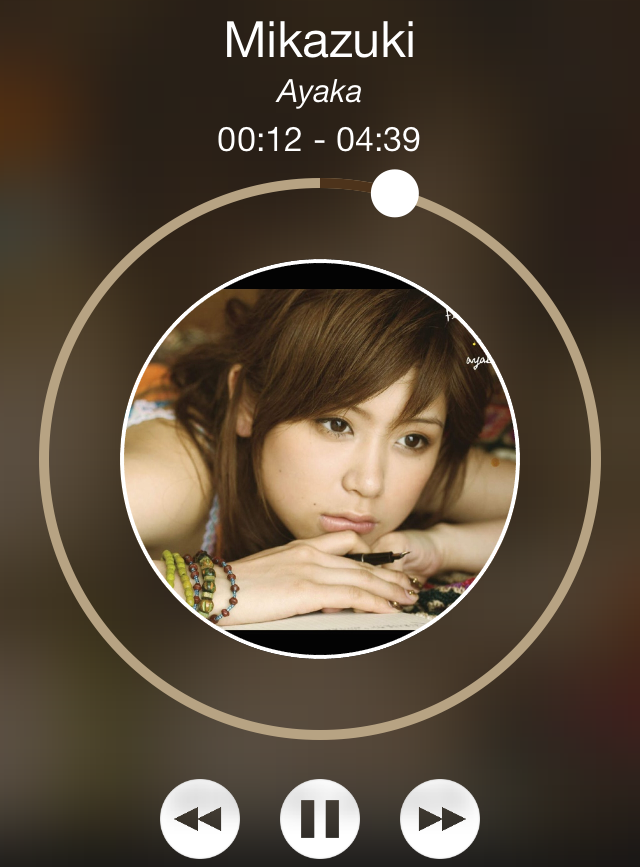
Spin is a just-released jailbreak tweak that adds a new look and feel to the Lock screen music controls and interface. Once you install the tweak, you'll need to head over to the stock Settings app to enable it and respring.

Whenever you play music and go to the Lock screen, you should notice a new remixed music interface. Check out our video walkthrough inside for a deeper look at Spin.