Jeff Benjamin

Jeff has been with iDownloadBlog since 2010, acting as resident video specialist, and tutorial expert. He earned his degree in Computer Network Systems back in 2001, but decided Cisco routers and the like just weren’t for him. Since then, he’s been heavily involved with online writing. He’s written for numerous tech and video game sites since the late 1990′s, and has a knack for explaining things in a simple, clear, and concise manner. Jeff works primarily from the east coast on his Retina Macbook Pro, and shoots video with a Canon DSLR. During downtime he likes to travel the world, visiting the various Apple Stores across the globe. You can email him at jeff [at] idownloadblog.com and follow him on Twitter @JeffBenjam or on Google+.

How to unlock Apple’s hidden battery usage menu in iOS 8

Developer Hamza Sood, well-known for his innate ability to uncover hidden items in iOS, has discovered another hidden feature, and created a tweak out of it. Dubbed DetailedBatteryUsage, this new tweak allows you to unlock the hidden battery usage menu that Apple uses internally during development.

Want access to hyper-verbose details on your iPhone battery usage? Have a glance inside to see what it looks like on video...
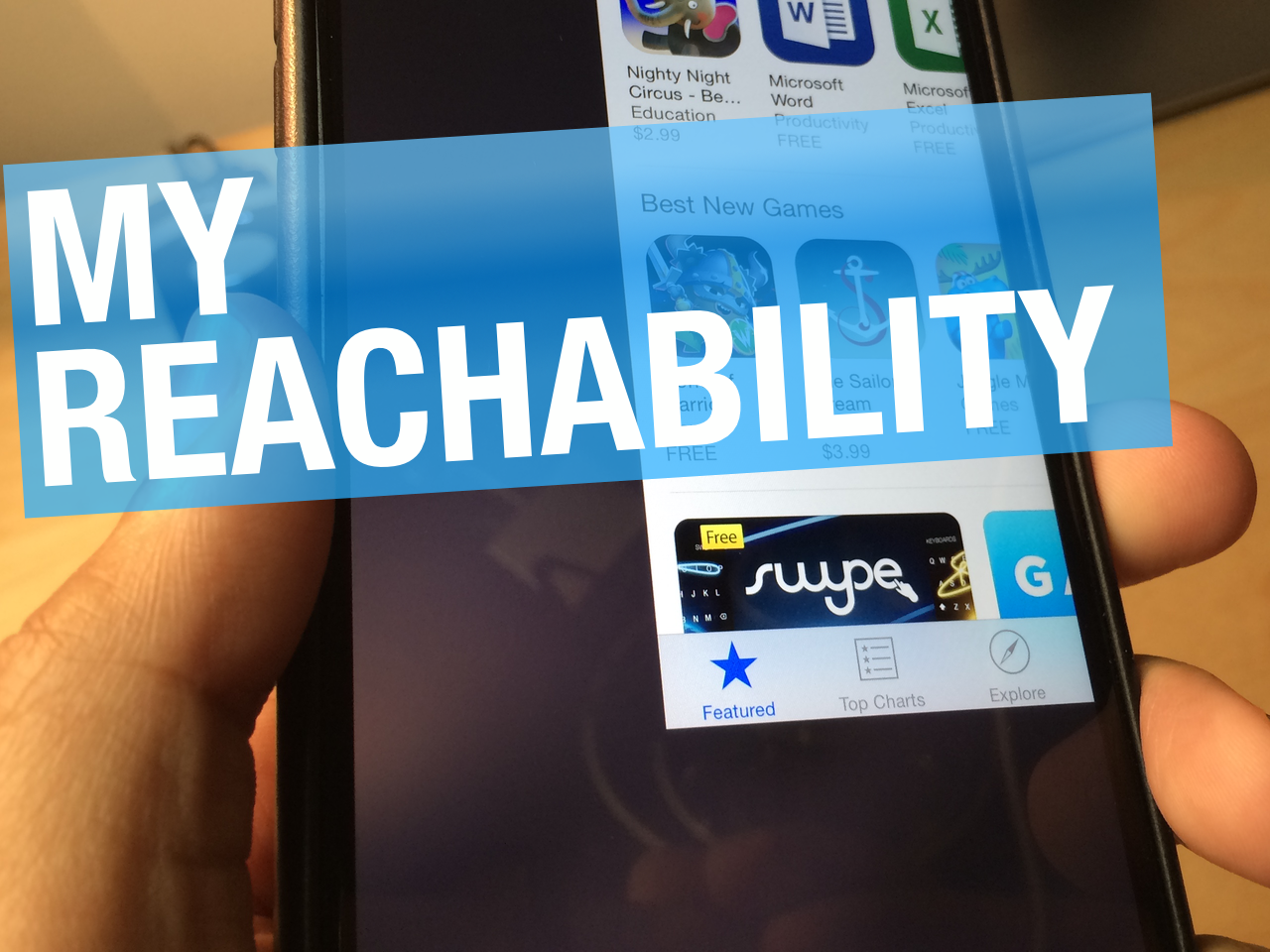

MyReachability: reach all four corners of an app by mating the accelerometer with Reachability

MyReachability is the first compelling tweak that I've seen thus far involving Reachability. I don't want to sound hyperbolic, but this could be a game changing tweak with a little bit of TLC.

MyReachability is from Korean developer Shine, the first such tweak I've seen of his, but hopefully not the last. That's because what I found was something extremely impressive, innovative and practical.

MyReachability allows you to access various areas of an app via Reachability by tilting your device. It taps into the iPhone 6 and 6 Plus' accelerometer to do this, and it makes accessing most areas of an app with one hand feasible.

Check out my video walkthrough of MyReachability after the break, and see why this new jailbreak tweak has me so excited.

Let’s Talk iOS 055: The future of the iPad mini

Episode 55: This week we talk about the iPad mini and its future, who'll play Steve Jobs in the upcoming biopic, and iPhone 6s 3D rumors.

Subscribe on iTunes

This episode has no sponsor but you can always support Let's Talk iOS and iDB by downloading our Yosemite Interactive User Guide in the iBooks Store.

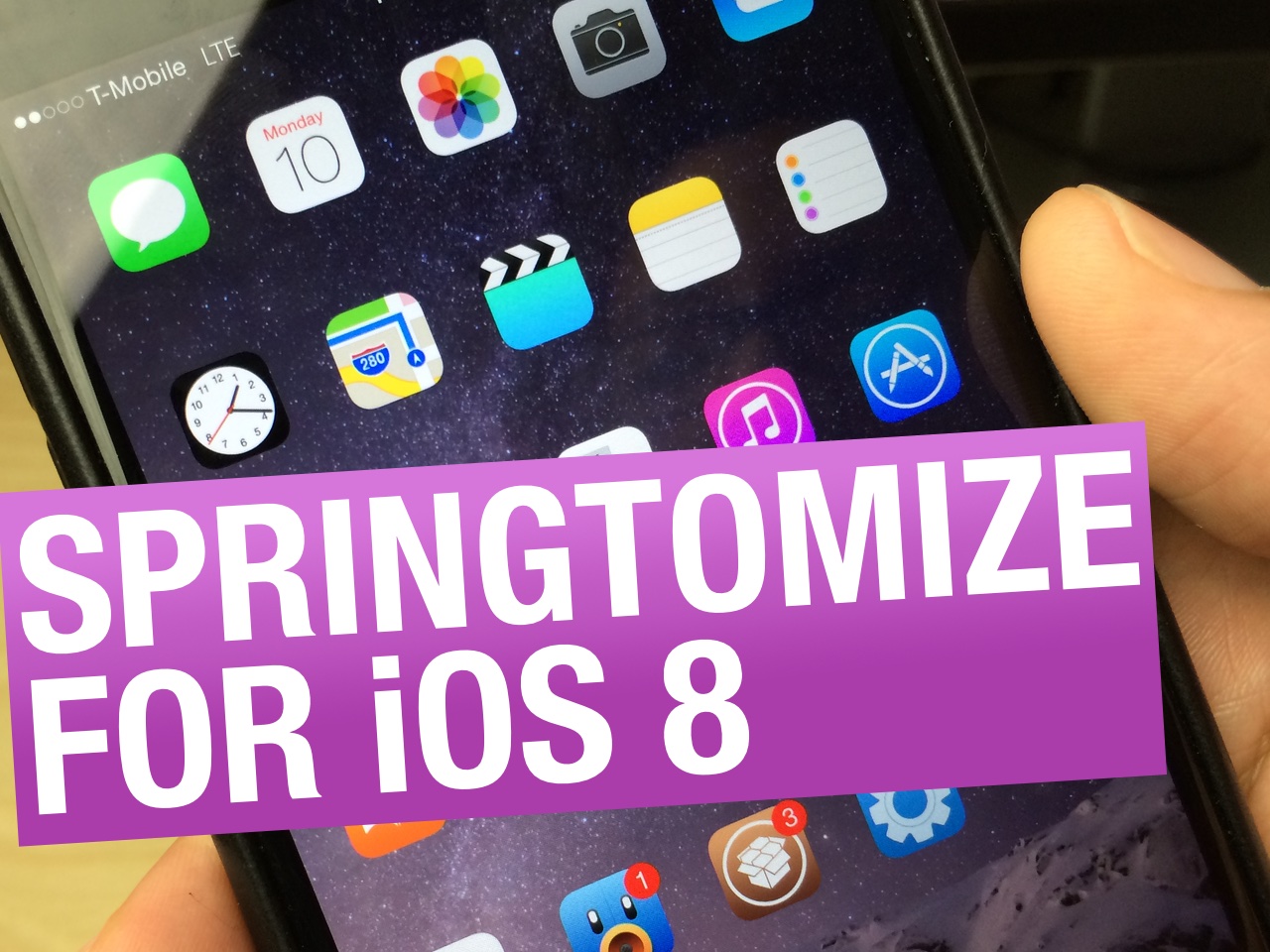
Springtomize 3 goes live on Cydia for iOS 8 and the iPhone 6 and 6 Plus [video]

Finally, a reason to jailbreak for many users. Filippo Bigarella's Springtomize 3 (version 1.3) has gone live in the Cydia store as a free update ($2.99 new) for users who purchased the iOS 7 version.

Springtomize 3 brings tons of customization options to the iOS SpringBoard. Its name is literally the combination of the two words: SpringBoard + Customize = Springtomize. Head over to Cydia's BigBoss repo to download it now.

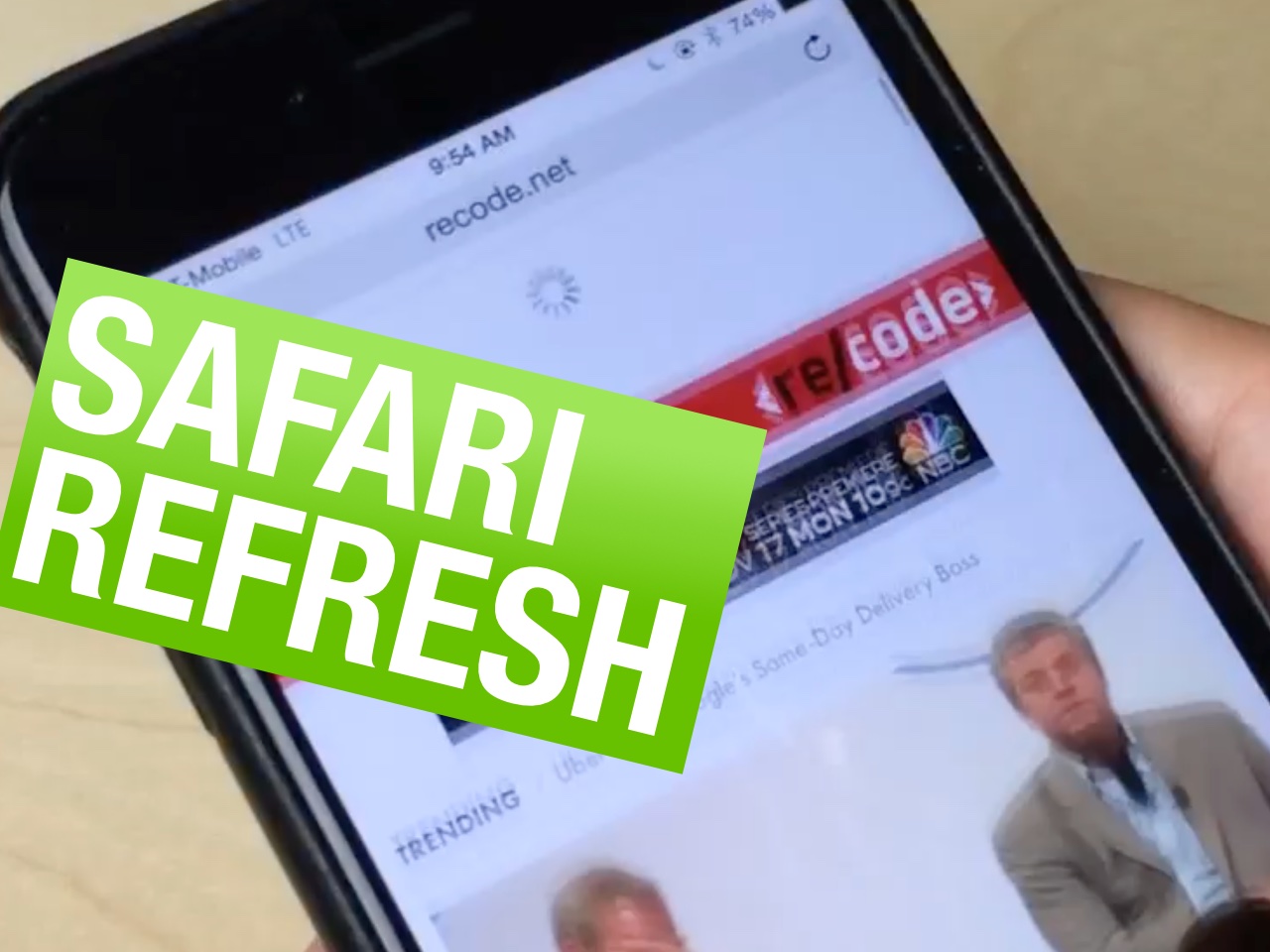
How to add pull-to-refresh to Safari in iOS 8

For a large screen device like the iPhone 6 Plus or even the iPhone 6, it takes some serious thought when designing apps. That's because it's much more difficult to reach certain part of the screen using one hand, so developers have to design their apps with one-handed users in mind.

But where such thought may be lacking, a jailbreak tweak can go a long way towards enhancing the usability of certain apps. That's definitely the case with this latest tweak called SafariRefresh. It adds a simple pull-to-refresh mechanism to Apple's stock web browsing app, and the result is a much more usable refresh function on large screen devices.

DoubleCheck helps you avoid sending text messages to the wrong person

Have you ever inadvertently sent a text message to the wrong recipient? I think we all have. Frankly, it's a good way to encounter a mild disaster if you're not careful.

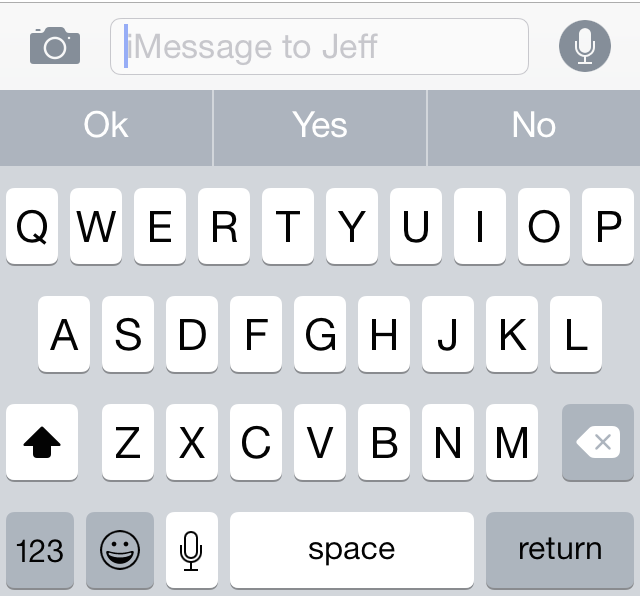
To help prevent yourself from acquiring foot-in-mouth disease, there's a free new jailbreak tweak called DoubleCheck that you should take a look at. DoubleCheck places the recipient of a text message in the text input field, giving you a means to "double check" the recipient before sending the message.

Want to see how DoubleCheck works in action? Have a look at our video demonstration after the break.

LockGlyph: unlock Touch ID enabled devices using the Apple Pay animation

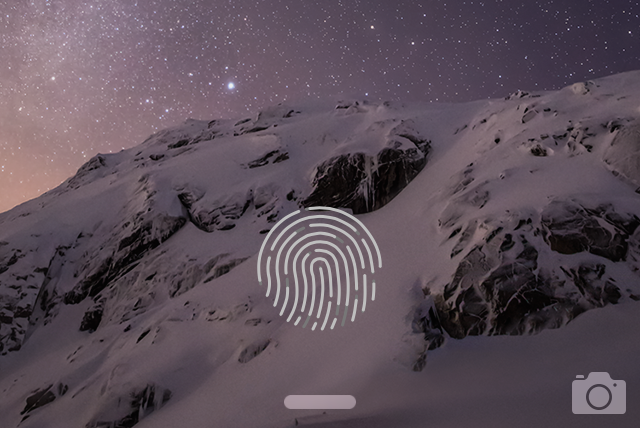
LockGlyph is a brand new tweak available on the Cydia store that brings the Apple Pay confirmation animation to the Lock screen. If you own a Touch ID enabled device like the iPhone 5s, iPhone 6, or iPhone 6 Plus, you can unlock your device using fingerprint authentication, and enjoy a nice Apple Pay-inspired animation and sound during the process.

I've taken a spin with LockGlyph on video. Check inside to see some of the tweak's pluses and minuses.

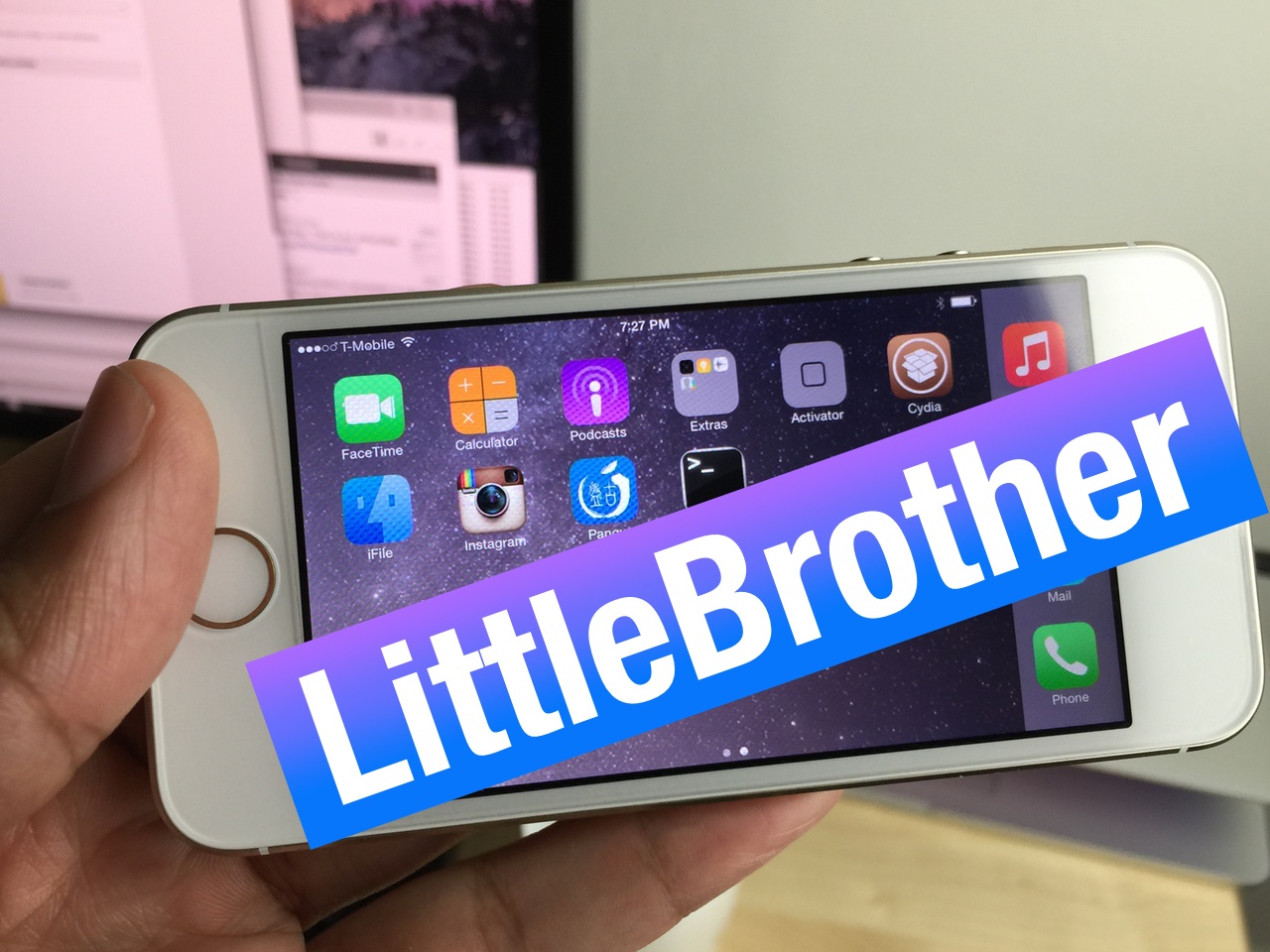
LittleBrother: add iPhone 6 Plus-inspired scaling and a landscape Home screen to older iPhones

And like clockwork, Ryan Petrich is at it again. His first headlining iOS 8 compatible tweak is called LittleBrother, and it seeks to add features enjoyed on Apple's latest iPhone hardware to older devices like the iPhone 5 and iPhone 5s.

LittleBrother allows users to essentially do two things: adjust the display zoom scaling like the iPhone 6 and the iPhone 6 Plus, and enable landscape mode features on the Home screen and even Lock screen.

I've been playing around with this new tweak for several hours, and I'm convinced that many iPhone 5 and 5s users are going to love it. It's not without its shortcomings, but the promise is definitely there. Have a look at our full 60fps video walkthrough inside for more details.

How to add a fifth column of icons to your Home screen

If you're looking for a way to add a fifth column to your Home screen app icon layout in iOS 8, then you may want to check out this recently uploaded tweak called better Five Column Homescreen. This tweak is from the same developer that brought us betterFiveIconDock, and it does just as it states—adds a fifth column to the Home screen on iOS 8 devices.

The result is pretty much as expected—the existing icons are repositioned and proportioned to fit an additional column. Why does the developer insist that his tweak is "better"? Mostly because of the improved spacing mechanics employed by his release. Have a look inside to see what it has to offer.

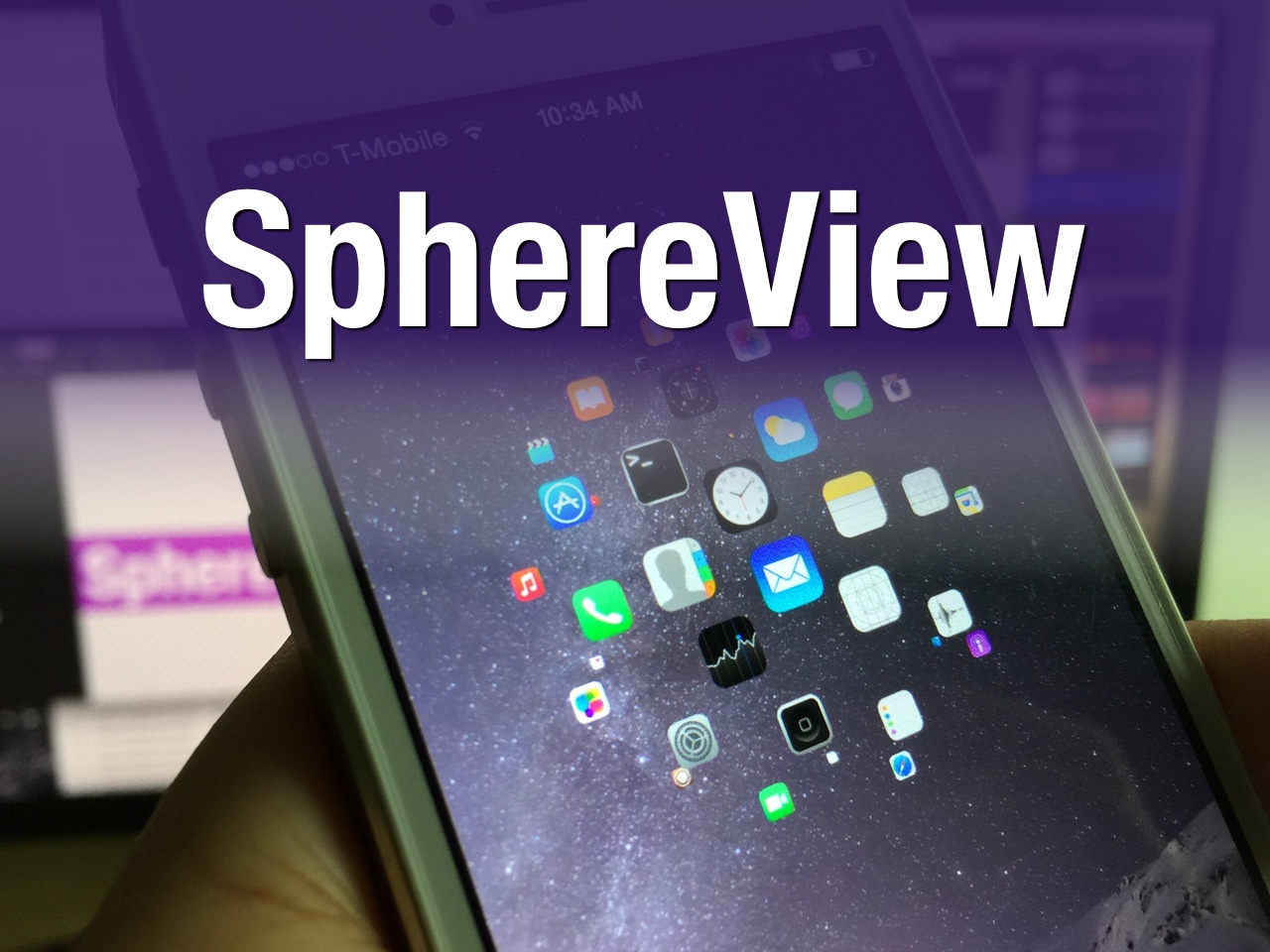
SphereView: an upcoming iOS SpringBoard launcher with a 3D feel

SphereView is one of the more unique jailbreak tweaks that I've come across as of late. It is a SpringBoard replacement for launching apps, and it incorporates a 3D spherical view to do so.

It's one of those tweaks that has to be seen in action to truly appreciate what it does and how much potential it may have. With that in mind, step inside and watch our hands-on video.

HandyKey: a tweak that adds a one-handed keyboard to the iPhone 6 and 6 Plus

If you find it difficult to type on large screen iOS devices like the iPhone 6 Plus and the iPhone 6, then HandyKey is a jailbreak tweak that you may derive real benefits from. The tweak, which is available for $0.99 on Cydia's BigBoss repo, brings the ability to add a one-handed keyboard for right-handed or left-handed iPhone users.

Users who use HandyKey have the option of forcing the iOS keyboard to always open to HandyKey when the keyboard is invoked, or a two-finger swipe gesture on the keyboard can be used to orientate it as needed. Have a look at our video inside for additional details and a hands-on demonstration.

Saurik touts jailbreak and Cydia stability for iOS 8, enables Cydia purchases

Another day, another milestone. Saurik, the man behind Cydia, has re-enabled purchases for paid Cydia apps and tweaks, which means that you can now purchase apps and tweaks that were, for a time, unobtainable for some.

He also made sure to lend credibility to the stability of both Cydia and the iOS 8 jailbreak via a pair of tweets—the first of such since the iOS 8 jailbreak arrived.