Jeff Benjamin

Jeff has been with iDownloadBlog since 2010, acting as resident video specialist, and tutorial expert. He earned his degree in Computer Network Systems back in 2001, but decided Cisco routers and the like just weren’t for him. Since then, he’s been heavily involved with online writing. He’s written for numerous tech and video game sites since the late 1990′s, and has a knack for explaining things in a simple, clear, and concise manner. Jeff works primarily from the east coast on his Retina Macbook Pro, and shoots video with a Canon DSLR. During downtime he likes to travel the world, visiting the various Apple Stores across the globe. You can email him at jeff [at] idownloadblog.com and follow him on Twitter @JeffBenjam or on Google+.

How to reliably check Apple’s firmware signing window

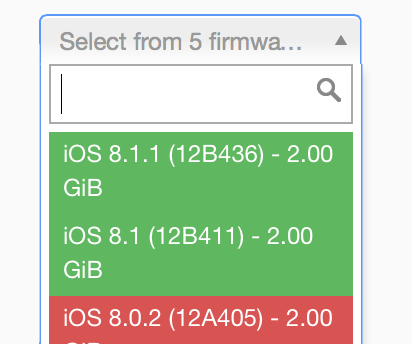
If you accidentally upgrade to iOS 8.1.1 or any other non-jailbreakable firmware in the future, it's always a good idea to go out and check Apple's signing window to see if you can downgrade your device to a previous firmware. For example, if I upgrade my device to iOS 8.1.1 today, or if I want to check out Apple's iOS 8.2 beta, I know that I can do so and downgrade back to iOS 8.1 with no issue.

But remember, Apple's signing windows are subject to relatively quick closure. It's been four days since Apple released iOS 8.1.1, but the signing window for iOS 8.1 is still open, making it possible to downgrade now. That can, of course, change at any time. In fact, Apple could decide to close the signing window as you're reading this post.

For that reason, its a good idea to downgrade now if you ever want to jailbreak iOS 8. But it's also good to get familiar with how to check the signing window, and this handy website allows you to do just that.

How to downgrade to iOS 8.1

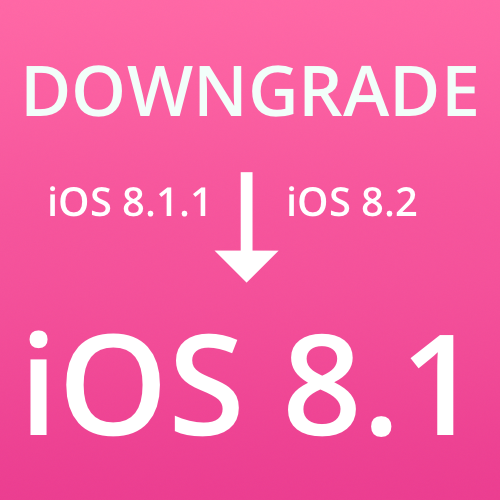
If you want to jailbreak iOS 8.1, but you're running iOS 8.1.1 or the new iOS 8.2 beta, you can downgrade your firmware to iOS 8.1 and jailbreak as long as Apple is still signing the iOS 8.1 firmware. As of this post, 8.1 is still being signed, but that will change in the future, so use this post to determine whether or not this tutorial is still valid.

If Apple is signing iOS 8.1, it's extremely easy to downgrade your device, even if you're running the iOS 8.2 beta or iOS 8.1.1. Neither of those firmwares are jailbreakable at the moment, but iOS 8.1 is jailbreakable, hence the need to downgrade. Follow our simple tutorial after the break to downgrade your device back to iOS 8.1.

Let’s Talk Jailbreak 82: Dreaming of an Apple Watch jailbreak

Episode 82: Cody and Jeff talk about the possibility of an Apple Watch jailbreak. Apple is still signing iOS 8.1. The iOS 8.2 beta drops. And talk about new jailbreak tweaks like WeatherBoard and Everest.

Subscribe via RSS

This episode has no sponsor, but you can always support Let’s Talk Jailbreak and iDB by downloading our OS X Yosemite Interactive User Guide in the iBooks Store.

‘Everest’ lets you control the Music app and Spotify using banner notifications

Everest is a recently released jailbreak tweak that allows you to control your music via banner notifications invoked by an Activator gesture. Along with the stock Music app, you can use Everest to control music from Spotify.

If you're looking for an alternative to controlling your music with Control Center, then Everest is a legitimate option. Have a look at our video walkthrough inside to see what I mean.

WeatherBoard brings amazing weather effects to the Home screen and Lock screen

WeatherBoard, one of the biggest brand new tweaks that we've seen hit iOS 8 thus far, is now available for purchase on Cydia's BigBoss repo for $2.49. It's an awesome release that brings impressive weather effects to the iPhone's Home screen and Lock screen.

WeatherBoard allows you to use custom weather related Wallpapers (over 80 of them) along with weather overlays that can use your existing wallpaper. The tweak is even capable of providing weather effects based on what's happening in a specific location. Have a look at our video walkthrough after the break to see WeatherBoard in action.

Let’s Talk iOS 056: Photo Stream steam

Episode 56: Sebastien voices his frustration about an iOS Photo issue. Jeff expresses more love for the Fire TV as an Apple TV competitor. Cody displays his musical talents.

Subscribe on iTunes

This episode has no sponsor but you can always support Let's Talk iOS and iDB by downloading our Yosemite Interactive User Guide in the iBooks Store.

Apple is still signing iOS 8.1, if you’re interested in jailbreaking, you better restore now

Apple just released iOS 8.1.1, which kills the Pangu jailbreak. The good news is that it is (as of the writing of this post) still signing iOS 8.1. This means that you can still install iOS 8.1 and jailbreak for the time being.

But you better act fast. Apple has been very unpredictable when it comes to closing its signing windows. Once the window for iOS 8.1 is closed, you will not be able to upgrade or downgrade to iOS 8.1. You'll have to go directly to iOS 8.1.1, which renders your device unjailbreakable.

Substrate Safe Mode updated to fix CPU usage issues

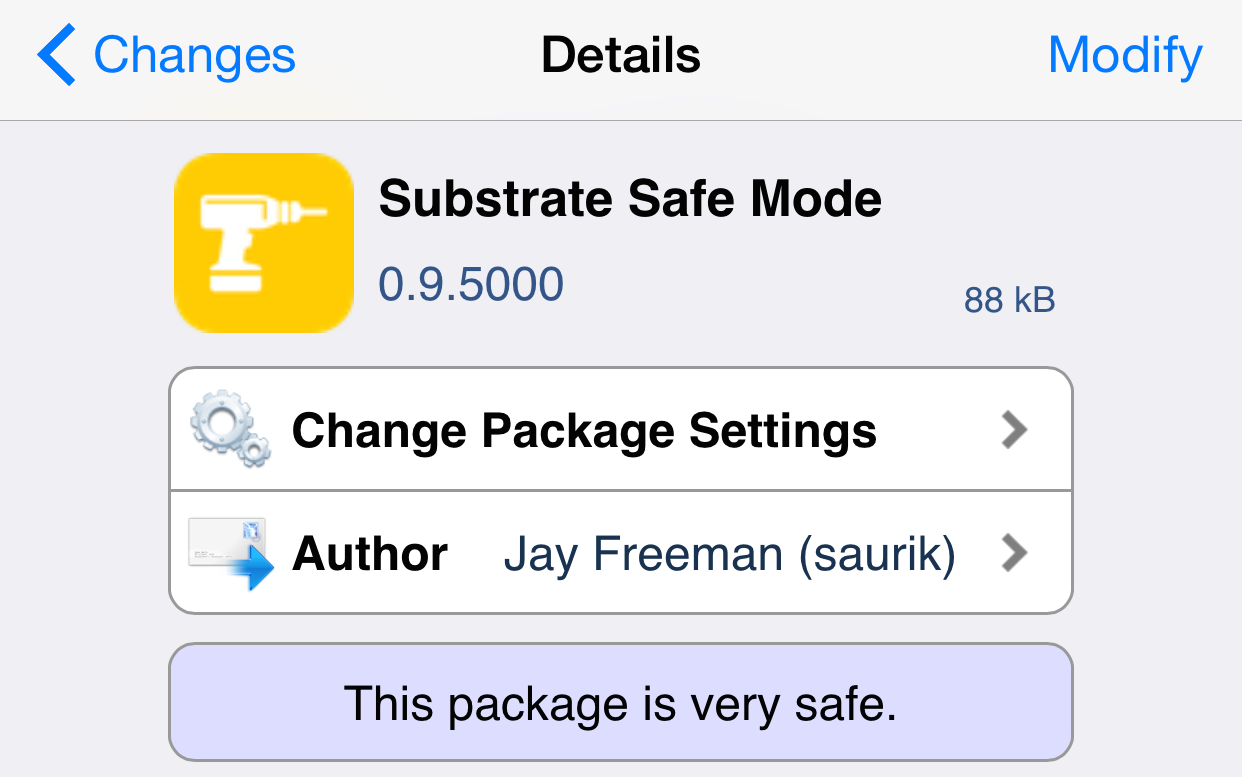
Substrate Safe Mode, the package that allows jailbreakers to safely boot into Safe Mode and remove uncooperative packages, has been updated to version 0.9.5000. The update, which was pushed by Saurik just recently, fixes a fairly significant issue related to CPU usage.

Safe Mode works similar to the Safe Mode on desktop machines, as it allows you to boot without loading certain extensions, allowing you to troubleshoot problem extensions. Have a look inside for more details.

IntelliScreenX for iOS 8 is live now, here’s our full video walkthrough

Get ready for IntelliScreenX for iOS 8 to touch down any minute now! The update, which is being released as an open beta, is scheduled to appear on Cydia's ModMyi repo sometime tonight. If you're somehow unfamiliar with IntelliScreenX, it's a tweak that allows you to supercharge your Notification Center. It brings the ability to add Twitter, RSS, Mail, Facebook, and more to the Notification Center, and features Lock screen access as well.

IntelliScreenX is by far one of the deepest jailbreak tweaks of all time, and it's the reason why a lot of people jailbreak. We've been able to go hands-on with a copy of the IntelliScreenX for iOS 8, and have tested it on a jailbroken iPhone 6 Plus.

Intelliborn has been working hard to prepare ISX for iOS 8 and for the new iPhones, and their hard work has paid off. Have a look at our full 12+ minute video walkthrough inside for the details on why this tweak remains such a staple for jailbreakers everywhere.

CallBar updated for jailbroken devices running iOS 8

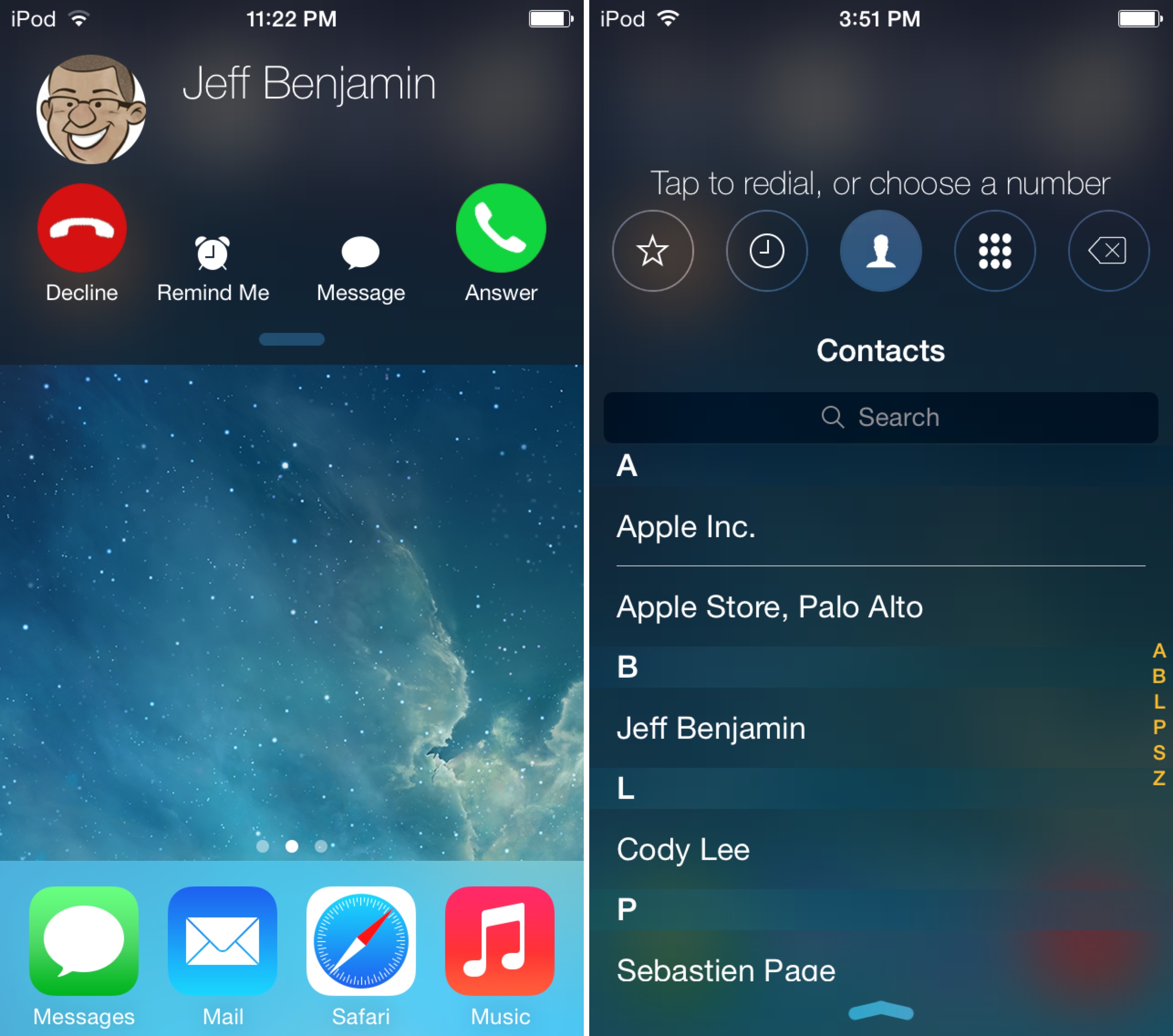
Hot on the heels of a major iOS 7 revision, CallBar has been updated to play nice with iOS 8 and the new iPhone 6 and 6 Plus. CallBar is a tweak that makes it possible to make and take calls from anywhere on your device, even while engaged in using another app.

CallBar is a great jailbreak tweak for those of you who feel that iOS' stock calling features are intrusive. Have a look inside at our video walkthrough for more information on what makes this tweak a must-have.

Let’s Talk Jailbreak 81: Shake it off

Episode 81: Sebastien and Cody finally join the jailbreak party after Pangu for Mac is released. We discuss a ton of new jailbreak tweaks, the future of jailbreaking, and much, much more.

Subscribe via RSS

This episode has no sponsor, but you can always support Let’s Talk Jailbreak and iDB by downloading our OS X Yosemite Interactive User Guide in the iBooks Store.

Cydia Substrate receives key developer-oriented updates

Cydia Substrate had been updated twice, once to version 0.9.5100, and again to version 0.9.5101. Both updates are mostly developer oriented with no consumer facing features that everyday users will notice.

The first update can inject into more iOS 8 daemons, find more private symbols, and more. The second update fixes an incompatibility with the first update. Check inside for the full change log.