Jeff Benjamin

Jeff has been with iDownloadBlog since 2010, acting as resident video specialist, and tutorial expert. He earned his degree in Computer Network Systems back in 2001, but decided Cisco routers and the like just weren’t for him. Since then, he’s been heavily involved with online writing. He’s written for numerous tech and video game sites since the late 1990′s, and has a knack for explaining things in a simple, clear, and concise manner. Jeff works primarily from the east coast on his Retina Macbook Pro, and shoots video with a Canon DSLR. During downtime he likes to travel the world, visiting the various Apple Stores across the globe. You can email him at jeff [at] idownloadblog.com and follow him on Twitter @JeffBenjam or on Google+.

How to jailbreak iOS 8.1.1 and iOS 8.1.2 with TaiG

iOS 8.1.1 is now officially jailbroken, and it's one of the easiest jailbreaks that I've experienced in my long history of jailbreaking. As we first noted, the TaiG team, not the Pangu team, is responsible for the iOS 8.1.1 jailbreak, which was released for Windows users early this morning.

I've personally tested out the TaiG jailbreak tool for iOS 8.1.1, and can report that it works. In fact, it installs Cydia straight out of the box, and it's super easy to follow along, even though the tool hasn't been translated to English. In this tutorial, we will show you how to use TaiG to jailbreak iOS 8.1.1.

Update: This tutorial was written for iOS 8.1.1, but you can follow the same directions to jailbreak iOS 8.1.2. Simply make sure you use the latest version of TaiG.
A few observations about the TaiG iOS 8.1.1 jailbreak

In what seems to be the rule more than the exception these days, a jailbreak was released out of the blue with basically no prior warning, catching us all by surprise. It's great to be surprised by something so random, but it's also a tad disconcerting and tends to send us scrambling to dissect details and separate fact from fiction.

As you've seen already, we've personally tested out the TaiG jailbreak tool for iOS 8.1.1. Should you take the plunge now? Here's what we know thus far.

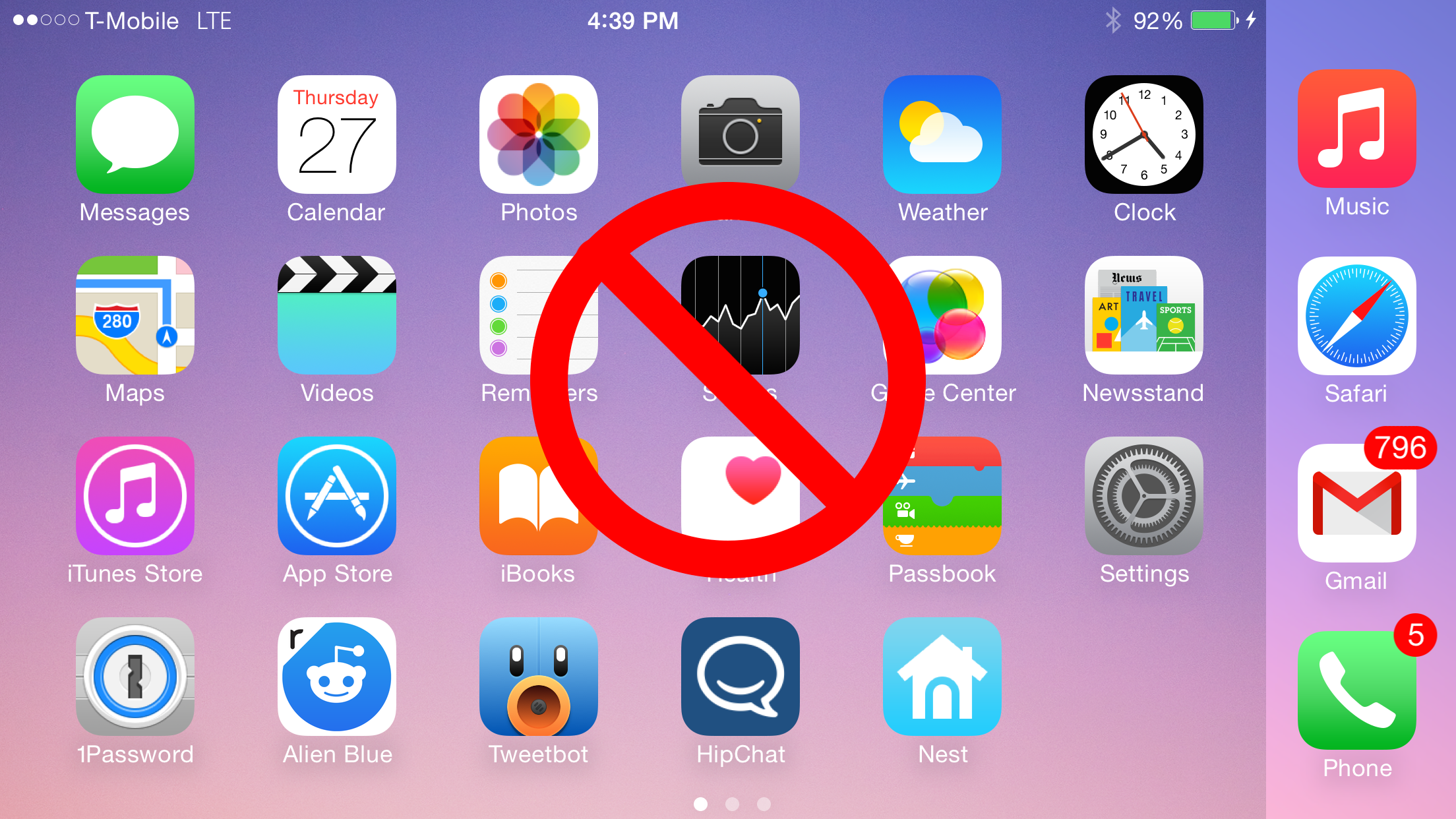
How to disable SpringBoard rotation on the iPhone 6 Plus

One of the big advantages of the iPhone 6 Plus when compared to the iPhone 6 is the 6 Plus' ability to rotate into landscape mode while on the SpringBoard. Home screen rotation also works with smaller devices that use upscaling tweaks like LittleBrother or Upscale.

If you're someone who find the Home screen rotation to be annoying, then you may be interested in disabling the rotation outright. Notate is a brand new jailbreak tweak that allows you to do just that. Have a look inside for all of the details.

Work in progress tweak makes CarPlay work without an external display

Renowned jailbreak developer Adam Bell is working on an interesting project that makes it possible to use CarPlay without the normal external display requirements. The tweak, which is currently a work in progress, will make it so that users can reap the benefits of the simplified CarPlay interface, without the need of buying an expensive CarPlay enabled head unit.

The possibilities for such a tweak are extremely interesting. For example, you could, in theory, mount an iPad in your car and use it instead of using your stock head unit. The benefits of using an iPad are multifaceted, with one of the main benefit being the better responsiveness of the iPad's capacitive touchscreen over the resistive touchscreens found in many head units.

Bell has created a video to showcase his work thus far and it looks very promising. Step inside to see the preview, and find more details about this ambitious project.

Review: AppHeads an incredibly fast iOS multitasking tweak

AppHeads, the tweak that brings a fast multitasking experience to iOS7 and iOS 8, is now available for download on Cydia's BigBoss repo. Inspired by Facebook's ChatHead system, AppHeads brings a fresh and new multitasking method to iOS.

We've already previewed the tweak once before, and now it's available for purchase for $4.99. Is it worth its relatively steep asking price? Does it live up to the hype and potential? Check inside for the video walkthrough and review.

‘Pyx’ adds smooth animations to the iOS app switcher

Looking to change up the look of the App Switcher animations on iOS 8? If so, then look no further than Pyx, a $0.99 jailbreak tweak that allows you to add over half a dozen animations to the App Switcher.

As you'll see from our video walkthrough inside, Pyx isn't the most elegant tweak that you'll run across, but it works well enough to leave most satisfied with the results. Have a look at our video for the full scoop.

WatchBoard: a new Apple Watch SpringBoard replacement for iPhone and iPad

Aaron Ash, the creator of the legendary jailbreak tweak called Barrel, is back with a brand new creation called WatchBoard. WatchBoard is based off of the Apple Watch UI, and it's the best implementation of said concept that I've seen thus far.

Ash's expertise in this area is immediately apparent when it comes to design decisions, settings, etc. Not only that, but the tweak works on both the iPhone and the iPad. Have a look at our video walkthrough of WatchBoard after the break to see what makes it so good.

Let’s Talk Jailbreak 83: The reasonable yes man

Episode 83: We discuss the fact that Apple is still signing iOS 8.1, downgrading tips for those running iOS 8.1.1 or iOS 8.2 beta, iH8sn0w's iOS 8.1.1 jailbreak, along with several new jailbreak tweaks that we've recently tried.

Subscribe via RSS

This episode has no sponsor, but you can always support Let’s Talk Jailbreak and iDB by downloading our OS X Yosemite Interactive User Guide in the iBooks Store.

WiFried: a new tweak to fix iOS 8’s Wi-Fi performance issues

Developer Mario Ciabarra, best known for his work on big Intelliborn tweaks like MyWi and My3G, is back with a brand new tweak that claims to do some great things for people experiencing Wi-Fi issues on iOS 8. WiFried is the name of his new tweak, and its purpose is to fix the persistent Wi-Fi issues that occur for a lot of iOS 8 users. That sounds good and all, but the question is, will it work?

Let’s Talk iOS 057: Get it got it good

Episode 57: A discussion about Black Friday deals, 4K on the iPhone and 4K television sets, huge iPhone sales projections, iPhone camera rumors, and much, much more. It's a jam-packed episode filled with tasty goodness. Join us.

Subscribe on iTunes

Thinkful, a service that will teach you how to code iOS apps. For 10% off, go to www.thinkful.com/ios

SnooScreens lets you set wallpaper from your favorite subreddit

SnooScreens is a jailbreak tweak that allows you to change your iPhone's wallpaper based on images appearing on a subreddit of your choice. Once the tweak is installed, all you need to do is configure a subreddit, adjust some of the tweak's options, and assign an Activator gesture.

Upon invoking the Activator gesture that you assign, SnooScreens will cause the Home screen and/or Lock screen wallpaper to reflect the top image post on a subreddit or an image at random from the front page. Have a look at our video walkthrough after the break for a look into how this tweak works.

Slide2Kill8 Pro lets you kill apps in a variety of ways

Slide2Kill8 Pro is a jailbreak tweak that allows you to kill apps in a variety of different ways via the App Switcher. The tweak includes "switcher actions", which allow you to kill apps directly via the switcher cards, along with "icon actions", which let you kill apps using the app icons that reside beneath the app switcher cards.

Each action in Slide2Kill8 Pro can be customized to some degree, allowing you to kill all apps, kill single apps, do nothing, or show a quick menu. The quick menu allows you to close all apps, invoke Control Center, and invoke Notification Center.

If you're looking for a way to enhance app management, particularly when it comes to force-closing apps, then you need to take a look at Slide2Kill8 Pro. Check out our full video walkthrough inside.