Find out why your Mac feels slow and explore potential solutions to help restore its speed and performance.
Why your Mac is slow and quick tips to fix it
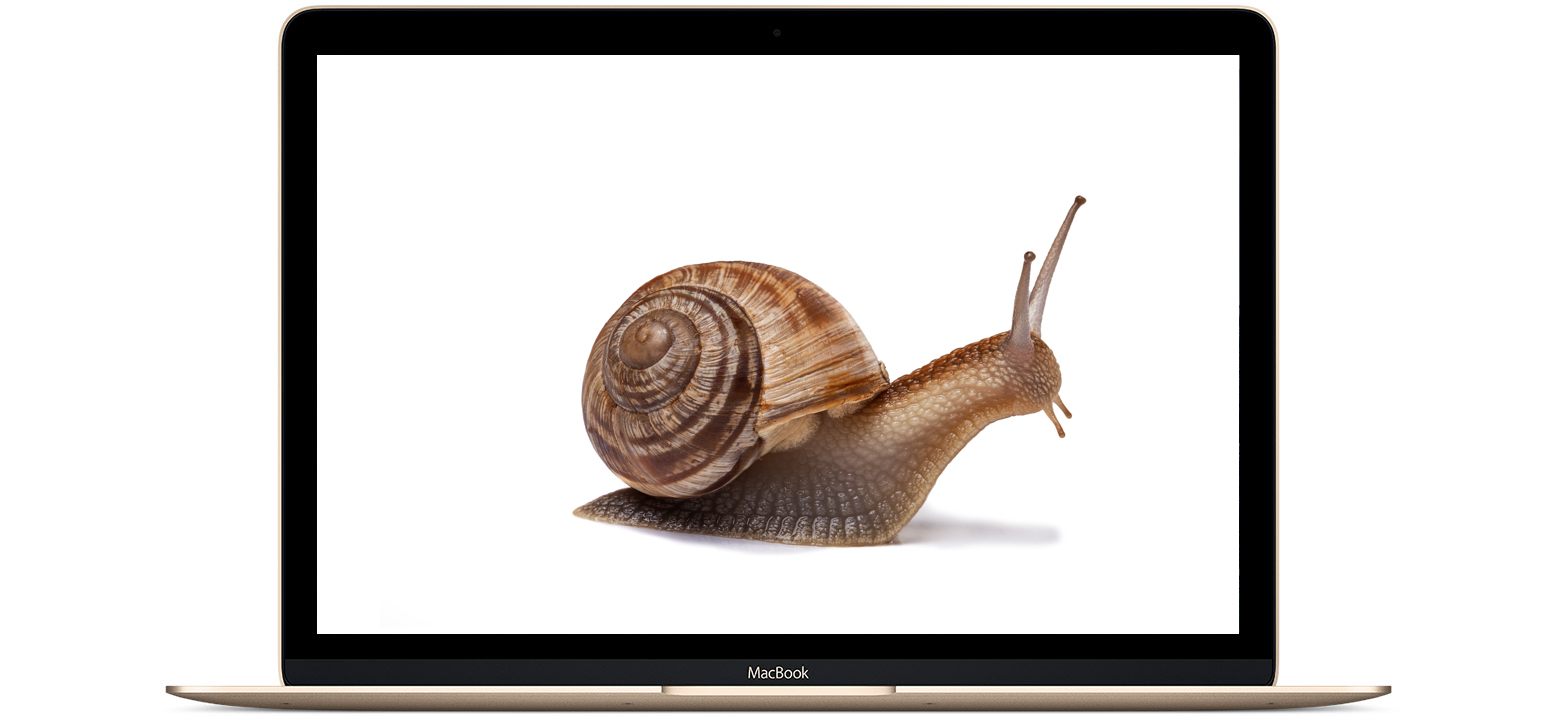
Find out why your Mac feels slow and explore potential solutions to help restore its speed and performance.
The Apple TV 4 has a completely new operating system called tvOS, which sits right alongside OS X, iOS, and watchOS in Apple's operating systems.
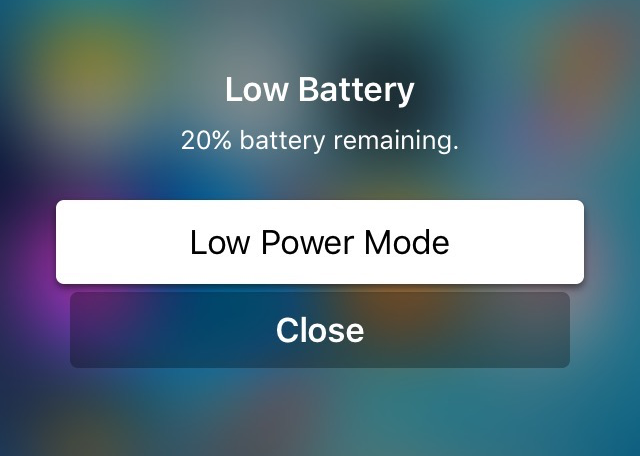
One of the nice parts about tvOS is the design of the alerts and notifications. In fact, iOS developer Robin Vekety (@Integeritis) thought it would be a cool idea to port the new alert style over to the iOS experience for those with jailbroken devices.

A lot of us use our Macs not only for our daily lives, but also for our work. The problem is, with all of the internet at our fingertips, it can be hard to stay focused when the allure of social networking, like Facebook and Twitter, as well as other things you can do to slack off, are no more than just a click away.
That's the idea behind the creation of an awesome free app for your Mac called Escape by FocusList, which tracks how much you slack off each day and provides you with a daily report for your viewing pleasure.
In this piece, we'll give you a look at the software and how it works; you might even find interest in trying it out for yourself!

Restoring your iPhone, iPod touch, or iPad can resolve a variety of issues, but sometimes you'll experience issues even when you try to restore your device(s) with iTunes.
You may have received a "This device cannot be restored Error XXX" message from iTunes before, and unfortunately, you may have been forced to do some research to even begin to understand why you're getting the error, which can cause tons of frustration.
In this piece, we'll talk about some of the most common iTunes restore errors and how to fix them so you don't have to spend hours researching for solutions by yourself.

Apple has a wide variety of Macs to choose from, so if you're in the market for a new one, you might need some help deciding which one is going to be right for you. Fortunately, for anyone who needs a quick and reliable way to compare specs, prices, and features of Apple's various Mac models, Apple has an online comparison tool that is perfect for this need.

Looking for a new minimalist take on the Lock screen clock for your iOS device? If so, then a new jailbreak tweak called miniTime might be worth stopping to take a look at.
This tweak gives you various options for shrinking down the Lock screen clock to more comfortable viewing sizes, and even comes with some other customization goodies you can use to make the Lock screen more your own.
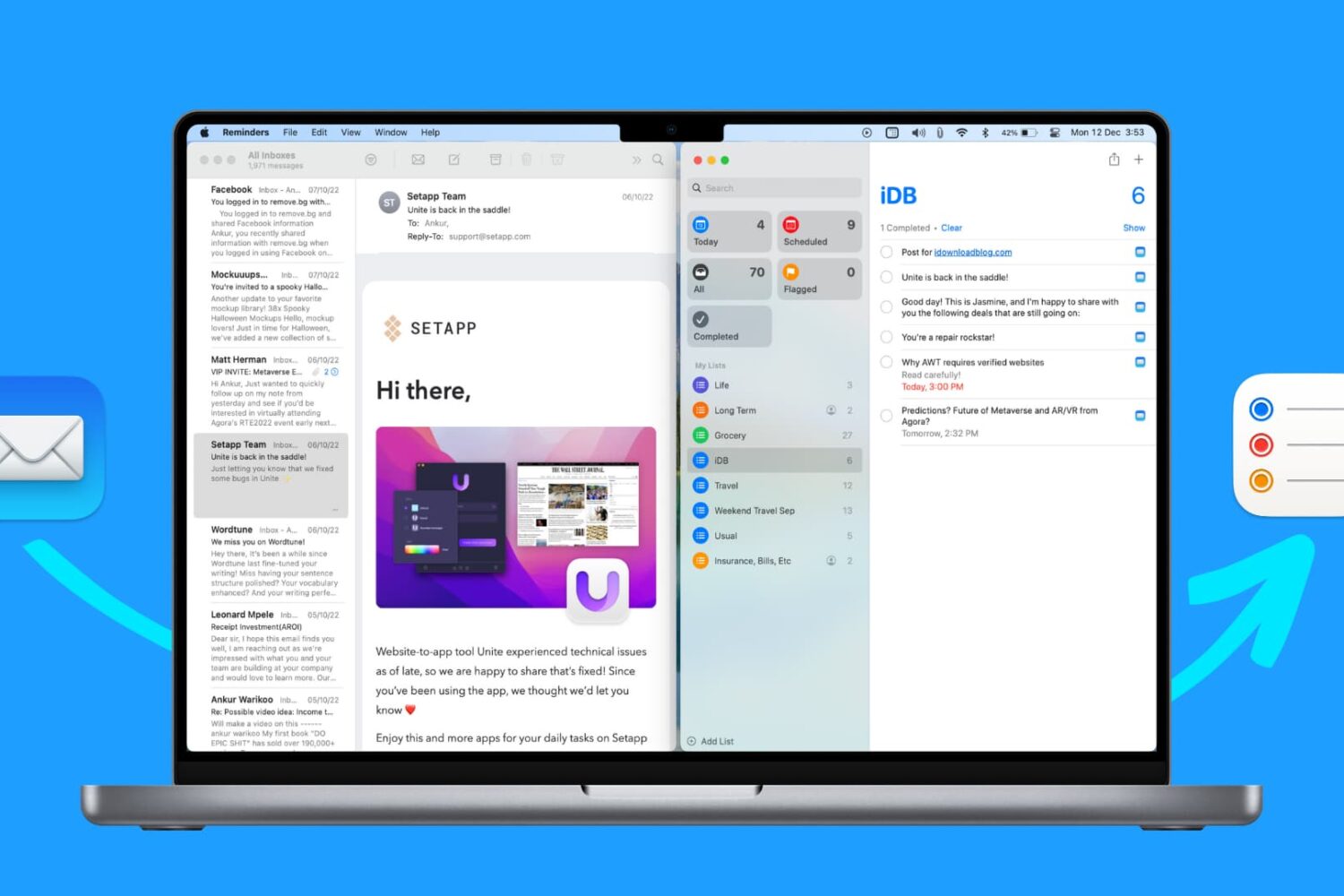
Find out how to use the Reminders app on Mac to remind yourself about specific emails you receive in the Mail app.
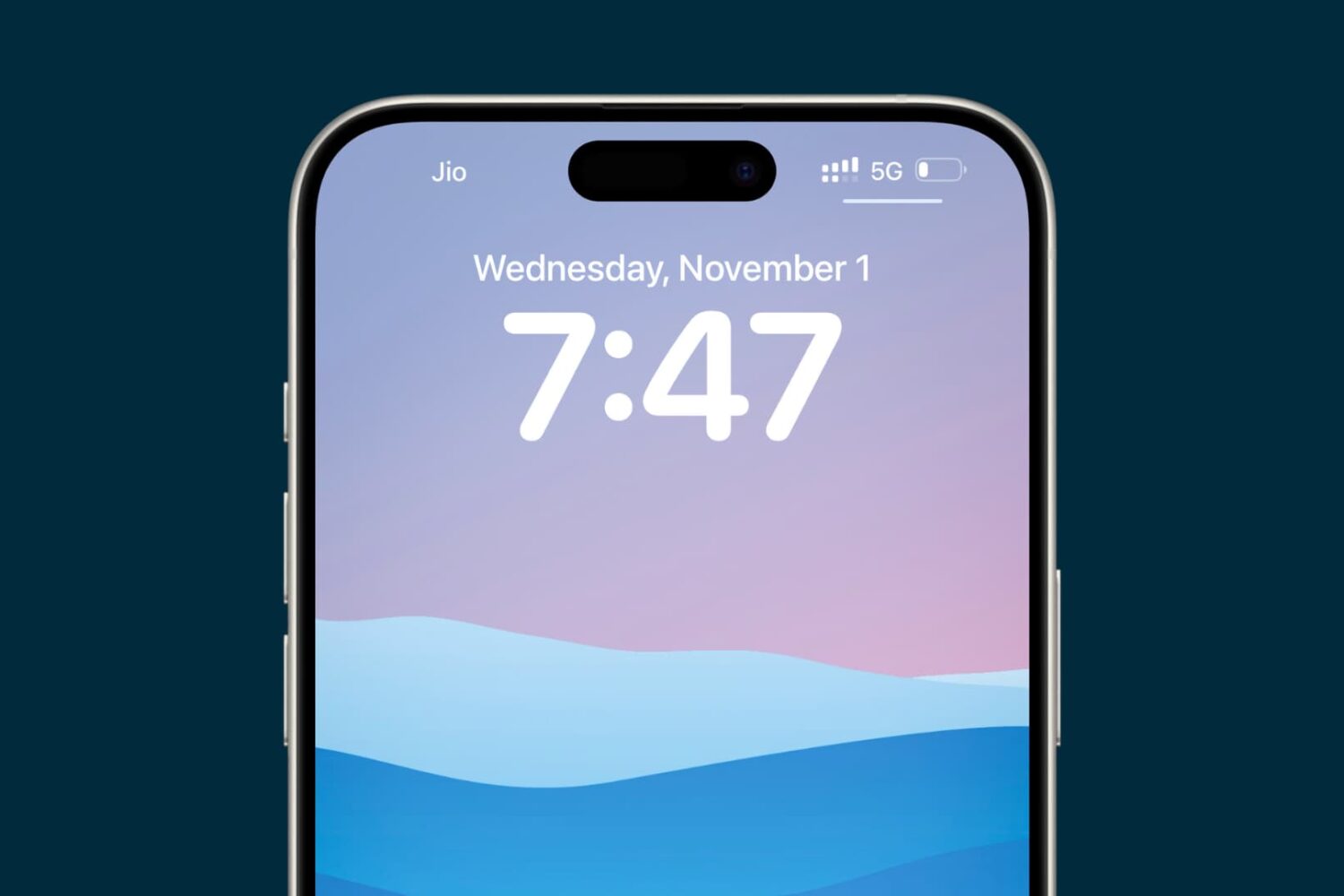
Figure out why your iPhone or iPad is displaying an incorrect date or time, and check out the solutions to resolve this issue.

MacID, the popular app for iPhone and iPad that lets you use Touch ID or your Apple Watch (and yes, even your Pebble) to unlock your Mac over a Bluetooth connection, is on sale in the App Store this week for 75% off the usual price.
The app received an important update over the weekend with support for new features found in iOS 9.3 and watchOS 2.2, giving users the ability to configure multiple Apple Watches with MacID and use them to unlock their Mac.
Marked at just $0.99 for a limited time, you can grab MacID and start using your iOS device's Touch ID sensor or Apple Watch to unlock your Mac instead of typing in a password each time it locks itself.
Anyone who uses WhatsApp Messenger who has been looking for a truly free native-style desktop app experience on their Mac has been hard-pressed to find a really good client that didn't have hidden costs and worked extremely well in the same package.
Fortunately, FreeChat for WhatsApp is an app on the Mac App Store that you can download on your Mac at no cost whatsoever, and it will work exactly how you would expect a WhatsApp Messenger client to work on your Mac without any hidden costs, ads, or caveats

Learn how to stop incoming calls on your iPhone from ringing your iPad, Mac, Apple Watch, and other devices to reduce multiple notifications every time a call comes in.