Anthony Bouchard

Anthony Bouchard joined the iDownloadBlog.com team in 2016 after originally covering Apple and iPhone jailbreak news at ModMyi.com. As an experienced editor, he brings more than 15 years’ worth of jailbreaking knowledge to our in-depth guides, opinion pieces, and news articles. His passion for device customization and user choice sparks his strong push to empower readers with the tools they need to explore and enjoy the freedom that comes with jailbreaking. Anthony blogs about not only jailbreaking, but also Apple software & accessories, drones & photography, and Nintendo gaming systems. Anthony honed his advanced technical knowledge over the years with hands-on projects ranging from gaming PC builds to engine repair mechanics. His never-ending hunger for knowledge is why you’ll always find him tinkering – tearing things apart and putting them back together to understand what makes them tick.

Simple tips for safely cleaning your Mac and other Apple devices

Cleaning Mac keyboard

Your Mac, iPhone, iPad, Apple Watch, and/or any other other fancy high-tech devices you have are fun to use, but they'll easily get dirty and collect dust, sneeze splatter, and bacteria from your fingers over time, whether they're used frequently or not.

To combat grime, you can clean your devices every so often, but like anything else, there's a right and a wrong way to do this.

In this piece, we'll share with you some handy tips for cleaning your Mac and other Apple devices safely so you don't accidentally damage them.
Fixing common problems with charging your iPhone or iPad

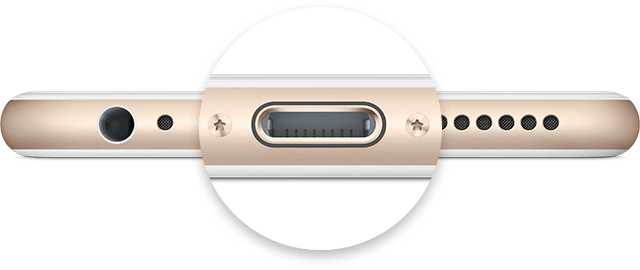
Not only did Apple spend a ton of money and time in the research leading up to its proprietary reversible Lightning cable for charging, but they've also made the software that handles charging your iOS device intelligent too.

Nevertheless, charging your device can sometimes be followed by some frustrating problems, and they're all too common. In this piece, we'll go over some of those problems charging iPhone and iPad, and what you can do to troubleshoot them.

Jailbreak tweaks of the week: Palert, Exsto, & more…

Despite Cydia's dry spell, which is due to the lack of a jailbreak on the latest iOS firmware, jailbreakers are remaining diligent and Cydia continues to kick with new releases.

In a recent poll, about one quarter of our readers said they would not upgrade to iOS 9.3 until there was a jailbreak. For those that are continuing to go on with their jailbreak, we'll continue to have coverage of the best releases.

In this roundup, we'll go over the best jailbreak tweak releases to hit Cydia this week!

Exsto gives iOS folders a radial launching interface

Folders are a great way to conserve space on your iPhone's Home screen, but the animation for opening folders and the folder interface itself are so boring; c'mon Apple, you can do better than that!

Fortunately, a new jailbreak tweak called Exsto is now available in Cydia for just $0.99 and it transforms your folder experience in iOS. In this review, we'll be talking all about Exsto and showing you how it works.

6 great jailbreak tweaks for the Messages app

If you have an iOS device, then you already know one of the main features is the Messages app. On iPhone, it serves as an iMessage and SMS platform; on iPod touch and iPad, it serves as an iMessage platform only. Nevertheless, you can even use your iCloud account to sync your SMS messages with all your devices across the board.

Despite how useful it is to be able to message anyone on demand from any of these devices, jailbreaking has opened many doors for incredible functionality for the Messages app that Apple has yet to implement in iOS in its stock form.

In this roundup, we'll be showing you some of our favorite jailbreak tweaks for iOS 9 that enhance the messaging experience in Apple's mobile operating system.

This tweak lets you copy the Bundle ID of apps with 3D Touch

Those that are into theming or other jailbreak-based device modifications that may require knowledge of app bundle IDs may find a new use for a jailbreak tweak dubbed CopyBundleID.

With this tweak, getting the bundle ID of an app has never been easier. We'll walk you through the tweak and show you how it works all in this short review.

iFixit tears down iPhone SE, reveals some interchangeable 5s parts

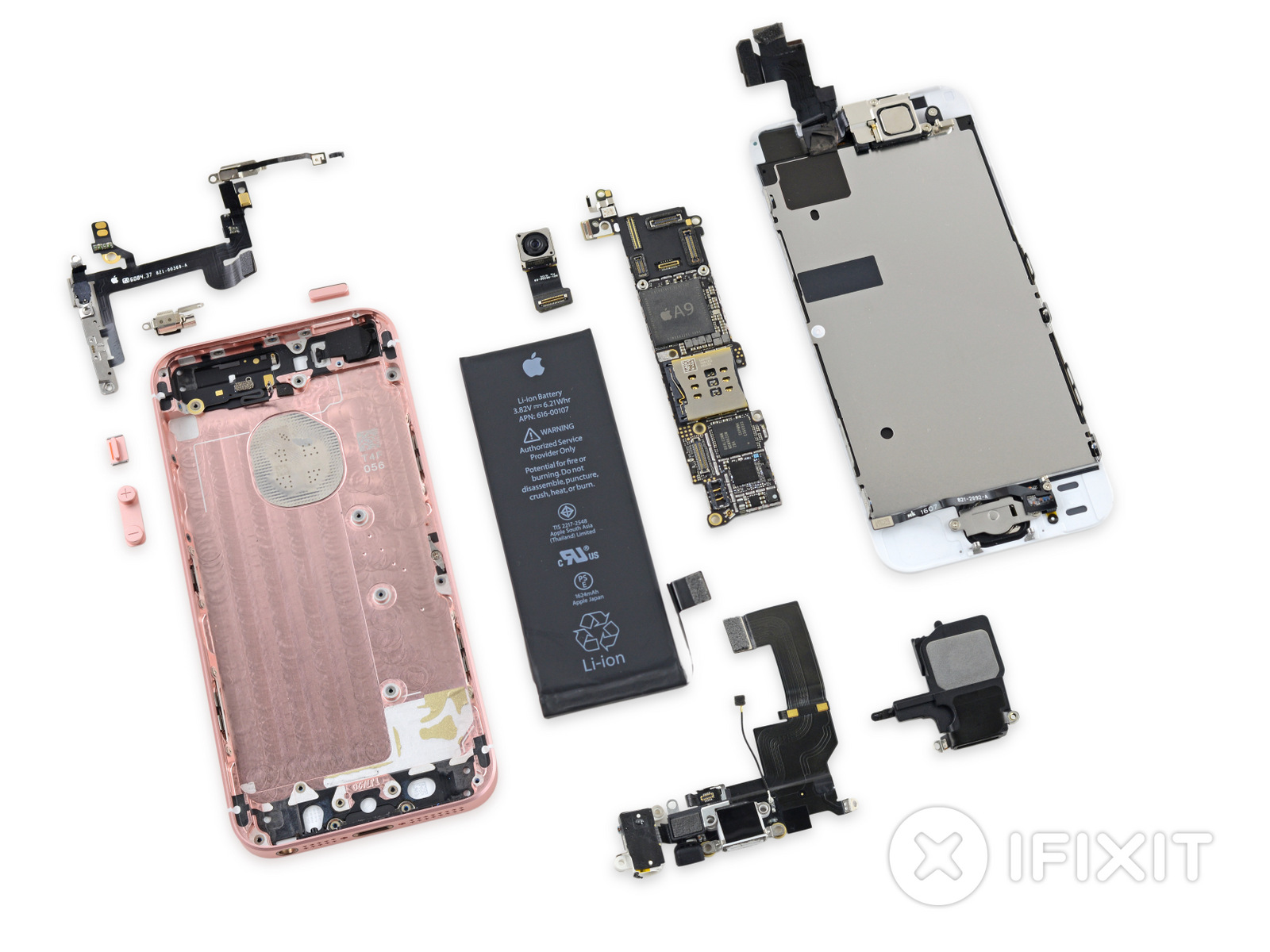
Following the first day of availability of the iPhone SE, iFixit has gotten their hands on their own unit and has started their ritualistic practice of disconnecting every little screw, cable, and hinge that comes on it.

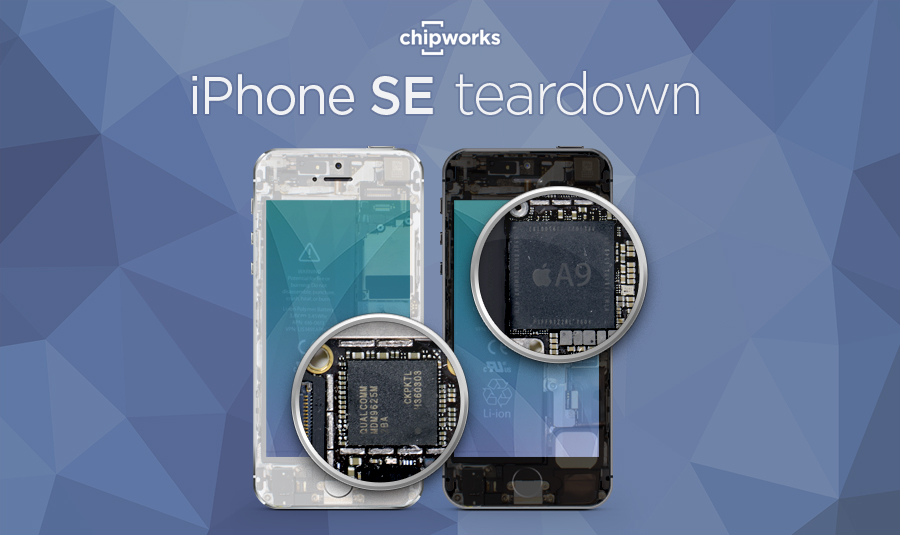
The iFixit teardown comes a day after Chipworks' version, which revealed a lot of familiar parts in the iPhone SE that could be found in previous iPhone models, such as the 5s, 6, and 6s.

iFixit has not only confirmed these findings from Chipworks, but also provides some new insight about the iPhone SE's parts that is sure to interest its consumers.

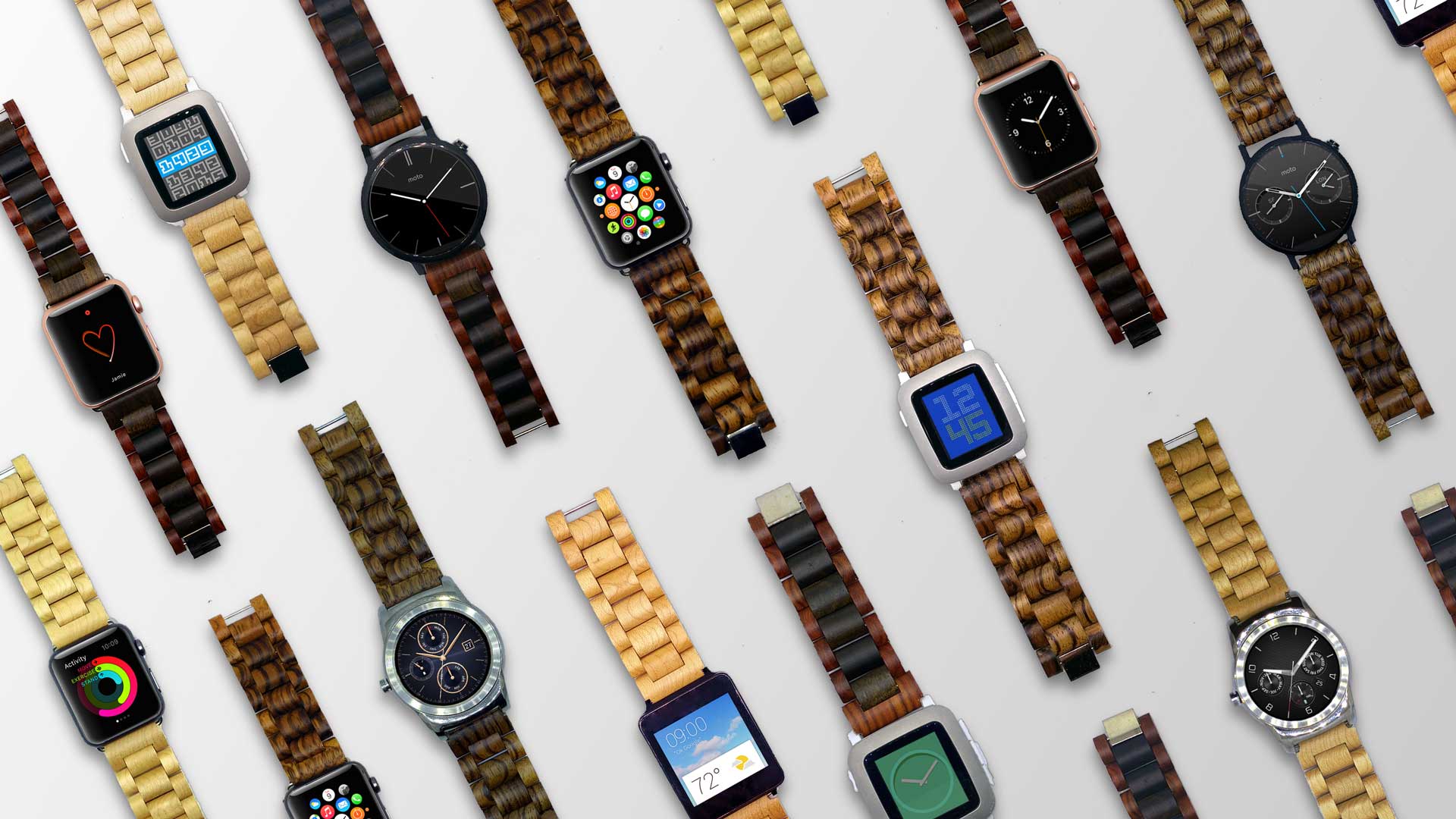
Ottm Apple Watch bands are made of 100% hardwood

When it comes to wearable technology, such as the Apple Watch and many other competing smartwatches on the market, fashion plays a big role. This isn't just something you take in and out of your pocket all day long; it's something you wear.

For that reason, a startup is launching an Indiegogo campaign for a new Apple Watch band made completely of wood, and it's being called Ottm.

Ottm will come in different kinds of wood colors and fit both 38mm and 42mm Apple Watches, as well as other smartwatches, and they're hand-crafted to ensure they're of the highest quality possible.

Teardown of iPhone SE finds hardware is a collage of 5s, 6, and 6s parts

The first legitimate hardware teardown of Apple's new 4-inch smartphone, the iPhone SE, has been conducted by Chipworks. Apple just unveiled this new handset at its recent 'Let us loop you in' event alongside the new 9.7-inch iPad Pro.

The teardown finds that the iPhone SE is more than just a new generation of smaller iPhone from Apple, but that it's actually a very clever device that takes the best from the performance world and combines it with the economics of older devices. This allows Apple to provide a product at a cheaper cost, but with similar performance.

As the teardown reveals, the iPhone SE is actually a Frankenstein of iPhone 5s, 6, and 6s parts that all work together to create a powerful 6s-like performance experience in a smaller 4-inch package.