Anthony Bouchard

Anthony Bouchard joined the iDownloadBlog.com team in 2016 after originally covering Apple and iPhone jailbreak news at ModMyi.com. As an experienced editor, he brings more than 15 years’ worth of jailbreaking knowledge to our in-depth guides, opinion pieces, and news articles. His passion for device customization and user choice sparks his strong push to empower readers with the tools they need to explore and enjoy the freedom that comes with jailbreaking. Anthony blogs about not only jailbreaking, but also Apple software & accessories, drones & photography, and Nintendo gaming systems. Anthony honed his advanced technical knowledge over the years with hands-on projects ranging from gaming PC builds to engine repair mechanics. His never-ending hunger for knowledge is why you’ll always find him tinkering – tearing things apart and putting them back together to understand what makes them tick.

Jailbreak tweaks of the week: Edge, SlideMe, & more…

It's Sunday again, and that means we'll be sharing a list of all the jailbreak tweaks that were released in Cydia this week.

Although Cydia isn't quite as busy as it is when there's a fresh jailbreak out and about for the latest iOS firmware, Cydia is still kicking with some interesting releases.

In this roundup, we'll show you our favorite jailbreak tweak releases of the week first, and then we'll get to showing you the rest.

This tweak keeps you from accidentally deleting your Messages app conversations

A problem that has happened to me more than once is I've accidentally deleted a really important SMS or iMessage conversation in my Messages app, and had no way to get that stuff back again.

A new free jailbreak tweak called MessagesDeleteConfirmer has just hit the Cydia store and ensures you won't be deleting conversations by accident in your Messages app any time soon.

In this review, we'll show you how it works and explain why it can be a life-saver.

Brevis lets you customize your 3D Touch Quick Action menus

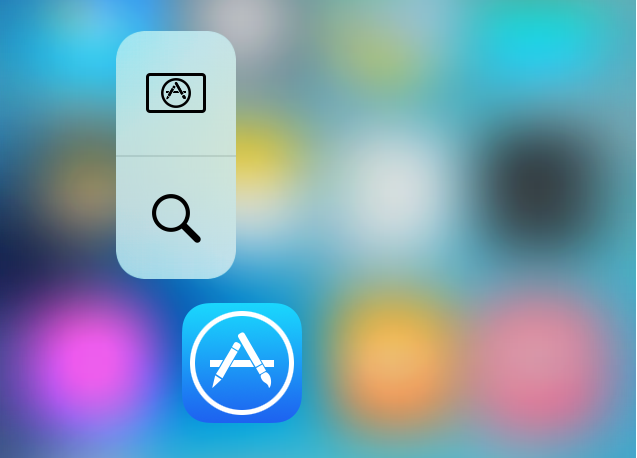
If something looks a little different to you in the 3D Touch Quick Actions menu examples above, that's because you are seeing the effects of a new jailbreak tweak called Brevis, which is available now in Cydia for $1.00.

What this tweak will allow you to do is customize the look and feel of your Quick Action menus on your 3D Touch-enabled iPhone.

We will be showing you how the tweak works and what it's capable of in this piece, and you might just want to pick it up yourself!

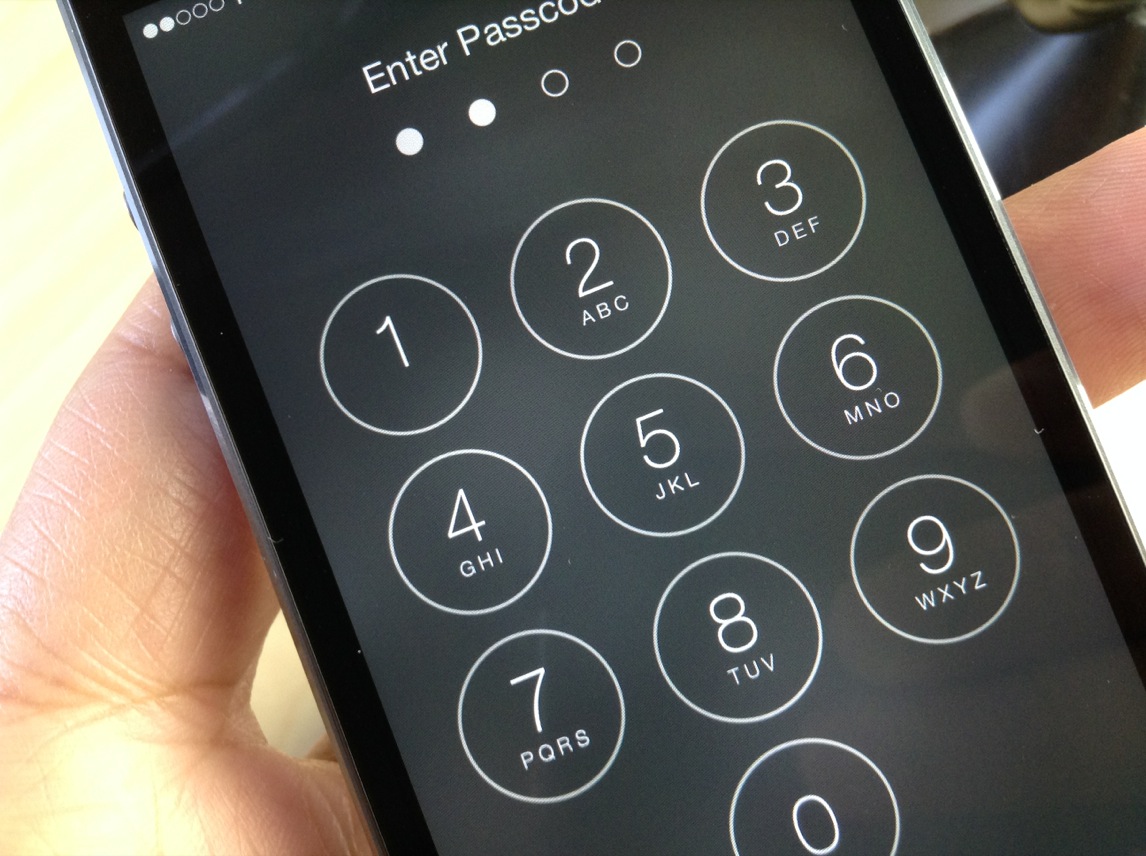
Callisto lets you use the current time as a passcode on your iOS 9 device

You may have heard that the best security is something that lays in plain sight. In some instances, this can be right, because people tend to over-think things.

A jailbreak tweak called Callisto is now available in Cydia's BigBoss repository for $1.49 that lets you use the current time for a passcode instead of something you set for yourself.

In this review, we'll walk you through how it works and show you all of the settings it comes with to make life more comfortable for passcode input.

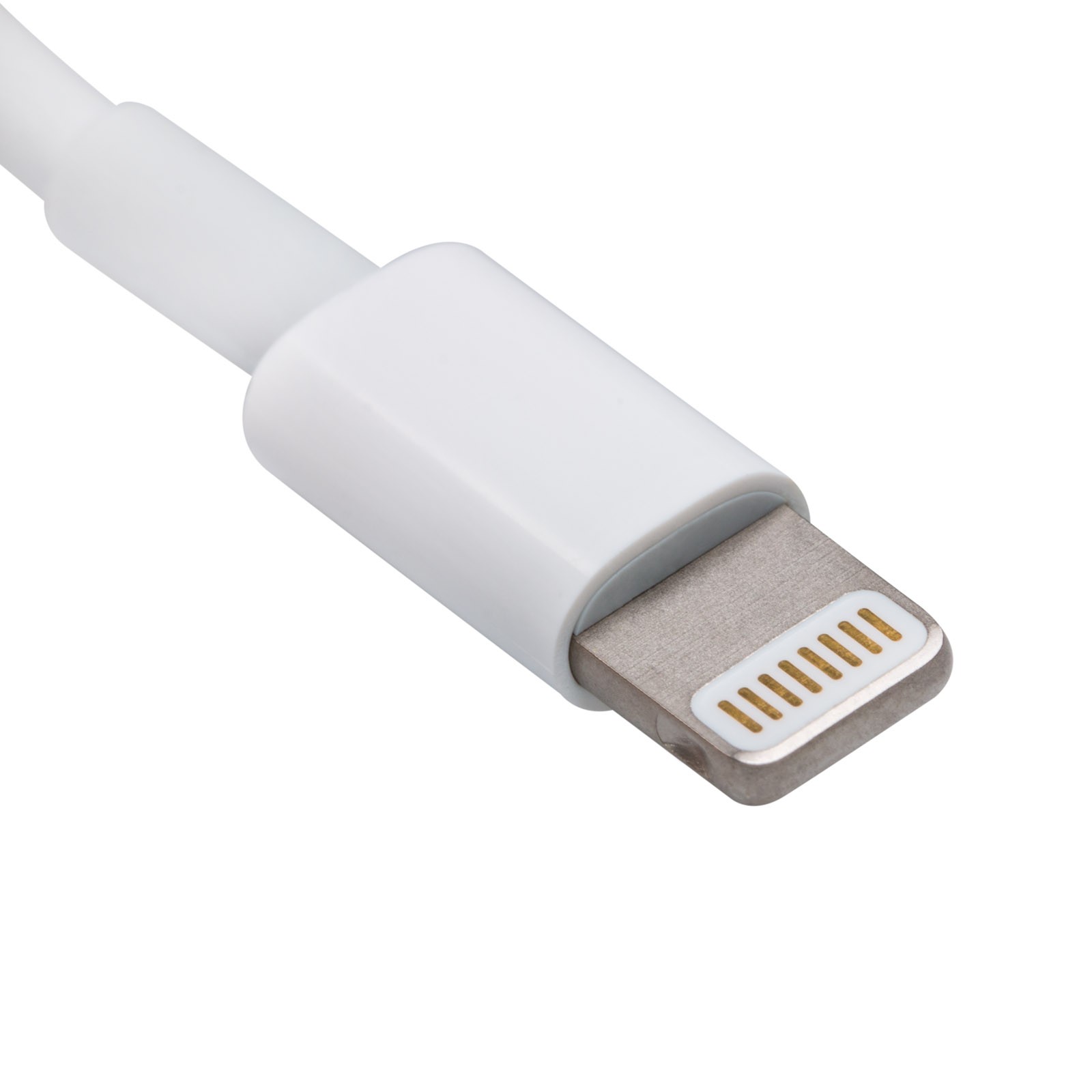
Spotting the signs of a fake Apple Lightning cable

Whenever you buy a new iPhone, iPod touch, or iPad, it'll come with a Lightning to USB cable that you will use to charge and sync your device. On the other hand, you have to be careful when you buy these cables separately, especially online, because you could end up with a counterfeit cable.

A counterfeit is a cable that tries to look just like Apple's OEM Lightning to USB cable, even though it isn't. Using these cables could have an adverse effect on your device, so we'll show you how to spot the differences between a counterfeit and genuine Lightning to USB cable in this piece.

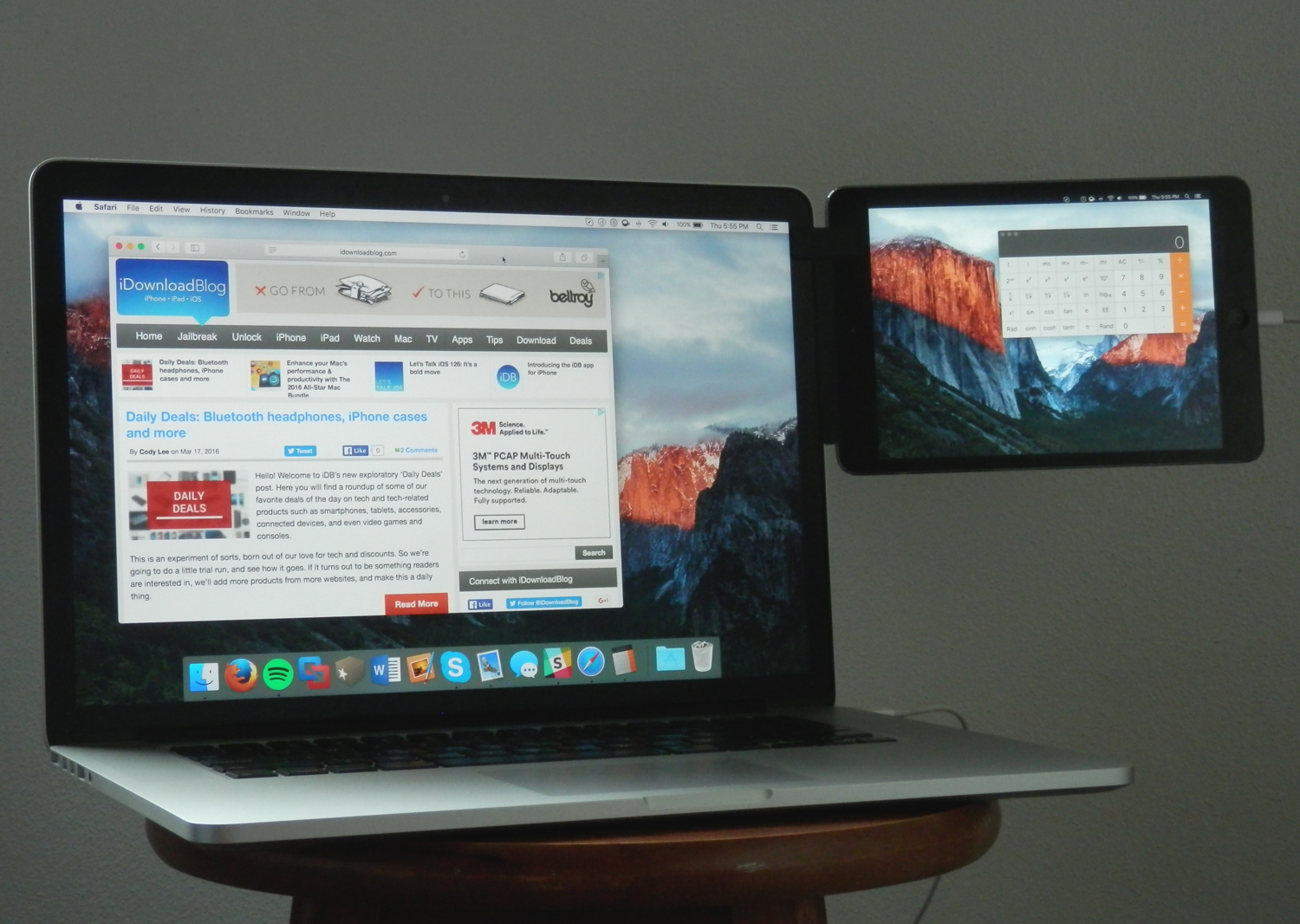
Mountie: a simple way to mount your iOS device side-by-side with your MacBook

Whether you're looking to make multitasking easier by having your iPhone, iPod touch, or iPad right next to your computer, or you're using some kind of screen-extension software like Duet Display, the Mountie by Ten 1 Design is a great way to use your iOS device side-by-side with your Mac or PC.

The Mountie, which can be had in either Blue or Green flavors on Amazon for just under $25, is an affordable way to keep your iOS device right where you want it – in front of your face – without needing to shell out big bucks on fancy desk stands.

In this review, we'll show you how the Mountie works and give you our general opinion on why you should or shouldn't consider it for your Apple accessory wish list.

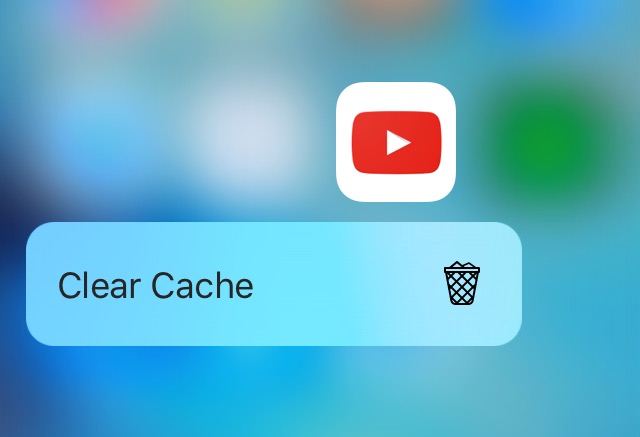
Lautus is a tweak that lets you clear app caches using 3D Touch

Over time, apps accumulate cache files that will take up valuable space on your device. Since iOS devices don't have upgradeable storage, users of devices with smaller storage capacities have to be careful and closely monitor the amount of storage space their apps are using.

Lautus is a new free jailbreak tweak that empowers users with clearing app caches as they grow over time and it utilizes 3D Touch for use. In this review, we'll walk you through how the tweak works and talk about what it does.

‘Edge’ brings a Galaxy S7-inspired feature to jailbroken devices

For those lurking the Changes tab in Cydia, you may have noticed an interesting new jailbreak tweak called Edge, which claims to bring a feature to iPhones that is typically found on a competing handset – the Samsung Galaxy S7.

Available in Cydia for $1.99, Edge lets you access a useful new menu from anywhere in iOS with a special slide gesture. The menu provides access to apps, tasks, contacts, and more, and in this review, we'll be showing you all about how the tweak works!

‘SlideMe’ gives your iPhone a rotary-style passcode unlock screen

Those interested in a different kind of passcode entry method from their Lock screens may be interested in a new jailbreak tweak called SlideMe, which just hit Cydia this week for $1.49.

Instead of the typical boring number pad, this tweak gives your Lock screen a rotary-style passcode input interface, as shown above. In this review, we'll walk you through SlideMe and show you what it's capable of.

How to remove unwanted email addresses from the Mail app on Mac

One thing I hate about the Mail app on my Mac is how when I go to enter someone's name to email them, macOS has a nasty habit of picking the wrong email address for that person and I always notice it when it's too late.

I had this happen to me the other day and my email was sent to the wrong inbox of that person – an email address that they don't even use anymore – so they never got the email I sent and I had to resend it.

If you've ever had this happen to you before, then you're reading the right tutorial, because we'll be showing you how to delete email addresses from Mac Mail history so they aren't auto-suggested for you when you start to type someone's name.