Anthony Bouchard

Anthony Bouchard joined the iDownloadBlog.com team in 2016 after originally covering Apple and iPhone jailbreak news at ModMyi.com. As an experienced editor, he brings more than 15 years’ worth of jailbreaking knowledge to our in-depth guides, opinion pieces, and news articles. His passion for device customization and user choice sparks his strong push to empower readers with the tools they need to explore and enjoy the freedom that comes with jailbreaking. Anthony blogs about not only jailbreaking, but also Apple software & accessories, drones & photography, and Nintendo gaming systems. Anthony honed his advanced technical knowledge over the years with hands-on projects ranging from gaming PC builds to engine repair mechanics. His never-ending hunger for knowledge is why you’ll always find him tinkering – tearing things apart and putting them back together to understand what makes them tick.

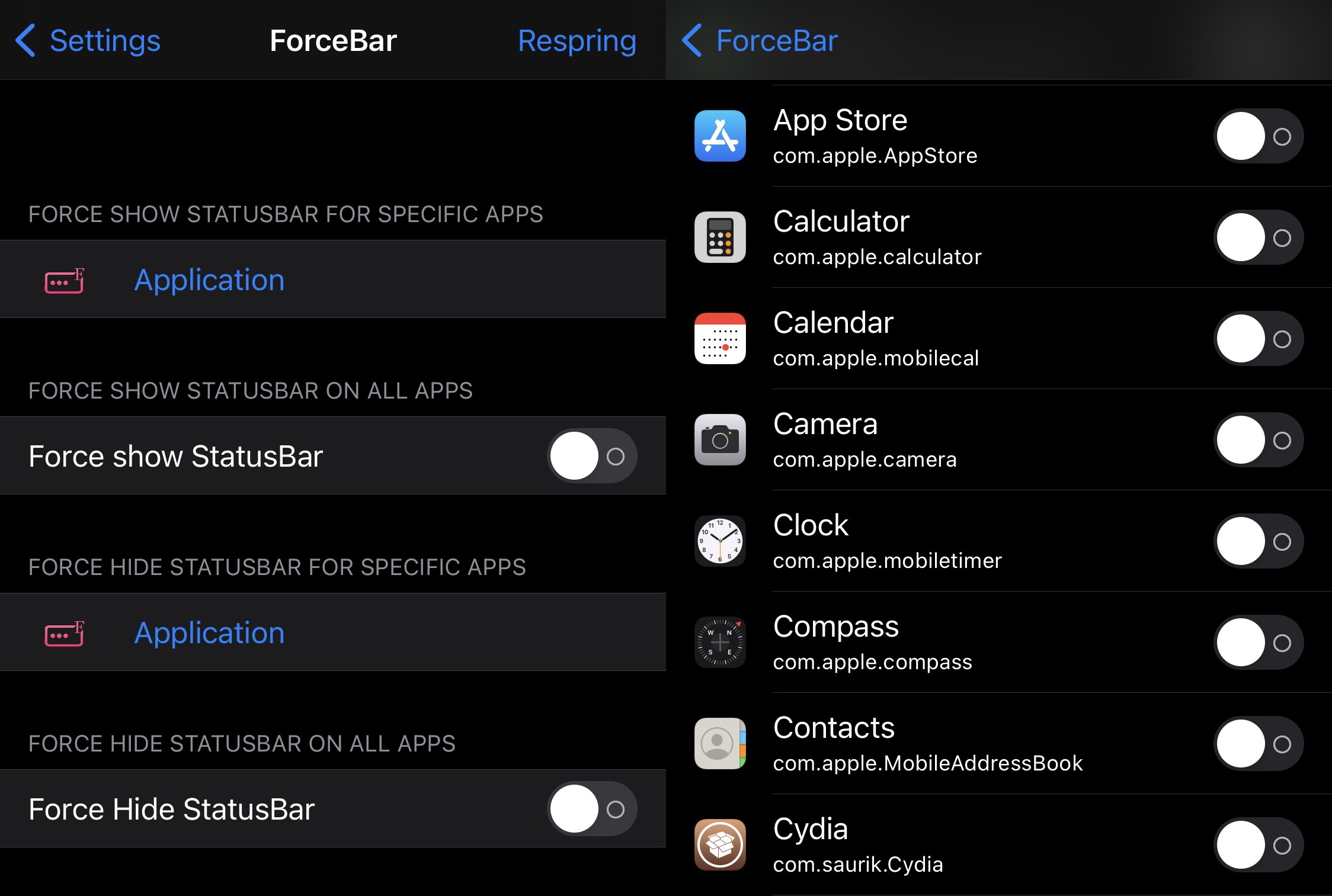
This new jailbreak tweak can forcibly hide or show the Status Bar for specific apps

The Status Bar is something I like to keep in view at all times since it displays pertinent information about my device including the time, my current battery level, and my current wireless signal strength — be it cellular or Wi-Fi.

Unfortunately, many apps hide the Status Bar from view when you might want to see it, especially when they’re designed to operate in full screen. Some apps even display the Status Bar when you might want to hide it. Sadly, Apple offers no configurations to alleviate these concerns.
How to get Sileo on your checkra1n or unc0ver device alongside Cydia (obsolete method)

Sileo and Cydia icons.

When you jailbreak your iPhone or iPad with checkra1n or unc0ver, the tool automatically installs the tried-and-true Cydia package manager by default. What you decide to do or install from that point on is up to you, whether you choose to install Zebra, Installer, or even Sileo. That’s right… we said it.

Sileo has long been thought of as a proprietary package manager for CoolStar’s jailbreaks such as Chimera and Odyssey. But now that Sileo is officially open source, it’s likely that we’ll see a lot more happening with Sileo in the foreseeable future. One such example would be Sam Bingner's Sileo fork, which makes installing the Sileo package manager on unsupported jailbreaks incredibly easy.

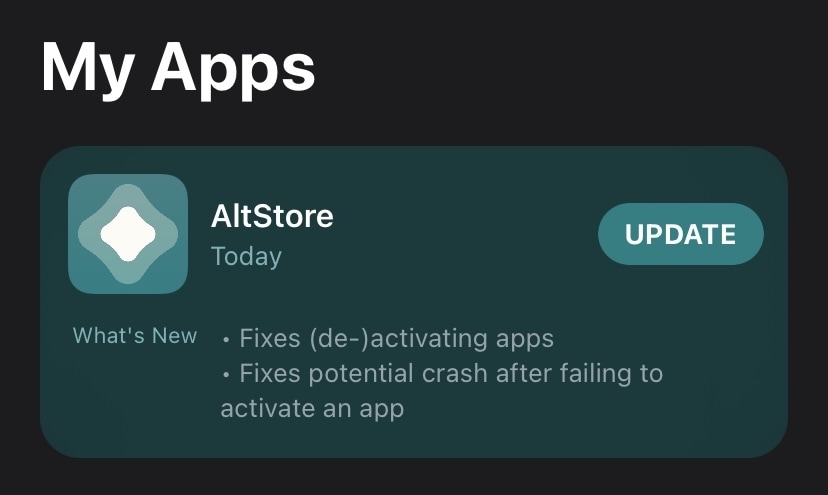
AltStore for iOS updated to version 1.4.5 with fixes for app (de-)activations

Whether you depend on AltServer and AltStore for jailbreaking your iPhone or iPad with unc0ver or Odyssey or you simply use it to side load your favorite apps on your handset more easily, we have some relevant news you won’t want to miss.

Version 1.4.5 of AltStore is now available for iPhones and iPads running iOS 12.2 or later, and if you’re already using AltStore, then you’re probably going to want to go ahead and grab this update.

Conserve your jailbroken iPhone’s battery more effectively with LowLock

The more we continue to depend on our smartphones to get through our daily lives, the more we’ll consequently demand from our handset’s battery. Unfortunately, a slew of different factors can result in unwanted battery drain.

Apple’s Low Power Mode is a good way to ease the strain on your iPhone’s battery throughout the day, but using it generally requires that the user toggle a switch. For many people, it’d be more ideal if Low Power Mode offered a more intelligent power savings when the iPhone’s full power wasn’t required.

Upgrade the file type information in the Files app on pwned handsets with RealFileInfo

Apple’s Files app expands upon the capabilities of any iPhone or iPad by hosting a convenient hub where users can download and store files either on the device itself or in the cloud. But despite how useful the Files app can be at times, it’s not without its apparent pitfalls.

One such example would be that the Files app displays simplified or non-descriptive file types for certain kinds of files as they’re defined by Apple and its operating systems. Unknown file types are designated vaguely, such as using the word “Document” to describe what the file actually is or what it’s used for.

SakuRα Development launches kok3shi jailbreak for 64-bit iOS 9.3.2-9.3.5 devices

Much of today’s jailbreak-centric news revolves around iOS & iPadOS 13 or 14, with one of the only lone exceptions being the iOS 12-based Chimera jailbreak, which recently received one of its final updates. Still, it’s not completely unheard of to see jailbreak developers work on or release projects related to legacy versions of iOS.

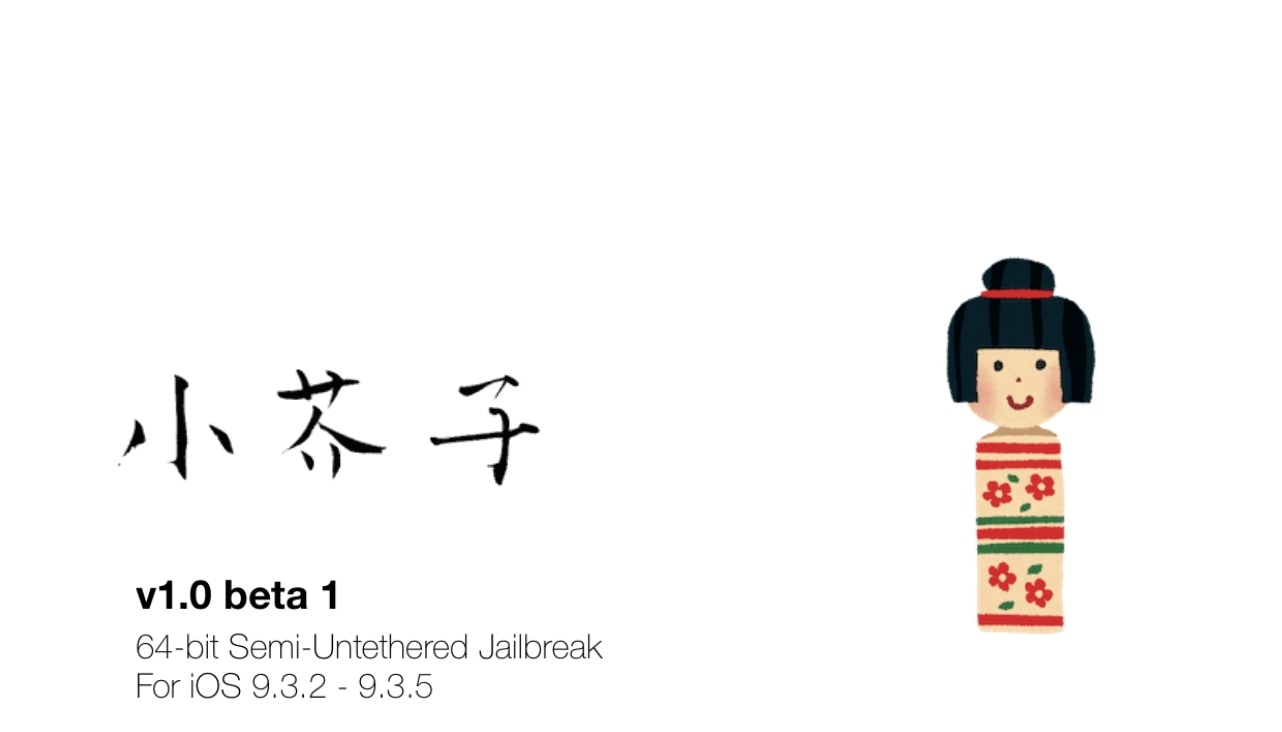
The latest example would be a new jailbreak tool dubbed kok3shi by SakuRα Development, which was only released just this evening. This jailbreak appears to be semi-untethered just like the tried-and-true Odyssey and unc0ver tools are, however unlike those tools, it supports only 64-bit devices running iOS 9.3.2-9.3.5.

Spectral gives jailbreakers a sleeker Now Playing interface with an audio visualizer

Given that iOS devices continue to be some of the best music players on the market today, it’s not surprising that we continue to see more and more jailbreak tweaks for pwned handsets that try to out-do Apple at their own game, or at the very least, offer a level of personalization for the end user that otherwise wouldn’t be available on a stock handset.

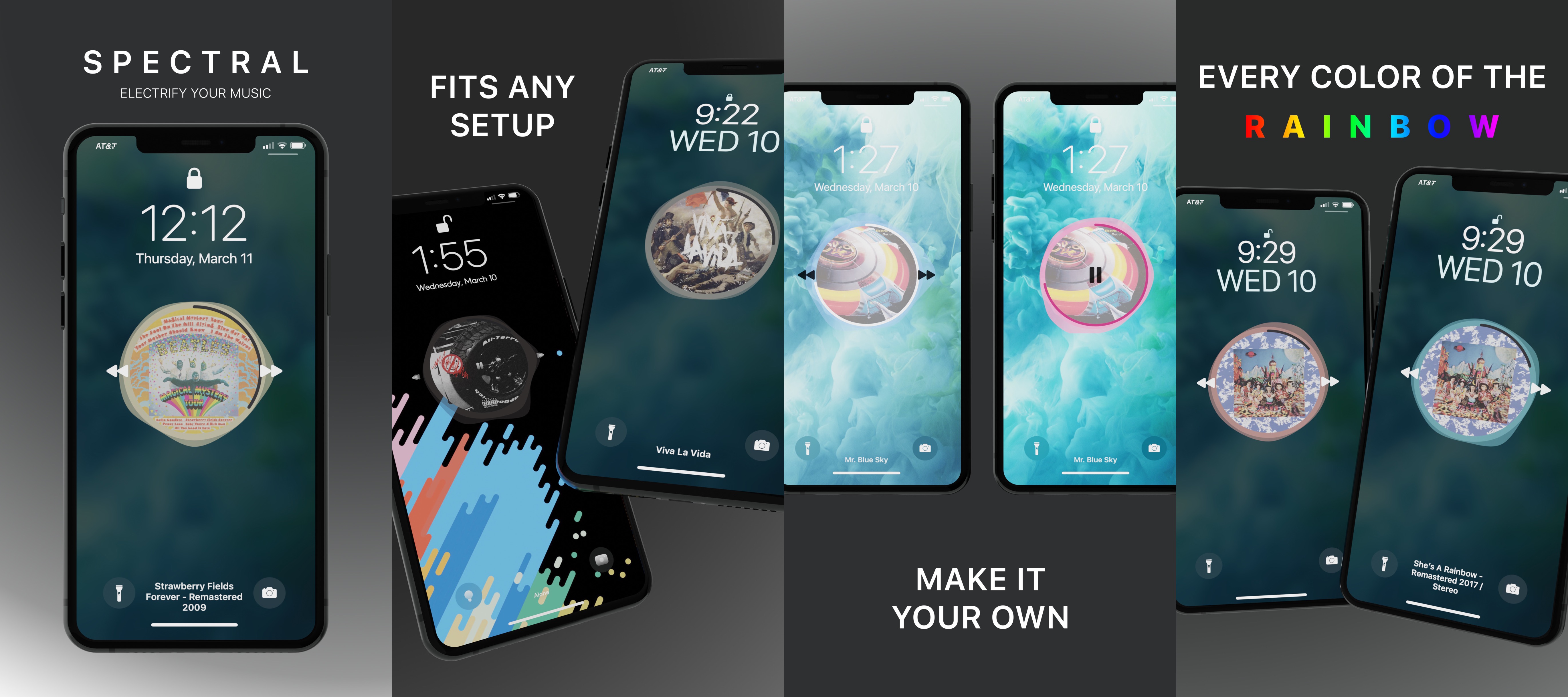
For those wanting to expand on Apple’s award-winning music player experience, a new jailbreak tweak dubbed Spectral by iOS developer Beckett O’Brien just might be of interest.

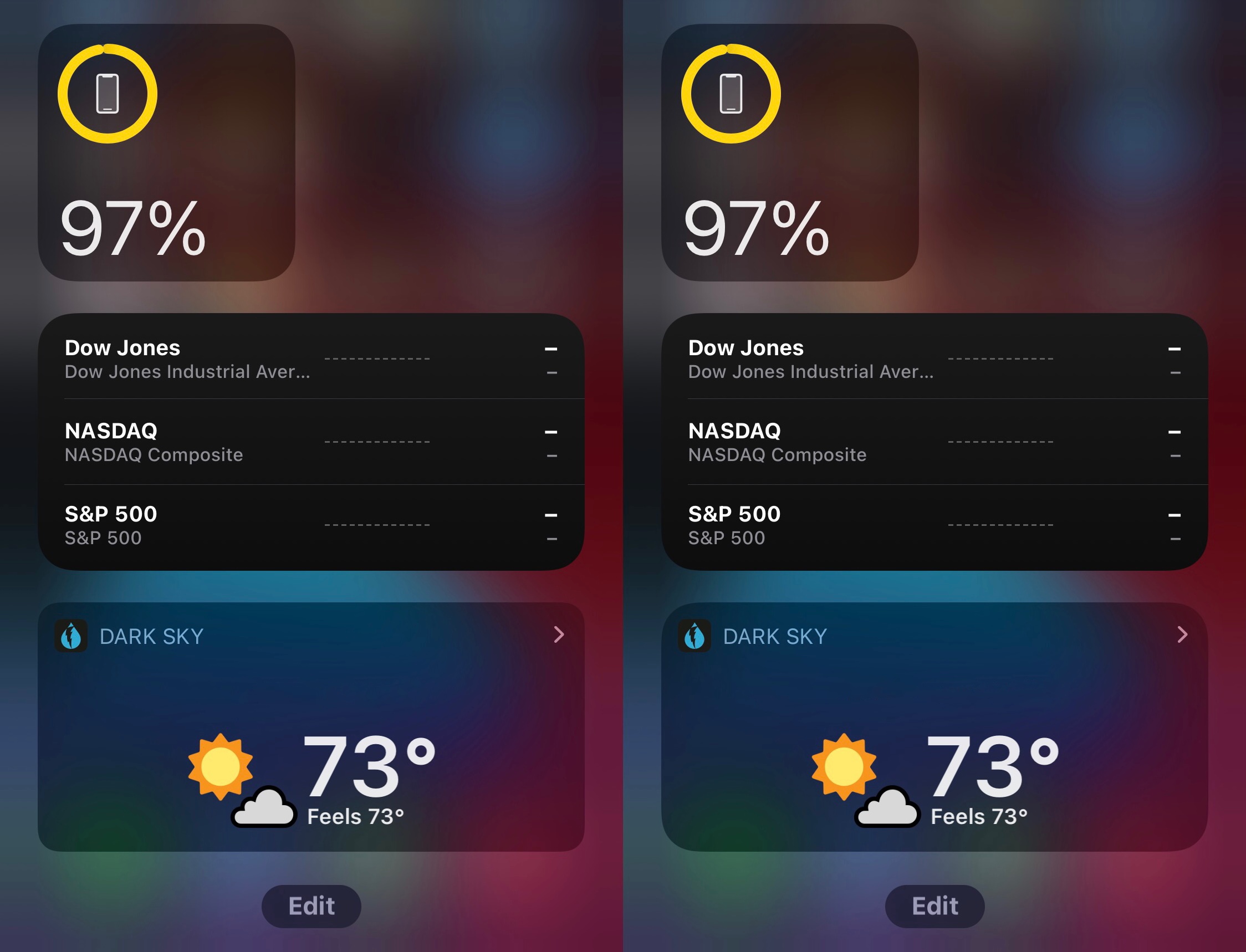
WidgetRadius brings more consistent corner radiuses to legacy Today widgets on iOS 14

We graciously applaud Apple for introducing a worthwhile widget experience in iOS 14. It’s leaps and bounds better than what shipped with iOS 13 and earlier, and thanks to strong-willed app developers, these new widgets are exponentially more versatile than their predecessors.

Kind words aside, one thing that really bugs me about the iOS 14 widget experience is that Apple appears to have made no effort to help legacy widgets conform to the newer design standard. More specifically, when compared side-by-side, newer widgets have a rounder corner radius than legacy ones.

Hestia brings jailbreak detection bypass capabilities to pwned iOS 11-14 devices

Whether you’re new to jailbreaking or you’ve been jailbreaking for a long time, one thing we all have in common is that we’ve come across an app that doesn’t want to work on our pwned device. In most cases an error message materializes when launching certain types of apps, such as banking, media streaming, or the gaming variety that bar usage on jailbroken devices.

This is a common quandary known as jailbreak detection, and it’s where the app developer tries to prevent jailbroken devices from accessing their app to prevent unauthorized changes, cheats, or even security breaches. As common as jailbreak detection might be, it’s not fool-proof. We often see workarounds in the form of jailbreak detection bypasses, which can prevent certain apps from discerning that you’re jailbroken, and this prevents such frustrating messages from appearing in the first place.

Sileo updated to v2.0.1 with extensive list of fixes & improvements, now open source

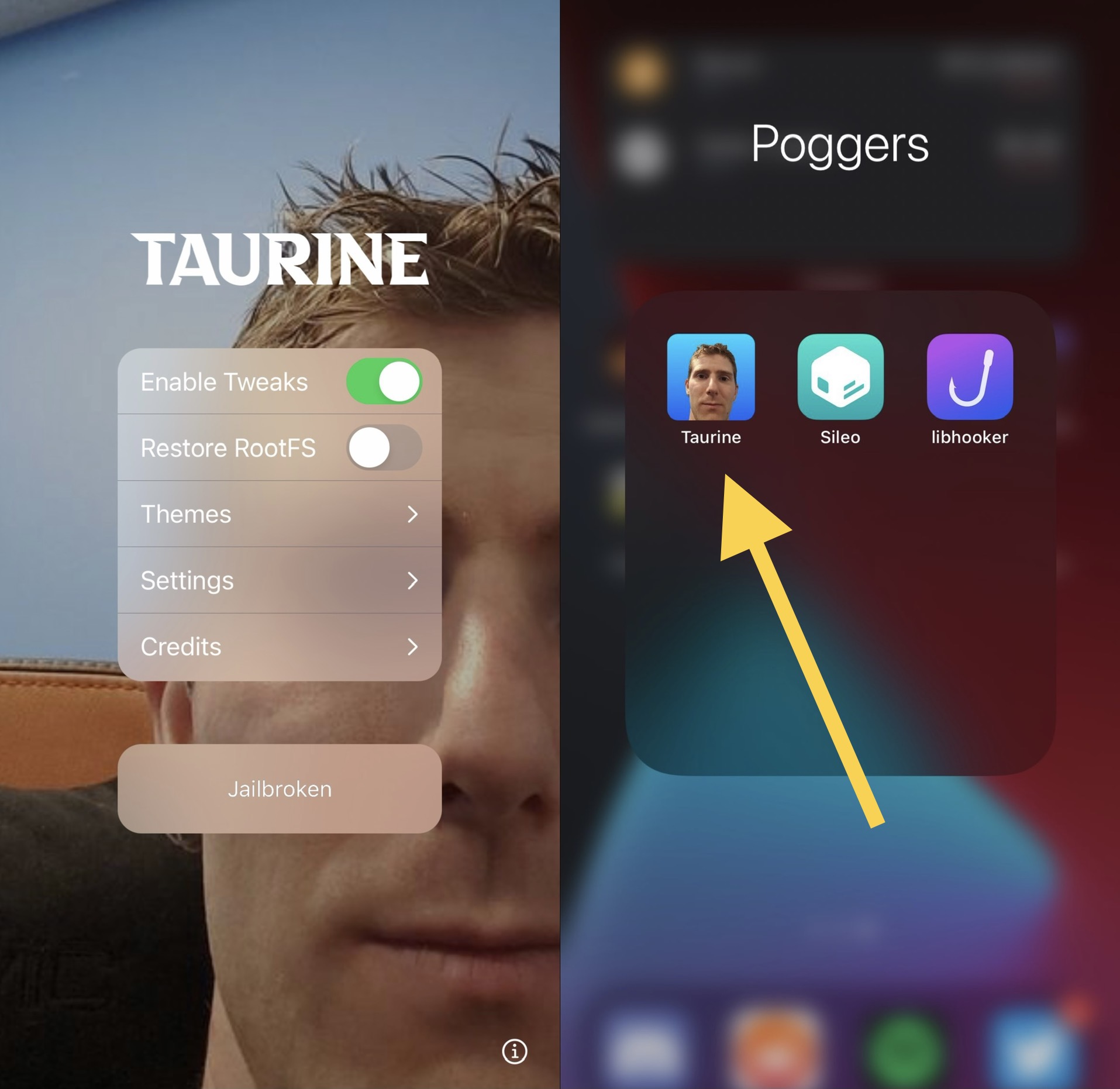
If you’ve been following news in the jailbreak community recently, then you’ve probably caught wind about Taurine, the upcoming iOS & iPadOS 14.0-14.3-supported jailbreak tool for all devices. More specifically, the project has entered internal beta testing and will be released to the general public in the near future.

Taurine, much like Odyssey for iOS & iPadOS 13 and Chimera for iOS 12 before it, will utilize the Sileo package manager out of the box as opposed to Cydia, and given that Taurine is nearing a public release, it may not come as much of a surprise that the Sileo Team has launched a fresh update for its package manager.

CoolStar announces upcoming Taurine jailbreak for iOS & iPadOS 14.0-14.3

Ever since @ModernPwner dropped the cicuta_verosa kernel exploit for iOS & iPadOS 14.0-14.3 devices, we knew it’d only be a matter of time before jailbreaks would pick up support.

Pwn20wnd was the first to the party after adding iOS & iPadOS 14.0-14.3 support to the unc0ver jailbreak with a custom kernel exploit based on cicuta_verosa, but it just so happens that CoolStar was also working on an iOS 14.0-14.3 jailbreak that uses the cicuta_verosa kernel exploit directly.

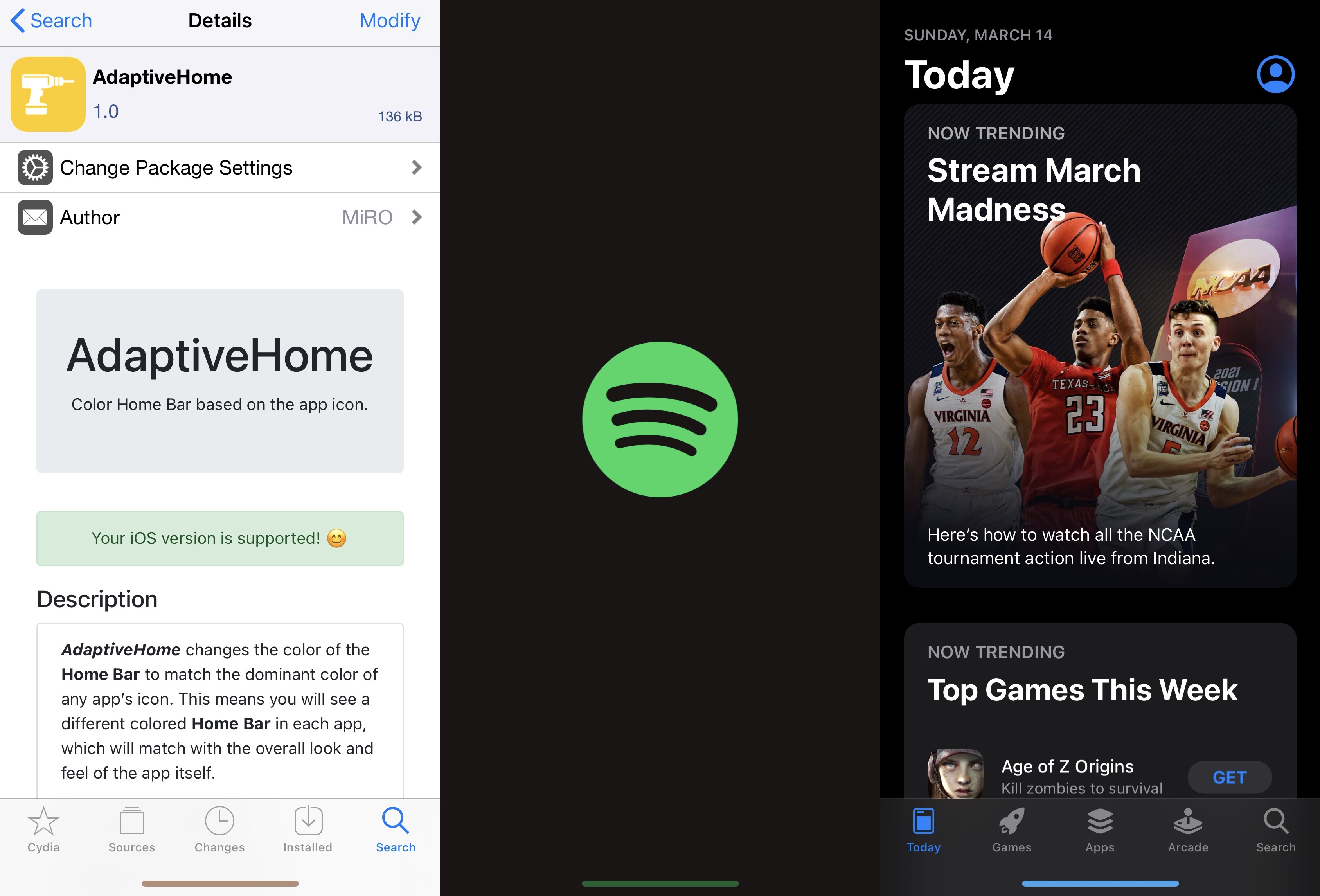
AdaptiveHome colors the Home Bar based on the icon of the app you’re using

One thing I like to do with a jailbroken iPhone or iPad is give it some personality. It doesn’t have to be anything extravagant, but I thoroughly enjoy subtle modifications that maintain Apple’s native design aesthetic to a certain degree while still offering something a bit more custom than what you’d experience on a device fresh out of the box.

If you’re anything like me with regard to the above sentiment, then I think you might enjoy a newly released and free jailbreak tweak dubbed AdaptiveHome by iOS developer MiRO.