Anthony Bouchard joined the iDownloadBlog.com team in 2016 after originally covering Apple and iPhone jailbreak news at ModMyi.com. As an experienced editor, he brings more than 15 years’ worth of jailbreaking knowledge to our in-depth guides, opinion pieces, and news articles. His passion for device customization and user choice sparks his strong push to empower readers with the tools they need to explore and enjoy the freedom that comes with jailbreaking. Anthony blogs about not only jailbreaking, but also Apple software & accessories, drones & photography, and Nintendo gaming systems. Anthony honed his advanced technical knowledge over the years with hands-on projects ranging from gaming PC builds to engine repair mechanics. His never-ending hunger for knowledge is why you’ll always find him tinkering – tearing things apart and putting them back together to understand what makes them tick.
Just a couple of days ago, we told you all about a then upcoming jailbreak tweak dubbed Checkl0ck by iOS developer FoxfortMobile intended to enable biometric authentication on A11 chip-equipped handsets that had been jailbroken with checkra1n.
Just yesterday, we shared Kunlun Lab security researcher @realBrightiup’s write-up about CVE-2021-30955, a kernel bug that could have resulted in arbitrary code execution with kernel-level privileges via the app sandbox if exploited on iOS or iPadOS 15.0-15.1.1.
Apple makes it relatively easy to save images viewed on your display to your Photo Library. Almost everywhere you look, you can either tap on a share button to save a photo, tap and hold on a photo to reveal saving options, or you may opt to simply snap a screenshot.
If you’re using checkra1n to jailbreak an A11-equipped handset with iOS or iPadOS 14, then you can’t have a native passcode or use biometric authentication methods like Face ID or Touch ID.
As many will recall from a post we ran in mid-December, Kunlun Lab security researcher Zweig (@realBrightiup) had planned to share details about a bug that could have been used to exploit the kernel on iOS & iPadOS versions 15.0-15.1.1.
Curious jailbreakers who are searching for their next favorite jailbreak tweak have come to the right place. iDownloadBlog curates weekly dedicated jailbreak tweak roundups that can help you identify all the best add-ons amid all the noise.
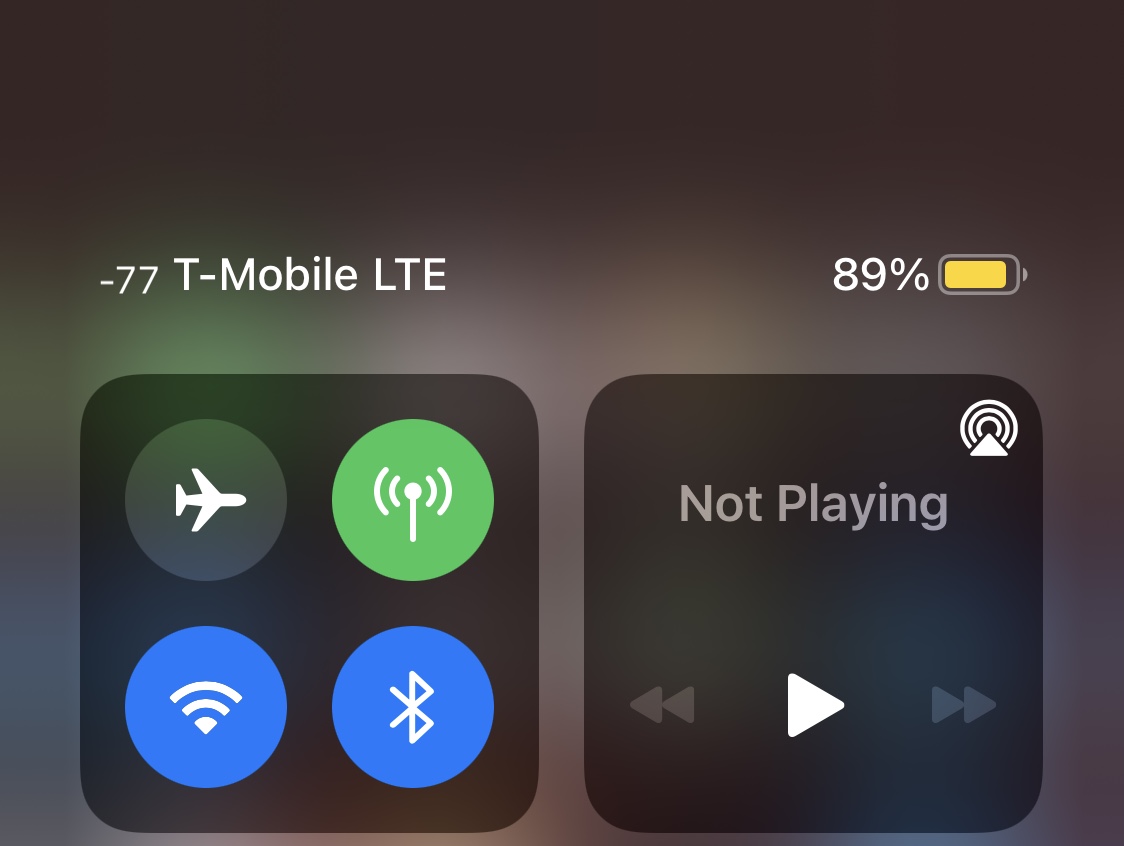
When attempting to measure your iPhone’s wireless signal strength, be it cellular or Wi-Fi, you will often see dBm (decibel milliwatts) used for the unit of measure for your received signal strength.
iOS’ Now Playing widget allows music listeners to quickly control their current media playback from the convenience of the Lock Screen and/or Notification Center. On the other hand, the operating system only displays this widget when you have media playing.
It’s been an interesting week for jailbreakers. Not only did two major jailbreaks receive updates, along with the Sileo package manager, but we witnessed the succession of the Packix repository by the newer and better Havoc repository.
When listening to songs in the Apple Music app, you might sometimes feel inclined to use the Up Next feature to queue another song that will begin playing after the one that’s already playing.
One of the things I really like about iOS & iPadOS 15 is the ability to see detailed information about images that are stored in my iPhone or iPad’s Photo Library. Types of information include the type of device it was captured on, camera specs, location, and more.
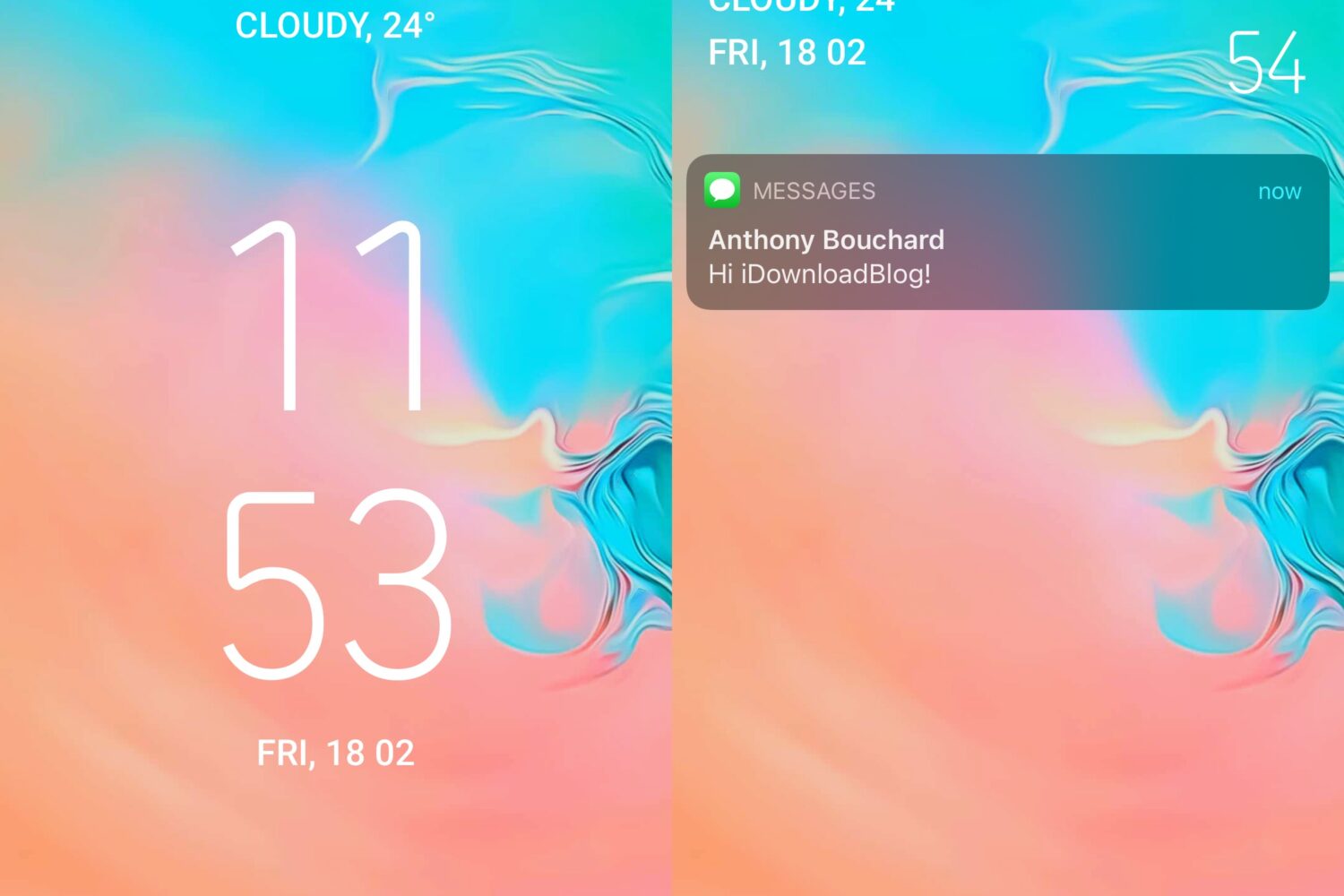
If you’ve ever wanted your iPhone’s Lock Screen to look and feel more like it was designed akin to Google’s Android operating system, then we’ve got just the jailbreak tweak for you.