Anthony Bouchard joined the iDownloadBlog.com team in 2016 after originally covering Apple and iPhone jailbreak news at ModMyi.com. As an experienced editor, he brings more than 15 years’ worth of jailbreaking knowledge to our in-depth guides, opinion pieces, and news articles. His passion for device customization and user choice sparks his strong push to empower readers with the tools they need to explore and enjoy the freedom that comes with jailbreaking. Anthony blogs about not only jailbreaking, but also Apple software & accessories, drones & photography, and Nintendo gaming systems. Anthony honed his advanced technical knowledge over the years with hands-on projects ranging from gaming PC builds to engine repair mechanics. His never-ending hunger for knowledge is why you’ll always find him tinkering – tearing things apart and putting them back together to understand what makes them tick.
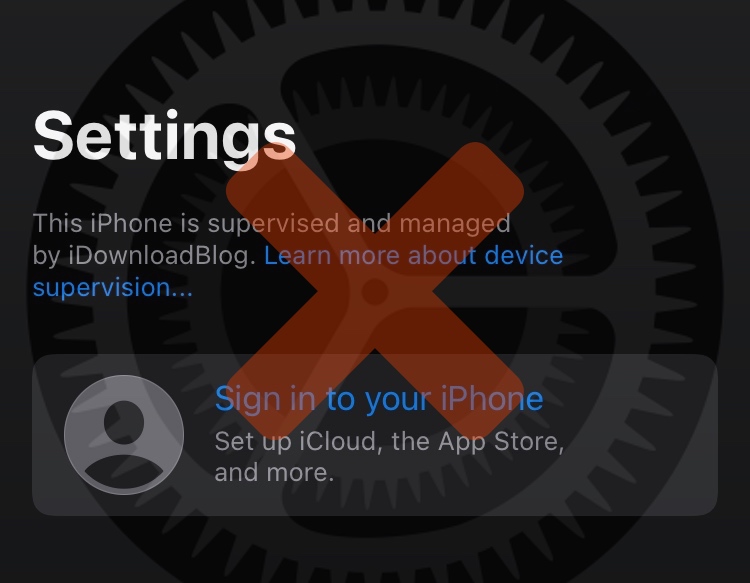
If you followed either of our tutorials for using DelayOTA on a jailbroken or non-jailbroken handset to upgrade to an unsigned firmware within the 90-day grace period, then you might be left wondering how you can remove the unsightly “This iPhone is supervised and managed by [insert name here]” spiel that appears at the top of your Settings app.
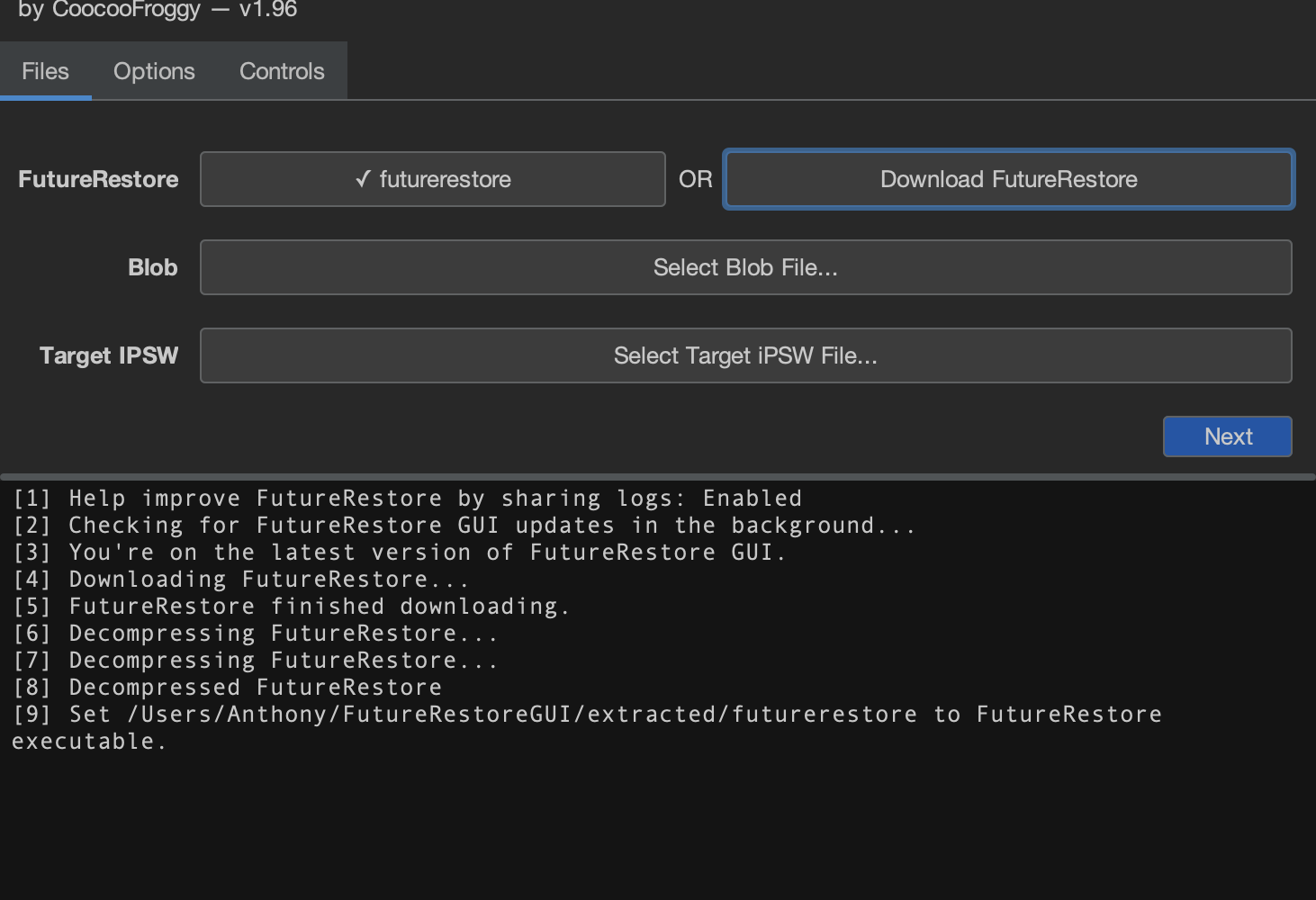
With the news of an iOS & iPadOS 15.0-15.1.1-compatible kernel exploit being released, many iPhone and iPad users who’ve been wanting to jailbreak their handset have subsequently started seeking ways to upgrade to iOS or iPadOS 15.1 or 15.1.1 while they still can. While DelayOTA can be a solid option for anyone who hasn’t saved .shsh2 blobs, those who have can alternatively use futurerestore to update to these firmware versions.
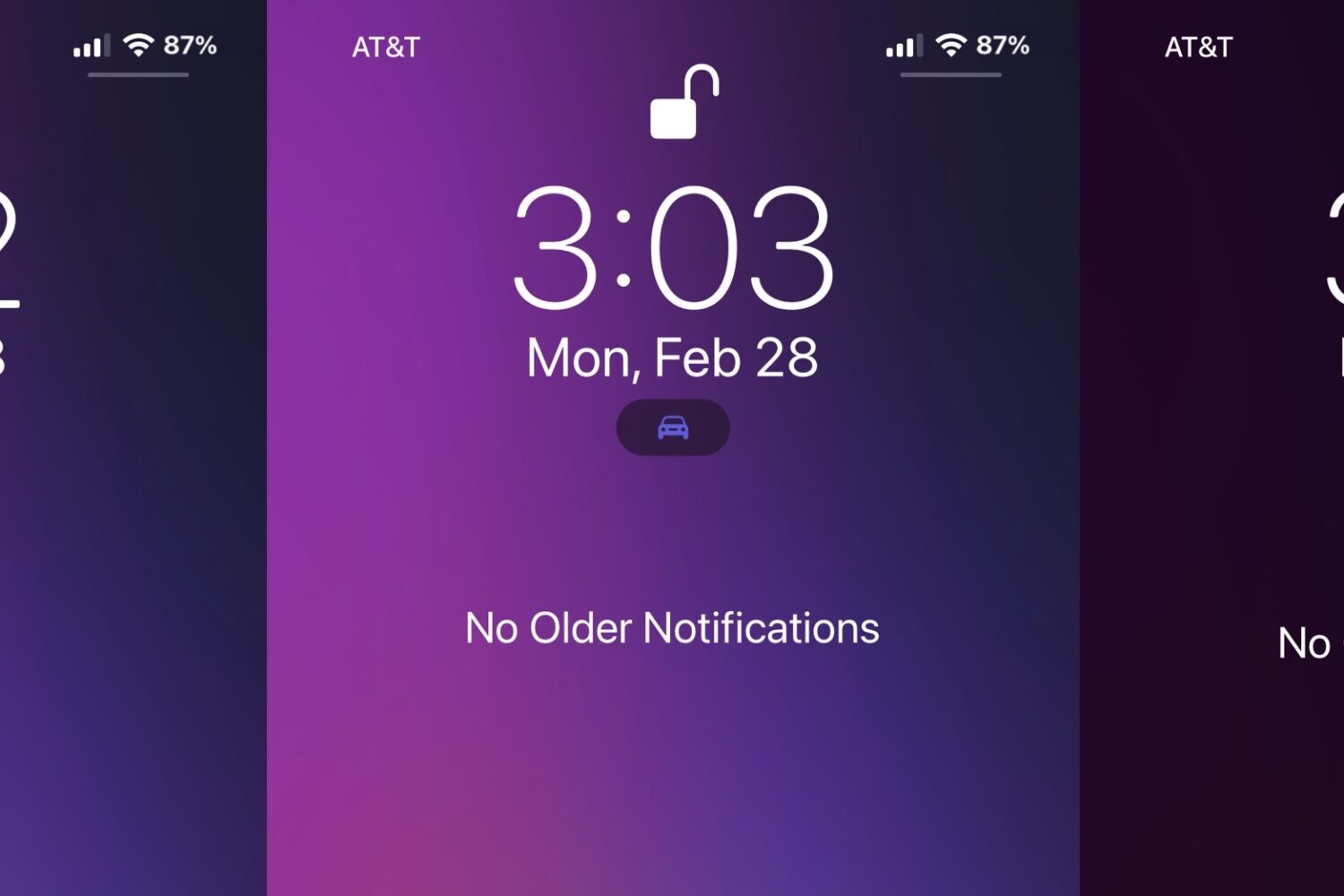
iOS 15 made several improvements to the iPhone’s native Do Not Disturb feature, essentially rebranding it as “Focus” and adding new features. So we would understand if you feel like you’re missing out while using a jailbroken iOS 14 device.
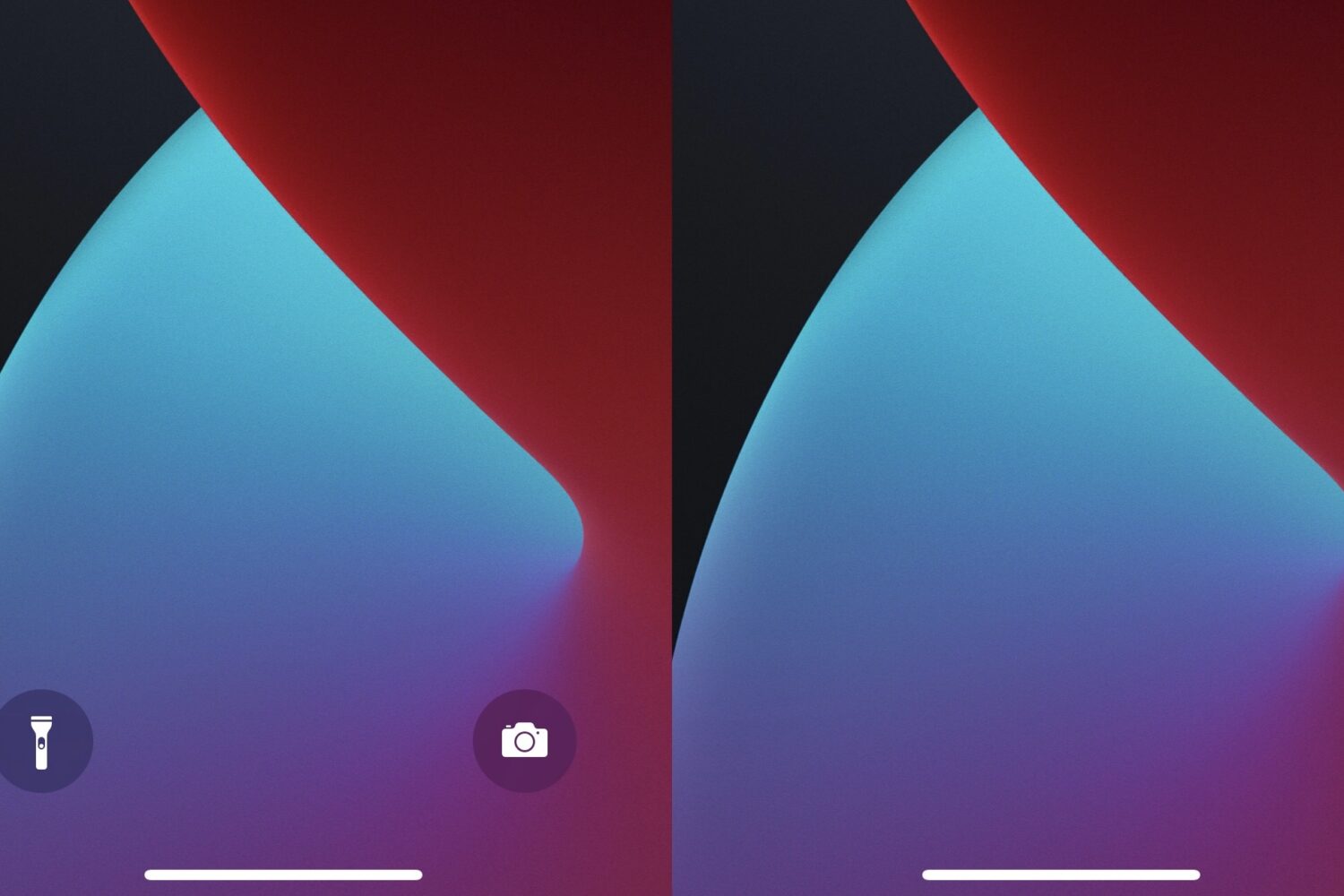
Apple attempted to make using your iPhone’s camera and/or rear-facing LED flashlight easier with the introduction of the Lock Screen’s Quick Action buttons beginning with handsets if the notched variety — namely the iPhone X and newer.
While a lot of iPhone and iPad users have a Mac as their primary computer, that isn’t the case for everyone. A significant number of iPhone and iPad users have Windows-based PCs instead, and there are several jailbreak tweaks that can make these users feel more at home with the Apple ecosystem.
Hacker @b1n4r1b01 attracted heaps of attention Tuesday morning after publishing a full kernel exploit for iOS & iPadOS 15.0-15.1.1 that was based on Brightiup’s CVE-2021-30955 kernel bug write-up.
Brightiup’s CVE-2021-30955 kernel bug for iOS & iPadOS 15.0-15.1.1 has received tons of publicity lately after two prestigious security researchers including Jake James and @Peterpan980927 each went hands-on to develop proof-of-concepts (PoCs) based on the original write-up, which didn’t come with a PoC of its own.
Lots of iPhone and iPad users take advantage of the Shortcuts app to help automate certain processes that would otherwise be tedious to perform manually time and time again, and that includes jailbreakers.
Those closely following the iOS & iPadOS software security sector might remember an iOS & iPadOS 15.0-15.1.1 kernel bug write-up published by Kunlun Lab security researcher @realBrightiup just last week. A day later, Alibaba Security Pandora Lab security researcher @Peterpan980927 showed off a proof-of-concept (PoC) using that write-up as a template.
Anyone who uses Zebra on their jailbroken iPhone or iPad to manage their jailbreak add-on installations might be interested to learn that an update for the popular alternative to native package manager apps such as Cydia and Sileo was released Sunday evening.
Jailbreakers who are using the Saily package manager on their pwned iPhones and iPads might be excited to learn that a new version was released this Friday morning with a small list of changes.