Protect your Apple devices from theft and unauthorized access by enabling Find My Activation Lock, ensuring enhanced security for your iPhone, iPad, Mac, and Watch.
How to secure your iPhone, iPad, Apple Watch, and Mac with Find My Activation Lock
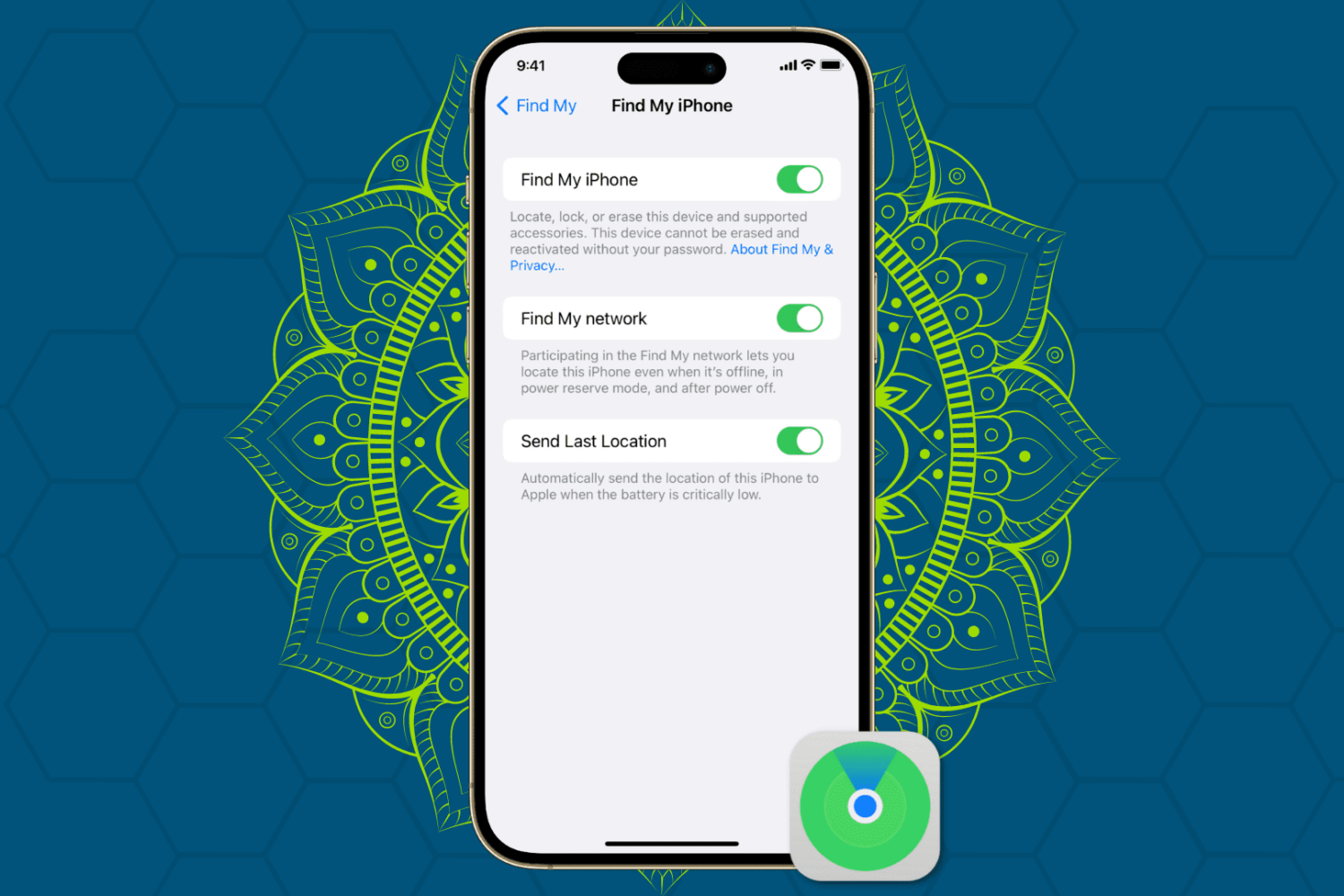
Protect your Apple devices from theft and unauthorized access by enabling Find My Activation Lock, ensuring enhanced security for your iPhone, iPad, Mac, and Watch.
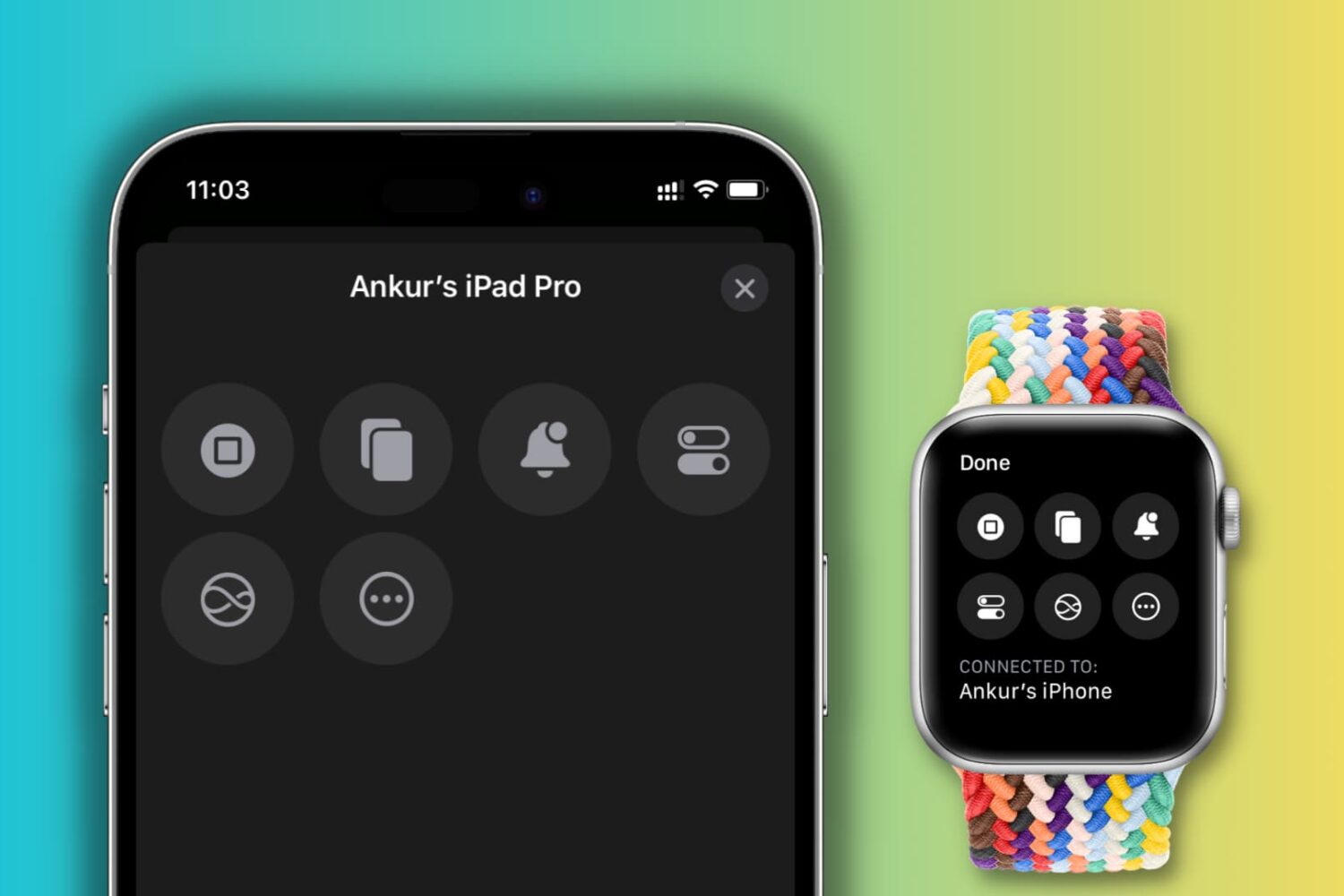
Learn how to use the Control Nearby Devices accessibility feature on your iPhone or Apple Watch to perform basic actions on another iPhone or iPad with our comprehensive step-by-step guide.
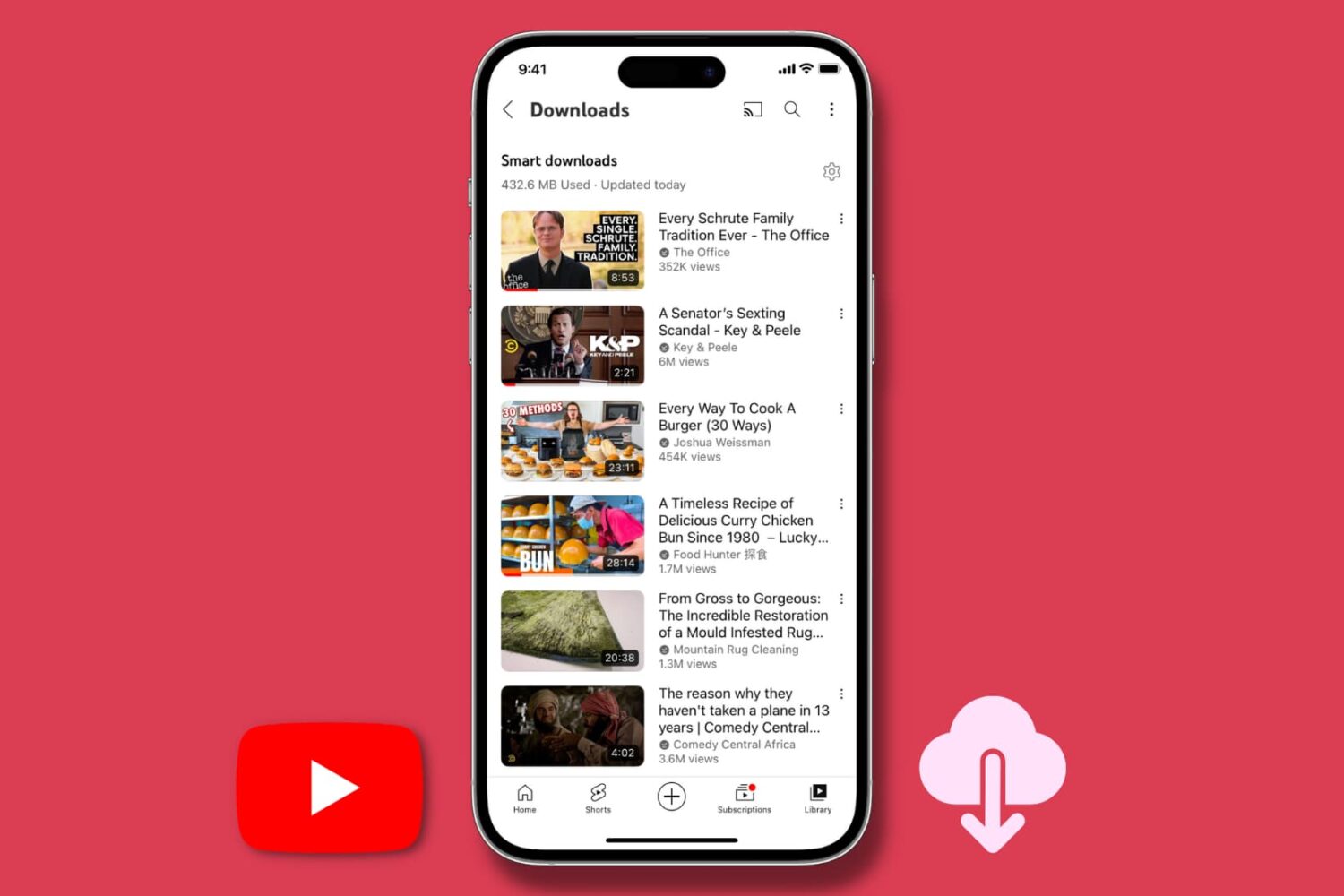
The Smart downloads feature of the YouTube app automatically downloads recommended videos for offline viewing if you have subscribed to YouTube Premium. This tutorial tells you more about it, including how to change its settings or turn it off to save space and bandwidth on your iPhone, iPad, or Android phone.
Get your Apple TV back online in no time with our step-by-step guide on how to fix Wi-Fi connectivity issues.
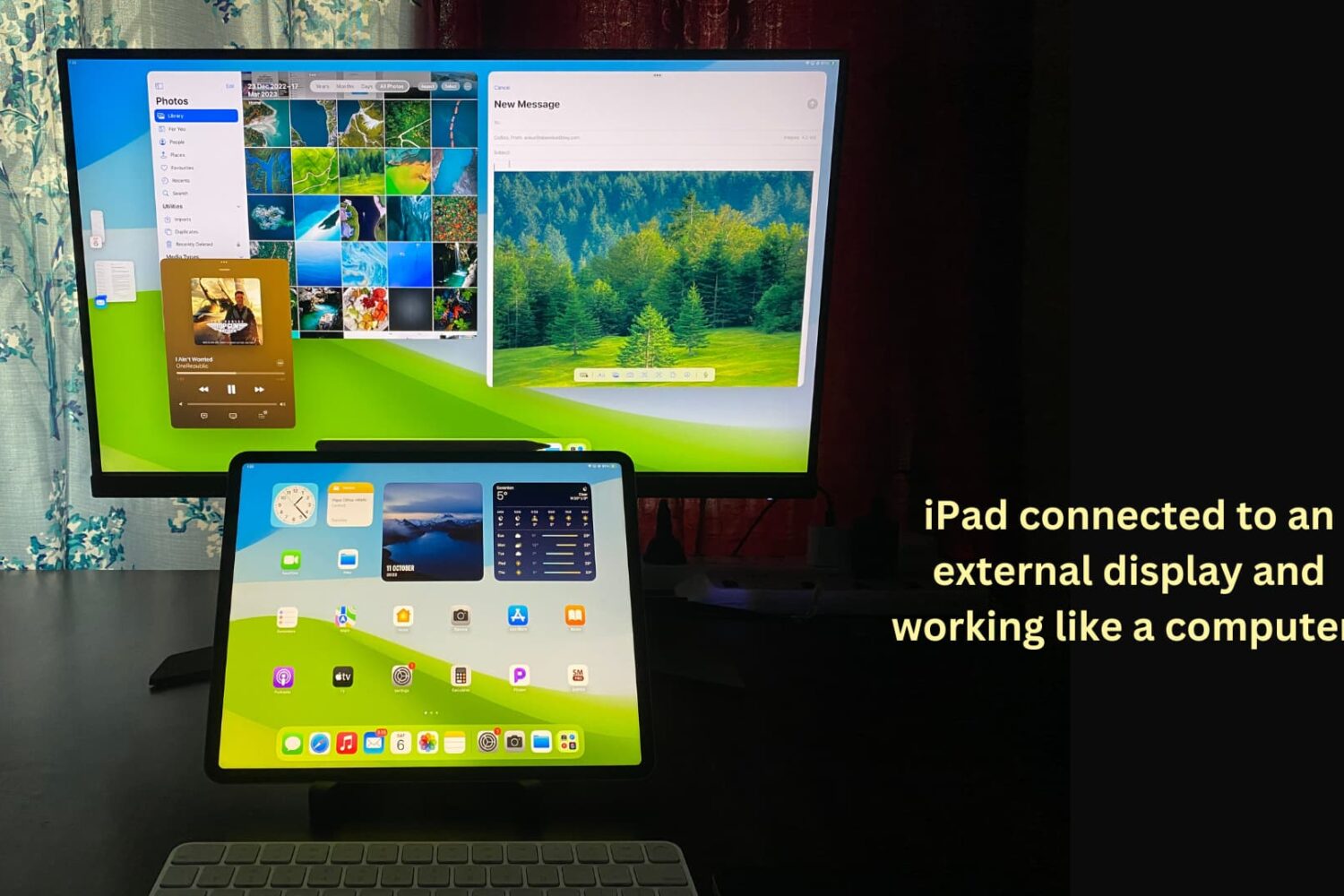
You can connect your iPad to other bigger displays, such as a computer monitor, to increase productivity and view content on a larger screen. This tutorial shows you how to use your iPad apps on another display or simply mirror your iPad to that bigger screen.
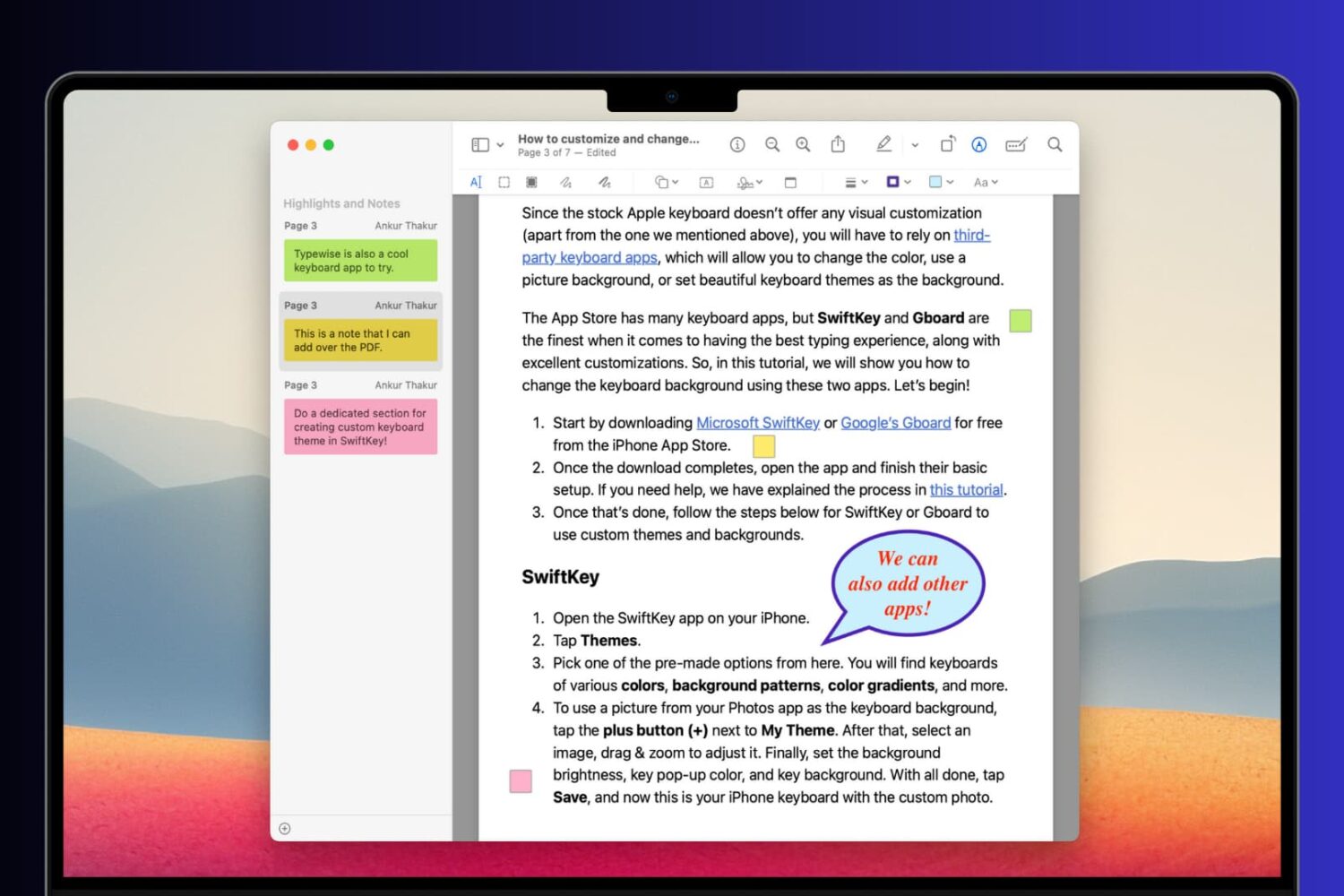
Learn how to add comments, references, extra information, formulas, and hints to your PDF documents using notes and speech bubbles on your Mac, iPhone, and iPad.
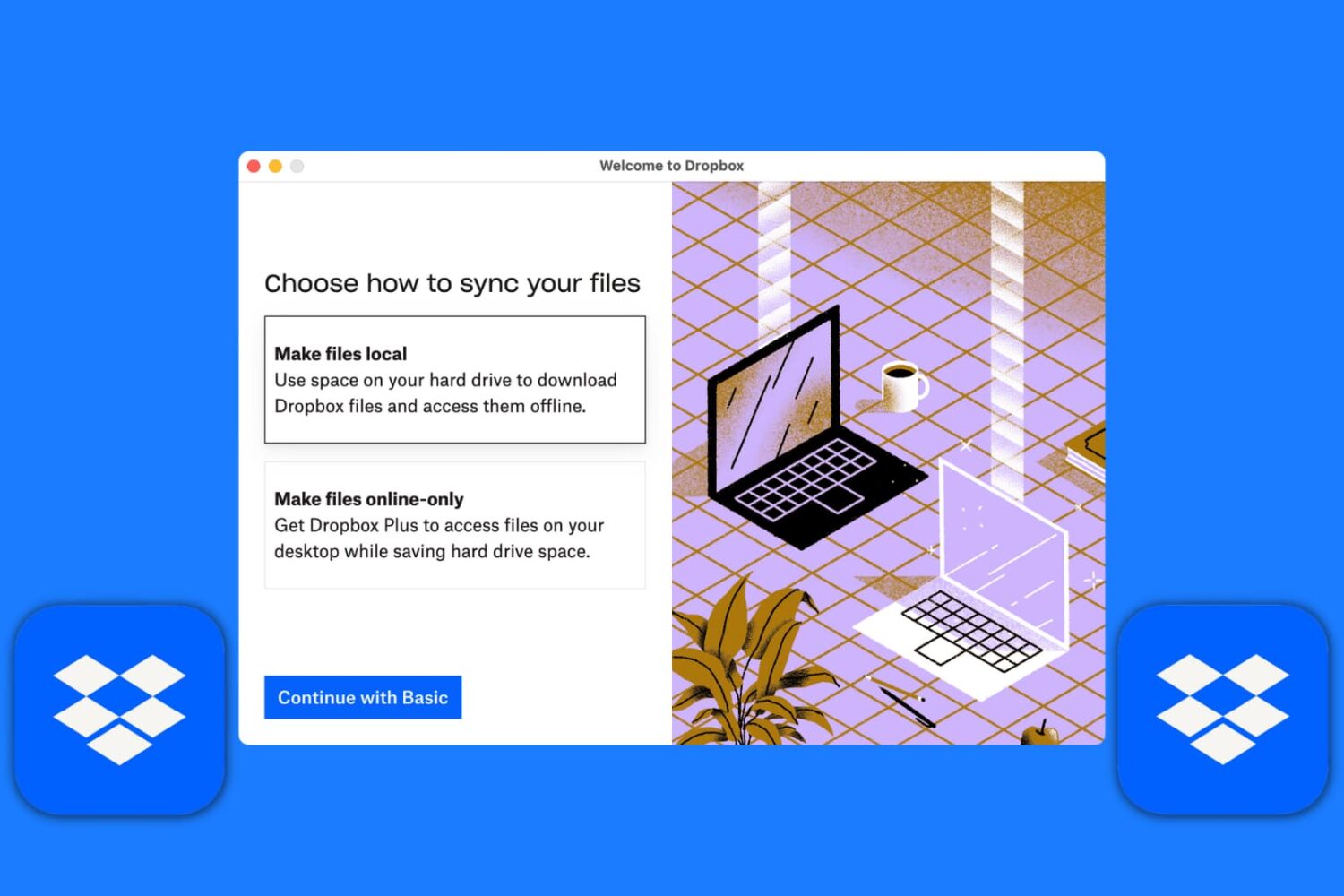
Learn how to set up the Dropbox app on your Mac to manage your new and existing files without having to visit Dropbox’s website every time you need to download or upload a file.
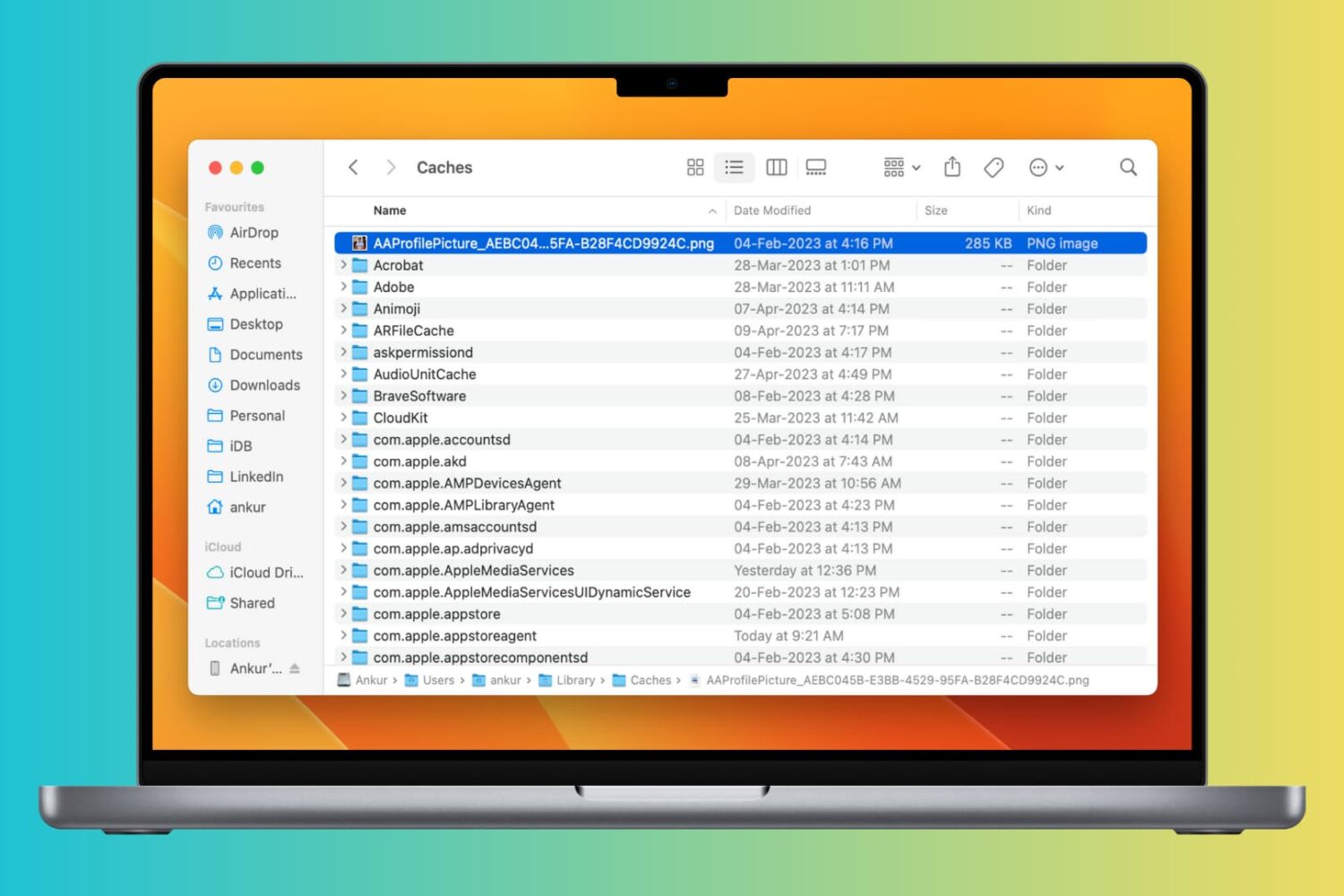
Clearing cache files can help improve the speed and performance of your Mac by freeing up space taken by temporary files. In this article, we will explore how to clear cache on your Mac and help you get your system running smoothly again.
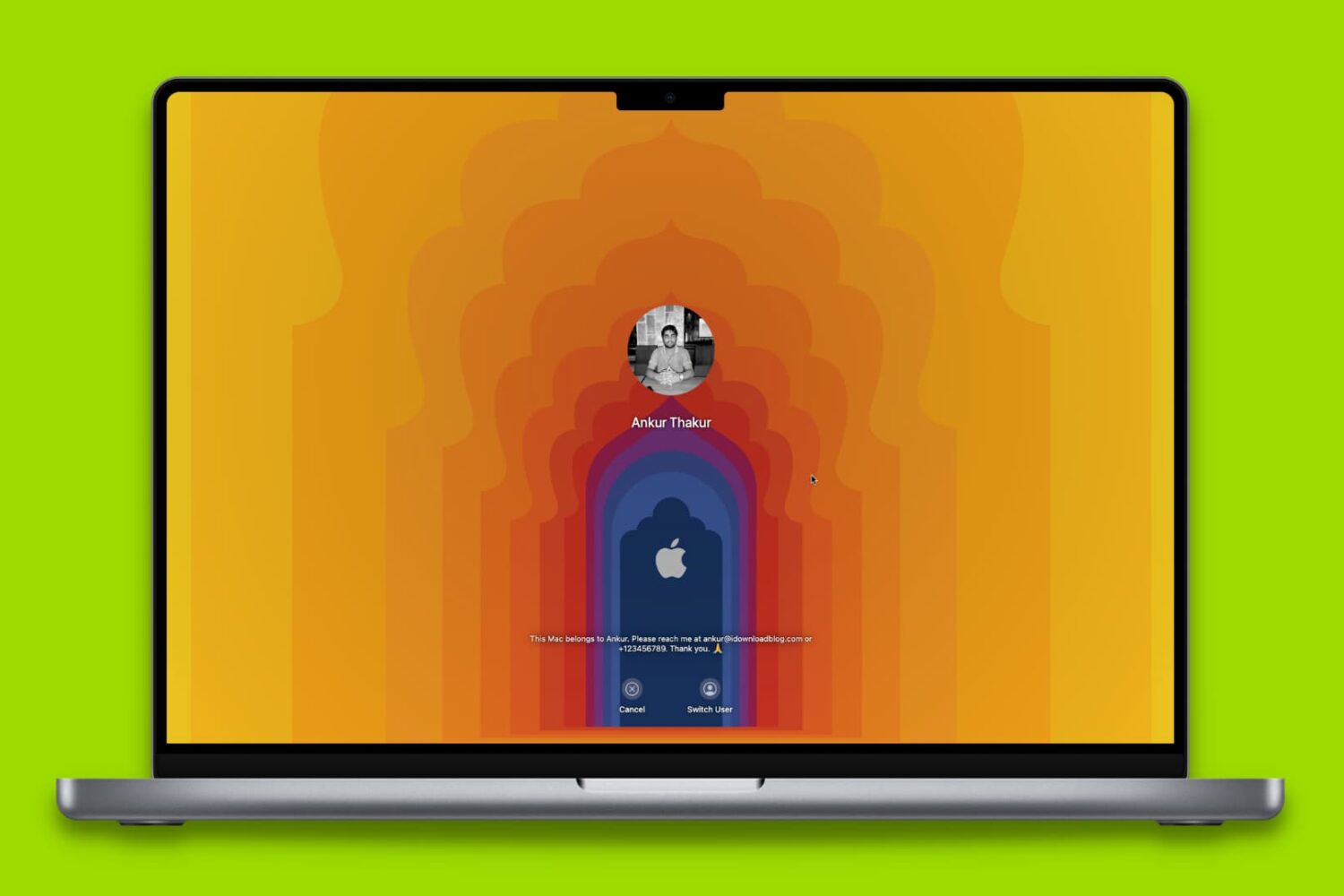
Here are 18 simple yet important tips to protect your Mac so that all your files, documents, and sensitive data remain safe and do not fall into the bad hands.
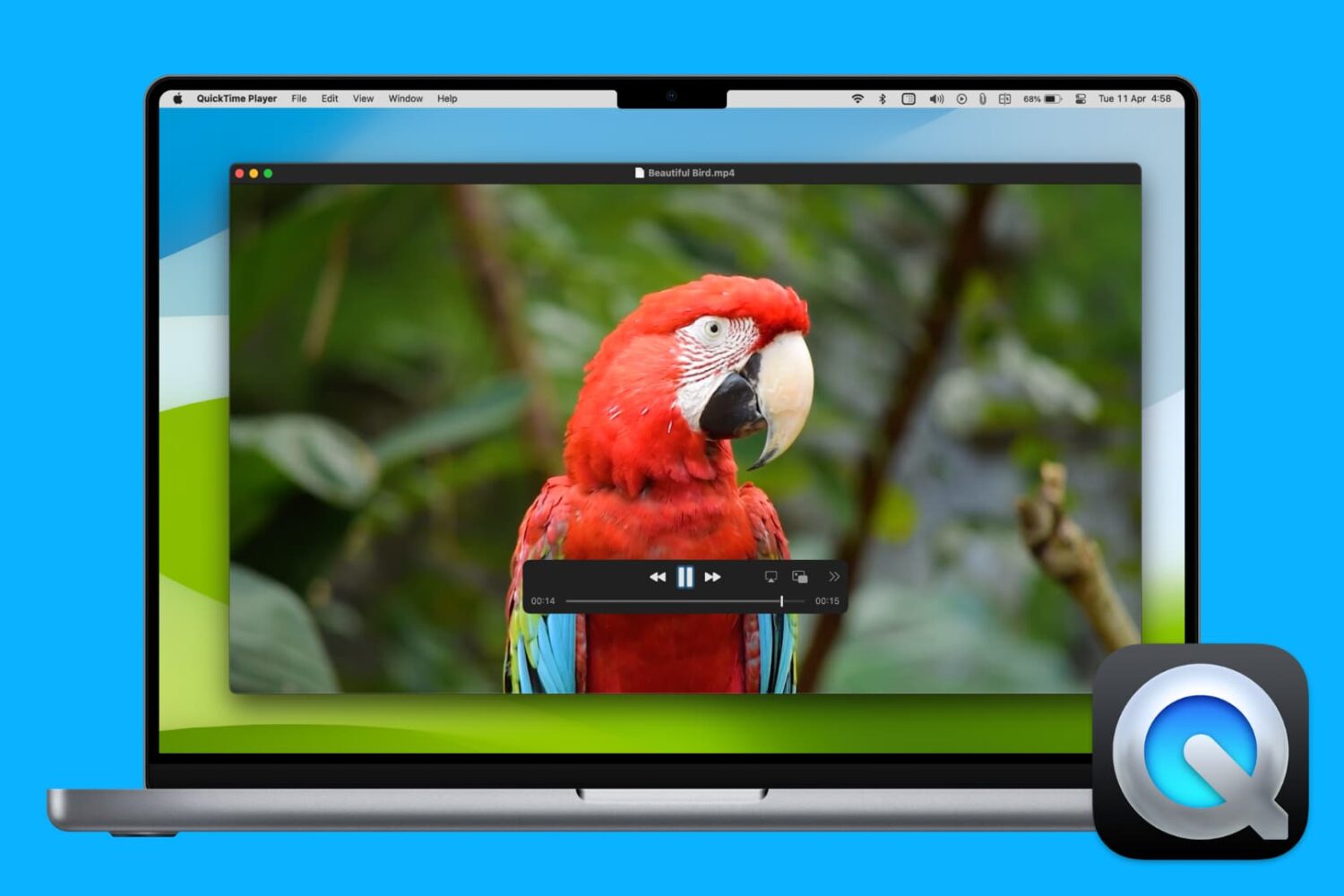
From screen recording to video editing and beyond, discover 17 things you can do with QuickTime Player on your Mac to boost your productivity.
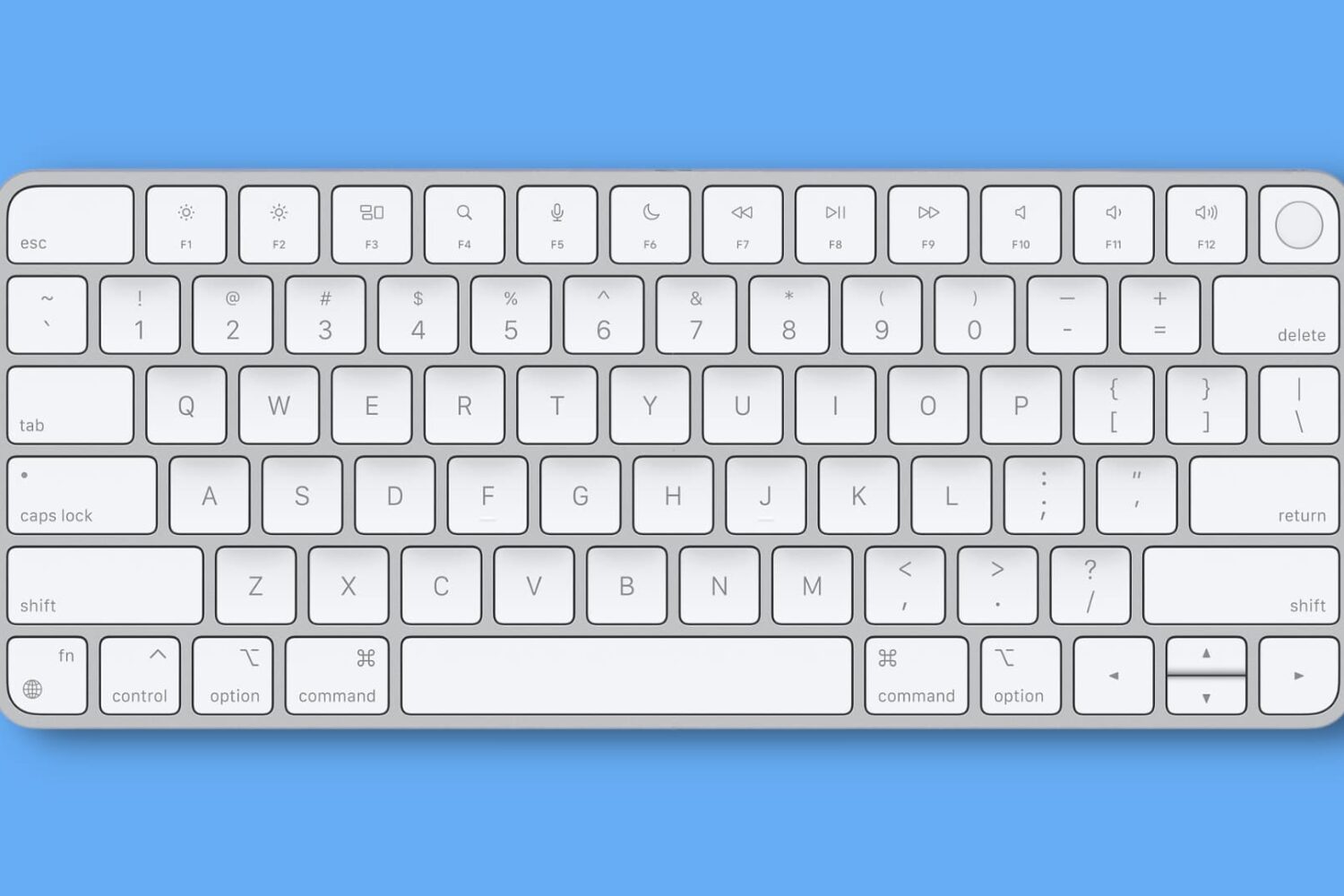
Getting unbearable input delay when typing with your wireless keyboard on Mac? This tutorial lists all the solutions to fix this problem and make your typing lag-free.

Need help deciding whether to buy the newest iPhone 17, 17 Pro, or 17 Pro Max? Check out these fifteen factors, which can help you determine whether upgrading from your current iPhone or Android device to the newest iPhone is worthwhile.