Learn how to show or hide file extensions in macOS so you can quickly identify file types and better understand what kind of file you’re working with.
How to show or hide filename extensions on Mac
Learn how to show or hide file extensions in macOS so you can quickly identify file types and better understand what kind of file you’re working with.
Go through these steps to restore your Google contacts on your iPhone and ensure they sync seamlessly with the Phone and Contacts apps.
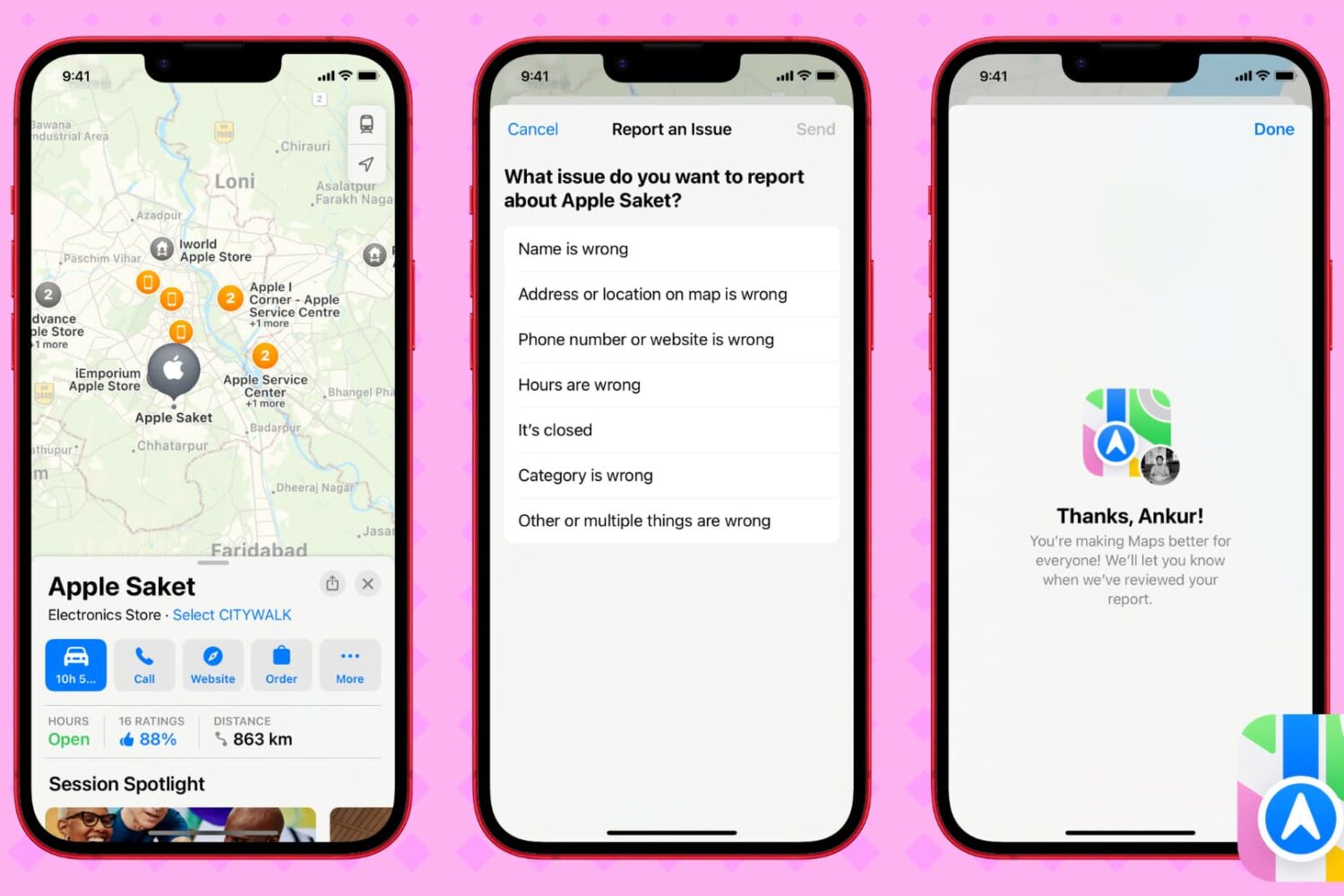
Discover how to quickly report errors or incorrect details such as names, addresses, phone numbers, and other places in Apple Maps. Your feedback helps Apple enhance map accuracy and deliver a better experience for all users.
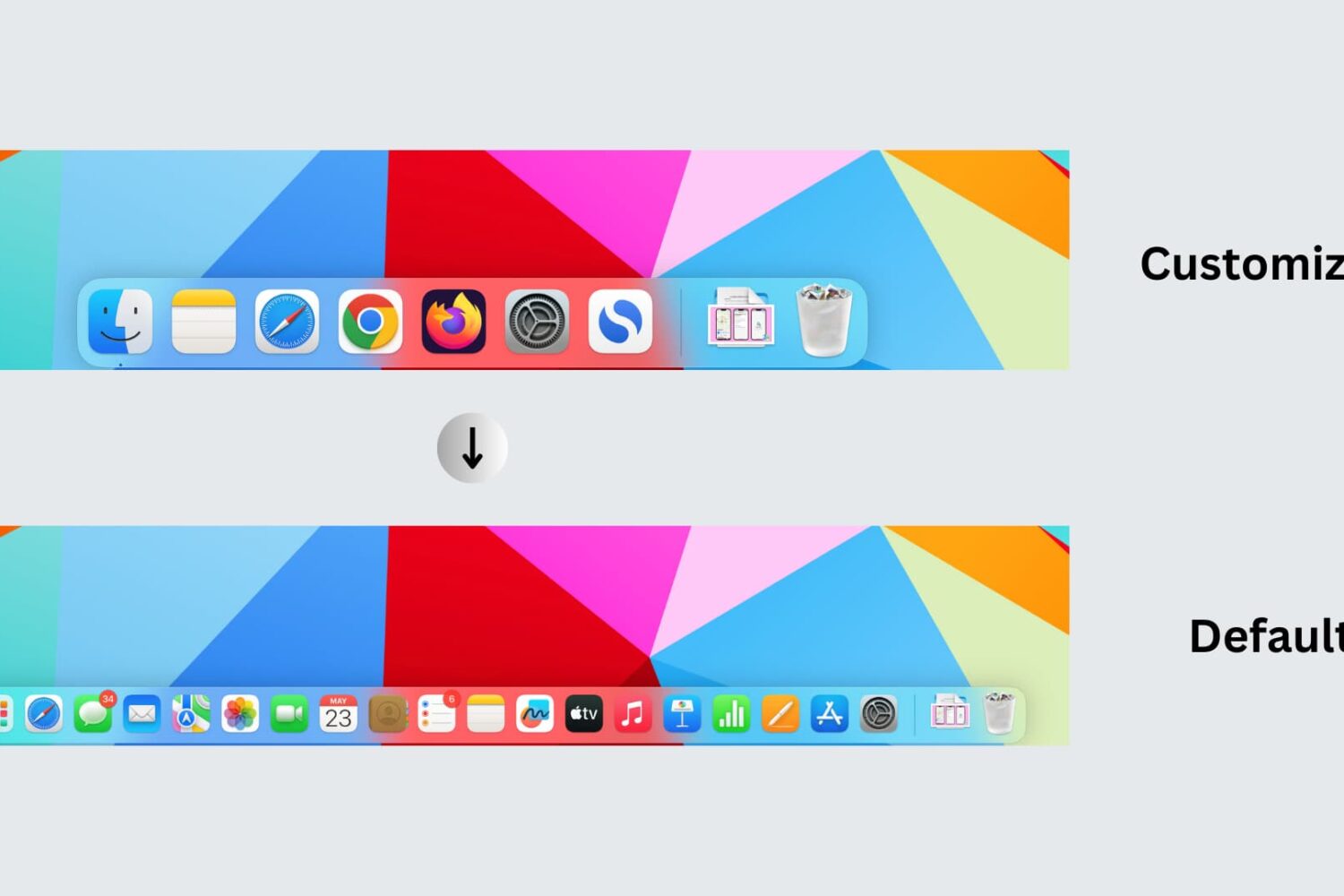
Learn how to reset your Mac’s Dock to its default settings, restoring the built-in Apple apps and settings that appear on it when you first set up your computer.
Check out some easy ways to export your text messages as PDFs from iPhone, iPad, and Mac. This will make it easier to save, organize, and share your conversations.
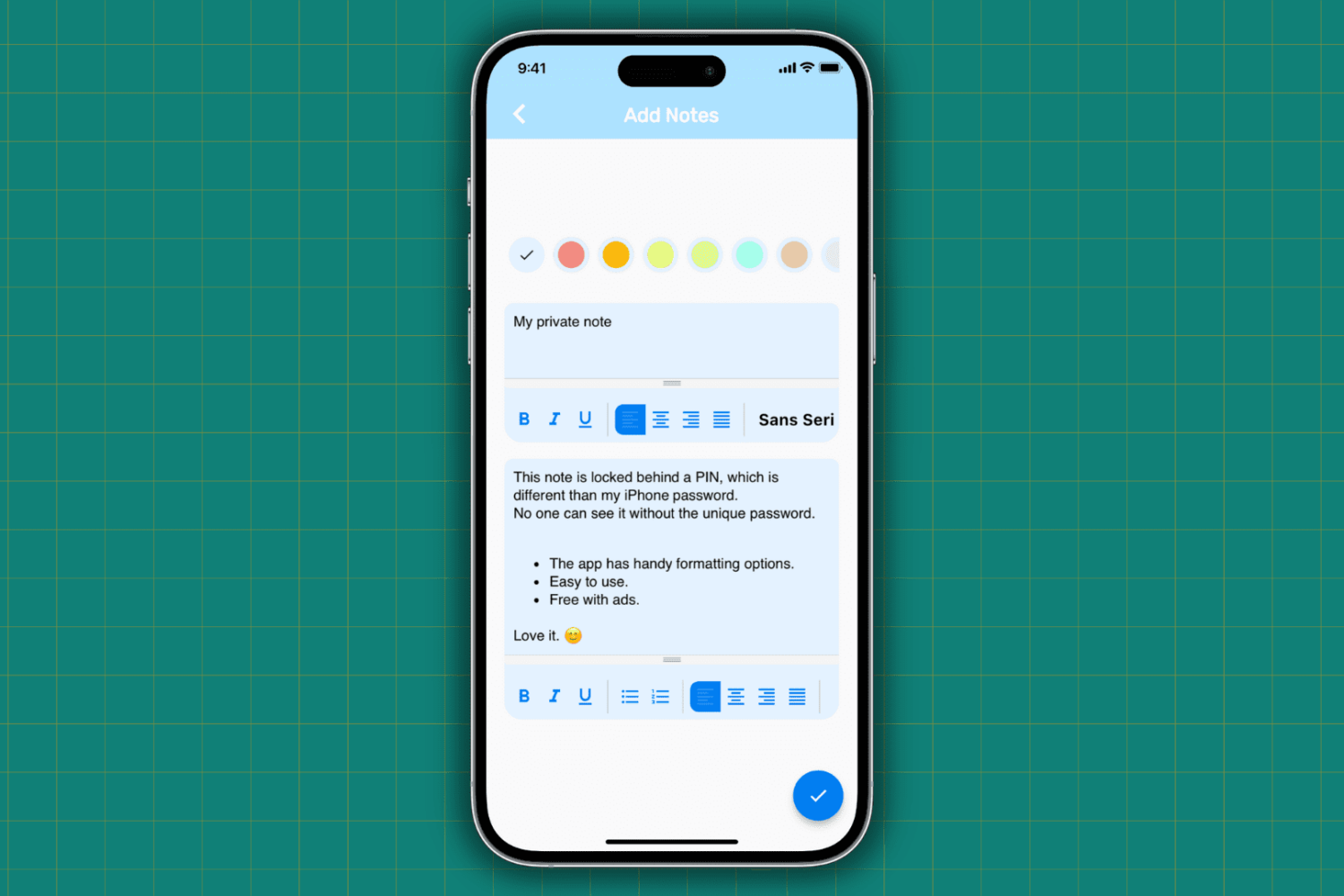
Learn how to protect your important, sensitive, and private notes on your iPhone and iPad by locking them behind a password and hiding them from plain sight.
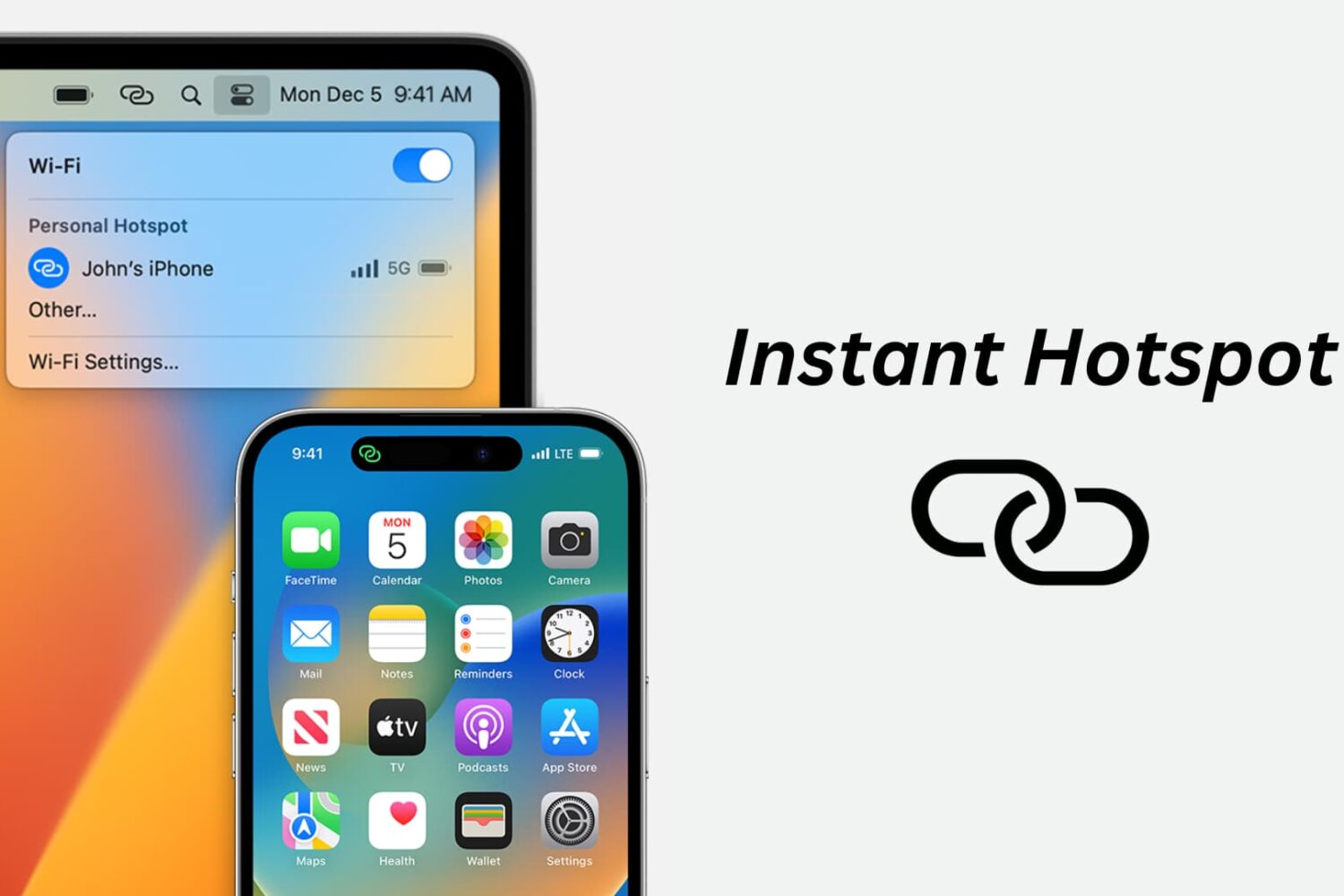
Learn how to use the Instant Hotspot feature to share your iPhone’s cellular data as an internet hotspot that other devices can connect to via Wi-Fi.
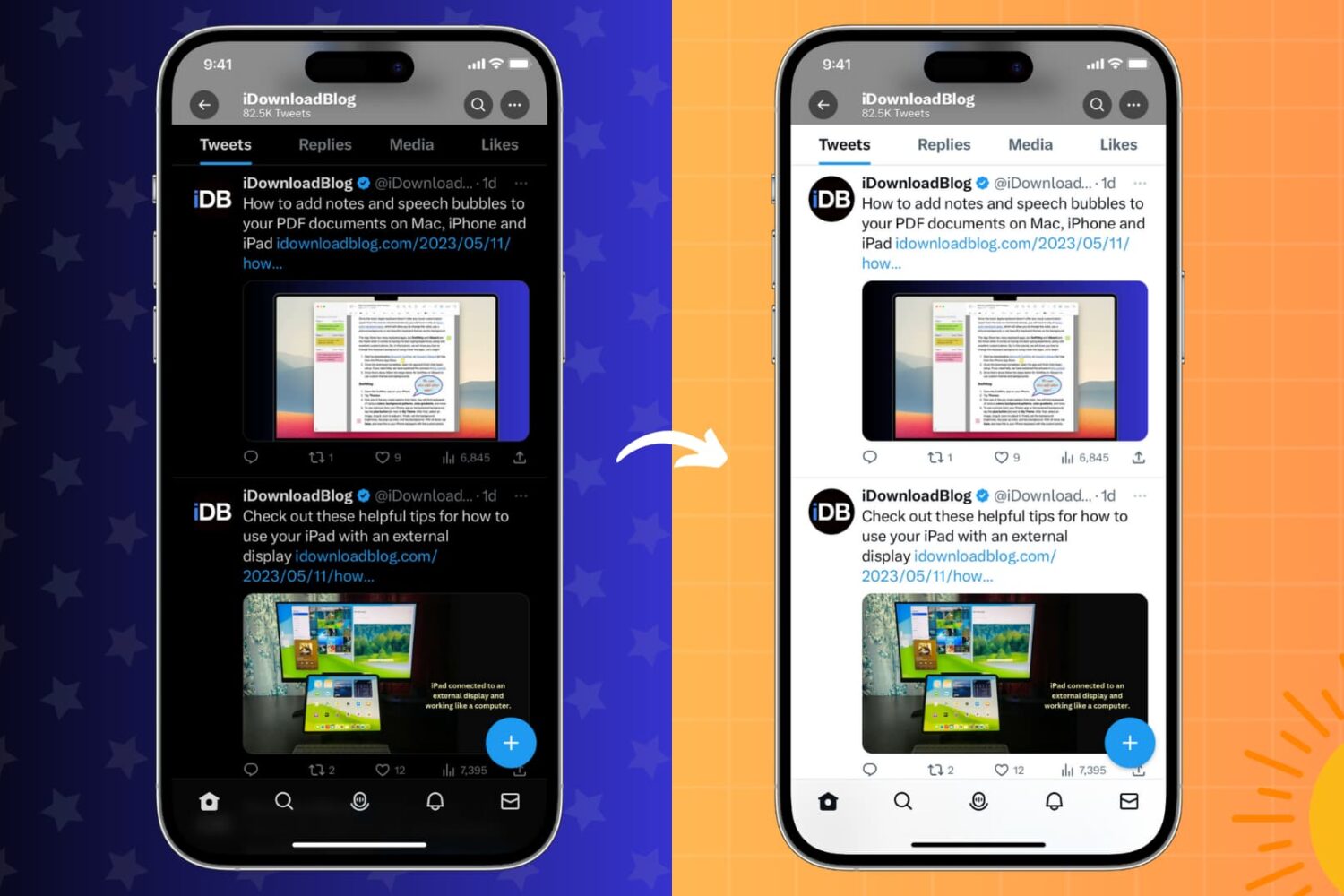
Learn how to stop your iPhone or iPad, installed apps, or websites you visit from switching between Light Mode and Dark Mode on a whim.
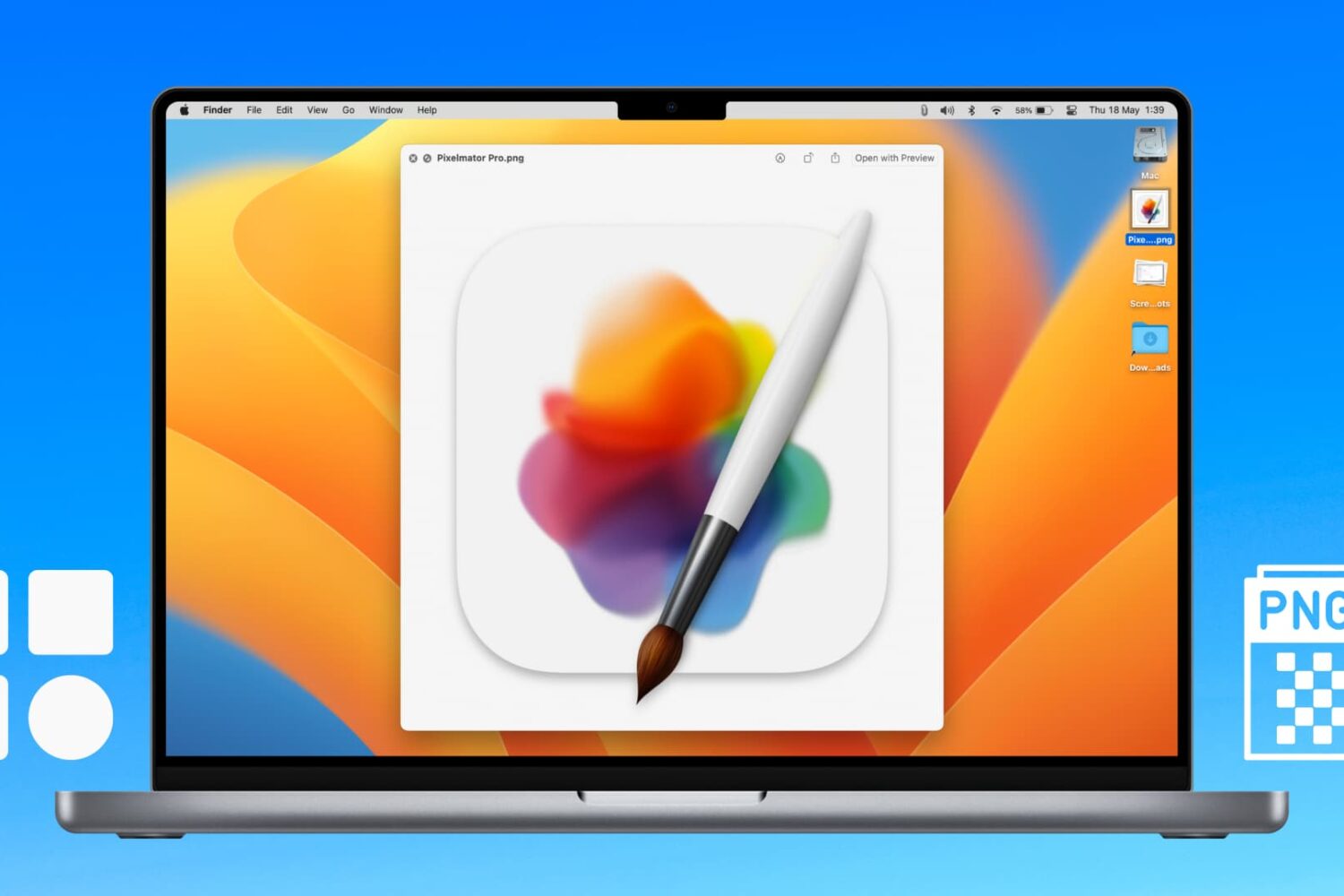
Learn how to extract icons of a Mac app and save them in ubiquitous bitmap image formats such as PNG, JPG, and more.
Learn what to do if you cannot access your iCloud emails or send and receive emails using your iCloud account on your iPhone, iPad, Mac, and web browser.

Looking to create a PDF document? This tutorial will show you multiple free and easy ways to make PDFs on your Apple devices without using any third-party tool.
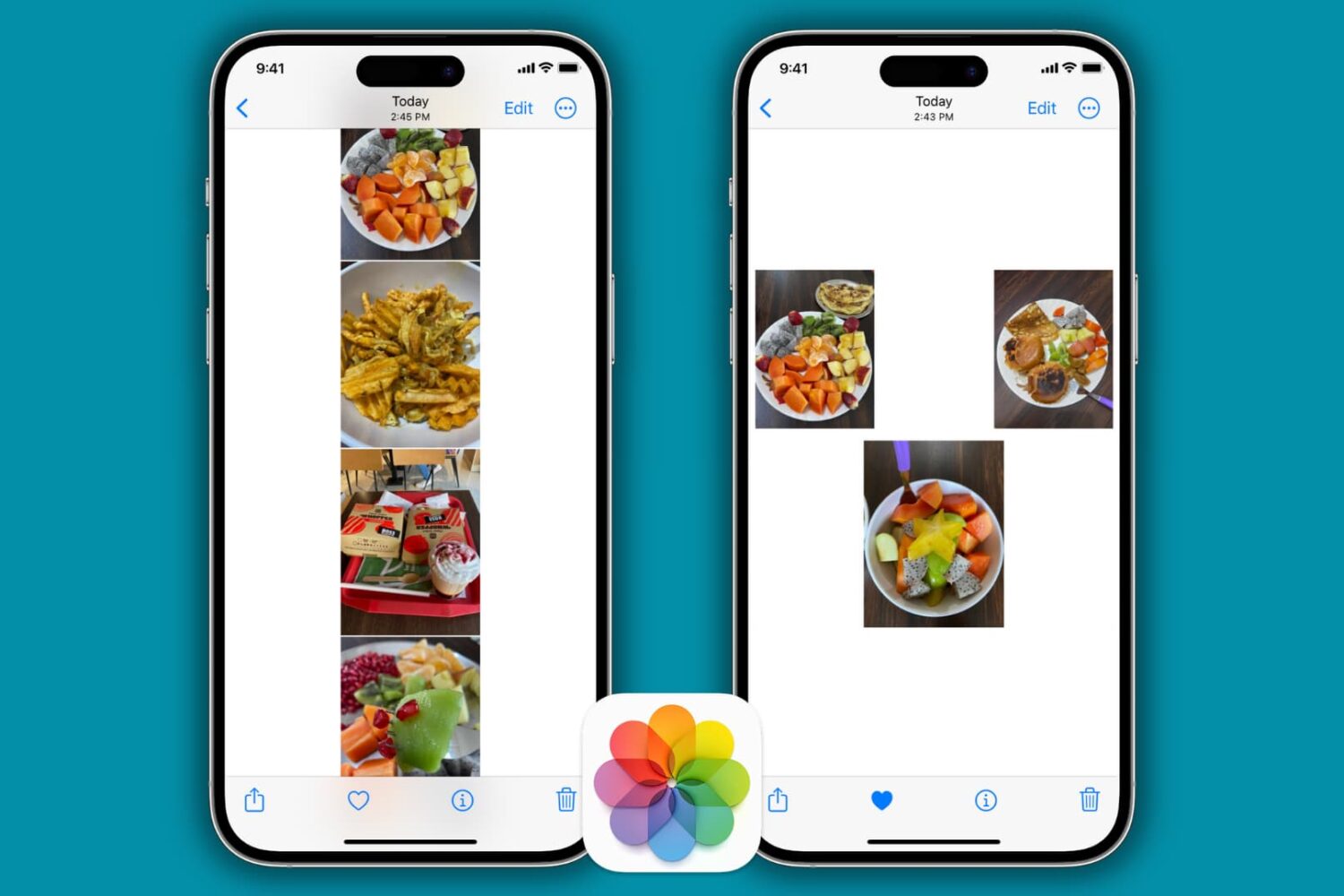
Learn how to stitch multiple pictures together vertically, horizontally, or on a freeform canvas directly from your iPhone and iPad for free.