In this post, I talk about 10 Android features I miss on my iPhone and how their absence affects my experience.
10 Android features I miss on my iPhone
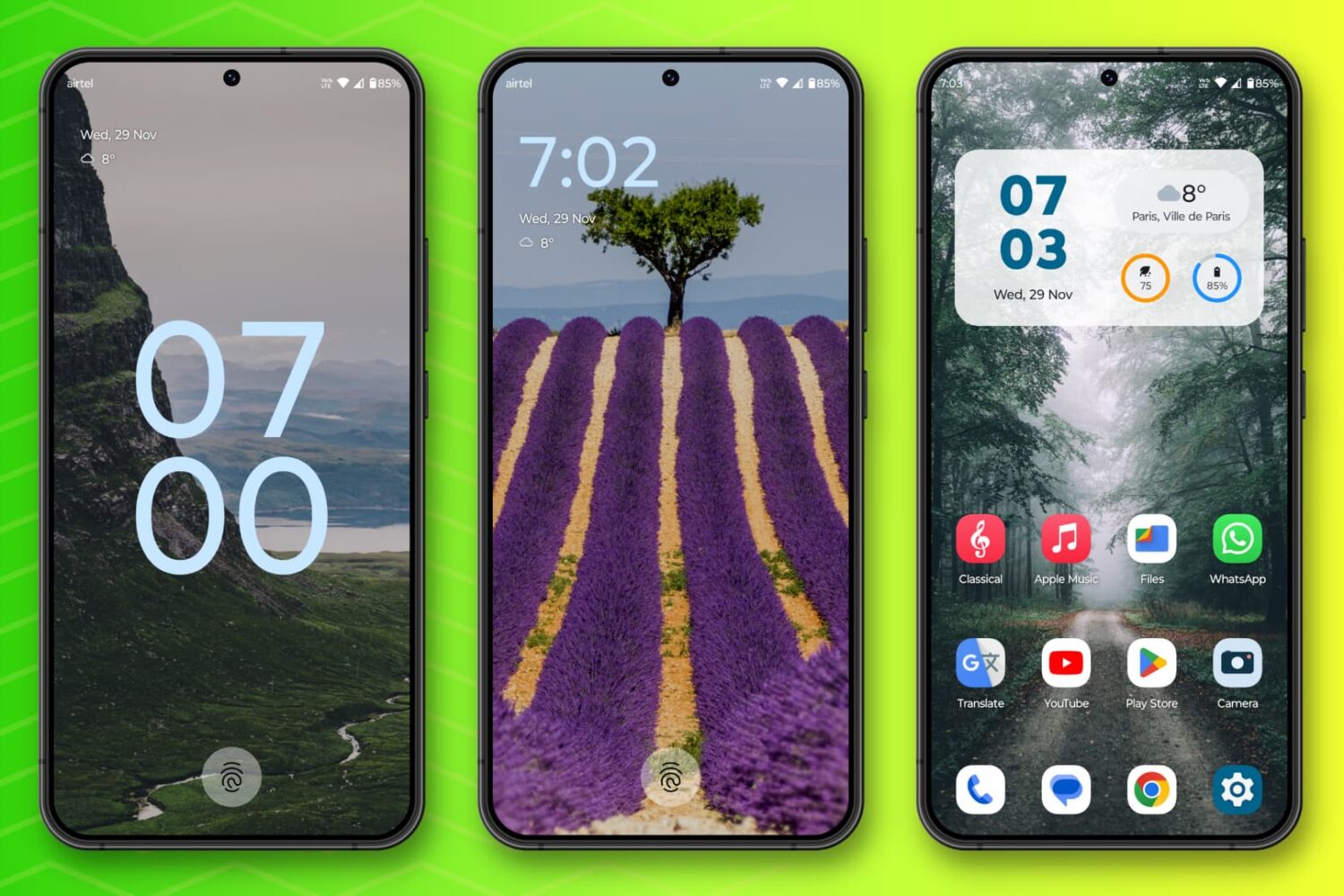
In this post, I talk about 10 Android features I miss on my iPhone and how their absence affects my experience.
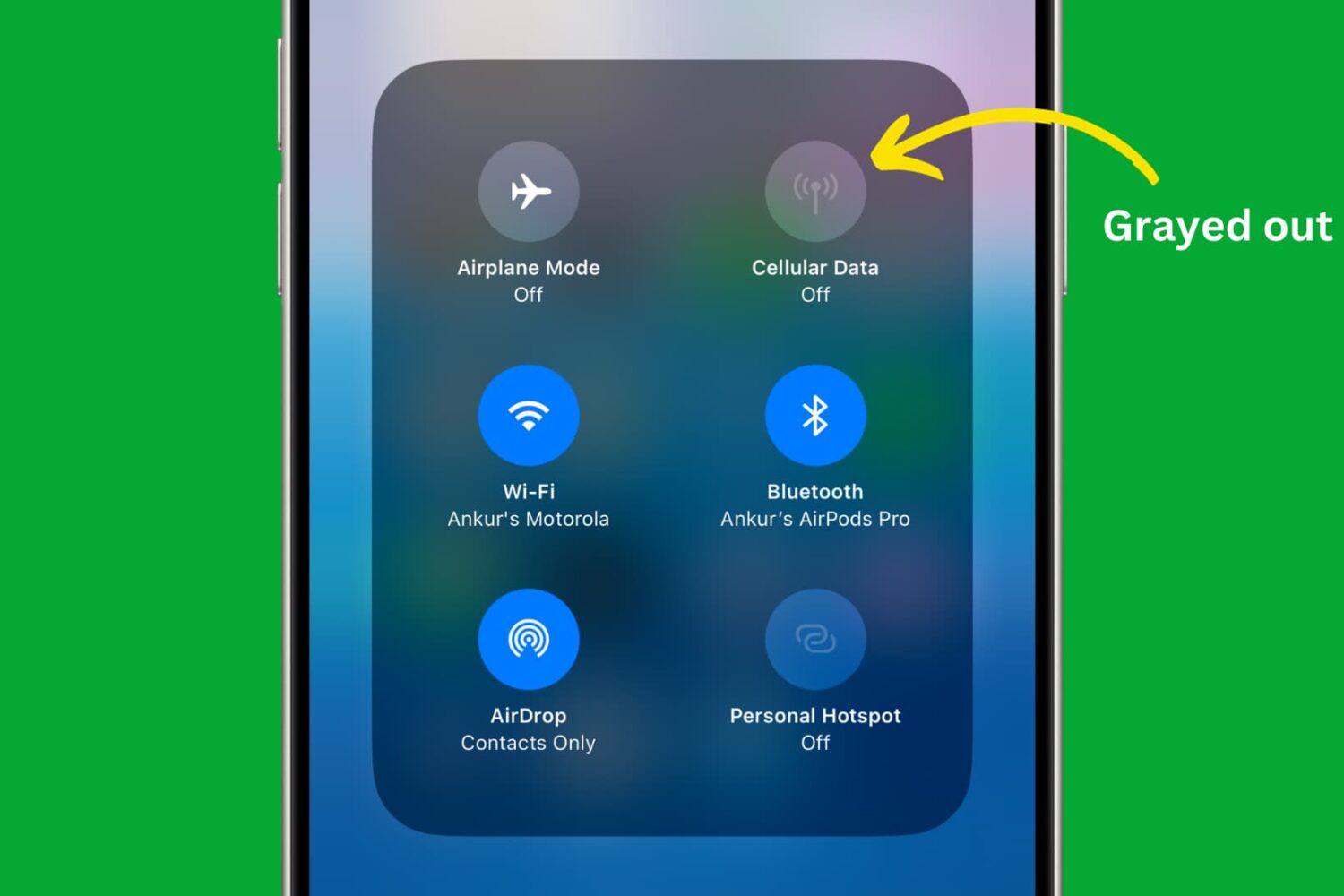
Learn how to use restriction controls on your iPhone or iPad to completely block cellular data usage, avoiding unwanted charges and bill shock.
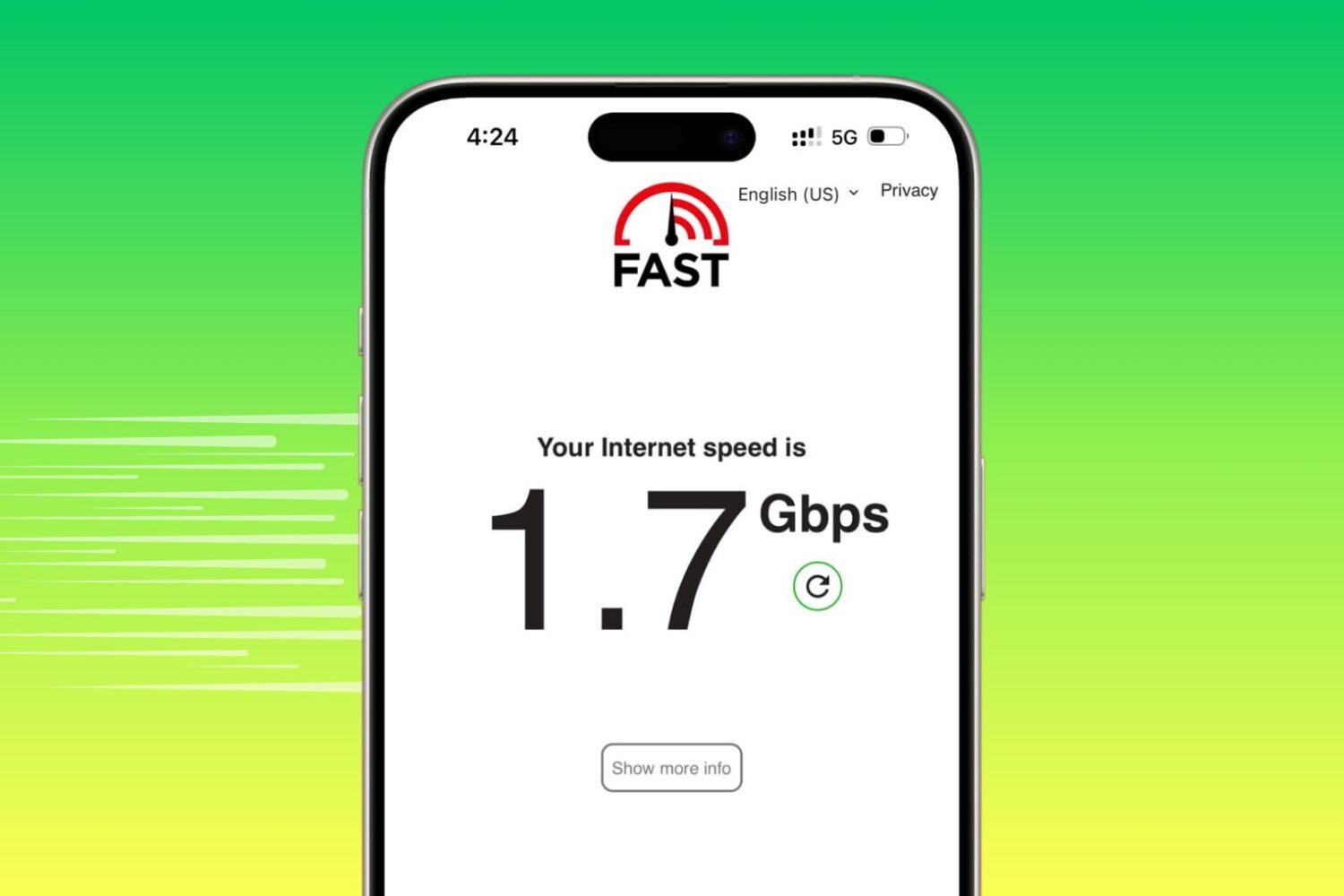
Learn how to turn off data-saving modes on your iPhone to maximize internet speeds and ensure optimal performance.
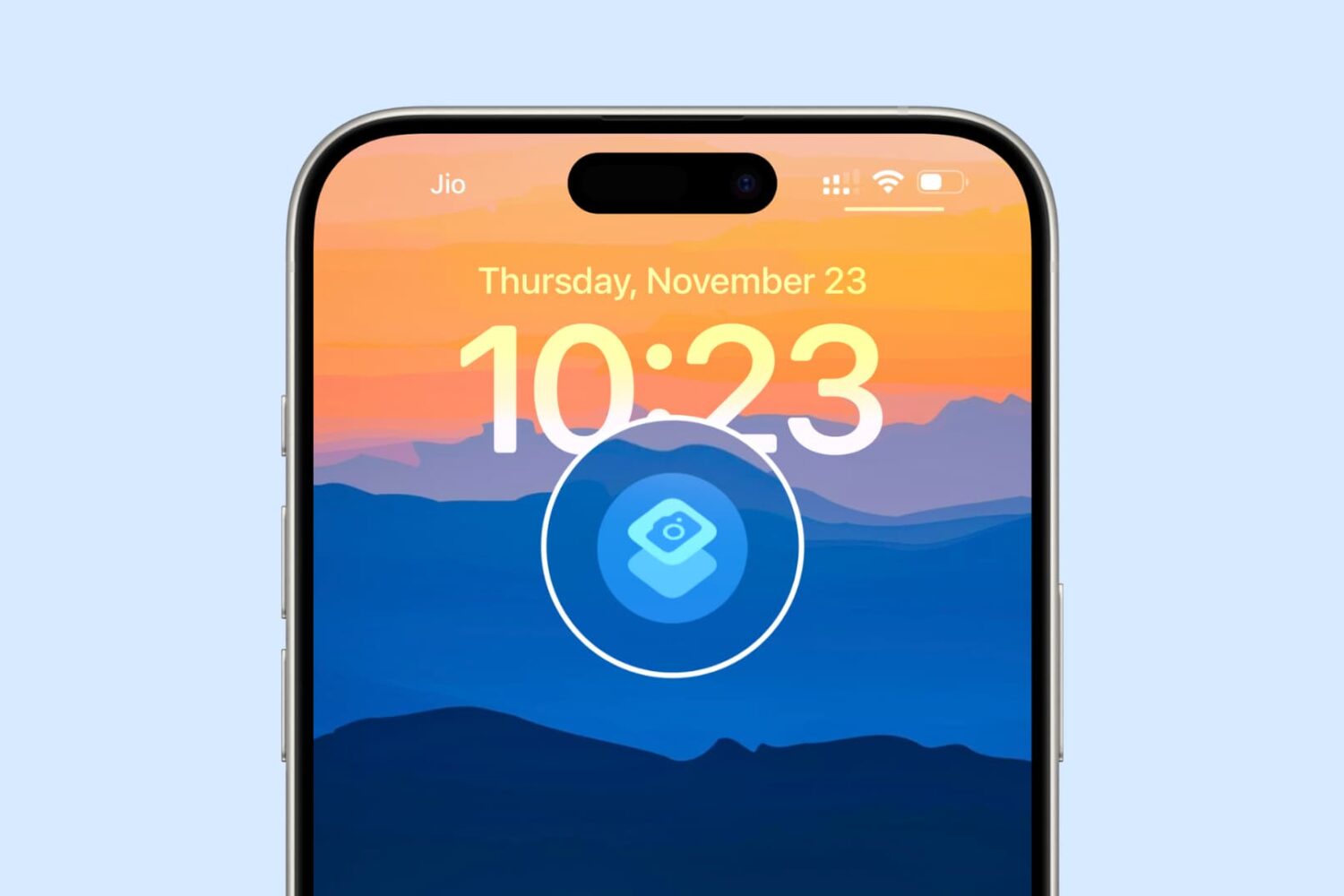
In this guide, we walk you through seven tips to launch the iPhone camera instantly, making sure you never miss capturing a memorable shot.
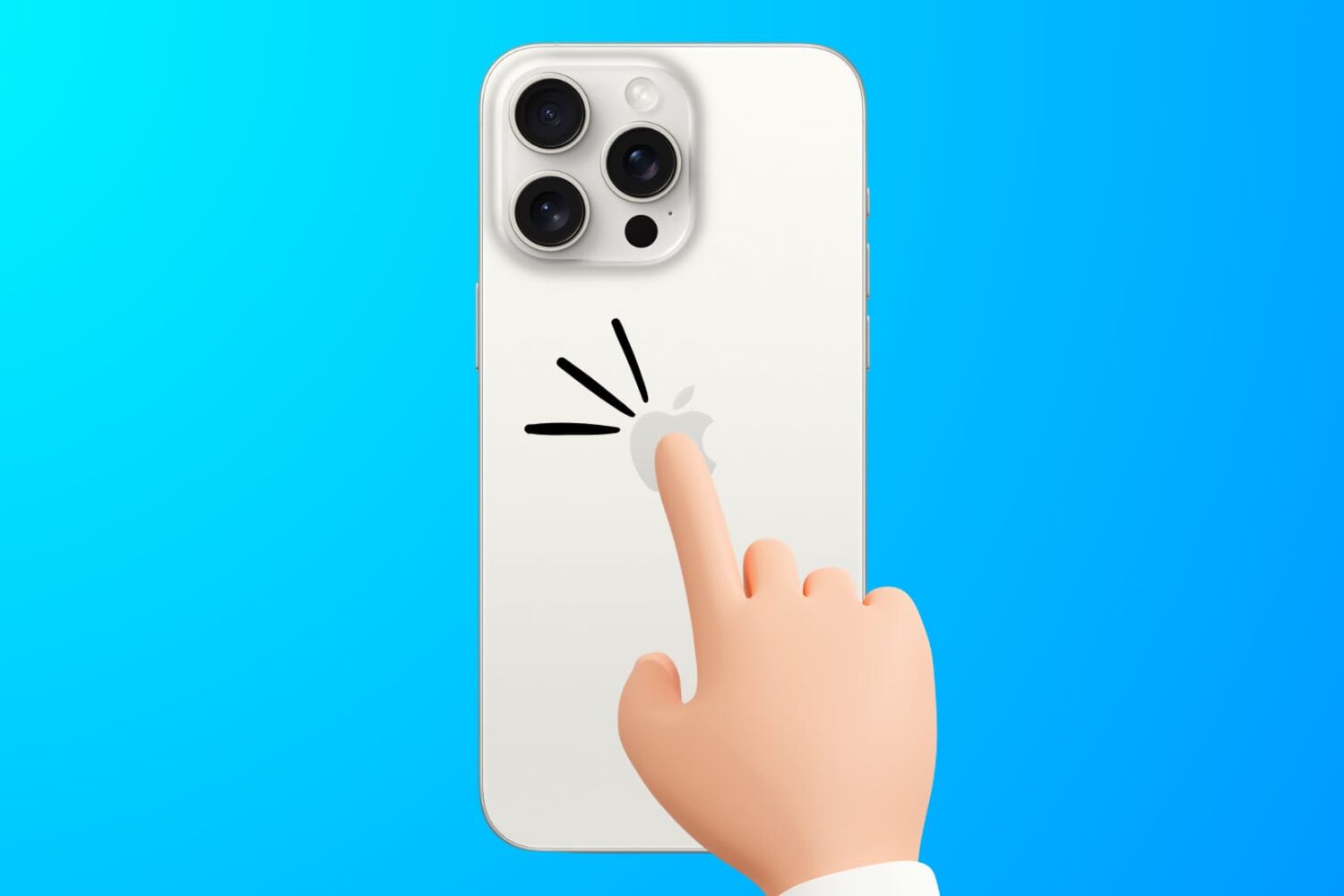
Learn how to troubleshoot the Back Tap feature to fix issues like double or triple-tapping the iPhone’s backside not registering or working properly.
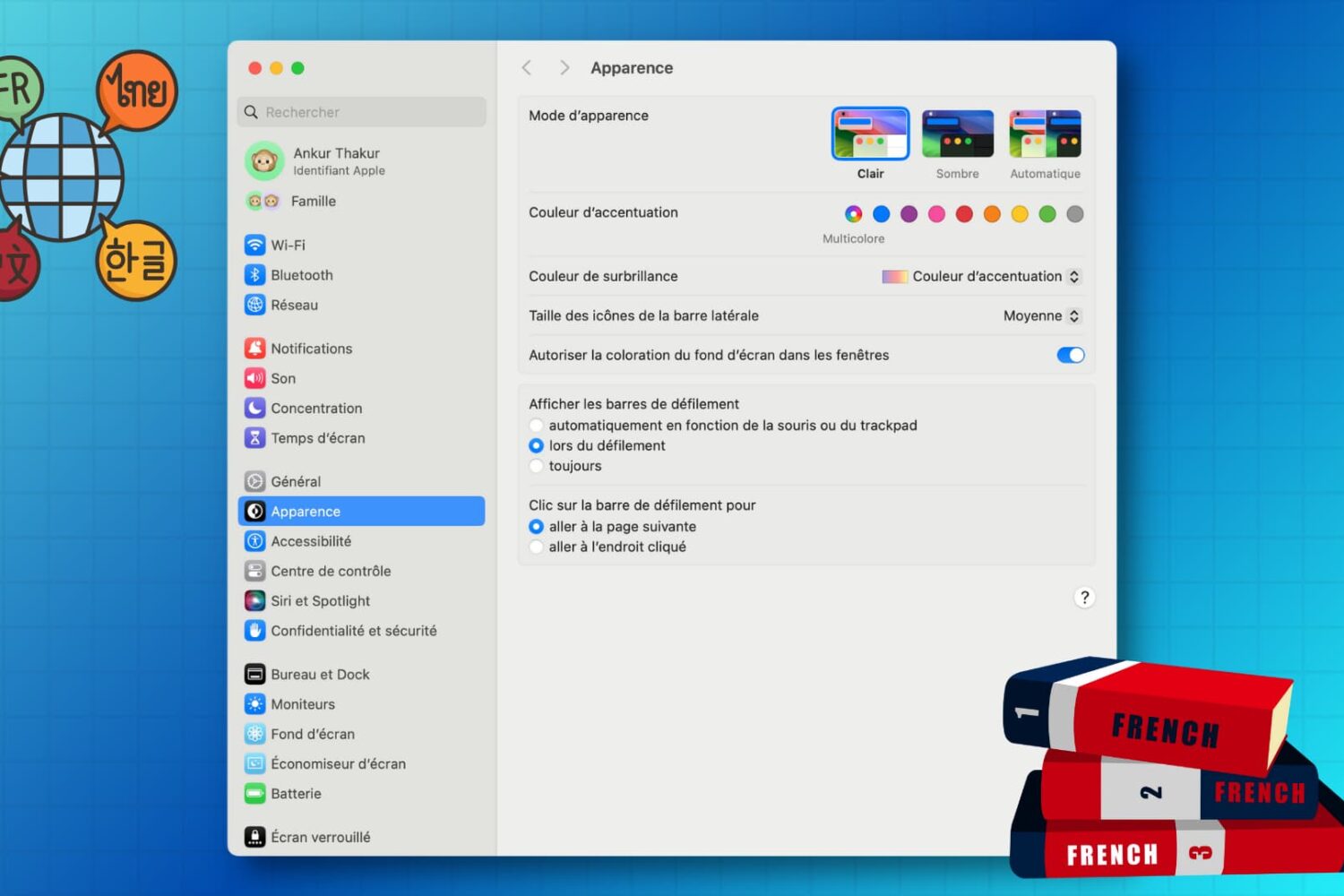
Learn how to customize the keyboard and system locales on your Mac to type in multiple languages and enjoy a localized macOS experience instead of English.
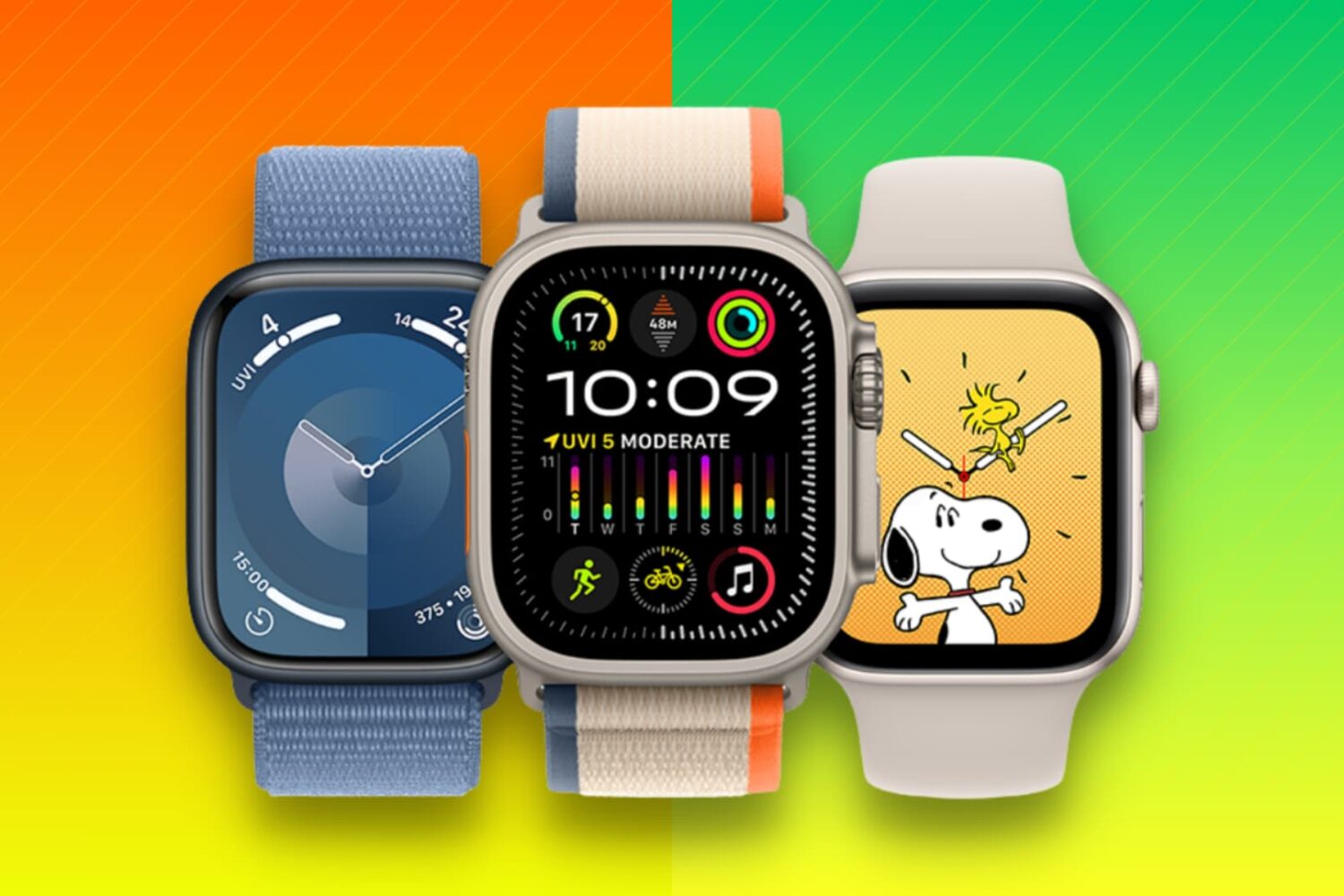
Learn what to do when selling, gifting, recycling, or trading your Apple Watch to ensure your private data stays secure and the new owner can use it properly.
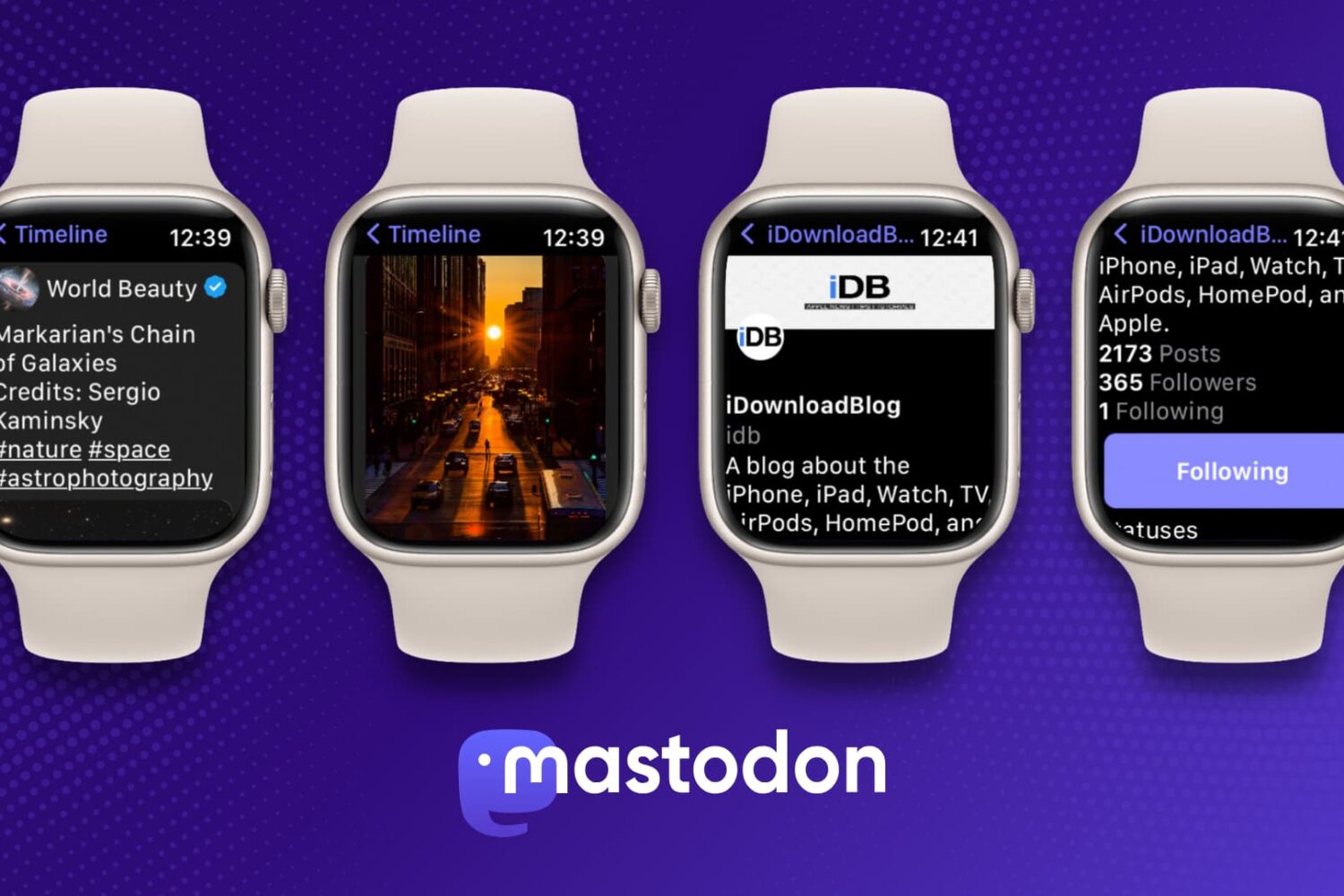
Learn how to use Mastodon on your Apple Watch for free and stay connected while on the go with this simple guide.
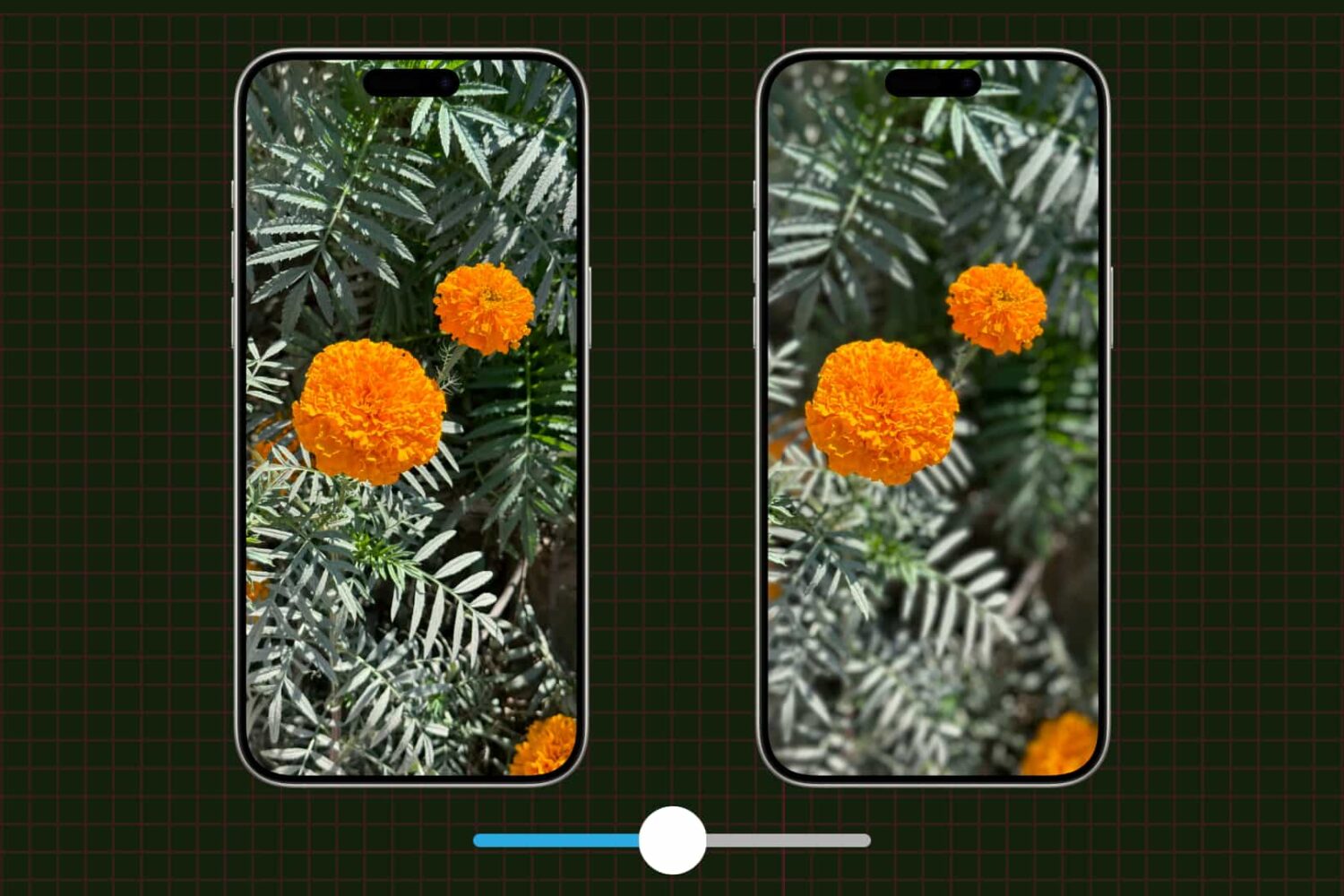
Learn how to adjust a photo's depth of field and focus point on your iPhone to change the amount of background blur, also known as bokeh.
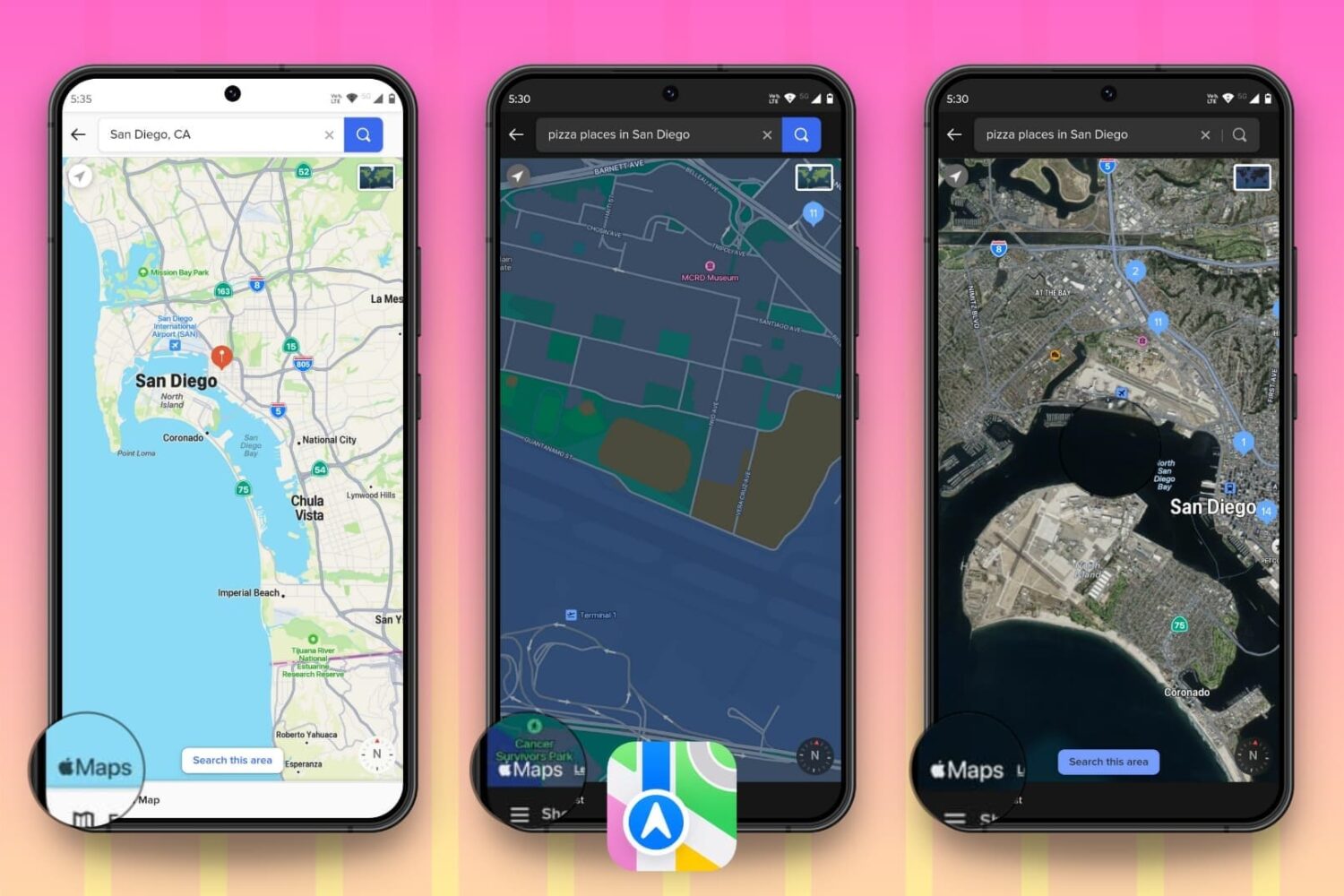
Are you an avid user of Apple Maps on your iPhone and Mac and want to enjoy the same experience on your Android phone or Windows PC? In this tutorial, we will show you how to do that.
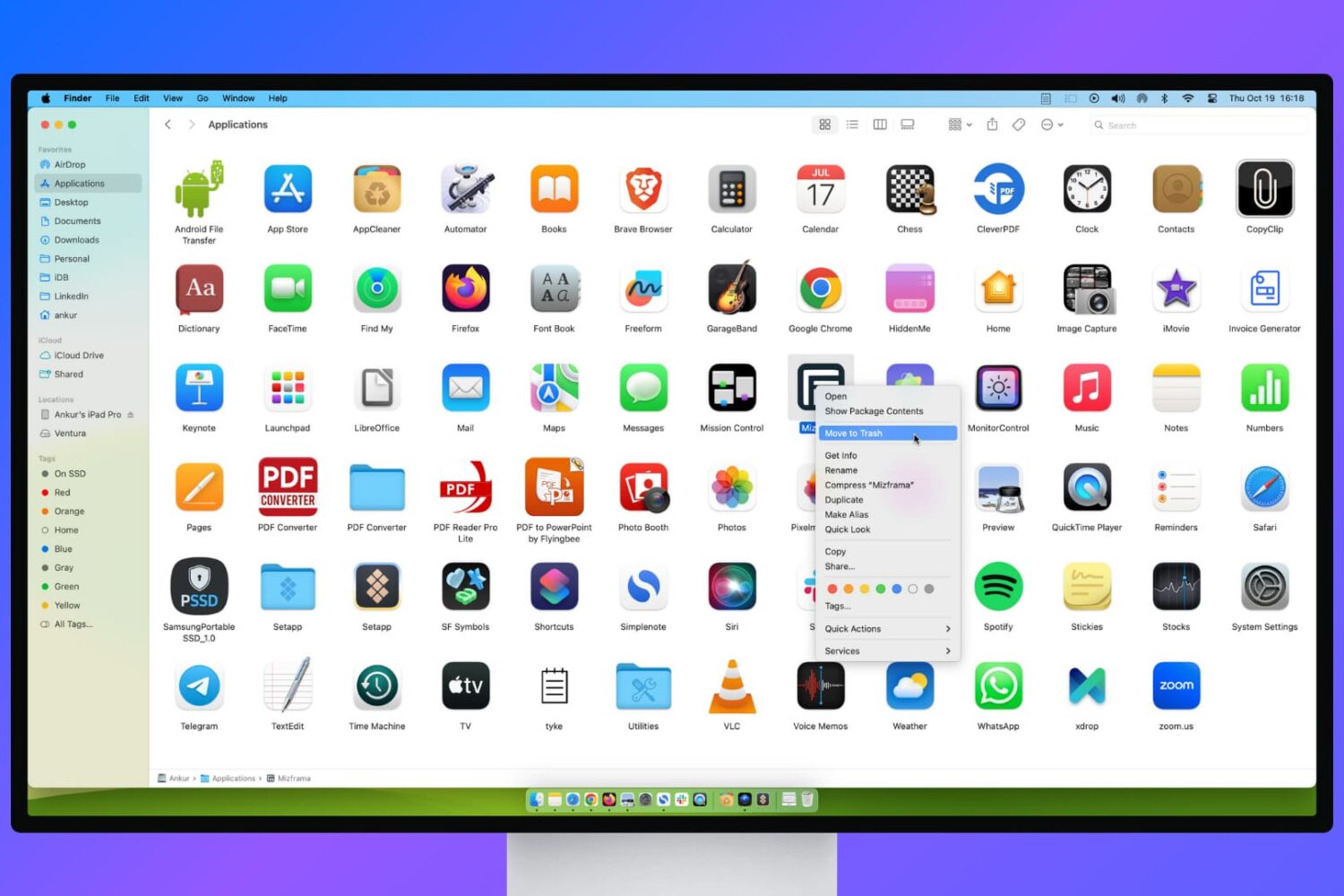
Learn what to do if you’re unable to delete apps on your Mac or if the app icon continues to appear even after uninstalling it.
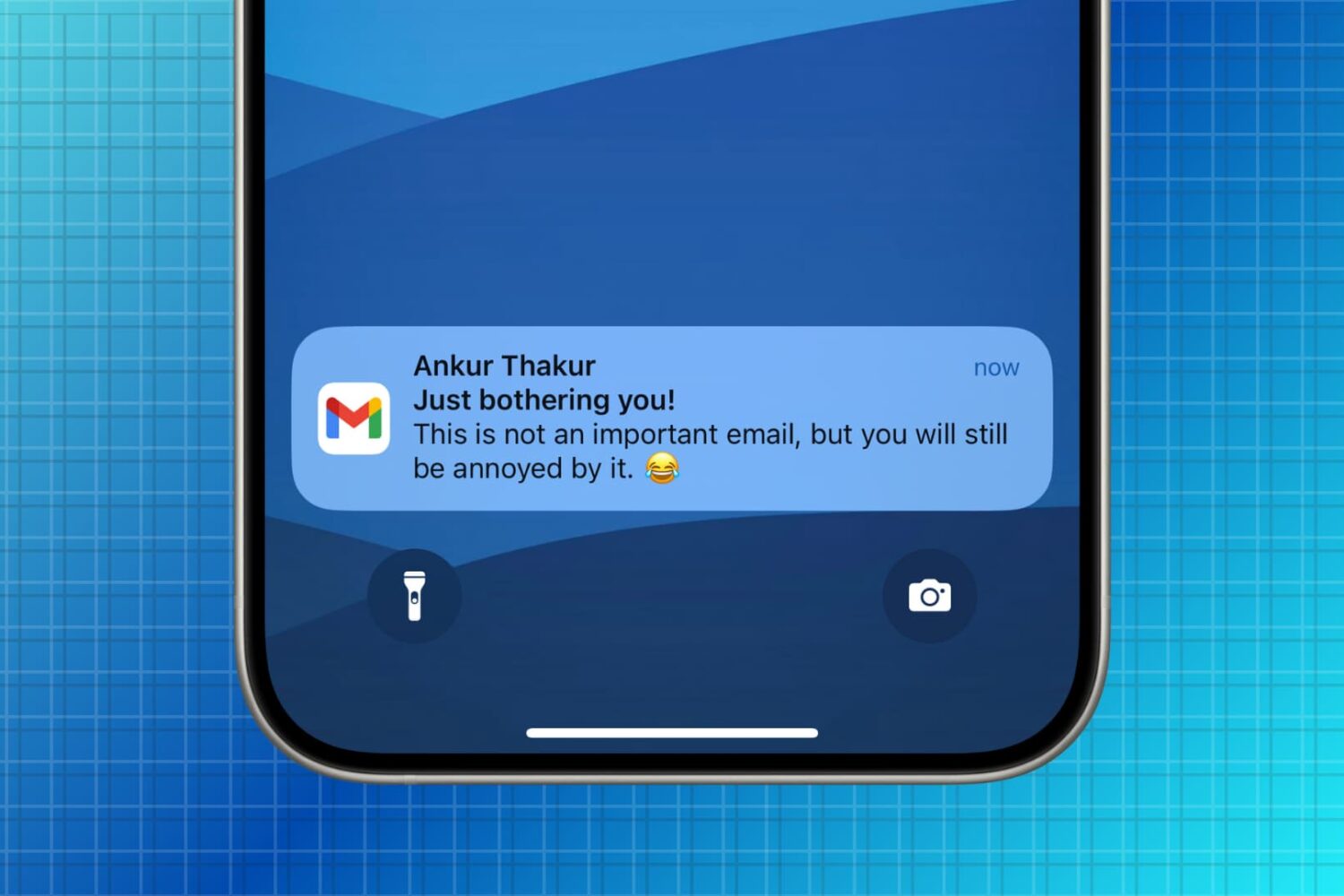
Learn how to manage new email notifications in the Gmail app on your iPhone or iPad to minimize unnecessary alerts.